A ship in a storm
A tall ship pitched on a towering wave under a black sky, rigging straining, fine engraving lines on the water, an aged sepia plate finish.
Edit prompt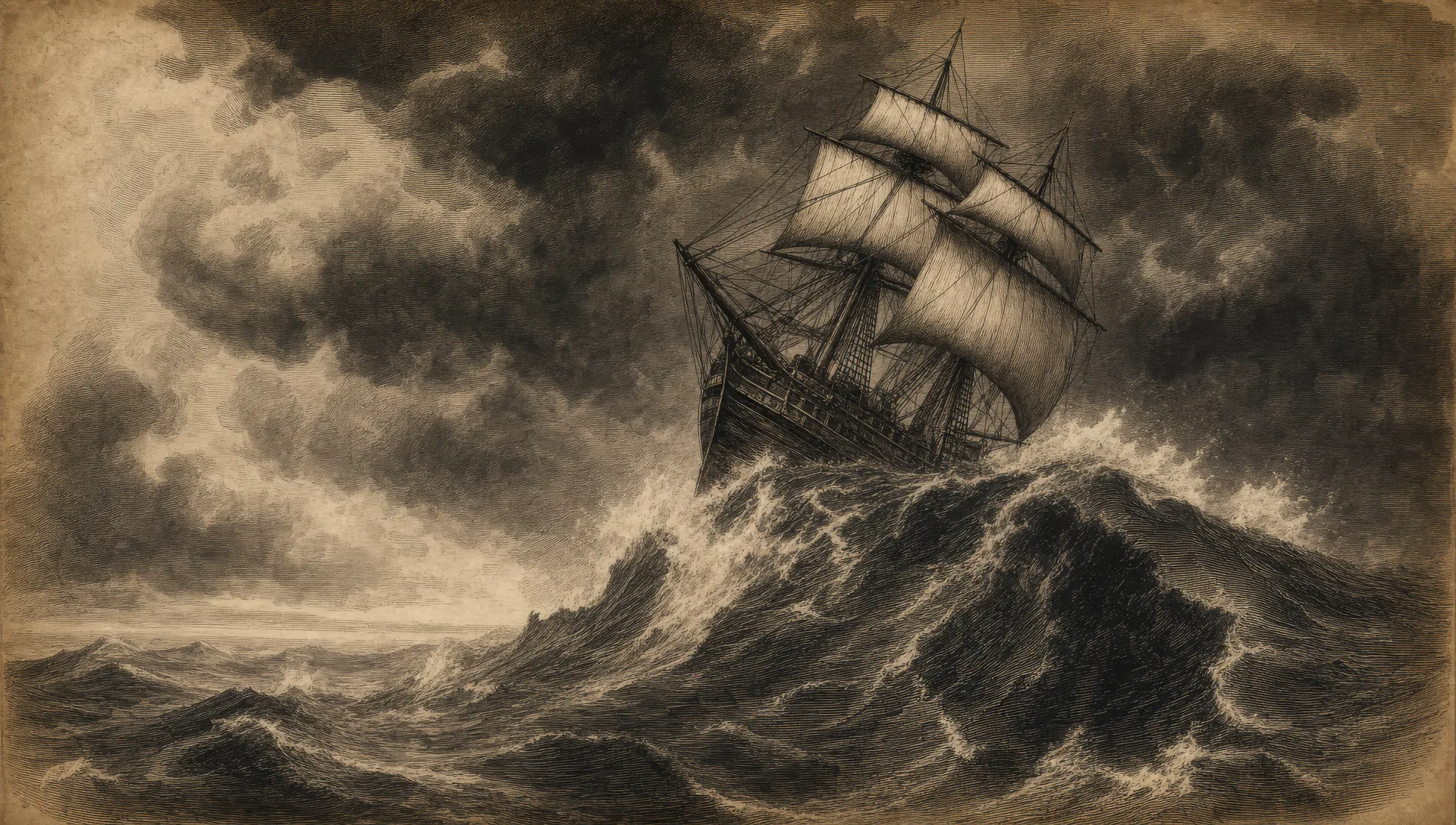
Illustrate vintage book art in your browser with Morphic's vintage book illustration AI image generator. Render a ship caught in a storm, a gothic library deep in shadow, or a fog-bound city street. Hold the engraving-and-wash finish with Style Transfer, then lay out the plates on the Canvas.
A tall ship pitched on a towering wave under a black sky, rigging straining, fine engraving lines on the water, an aged sepia plate finish.
Edit promptA vaulted library of towering shelves and a tall ladder, deep cross-hatch shadow between the stacks, ink-and-wash light from one high window.
Edit prompt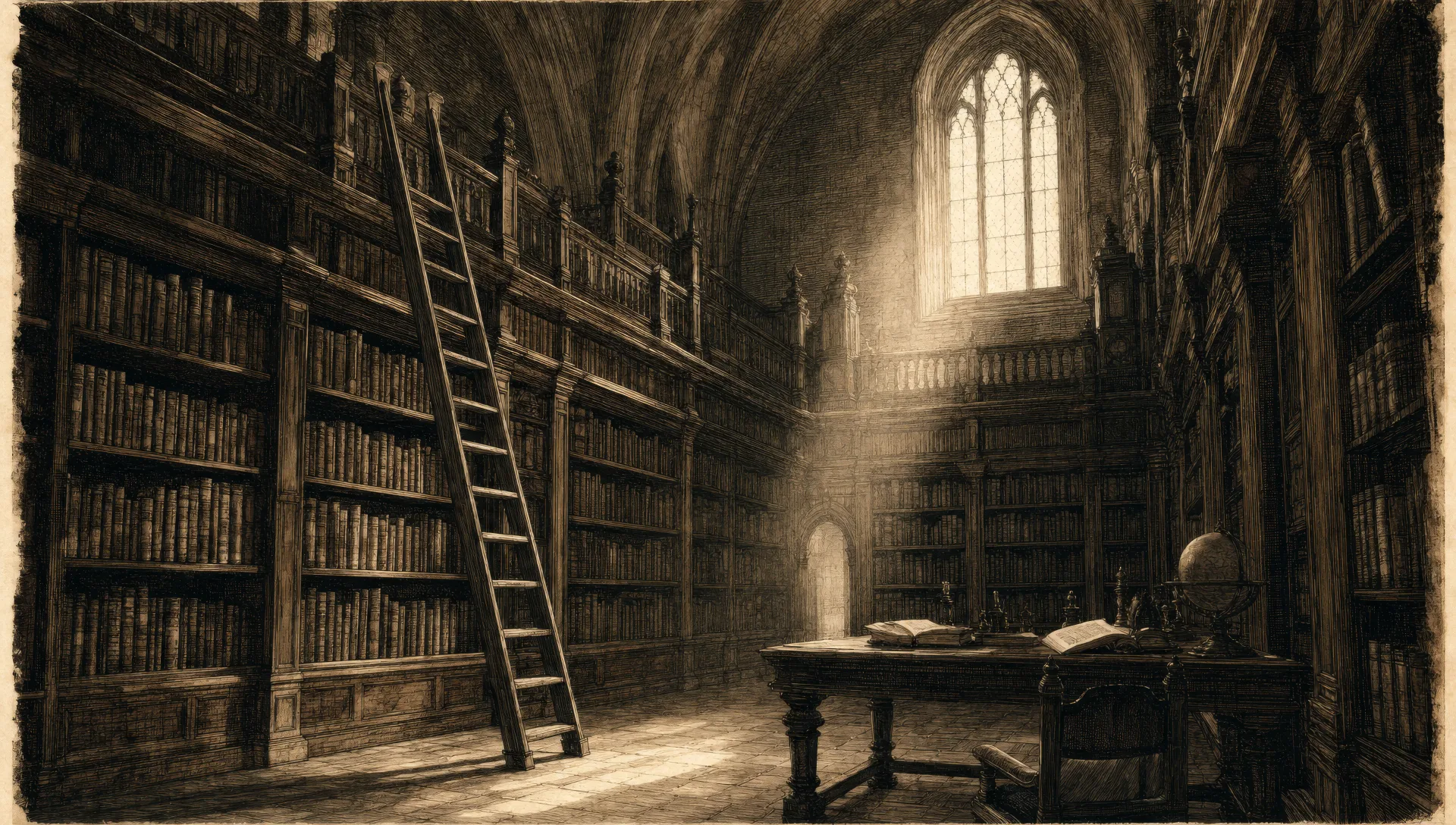
A dense wood at last light, gnarled trunks and tangled roots, fine engraving lines on the canopy, a winding path lost in cross-hatch shadow.
Edit prompt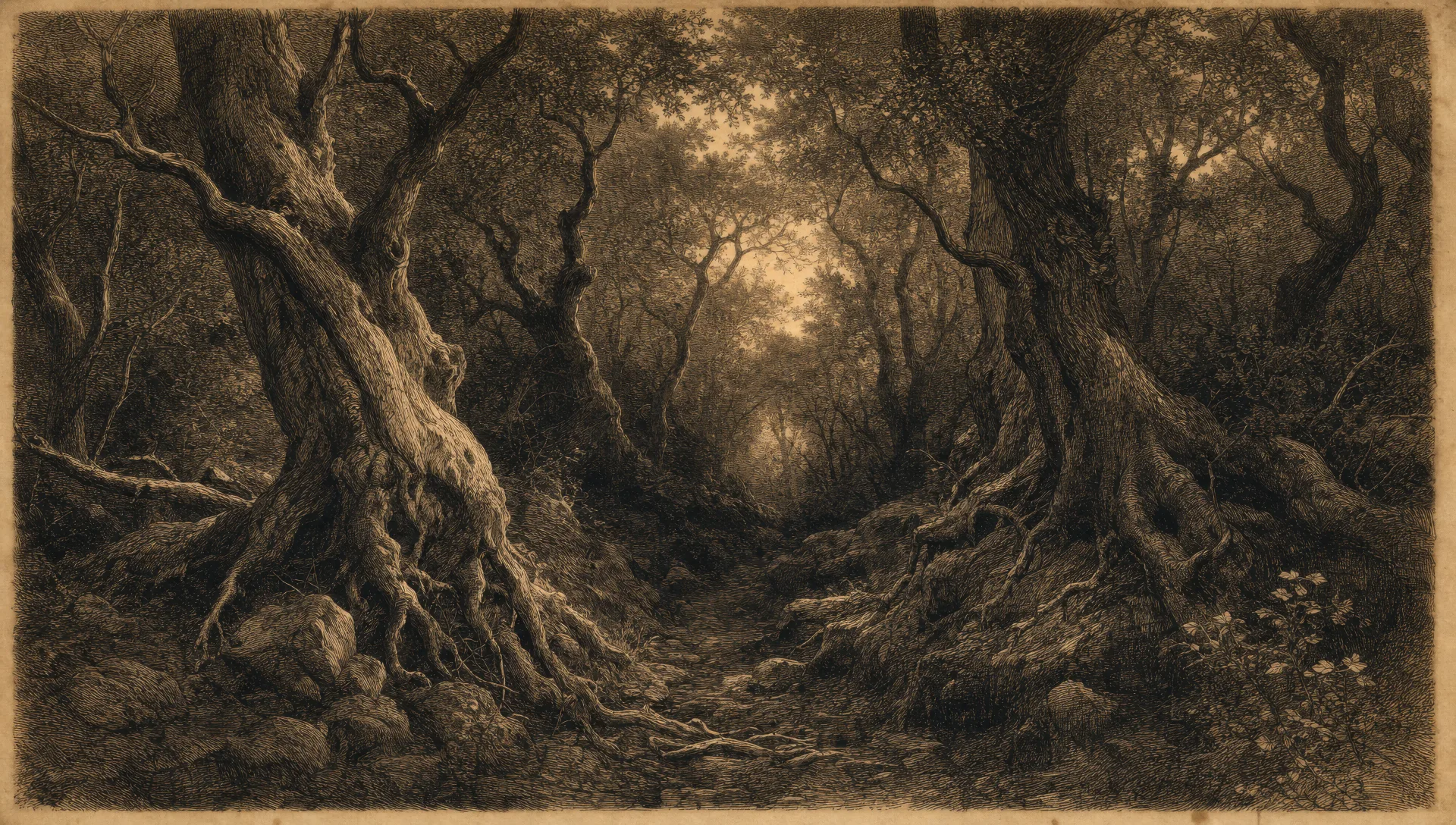
A cobbled street under gas lamps swallowed by fog, a hansom cab silhouette, ink-and-wash haze, an aged-paper tone across the whole plate.
Edit prompt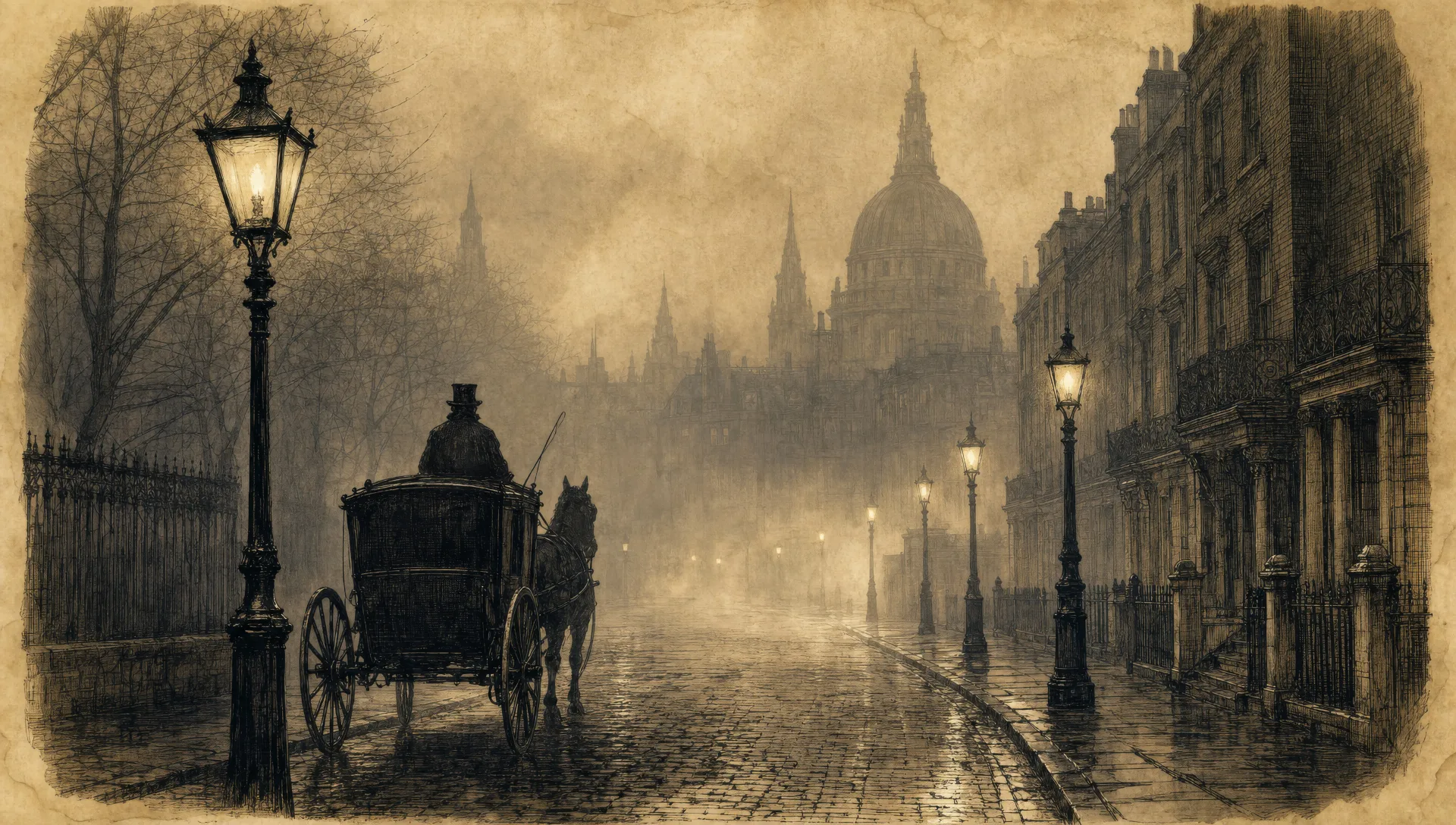
Describe the Vintage book illustration you want, in plain words.
Morphic generates a clean, ready-to-publish image on your canvas in seconds.
Tweak the prompt, regenerate variations, then download or share the frame.

Share a scene description with character references. Get a full storyboard with shot angles and mood.

Feed in a single image. Get 9 cinematic beats laid out as a 3x3 storyboard grid.

Take any character image and generate 6 distinct facial expressions on a single reference sheet.
One image to a 9-scene cinematic video.

Pick any anime illustration as your style guide. Apply its look to any image.
Cinematic time-freeze short film for any scene
Fairytale illustration AI generator
Create fairytale illustration with Morphic. Enchanted forests, castles, golden-age illustration finish, and storybook spreads from a single prompt.
Storybook illustration AI generator
Create storybook illustration with Morphic. Warm painterly narrative art, consistent characters, and page-spread compositions from a single prompt.
Graphic novel art AI generator
Create graphic novel art with Morphic. Painterly ink-and-colour panels, cinematic framing, moody palettes, and on-model characters from a single prompt.
Alice in Wonderland AI art
Create Alice in Wonderland art with Morphic. Whimsical surreal Victorian-fantasy characters, dreamlike scenes, and storybook spreads from a single prompt.
Get started for free today, with the option to upgrade or cancel anytime.
Basic
2400 monthly credits
1 user only
All models
Workflows
Standard
3625 monthly credits
1 user only
All models
Workflows
Pro
6350 shared monthly credits
1 user
All models
Workflows
Max
24650 shared monthly credits
1 user
All models
Workflows
Enterprise
For higher limits
Custom
pricing and billing terms

Free
For playing around
$0
forever free