Rain-soaked city panel
A narrow city street in heavy rain, reflections on the asphalt, a single figure under a far light, painterly ink-and-colour, a moody palette.
Edit prompt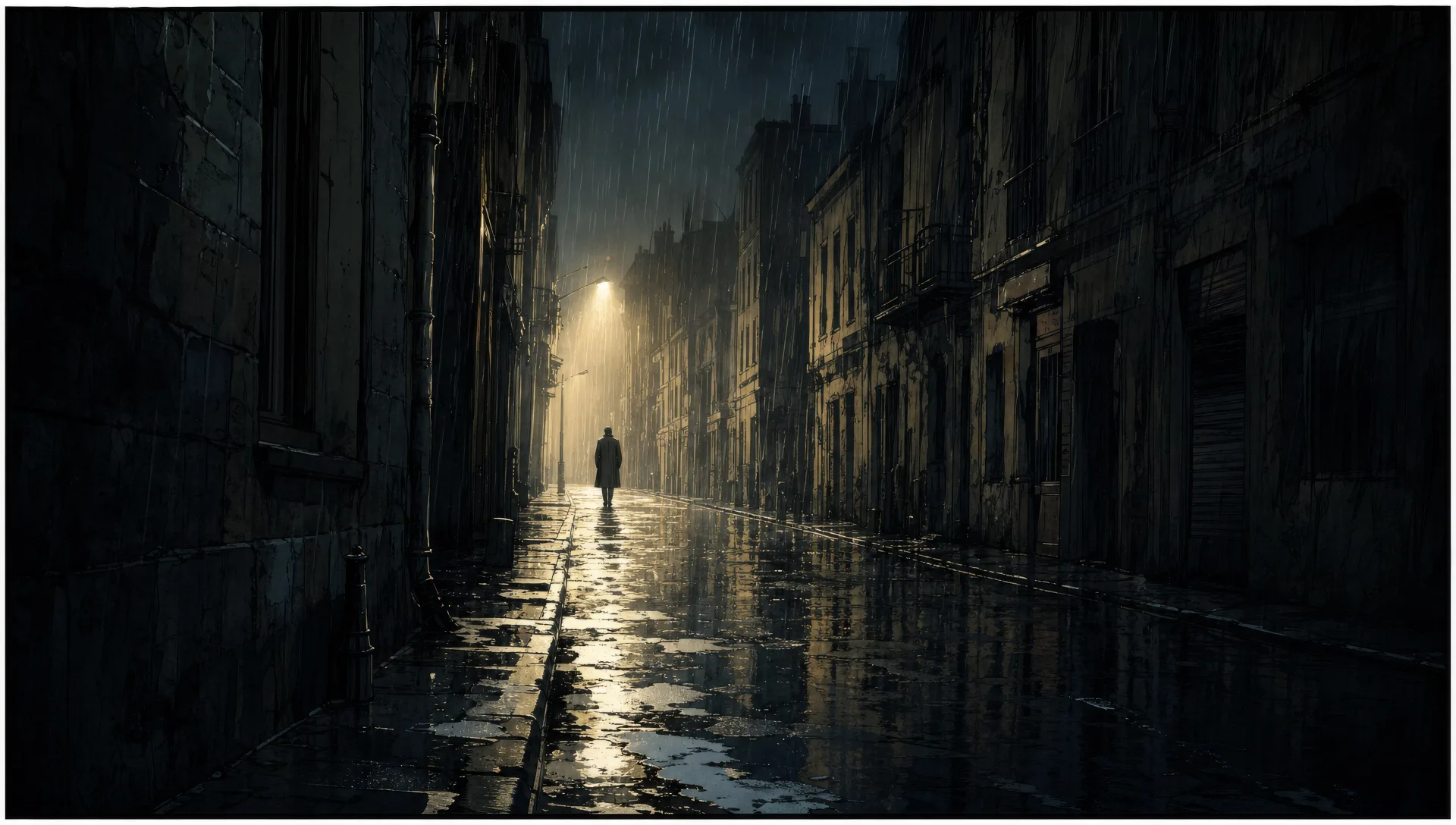
Illustrate graphic novel art in your browser with Morphic's graphic novel art AI image generator. Render a rain-soaked city panel, a quiet two-character exchange, or a wide establishing panel of a lone figure on a road. Hold the cast with Character Lineup, then lay out the page on the Canvas.
A narrow city street in heavy rain, reflections on the asphalt, a single figure under a far light, painterly ink-and-colour, a moody palette.
Edit promptA full-bleed panel of a single dramatic moment, a figure framed against a vast space, painterly depth, restrained colour with one bright accent.
Edit prompt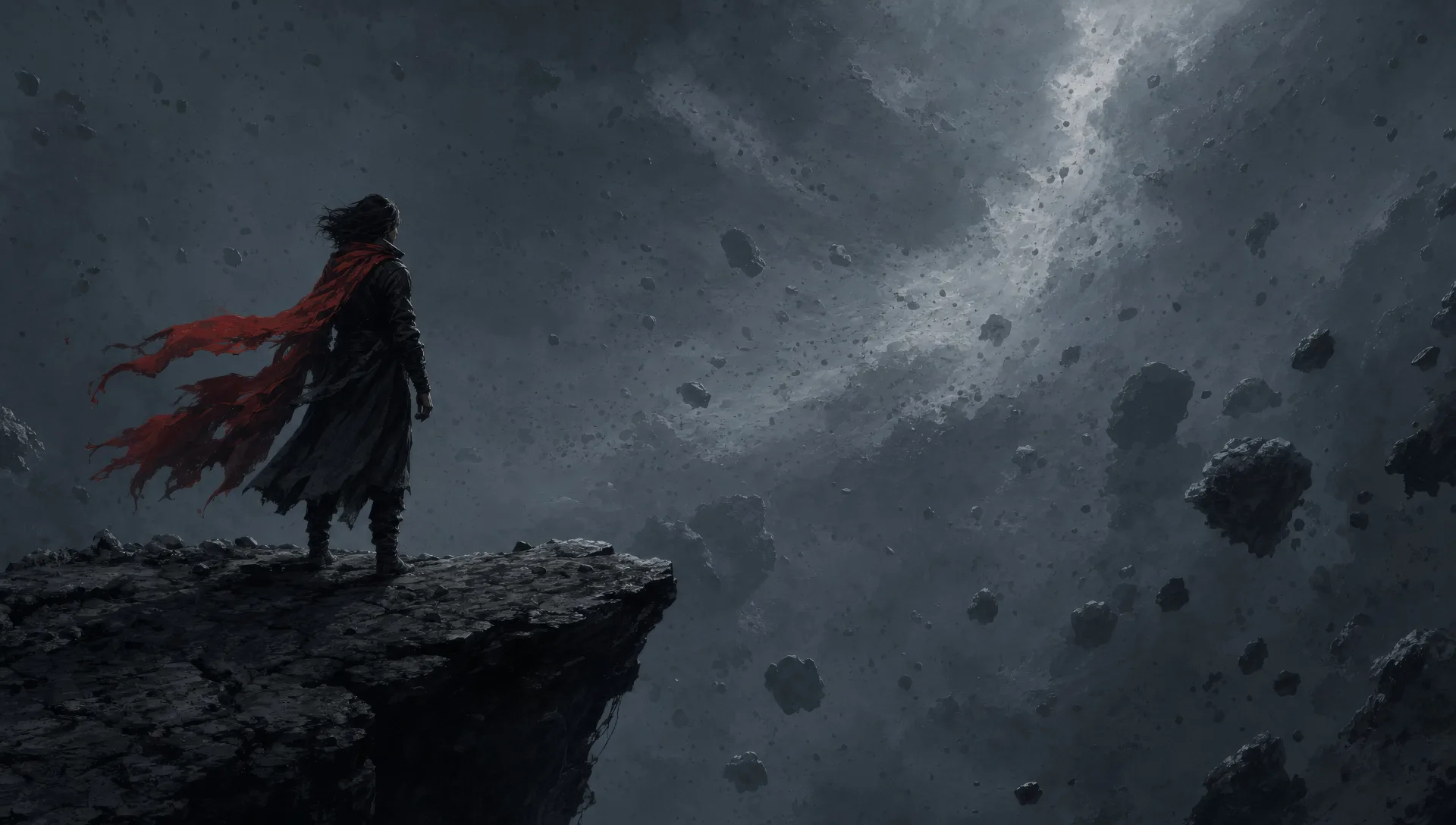
Two figures across a small table in a dim room, the conversation carried in body language, soft painterly light, a warm low-key palette.
Edit prompt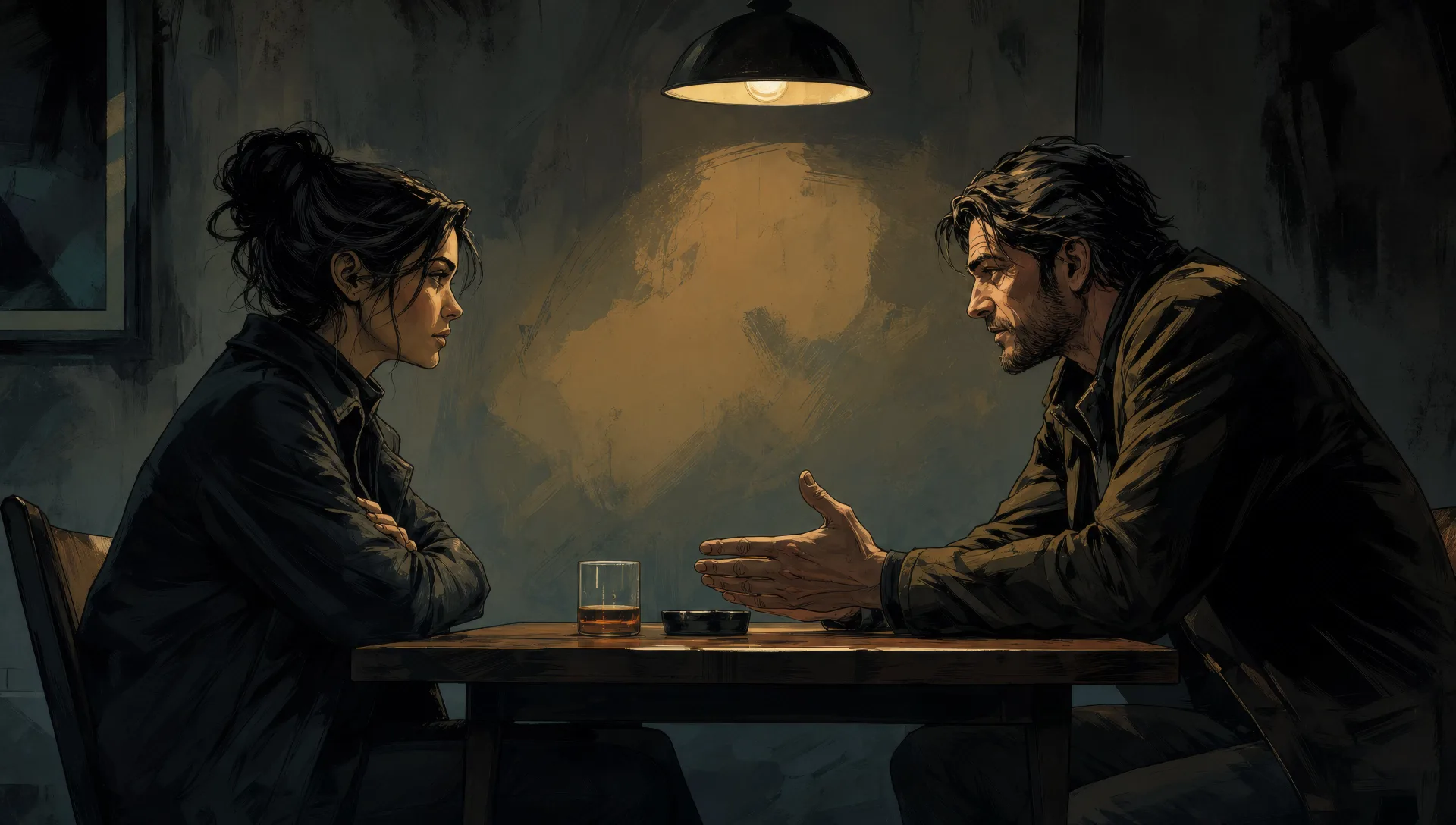
A softened, slightly washed-out memory panel, a figure smaller in a sunlit past, painterly haze at the edges, a faded warm palette.
Edit prompt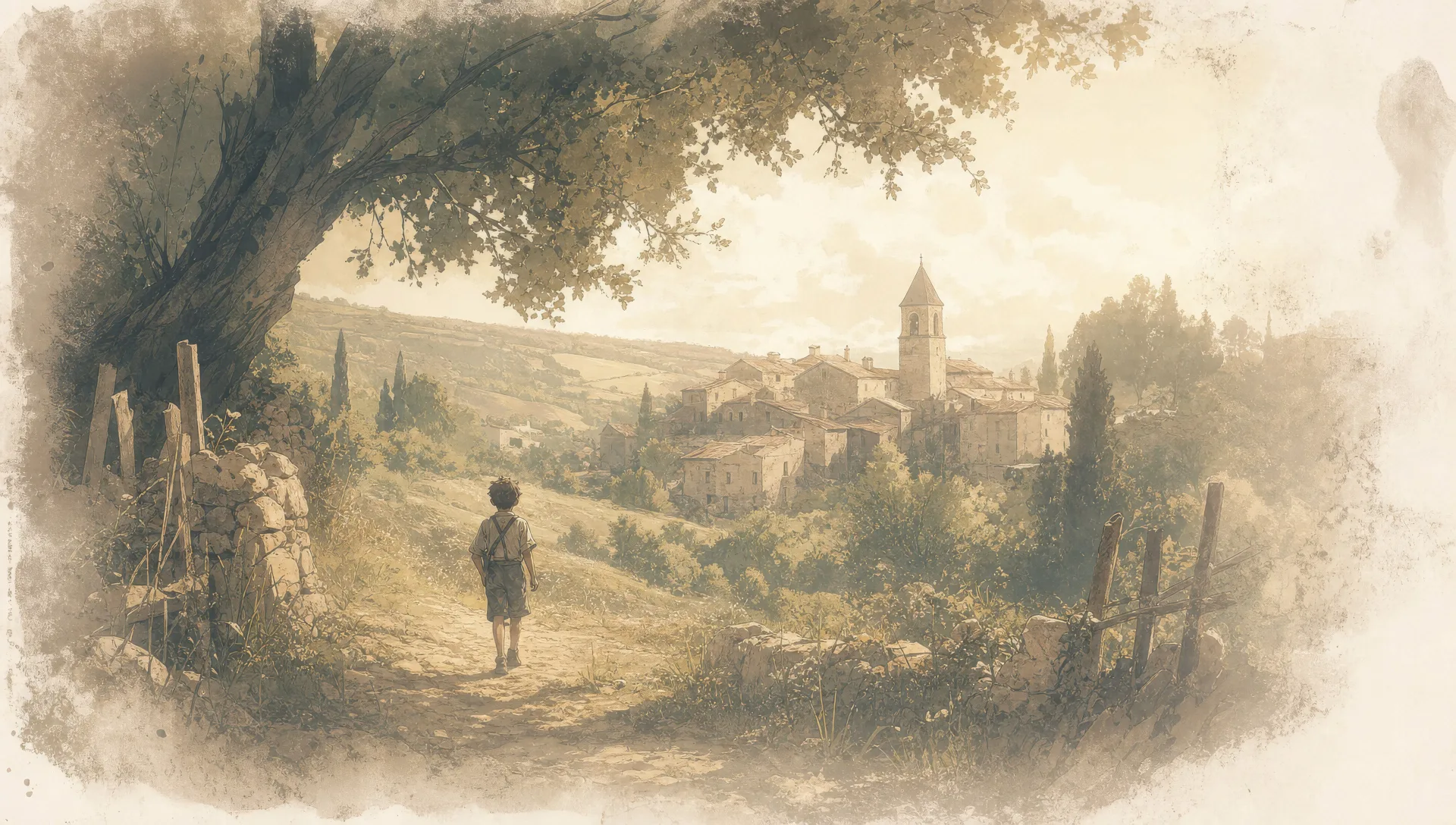
Describe the Graphic novel art you want, in plain words.
Morphic generates a clean, ready-to-publish image on your canvas in seconds.
Tweak the prompt, regenerate variations, then download or share the frame.

Share a scene description with character references. Get a full storyboard with shot angles and mood.

Feed in a single image. Get 9 cinematic beats laid out as a 3x3 storyboard grid.

Take any character image and generate 6 distinct facial expressions on a single reference sheet.
One image to a 9-scene cinematic video.
Cinematic time-freeze short film for any scene
Drop in a photo of yourself. Get a 12-second cinematic movie with animation and a matched soundtrack.
Comic book AI Images
Create comic book panels, character designs, and full pages with Morphic. Splash pages, action sequences, decompressed beats, and indie-comic styles from a single prompt.
Comic strip AI generator
Make comic strips from a single prompt. Clean linework, expressive characters, 3-4 panel gag rhythm, printable HD downloads.
Vintage book illustration AI generator
Create vintage book illustration with Morphic. Engraving linework, ink-and-wash, sepia aged-paper finish, and golden-age plate art from a single prompt.
Storybook illustration AI generator
Create storybook illustration with Morphic. Warm painterly narrative art, consistent characters, and page-spread compositions from a single prompt.
Get started for free today, with the option to upgrade or cancel anytime.
Basic
2400 monthly credits
1 user only
All models
Workflows
Standard
3625 monthly credits
1 user only
All models
Workflows
Pro
6350 shared monthly credits
1 user
All models
Workflows
Max
24650 shared monthly credits
1 user
All models
Workflows
Enterprise
For higher limits
Custom
pricing and billing terms

Free
For playing around
$0
forever free