Establishing shot
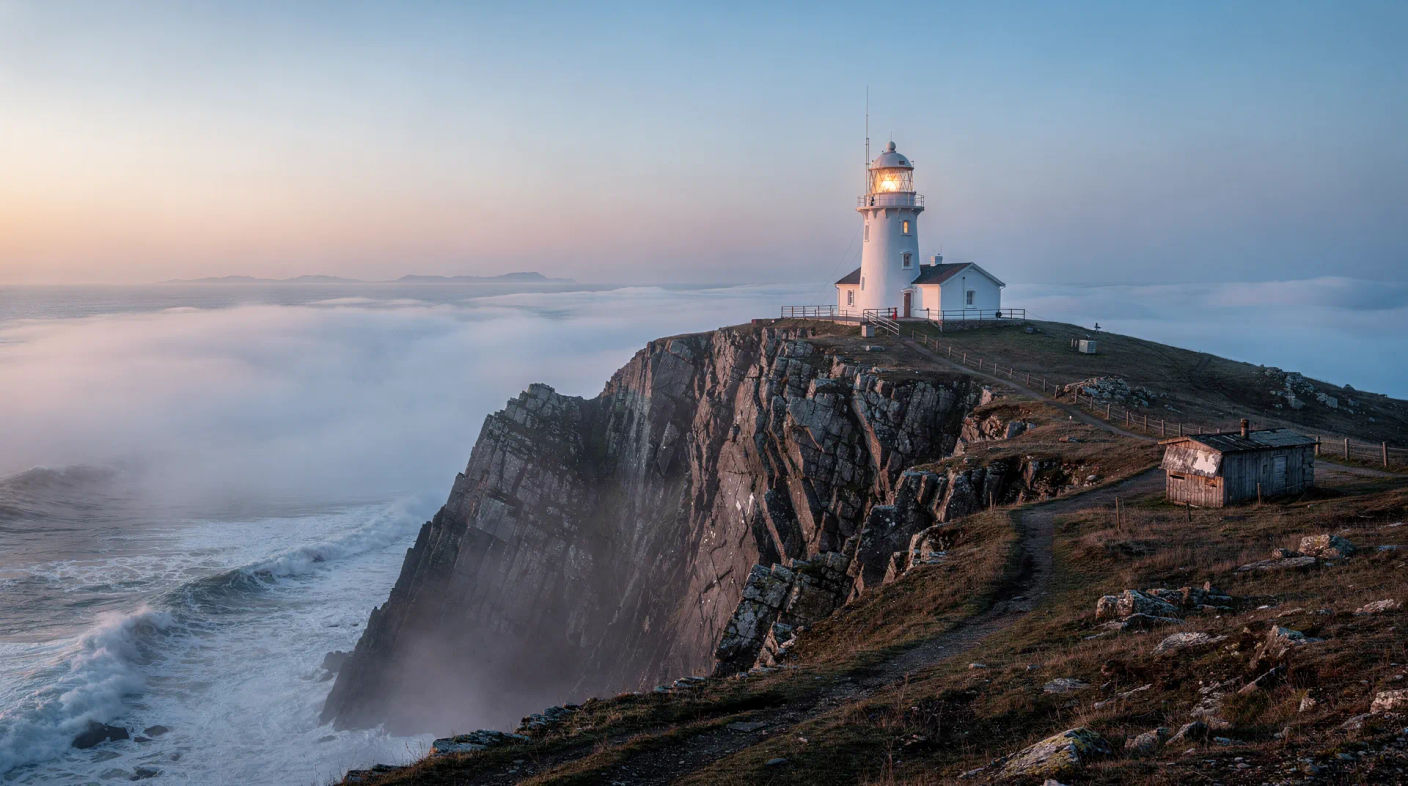
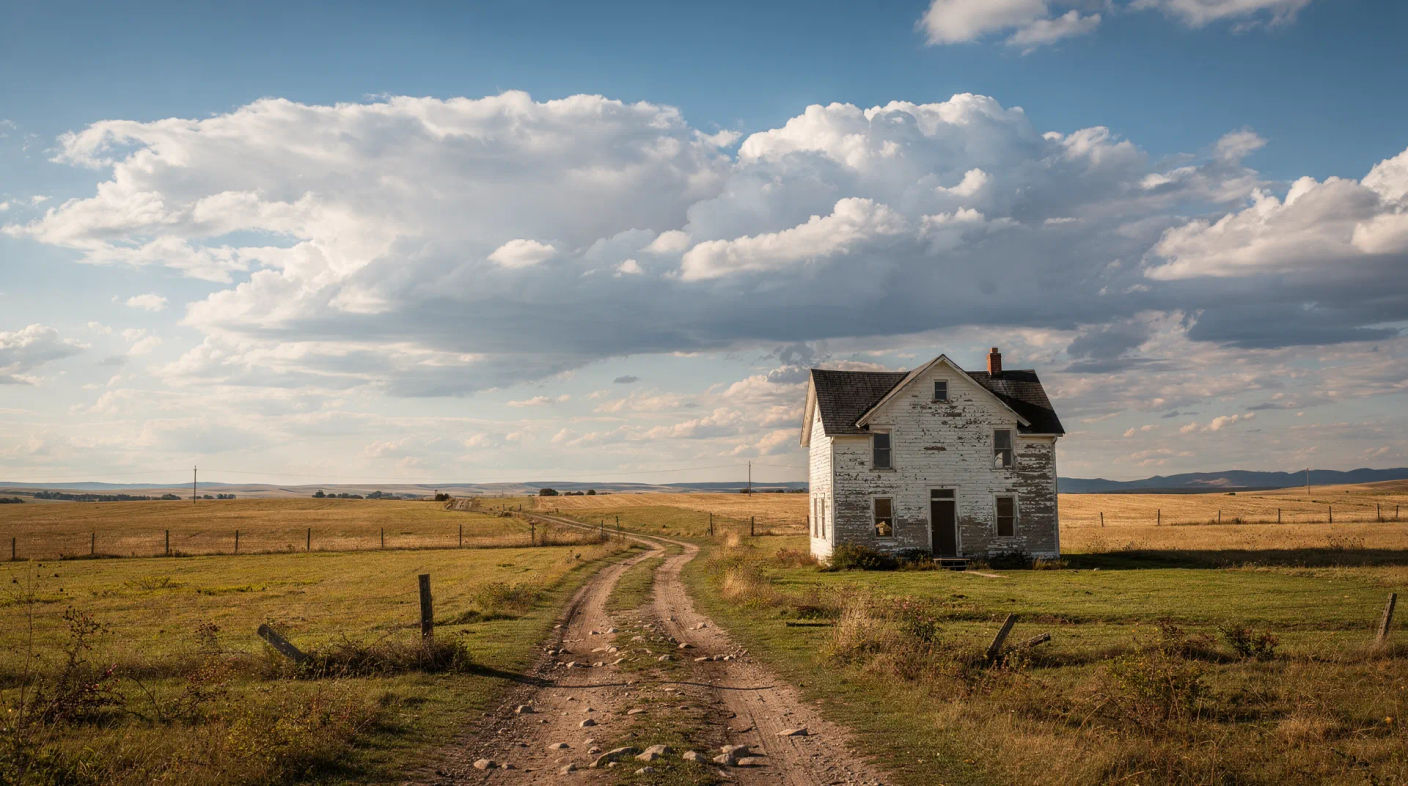
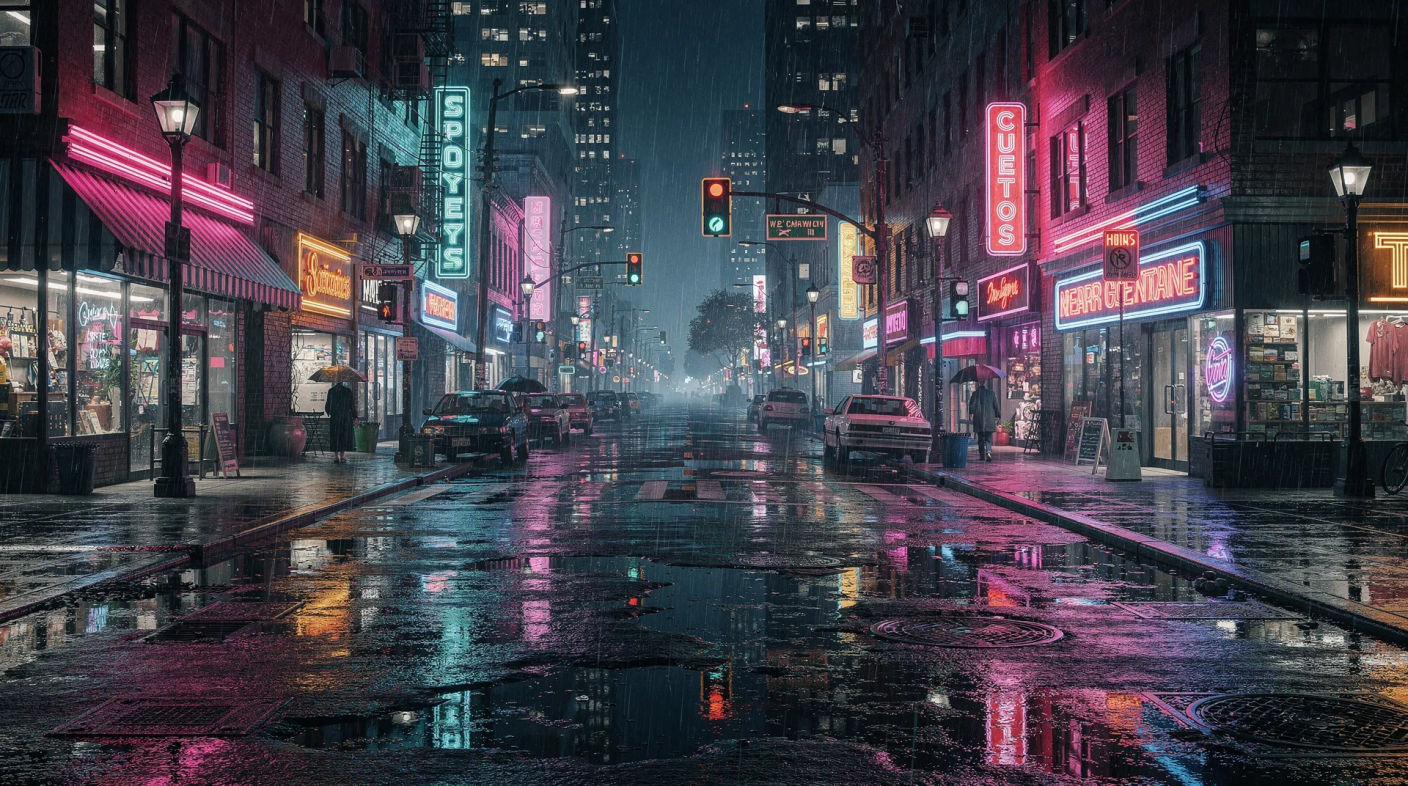
An establishing shot opens a scene by showing where it happens, usually wide, before the film cuts in to the action. It hands the audience the geography so every tighter shot that follows makes sense. Generate the location in Morphic, then animate it with Image to Video.
Establishing shots you can generate


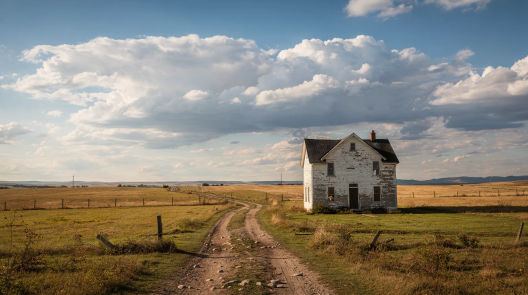
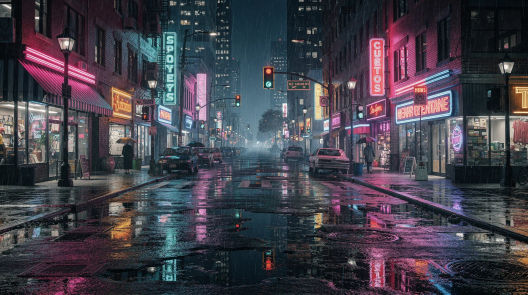
When to use an establishing shot
Opening a scene
Lead with the location so the audience knows where they are before you cut in to faces and dialogue.
Orienting after a jump
A new place or a jump in time needs re-establishing, a quick wide frame to reset where and when we are.
Setting tone
Light, weather, and scale in the opening frame set the mood of everything that follows, from cozy to ominous.
Grounding a story in place
When the setting is part of the story, a strong establishing shot makes the location a character in its own right.
Related cinematic techniques
Make Establishing shot in three steps
- 01
Describe your image
Describe the Establishing shot you want, in plain words.
- 02
Generate the image
Morphic generates a clean, ready-to-publish image on your canvas in seconds.
- 03
Refine and share
Tweak the prompt, regenerate variations, then download or share the frame.

Cinematic storyboard
Share a scene description with character references. Get a full storyboard with shot angles and mood.

3x3 storyboard
Feed in a single image. Get 9 cinematic beats laid out as a 3x3 storyboard grid.
Cinematic scene
One image to a 9-scene cinematic video.

Messages to cinematic scene
Dramatize any text conversation into a cinematic multi-shot video.
Time-freeze effect
Cinematic time-freeze short film for any scene
Put yourself in a movie
Drop in a photo of yourself. Get a 12-second cinematic movie with animation and a matched soundtrack.
You might also like
Wide shot
A wide shot places the subject inside their surroundings. See how it differs from a long shot, when to use each, and generate one in Morphic.
Drone shot
A drone shot flies the camera for a sweeping aerial view. See when to use one, the classic moves, and generate aerial footage in Morphic.
Reverse shot
A reverse shot shows the opposite angle in a conversation, the listener answering the speaker. See how shot reverse shot works and generate one in Morphic.
Silhouette shot
A silhouette shot backlights the subject into a dark shape for mood, drama, and mystery. See how to build one, when to use it, and generate one in Morphic.
Simple pricing
Get started for free today, with the option to upgrade or cancel anytime.
Basic
2400 monthly credits
1 user only
All models
Workflows
Standard
3625 monthly credits
1 user only
All models
Workflows
Pro
6350 shared monthly credits
1 user
All models
Workflows
Max
24650 shared monthly credits
1 user
All models
Workflows
Enterprise
For higher limits
Custom
pricing and billing terms

Free
For playing around
$0
forever free