Silhouette shot
A silhouette shot lights the background bright and leaves the subject dark, so only their outline reads against it. It trades detail for shape, mood, and mystery. Generate the backlit frame in Morphic, then animate it with Image to Video.
Silhouette shots you can generate
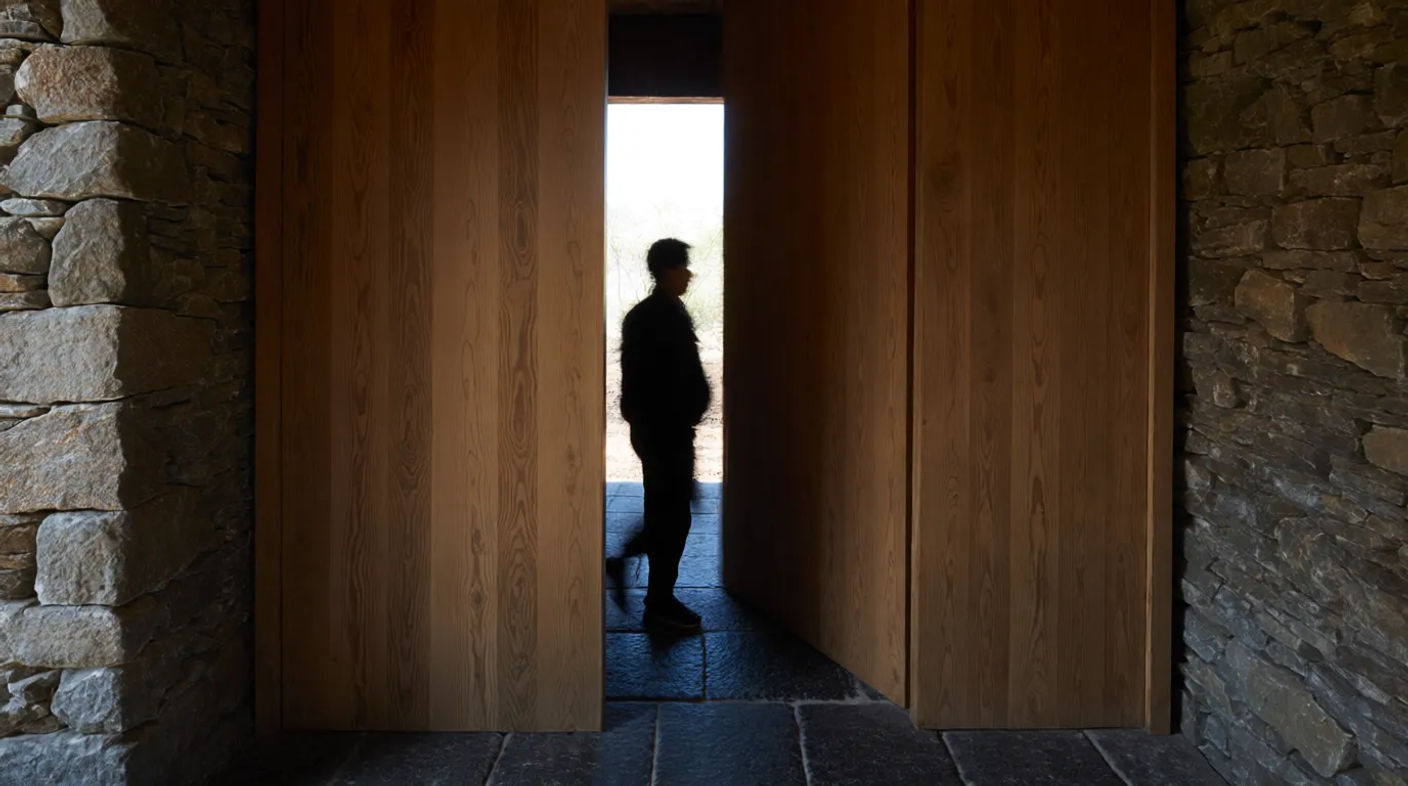

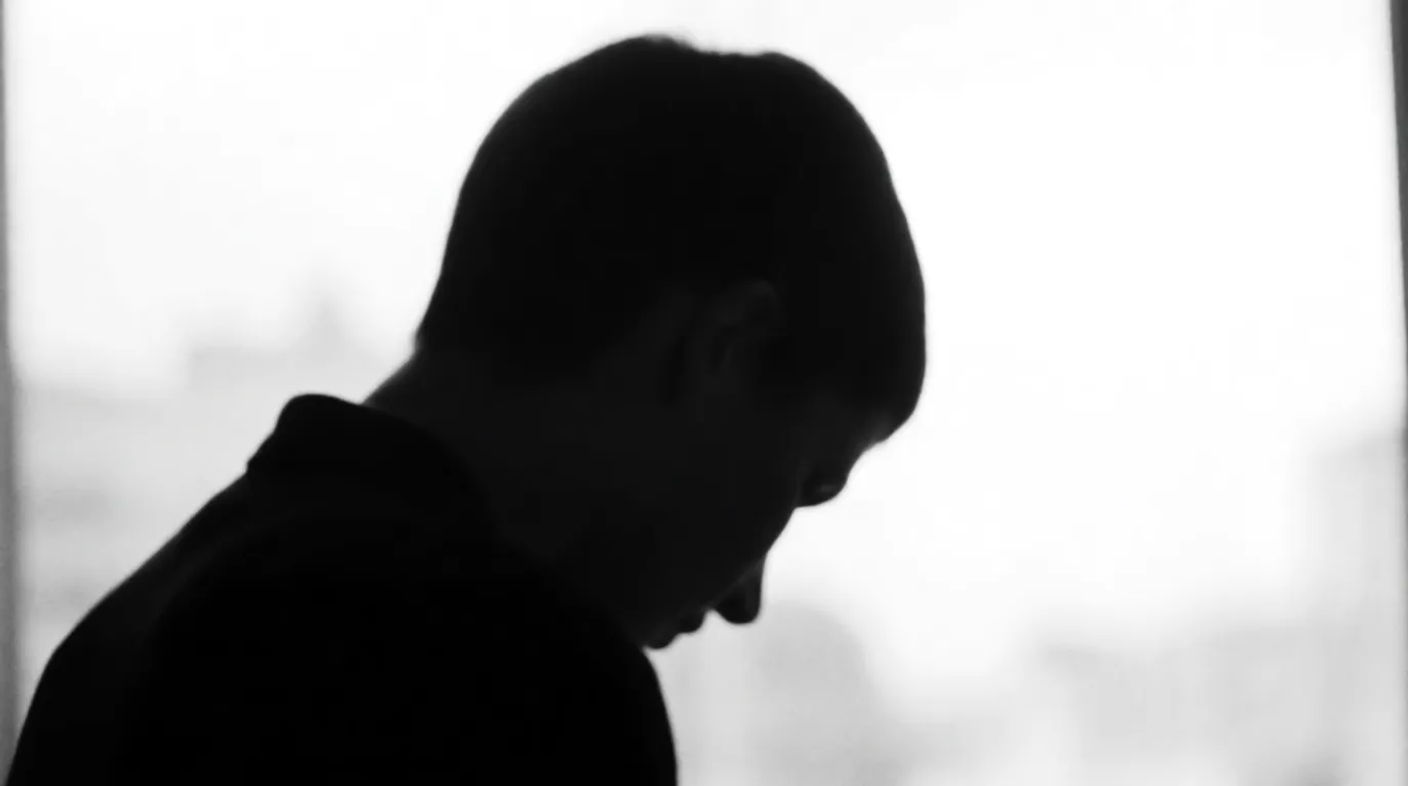
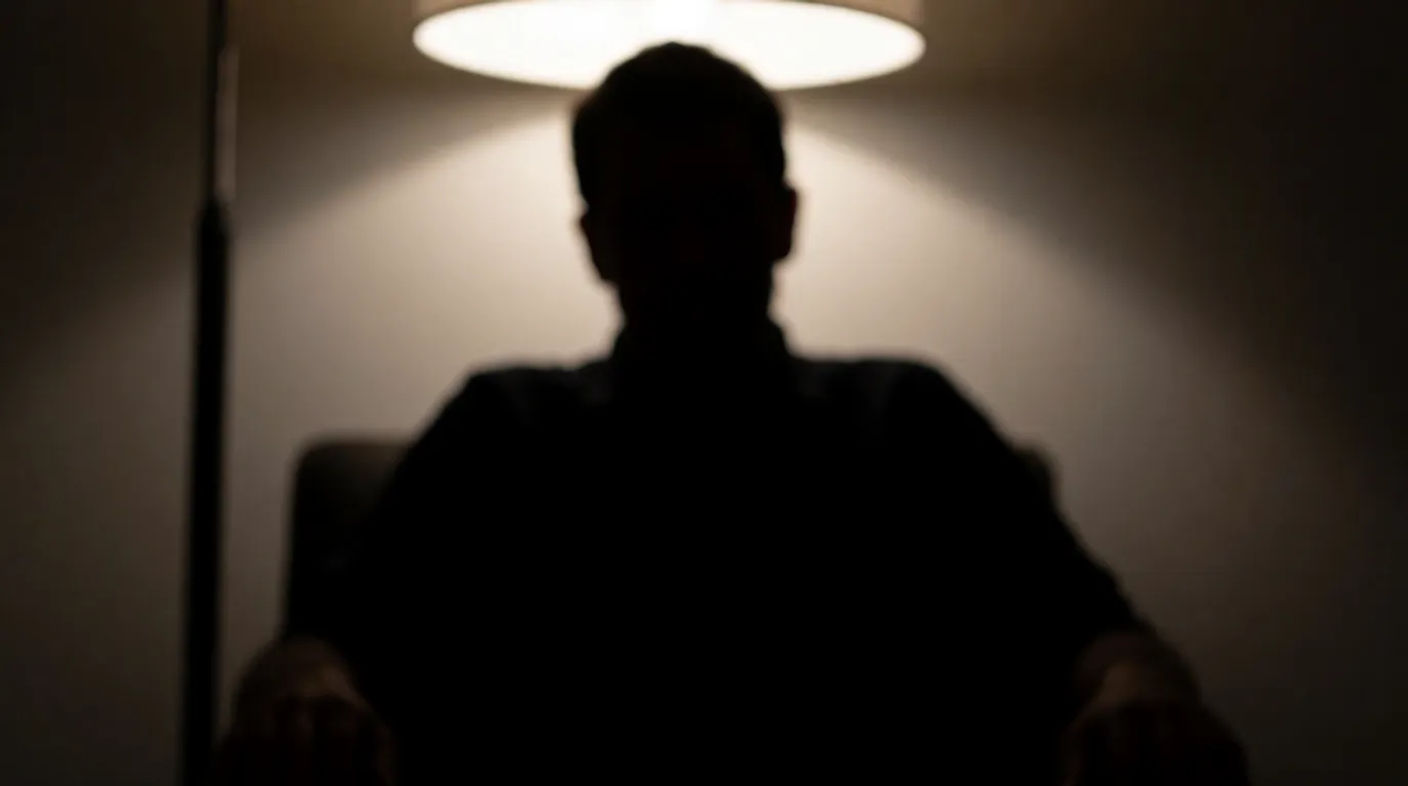

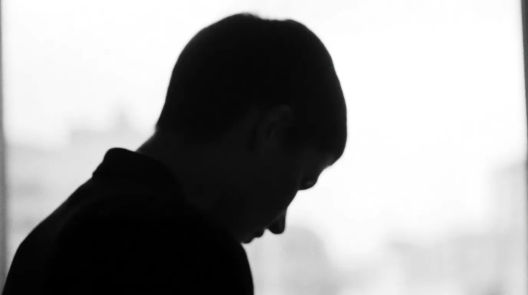
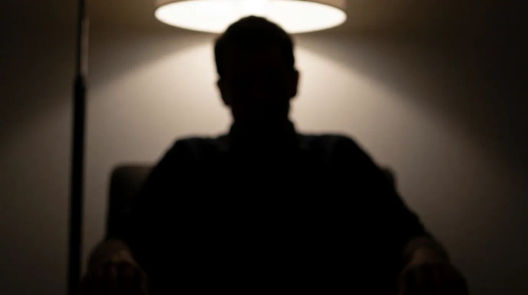
When to use a silhouette shot
Mystery and menace
Hide a face in shadow to keep an identity secret or make a figure read as a threat before it is revealed.
Mood and beauty
A backlit shape against a coloured sky is simply striking, an easy way to make a frame feel cinematic.
Emotion through shape
With no features to read, posture carries everything, so a silhouette can hold real feeling in its outline.
The anonymous everyperson
Stripping detail turns a subject into anyone, useful when a figure should stand for more than themselves.
Related cinematic techniques
Make Silhouette shot in three steps
- 01
Describe your image
Describe the Silhouette shot you want, in plain words.
- 02
Generate the image
Morphic generates a clean, ready-to-publish image on your canvas in seconds.
- 03
Refine and share
Tweak the prompt, regenerate variations, then download or share the frame.

Cinematic storyboard
Share a scene description with character references. Get a full storyboard with shot angles and mood.

3x3 storyboard
Feed in a single image. Get 9 cinematic beats laid out as a 3x3 storyboard grid.
Cinematic scene
One image to a 9-scene cinematic video.

Messages to cinematic scene
Dramatize any text conversation into a cinematic multi-shot video.
Time-freeze effect
Cinematic time-freeze short film for any scene
Put yourself in a movie
Drop in a photo of yourself. Get a 12-second cinematic movie with animation and a matched soundtrack.
You might also like
Low angle shot
A low angle shot looks up at the subject to make it loom with power. See when to use it, why it works, and generate one in Morphic.
Pan shot
A pan shot pivots horizontally from a fixed point to sweep a scene. See how it differs from a tracking shot, when to use it, and animate one in Morphic.
Jump cut
A jump cut removes time from a shot so the subject leaps forward. See how it works, when to use it, and plan the frames from prompts in Morphic.
Jump scare shot
The jump scare explained: setup, misdirection, the cut and the sound. See examples and generate your own jump scare shot with AI in seconds.
Simple pricing
Get started for free today, with the option to upgrade or cancel anytime.
Basic
2400 monthly credits
1 user only
All models
Workflows
Standard
3625 monthly credits
1 user only
All models
Workflows
Pro
6350 shared monthly credits
1 user
All models
Workflows
Max
24650 shared monthly credits
1 user
All models
Workflows
Enterprise
For higher limits
Custom
pricing and billing terms

Free
For playing around
$0
forever free