Make the big cut hit on the drop
A build and boom lined up with the cut makes a transformation or a reveal feel huge, in reels, trailers and game montages.
Edit prompt
A white noise build that cuts to silence, the heavy impact when the drop lands, a tape stop grinding to a halt and a stutter snapping into the hit. Describe the drop your edit needs and Morphic generates it clean.

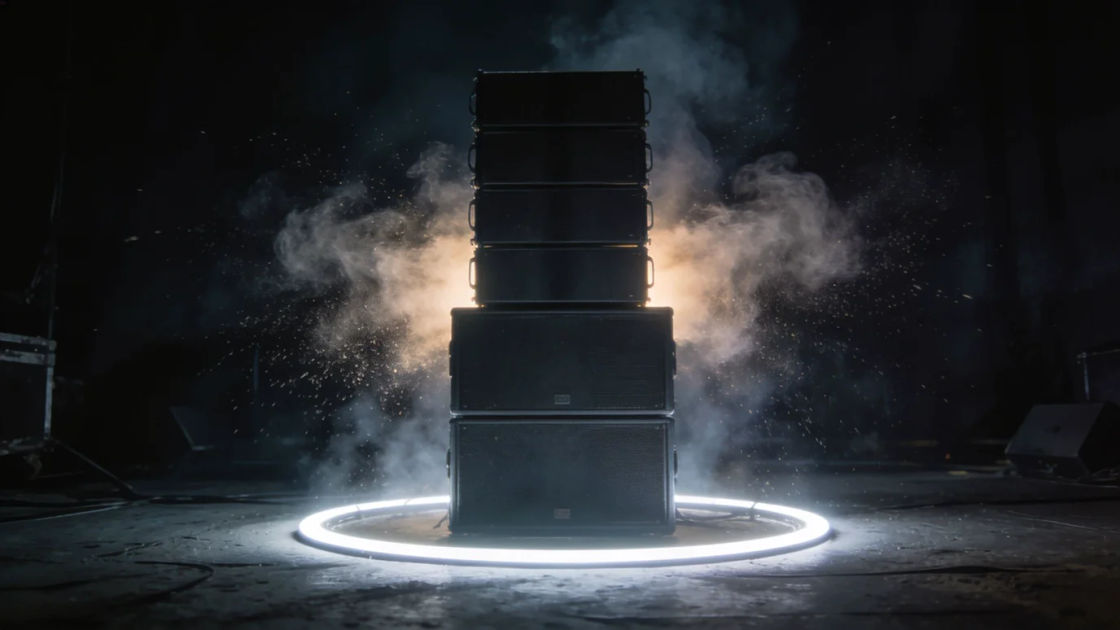
Noise climbs, cuts to a breath of silence, then a heavy boom lands, the full drop moment for a big cut.

Just the hit, a deep heavy boom with a gritty edge, to stack under any cut that needs a hard landing.

A rising filtered noise that keeps climbing, the bed under the seconds before the drop arrives.

The sound slowing and pitching down to a halt, for a freeze frame, a record scratch moment or a fake-out.

A reversed swell sucking in and slamming into a punchy hit, to snap from one shot straight into the next.

A digital stutter speeding up and cutting out before the boom, for glitchy, high-energy edits and gaming reels.
Pick a starting point, edit anything you like, then generate it in Morphic.
A build and boom lined up with the cut makes a transformation or a reveal feel huge, in reels, trailers and game montages.
Edit promptA filter build carries the seconds before the payoff on its own, in a short video, an animation or a podcast intro.
Edit prompt
A stutter into a boom at the start tells the viewer this is fast and loud, in gaming edits, sports highlights and social ads.
Edit prompt
A sudden tape stop off the back of a cut says something just went wrong, so your joke or plot turn lands without a word.
Edit prompt
Cheerful sound effects
Generate cheerful sound effects with AI on Morphic. Describe the sound, pick a variation, and download MP3 or WAV for your video, game or podcast.
Cinematic intro sound effects
Generate cinematic intro sound effects with AI on Morphic. Describe the sound, pick a variation, and download MP3 or WAV for your video, game or podcast.
Cinematic sound effects
Browse ready-made cinematic sound effects, then generate your own at the length your scene needs. Morphic makes sound, voice, image and video in one workspace.
Cinematic trailer sound effects
Generate cinematic trailer sound effects with AI on Morphic. Describe the sound, pick a variation, and download MP3 or WAV for your video, game or podcast.
Get started for free today, with the option to upgrade or cancel anytime.
Basic
2400 monthly credits
1 user only
All models
Workflows
Standard
3625 monthly credits
1 user only
All models
Workflows
Pro
6350 shared monthly credits
1 user
All models
Workflows
Max
24650 shared monthly credits
1 user
All models
Workflows
Enterprise
For higher limits
Custom
pricing and billing terms

Free
For playing around
$0
forever free