Reveal what is hiding in the dark
One click on the frame the beam lands makes the reveal hit, in a horror short, an animated scene or a first-person game.
Edit prompt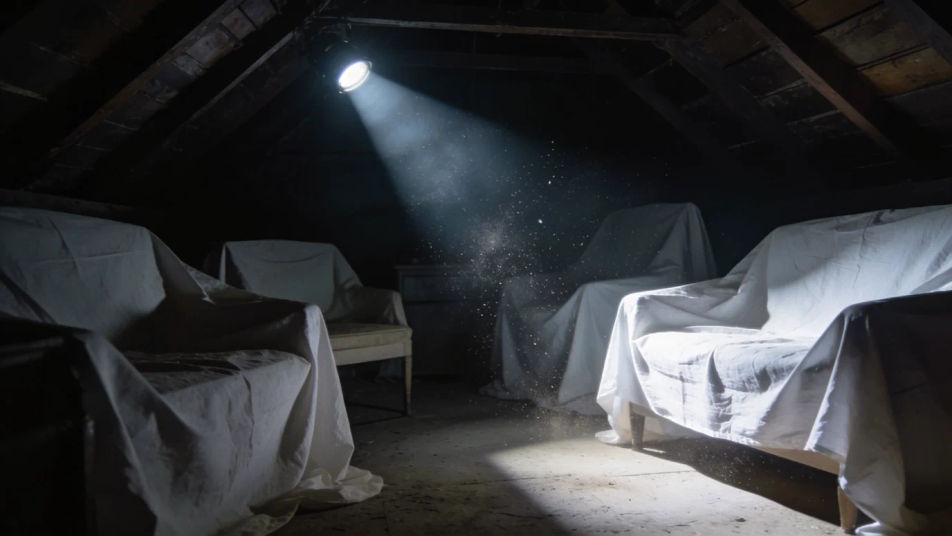
The firm click of a tail switch, the rattle of loose batteries in a metal tube, and the clang of a dropped flashlight rolling away. Describe the flashlight your scene needs and Morphic generates it clean.


One firm tail-button click with a spring snap and a small metal ring as the beam comes on, the cue for any reveal in the dark.

Four clicks with space between them, for a nervous character checking a torch or a beam flicking across a room.
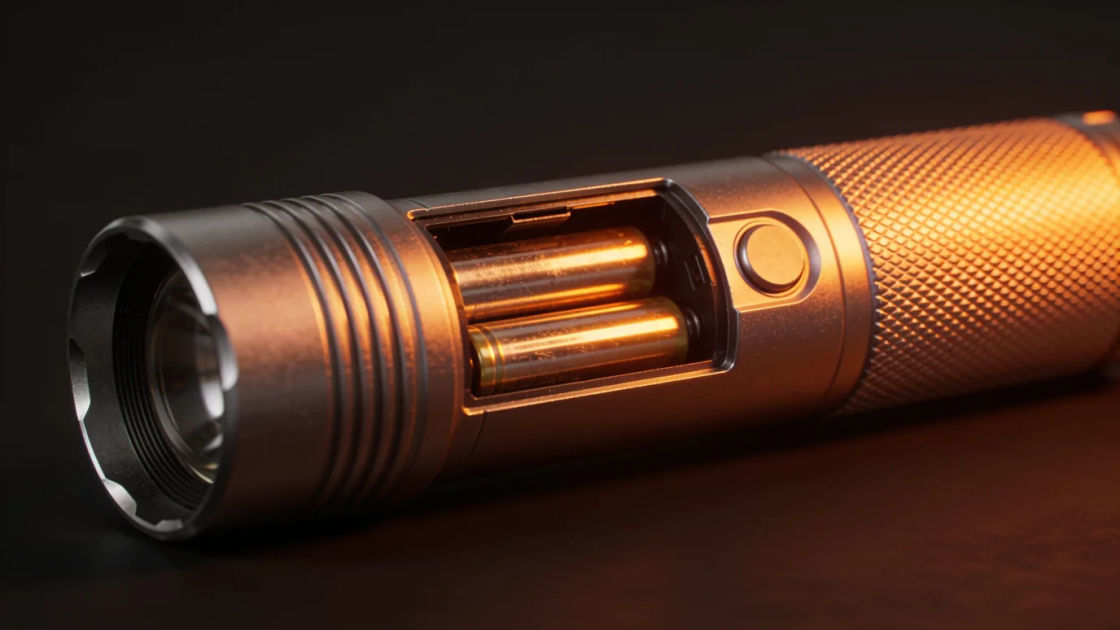
Loose batteries knocking inside the tube as it is shaken, a small detail for grabbing a torch in a hurry.

Three dull smacks against a palm to bring a flickering beam back, a classic beat of rising panic.
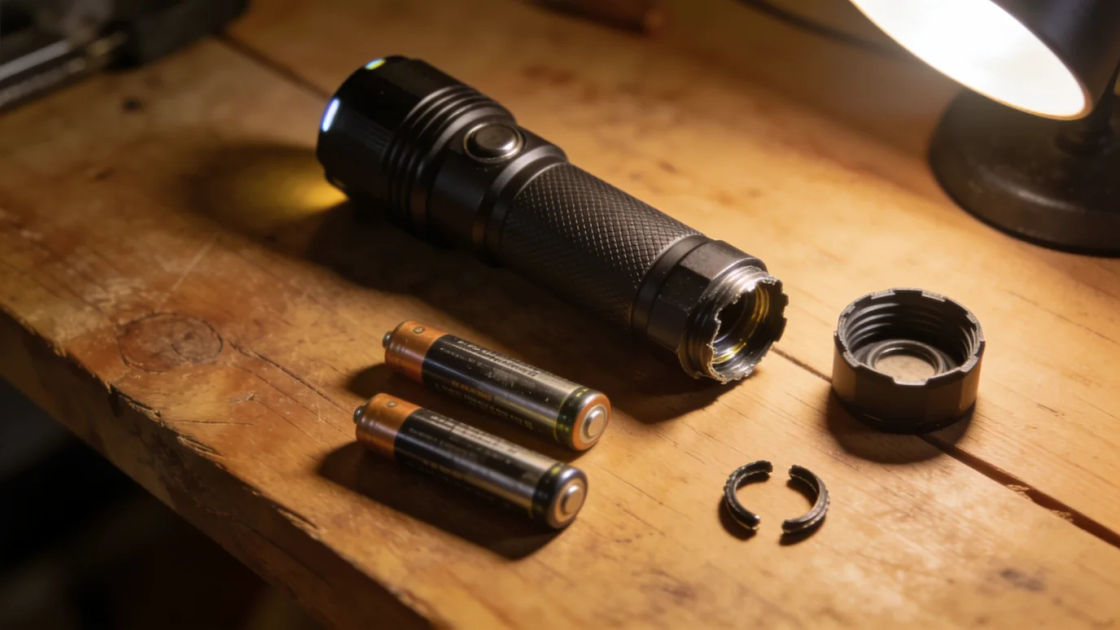
A gritty cap unscrewed and batteries sliding out, for a prep scene or a quiet moment before going in.

A hard clang on concrete then a rattling roll to a stop, the sound of a torch knocked from a hand.
Pick a starting point, edit anything you like, then generate it in Morphic.
One click on the frame the beam lands makes the reveal hit, in a horror short, an animated scene or a first-person game.
Edit promptA torch slapped back to life carries a slow search through a basement or a cave, in video, a game level or an audio drama.
Edit prompt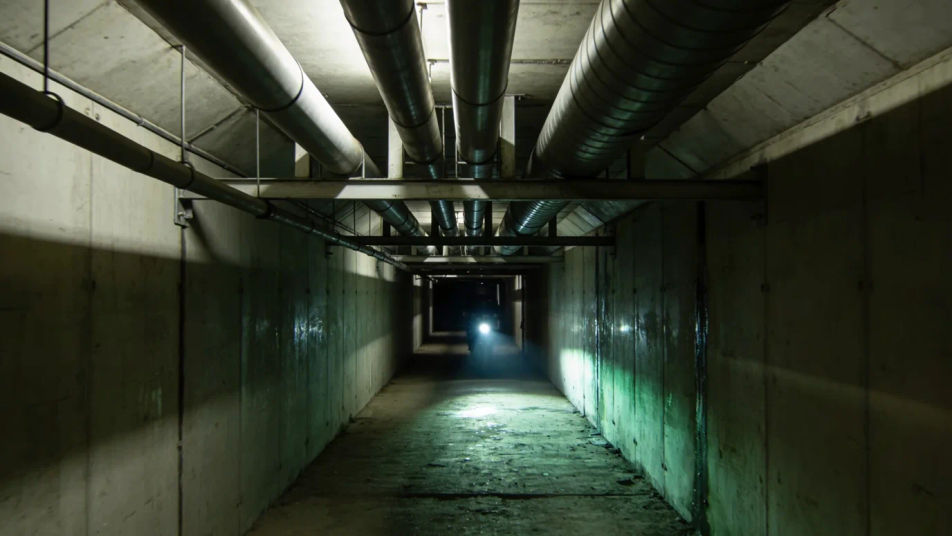
On and off clicks tell the audience the lights are down before anyone says a word, in a film, an animation or a story podcast.
Edit prompt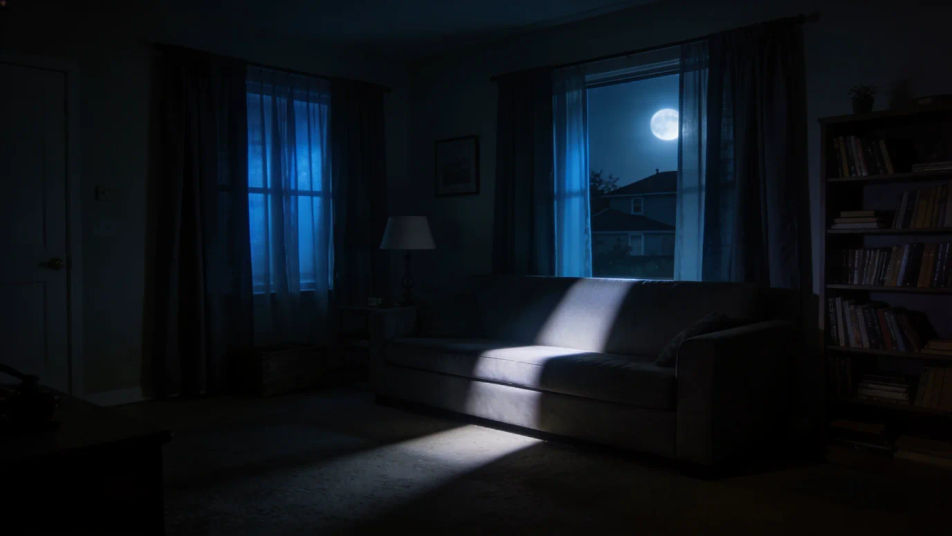
A clang and a roll from off screen says something went wrong down the corridor, without showing it, in video, games or radio drama.
Edit prompt
Clock ticking sound effect
Generate clock ticking sound effects with Morphic. Choose the weight and the pace of the tick so it sits naturally under your picture.
Close sound effects
Generate close sound effects with AI on Morphic. Describe the sound, pick a variation, and download MP3 or WAV for your video, game or podcast.
Container sound effects
Generate container sound effects with AI on Morphic. Describe the sound, pick a variation, and download MP3 or WAV for your video, game or podcast.
Cuckoo clock sound effects
Generate cuckoo clock sound effects with AI on Morphic. Describe the sound, pick a variation, and download MP3 or WAV for your video, game or podcast.
Get started for free today, with the option to upgrade or cancel anytime.
Basic
2400 monthly credits
1 user only
All models
Workflows
Standard
3625 monthly credits
1 user only
All models
Workflows
Pro
6350 shared monthly credits
1 user
All models
Workflows
Max
24650 shared monthly credits
1 user
All models
Workflows
Enterprise
For higher limits
Custom
pricing and billing terms

Free
For playing around
$0
forever free