Snap between two eras in one cut
A hard warp across the cut point makes a jump between two times feel intentional, in a music video, a title sequence or a game transition.
Edit prompt
The warping, pitch-bending transition that makes time feel like it is stretching, slowing, or racing ahead. Describe the time warp your edit needs, from a slow-down bend to a glitchy stutter, and Morphic generates it in seconds.
The familiar rising-falling sweep audiences instantly associate with time travel. Use it when the moment should need no explaining.
Everything dragging downward in pitch, like a tape losing speed. Ideal for easing into slow motion or a stalled moment.
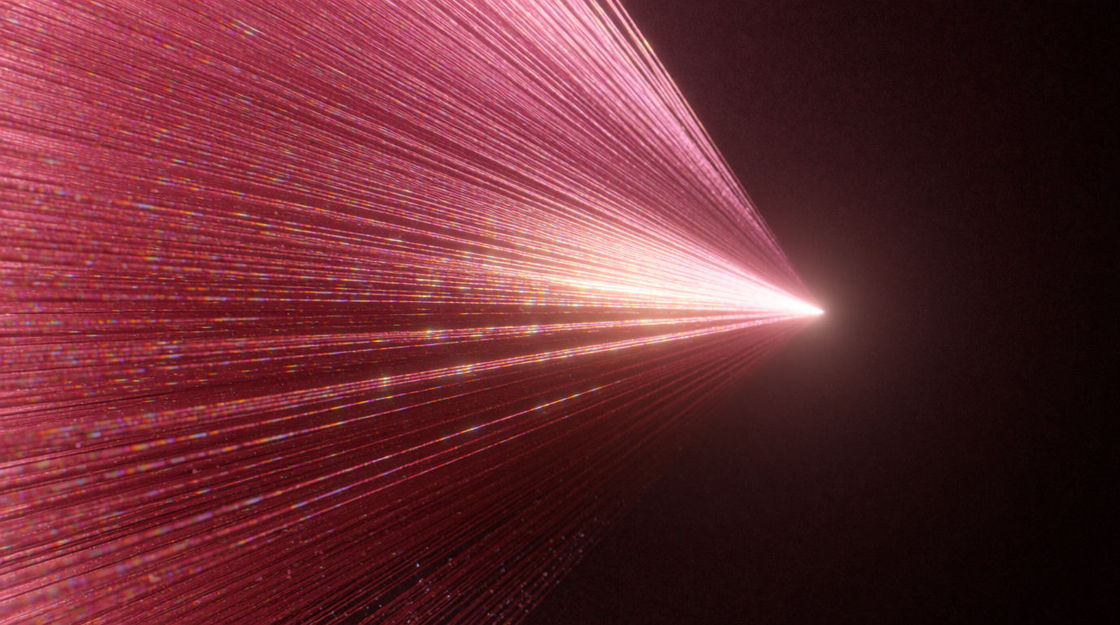
The opposite climb, tightening and brightening. Use it to snap out of a slow section or to rush a montage forward.
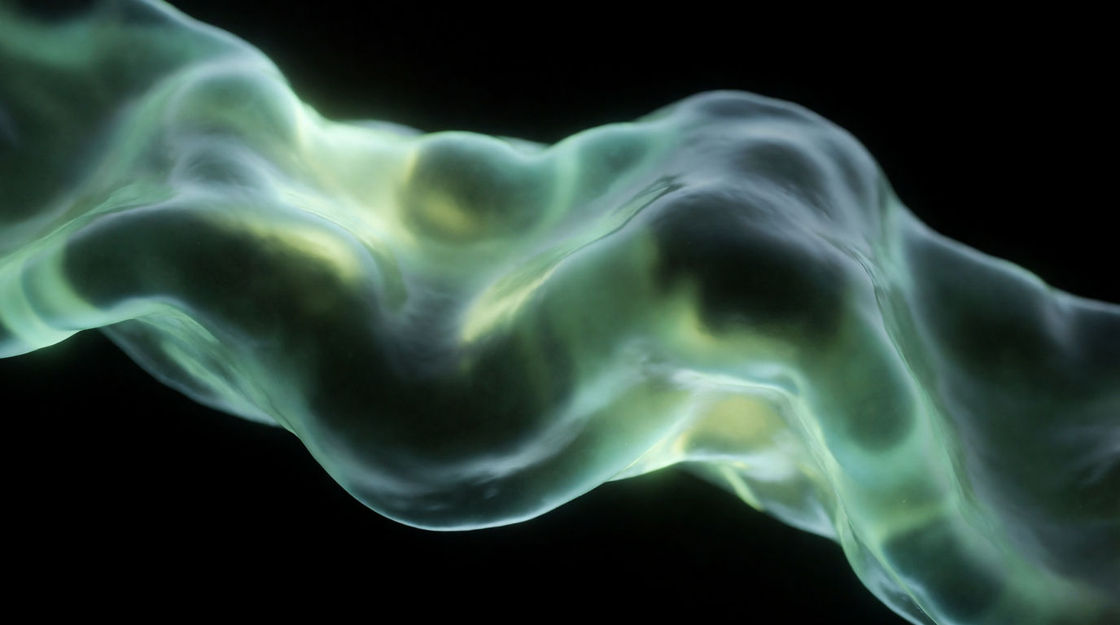
An unstable, seasick modulation that never settles. Good for dream logic and for scenes where the character cannot be trusted.
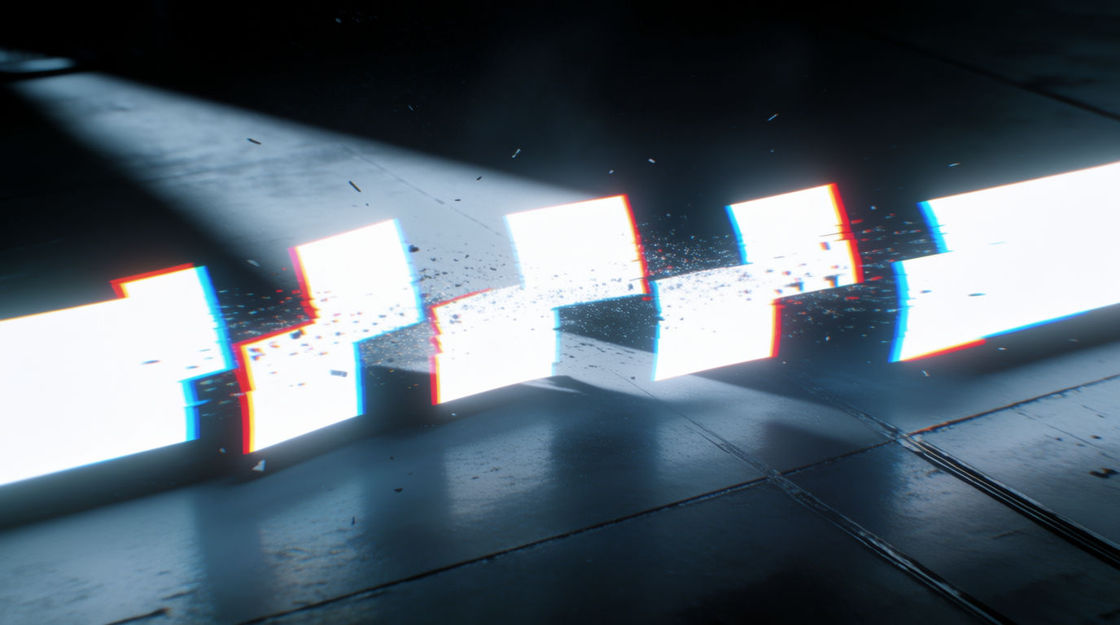
Digital stutter and torn fragments instead of a smooth sweep. Suits screens, simulations and anything mechanical coming apart.
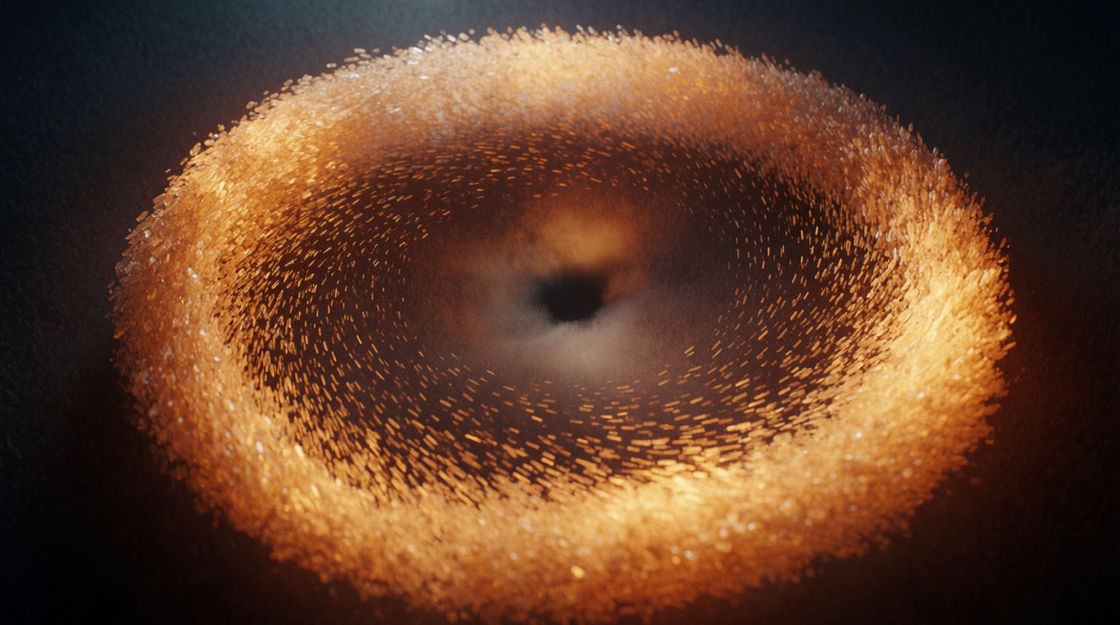
A sucked-in swell that pulls toward the cut rather than away from it. Land the peak on the frame and the edit feels inevitable.
Pick a starting point, edit anything you like, then generate it in Morphic.
A hard warp across the cut point makes a jump between two times feel intentional, in a music video, a title sequence or a game transition.
Edit promptA held wipe or a slow dissolve can feel empty. A bending tone across it fills the gap and keeps the pace from sagging mid-sequence.
Edit prompt
Pitch drifting under normal room sound suggests the world is slipping, which works for dream states, flashbacks and altered levels alike.
Edit prompt
Off screen, a wobble and a snap-back suggest the day has reset, letting a scene open on the aftermath with no explanatory shot.
Edit prompt
Sad violin sound effect
Generate sad violin sound effects with Morphic. Describe the bowing, the fall, and the length, and get a clean string take built for your cut.
Shimmer sound effects
Shimmer sound effects, sparkles, glints, rising swells and frost crystals for magic, transitions and reveals, mastered clean for film and game work.
Slow motion sound effects
Slow motion sound effects for edits that stretch time, deep whooshes, warbling drags, blooming impacts and reverse swells for the drop into slow-mo.
Sparkle sound effect
Morphic creates sparkle sound effects from a prompt. Match the shimmer to your moment instead of stretching a stock file to fit.
Get started for free today, with the option to upgrade or cancel anytime.
Basic
2400 monthly credits
1 user only
All models
Workflows
Standard
3625 monthly credits
1 user only
All models
Workflows
Pro
6350 shared monthly credits
1 user
All models
Workflows
Max
24650 shared monthly credits
1 user
All models
Workflows
Enterprise
For higher limits
Custom
pricing and billing terms

Free
For playing around
$0
forever free