Land a hard cut with a typewriter bell
A line of strikes and a bell ding gives an ending to a scene, in a period drama, a newsroom short or a detective game.
Edit prompt
A pen filling a page with small quick scratches, a laptop keyboard pattering at a natural pace and a typewriter striking a line and ringing at the end. Describe the writing you need and Morphic generates it clean.

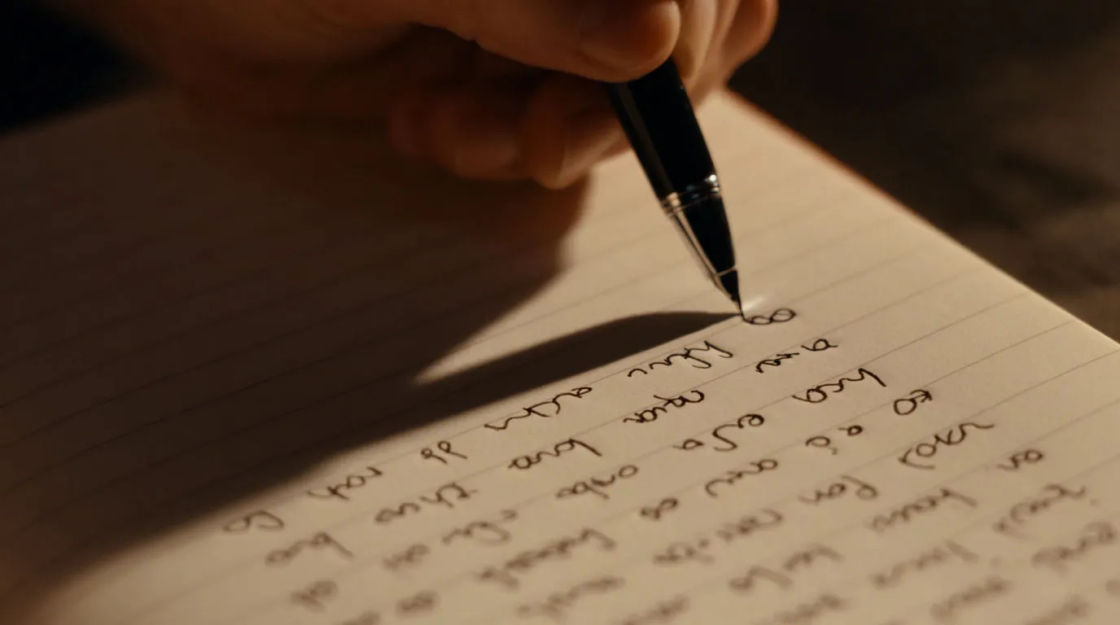
Quick small scratches with a tiny pause at each line end, a pen working down a page.
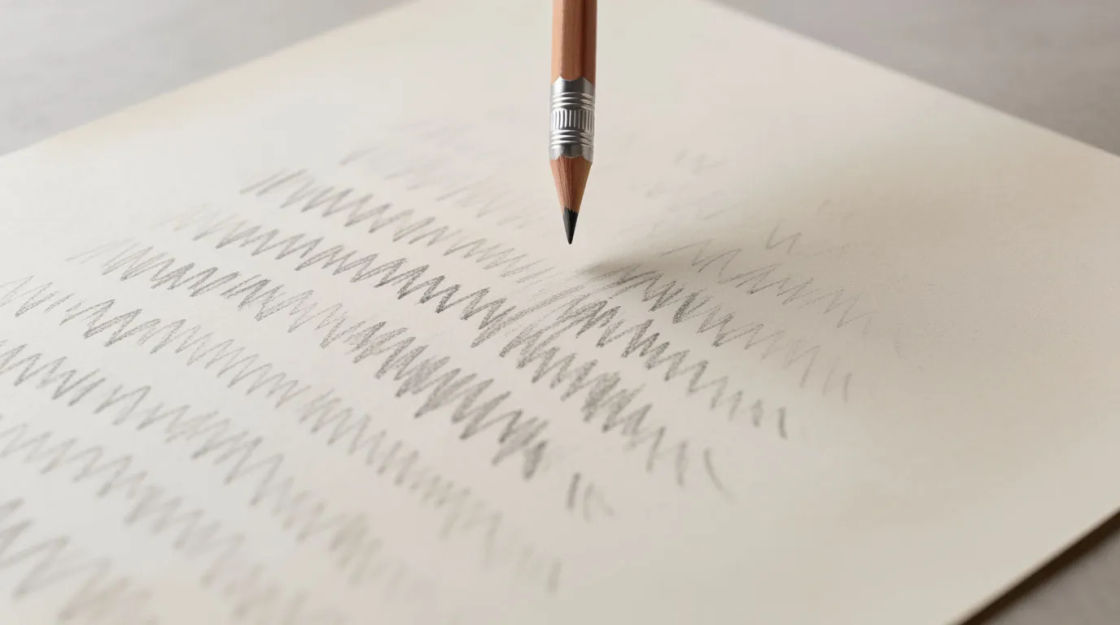
Soft rapid graphite scratching in short bursts, with the occasional tap of the point.

A soft patter of quiet key taps at a natural pace, with one pause and a restart.

Rapid hard key strikes, ending on a bell ding and the slide of a carriage return.


Scratching, a papery flip and scratching again, a writer moving on.
Pick a starting point, edit anything you like, then generate it in Morphic.
A line of strikes and a bell ding gives an ending to a scene, in a period drama, a newsroom short or a detective game.
Edit promptLonghand writing under a held close-up carries the silence, in a documentary, a study vlog or a visual novel.
Edit prompt
A steady laptop patter places the viewer at a desk without a line of dialogue, in a student film, a work video or a cosy game.
Edit prompt
Scribbling stops and a page turns behind the shot, implying someone drafting and discarding, in a thriller, a comedy or an audio drama.
Edit prompt
Creak sound effects
Generate creak sound effects with AI on Morphic. Describe the sound, pick a variation, and download MP3 or WAV for your video, game or podcast.
Cut sound effects
Generate cut sound effects with AI on Morphic. Describe the sound, pick a variation, and download MP3 or WAV for your video, game or podcast.
Cutting sound effects
Generate cutting sound effects with AI on Morphic. Describe the sound, pick a variation, and download MP3 or WAV for your video, game or podcast.
Dancing sound effects
Generate dancing sound effects with AI on Morphic. Describe the sound, pick a variation, and download MP3 or WAV for your video, game or podcast.
Get started for free today, with the option to upgrade or cancel anytime.
Basic
2400 monthly credits
1 user only
All models
Workflows
Standard
3625 monthly credits
1 user only
All models
Workflows
Pro
6350 shared monthly credits
1 user
All models
Workflows
Max
24650 shared monthly credits
1 user
All models
Workflows
Enterprise
For higher limits
Custom
pricing and billing terms

Free
For playing around
$0
forever free