Every image model
One workspaceArt styles you can create
Make AI art in three steps
- 01
Open Morphic
Sign up and start creating on an infinite visual canvas.
- 02
Describe the piece
Name the subject, then the medium, palette, and mood.
- 03
Generate and refine
Render in seconds, then compare mediums side by side on the Canvas.
Use cases
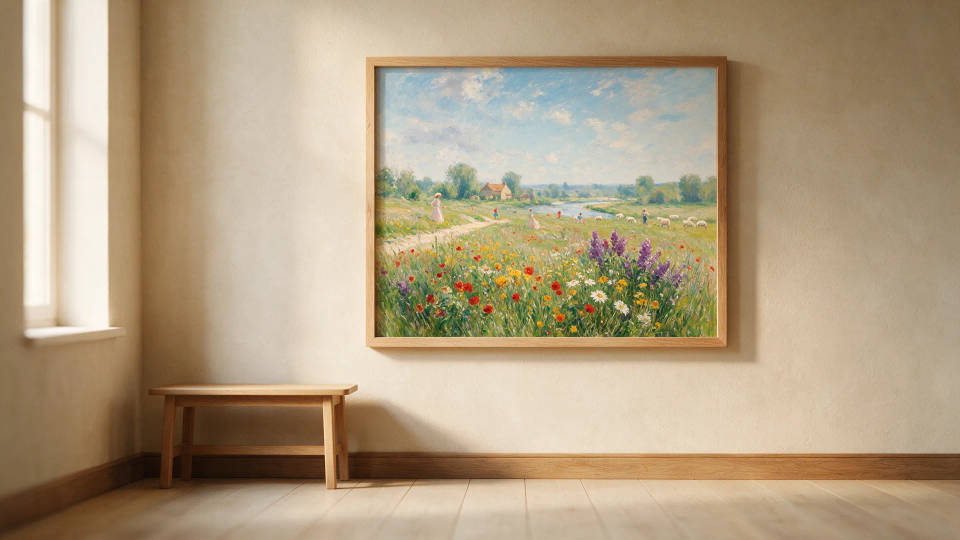
Wall art and prints
Original pieces sized for posters, canvas, and framed prints. Render a subject in oil, watercolor, or abstract, set the aspect ratio, and export for the print shop.
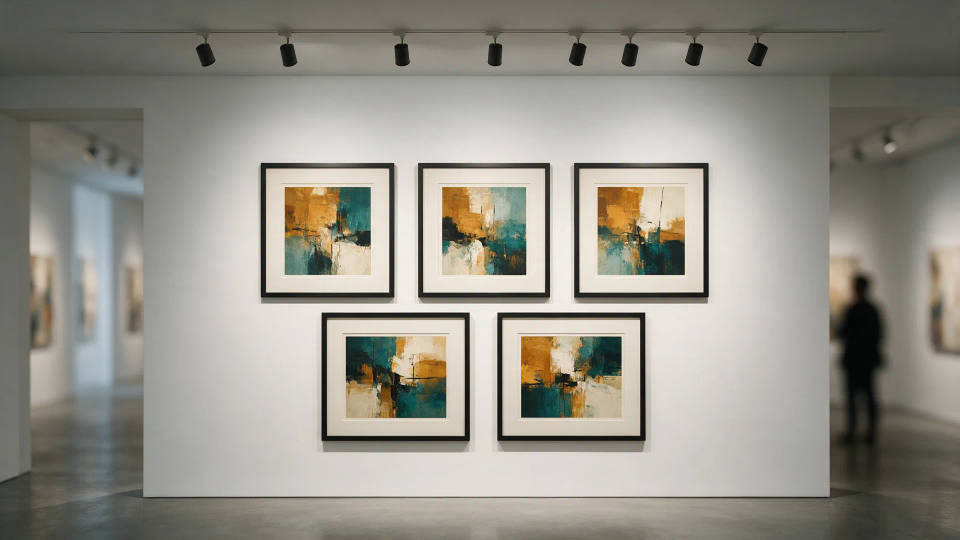
A unified gallery series
A body of work that hangs together across a dozen pieces. Lock one palette and brush character, then vary the theme so a portfolio reads as one series.
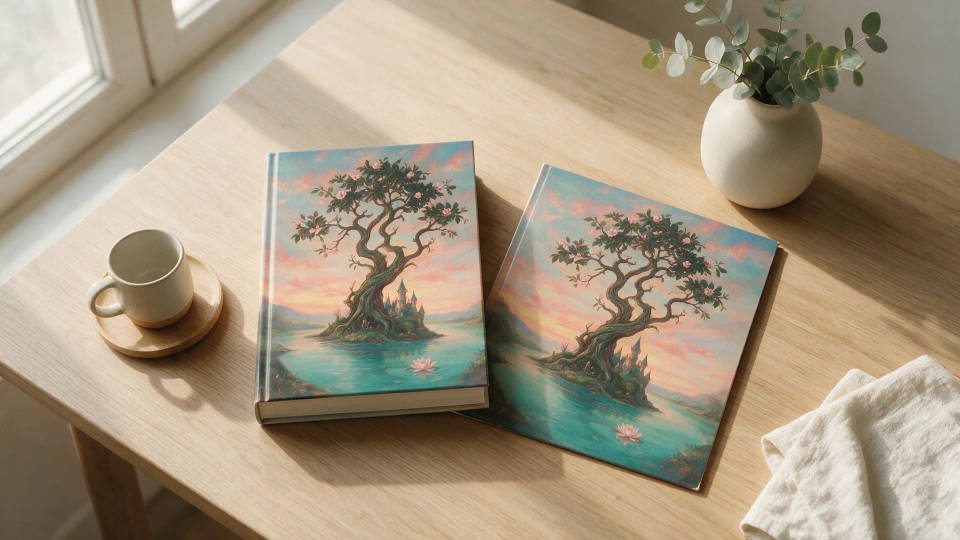
Book and album covers
Cover art in a painted or surreal style that fits the story. Try several movements against one brief, then refine the winner and place the title.
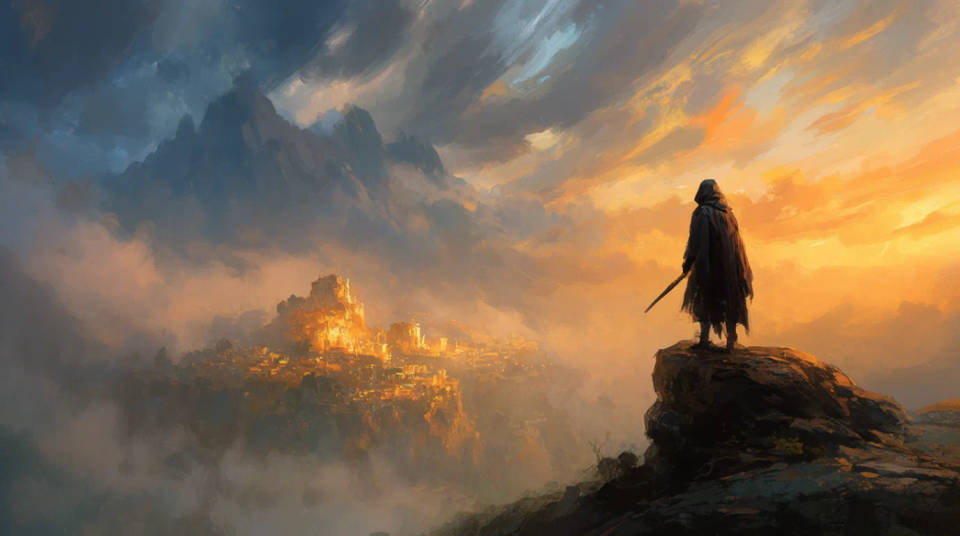
Concept art and illustration
Characters, worlds, and key moments in a painterly concept style before production. Explore direction fast and carry the strongest piece into the project.
Prompt examples
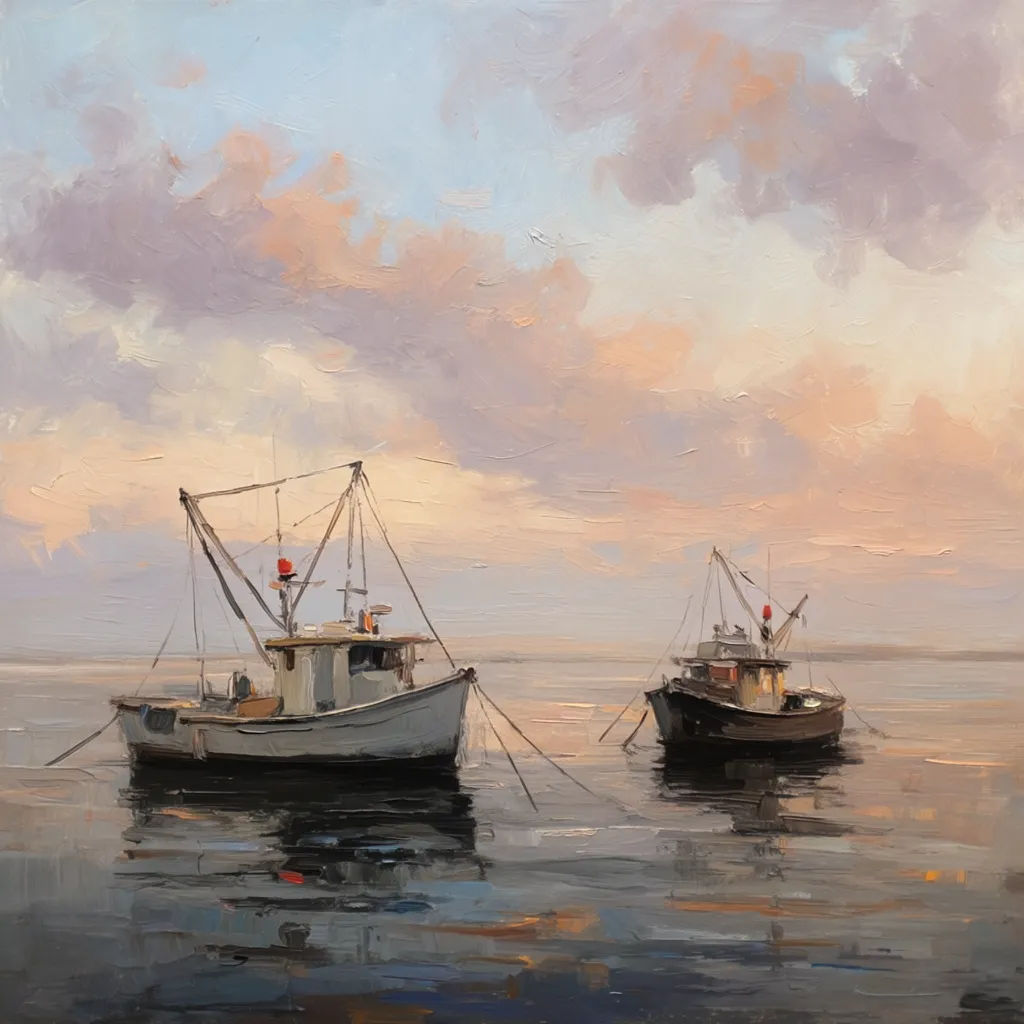
Oil painting
Oil painting of a quiet harbor at dawn, fishing boats, thick impasto brushwork, warm light, muted palette
Edit prompt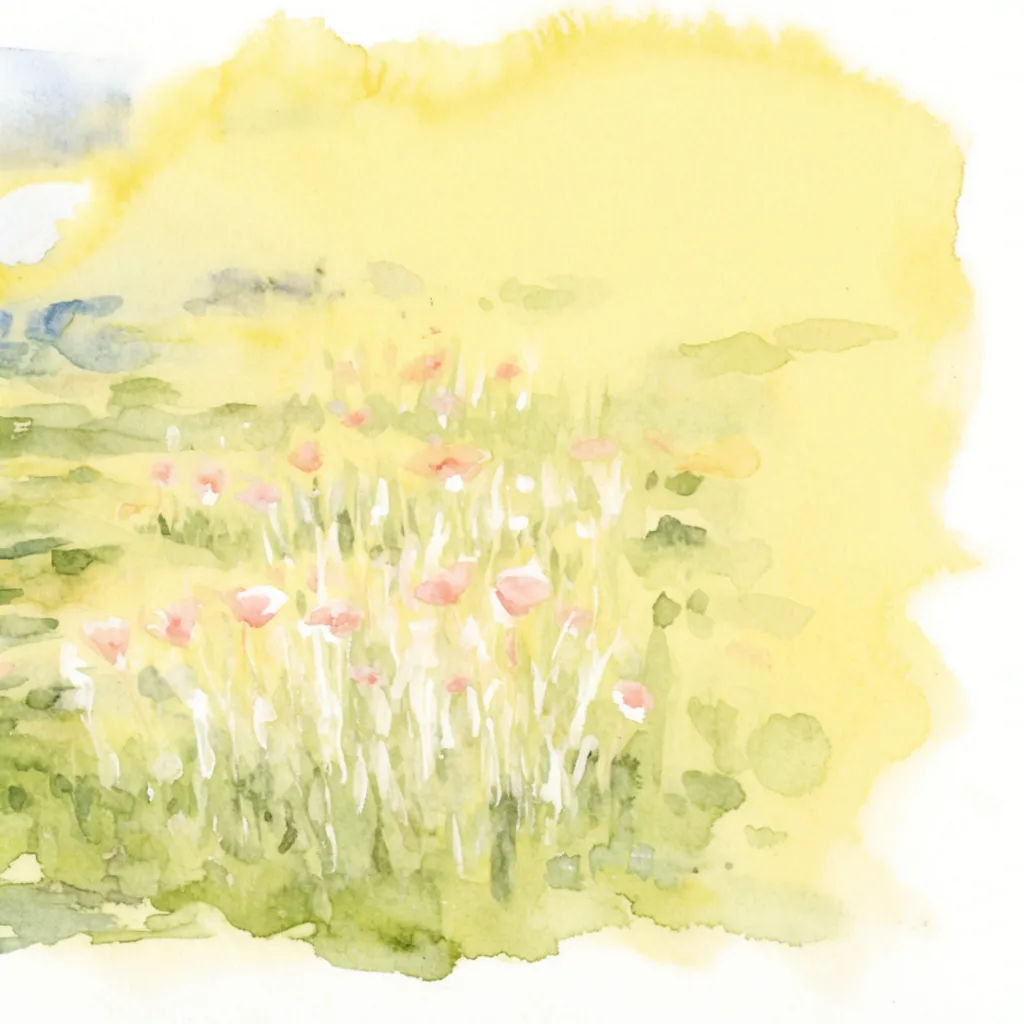
Watercolor
Loose watercolor of a wildflower meadow, wet washes, soft edges, paper grain, gentle spring palette
Edit prompt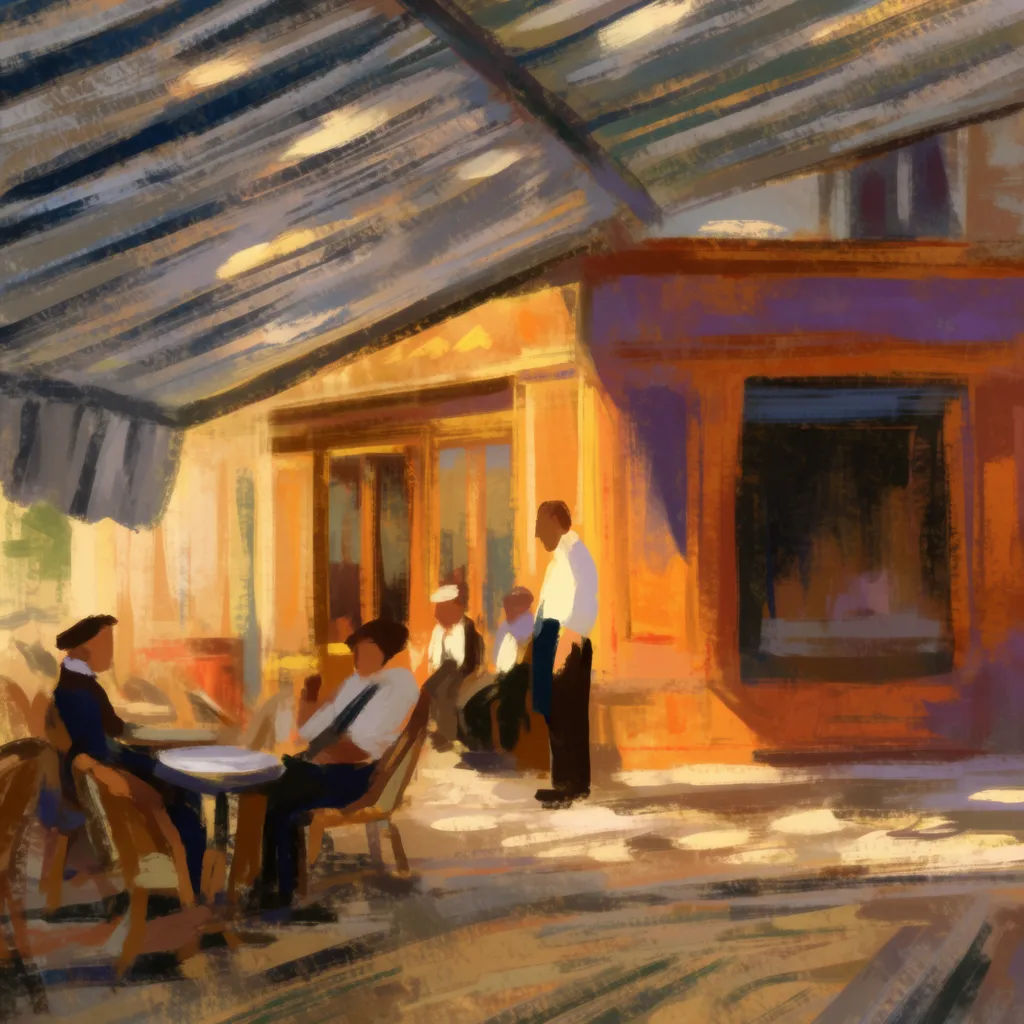
Impressionist
Impressionist painting of a riverside cafe in afternoon light, visible dabs of color, dappled shade
Edit prompt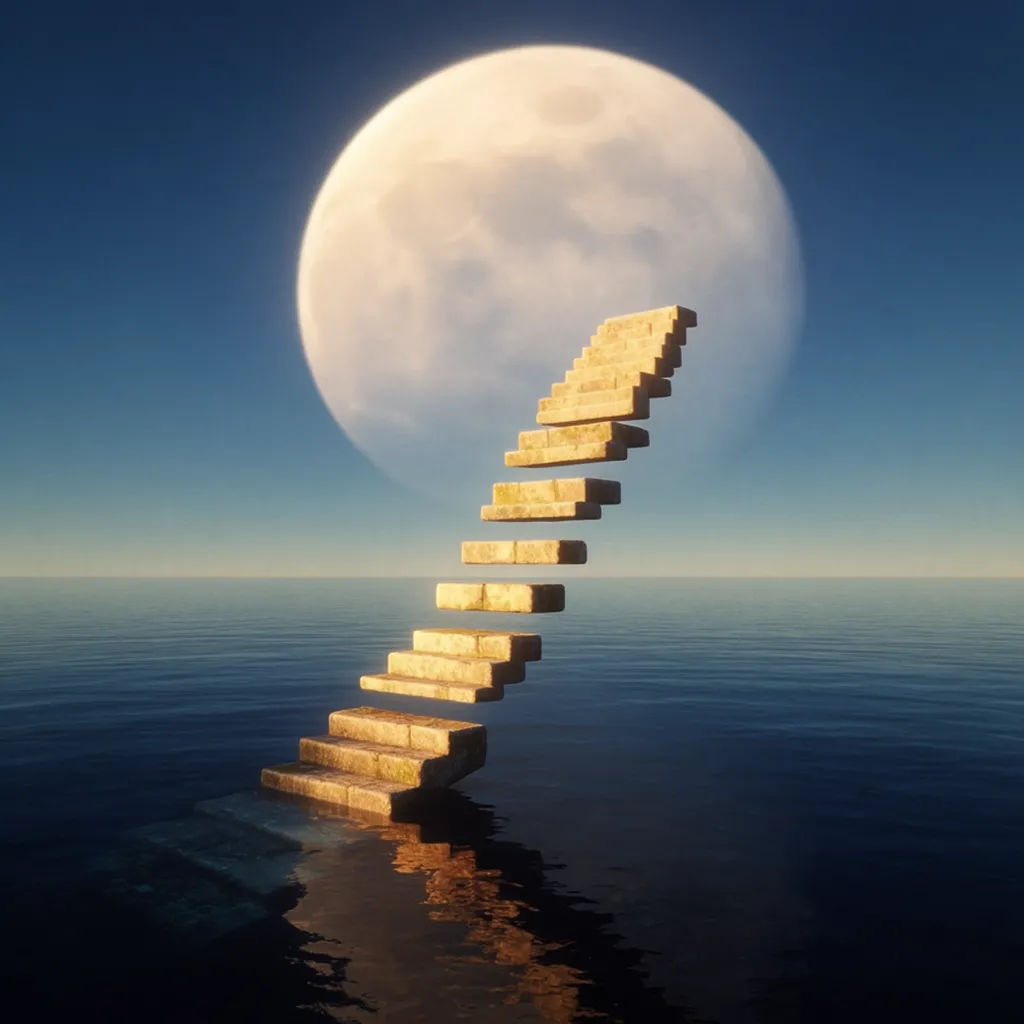
Surrealism
Surrealist scene of a floating staircase over a calm sea, oversized moon, dreamlike scale, soft shadows
Edit prompt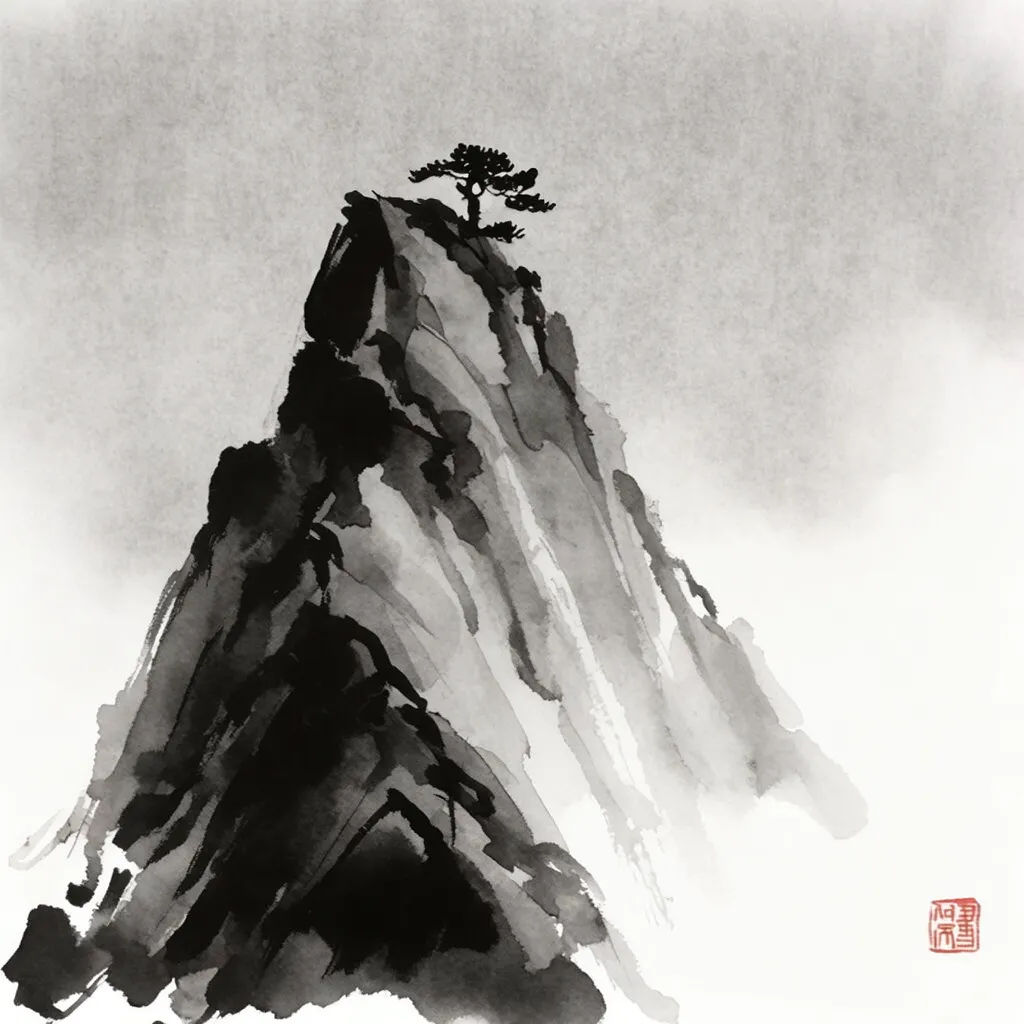
Ink wash
Sumi-e ink wash of misty mountains and a lone pine, minimal strokes, negative space, soft gradients
Edit prompt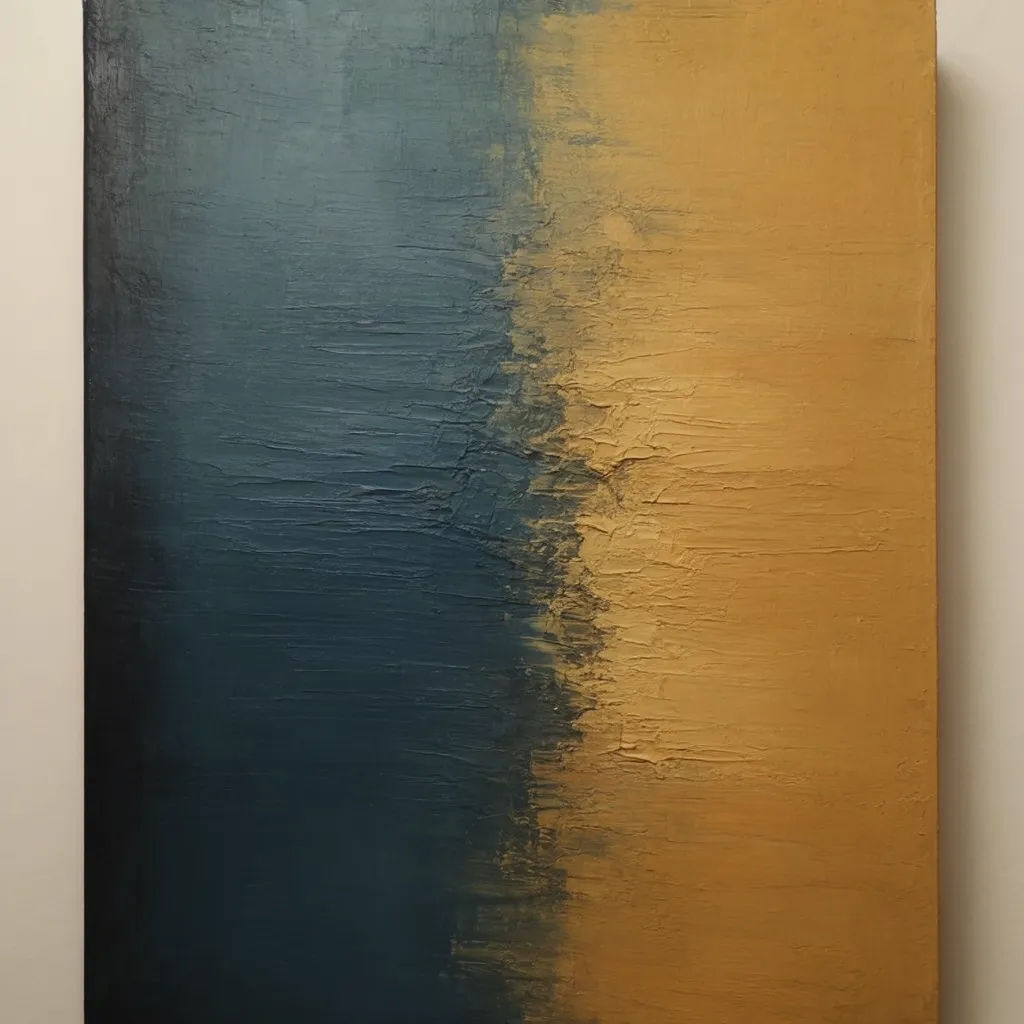
Abstract
Abstract color-field composition, warm ochre and deep teal, layered texture, bold geometric balance
Edit prompt
Sketch to render
Turn any sketch or drawing into a finished render.
Art style transfer
Pick a reference image, apply its visual style to your own photo or artwork.

Anime style transfer
Pick any anime illustration as your style guide. Apply its look to any image.

Expressions
Take any character image and generate 6 distinct facial expressions on a single reference sheet.

Chibi sprite animation
Turn any photo or description into an animated chibi sprite. Dance, jump, wave, attack, and more.
Aspect ratio
Convert any image to a new aspect ratio. Smart crop or extend the edges to fit.
All on Morphic
Your complete art studioModels
Nano Banana 2, Flux 2 Pro, ChatGPT Images, Grok Imagine, Recraft, Seedream, and more. Each renders mediums differently, so pick the one that paints your look.
Change medium
Render the same subject as oil, watercolor, ink wash, or abstract from one prompt. Same composition, a new medium each switch.
Refine and extend
Repaint one area without rerolling the piece, or extend the canvas to open the composition for a larger print.
Workflows
Save the steps behind a finished piece as a one-click Workflow. Rerun it to keep a series on style, then share it with your studio.
