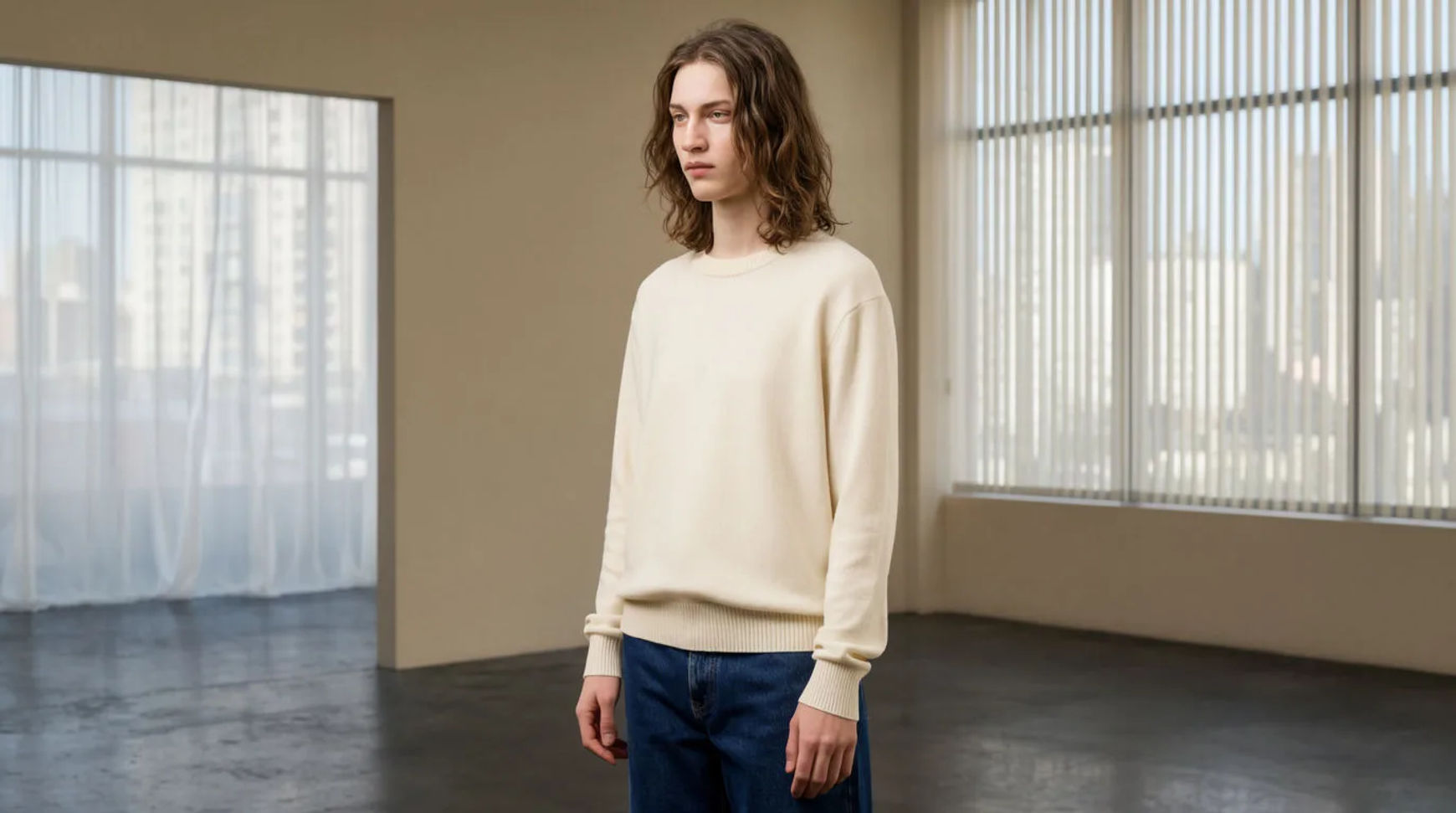
On-model scenes you can create
Make on-model photos in three steps
- 01
Open Morphic
Sign up and start creating on a free-flowing, infinite visual canvas.
- 02
Add your garment as a reference
Upload a clean garment photo and save it as a reference so its look carries through.
- 03
Generate the on-model scene
Describe the setting, light and pose, and generate a coherent set of shots.
Use cases
On-model shots without a shoot
Turn a flat garment photo into reference-driven on-model scenes for the feed and product page. The garment reference carries its look, so the set stays coherent across settings.
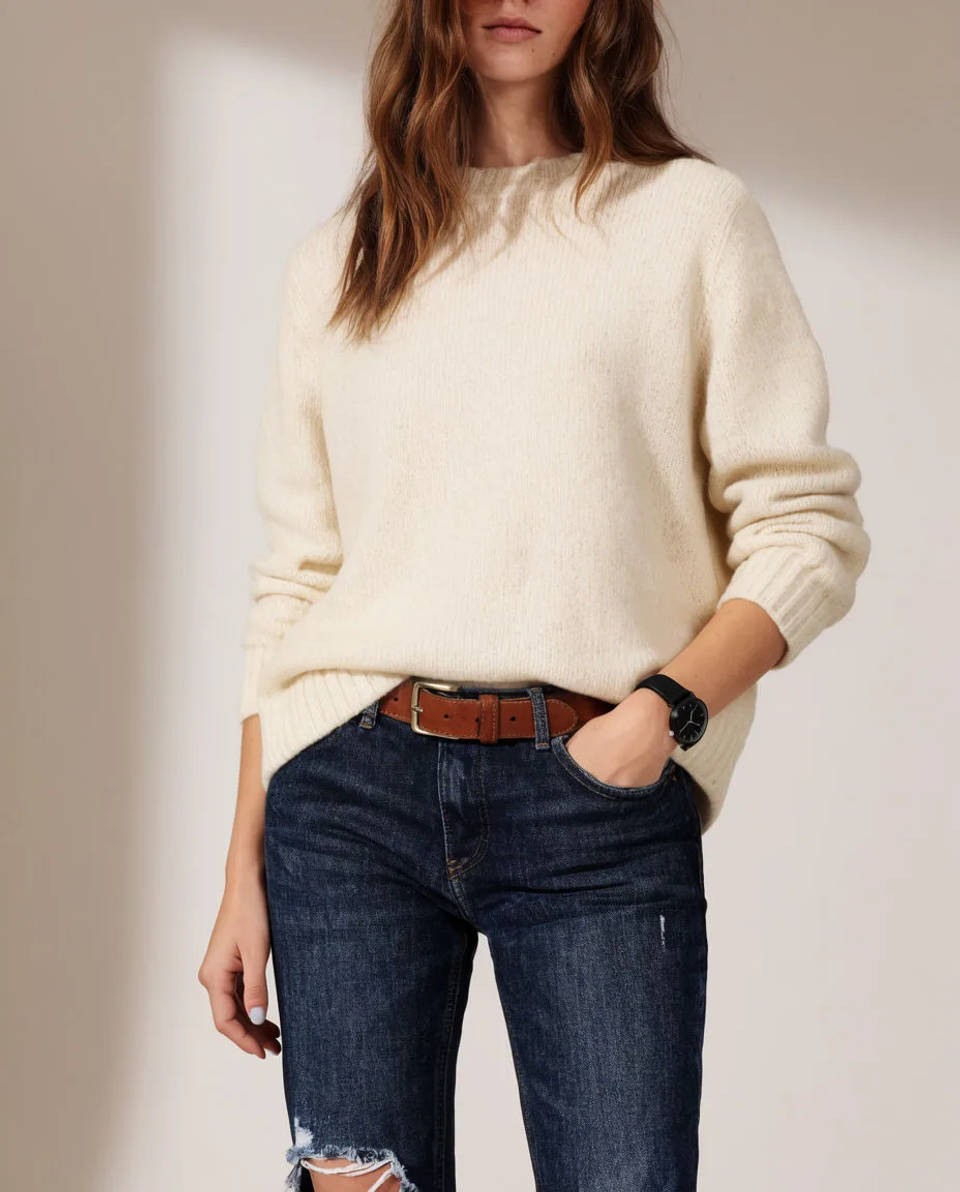
A consistent lookbook
Save the look as a reference and reuse it across every garment, so a lookbook holds one model and one styling. A small brand's set reads as a single shoot.
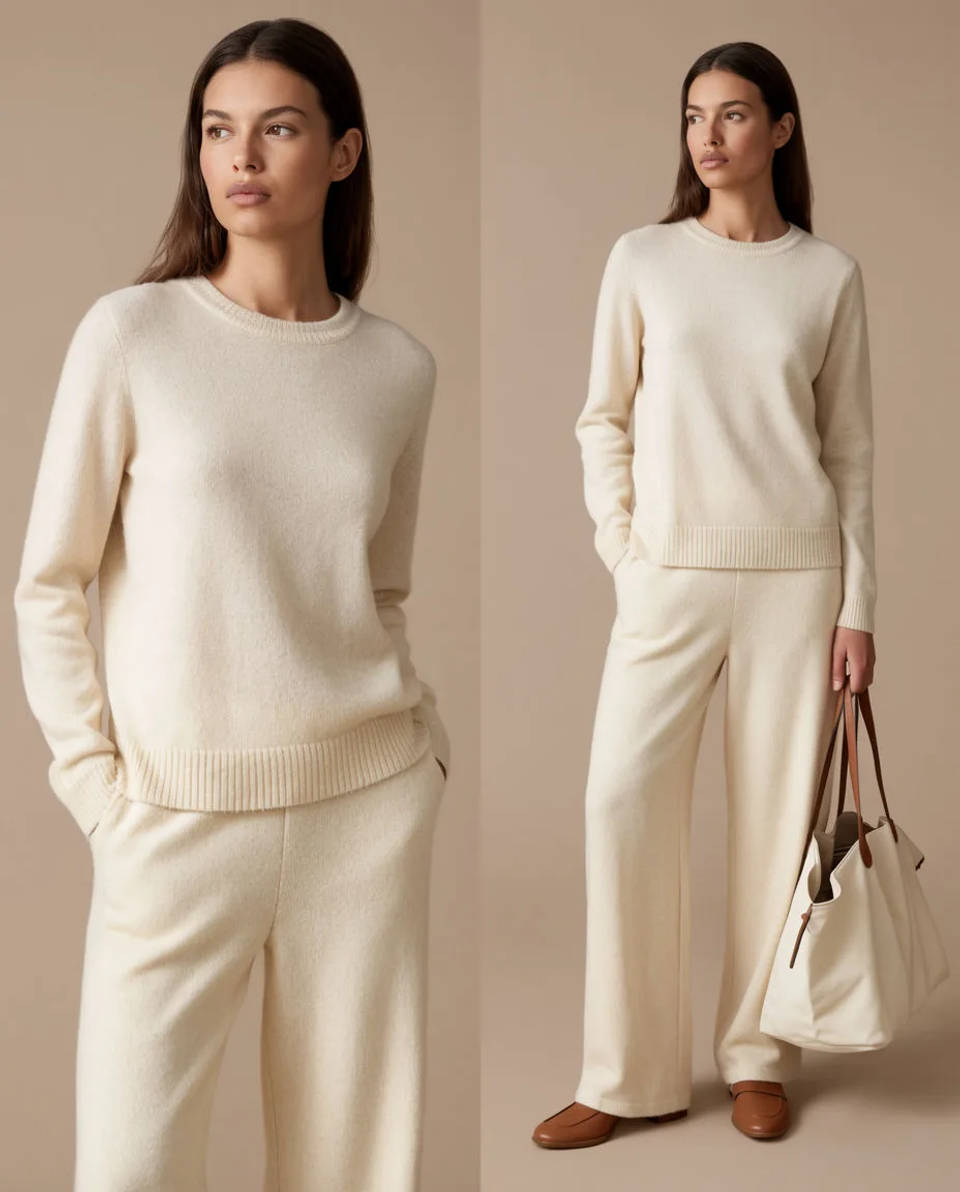
Flat and detail alongside
Pair on-model scenes with a flat and a detail shot of the real garment, so buyers see the exact print, logo and fabric next to the styled scene.
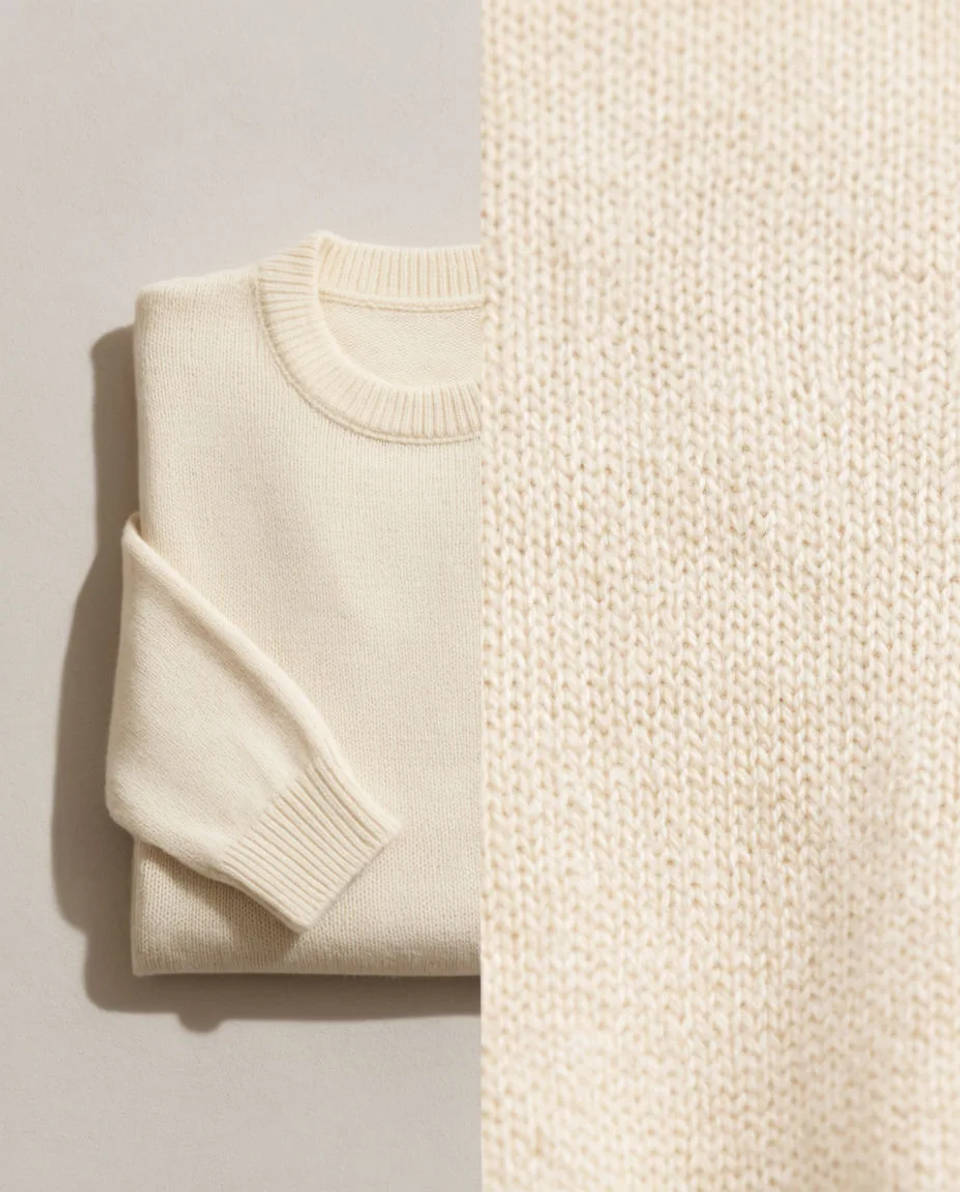
On-model scenes you can create
Each is guided by your garment reference and changes only the model, pose and setting. Open any prompt to tweak it.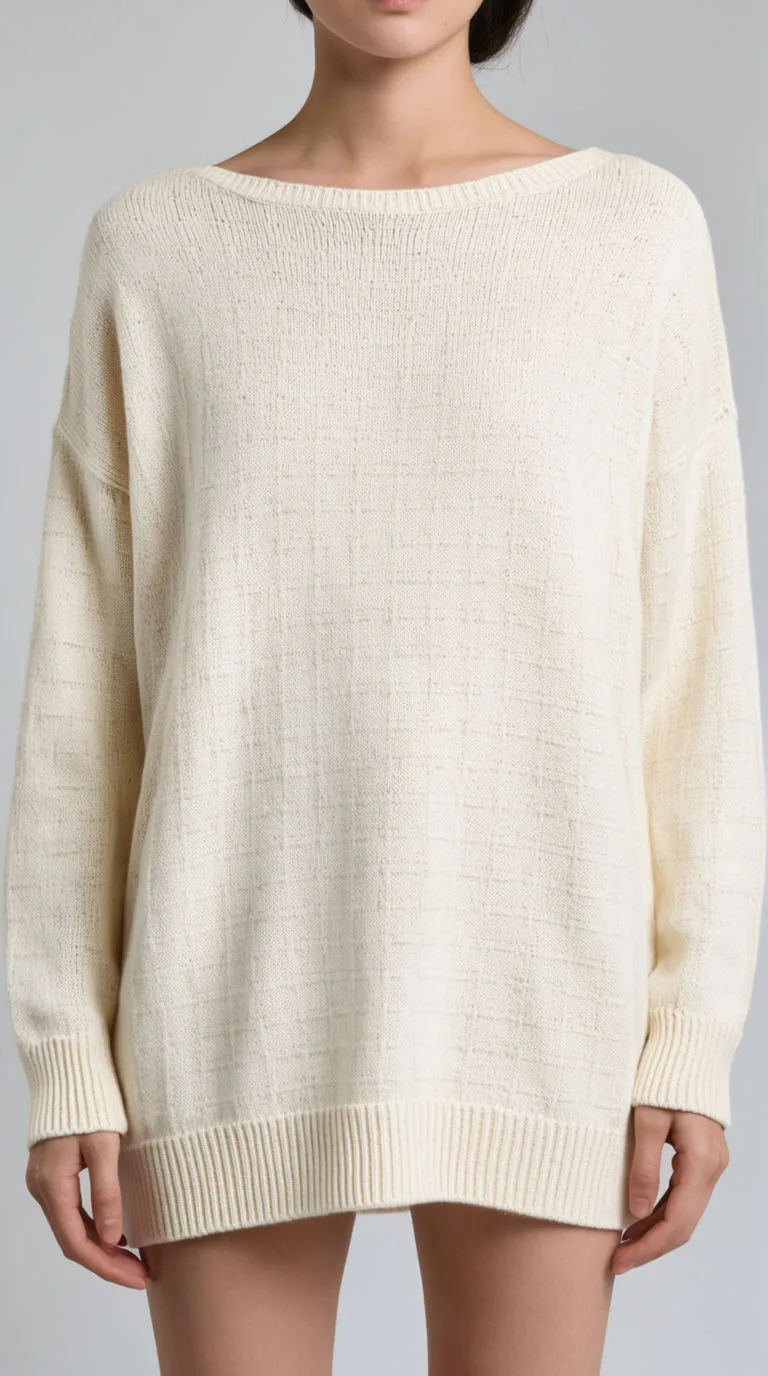
Studio backdrop
On-model scene of the garment, neutral studio backdrop, soft key light, natural standing pose
Edit prompt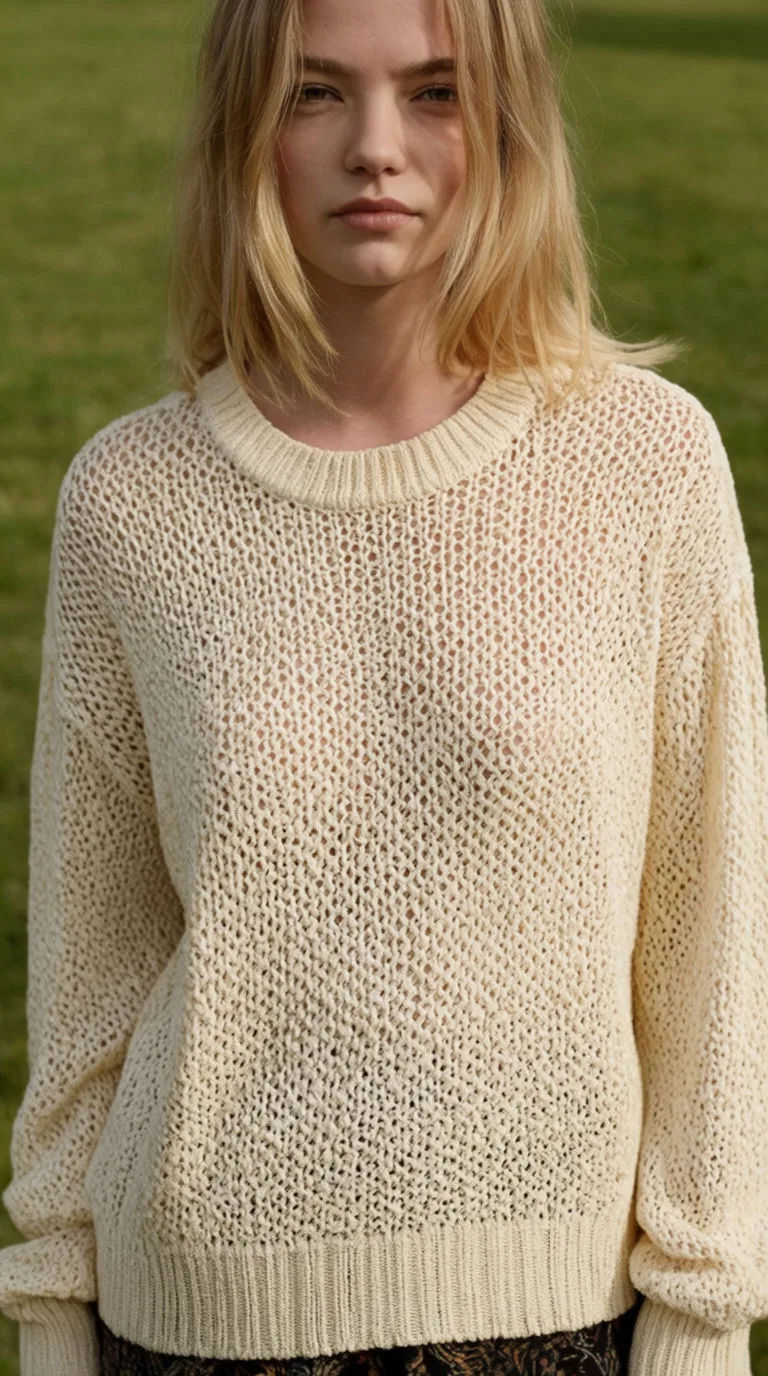
Outdoor daylight
On-model scene of the garment, outdoor daylight, soft green background, relaxed pose
Edit prompt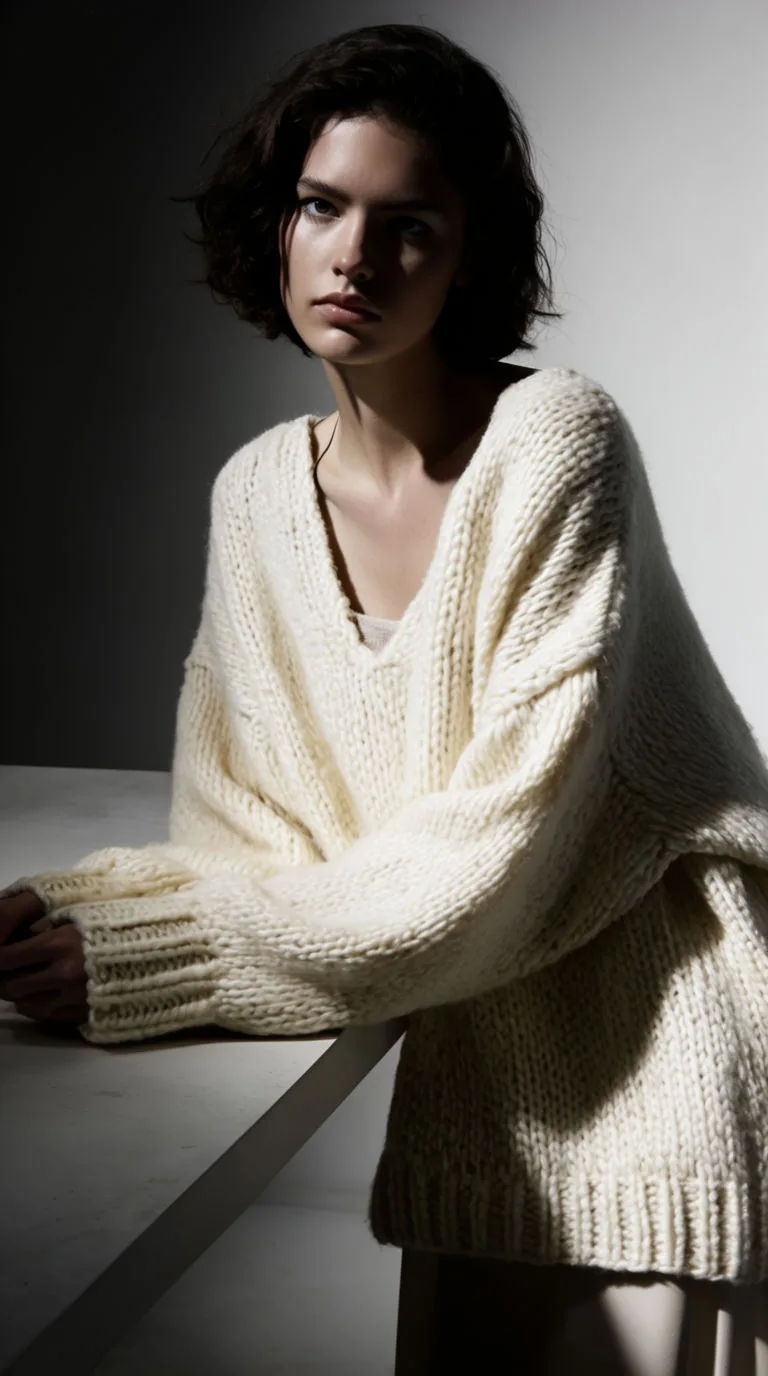
Editorial set
Editorial on-model scene of the garment, dramatic side light, minimal set, confident pose
Edit prompt
Cinematic storyboard
Share a scene description with character references. Get a full storyboard with shot angles and mood.
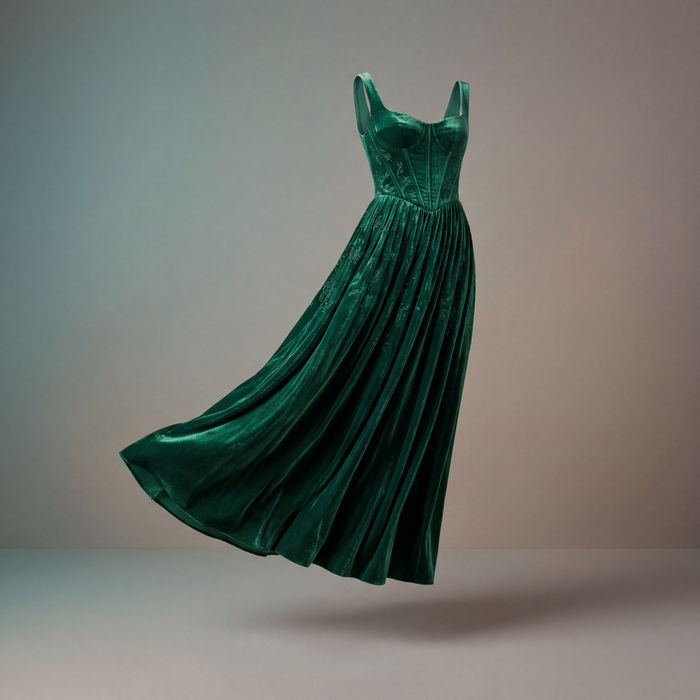
Clothing catalogue
Generates 4 catalogue shots from one garment photo — fabric close-up, front, back, and model wearing it.

Messages to cinematic scene
Dramatize any text conversation into a cinematic multi-shot video.

Anime sticker pack
Turn any image into anime-style stickers in PNG. Ready for messaging apps or social media.

Title sequence
Generate a professional film title card from scratch, with optional cinematic animation.

Female AI influencer
Generate a female AI influencer. Vertical output, ready for socials.
All on Morphic
Your complete on-model toolkitReference-driven, not try-on
Your garment photo guides the result, so the colour and styling read as yours. It is on-model imagery for lookbooks and campaigns, not a pixel-exact fitting.
Consistent lookbook
Save the look as a reference and reuse it, so a whole lookbook holds one model and styling across every garment.
Video version
Animate an on-model still with image-to-video for a short fabric-motion clip. Keep the motion subtle so the garment reads clearly.
Workflows
Lock your model, setting and framing into a Workflow and rerun it for the next garment. Share the link or favourite it.
