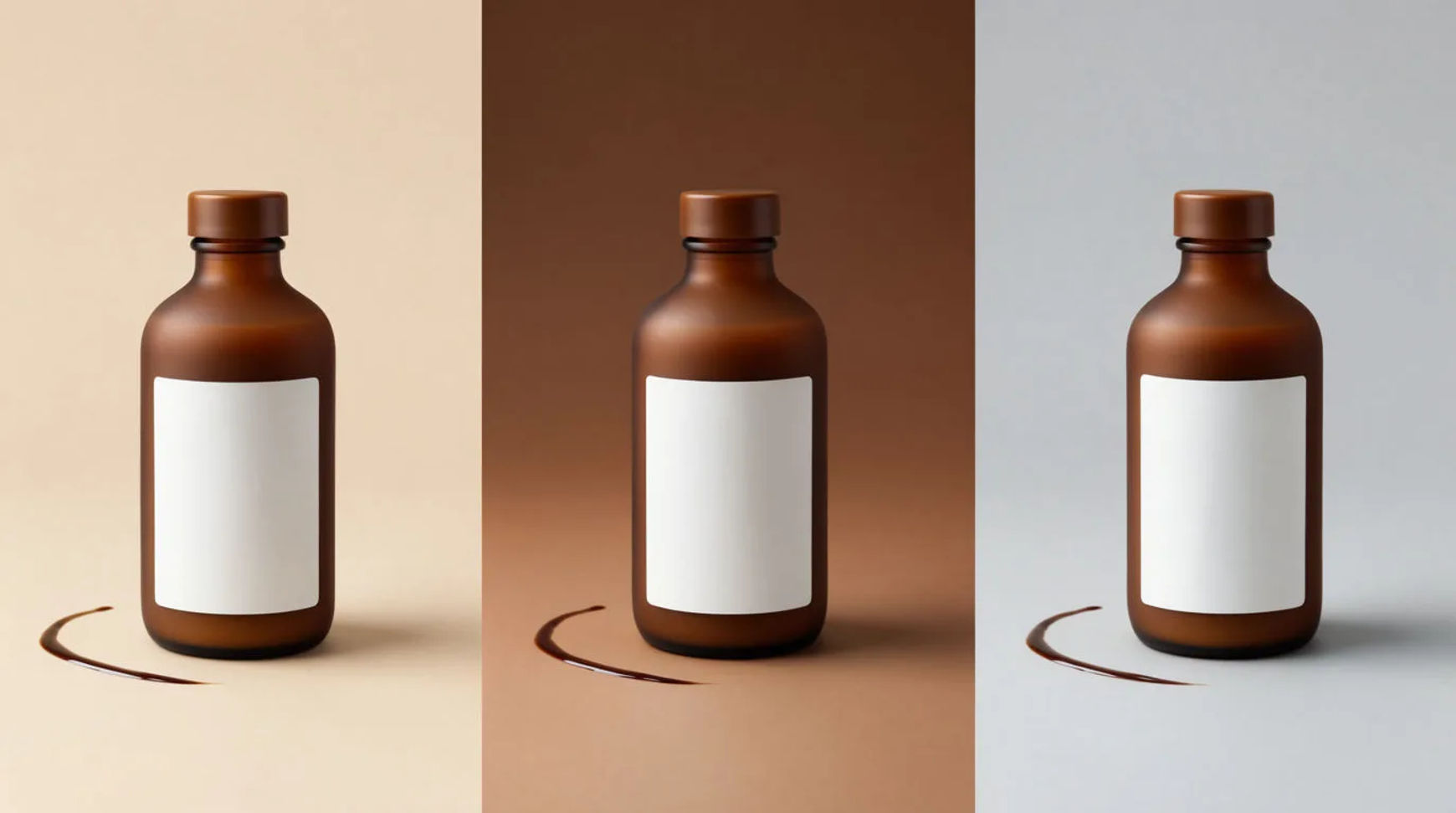
To keep AI product images consistent across a campaign, save your product, set and wardrobe as reference sheets, then call each reference by name in every shot instead of re-describing it. The spring and autumn drops read as one brand because every image draws on the same saved references.
What you need
- Your real product shots (the hero and the details that recur)
- The set and lighting the campaign will share
- A Morphic account
Why prompts drift
A prompt is a fresh description, and a fresh description reads a little differently every time. Reword the product and the label, the colour or the shape shift by a hair, and across a campaign those small shifts add up to a set that does not match. The fix is to stop describing the product at all. Save it once as a reference and call it by name, so each shot starts from the same source rather than from new words.
| Re-describing each time | Reference sheets | |
|---|---|---|
| The product | Reworded every prompt | Saved once, called by name |
| The look | Drifts between shots | Held across the campaign |
| A new drop | Start the description over | Reuse the same references |
| Who can run it | Whoever wrote the first prompt | Anyone on the team |
Steps
Save the product as a reference
Lift your real product off its background and save it as a reference. This is the thing that must never drift, so give it a clear name you will recognise when you call it. A reference is saved once and read before each shot, not learned from examples, so you can replace it later without redoing anything.
Save the set as a reference
Capture the backdrop and lighting the campaign shares and save it as its own reference. If the campaign uses more than one scene, save a reference for each. Check that the set reference carries the mood you want, since every shot that calls it inherits that ground.
Save the wardrobe or styling as a reference
Save the styling the collection leans on, the props, the surface, the way the product is dressed, as a reference too. These are the details that make a campaign feel authored rather than assembled. Check that each reference holds one idea cleanly so you can combine them without conflict.
Call the references by name in every shot
Generate each image by calling the product, set and wardrobe references by name rather than describing them again. Change only the framing or the angle for each shot. Check the output against the earlier images at full size; if one drifts, confirm it called the references instead of leaning on new wording.
A worked drop
Say the spring drop needs a hero, three detail shots and a lifestyle frame. Save the product once, save the spring set and the spring styling, then generate all five by calling those three references and changing only the camera. The five match because they share a source. When autumn comes, keep the product reference, swap the set and styling for the new season, and the new drop still reads as the same brand because the product is called from the same saved reference.
Put it together
Consistency across a campaign is not a matter of writing a better prompt each time. It is saving the product, the set and the wardrobe as reference sheets once, then calling them by name in every shot. Describe nothing twice and the look holds from the first drop to the last. Build the look first in how to make a collection mood board with AI, carry it through how to run a collection drop with AI, and see where it fits in how to use AI for your Shopify store.