Food photos you can enhance
Enhance a food photo in three steps
- 01
Open Morphic
Sign up and start creating on a free-flowing, infinite visual canvas.
- 02
Add your food photo
Drop in a photo of your real dish, even a dull phone shot on a table.
- 03
Describe the look
Ask for brighter light, richer color, and cleaner plating. The same dish stays true while the shot turns appetizing.
Dull phone photo to menu-ready, before and after
 Enhanced
 Dull phone photo
Use cases
Dull phone photo to menu-ready
Start from a flat phone shot and get a bright, sharp photo ready for a menu or delivery app. The same dish stays recognizable while the lighting and color come alive.
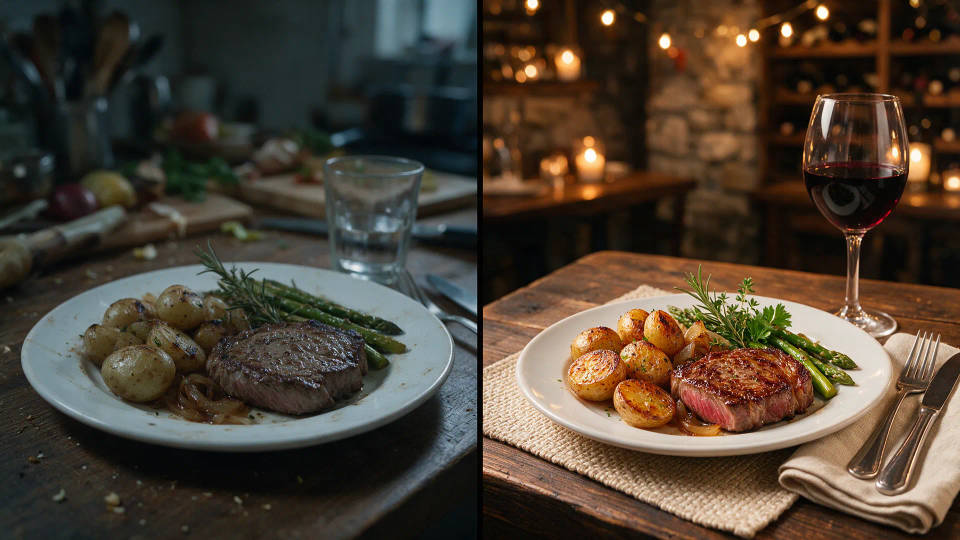
Brighten and color-correct
Fix a dim, yellow-tinted photo in one pass. Lift the exposure, balance the color, and let the greens, sauces, and garnishes read fresh instead of washed out.
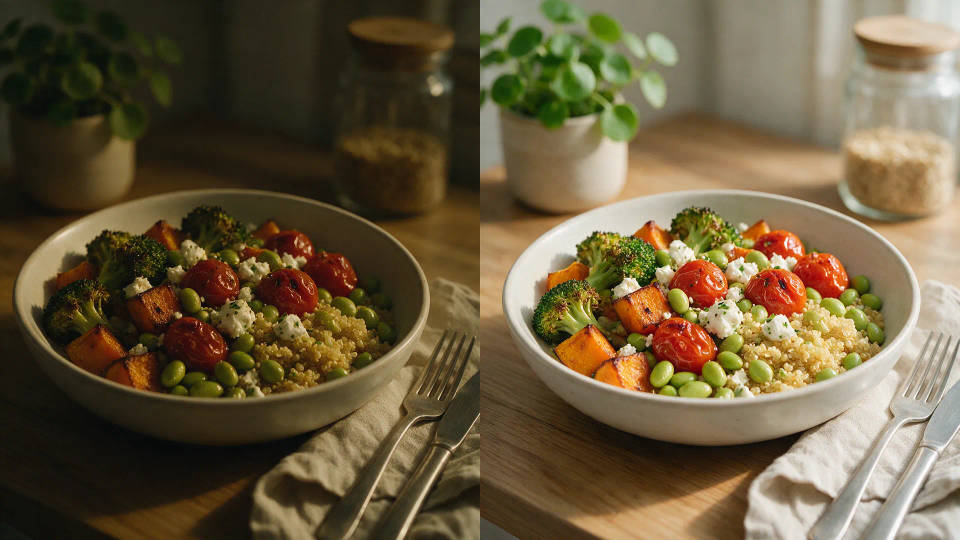
Appetizing relight and clean plating
Add warm, motivated light and tidy the plate. Trim stray crumbs and smudges around the dish so the shot looks intentional, while the food itself stays honest.
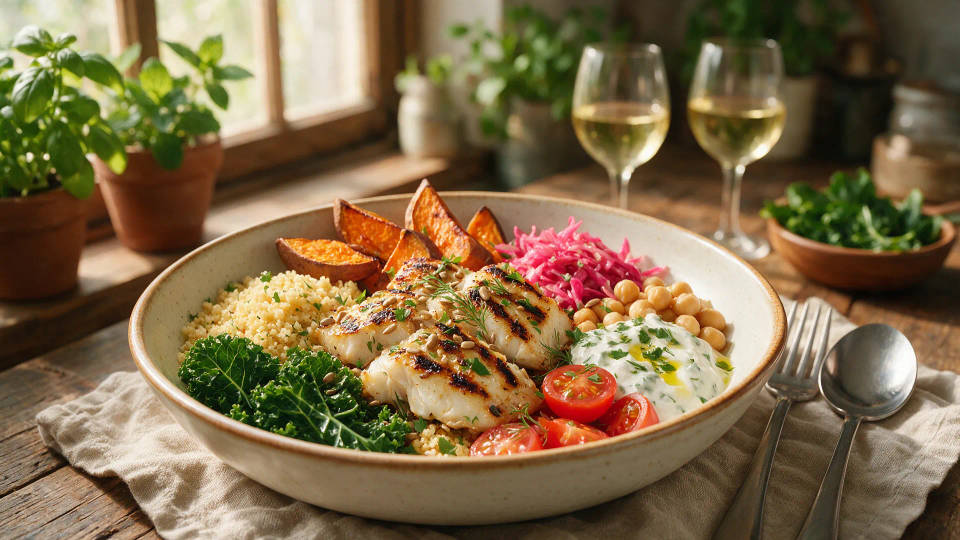
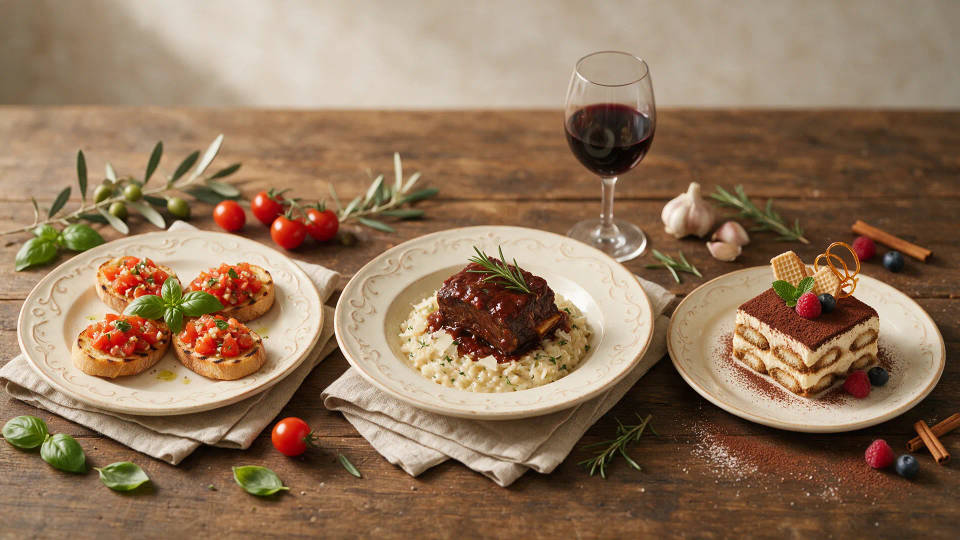
One look across a whole menu
Apply the same treatment to every dish so appetizers, mains, and desserts share one style. Save it as a Workflow and rerun it for each new item on the menu.
Food photos you can enhance
Different dishes, lighting, and moods. Open any prompt to tweak it and enhance your own.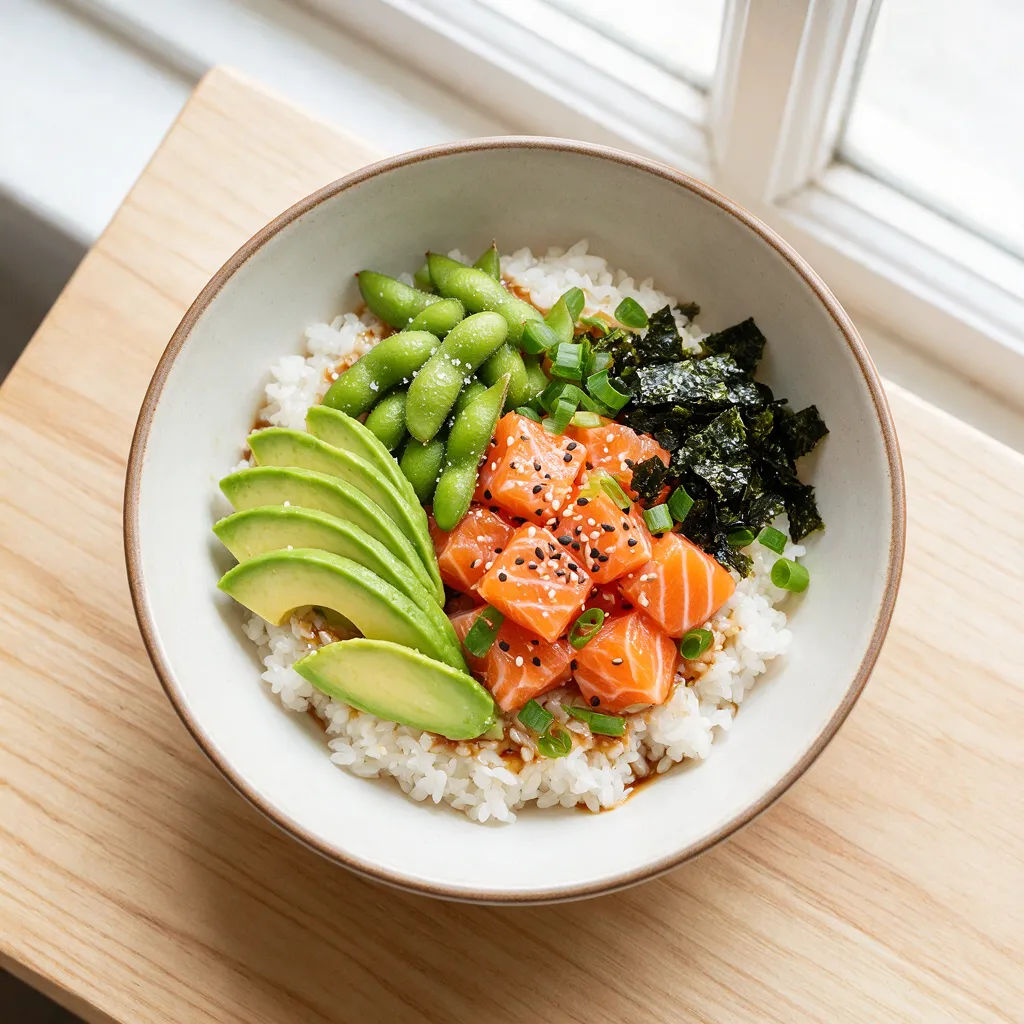
Bright plated main
Brighten this plated main, natural daylight, sharp detail, appetizing menu shot
Edit prompt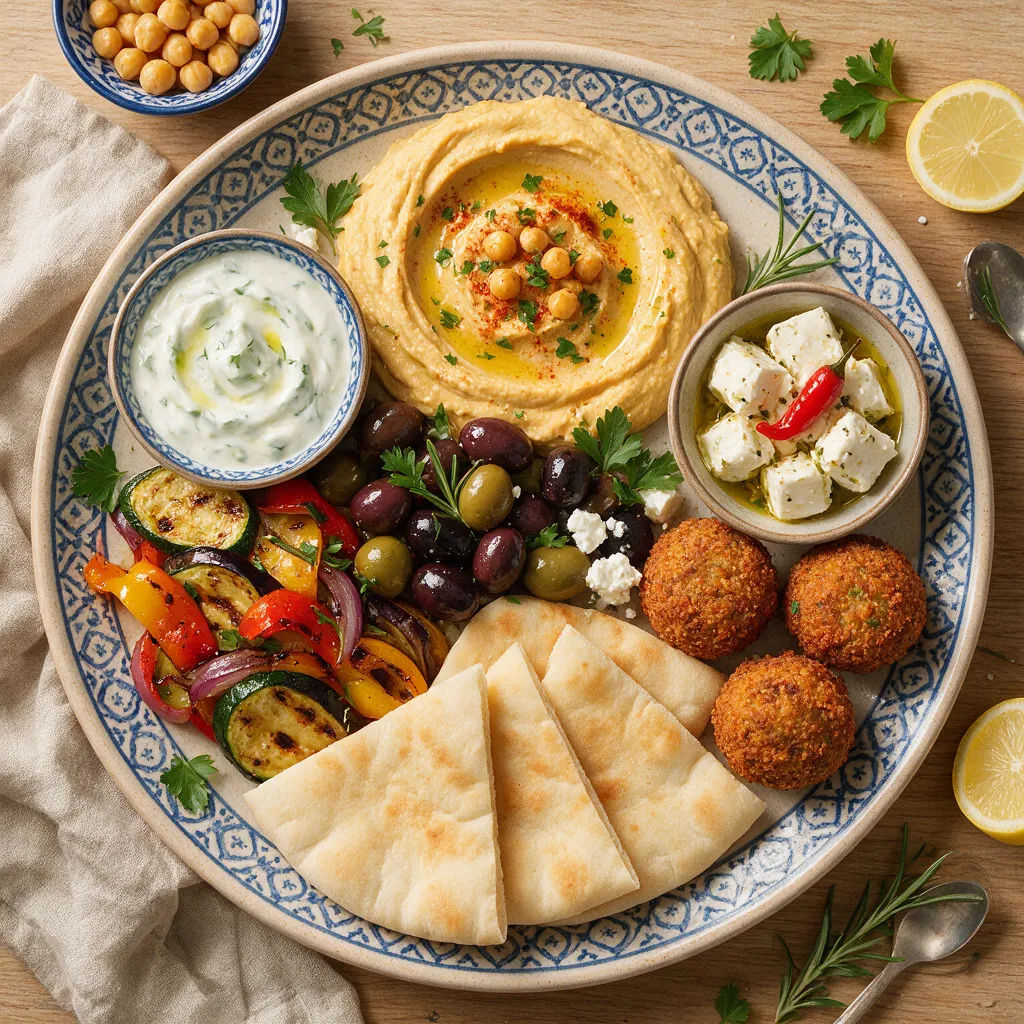
Delivery-app hero
Clean, bright top-down hero of this dish, crisp detail, ready for a delivery app
Edit prompt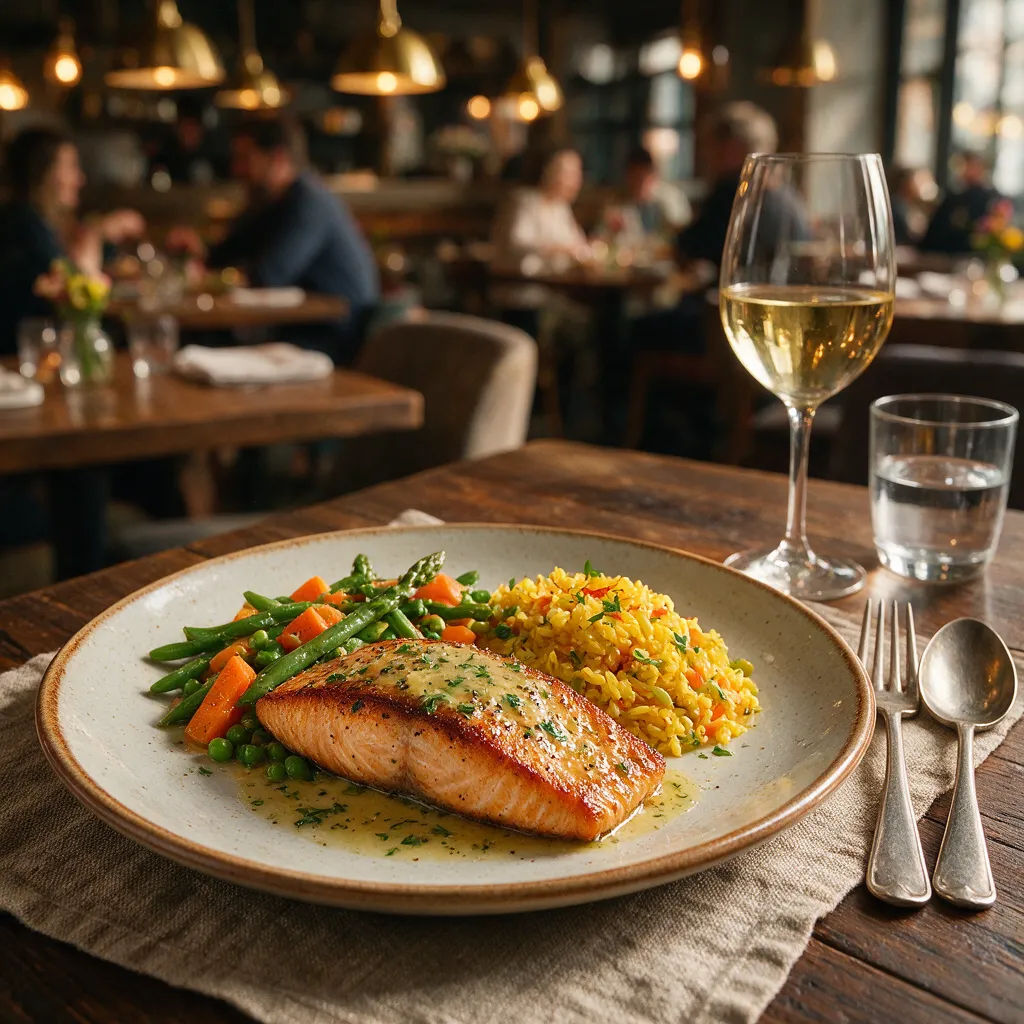
Moody restaurant
Warm moody restaurant light on this dish, soft shadows, cozy plating, rich color
Edit prompt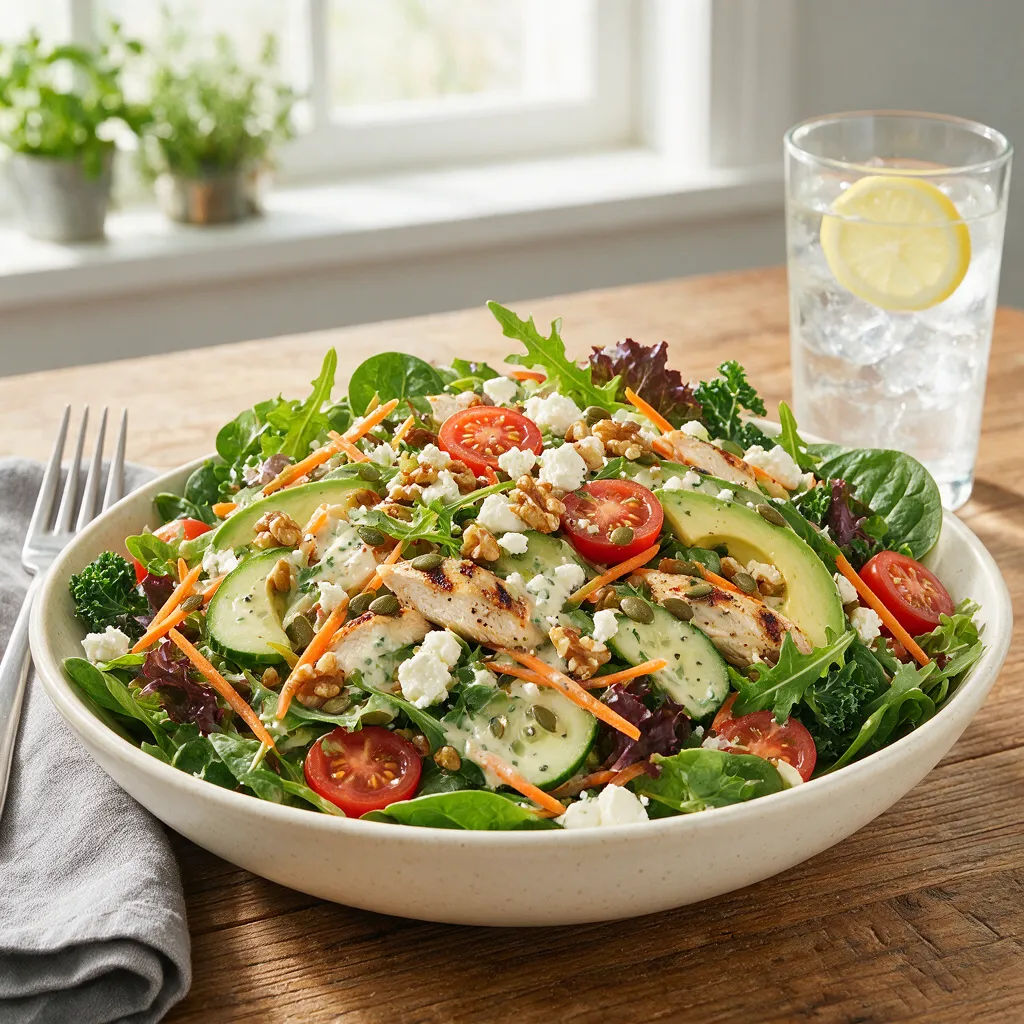
Fresh salad
Color-correct this salad, crisp greens, bright even light, fresh appetizing look
Edit prompt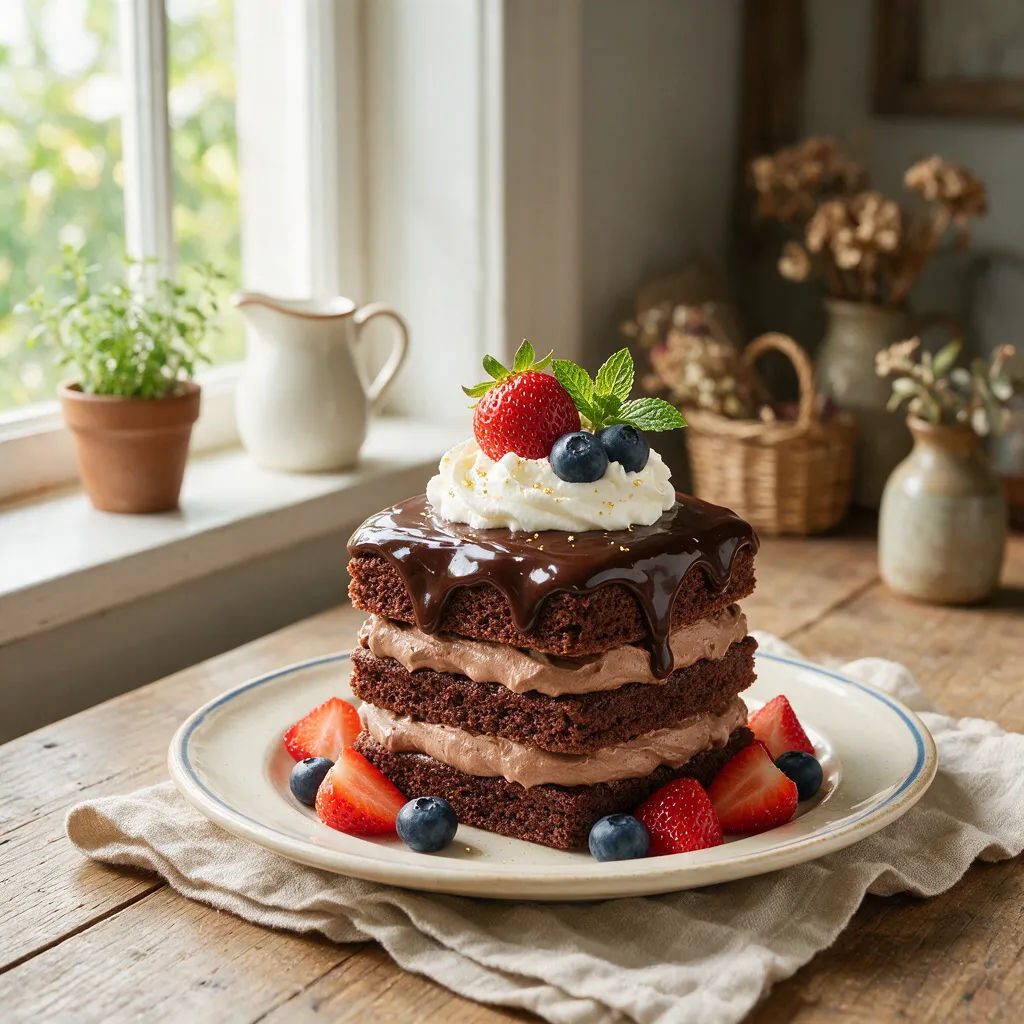
Dessert close-up
Sharp close-up of this dessert, soft window light, glossy detail, tempting mood
Edit prompt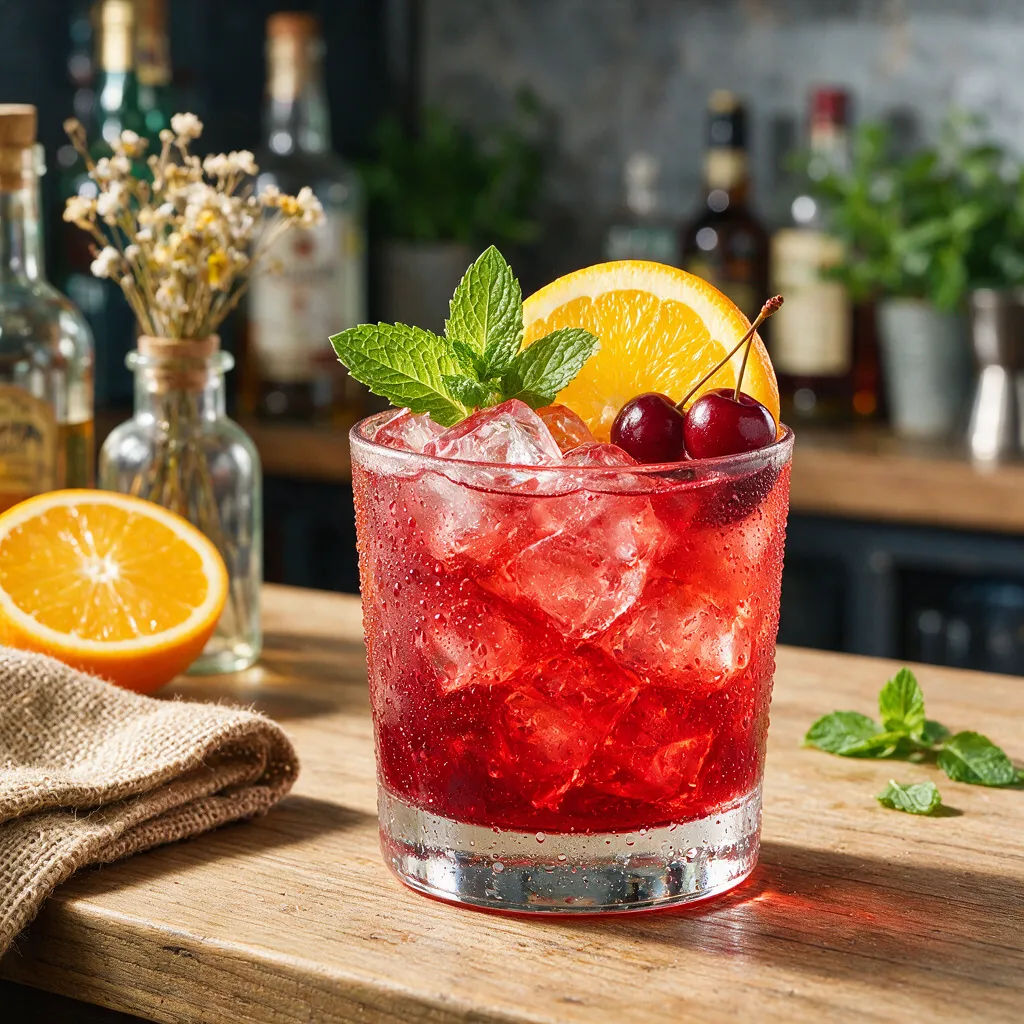
Drink and cocktail
Brighten this cocktail, crisp studio light, condensation sparkle, vibrant color
Edit prompt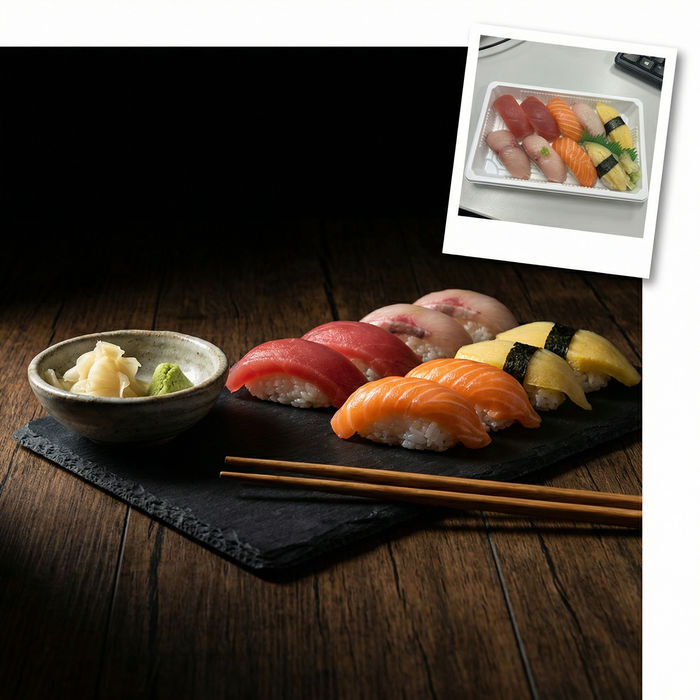
Food photo studio
Turn any dish photo or description into a styled, editorial-quality food photograph.

Cinematic storyboard
Share a scene description with character references. Get a full storyboard with shot angles and mood.

Chibi sprite animation
Turn any photo or description into an animated chibi sprite. Dance, jump, wave, attack, and more.

Messages to cinematic scene
Dramatize any text conversation into a cinematic multi-shot video.

Title sequence
Generate a professional film title card from scratch, with optional cinematic animation.

3x3 storyboard
Feed in a single image. Get 9 cinematic beats laid out as a 3x3 storyboard grid.
All on Morphic
Your complete food-photo stackModels
Nano Banana 2, Flux 2 Pro, ChatGPT Images 2.0, Grok Imagine, Recraft V4 Pro, and Seedream 5. Pick the look and swap mid-project.
Same dish held true
Enhance from a photo of your real dish with image-to-image. Brightness, color, and plating improve while the food stays recognizable and honest.
Relight and color-correct
Fix dim, yellow-tinted phone shots. Lift exposure, balance color, and add warm, motivated light so every dish reads fresh and appetizing.
Workflows
Save a food-photo recipe as a Workflow. Rerun it, share the link, or favorite it. The same style, every dish on the menu.
