Every image model
One workspaceGame assets you can create
Make game assets in three steps
- 01
Open Morphic
Sign up and start creating on a free-flowing, infinite visual canvas.
- 02
Describe the asset
Name the genre, the camera angle, the style, and the item. Ask for a clean background to cut out.
- 03
Generate and refine
Render a batch in seconds, then reuse a reference to keep the whole set in one style on the Canvas.
Use cases
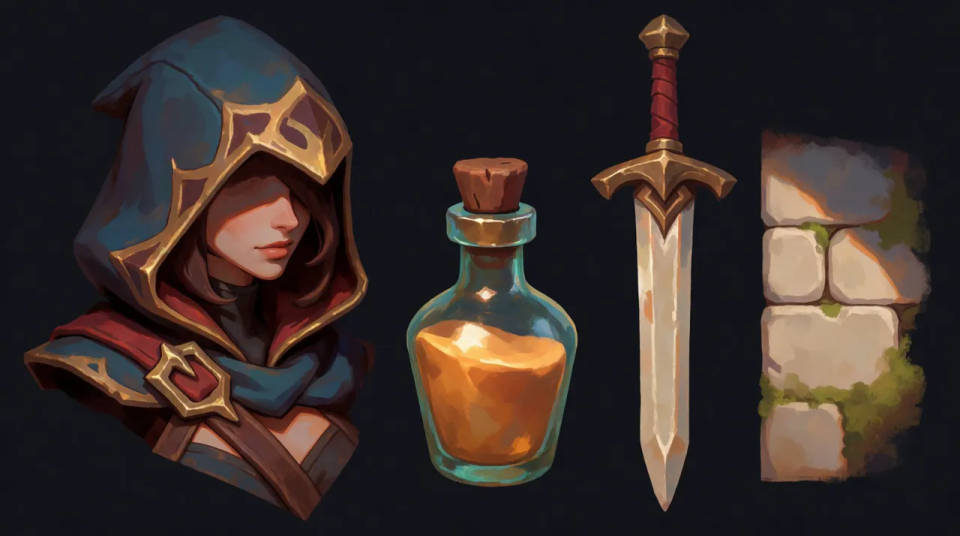
One style across the whole set
Lock a look with a reference image, then generate sprites, icons, props, and NPCs that share the same palette and rendering. Added content sits next to your existing art without the mismatched clip-art feel that breaks a game's world.
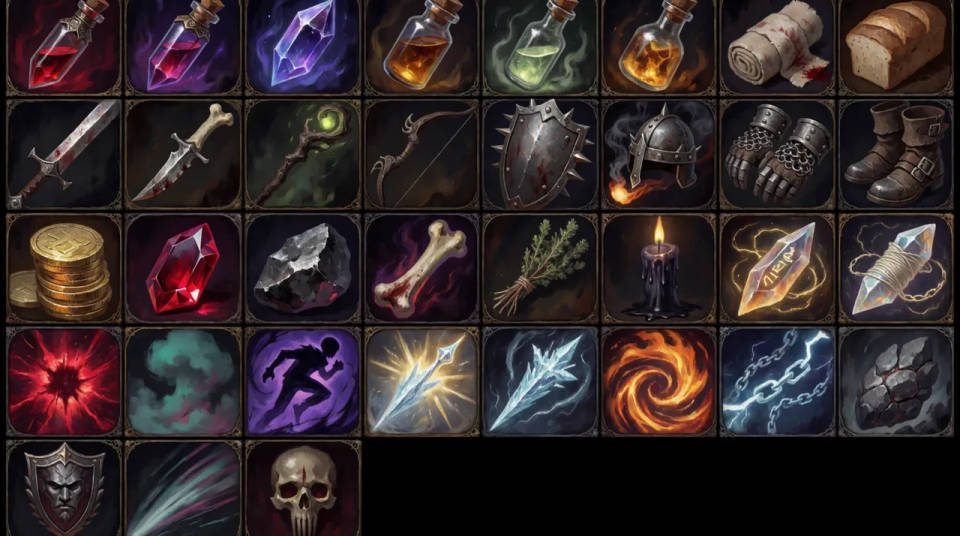
Inventory and skill icons
Generate a full grid of matching item and skill icons at a consistent size and weight. Describe the theme once and fill an inventory screen, so a solo developer can ship a polished UI without commissioning every glyph.
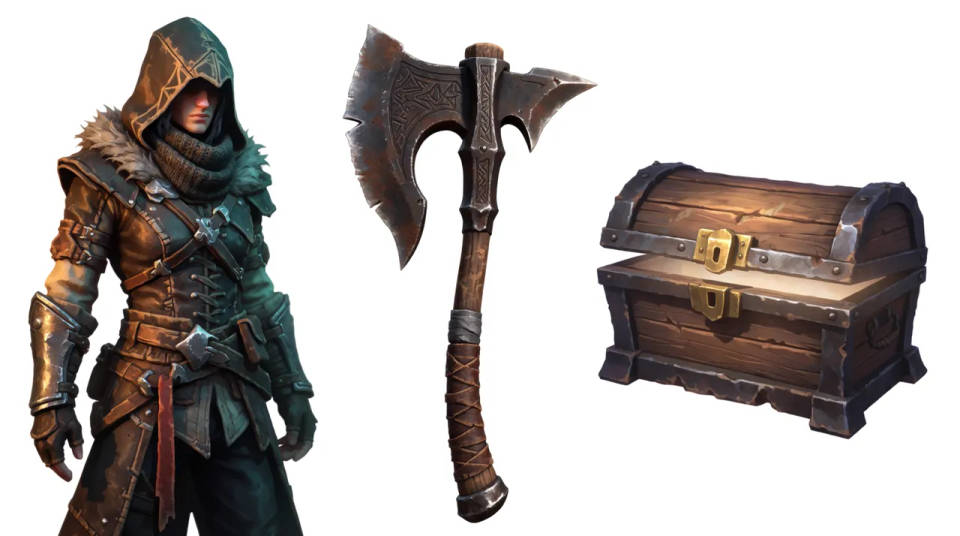
Sprites and props on a clean background
Ask for a plain or transparent background and cut the subject out with image-to-image. Characters, weapons, and props drop into Unity or Godot without a background to mask, ready to slice into a sheet or place in a scene.
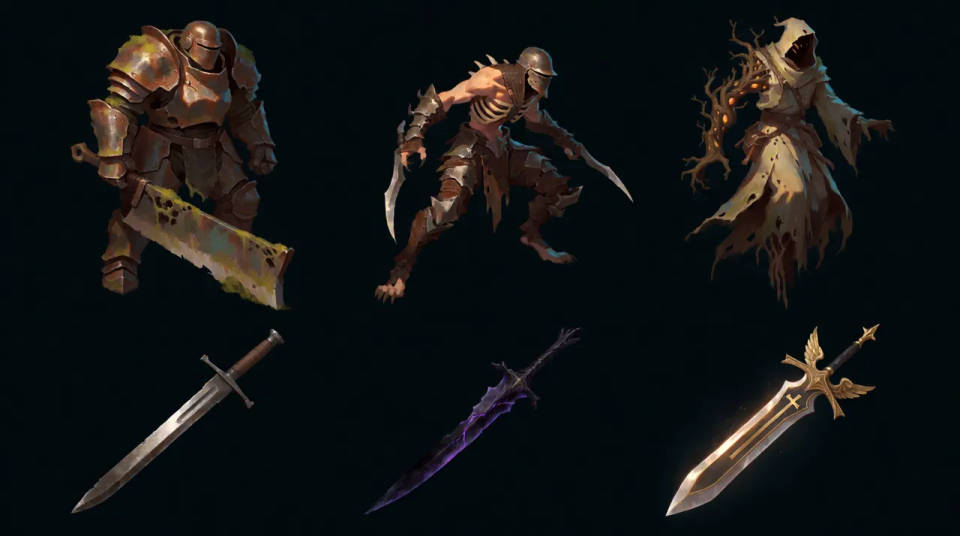
Prototype art fast
Fill a build with placeholder or shippable art in an afternoon while the mechanics come together. Regenerate variations of an enemy or item until the set feels right, then export the keepers into your pipeline.
Prompt examples
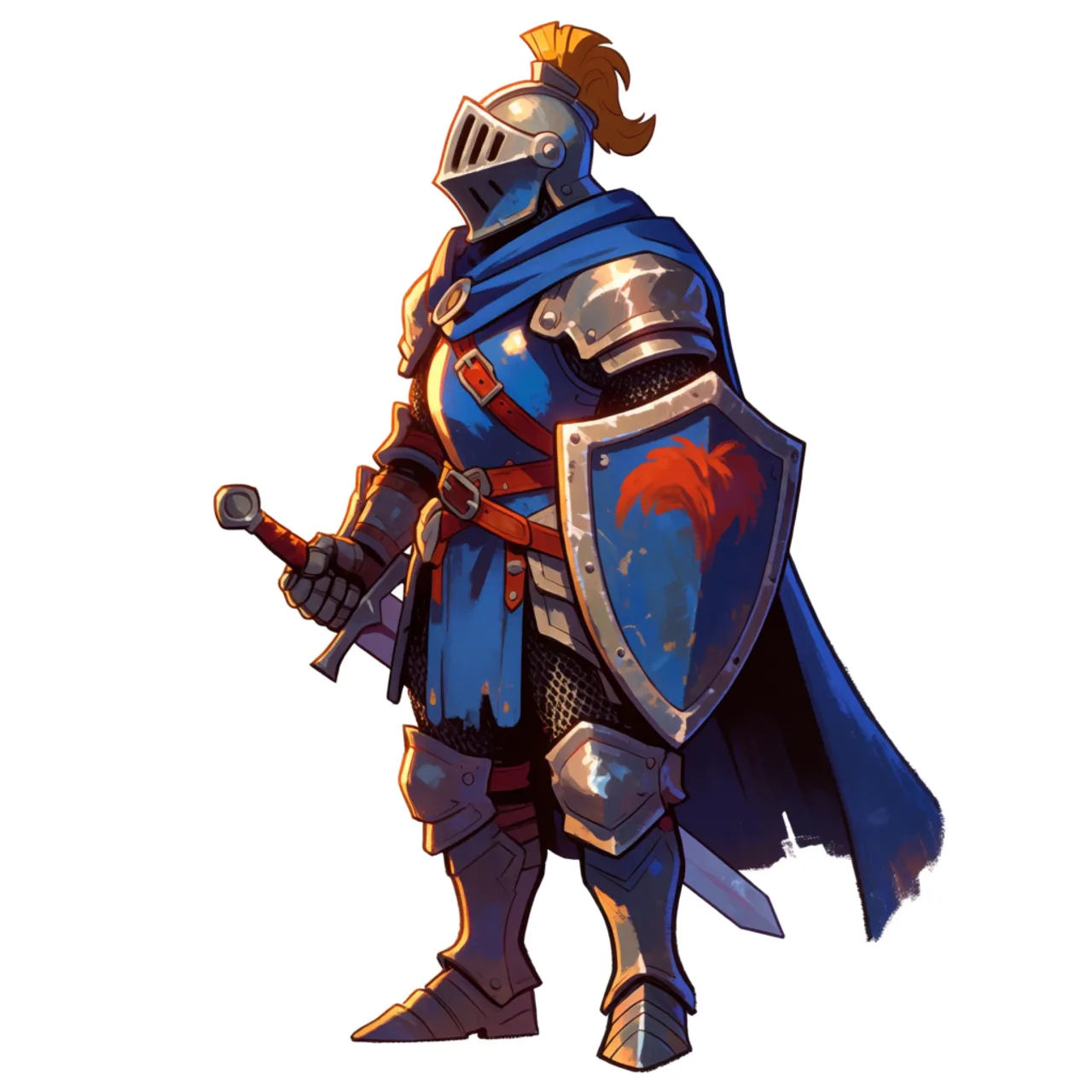
Fantasy hero sprite
2D fantasy knight sprite, side view, hand-painted style, bold outline, clean transparent background
Edit prompt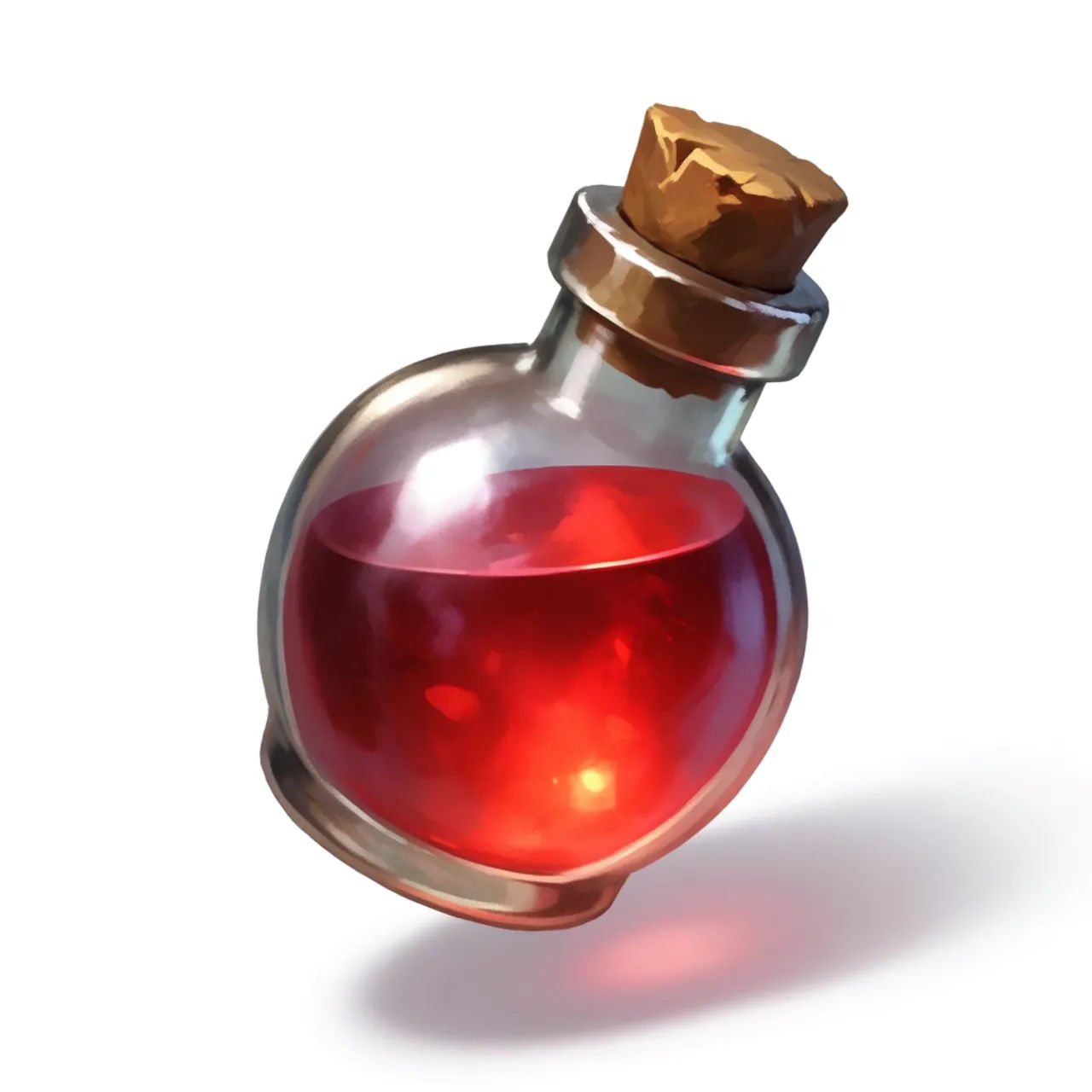
Potion icon
RPG health potion inventory icon, glossy glass bottle, red liquid, clean background, game UI style
Edit prompt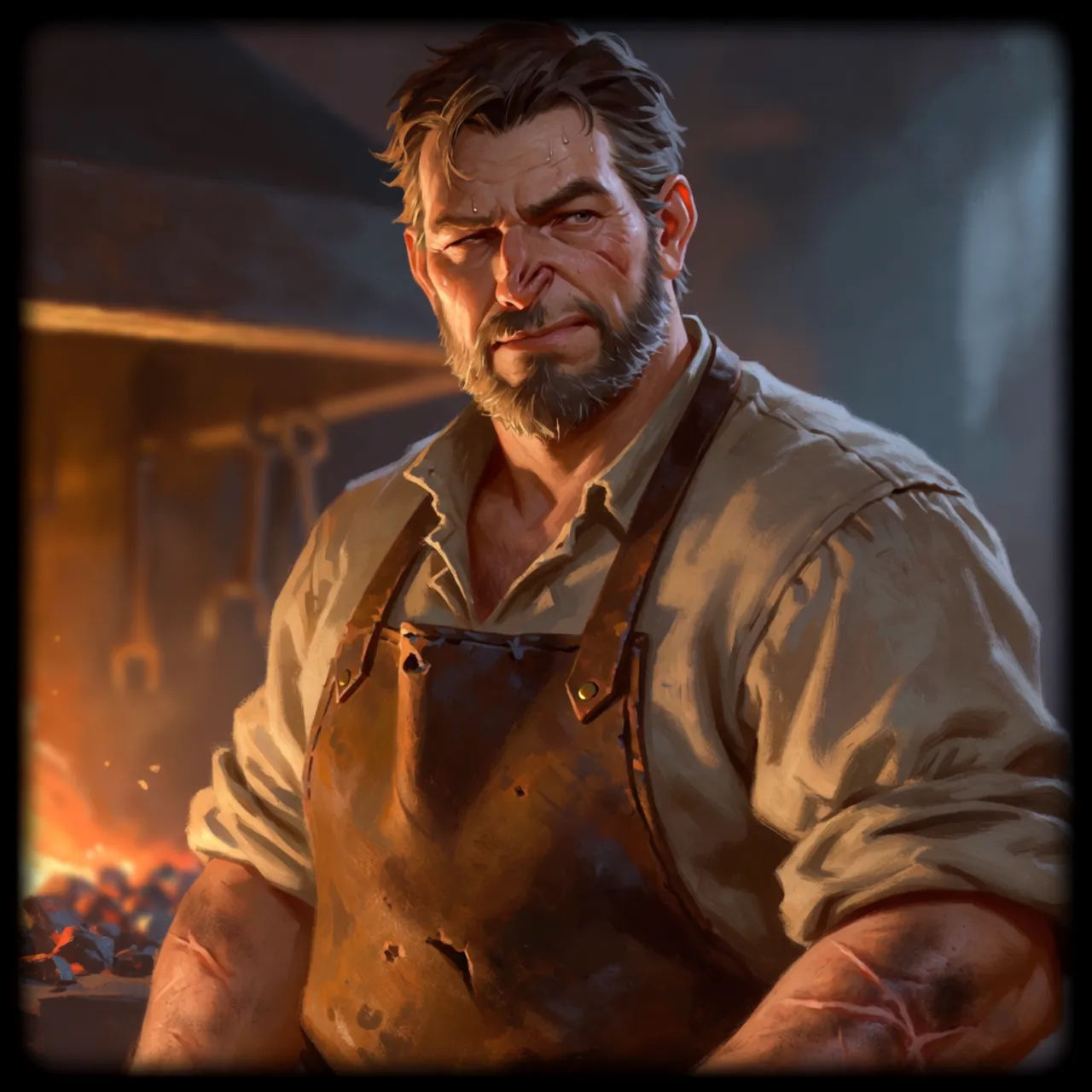
NPC portrait
Fantasy blacksmith NPC portrait, painterly style, warm forge lighting, chest-up framing
Edit prompt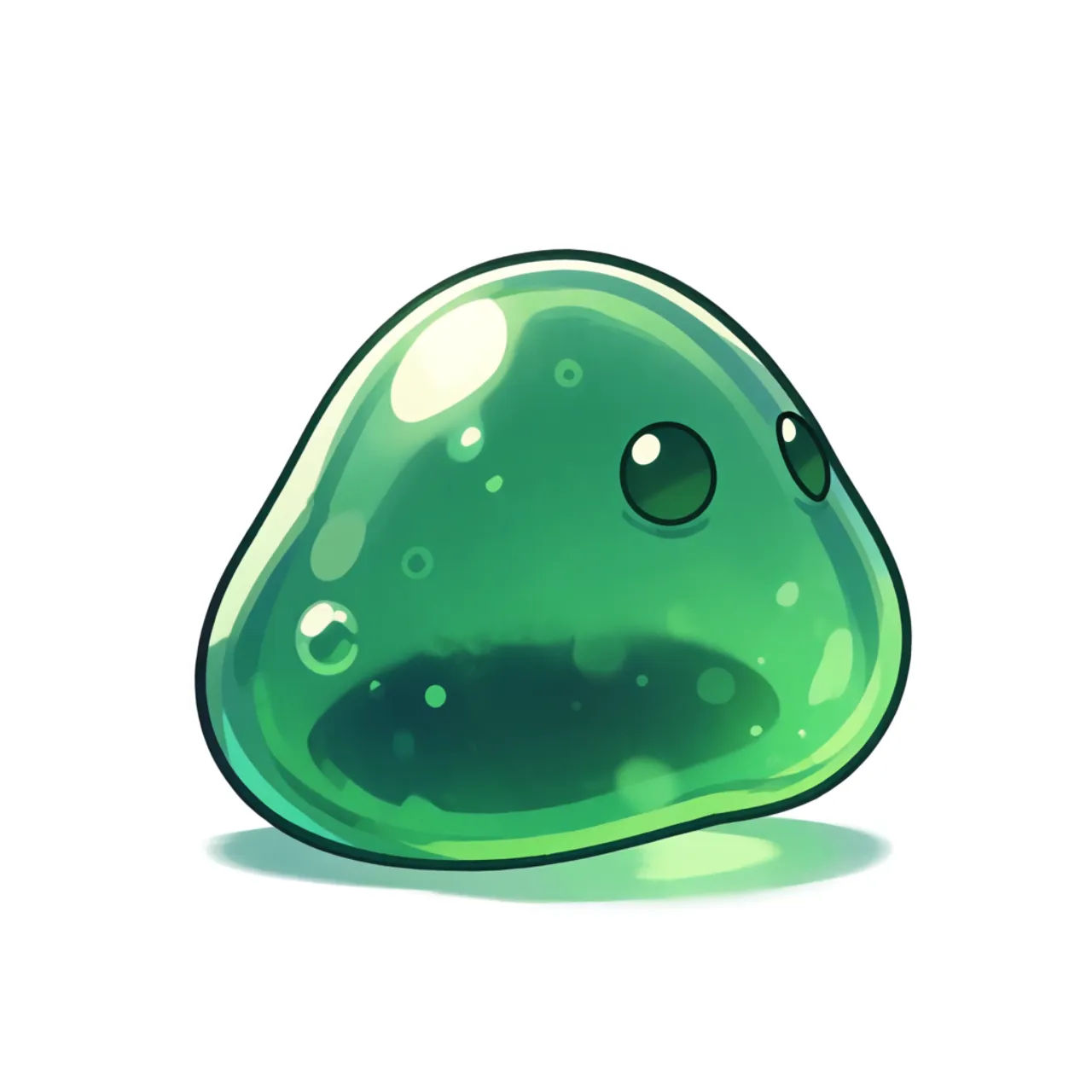
Enemy creature
Slime enemy creature, cartoon style, green translucent body, side view, clean transparent background
Edit prompt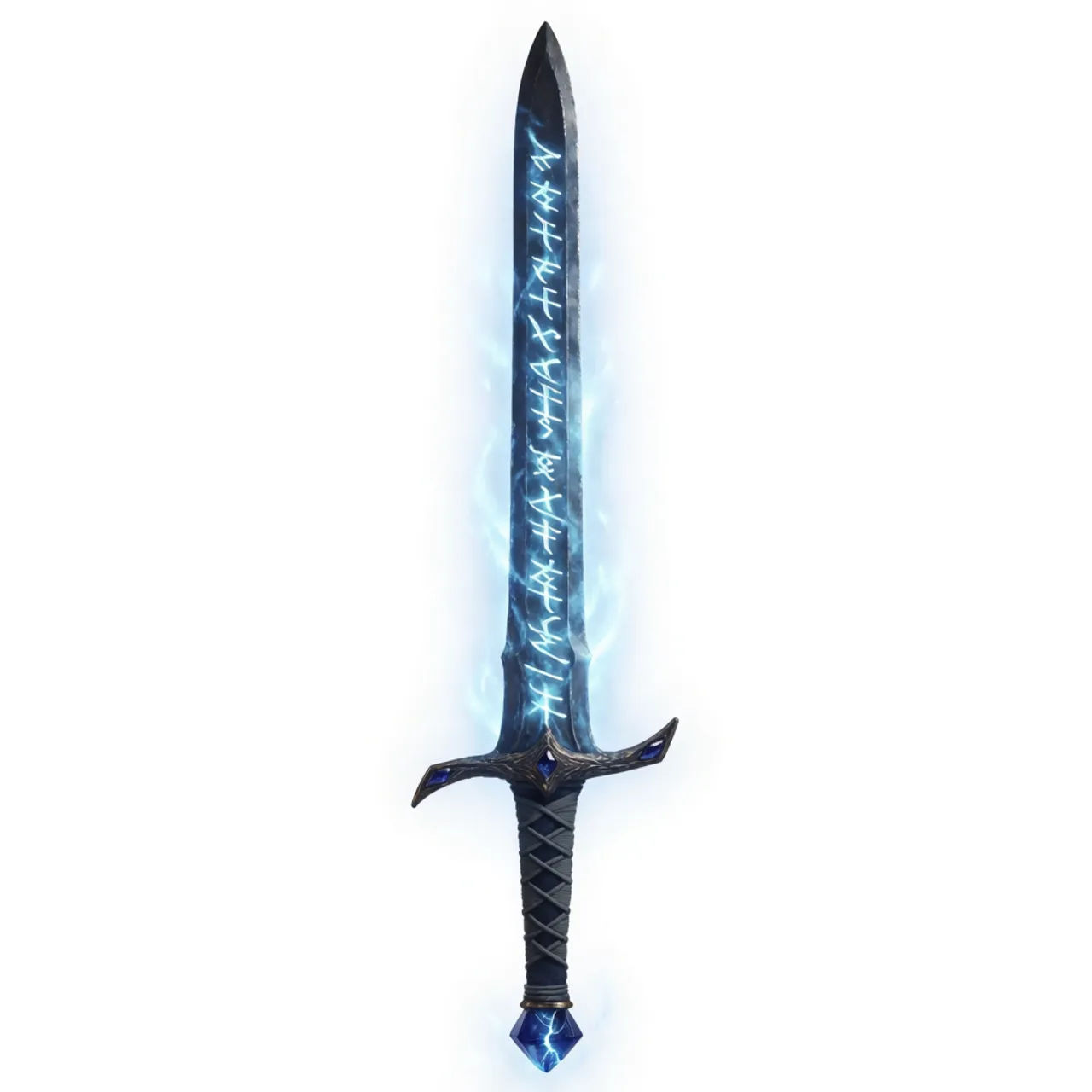
Weapon prop
Fantasy legendary sword prop, glowing blue rune blade, clean background, consistent RPG art style
Edit prompt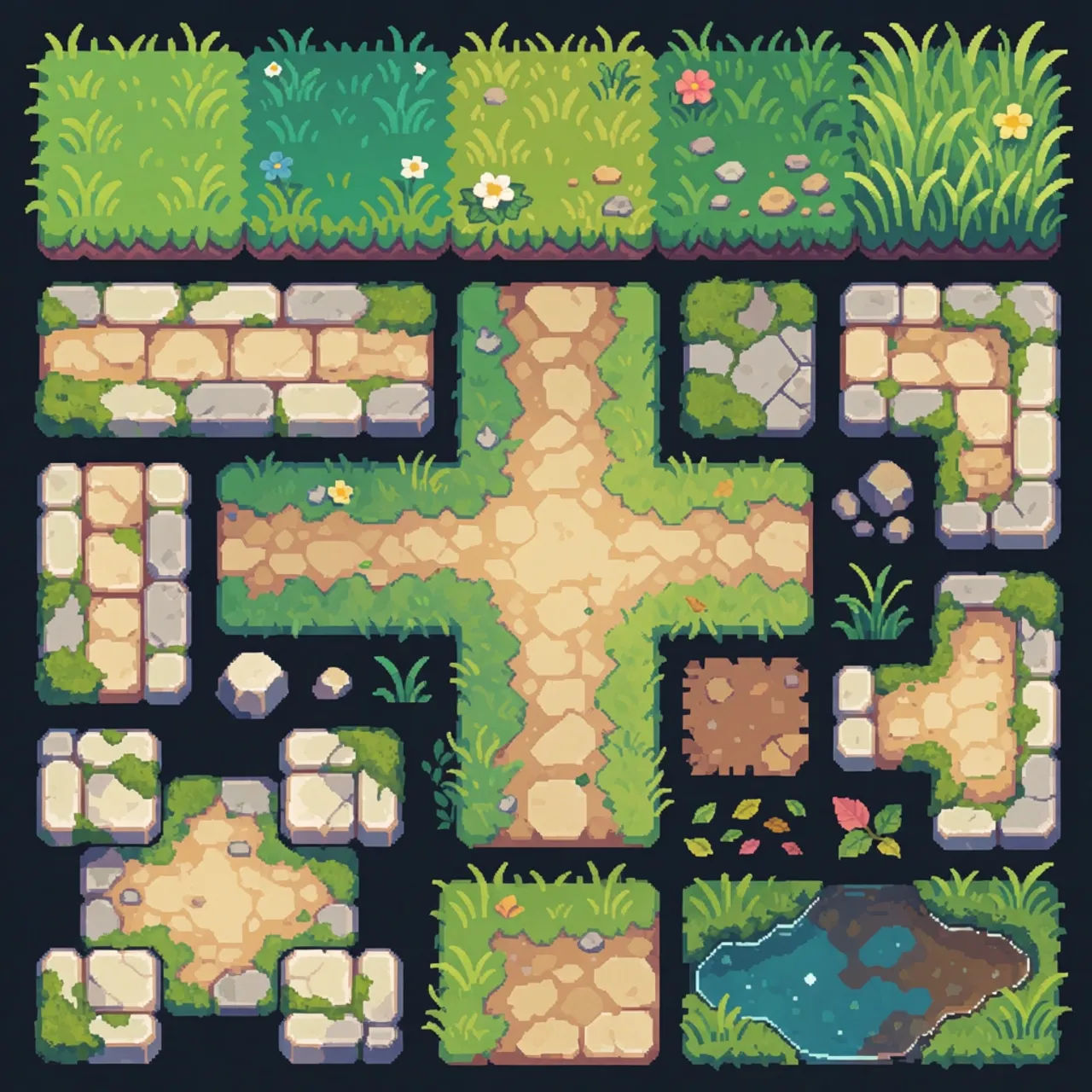
Environment tile
Top-down grass and stone path tileset, pixel art, seamless edges, bright fantasy palette
Edit prompt
Chibi sprite animation
Turn any photo or description into an animated chibi sprite. Dance, jump, wave, attack, and more.

Expressions
Take any character image and generate 6 distinct facial expressions on a single reference sheet.

Title sequence
Generate a professional film title card from scratch, with optional cinematic animation.

Cinematic storyboard
Share a scene description with character references. Get a full storyboard with shot angles and mood.

Messages to cinematic scene
Dramatize any text conversation into a cinematic multi-shot video.
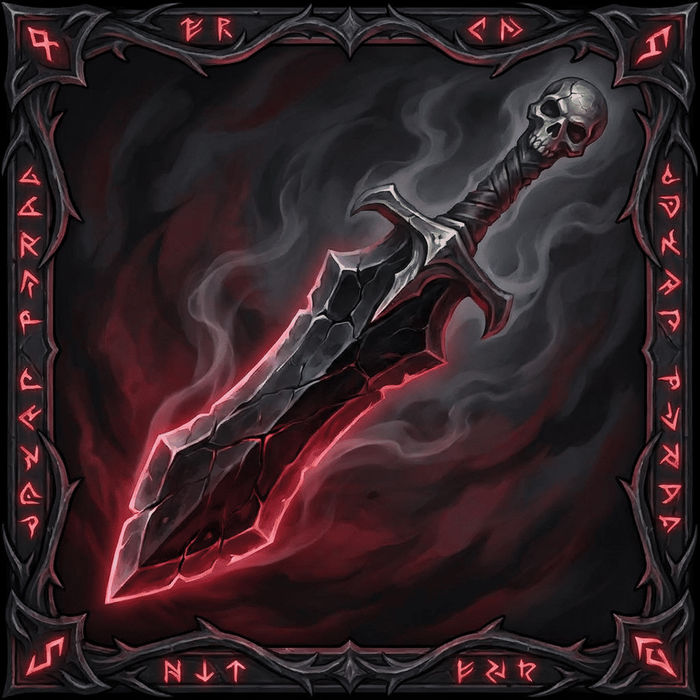
Icon sheet
Describe your item categories. Get 12 consistent game-ready icons for inventory UI.
All on Morphic
Your complete game-art stackModels
Nano Banana 2, Flux 2 Pro, ChatGPT Images, Grok Imagine, Recraft, Seedream, and more. Pick the model that nails your genre and swap mid-set.
Pixel art generator
Building a retro game? Generate crisp pixel sprites and tiles in a matching palette.
Icon generator
Fill an inventory or skill tree with a matching grid of clean, consistent icons.
Match a style
Bring in a reference from your game and generate new assets in the same look with image-to-image.
