Images you can turn into prompts
Get a prompt from an image in three steps
- 01
Open Morphic
Sign up and start on a free-flowing, infinite visual canvas.
- 02
Upload your reference image
Drop in any photo, render, or illustration whose look you want to capture.
- 03
Ask for a detailed prompt
Say "analyze this image and give me a detailed prompt." Morphic reads it and writes back an editable prompt you can reuse and remix.
See it in action
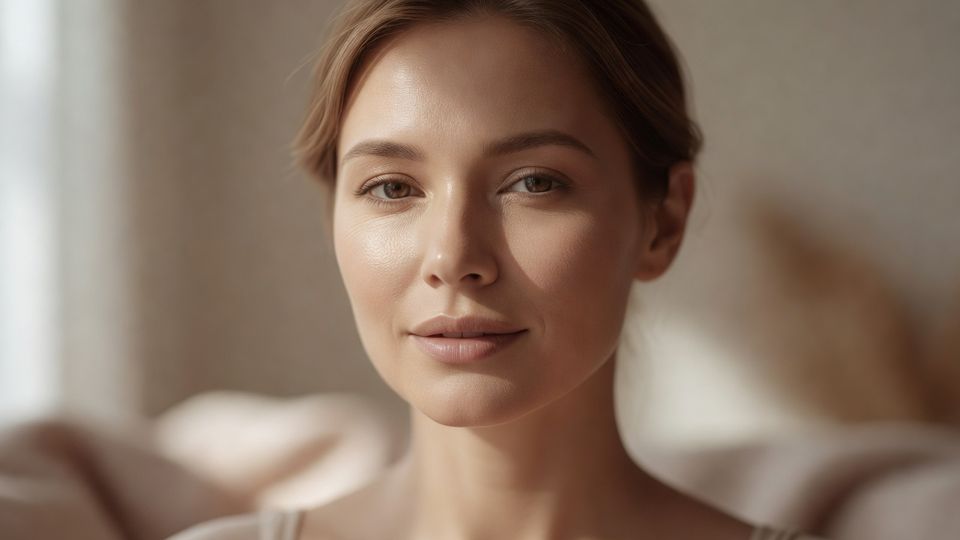
Photorealistic cinematic editorial beauty portrait of [SUBJECT: a young woman with light brown hair neatly pulled back, hazel-brown eyes, balanced natural features, and a calm, neutral-to-soft expression with the faintest closed-mouth smile], wearing [WARDROBE: a simple light beige or cream-colored top]. Tight head-and-shoulders close-up, eye-level camera, face centered and turned only slightly in a near-frontal three-quarter angle, looking directly into the lens. Natural minimal makeup, understated nude lips, smooth luminous skin with realistic fine texture and a subtle healthy glow. Soft, warm, diffused natural window light from camera-left, wrapping gently across the face with delicate highlights on the forehead, nose bridge, and upper cheekbones, and smooth low-contrast shadows on camera-right. Neutral indoor setting rendered completely out of focus as creamy warm-beige bokeh. Very shallow depth of field, eyes tack-sharp; full-frame camera, 85mm portrait lens, approximately f/1.8 to f/2.2, refined cinematic color grading, clean elegant editorial aesthetic.
Swap the [SUBJECT] and [WARDROBE] tokens to reuse this exact look on anyone. Everything else — lighting, lens, composition, and grade — stays intact.
Example prompts to paste
Use this image. Analyze it and give me a detailed prompt that recreates its style, subject, lighting, and composition.
Use cases
Reverse-engineer a look you love
Drop in a style you saw online and get the prompt that recreates it. Instead of guessing at the lens, light, and color, you get them named so you can generate more images in the same aesthetic.
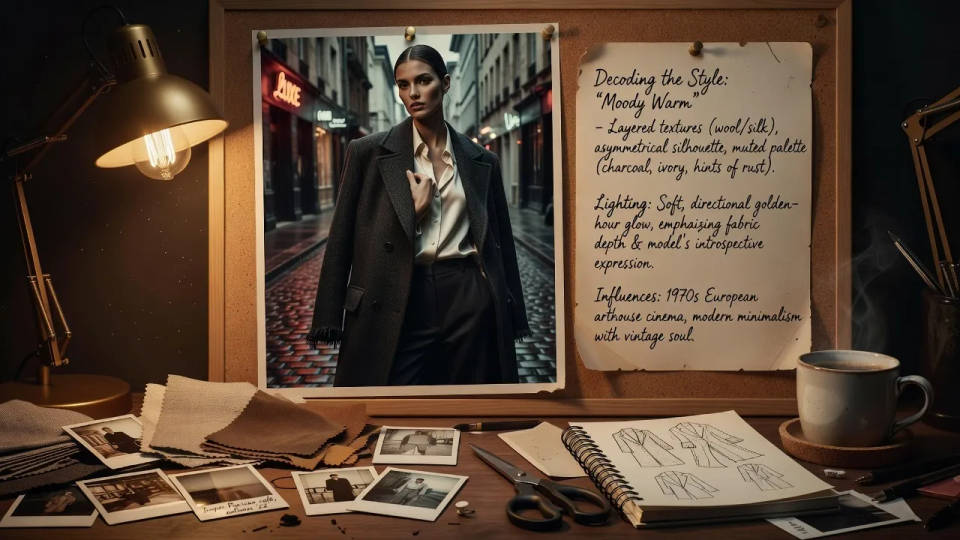
Match an existing product shot
Feed in a product photo and get a prompt that describes its angle, surface, and lighting. Spin brand-safe variations of the shot without rebuilding the setup or booking the studio again.
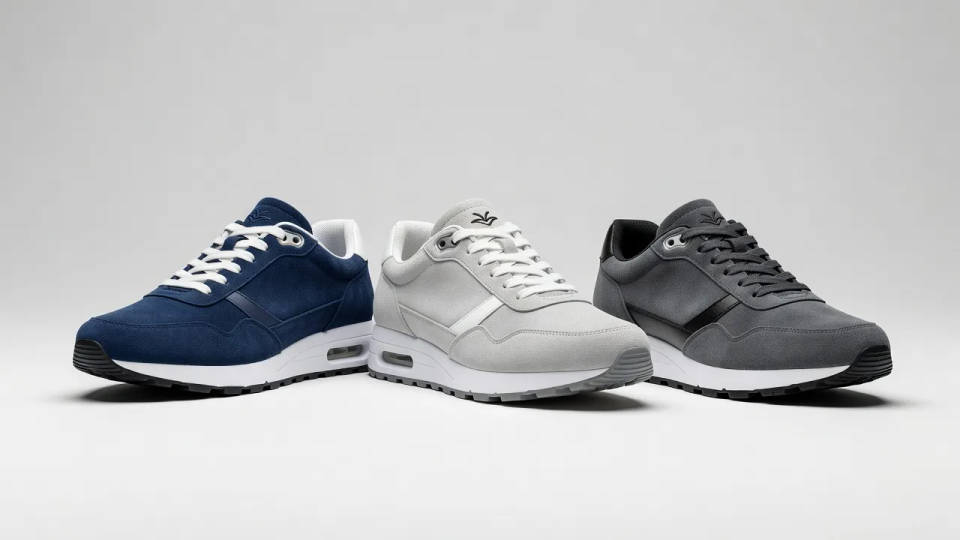
Turn a moodboard into words
Hand a reference frame to your whole team as a written prompt instead of a vague vibe. Everyone generates from the same recipe, so the set stays on-brand no matter who runs it.
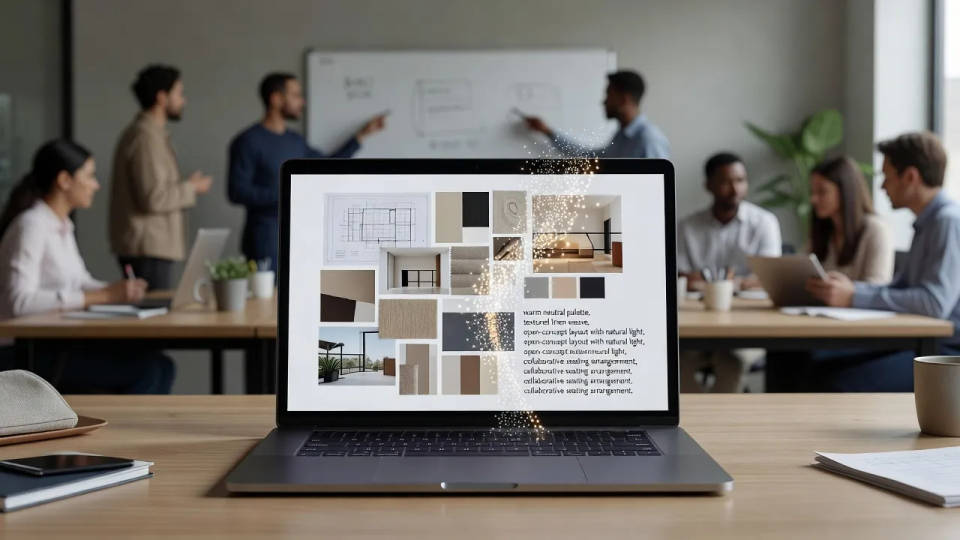
Learn what makes a photo work
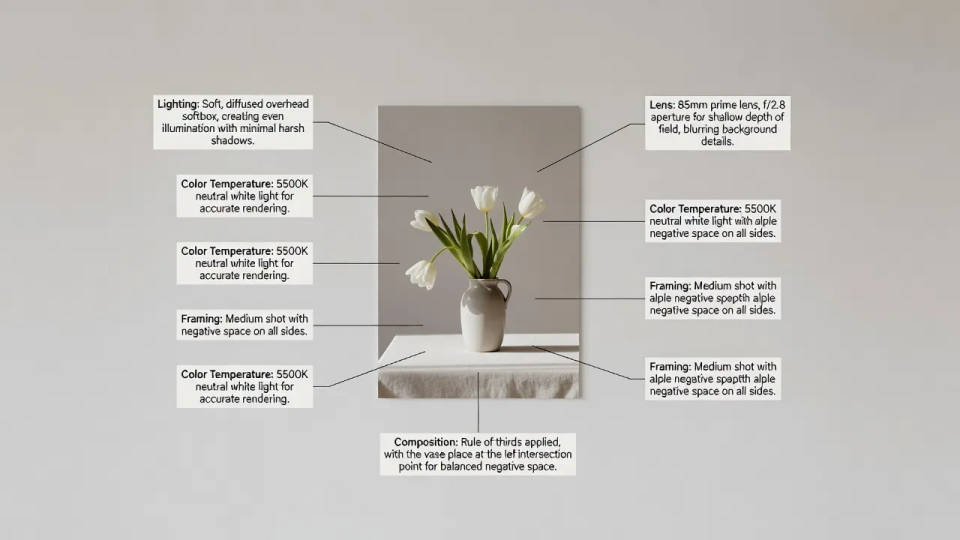
Break an image down into its lighting, lens, framing, and palette. See the craft behind a shot in plain language, then apply the same choices to your own prompts and get sharper results.

Cinematic storyboard
Share a scene description with character references. Get a full storyboard with shot angles and mood.

3x3 storyboard
Feed in a single image. Get 9 cinematic beats laid out as a 3x3 storyboard grid.

Messages to cinematic scene
Dramatize any text conversation into a cinematic multi-shot video.

Expressions
Take any character image and generate 6 distinct facial expressions on a single reference sheet.

Title sequence
Generate a professional film title card from scratch, with optional cinematic animation.

POV scene
Describe a first-person scenario. Get sequential POV frames animated into video clips with audio.
All on Morphic
Reads your image
Upload a photo, render, or illustration and Morphic describes it back as a detailed prompt that matches the frame.
Editable, reusable prompts
Every prompt is plain text you can edit. Swap the subject or mood, then generate a fresh image without leaving the canvas.
Models
Nano Banana 2, Flux 2 Pro, ChatGPT Images 2.0, Seedream 5, and more. Generate with the model that fits your look, and swap anytime.
Workflows
Save a prompt recipe as a Workflow so a set of images shares one style. Rerun, share, or favorite it anytime.
