Every image model
Translate in place
Translate an image in three steps
- 01
Open Morphic
Sign up and start creating on a free-flowing, infinite visual canvas.
- 02
Upload and name the language
Drop in the image with text and say which language to translate the words into.
- 03
Generate and export
Morphic replaces the words in place, matching the type and perspective. Rerun to fit, then export.
Use cases
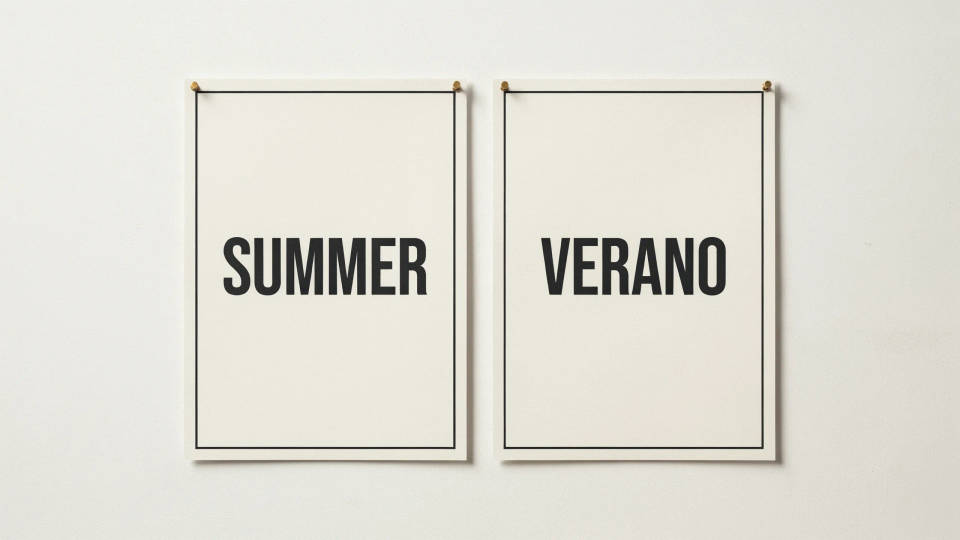
Localise a poster or ad
Run a campaign in a new market without rebuilding the artwork. Translate the headline and call to action inside the poster and the wording is set back in the same font, colour, and position. The layout, imagery, and branding stay exactly as the designer intended.
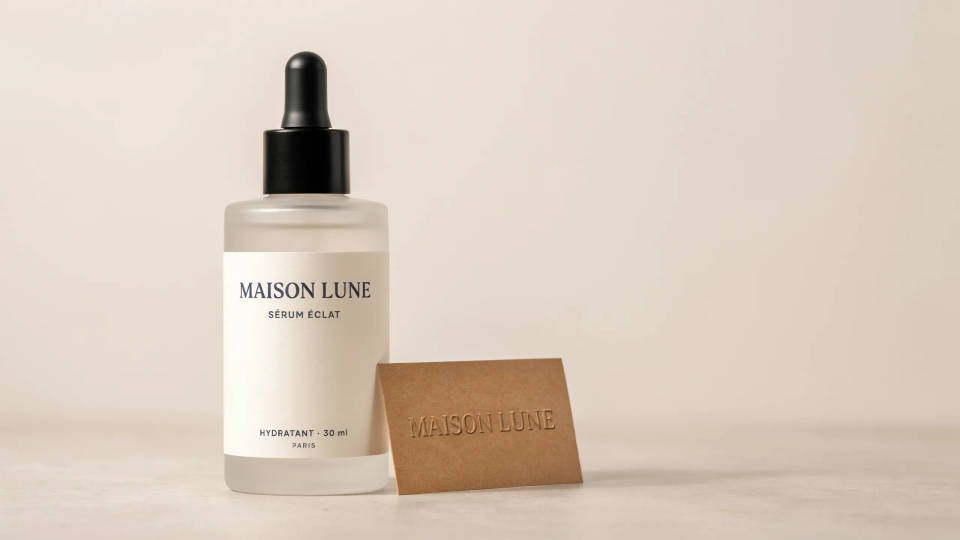
Translate product packaging
Show a product with its label in another language for a store listing or a pitch. Morphic follows the curve of a bottle or the flat face of a box so the translated text wraps and sits the way the original did. It reads as real packaging rather than text stuck on afterwards.
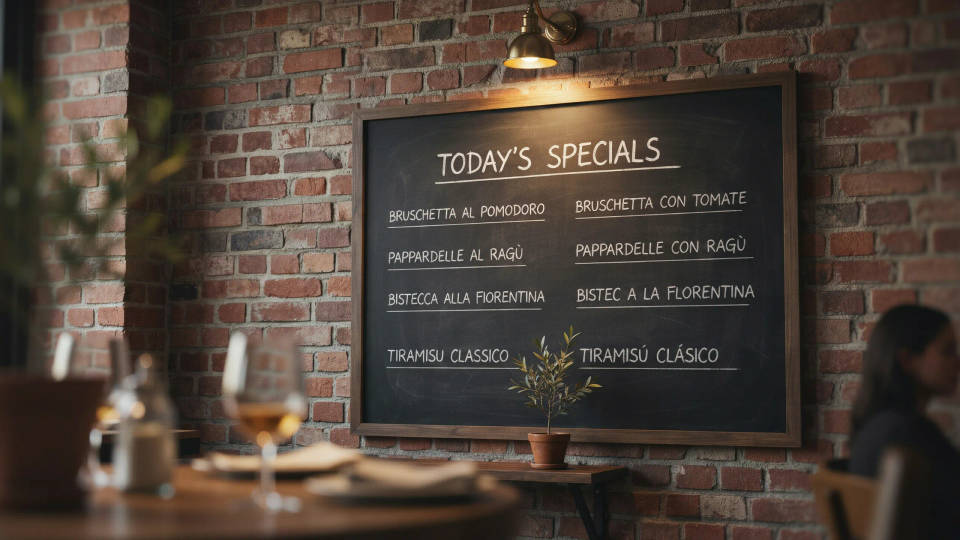
Make a menu readable to visitors
A photographed menu or a specials board can be translated in place so guests can order in their own language. The dish names swap over while the board, the chalk style, and the layout stay put. It is quicker than retyping the whole thing into a separate document.
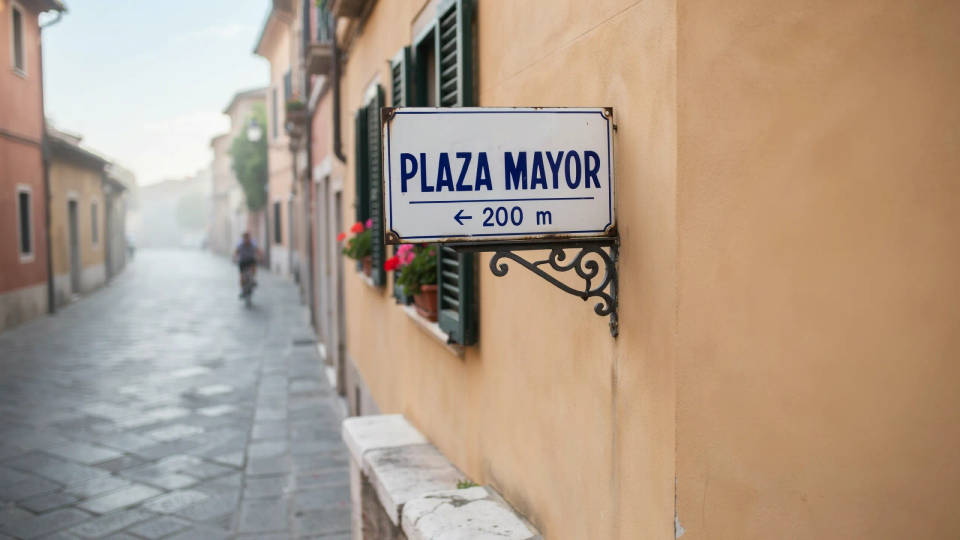
Clarify a sign for travellers
A street sign or a notice shot at an angle can be translated with the text kept on the same plane, so it still looks like part of the scene. The words change language while the sign, its perspective, and the background remain untouched. Useful for guides, travel content, and wayfinding mockups.
Prompt examples
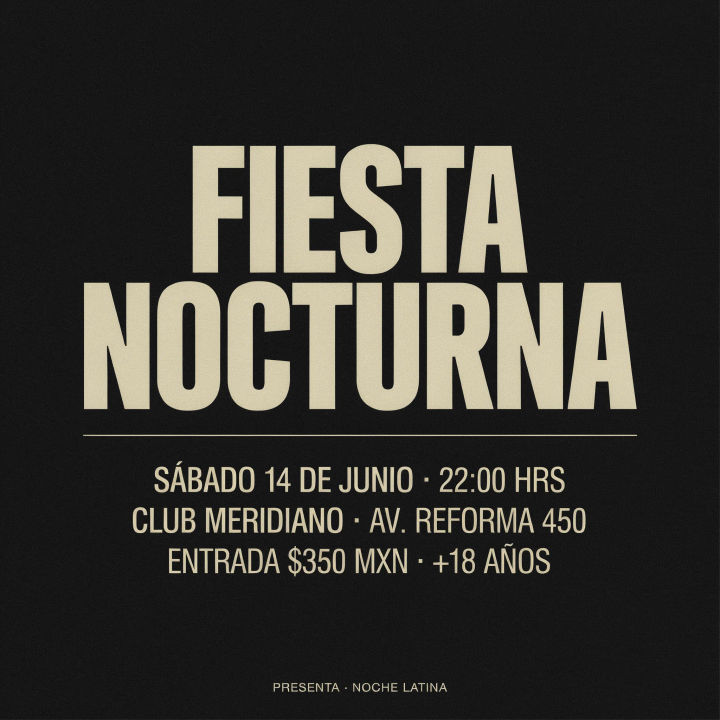
Poster into Spanish
Translate the event poster headline and details into Spanish and keep the same font and layout
Edit prompt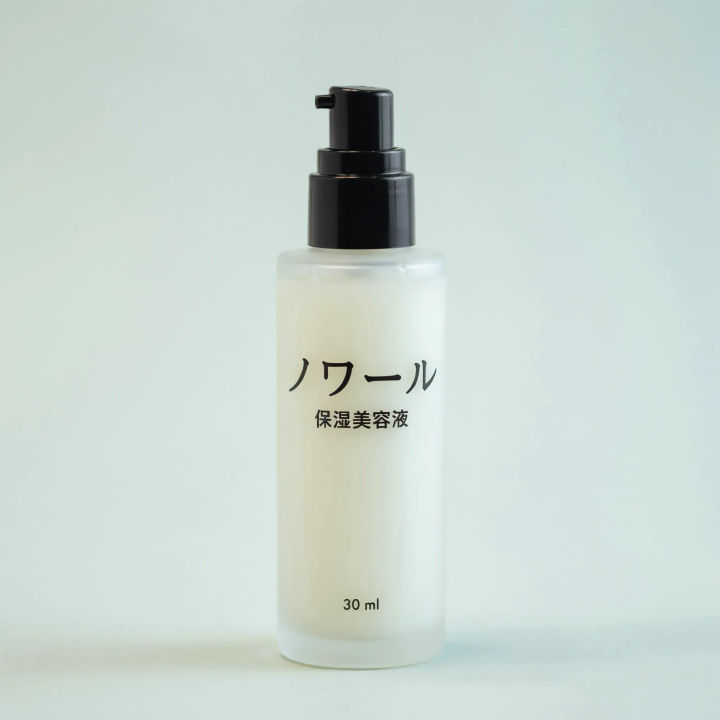
Label into Japanese
Replace the English product label with Japanese and follow the curve of the bottle
Edit prompt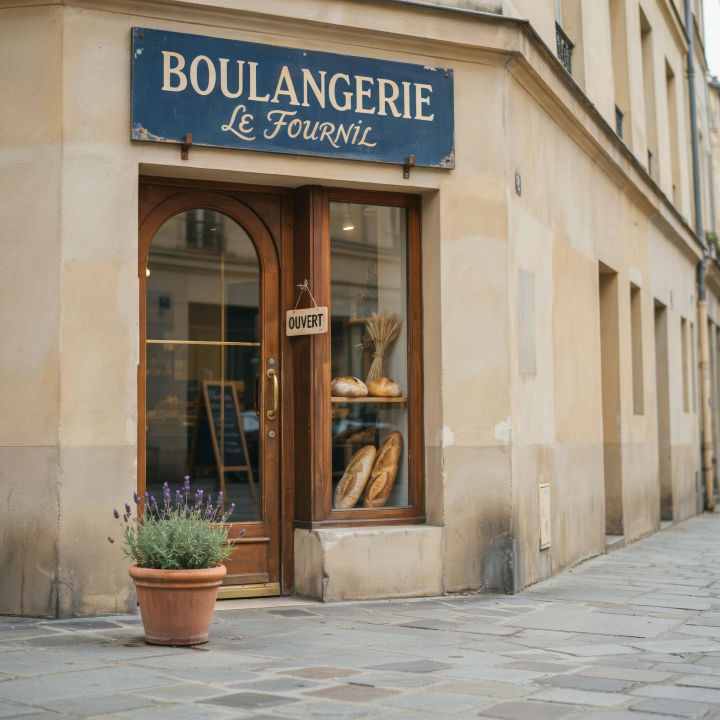
Sign into French
Translate the shop sign into French and keep it on the same angle as the storefront
Edit prompt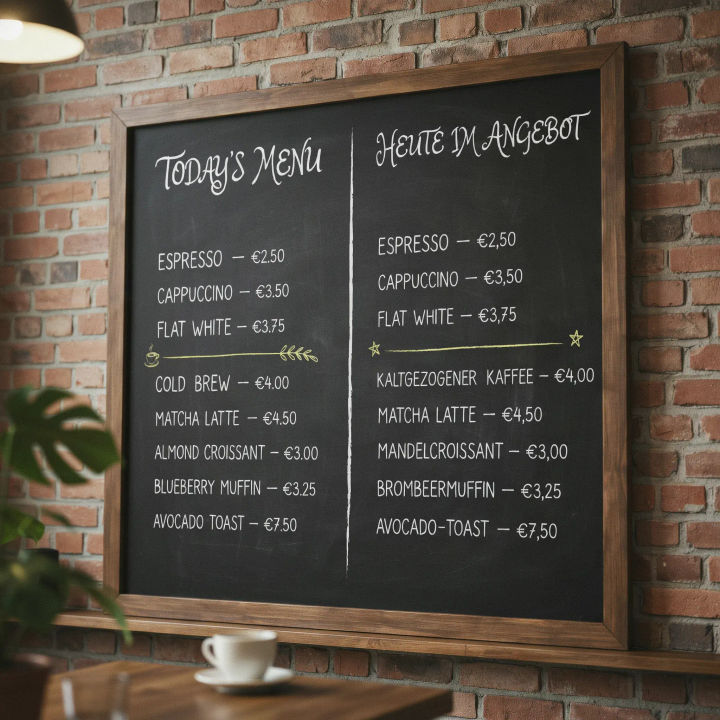
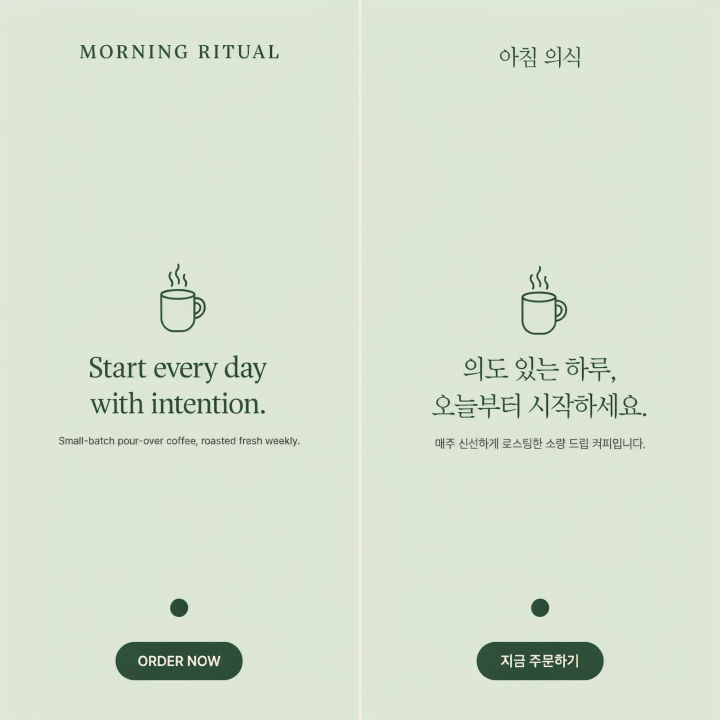
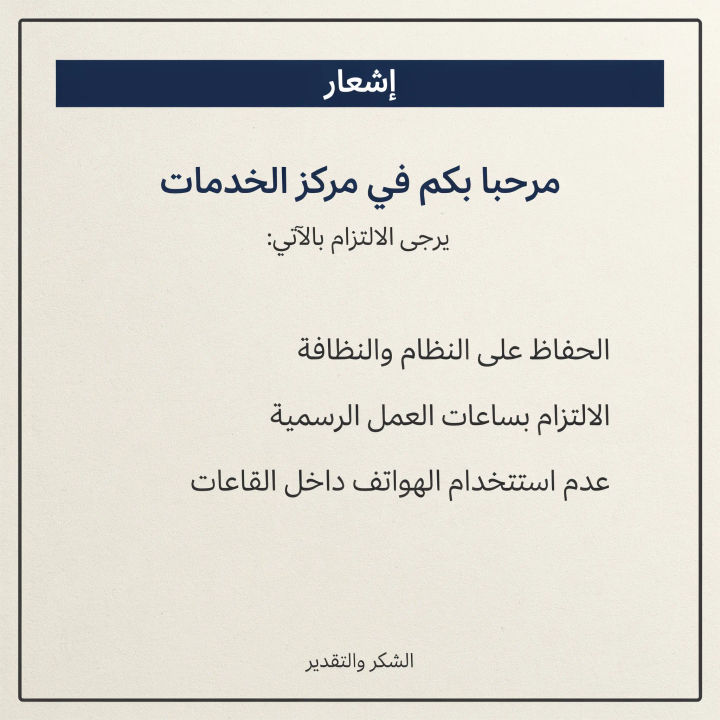
Notice into Arabic
Translate the wall notice into Arabic set right to left and match the type
Edit prompt
Messages to cinematic scene
Dramatize any text conversation into a cinematic multi-shot video.

Title sequence
Generate a professional film title card from scratch, with optional cinematic animation.

Cinematic storyboard
Share a scene description with character references. Get a full storyboard with shot angles and mood.

3x3 storyboard
Feed in a single image. Get 9 cinematic beats laid out as a 3x3 storyboard grid.

Expressions
Take any character image and generate 6 distinct facial expressions on a single reference sheet.

Chibi sprite animation
Turn any photo or description into an animated chibi sprite. Dance, jump, wave, attack, and more.
All on Morphic
Models
Nano Banana 2, Flux 2 Pro, ChatGPT Images, Grok Imagine, Recraft, Seedream, and more. Switch models when the text needs a cleaner render.
Poster generator
Design a whole poster from scratch with the headline set in place, then translate it for each market.
Image editor
The full edit workspace for any image, with the same in-place text editing that powers translation.
Image to image
Replace text and rebuild any image through inpainting, the method behind the translator.
