Jewellery shots you can create
Edit a jewellery photo in three steps
- 01
Open Morphic
Sign up and start creating on a free-flowing, infinite visual canvas.
- 02
Add your jewellery photo
Drop in a photo of your real piece, even a plain phone shot on a desk.
- 03
Clean it up and generate
Name the background, light, or setting. Your exact piece stays true while everything around it changes.
Before and after the edit
 Edited
 Original
Use cases
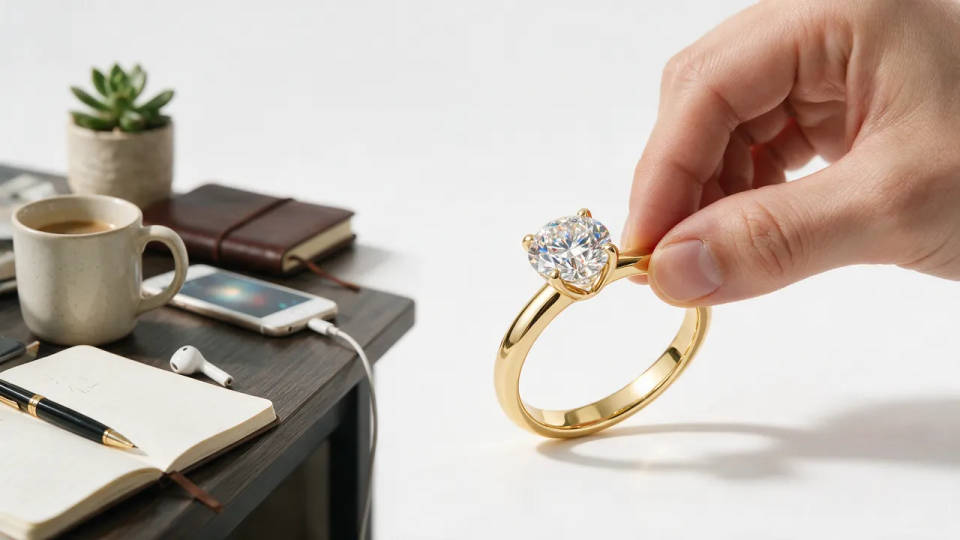
Phone shot to marketplace listing
Start from a plain photo on a cluttered desk and get a clean, listing-ready shot. Your exact ring or necklace stays recognizable while the background drops to crisp white or black velvet.
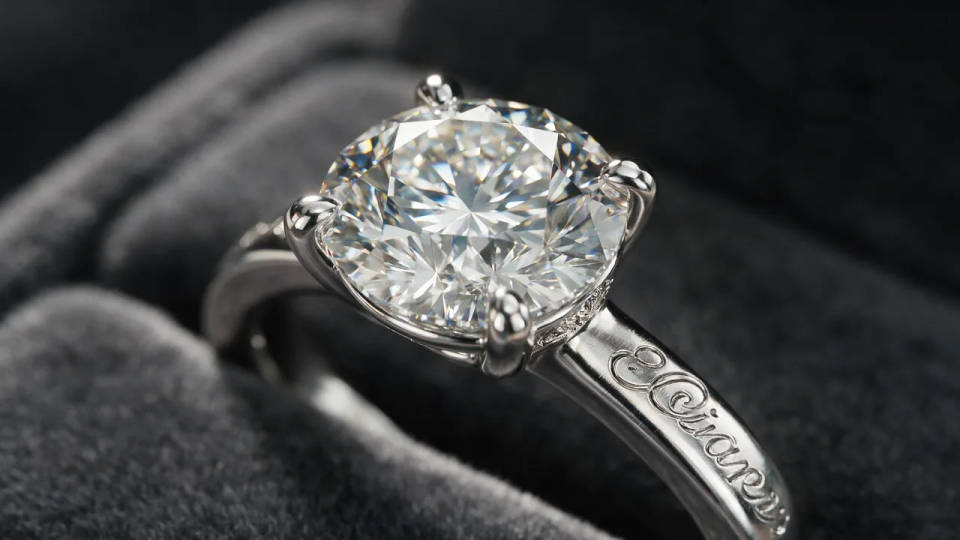
Sparkle-true macro detail
Crop in tight on the stone, prongs, or engraving with facets sharp and reflections relit from the real photo. Show the detail a small thumbnail hides without a macro lens or a light tent.
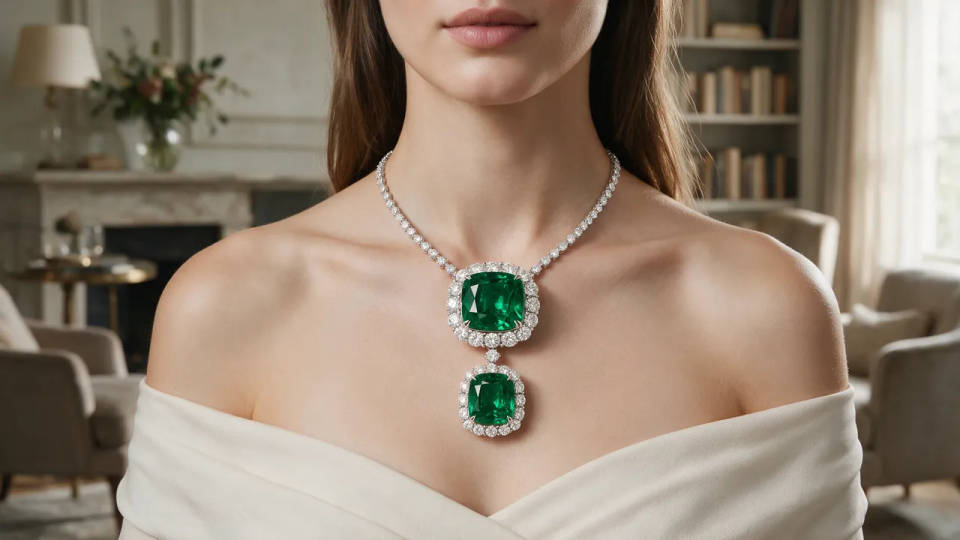
On a model or lifestyle backdrop
Place a ring on a hand, a necklace on a neckline, or earrings against a styled backdrop. Describe the setting and your exact piece drops in, so one photo becomes a lifestyle shot too.
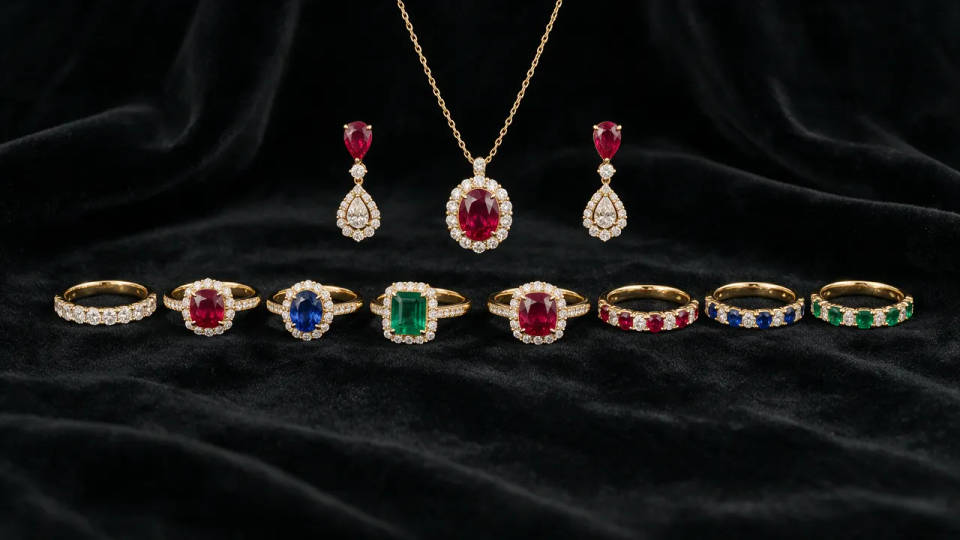
A consistent collection catalog
Pick a look once and edit every piece into it, so rings, necklaces, and earrings share one style. Save it as a Workflow and rerun it, so the whole collection stays consistent piece to piece.
Jewellery shots you can create
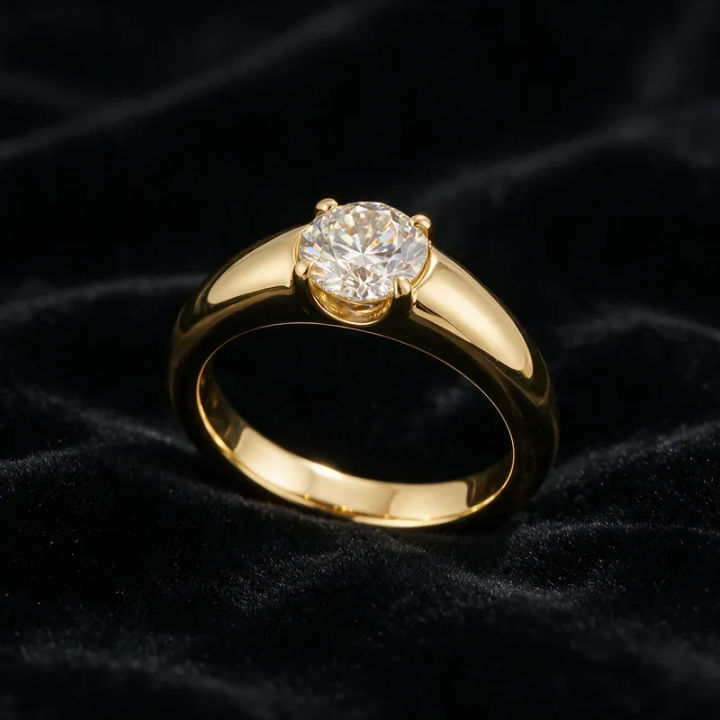
Ring on black velvet
Gold solitaire ring on black velvet, soft rim light, true sparkle, premium mood
Edit prompt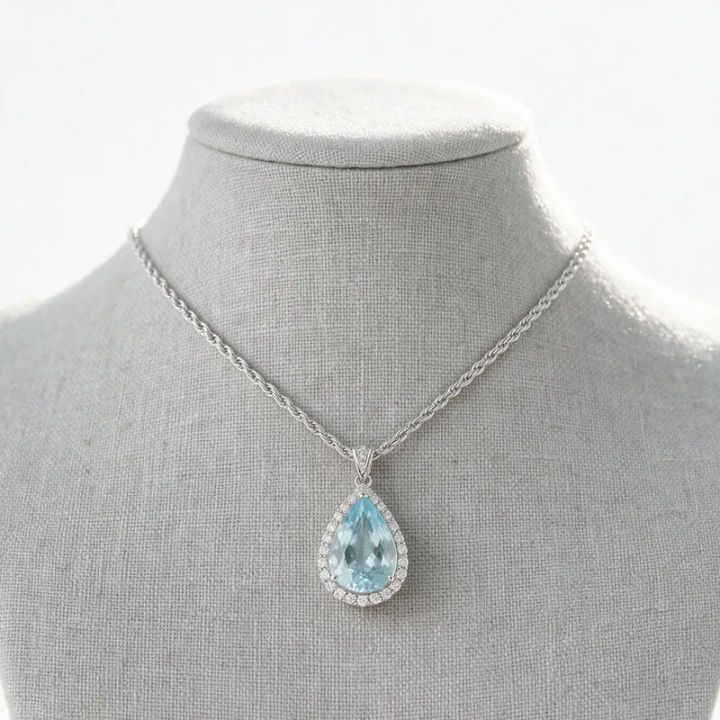
Necklace on a bust
Pendant necklace on a matte display bust, clean white background, even studio light
Edit prompt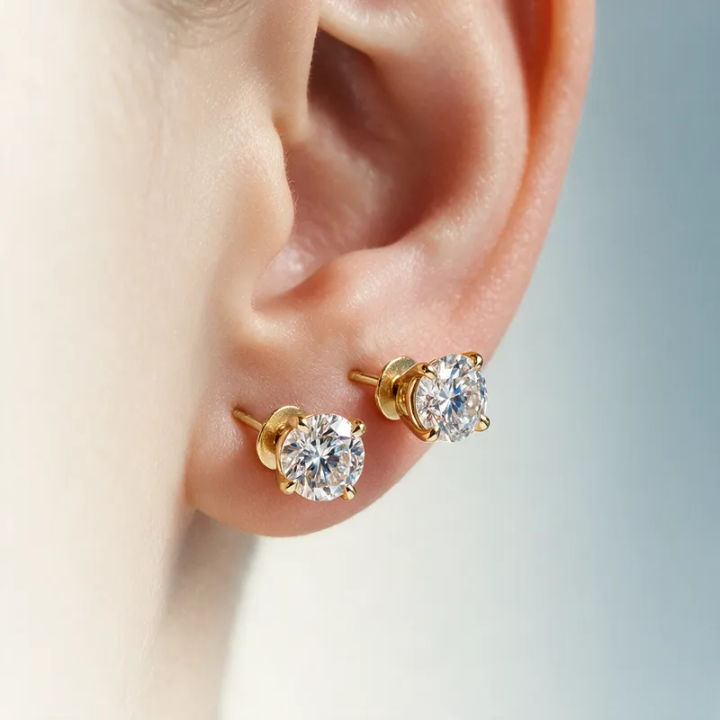
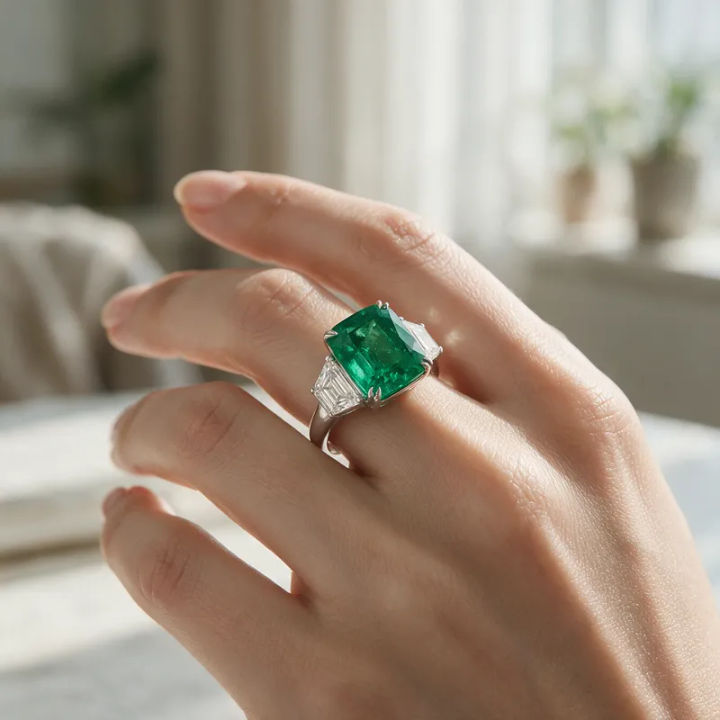
On-model hand
Emerald ring on a model's hand, soft daylight, blurred neutral background, editorial look
Edit prompt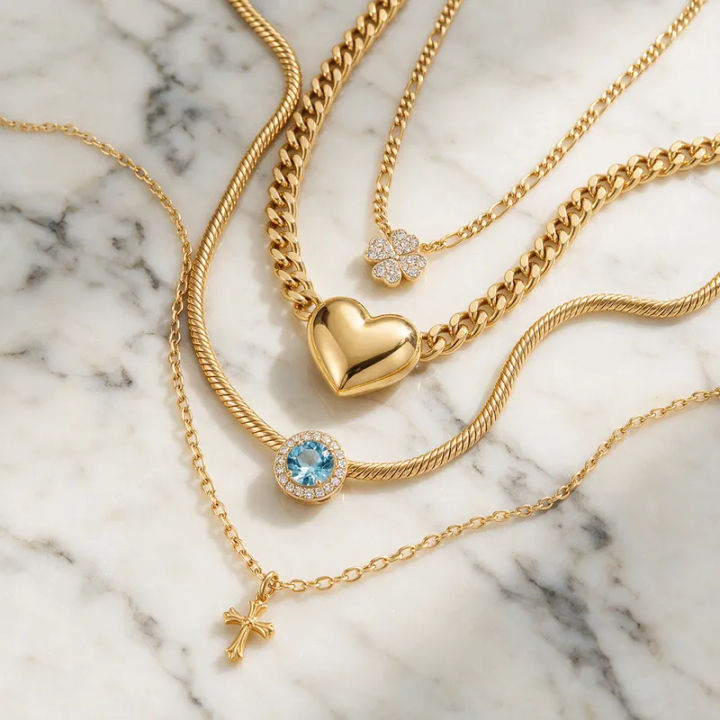
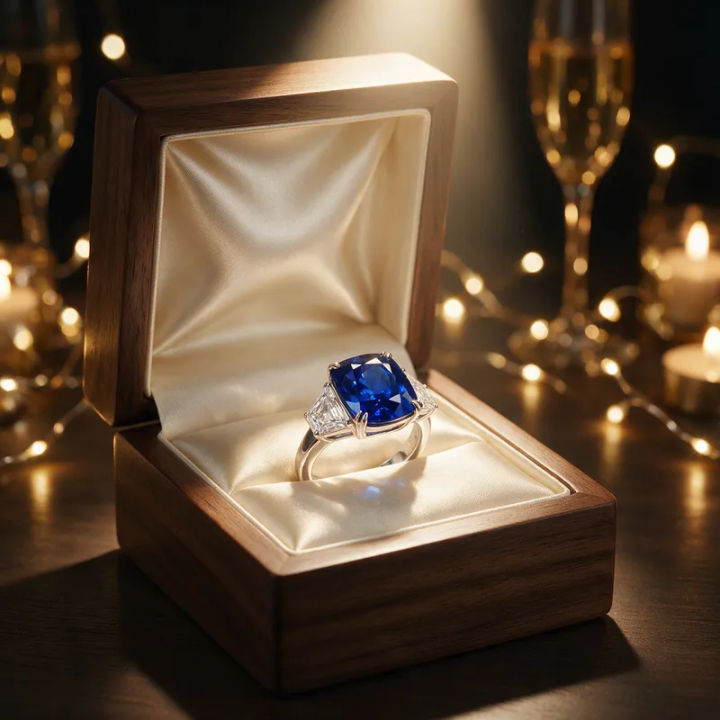
Gift-box presentation
Sapphire ring in an open gift box, silk lining, warm spotlight, celebratory mood
Edit prompt
Cinematic storyboard
Share a scene description with character references. Get a full storyboard with shot angles and mood.

Chibi sprite animation
Turn any photo or description into an animated chibi sprite. Dance, jump, wave, attack, and more.

Messages to cinematic scene
Dramatize any text conversation into a cinematic multi-shot video.

Title sequence
Generate a professional film title card from scratch, with optional cinematic animation.

3x3 storyboard
Feed in a single image. Get 9 cinematic beats laid out as a 3x3 storyboard grid.

Character look book
Character photo plus costume descriptions. Multiple styled looks across angles and lighting.
All on Morphic
Models
Nano Banana 2, Flux 2 Pro, ChatGPT Images 2.0, Grok Imagine, Recraft V4 Pro, Seedream 5, and more. Pick the one that renders metal and stones best, and swap mid-project.
Same piece held true
Edit from a photo of your real jewellery with image-to-image. The cut, setting, and metal tone stay recognizable from listing shot to macro detail.
Backgrounds and light
Drop the background and relight the sparkle without a light tent. Cluttered desk to black velvet, dull shot to crisp white, same piece every time.
Workflows
Save a jewellery-edit recipe as a Workflow. Rerun it on the next piece, share the link, or favorite it. One style, every SKU.
AI photo editor
The same editing for any product or scene. Swap a background, even out the light, or retouch detail from a prompt.
