Type a scene and get a landscape back. The AI landscape generator turns a written description into scenic nature imagery, mountains, coastlines, forests, deserts, and skylines, rendered as a wide vista. You direct the terrain, the weather, the season, the time of day, and where the camera stands, so the same place can read as a calm sunrise or a dramatic storm depending on the words you give it.
Landscapes you can create
Generate a landscape in three steps
- 01
Open Morphic
Sign up and start creating on a free-flowing, infinite visual canvas.
- 02
Describe the scene
Name the terrain, the weather, the season, the time of day, and the camera height you want.
- 03
Generate and refine
Render the vista, compare variations side by side, then adjust the light or framing until it lands.
Use cases
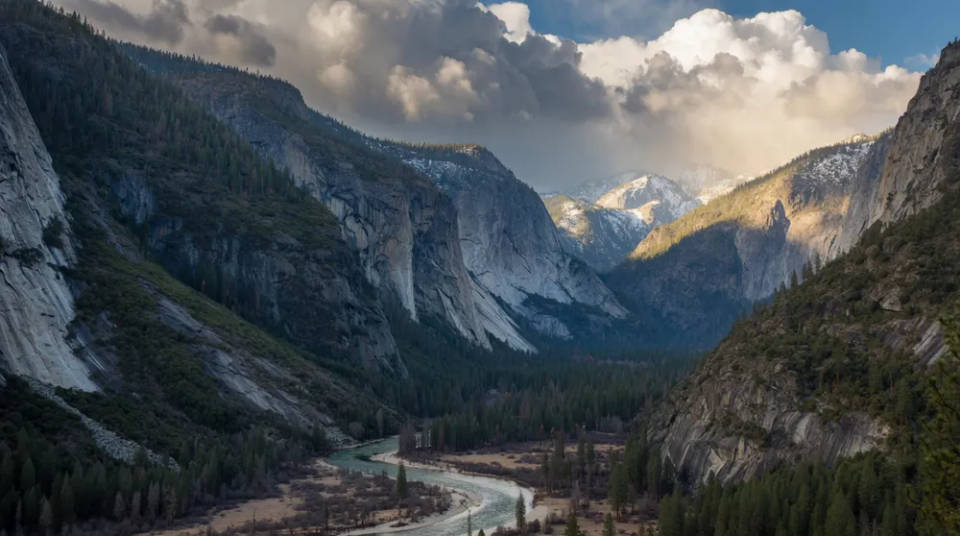
Any terrain from a prompt
Mountains, coastlines, deserts, forests, lakes, and skylines. Combine terrain, weather, and light in one prompt to place a scene somewhere specific instead of somewhere generic.
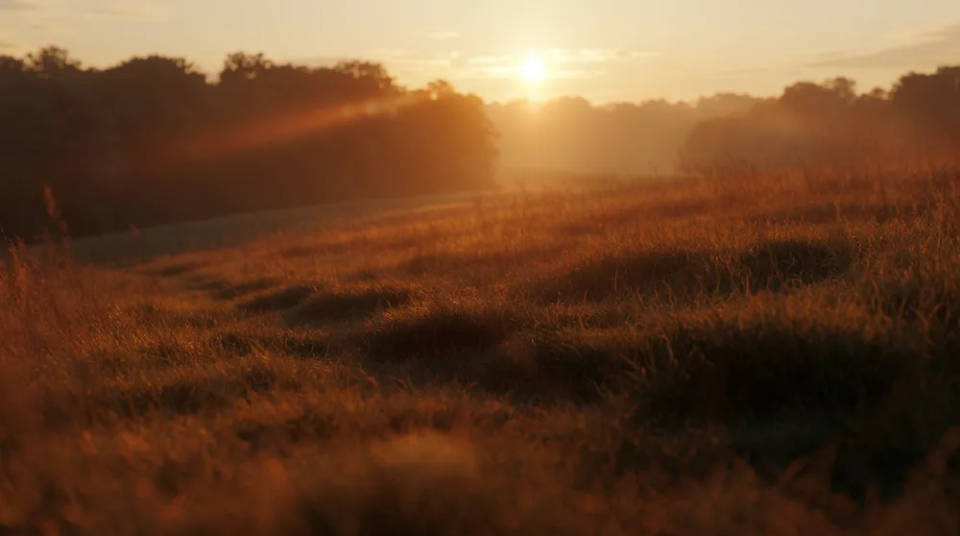
Season and time of day, your call
Golden-hour warmth, blue-hour dusk, an overcast winter morning, high-summer haze. One location carries very different moods depending on how you light it in the prompt.
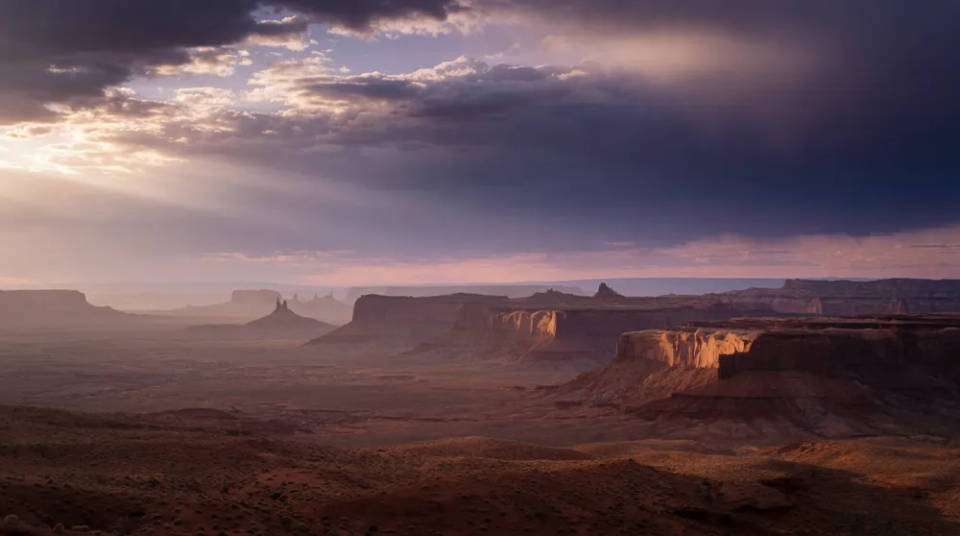
Backgrounds and establishing shots
Render wide vistas for video backdrops, website headers, wallpapers, and concept art. Set the aspect ratio up front so you keep the part of the scene you actually wanted.
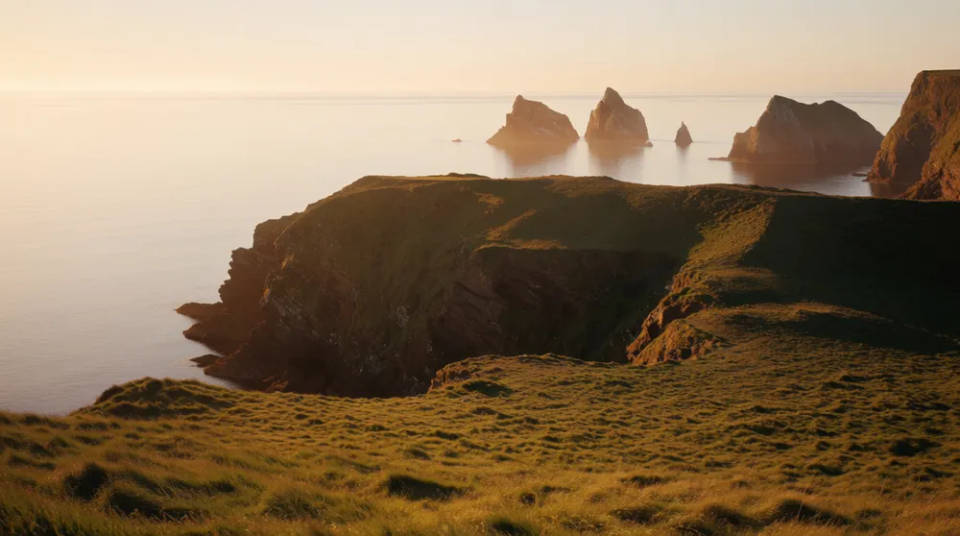
A matching scenic series
Hold the light, palette, and style steady and vary only the terrain to build a coherent run of establishing shots, seasonal variants, or a themed wallpaper set.
Landscape prompts to try
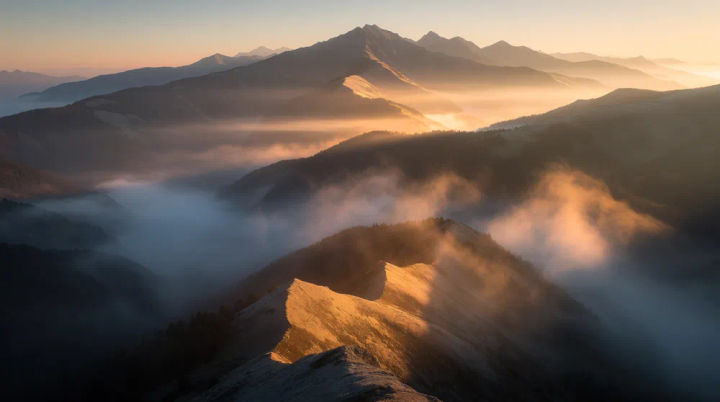
Misty mountain sunrise
Misty mountain range at sunrise, layered ridges, low golden light, wide-angle photoreal vista
Edit prompt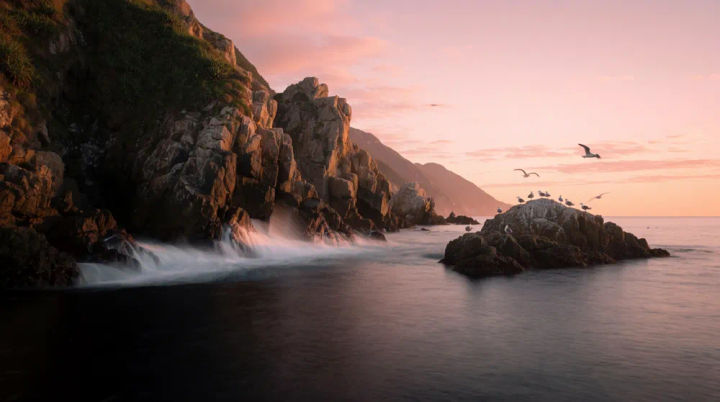
Rugged coastline at dawn
Rugged coastline with sea cliffs and crashing waves at dawn, long exposure water, soft pink sky
Edit prompt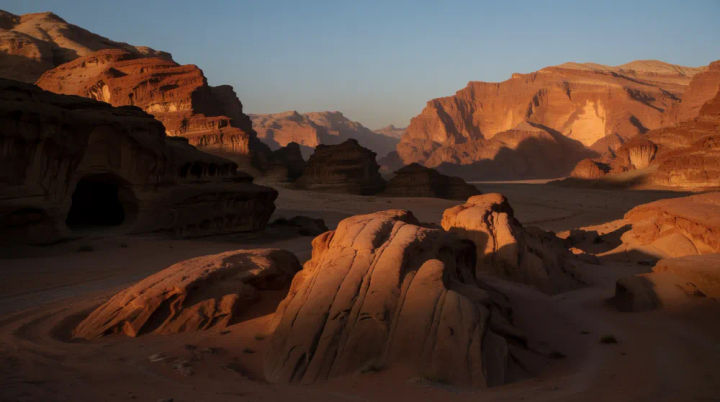
Red desert canyon at sunset
Red rock desert canyon at sunset, warm side light, deep shadows, dramatic sandstone layers
Edit prompt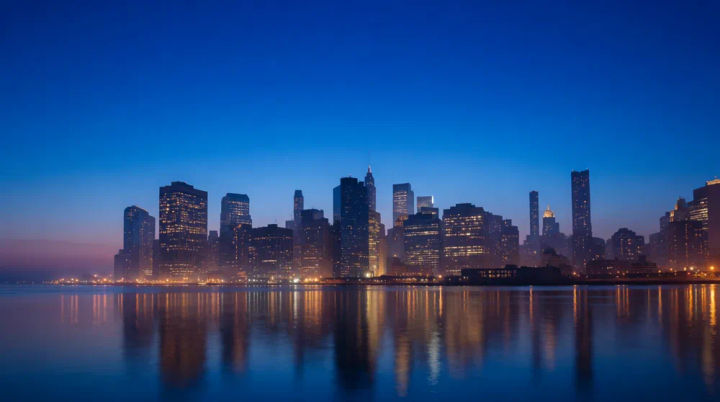
City skyline at dusk
City skyline against the horizon at blue-hour dusk, lit windows, calm river reflection, wide framing
Edit prompt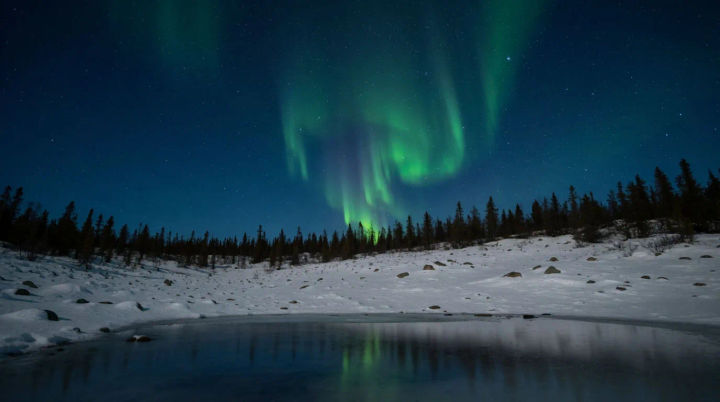
Northern lights
A snowy arctic landscape under a vivid green aurora, silhouetted pines, a still frozen lake reflecting the sky, cold blue night tones, sweeping starfield
Edit prompt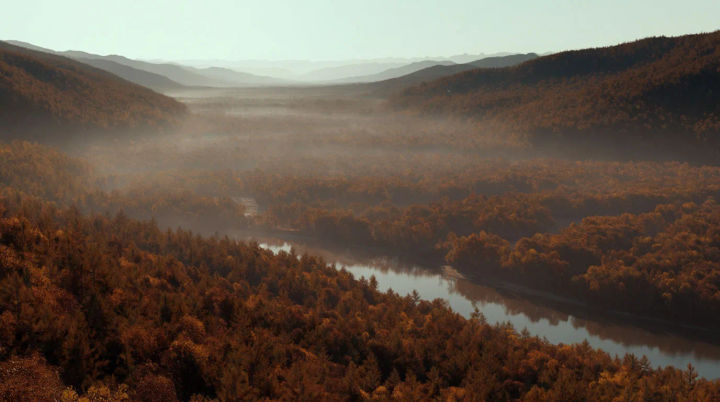
Autumn valley
A broad autumn valley ablaze with orange and gold foliage, a winding river below, soft hazy afternoon light, layered forested slopes
Edit prompt
Messages to cinematic scene
Dramatize any text conversation into a cinematic multi-shot video.

Title sequence
Generate a professional film title card from scratch, with optional cinematic animation.

Cinematic storyboard
Share a scene description with character references. Get a full storyboard with shot angles and mood.

Chibi sprite animation
Turn any photo or description into an animated chibi sprite. Dance, jump, wave, attack, and more.

Expressions
Take any character image and generate 6 distinct facial expressions on a single reference sheet.

3x3 storyboard
Feed in a single image. Get 9 cinematic beats laid out as a 3x3 storyboard grid.
All on Morphic
Models
Nano Banana, Flux, Seedream, Recraft, Ideogram, and more. Choose the one that renders skies, water, and distant terrain best, and switch mid-project when the mood changes.
Any aspect ratio
Render the same scene wide for a banner or tall for a phone wallpaper. Set the ratio up front so you keep the part of the vista you actually wanted.
A matching series
Hold the light, palette, and style steady and vary only the terrain to build a coherent set of establishing shots, seasonal variants, or a themed wallpaper run.
Workflows
Save your chosen model, light, and style as a Workflow, then rerun it for every new scene so the whole series matches instead of drifting.
