Every image model
Interior styles you can create
Redesign a room in three steps
- 01
Open Morphic
Sign up and start creating on an infinite canvas.
- 02
Add a photo or prompt
Upload a photo of your room or describe the space. Name the style.
- 03
Generate and compare
Render the redesign, then try more styles side by side on the Canvas.
Use cases
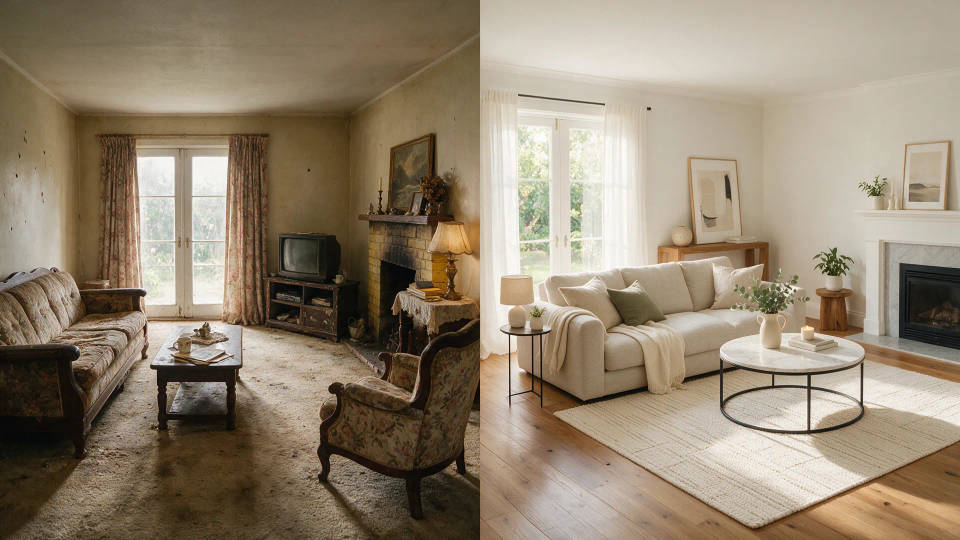
Redesign the room you already have
Upload a photo and the model keeps the layout while restyling walls, furniture, and light. Preview a makeover before buying a single thing.
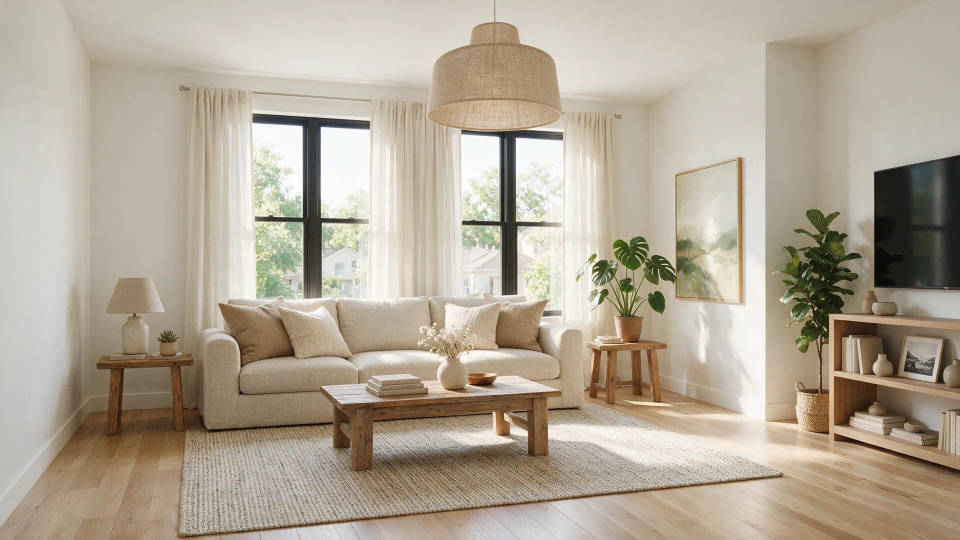
Virtual staging for listings
Furnish an empty or dated room to match the listing in minutes. Start from a photo of the real space so the staging fits the walls buyers will see.
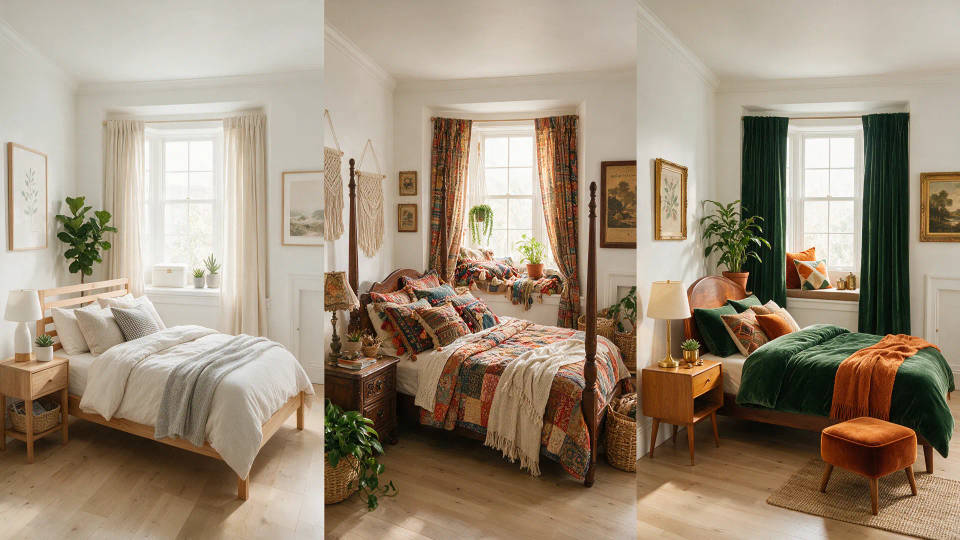
Compare interior styles
See the same room as modern, boho, japandi, and mid-century before you commit. Line up looks side by side without a designer or a mood board.
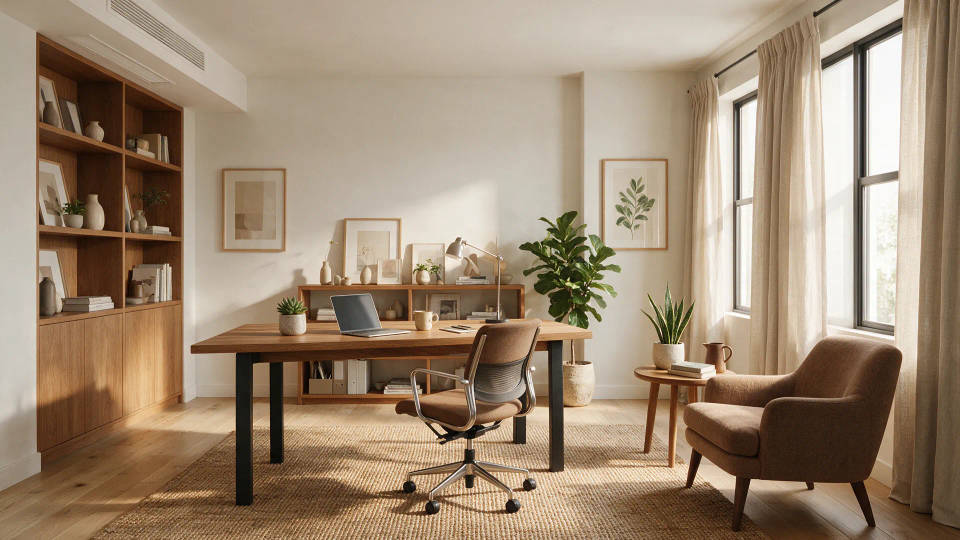
Plan a room from scratch
Describe an empty space and generate a furnished concept for any room. Shape a plan for a nursery, office, or kitchen before the first purchase.
Prompt examples
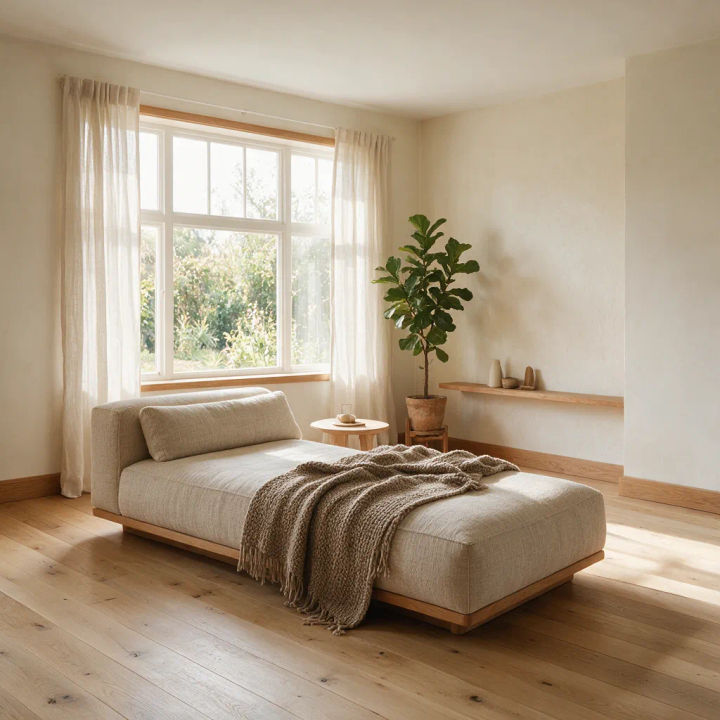
Scandinavian living room
Scandinavian living room, pale oak floor, linen sofa, soft daylight from a large window, warm minimal decor
Edit prompt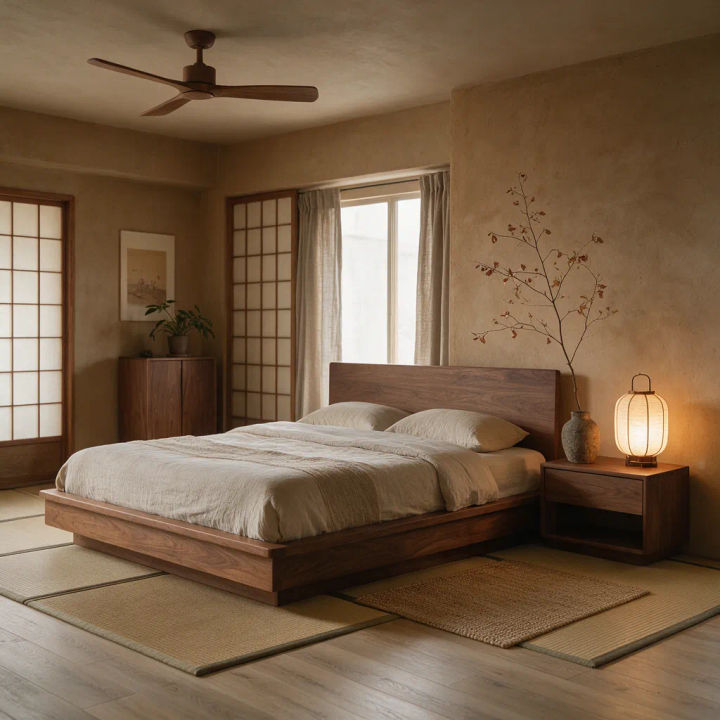
Japandi bedroom
Japandi bedroom, low platform bed, warm wood tones, muted clay walls, paper lantern, calm even light
Edit prompt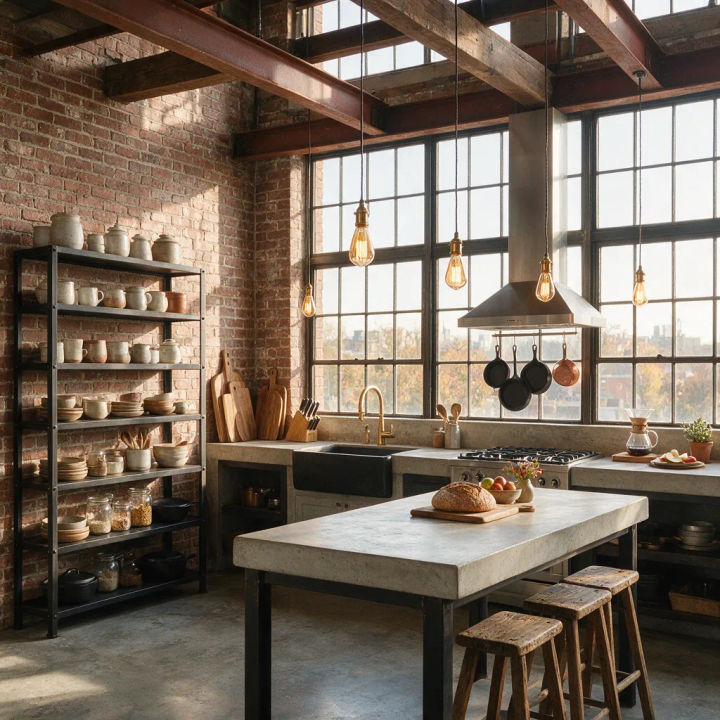
Industrial loft kitchen
Industrial loft kitchen, exposed brick, black steel shelving, concrete counters, pendant lights, morning light
Edit prompt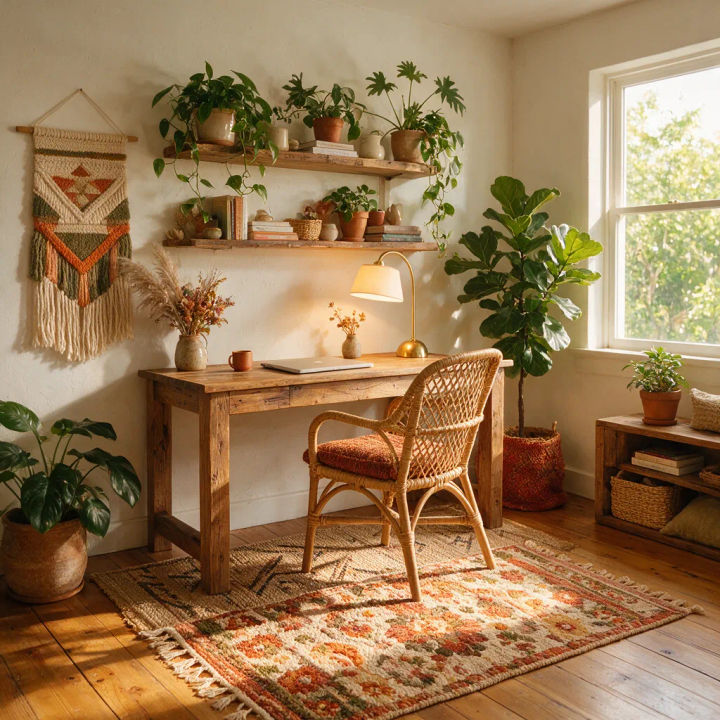
Boho home office
Boho home office, rattan chair, layered textiles, hanging plants, terracotta palette, warm afternoon light
Edit prompt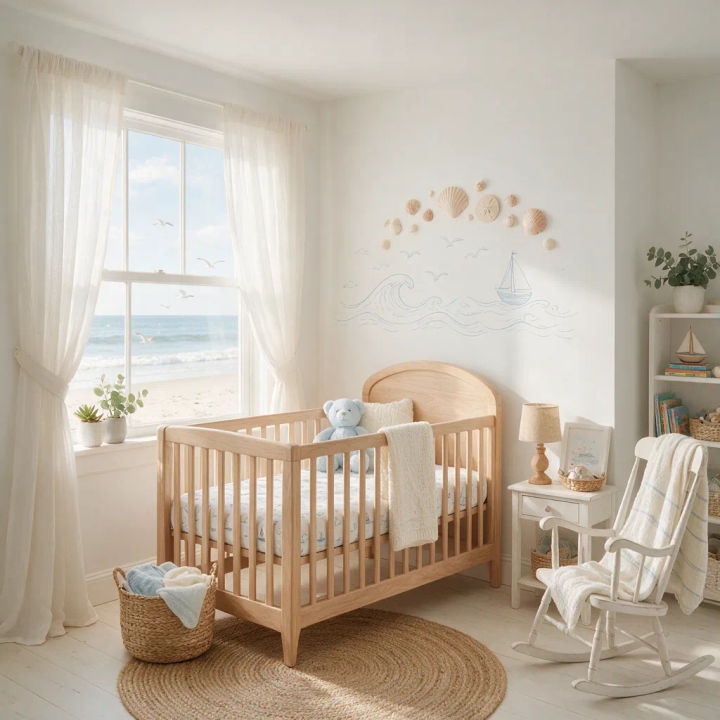
Coastal nursery
Coastal nursery, soft white walls, natural wood crib, sheer curtains, pale blue accents, gentle diffused light
Edit prompt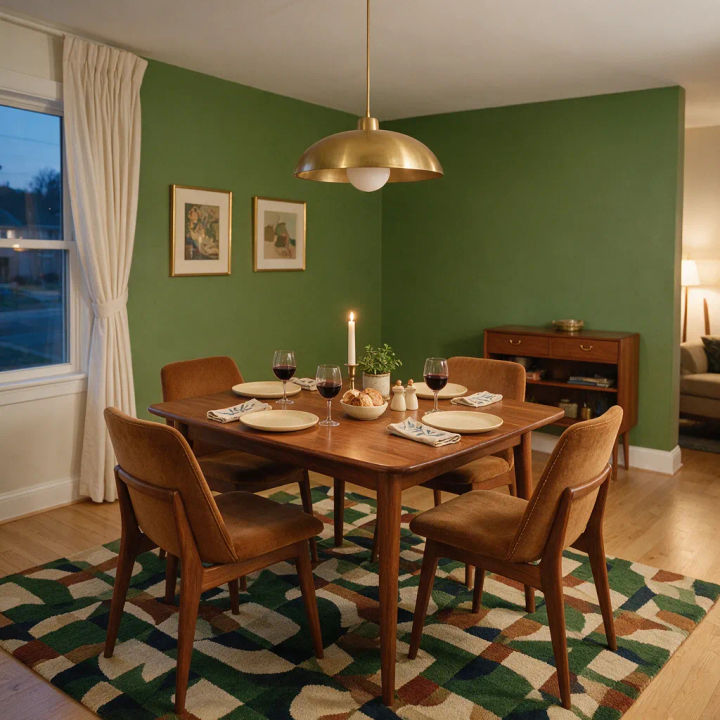
Mid-century dining room
Mid-century dining room, walnut table, tapered-leg chairs, brass pendant, muted green wall, evening warm light
Edit prompt
Cinematic storyboard
Share a scene description with character references. Get a full storyboard with shot angles and mood.

Expressions
Take any character image and generate 6 distinct facial expressions on a single reference sheet.

Messages to cinematic scene
Dramatize any text conversation into a cinematic multi-shot video.

Title sequence
Generate a professional film title card from scratch, with optional cinematic animation.

Location reference sheet
Professional 7-panel location reference sheet from a single photo.

3x3 storyboard
Feed in a single image. Get 9 cinematic beats laid out as a 3x3 storyboard grid.
All on Morphic
Models
Nano Banana 2, Flux 2 Pro, ChatGPT Images, Grok Imagine, Recraft, Seedream, and more. Pick the one that fits the look and switch mid-project.
Redesign from a photo
Start from a photo of the actual room with image-to-image. The model keeps the layout and restyles the space to match your real walls and windows.
Change style
Re-skin one redesign into another look. Scandinavian to boho, mid-century to japandi, same room, a new style each time.
Workflows
Save a room redesign as a one-click Workflow. Rerun it on the next room or share it with your team.
