Every image model
Edit the screen
Edit a screenshot in three steps
- 01
Open Morphic
Sign up and start creating on a free-flowing, infinite visual canvas.
- 02
Upload and describe the edit
Drop in the screenshot and say what to change, relabel a button, redact a name, tidy a panel.
- 03
Generate and export
Morphic rebuilds the edited area in place to match the interface. Rerun if needed, then export.
Use cases
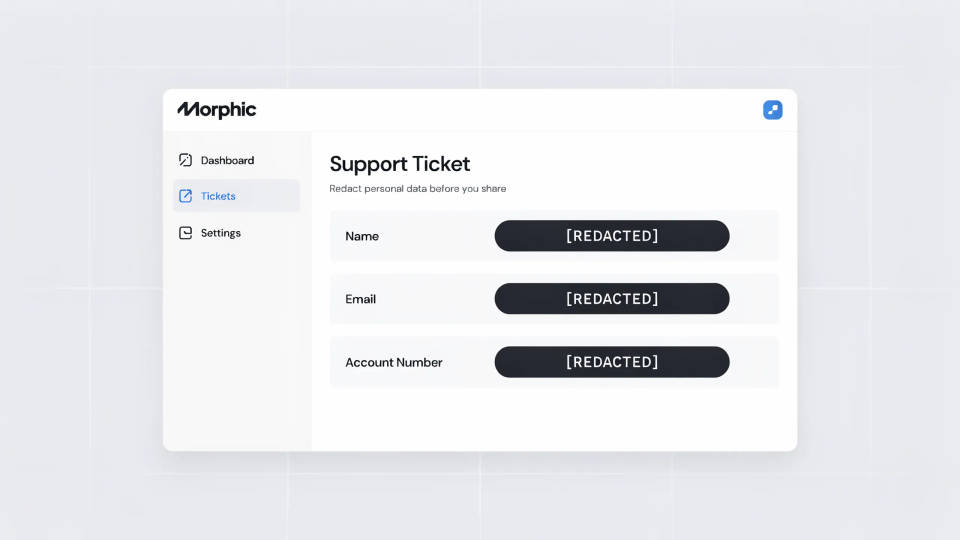
Redact personal data before you share
A support screenshot often carries a real name, email, or account number. Ask Morphic to replace those with placeholders and the fields are rebuilt to look like ordinary UI, not a black bar slapped over the top. You get a shareable image without exposing anyone's details.
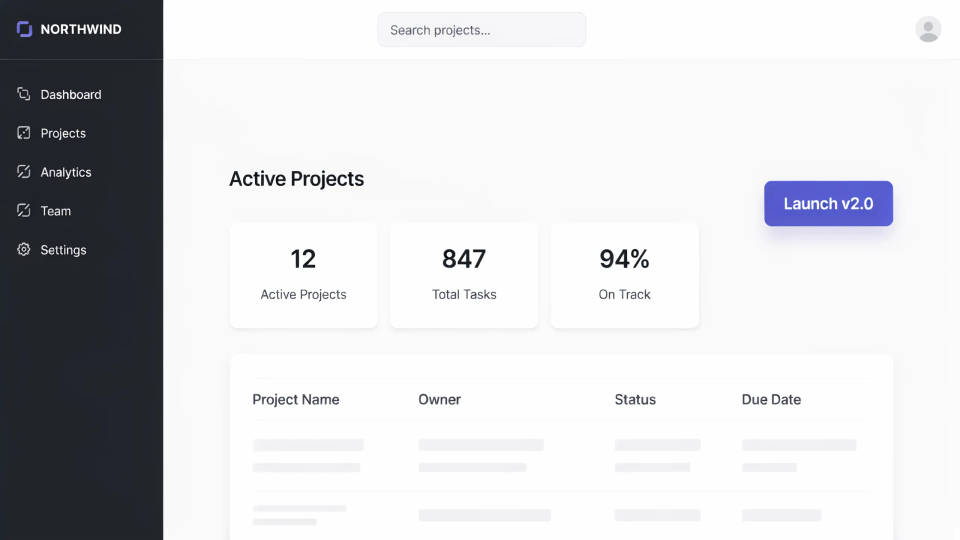
Relabel UI for a mockup or deck
Show a feature that is not built yet by editing the wording on a real screen. Rename a button, change a heading, or swap a menu item and the new text is set in the interface's own font and colour. It is a fast way to make a believable concept without a designer rebuilding the screen.
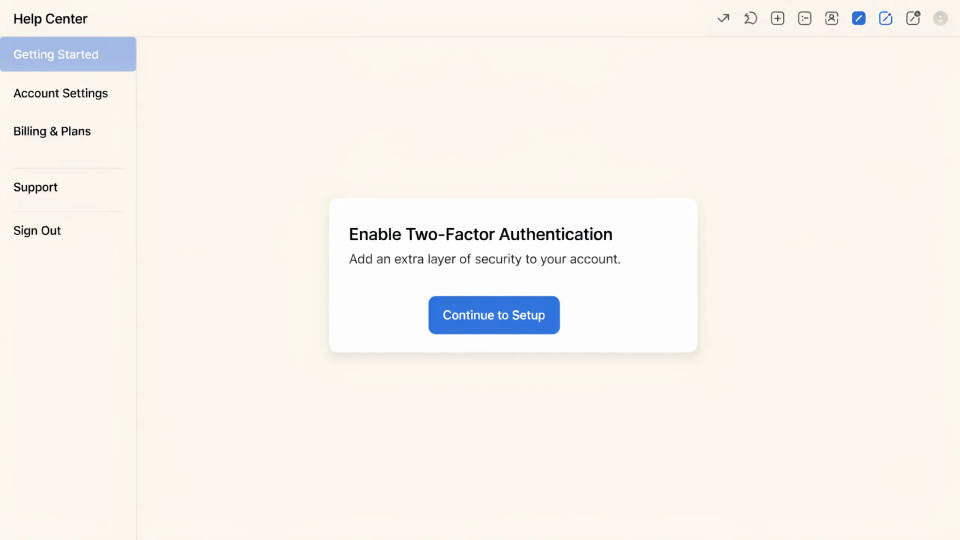
Clean up a screenshot for a help article
Stray notifications, a half-open menu, or a cluttered sidebar distract from the step you are documenting. Brush those away and the surrounding interface fills back in, leaving a tidy, focused screen. The reader sees only what matters for the instruction.
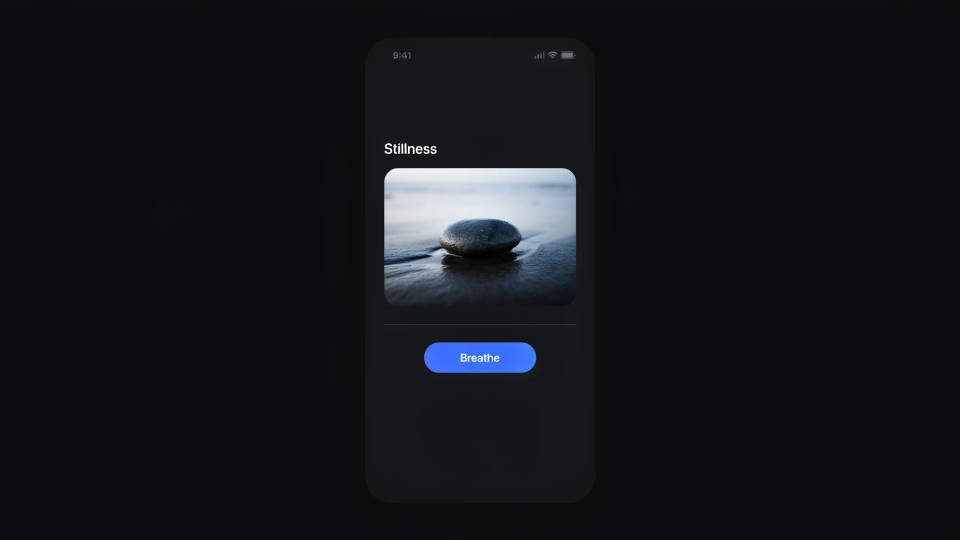
Restyle a screen to match a brand
Take a plain screenshot and push it toward your palette, or flip a light interface to dark for a slide that sits on a dark background. Morphic restyles the colours and surfaces while keeping the layout and text readable, so the screen fits the surrounding design.
Prompt examples
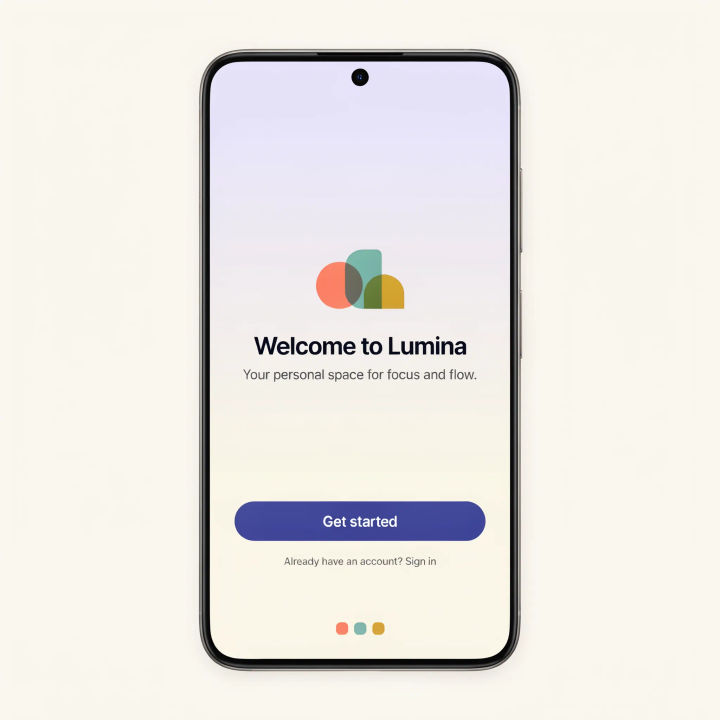
Relabel a button
Change the primary button text from Submit to Get started and keep the same font and colour
Edit prompt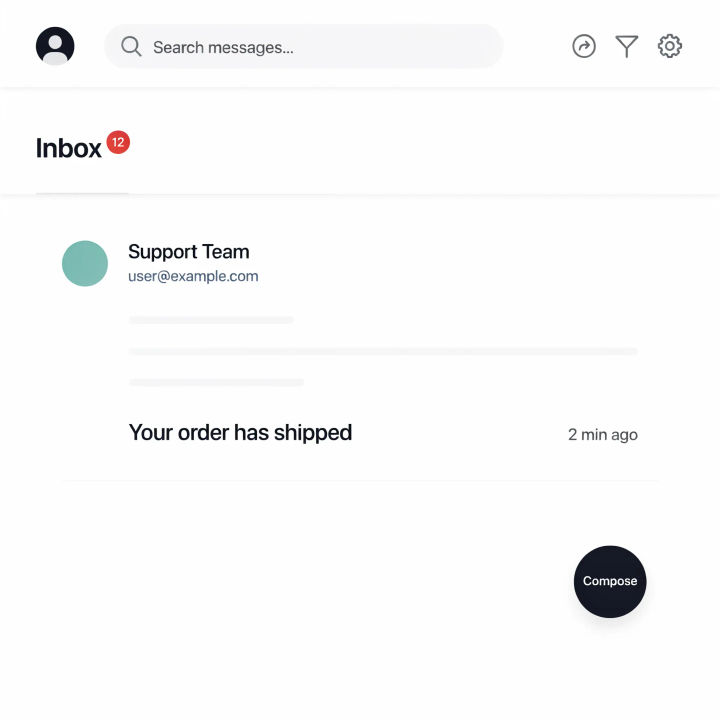
Redact an email
Replace the customer email address with a placeholder that looks like normal UI text
Edit prompt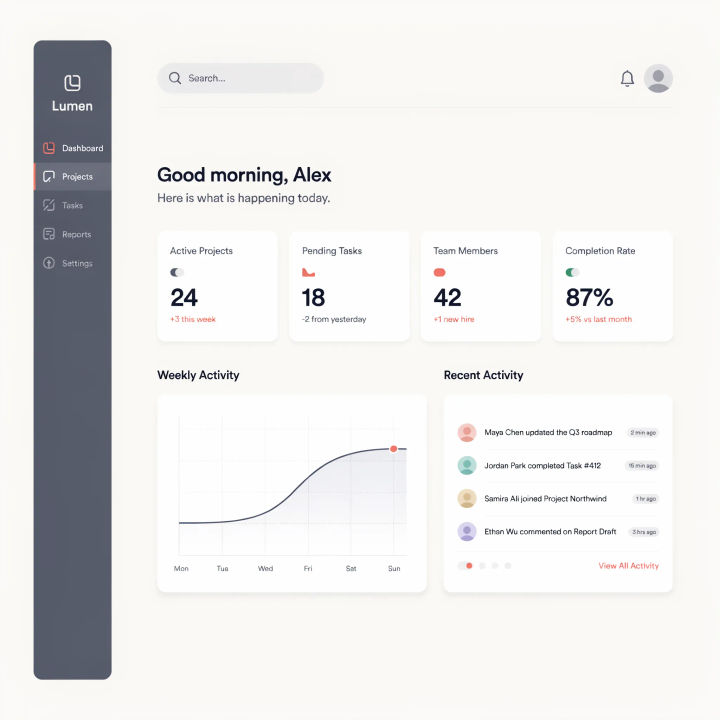
Clear notifications
Remove the red notification badges and the pop-up banner so the screen looks clean
Edit prompt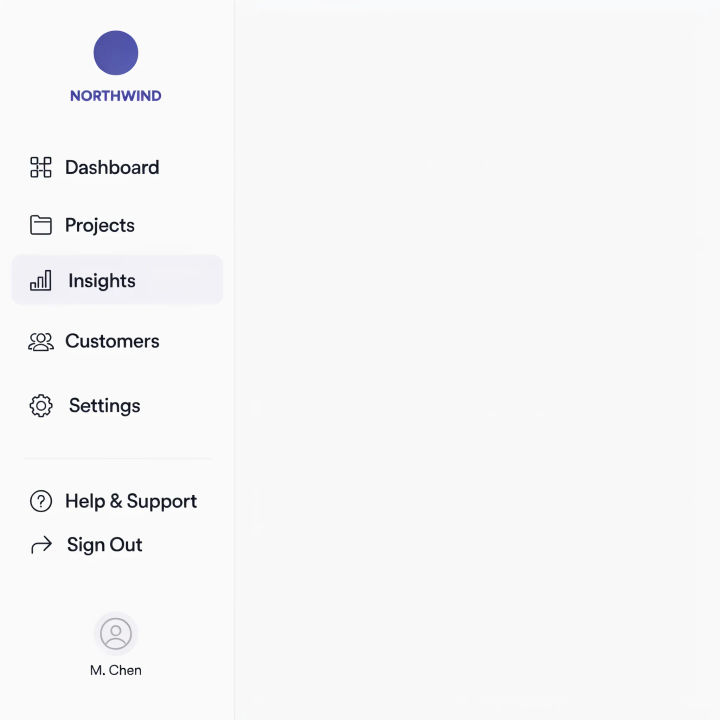
Rename a menu item
Rename the sidebar item Reports to Insights and keep the icon and spacing
Edit prompt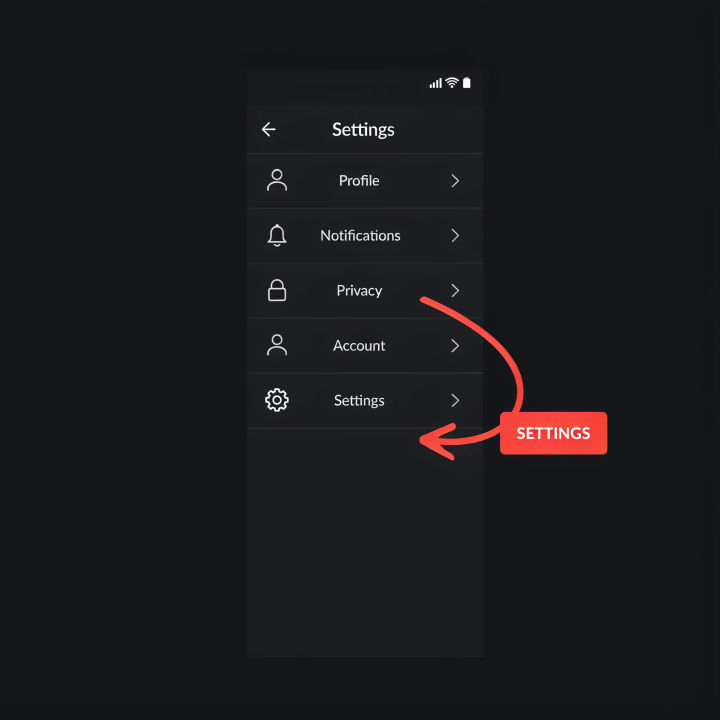
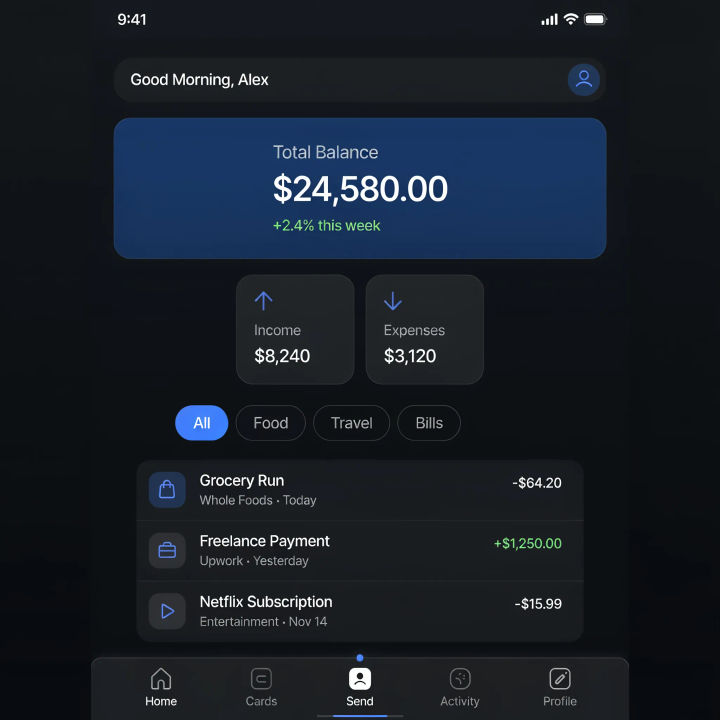
Flip to dark mode
Restyle this light interface into a dark theme and keep the text legible
Edit prompt
Messages to cinematic scene
Dramatize any text conversation into a cinematic multi-shot video.

Cinematic storyboard
Share a scene description with character references. Get a full storyboard with shot angles and mood.

Title sequence
Generate a professional film title card from scratch, with optional cinematic animation.

3x3 storyboard
Feed in a single image. Get 9 cinematic beats laid out as a 3x3 storyboard grid.

Chibi sprite animation
Turn any photo or description into an animated chibi sprite. Dance, jump, wave, attack, and more.
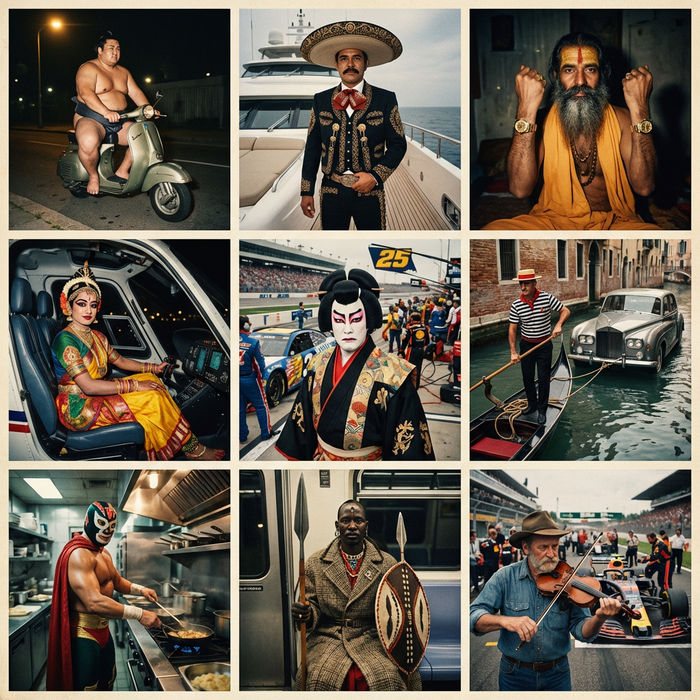
Paradox frames
Flash paradox photographs — any collision, any country
All on Morphic
Models
Nano Banana 2, Flux 2 Pro, ChatGPT Images, Grok Imagine, Recraft, Seedream, and more. Switch models when an edit needs a cleaner render.
Object remover
Clear a whole element off the screen, a floating menu, a cursor, a watermark, in one selection.
Edit any photo with AI
The full edit workspace for any image, with the same in-place editing that powers screenshot work.
Image to image
Restyle or rebuild a screenshot through inpainting, the method behind every in-place edit here.
