Every image model
One workspaceShot types you can board
Storyboard your script in three steps
- 01
Open Morphic
Sign up and start creating on a free-flowing, infinite visual canvas.
- 02
Break the script into shots
List each shot with its framing, action, and setting. One frame per beat.
- 03
Generate and keep characters on-model
Recall your trained Character in every frame so the board stays consistent, then animate.
Use cases
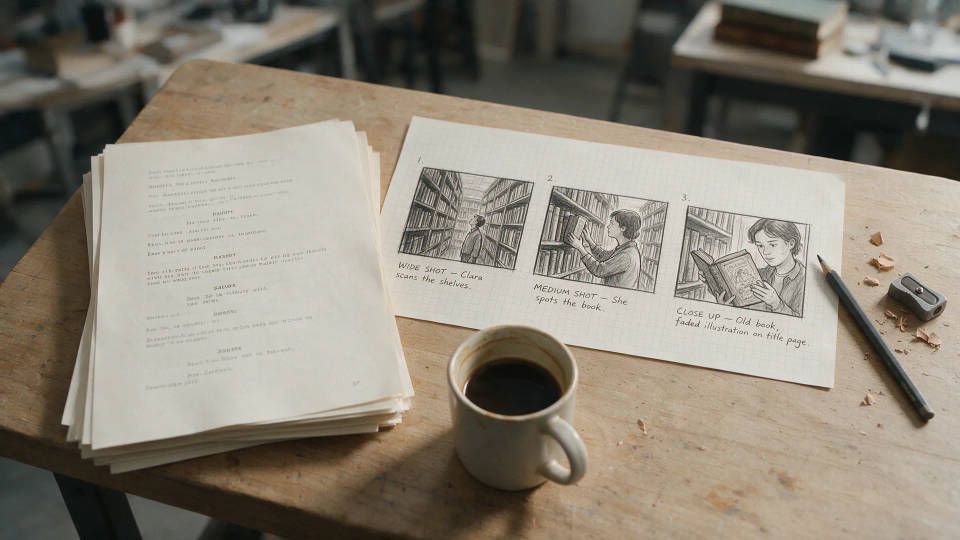
Script to storyboard in minutes
Turn a script or shot list into a full board fast. One frame per beat with the right framing, reordered into a shot-by-shot storyboard, no artist wait.
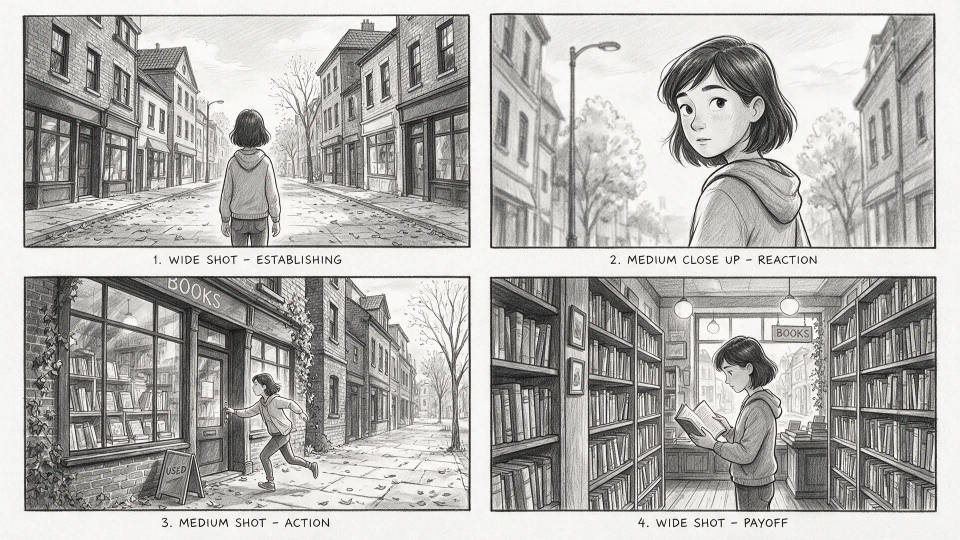
Consistent characters frame to frame
Train a Character from a few references and recall it in every shot. Your lead holds one face and wardrobe, so the sequence reads as one story.
Pitch and previs, client-ready
Build boards that look like the finished shot. Present a polished sequence that sells the idea and aligns the crew before filming.

Turn the board into an animatic
Carry each locked frame into motion with image-to-video, then arrange the clips into a timed animatic. Feel the cut before the shoot.

Prompt examples
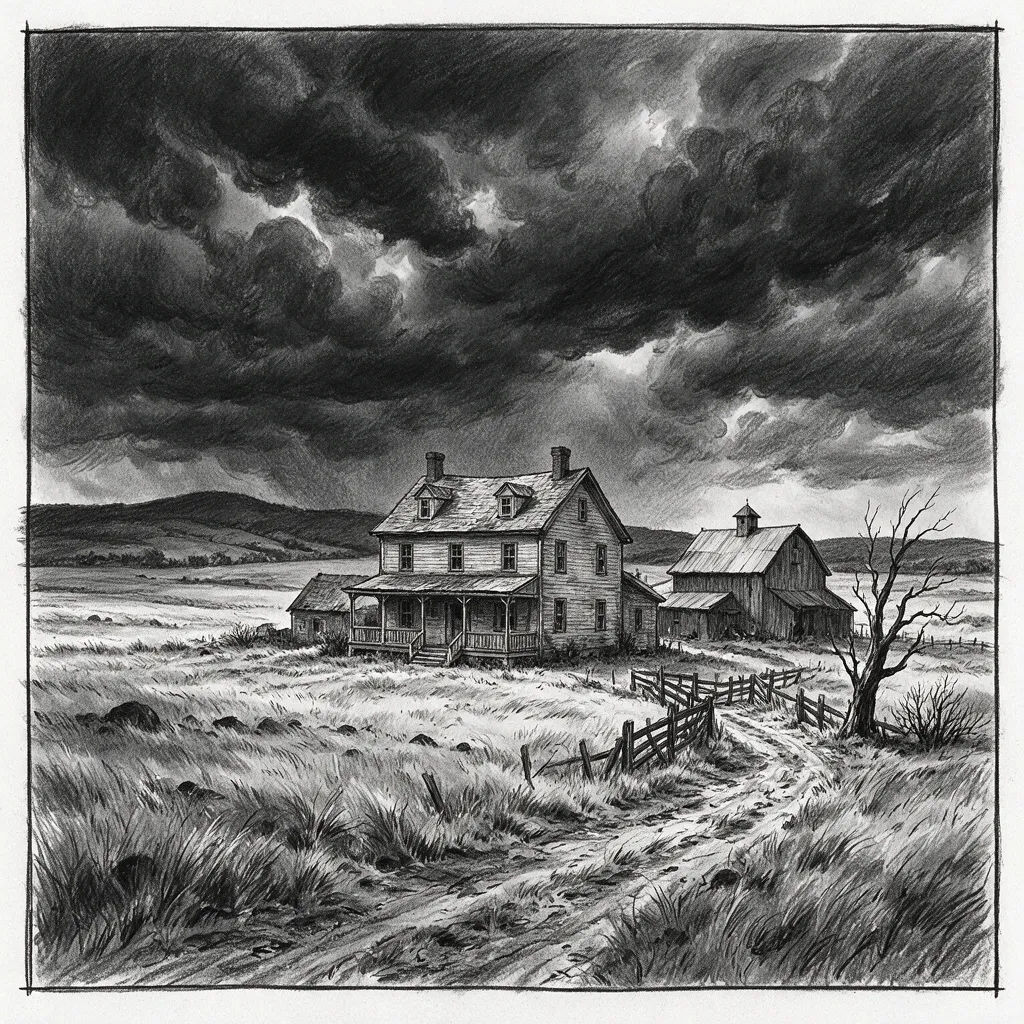
Establishing wide
Establishing wide, lone farmhouse under storm clouds, cinematic storyboard frame
Edit prompt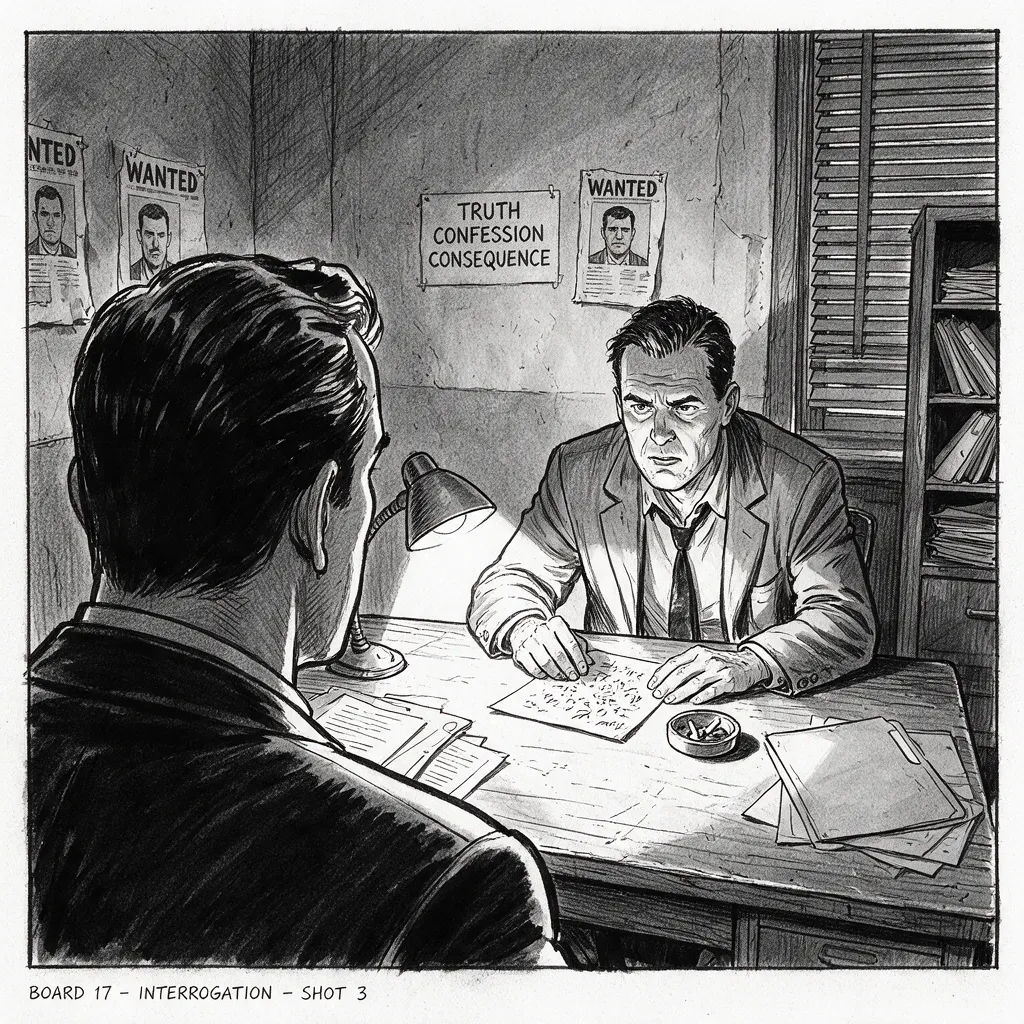
Over-the-shoulder
Over-the-shoulder shot, detective facing a suspect across a table, tense storyboard frame
Edit prompt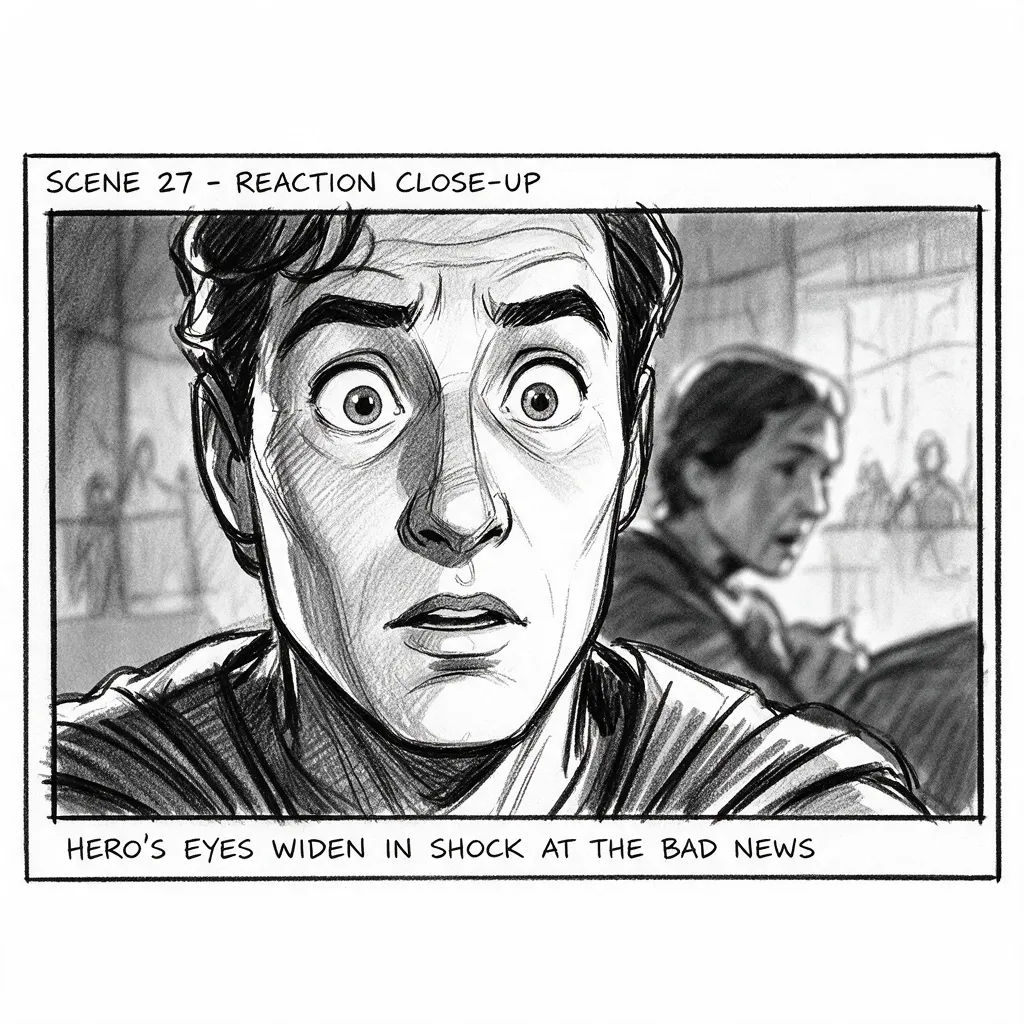
Close-up reaction
Close-up reaction, hero's eyes widen at bad news, shallow depth, storyboard frame
Edit prompt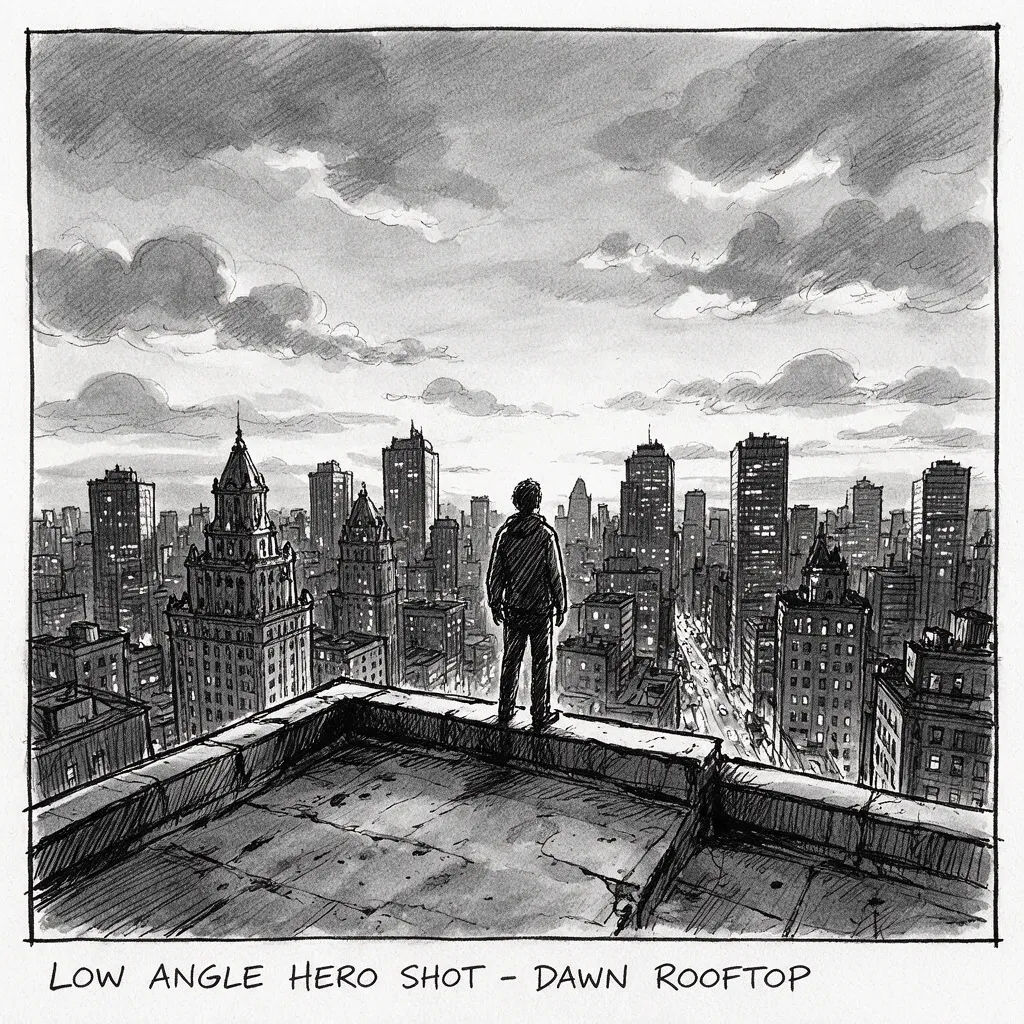
Low-angle hero
Low-angle hero shot, lone figure on a rooftop at dawn, city skyline, storyboard frame
Edit prompt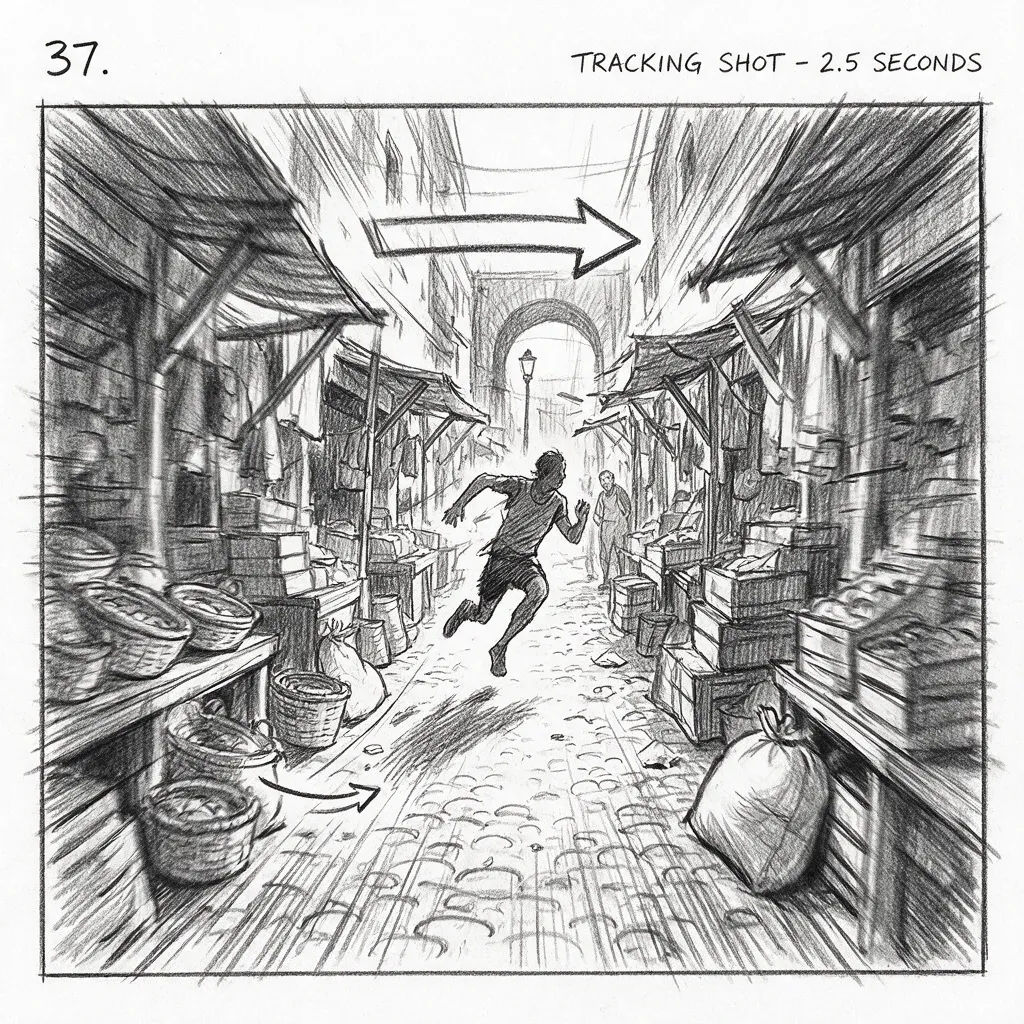
Tracking shot
Tracking shot, runner sprinting down a narrow market alley, motion blur, storyboard frame
Edit prompt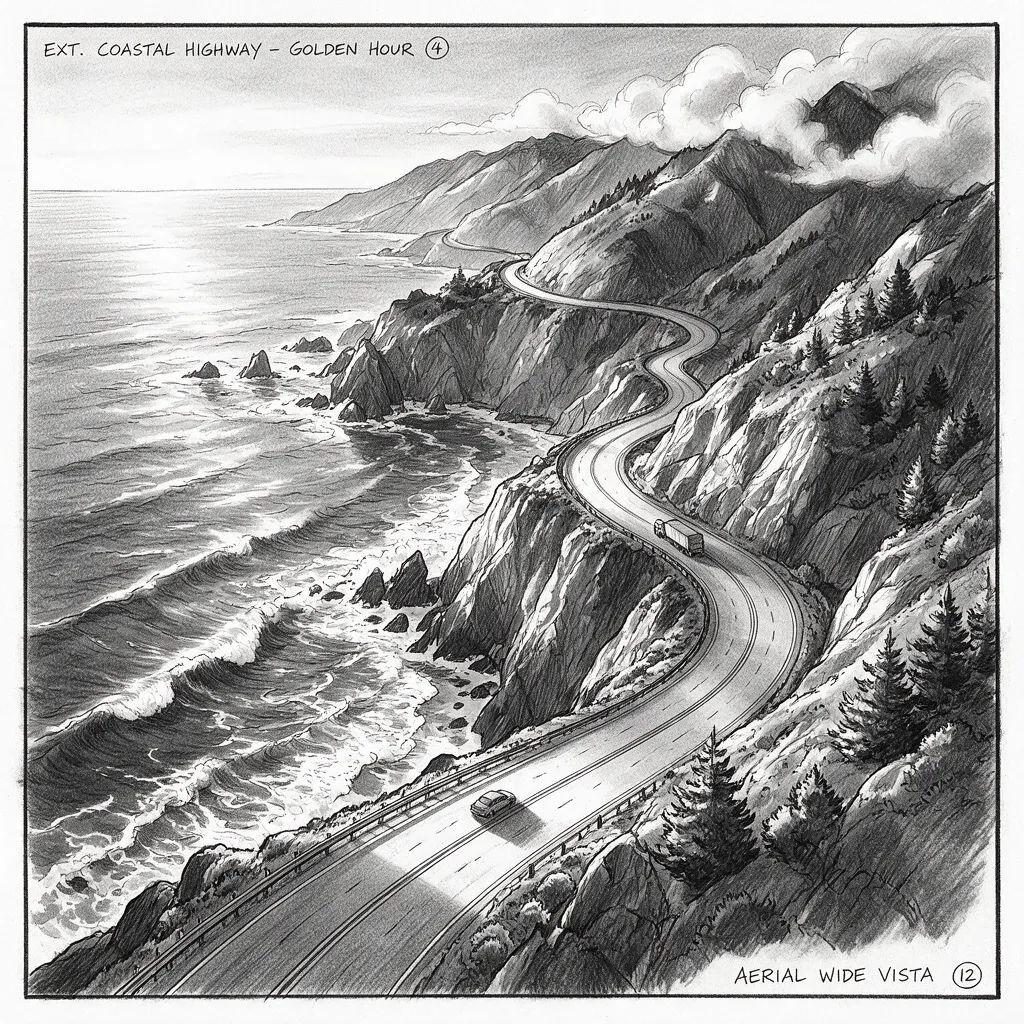
Aerial establishing
Aerial establishing, winding coastal road at golden hour, wide vista, storyboard frame
Edit prompt
Cinematic storyboard
Share a scene description with character references. Get a full storyboard with shot angles and mood.

3x3 storyboard
Feed in a single image. Get 9 cinematic beats laid out as a 3x3 storyboard grid.
Cinematic scene
One image to a 9-scene cinematic video.

Messages to cinematic scene
Dramatize any text conversation into a cinematic multi-shot video.
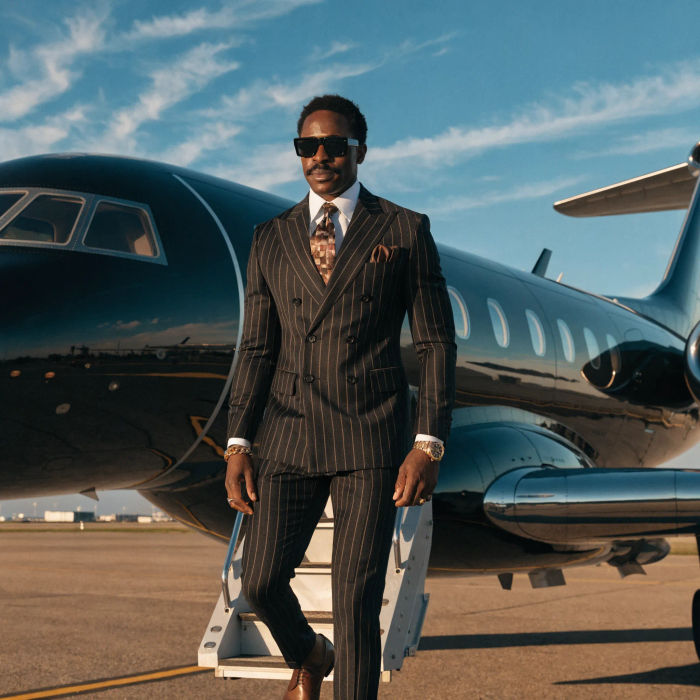
Music video
Pick a visual style, drop in your lyrics. Each verse gets its own scene visual, laid out as a full screenplay.
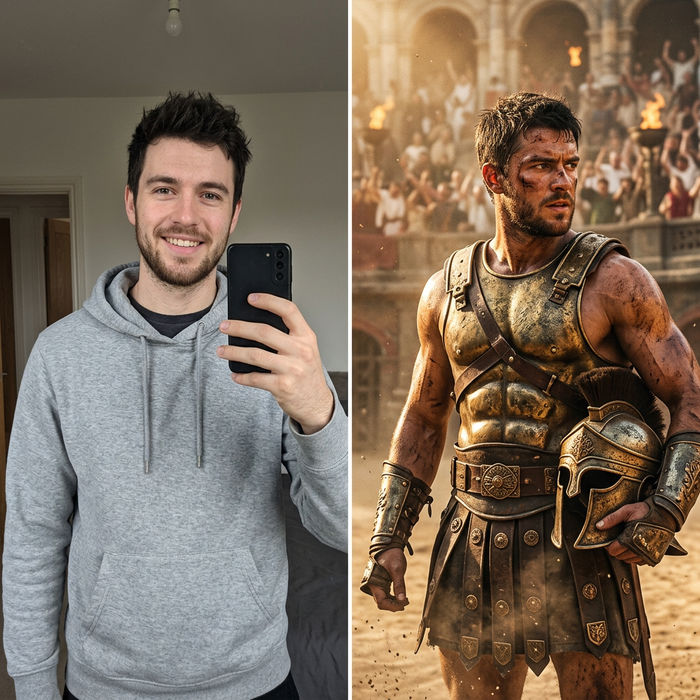
Character look book
Character photo plus costume descriptions. Multiple styled looks across angles and lighting.
All on Morphic
Your complete storyboard stackModels
Nano Banana 2, Flux 2 Pro, ChatGPT Images, Grok Imagine, Recraft, Seedream, and more. Pick the look of your board and swap mid-project.
Consistent characters
Train a Character from a few references, then recall it in every frame. Your lead stays on-model across the whole board.
Frames to animatic
Carry each locked frame into motion with image-to-video, then arrange the clips into a timed animatic. Board to previs in one workspace.
Workflows
Save a finished board as a Workflow, then rerun it, share it, or favorite it for later.
