Textures you can create
Generate a texture in three steps
- 01
Open Morphic
Sign up and start creating on a free-flowing, infinite visual canvas.
- 02
Describe the material
Name the surface, the color, and the finish you want, matte or glossy, worn or polished.
- 03
Generate and refine
Render the texture, then adjust the scale, grain, or palette until it fits your surface.
Use cases
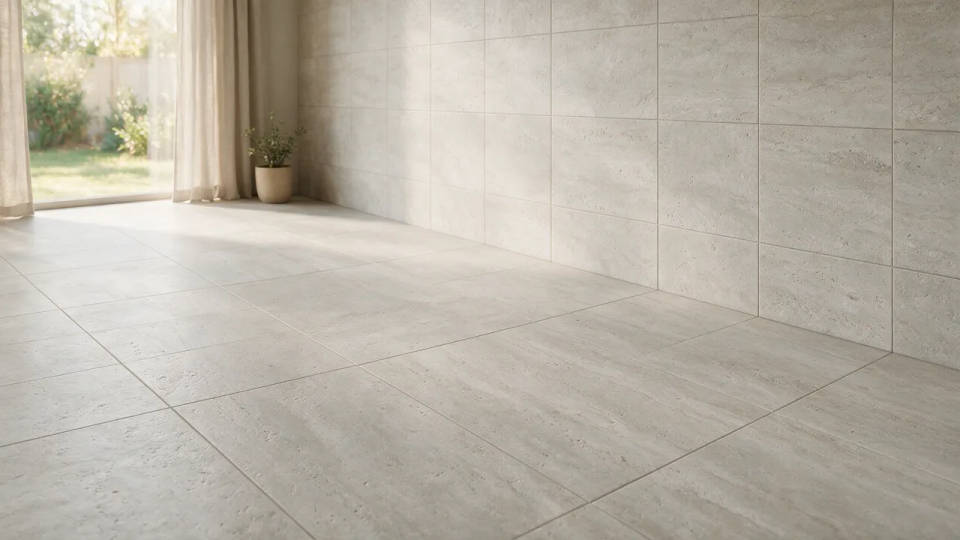
A tileable surface for a design or scene
Generate a surface that repeats without a visible seam and lay it across a whole floor or wall. Tune the scale so a large-format tile runs clean edge to edge in a room render or a 3D scene.
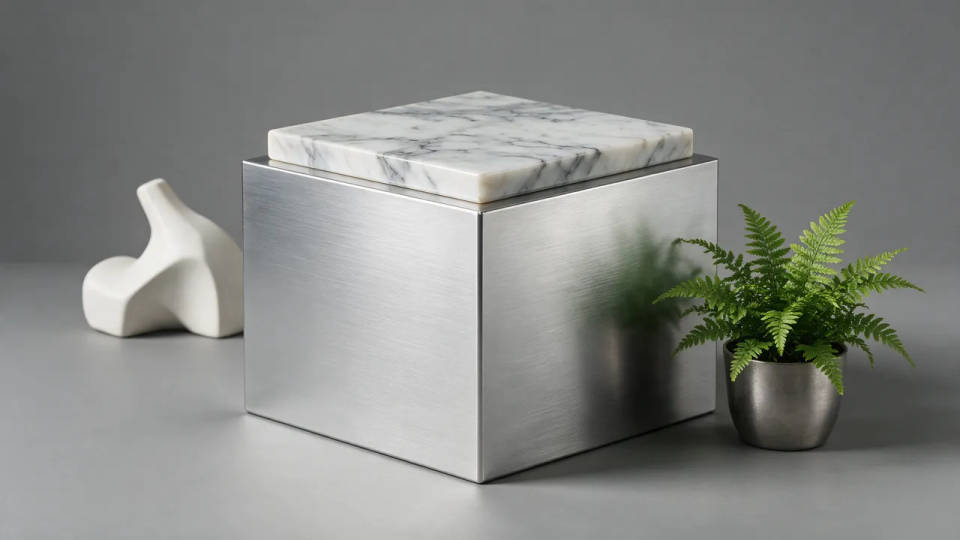
A material for a product render or slide
Dress a product mockup or a deck in a real material. Brushed metal, marble, or leather in the exact finish you name, so a render or a slide looks considered instead of flat.
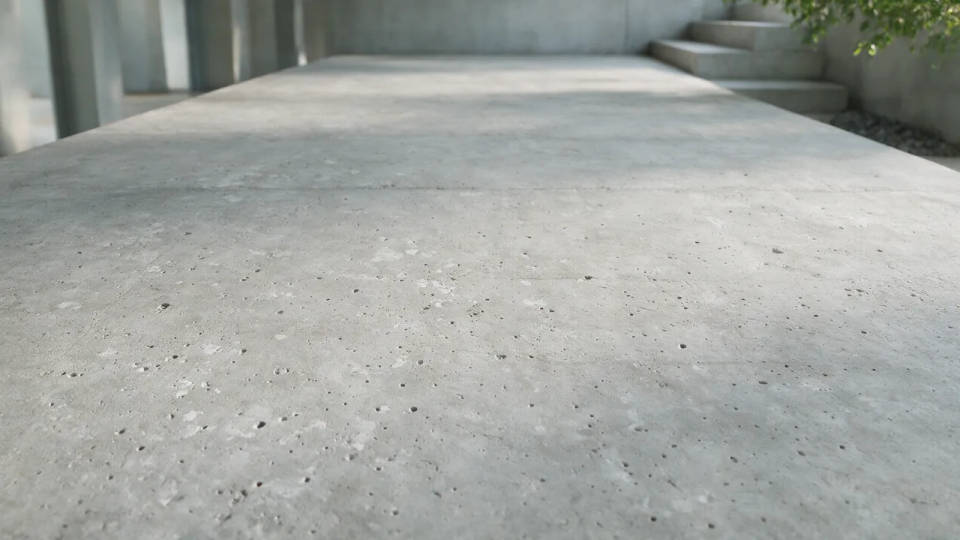
A full surface for a room or scene
Lay a real material across a whole floor or wall so an interior render reads true. Poured concrete, wood, or stone filling the space, carrying depth and mood instead of looking flat.
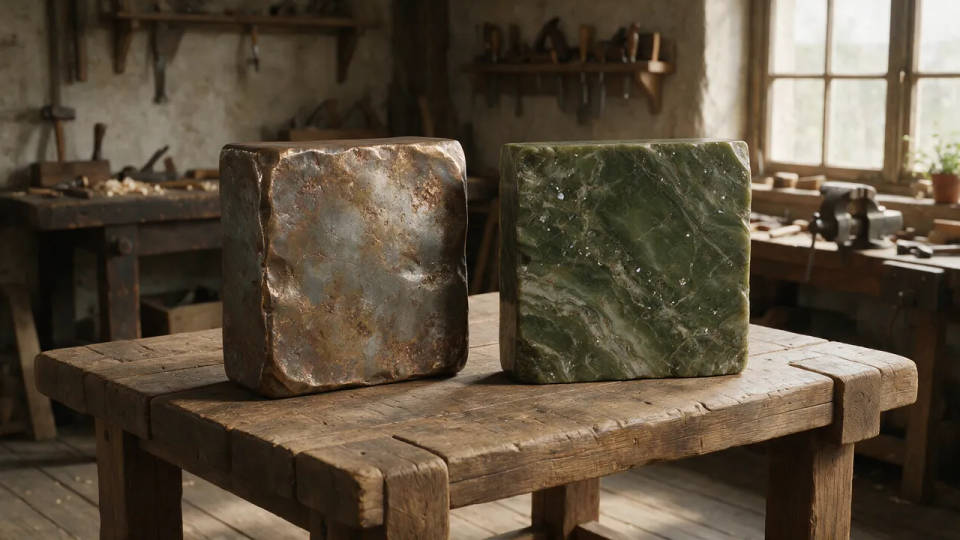
A custom surface stock cannot cover
Describe a material you cannot find in a stock library and get it rendered. An oddly worn metal, a specific stone, a color of marble that fits your palette, all from a prompt instead of a search.
Textures you can create
Different materials, finishes, and lighting. Open any prompt to tweak it and generate your own.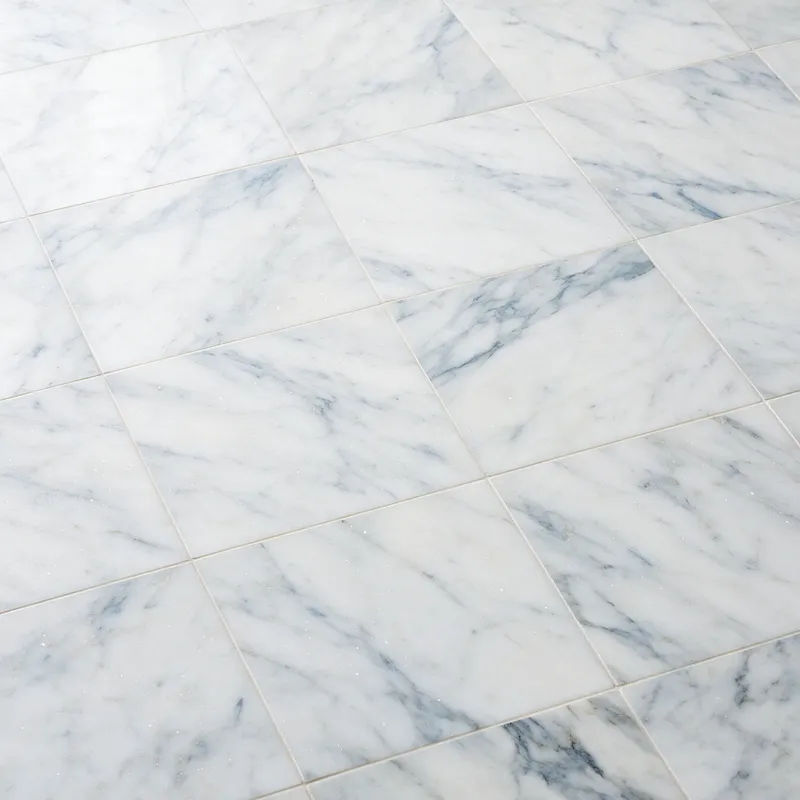
Veined marble
Veined white Carrara marble, polished finish, soft even light, seamless tile
Edit prompt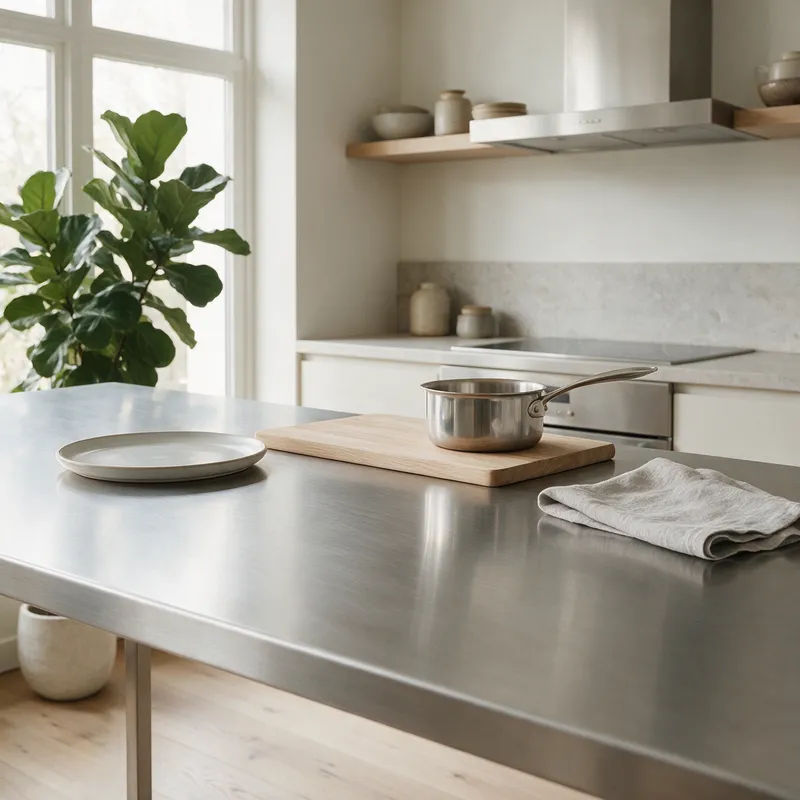
Brushed metal
Brushed stainless steel, fine horizontal grain, subtle anisotropic highlight, matte sheen
Edit prompt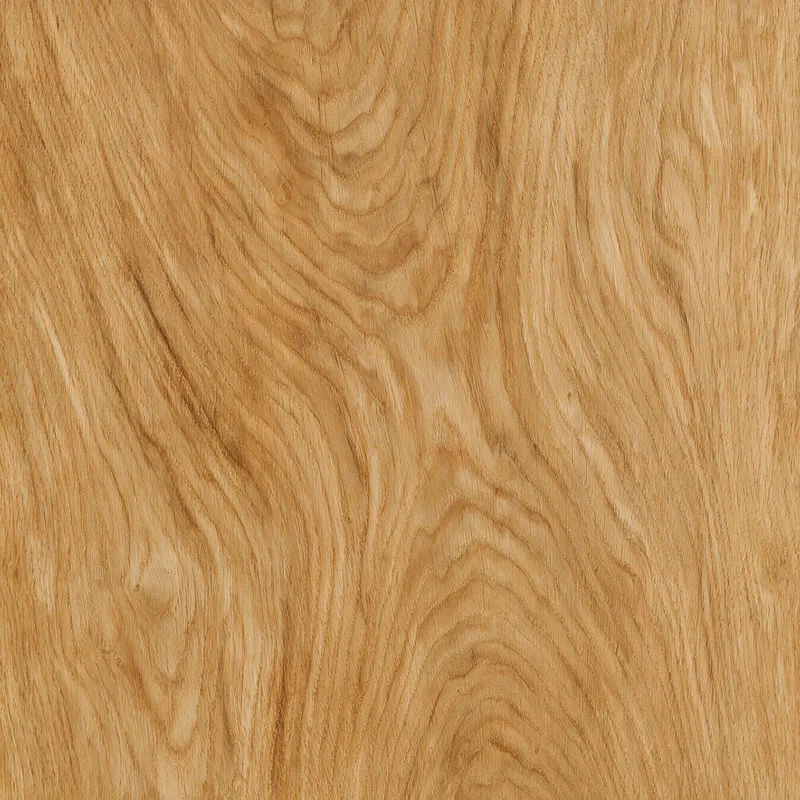
Oak wood grain
Natural oak wood grain, warm honey tone, visible growth rings, soft daylight, seamless tile
Edit prompt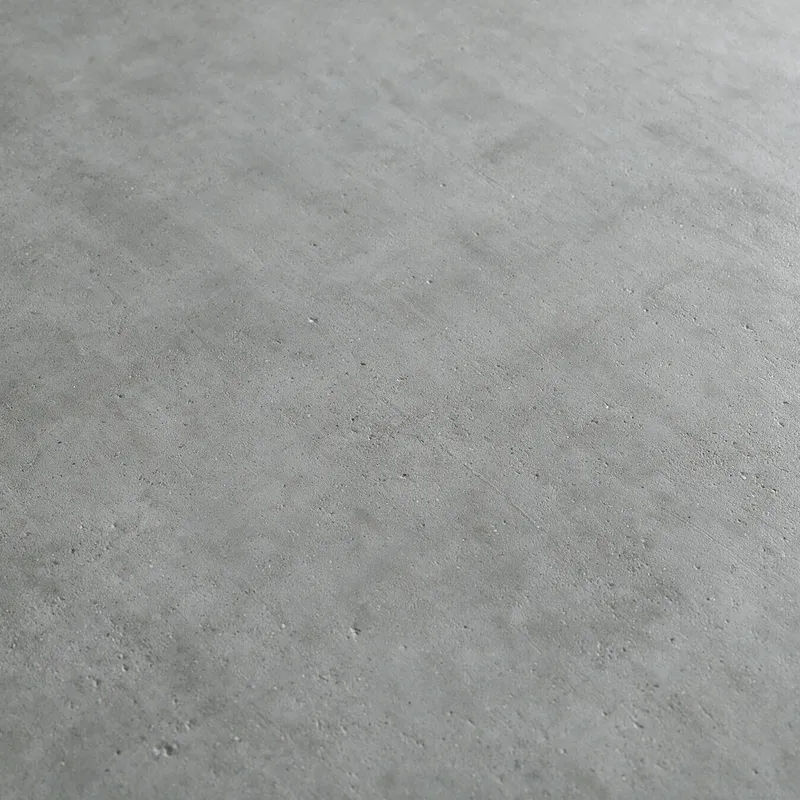
Poured concrete
Poured concrete surface, fine matte grain, faint pour marks, cool grey tone, soft top light
Edit prompt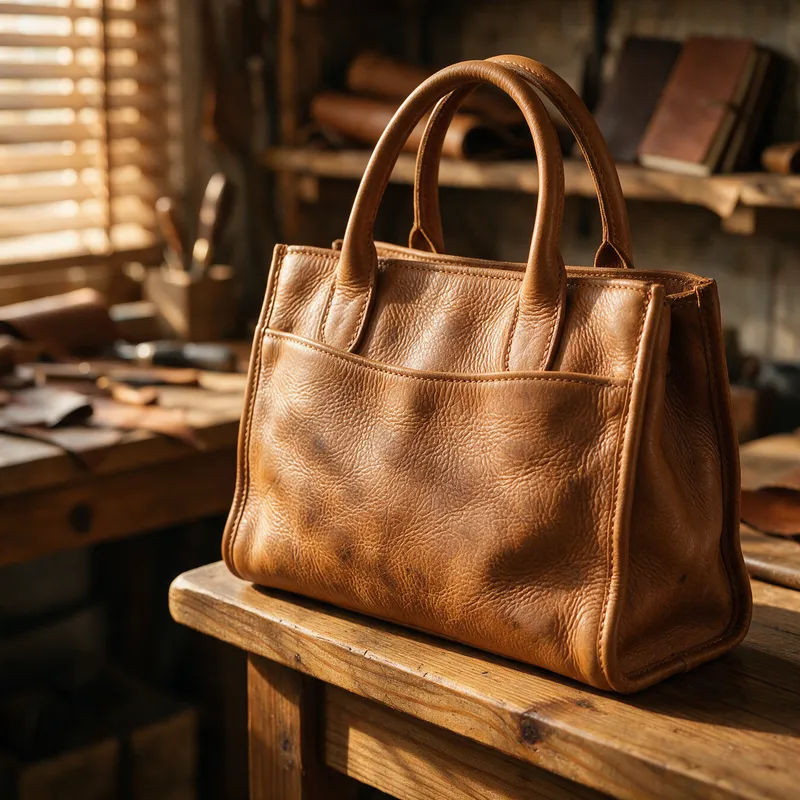
Tan leather
Full-grain tan leather, natural pebble texture, warm side light, supple worn finish
Edit prompt
Weathered rust
Weathered rusted iron, orange and brown corrosion, flaking patina, raking light
Edit prompt
Cinematic storyboard
Share a scene description with character references. Get a full storyboard with shot angles and mood.

Messages to cinematic scene
Dramatize any text conversation into a cinematic multi-shot video.

Title sequence
Generate a professional film title card from scratch, with optional cinematic animation.

3x3 storyboard
Feed in a single image. Get 9 cinematic beats laid out as a 3x3 storyboard grid.

Chibi sprite animation
Turn any photo or description into an animated chibi sprite. Dance, jump, wave, attack, and more.

Expressions
Take any character image and generate 6 distinct facial expressions on a single reference sheet.
All on Morphic
Your complete texture toolkitModels
Nano Banana 2, Flux 2 Pro, ChatGPT Images 2.0, Grok Imagine, Recraft V4 Pro, Seedream 5, and more. Pick the one that renders material and light best, and switch mid-project.
Seamless tiles
Ask for a tileable surface and the model matches the edges so the material repeats without a visible seam. Fill a floor, a wall, or a full background.
Any material, any finish
Name the surface and the finish, matte or glossy, worn or polished, and re-skin one texture into another material without starting over.
Workflows
Save a texture recipe as a Workflow. Rerun it for the next material, share the link, or favorite it.
