Every video model
One workspaceCinematic shots from a premise
Make a trailer in three steps
- 01
Open Morphic
Sign up and start creating on a free-flowing, infinite visual canvas.
- 02
Describe the premise
Write the story, the mood, and the key beats. Generate a cinematic shot for each.
- 03
Add score and voiceover
Generate a music score and a spoken voiceover, then cut the pieces together.
Use cases
Tease a short film or script
A filmmaker with a script but no budget to shoot can still show what it feels like. Generate the key beats as cinematic shots, add a voiceover that sets the stakes, and lay a score under it. A pitch lands harder when a reader can see the tone rather than only imagine it.
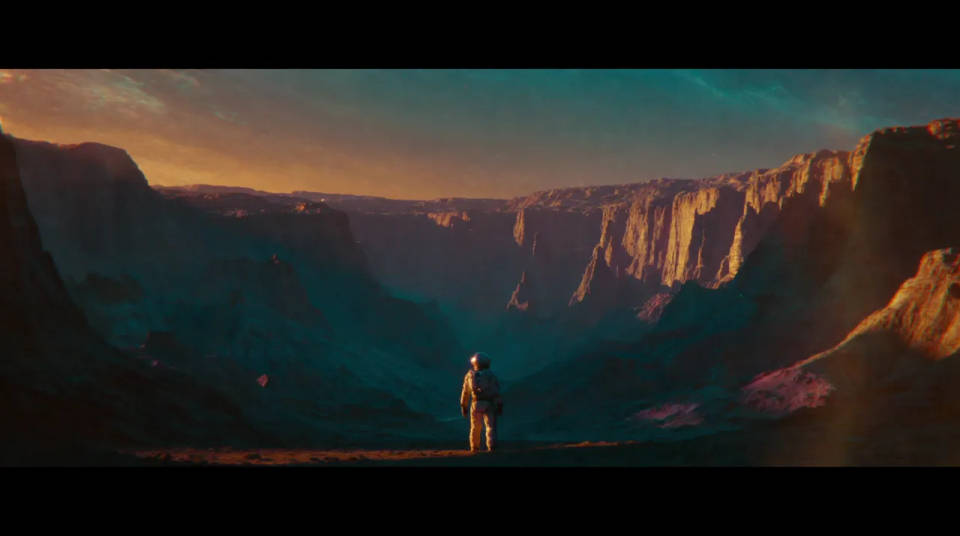
Book trailers that sell the world
A novel or a series has a world worth showing. Describe its settings and turning points, generate the shots, and add narration drawn from the blurb. A book trailer gives an author something to post that captures the mood a cover alone cannot.

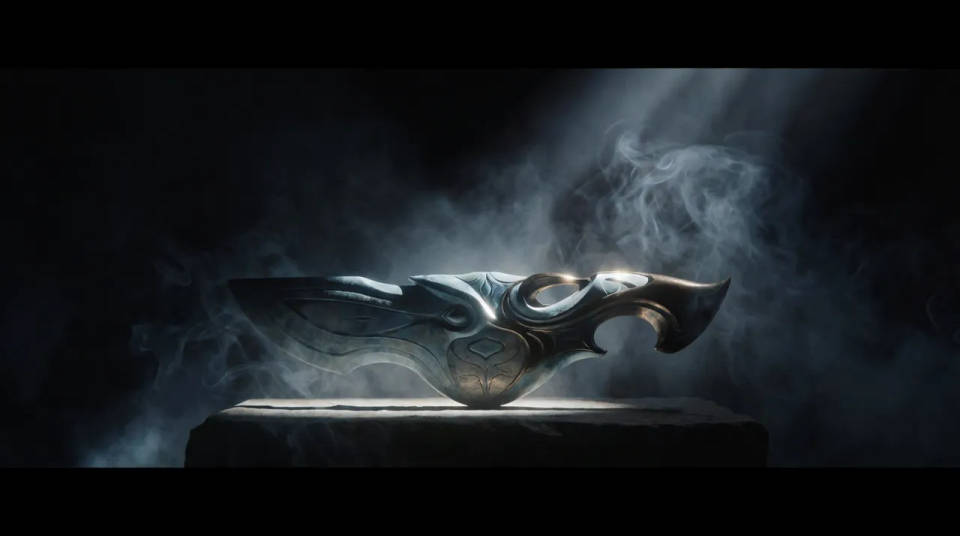
Game and product reveals
A studio or brand teasing something new can build a reveal from a premise. Generate hero shots, add a score that sets the genre, and cut to a title beat. It gives a launch a cinematic tease without a full production schedule behind it.
Pitch a concept fast
Before a project is greenlit, a trailer is the quickest way to show intent. Turn a one-line premise into a handful of shots with narration and music, so a room understands the tone in ninety seconds instead of reading a treatment.
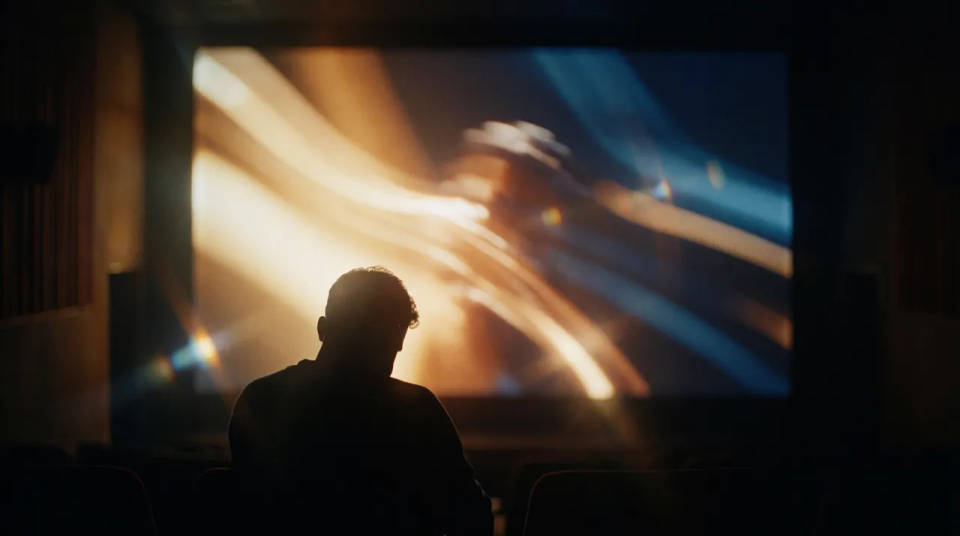
Put yourself in a movie
Drop in a photo of yourself. Get a 12-second cinematic movie with animation and a matched soundtrack.
Time-freeze effect
Cinematic time-freeze short film for any scene
Cinematic scene
One image to a 9-scene cinematic video.
Renovation timelapse
Photo of any real-estate becomes a cinematic renovation timelapse video with construction SFX and music.
Next scene in sequence
Continues your scene sequence with perfect character consistency across frames.
Dance your character
Upload a character image and make it dance in any style.
All on Morphic
From premise to cinematic teaseModels
Kling 3.0, Seedance 2.0, Veo 3.1, and Ideogram for shots that carry legible title text.
AI film generator
Ready for more than a tease? Build out full scenes and longer sequences from a script.
AI intro maker
Need a short opener instead? Generate a branded intro for a channel, show, or podcast.
Text to video
Generate any shot from a written prompt, the model behind every beat of your trailer.
