Every image model
One workspaceThumbnails for any channel
Make a thumbnail in three steps
- 01
Open Morphic
Sign up and start creating on a free-flowing, infinite visual canvas.
- 02
Describe the thumbnail
Subject, expression, contrast, focal point. Name the click you want.
- 03
Generate and refine
Render in seconds. Compare variants side by side on the Canvas and pick the winner.
Use cases
Thumbnails that win the click
Bold, high-contrast thumbnails with a big expressive face and one clear focal point. Reads at 320px in a crowded feed and earns the click.

From a video frame
Bring in a still from your footage and restyle it with image-to-image. Keep the real moment, then crank contrast and sharpen the subject.
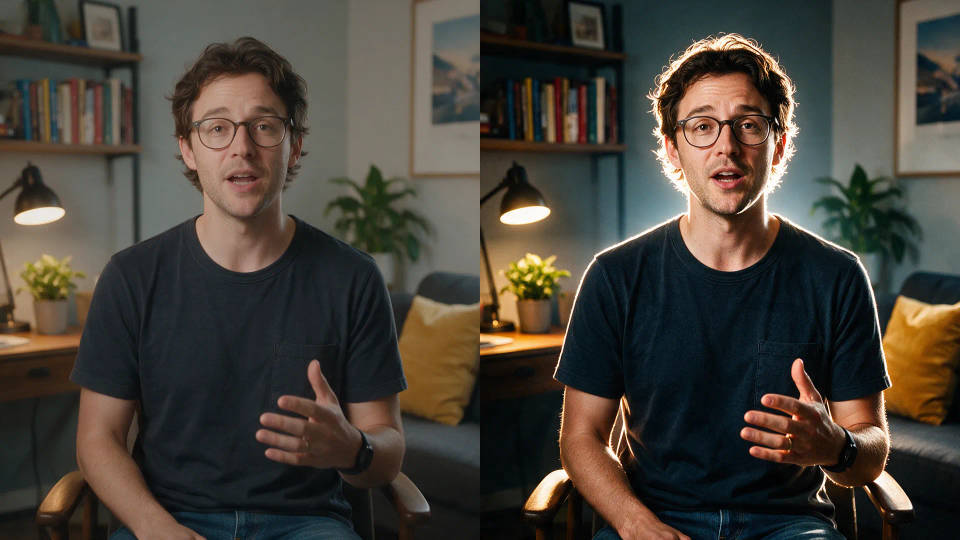
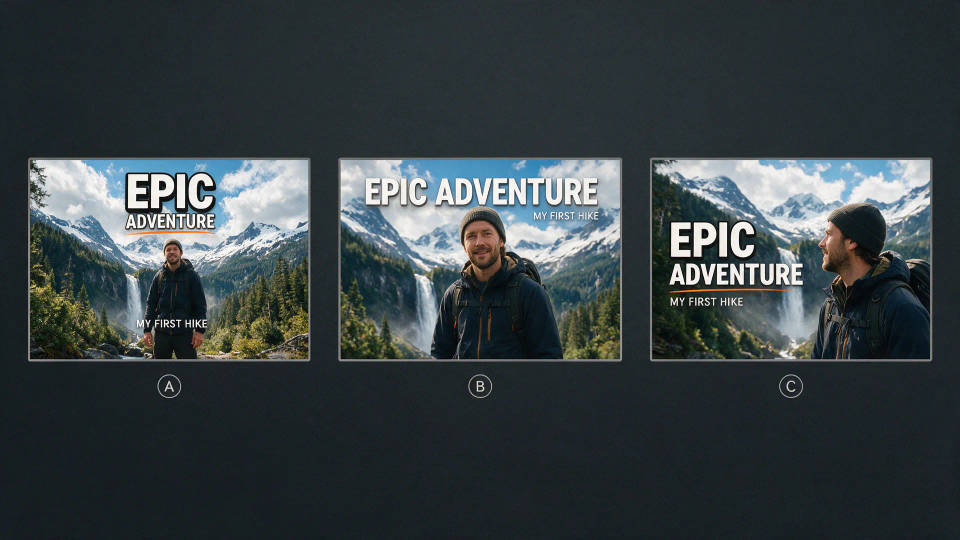
A/B test multiple thumbnails fast
Spin up several thumbnail angles for one video and compare them side by side on the Canvas. Publish the one that pulls the highest click-through.
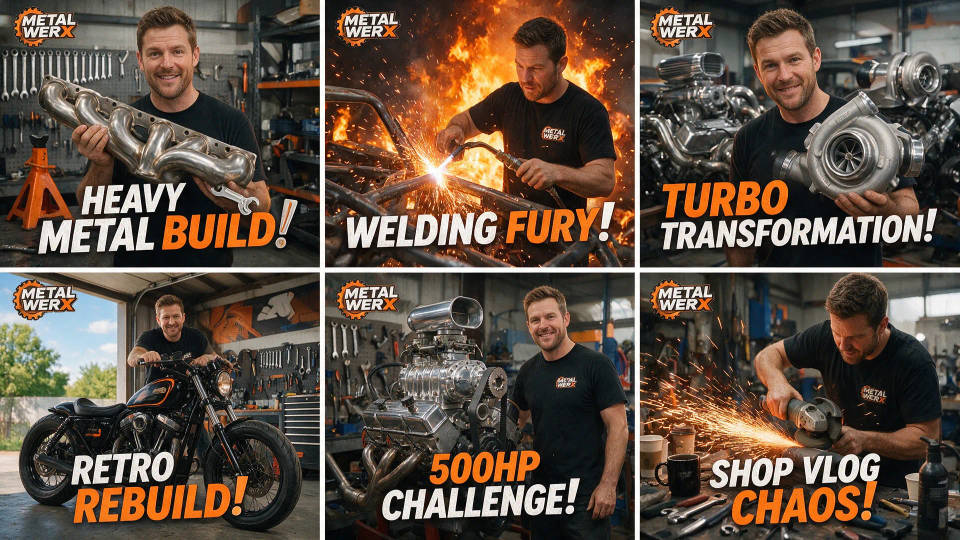
A consistent channel look
Lock your framing, palette, and style once. Save a thumbnail as a Workflow, rerun it per video, and keep the channel instantly recognizable.
Prompt examples
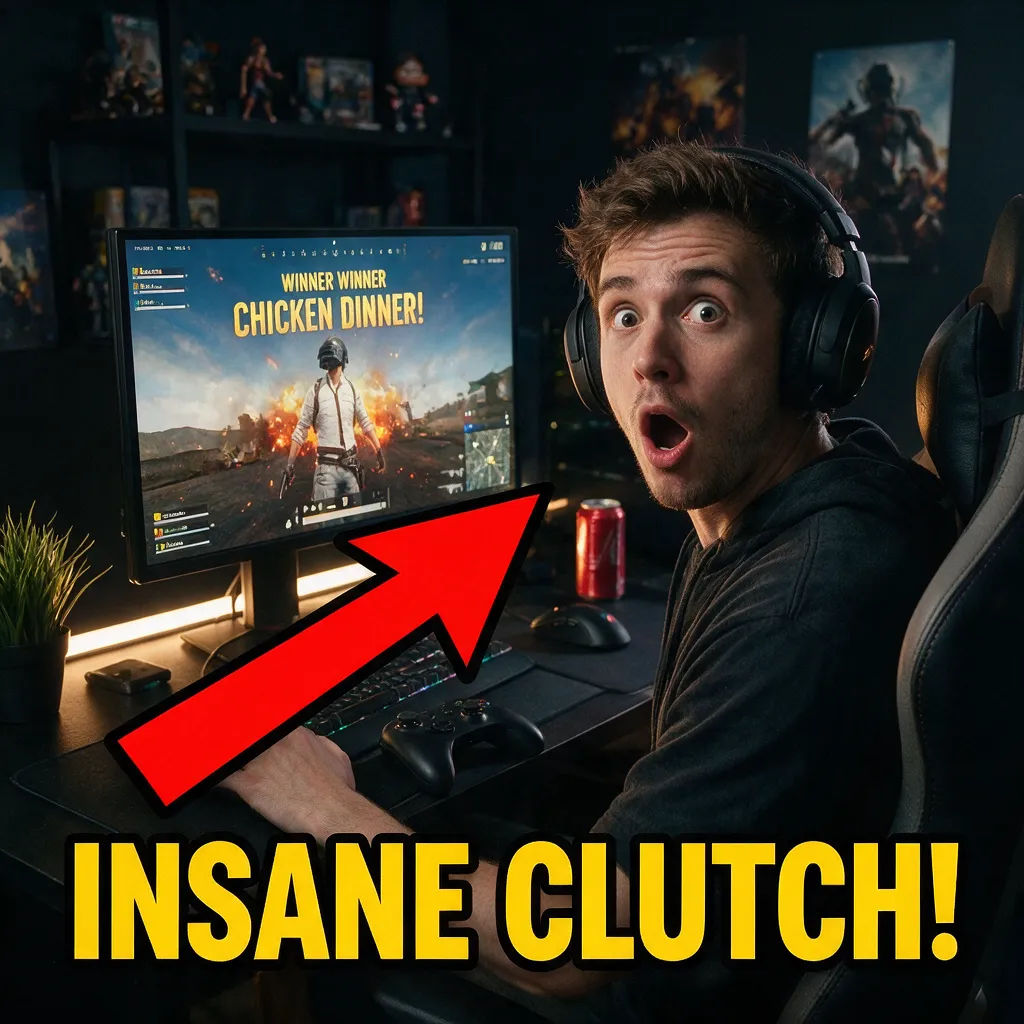
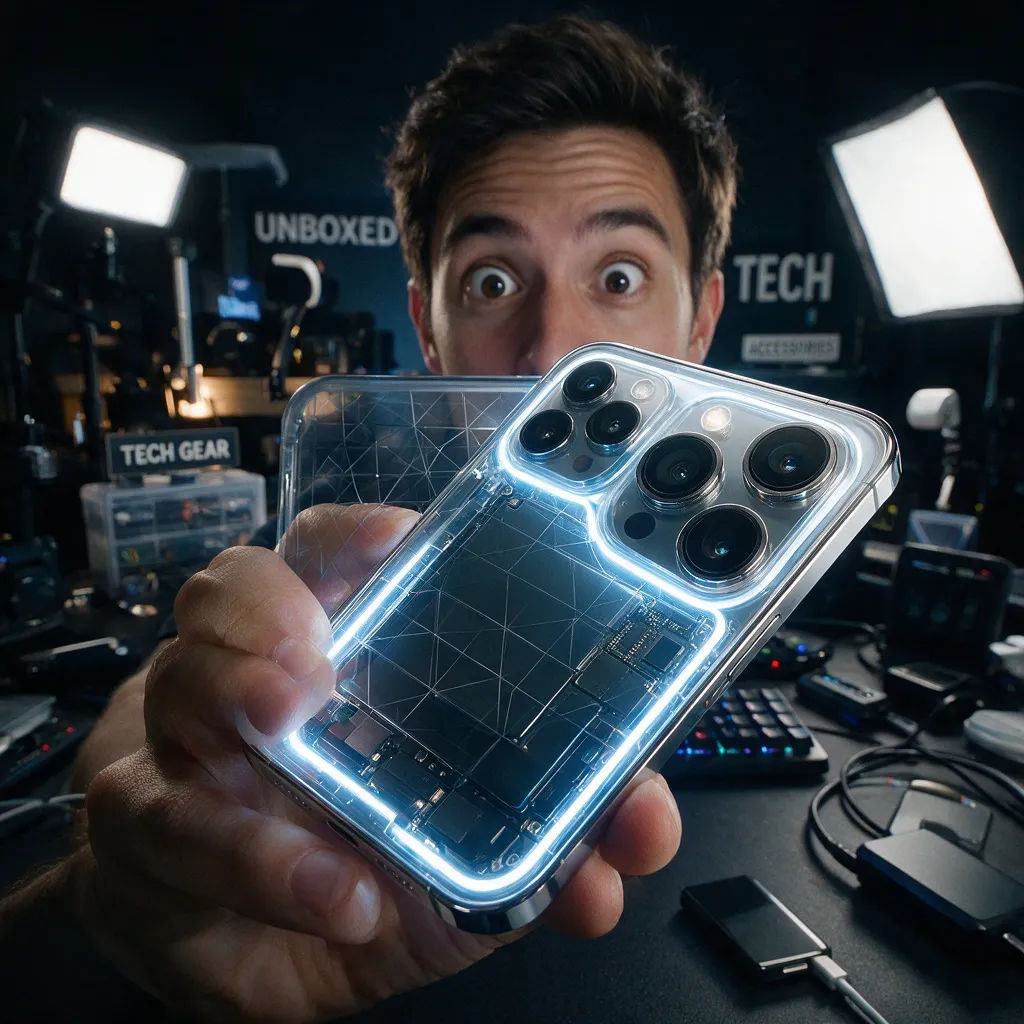
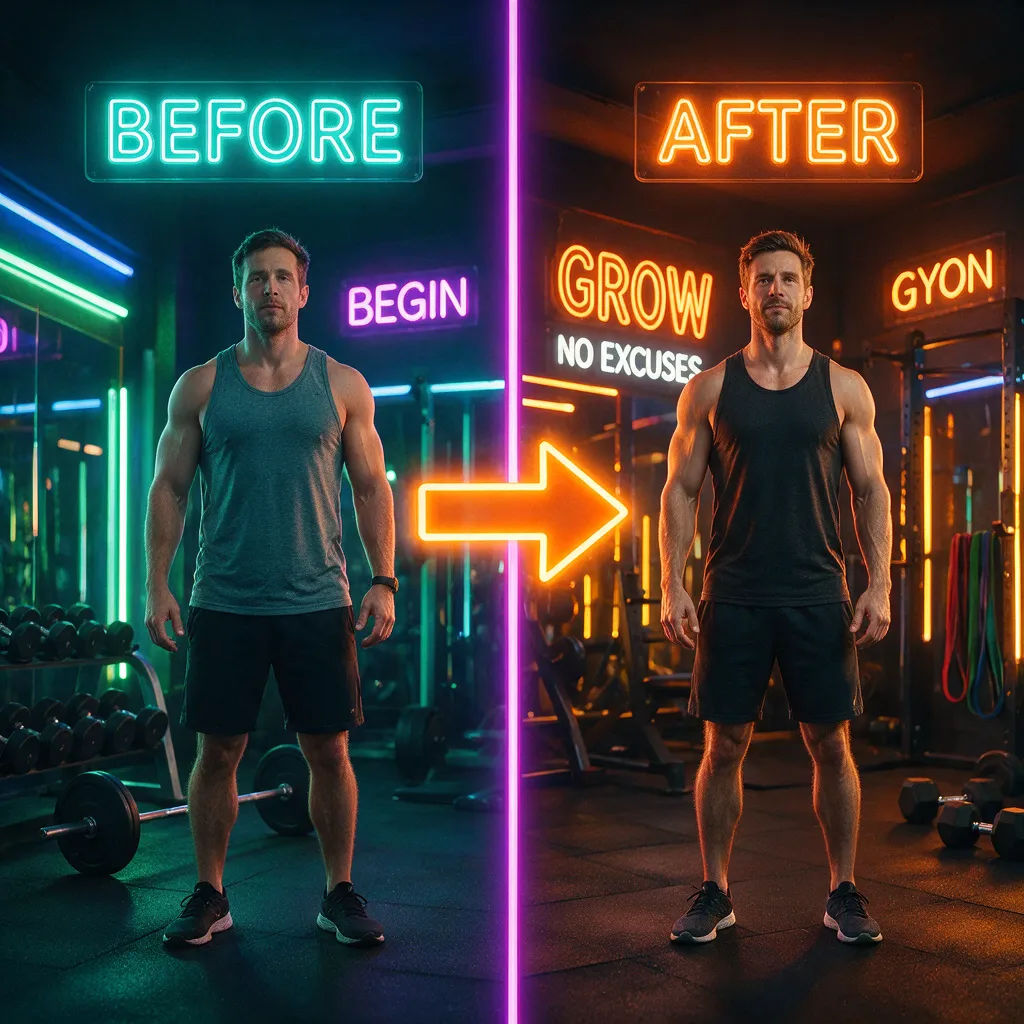
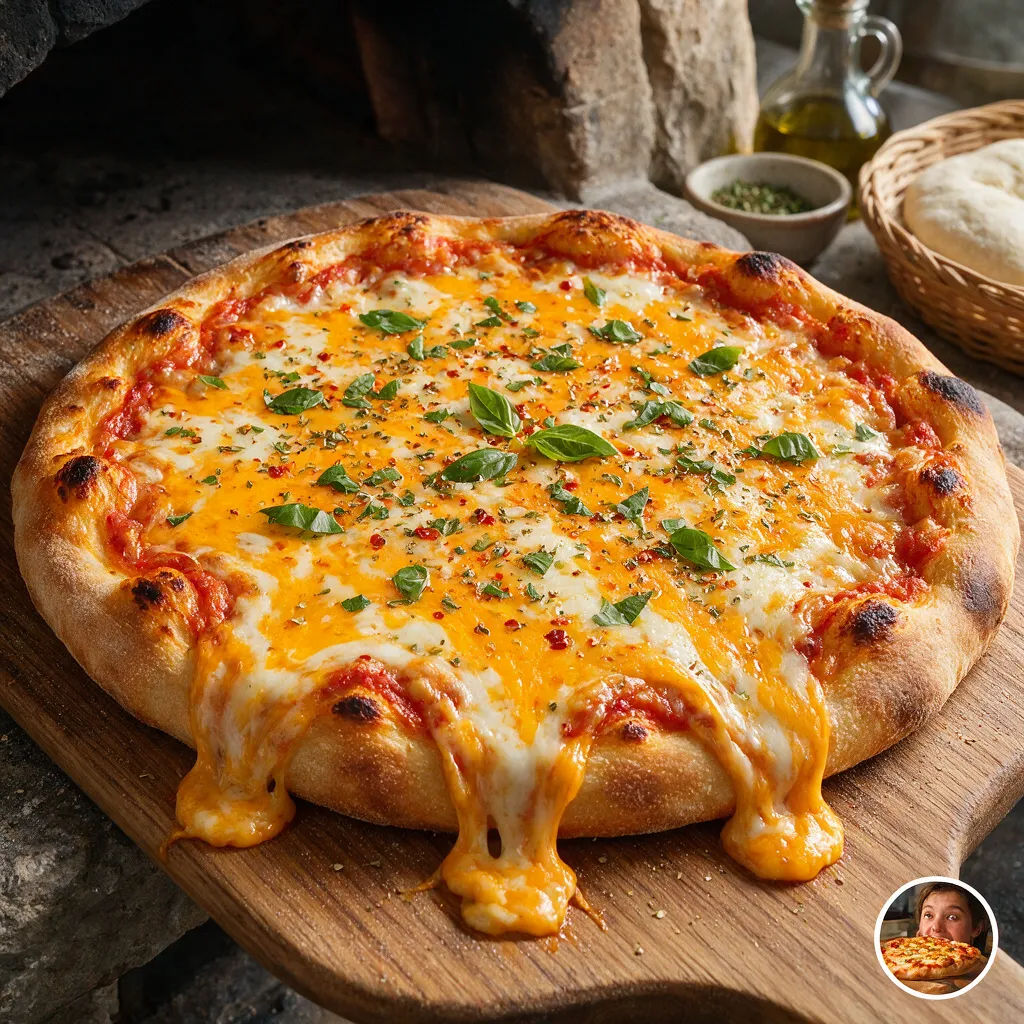

Finance explainer
Worried face beside a red crashing chart, high contrast, bold focal point
Edit prompt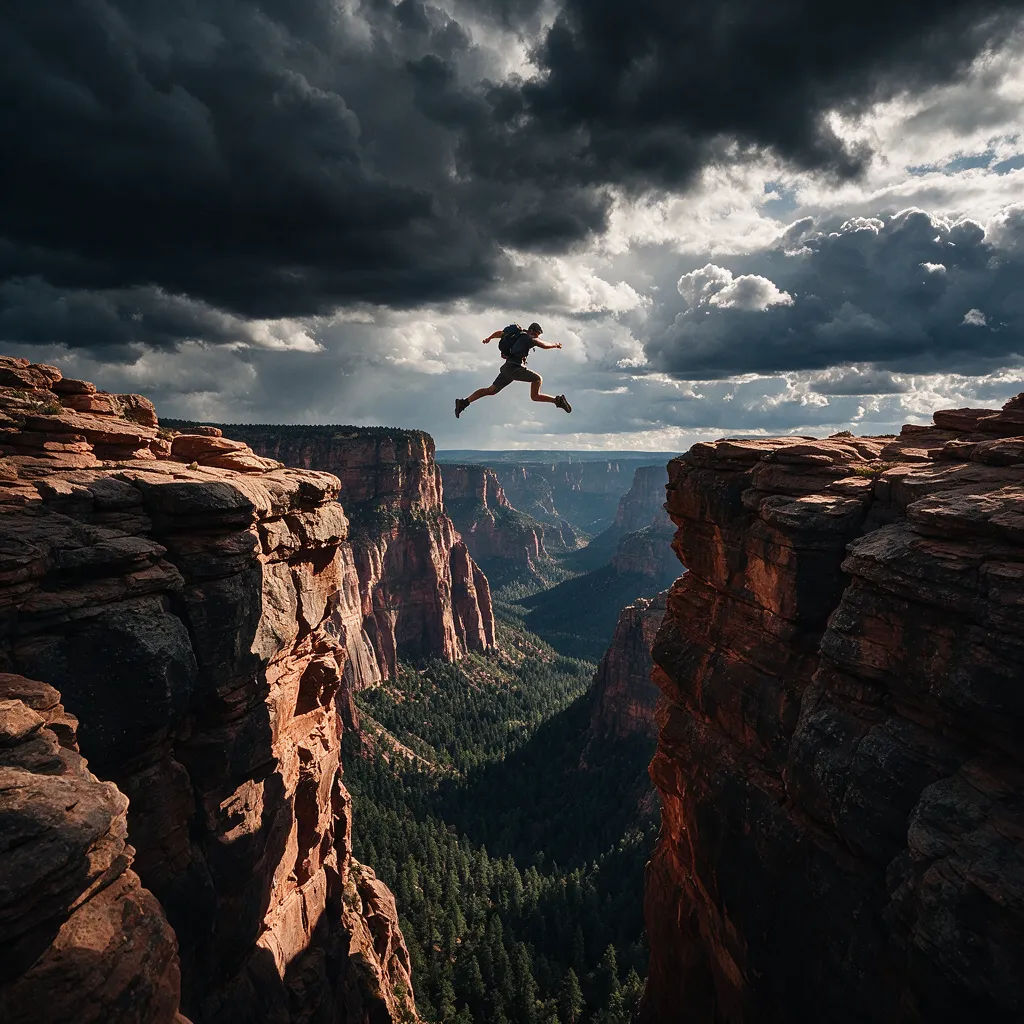

Sketch to render
Turn any sketch or drawing into a finished render.
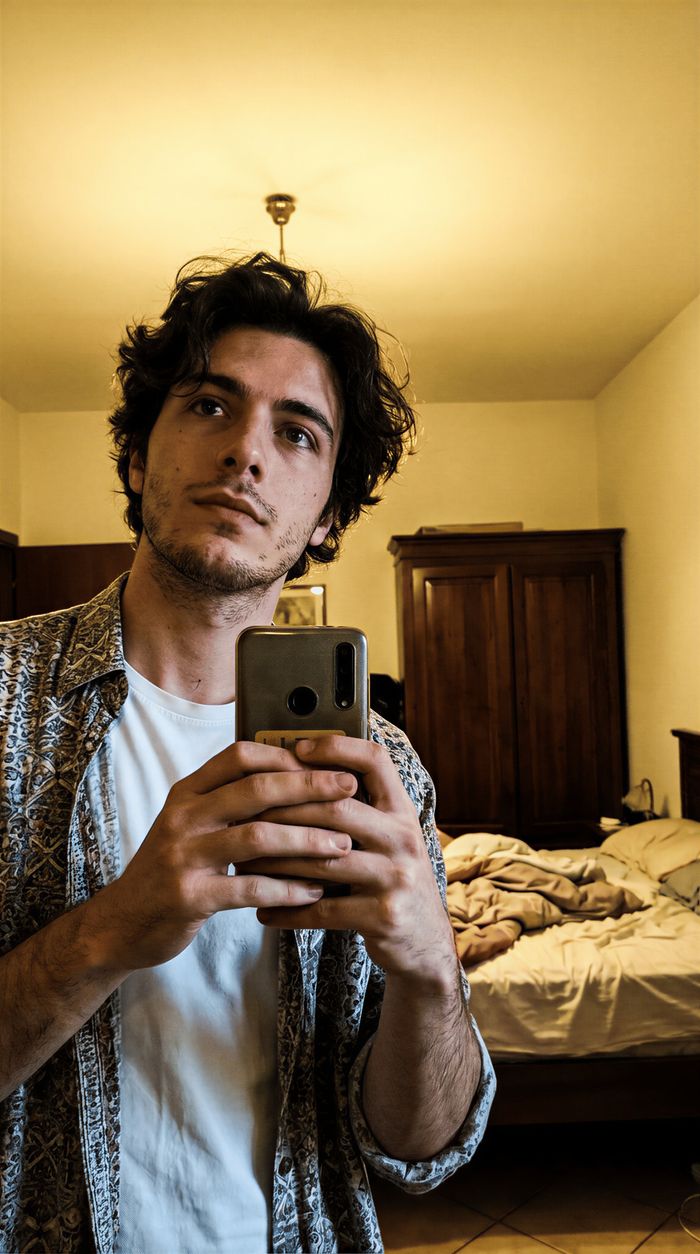
Thumbnail A/B factory
Scroll-stopping YouTube thumbnails with built-in A/B variations to test for maximum CTR.

Expressions
Take any character image and generate 6 distinct facial expressions on a single reference sheet.

Anime style transfer
Pick any anime illustration as your style guide. Apply its look to any image.

Image reverse engineer
Get a detailed prompt extracted from a reference image, and then a fresh recreation.

Cinematic storyboard
Share a scene description with character references. Get a full storyboard with shot angles and mood.
All on Morphic
Your complete image stackModels
Nano Banana 2, Flux 2 Pro, ChatGPT Images, Grok Imagine, Recraft, Seedream, and more. Pick the model that nails the look and swap mid-project.
Inpainting and outpainting
Edit one part without rerolling everything. Inpaint to swap a face or background, outpaint to extend the frame and open the scene.
Change style
Re-skin a thumbnail from one prompt while keeping the subject and composition. Try a bolder palette or a cleaner cut in seconds.
Workflows
Save a finished thumbnail as a Workflow, then rerun it, share it, or favorite it for later.
