Every image model
One workspaceVector art you can generate
Make vector art in three steps
- 01
Open Morphic
Sign up and start creating on a free-flowing, infinite visual canvas.
- 02
Describe the art
Name the mark, the style, and the palette. Keep it flat and simple.
- 03
Generate and refine
Render clean shapes, then compare variations side by side on the Canvas.
Use cases
Logos and marks
Clean, flat logo concepts that stay crisp from a favicon to a billboard.

Icon sets
A matching set of line or flat icons with one consistent stroke and style.

Spot illustrations
Simple vector-style spots for a landing page, a deck, or an app screen.

Print and merch
Bold, simple art that reproduces cleanly on stickers, shirts, and posters.

Prompt examples
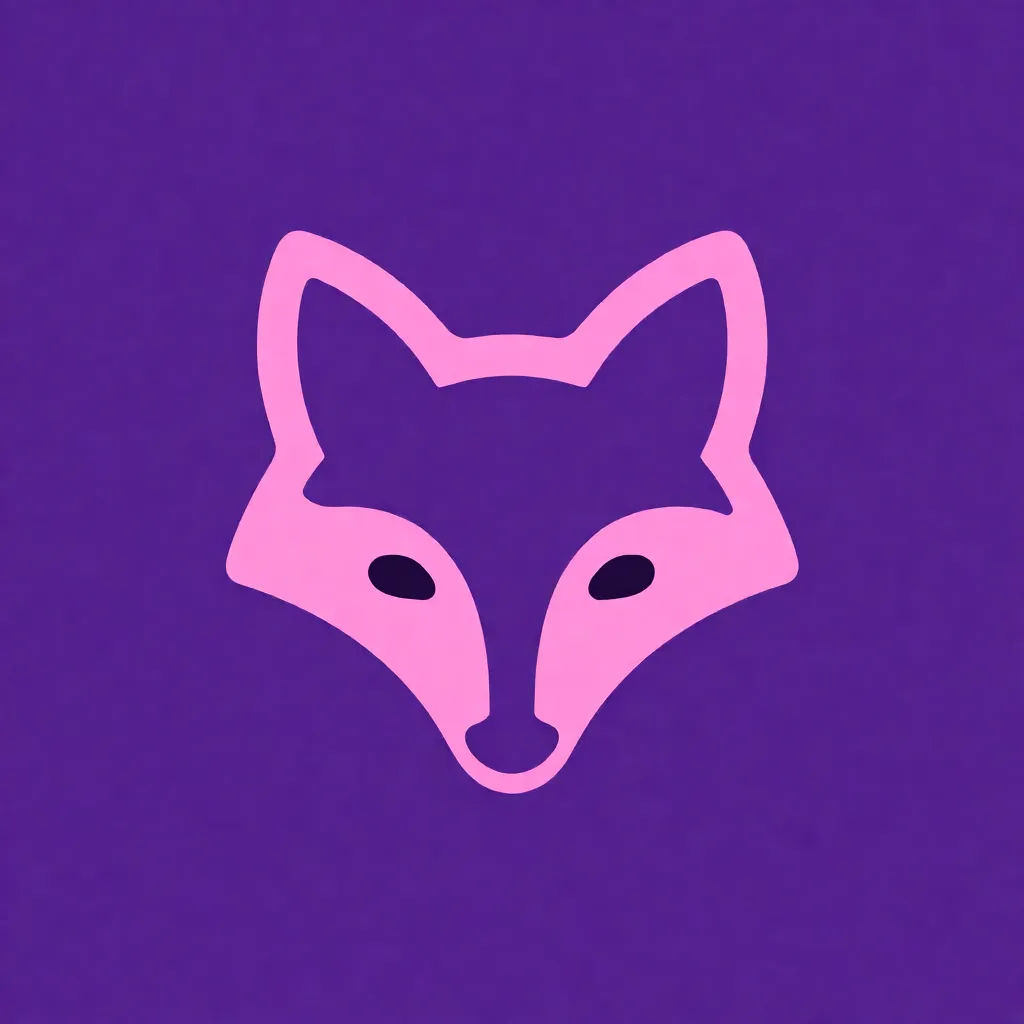
Flat logo
Flat vector fox logo, clean geometric shapes, two-color palette, minimal modern mark, solid background, crisp edges
Edit prompt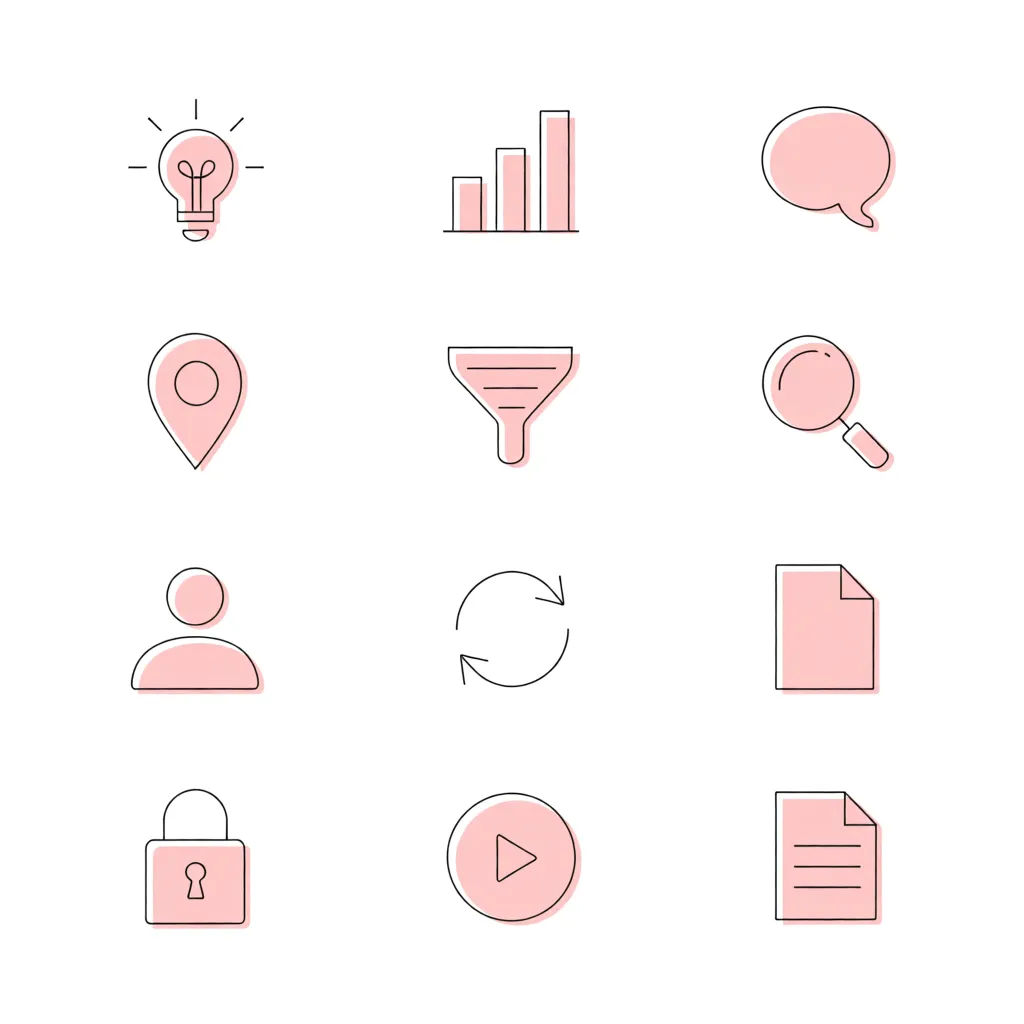
Line icon set
Set of flat line icons, consistent stroke weight, single accent color, rounded corners, minimal and clean
Edit prompt
Spot illustration
Flat vector spot illustration, person working at a laptop, simple shapes, soft palette, no gradients, clean style
Edit prompt
Badge
Vector badge emblem, circular layout, bold lettering, mountain motif, two-tone palette, clean outline style
Edit prompt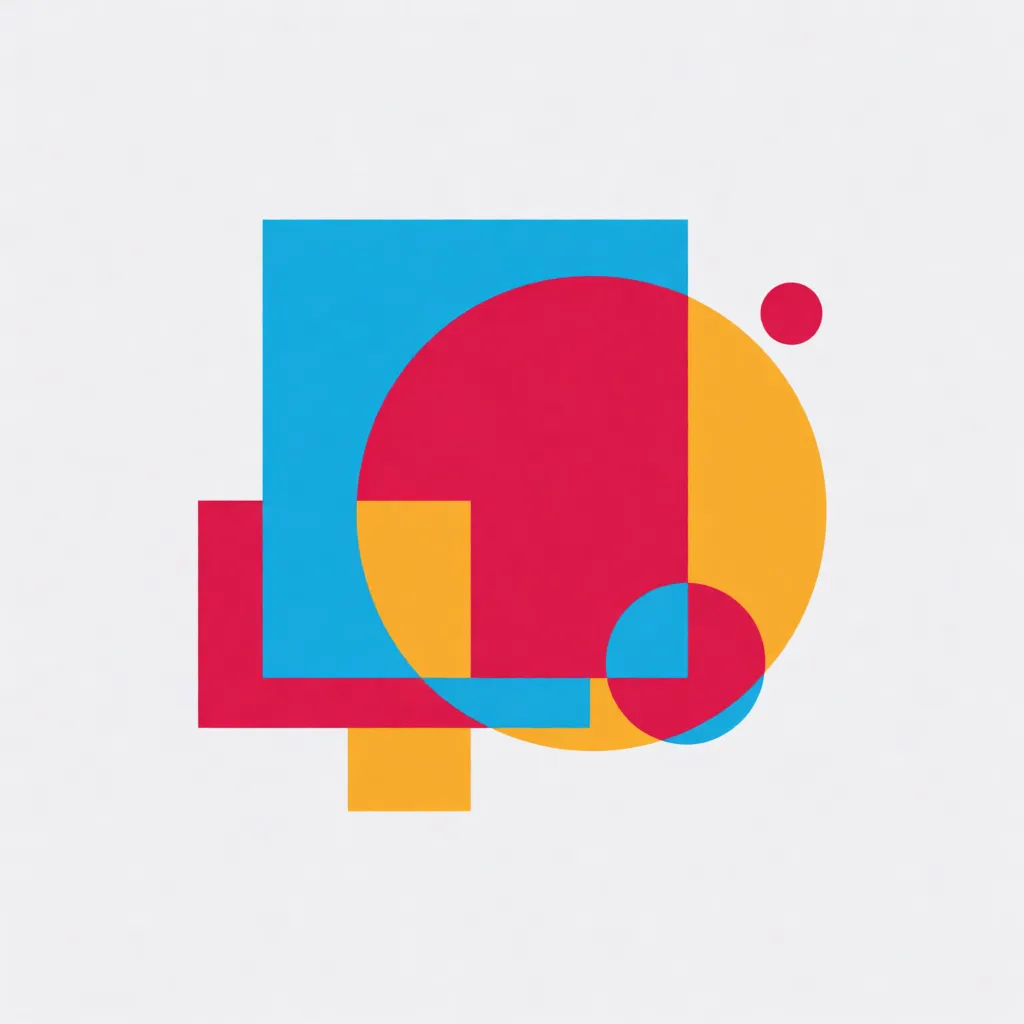
Geometric mark
Abstract geometric vector mark, overlapping shapes, balanced negative space, three-color palette, modern flat design
Edit prompt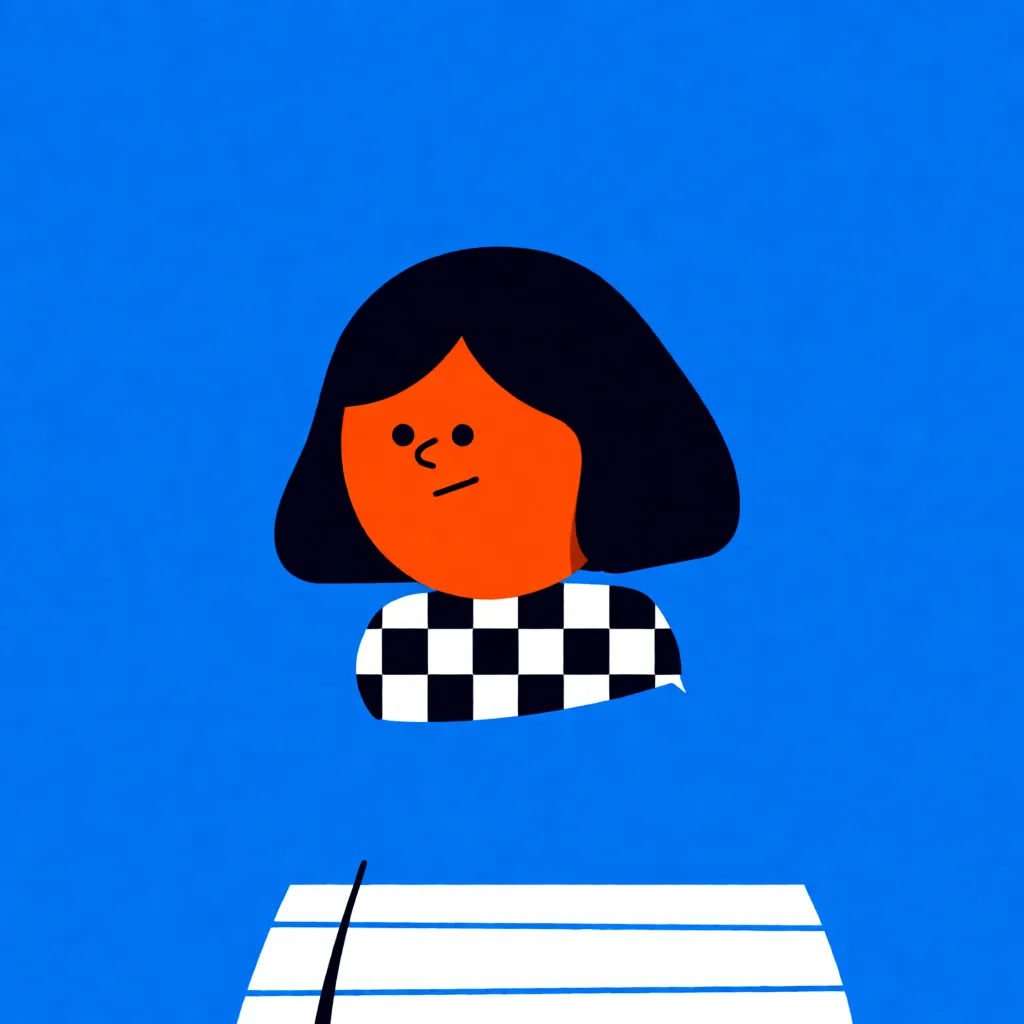
Flat character
Flat vector character, simple rounded body, minimal facial features, bright palette, clean edges, sticker style
Edit prompt
Expressions
Take any character image and generate 6 distinct facial expressions on a single reference sheet.

Title sequence
Generate a professional film title card from scratch, with optional cinematic animation.

Cinematic storyboard
Share a scene description with character references. Get a full storyboard with shot angles and mood.

Anime style transfer
Pick any anime illustration as your style guide. Apply its look to any image.

Messages to cinematic scene
Dramatize any text conversation into a cinematic multi-shot video.

Chibi sprite animation
Turn any photo or description into an animated chibi sprite. Dance, jump, wave, attack, and more.
All on Morphic
Your complete vector art stackModels
Nano Banana 2, Flux 2 Pro, ChatGPT Images, Grok Imagine, Recraft, and Seedream. Pick the model that nails your vector and switch mid-project.
Sketch to vector
Upload a rough sketch and use image-to-image to turn it into clean flat vector art, keeping your shapes and idea.
Recolor and vary
Re-skin one mark with image-to-image. New palette or layout, same clean vector style each time.
Workflows
Save your vector steps as a one-click Workflow. Rerun it for the next brief or share it with your team.
