Every image model
Signatures you can design
Design a signature in three steps
- 01
Open Morphic
Sign up and start creating on a free-flowing, infinite visual canvas.
- 02
Add your details
Drop in your logo and headshot, list your name, title, and contact lines, and describe the look.
- 03
Generate and export
Morphic lays the block out and renders it, then you export the artwork as an image for your email.
Use cases
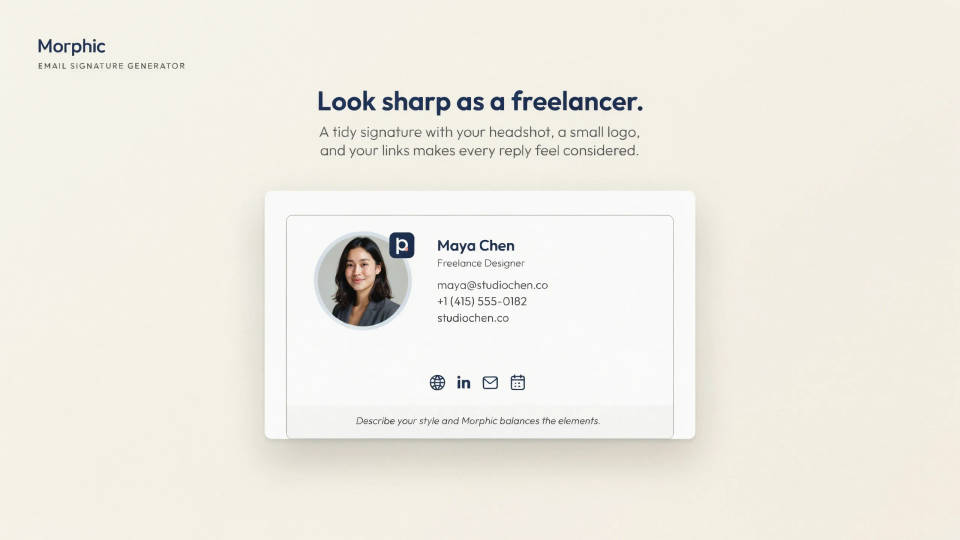
Look sharp as a freelancer
A tidy signature with your headshot, a small logo, and your links makes every reply feel considered. Describe your style and Morphic balances the elements into one block you can add to outgoing mail. It is the fastest way to look established without hiring a designer for a one-off.
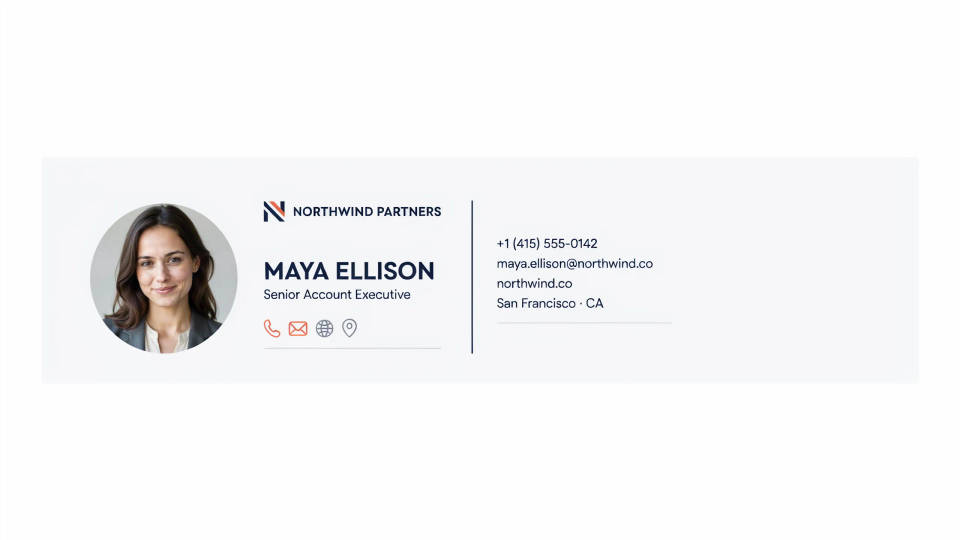
Keep a sales team consistent
Lock one layout and colour scheme, then generate a version per rep by swapping the name, title, and photo. Every signature matches, so the whole team reads as one brand in the inbox. Because they live in one workspace, refreshing the set after a rebrand is quick.
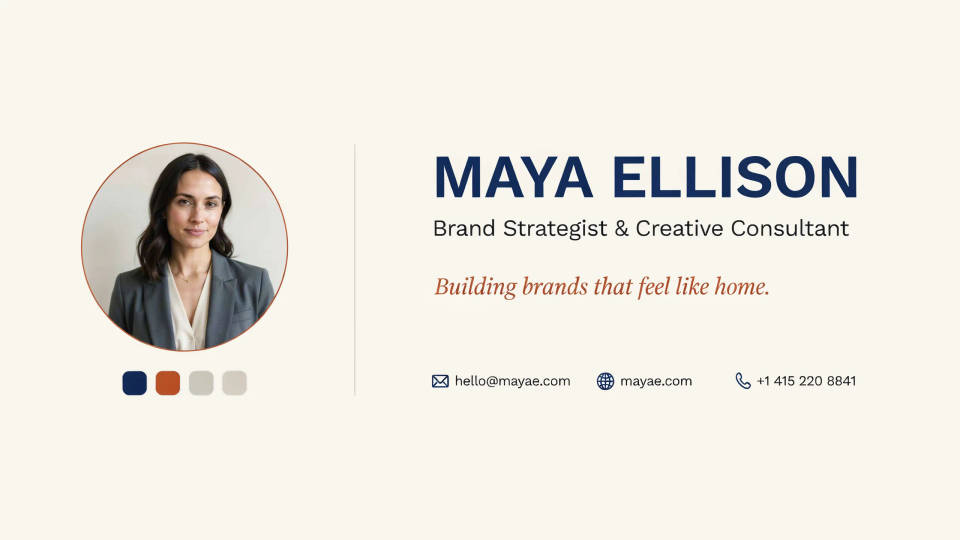
Build a personal brand block
For creators and consultants, a signature is a small billboard. Bring your colours, a headshot, and a tagline, and get a block that carries your look into every email. Try a few layouts side by side on the Canvas and keep the one that feels most like you.
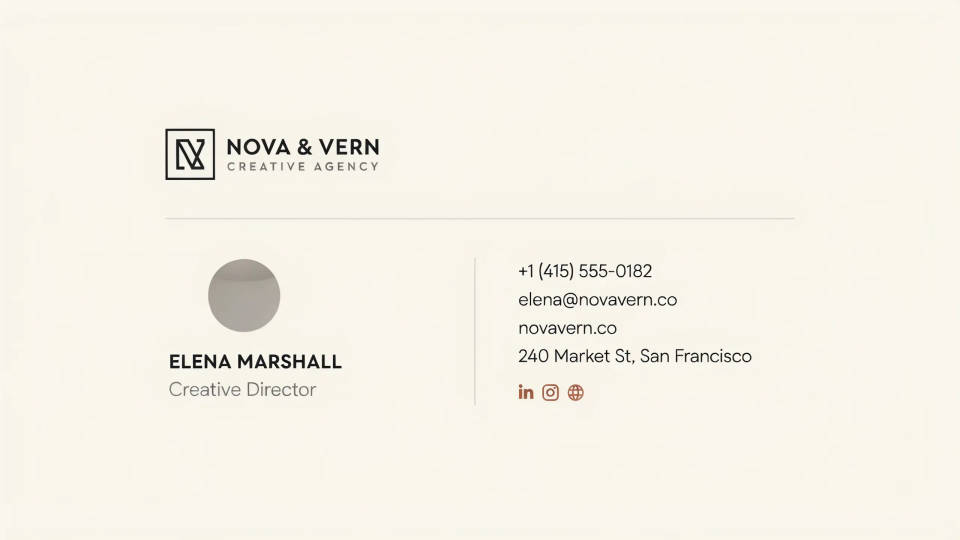
Match an agency's house style
When client work has to look polished, a designed signature block keeps the agency's palette and logo placement consistent across the team. Set the template once and spin out per-person versions in minutes. It saves designers from rebuilding the same block by hand for every new hire.
Prompt examples
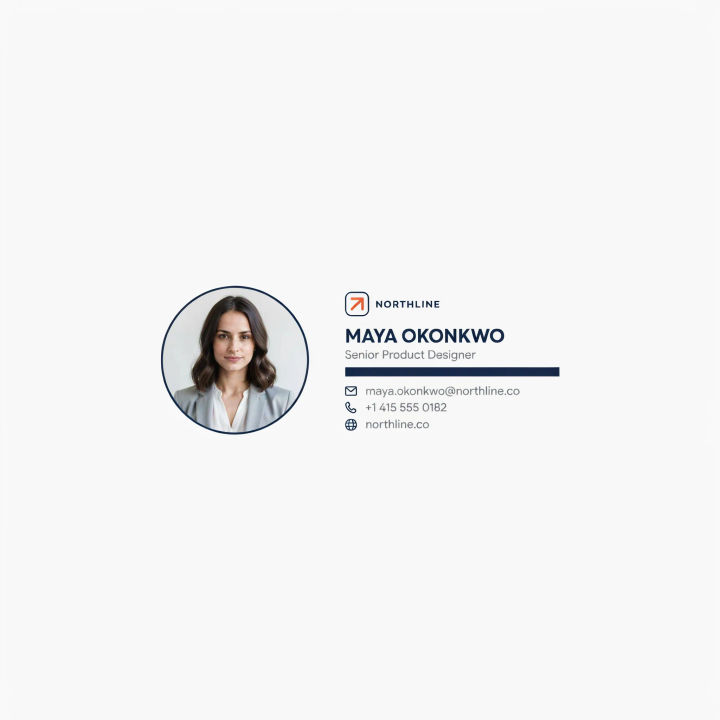
Modern headshot block
A modern email signature, round headshot on the left, logo and bold name on the right, thin gray contact lines, navy accent bar
Edit prompt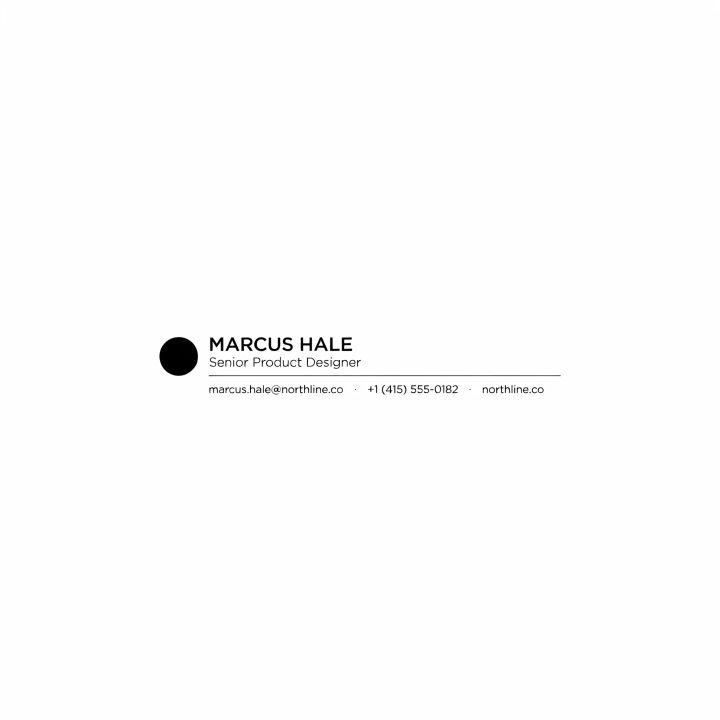
Minimal mono
A minimal black-and-white email signature, name in a clean sans-serif, small logo, single thin divider, plenty of white space
Edit prompt
Corporate two-column
A corporate email signature, logo and headshot left column, name, title and contact right column, deep navy and gray palette
Edit prompt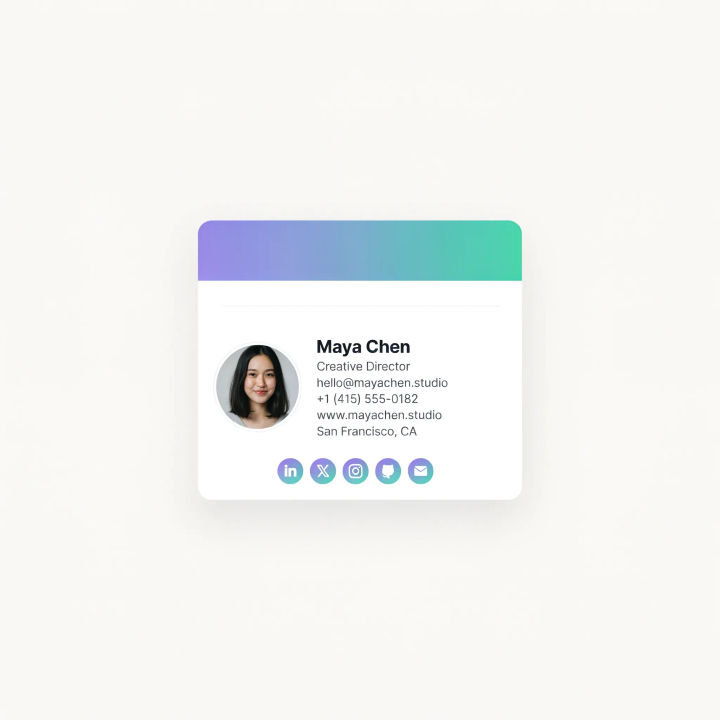
Creative gradient
A creative email signature with a soft purple-to-teal gradient bar, round photo, bold name, small social icons in a neat row
Edit prompt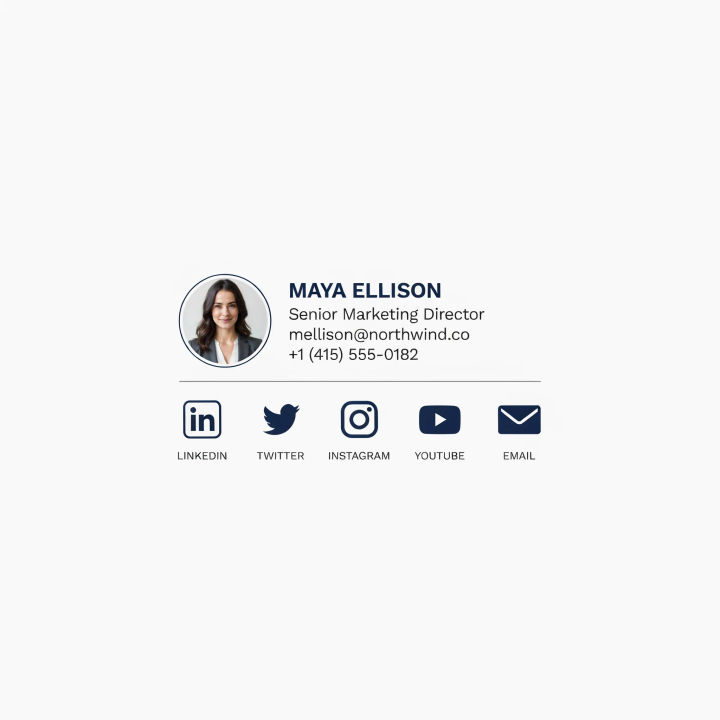
Social icon row
A clean email signature with a small round headshot, name and title stacked, and a tidy row of simple social icons underneath
Edit prompt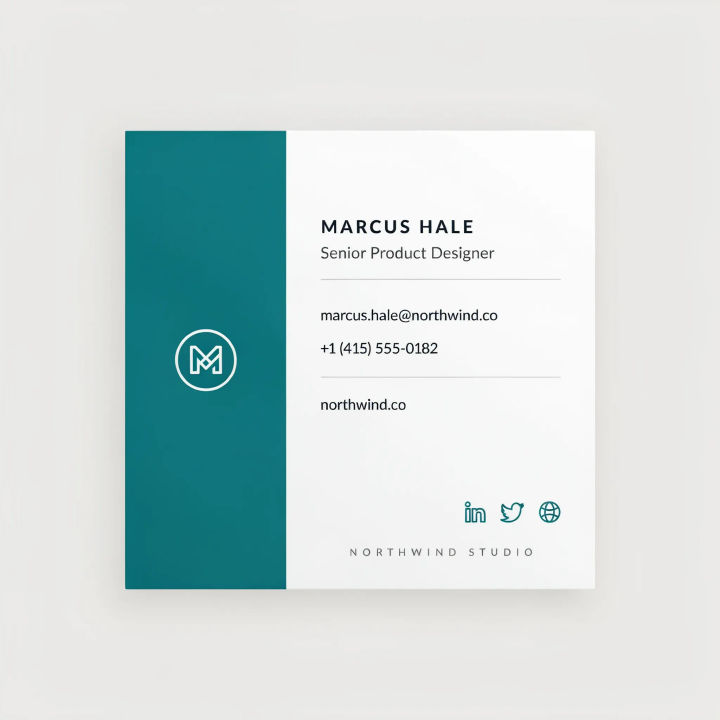
Bold brand color
An email signature with a bold brand-colored side panel, logo reversed in white, name and contact details in crisp dark text
Edit prompt
Cinematic storyboard
Share a scene description with character references. Get a full storyboard with shot angles and mood.

Title sequence
Generate a professional film title card from scratch, with optional cinematic animation.

Messages to cinematic scene
Dramatize any text conversation into a cinematic multi-shot video.

Expressions
Take any character image and generate 6 distinct facial expressions on a single reference sheet.

3x3 storyboard
Feed in a single image. Get 9 cinematic beats laid out as a 3x3 storyboard grid.

Chibi sprite animation
Turn any photo or description into an animated chibi sprite. Dance, jump, wave, attack, and more.
All on Morphic
Models
Nano Banana 2, Flux 2 Pro, ChatGPT Images, Grok Imagine, Recraft, Seedream, and more. Switch models when the text in the block needs to render cleaner.
Business card generator
Carry the same layout and palette onto a business card so your print and email match.
Logo generator
Design the mark first, then bring it into your signature block for a consistent identity.
Text to image
Generate any signature layout from a written brief and compare arrangements side by side.
