Every image model
Cutouts you can make
Cut out a face in three steps
- 01
Open Morphic
Sign up and start creating on a free-flowing, infinite visual canvas.
- 02
Select the face or head
Upload the photo and point at the subject. Morphic smart-selects the outline, and you refine the edge where needed.
- 03
Export the cutout
Take the isolated face on a transparent or solid background and reuse it anywhere, then export.
Use cases
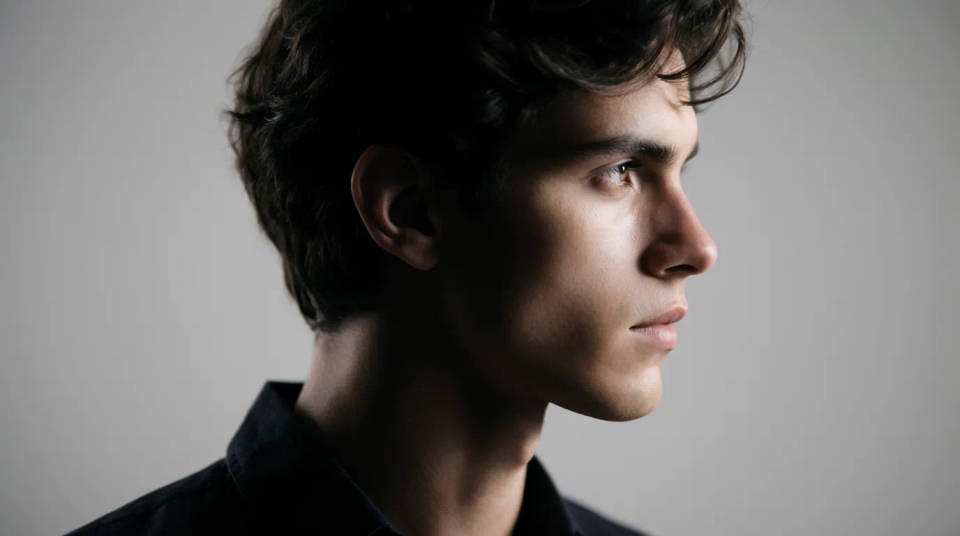
Profile pictures and avatars
Isolate a head and drop it into a circle, a badge, or a coloured backdrop for a clean profile picture. Because the cutout is the original face, the likeness is exact rather than restyled. Refine the hair edge for a crisp outline. Export at the size the platform wants and reuse it across accounts.
Collages, cards, and memes
Pull a face out of one photo and paste it into a new composition, a greeting card, or a caption layout. A transparent cutout drops onto any background without a rectangle around it. Cut several heads and arrange them together for a group piece. It is the fastest route from a snapshot to a finished graphic.
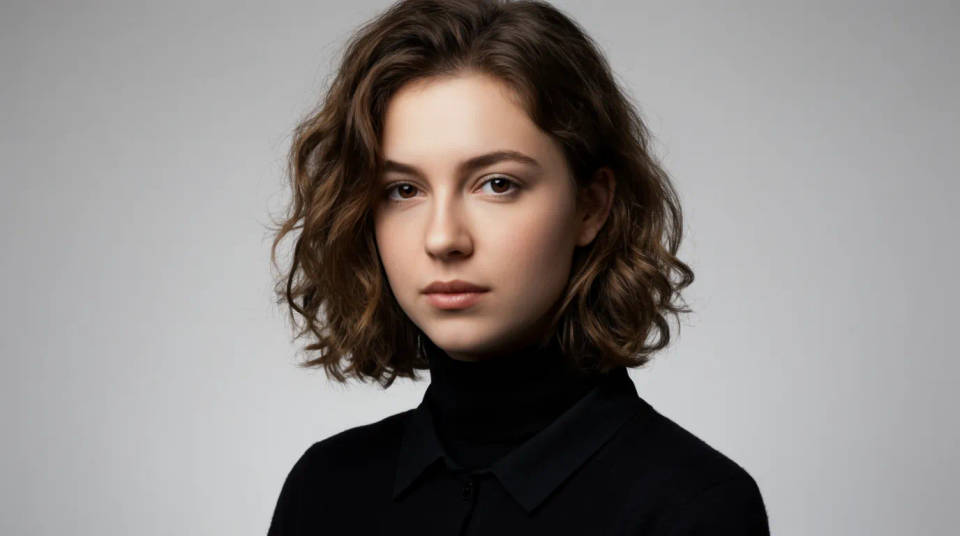
Team pages and cast cards
Build a uniform set of head cutouts for an about page, a speaker line-up, or a cast card. Isolate each face on the same backdrop so the grid reads as one design. Pull individuals out of group shots when you have no solo portrait. Line them up on the Canvas and export the set together.

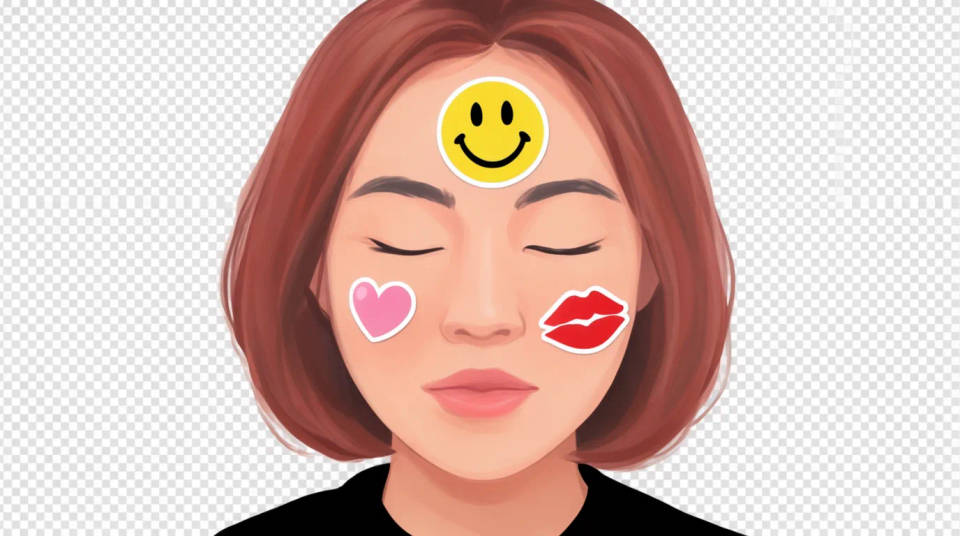
Stickers and sheet packs
Turn a set of expressions into stickers for chat, a stream, or print. Cut each head on transparency and size them as a sheet. The clean outline is what makes a sticker read well against any chat background. Reuse the same subject across a pack so it stays recognisable.
Prompt examples
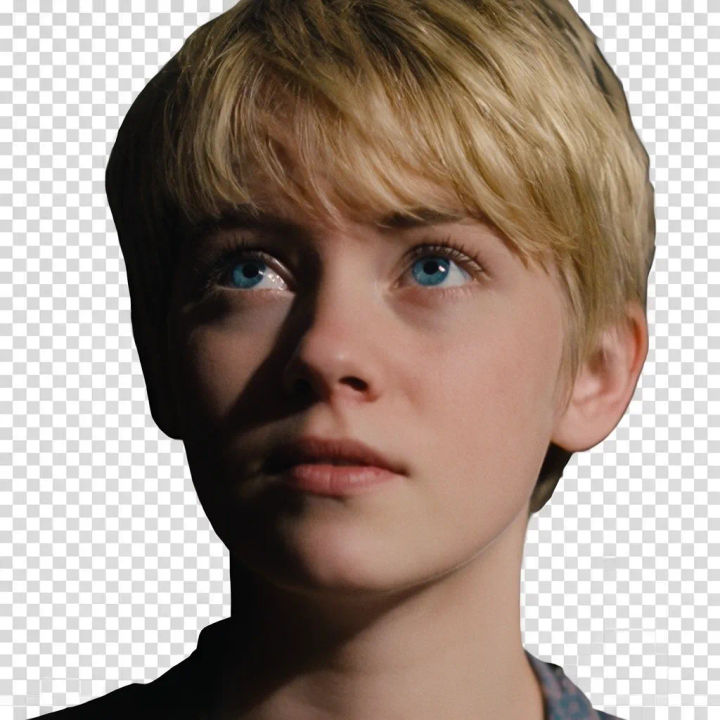
Head on transparent
Cut out the full head with hair and neck, isolate it on a transparent background, clean edge at the strands
Edit prompt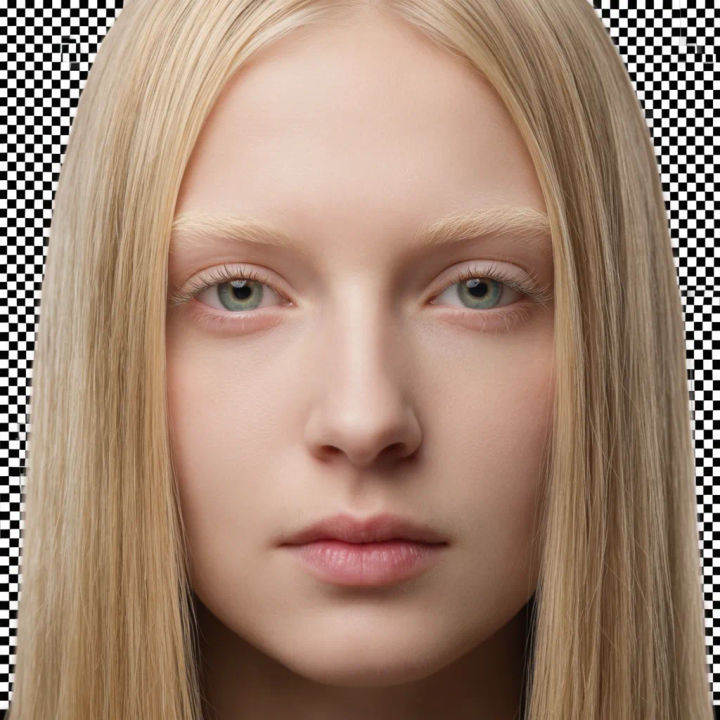
Tight face crop
Isolate just the face without the hair, tight crop around the features, transparent background
Edit prompt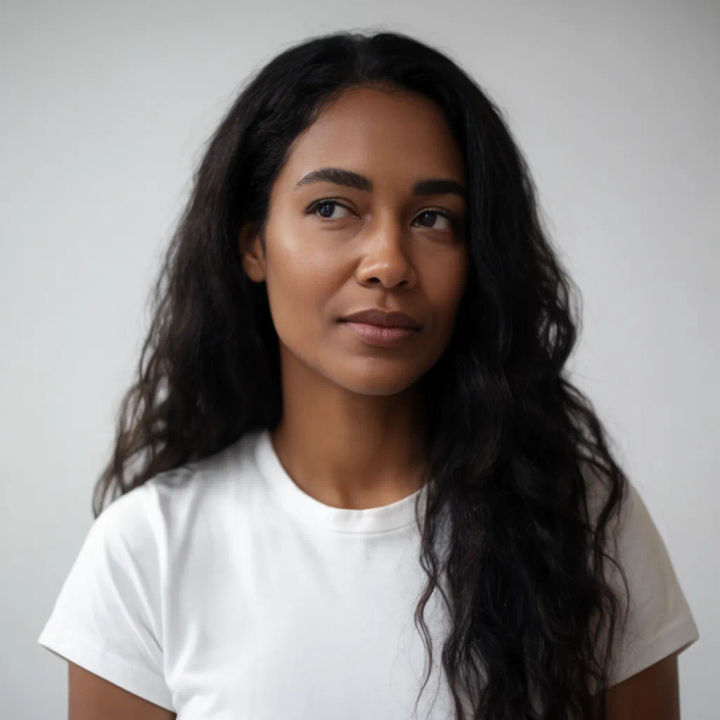
One from a group
Cut out the person on the right from this group photo, isolate the head, leave the others behind
Edit prompt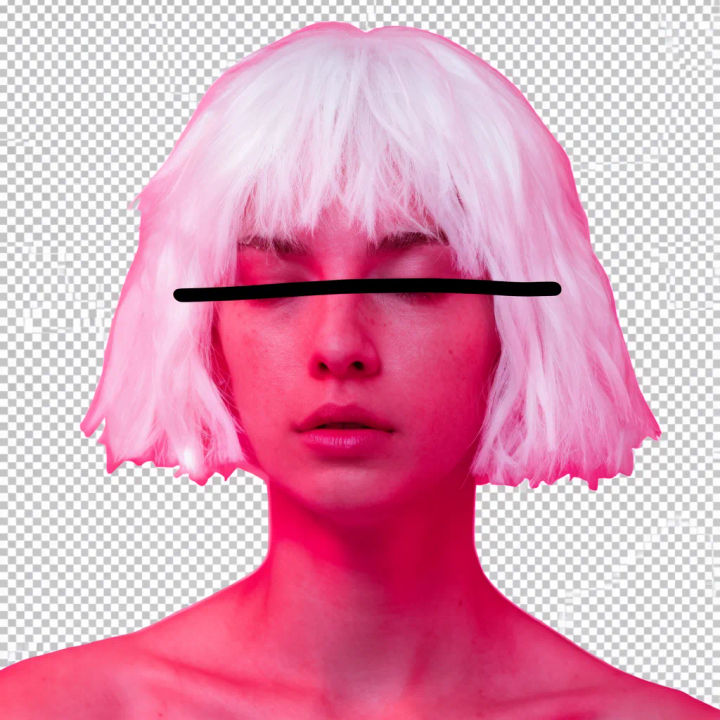
On a solid colour
Isolate the head and place it on a flat coral background, keep the hair outline crisp
Edit prompt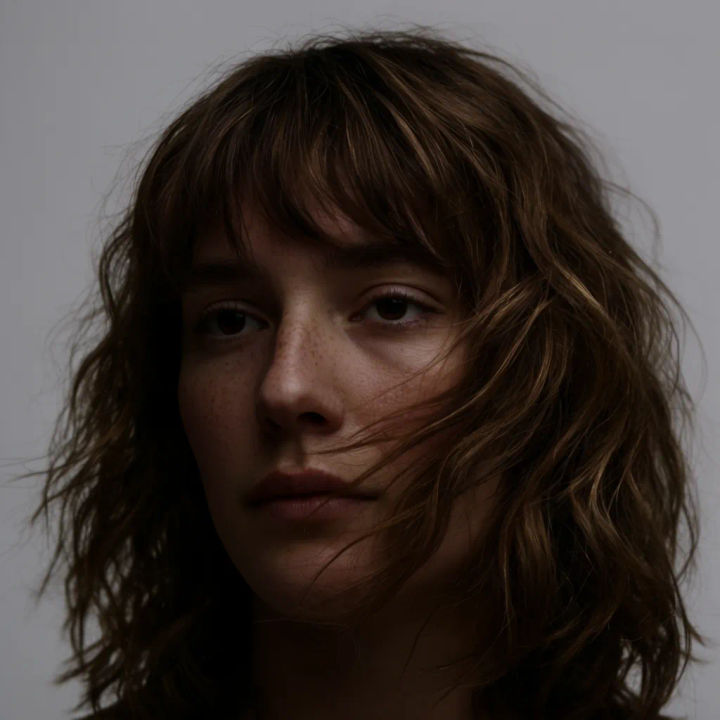
Avatar circle
Cut out the head and centre it inside a circle crop on transparent, ready for a profile picture
Edit prompt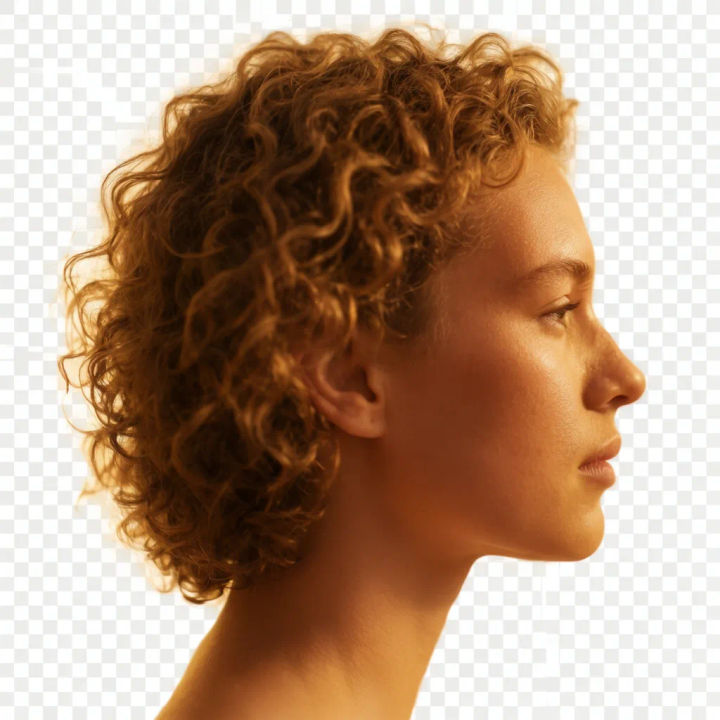
Profile silhouette
Isolate the side profile of the face, clean outline from forehead to chin, transparent background
Edit prompt
Character age progression
Upload a photo of a person or character and get a single grid image showing them at different life stages, from baby to elderly.
Skin enhancer
Fix plastic-looking AI skin. Adds natural texture, pores, and imperfections for realism.

Anime sticker pack
Turn any image into anime-style stickers in PNG. Ready for messaging apps or social media.

Product mockup generator
Upload a product photo and get studio-quality shots on any surface with configurable lighting, angles, and aspect ratios.

Fabric swatch
Describe your fabric type, pattern, color, and use. Get a photorealistic 2K textile swatch to spec.

Female AI influencer
Generate a female AI influencer. Vertical output, ready for socials.
All on Morphic
Models
Nano Banana 2, Flux 2 Pro, ChatGPT Images, Grok Imagine, Recraft, Seedream, and more. Reach for a different model when you need a cleaner subject edge.
Background remover
Isolate the whole figure from its scene when you need more than just the head or face.
AI object remover
Erase things you do not want from the frame, the reverse of pulling one subject out of it.
Image to image
Recompose and edit any photo once the face is isolated, all in the same workspace.
