Every image model
Event ticket styles you can make
Make an event ticket in three steps
- 01
Open Morphic
Sign up and start creating on a free-flowing, infinite visual canvas.
- 02
Add the event details
Type the event name, date, venue, and seat, then match the poster look and ask for a stub.
- 03
Generate and export
Get a finished ticket image with a matching stub. Tweak it, then export for a print run.
Use cases
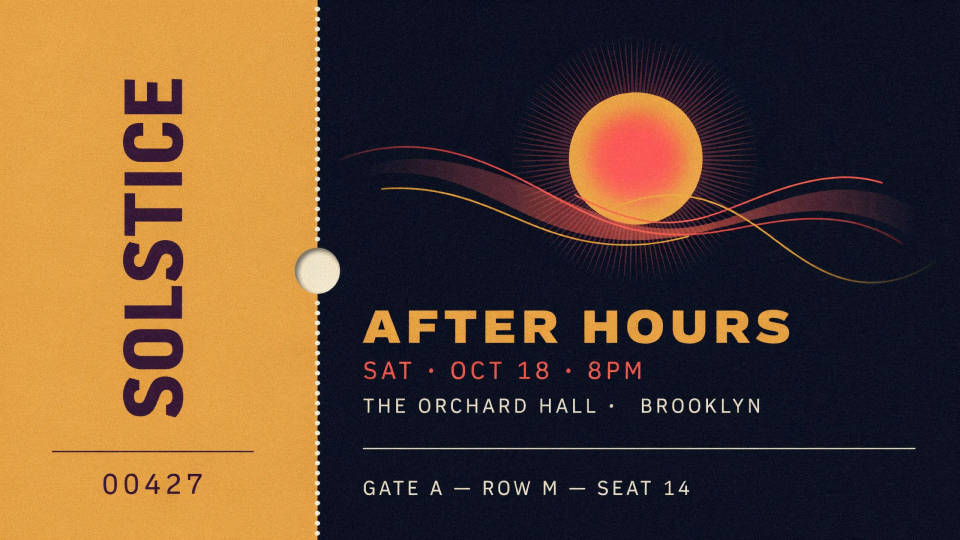
Match the poster
An event is easier to trust when the ticket and the poster share one look. Describe the poster art and palette, and the ticket is built to match, so the piece a guest holds ties back to what pulled them in. That consistency reads as a real, organized event rather than a printout.
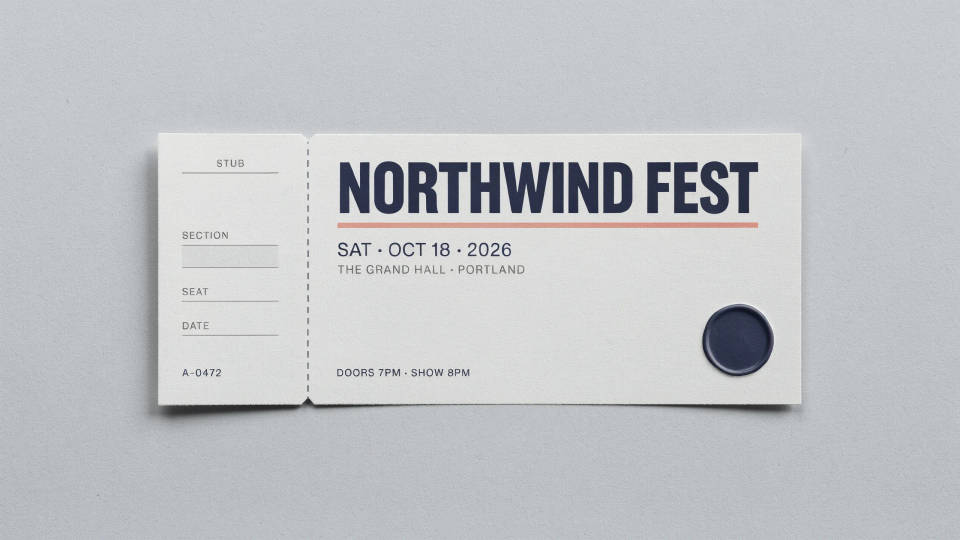
Stub, seat, and section
Each ticket is drawn with a tear-off stub, so staff keep one half at the door. Ask for seat, section, and date on the stub and leave a clear space for a barcode or QR code. That makes the ticket work for real admission, not just as a keepsake.
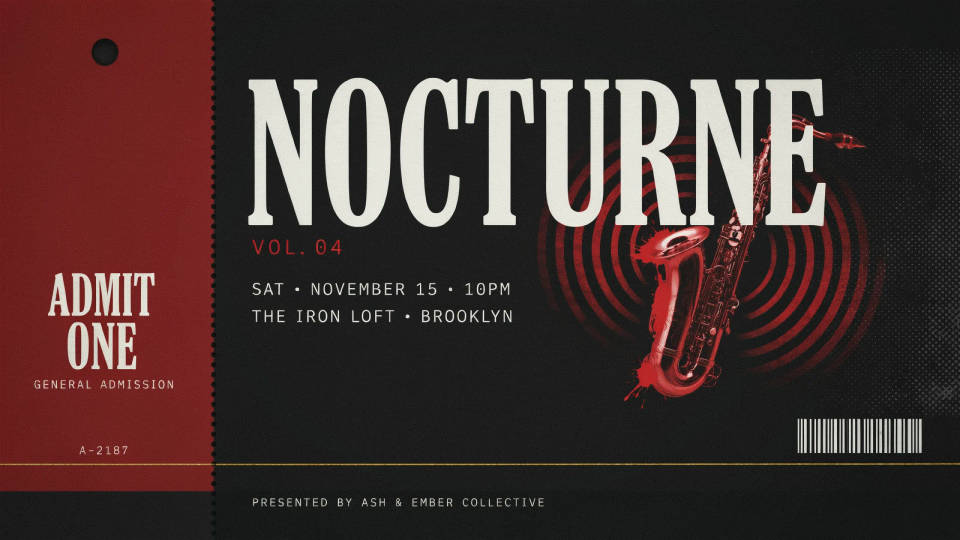
Any kind of event
Concerts, galas, conferences, festivals, and shows each want their own feel. Name the event and the mood, and the maker sets a fitting design in one pass. Trying a couple of directions side by side is quick, so you can pick the ticket that matches the night.
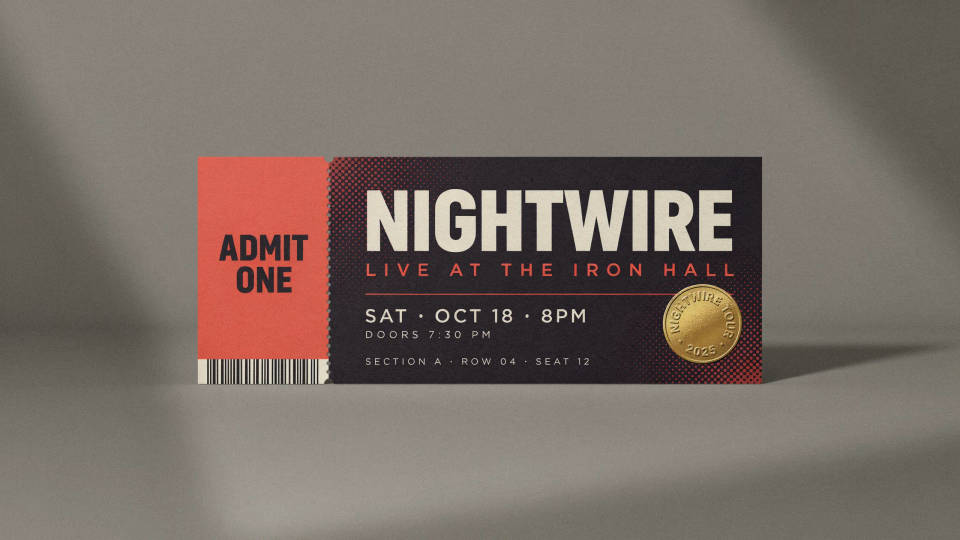
Print a batch or go digital
Lay several tickets up on a sheet and print a run on card stock, or export a flat version to send as a mobile ticket. The same art and details carry across both, so the printed and digital tickets look like one set.
Prompt examples
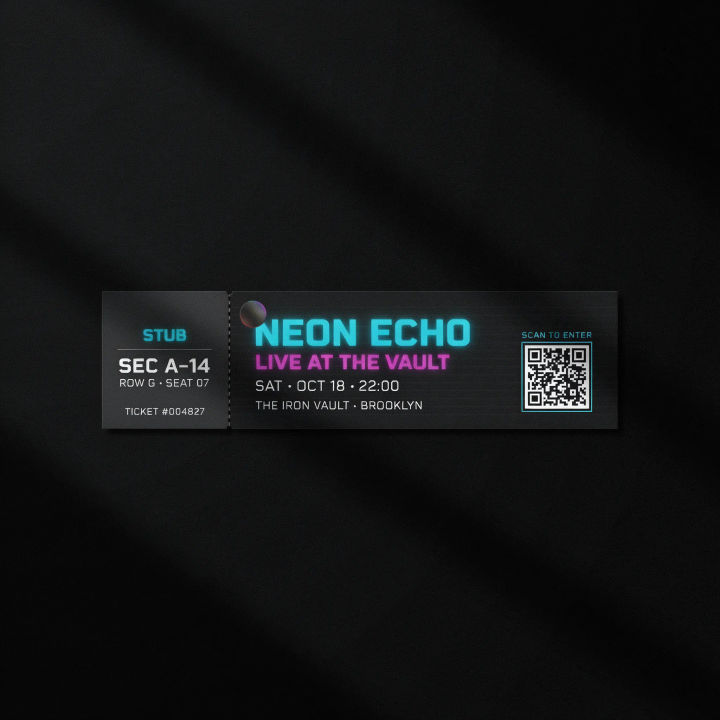
Concert night
Event ticket with tear-off stub, neon type on black, bold band name and date, venue line, seat and section on the stub, clear space for a QR code, energetic look
Edit prompt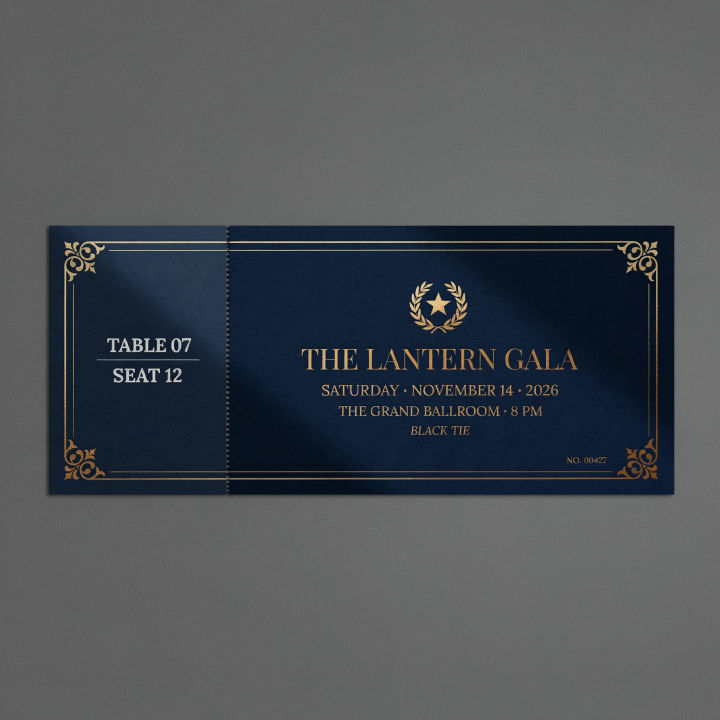
Elegant gala
Gala event ticket, deep navy with gold foil look, elegant serif event name, date and venue, refined stub with seat and table, premium formal feel
Edit prompt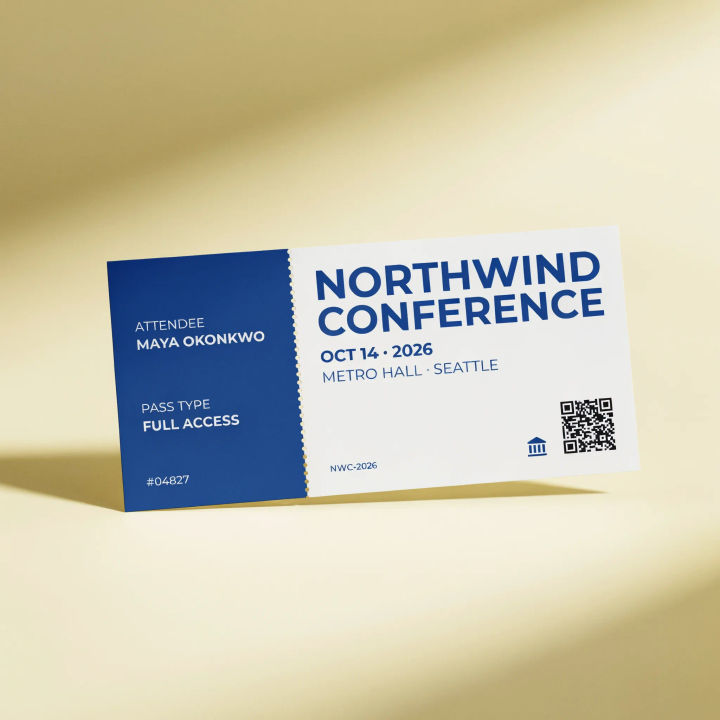
Conference
Conference event ticket, clean modern layout, brand blue and white, bold event name, date and hall, stub with attendee and pass type, space for a QR code, professional
Edit prompt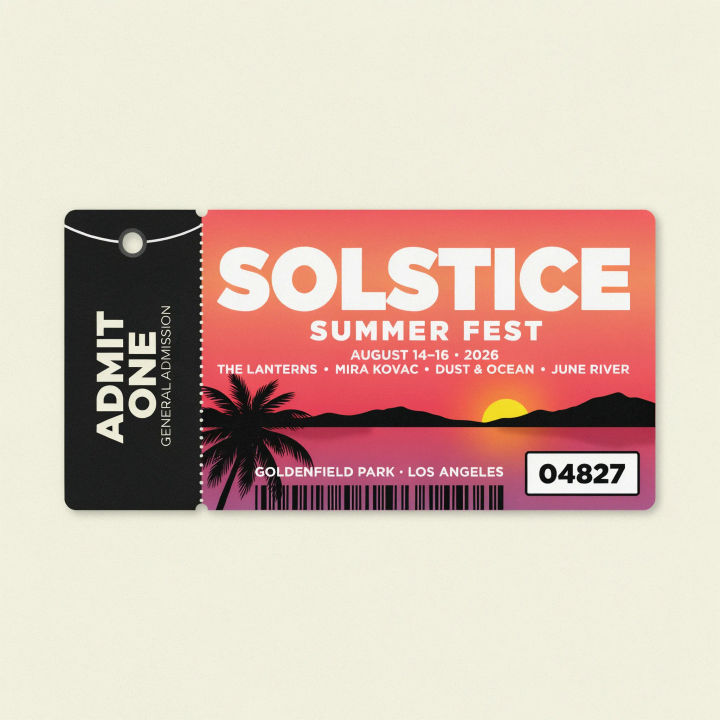
Festival
Festival event ticket, vibrant sunset gradient, playful bold heading, date and lineup line, wristband-style stub, clear number box, fun summer look
Edit prompt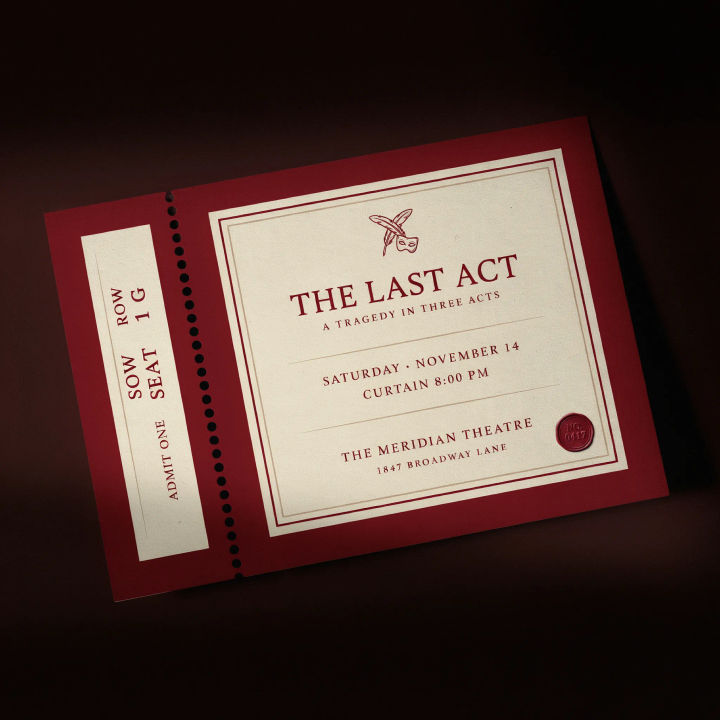
Theater play
Theater event ticket, deep red and cream, classic serif play title, date and curtain time, stub with seat row and number, refined vintage playbill feel
Edit prompt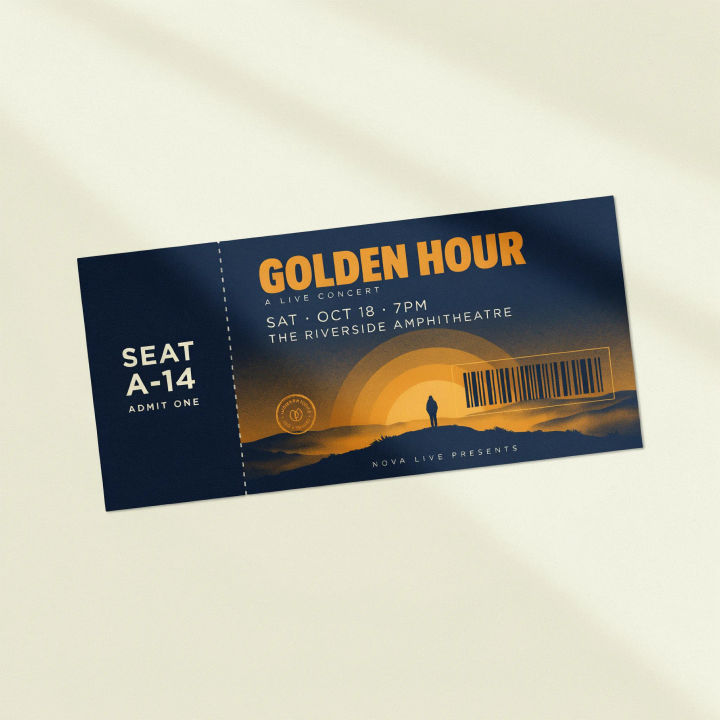
Poster match
Event ticket matching a bold graphic poster, same duotone art and heading style, event name and date, tear-off stub with seat, clear space for a barcode, cohesive branded look
Edit prompt
Cinematic storyboard
Share a scene description with character references. Get a full storyboard with shot angles and mood.

Messages to cinematic scene
Dramatize any text conversation into a cinematic multi-shot video.

Title sequence
Generate a professional film title card from scratch, with optional cinematic animation.

3x3 storyboard
Feed in a single image. Get 9 cinematic beats laid out as a 3x3 storyboard grid.

Chibi sprite animation
Turn any photo or description into an animated chibi sprite. Dance, jump, wave, attack, and more.

Expressions
Take any character image and generate 6 distinct facial expressions on a single reference sheet.
All on Morphic
Models
Nano Banana 2, Flux 2 Pro, ChatGPT Images, Grok Imagine, Recraft, Seedream, and more. Swap models when the type or the artwork needs a cleaner pass.
Raffle ticket generator
Running a prize draw at the event too? Make matching raffle tickets with stubs from the same brief.
Poster generator
Design the poster first, then match the ticket to it so both carry one look.
Text to image
Generate any designed image from a short brief, the tool that powers every ticket you make here.
