Every image model
Covers you can design
Make a cover in three steps
- 01
Open Morphic
Sign up and start creating on a free-flowing, infinite visual canvas.
- 02
Describe your cover
Name your brand, colors, and any short headline, and keep the subject off the lower-left corner.
- 03
Generate and export
Compare a few directions, check it against the profile-picture crop, then download at full size.
Use cases
A cover built for the crop
Facebook overlaps your round profile picture on the lower-left of the cover and crops the edges differently on desktop and mobile. Describe your look and the design keeps the subject, logo, and text in the safe area. The result reads as made for the platform rather than a wide image squeezed to fit.

Promote a launch or sale
Put a product, a date, and a short headline on the cover so visitors see the offer the moment they land on your page. Name the campaign and the design builds a clean scene around it, with the key elements clear of the profile corner. Swap the palette and headline whenever the promotion changes.

Match your business page
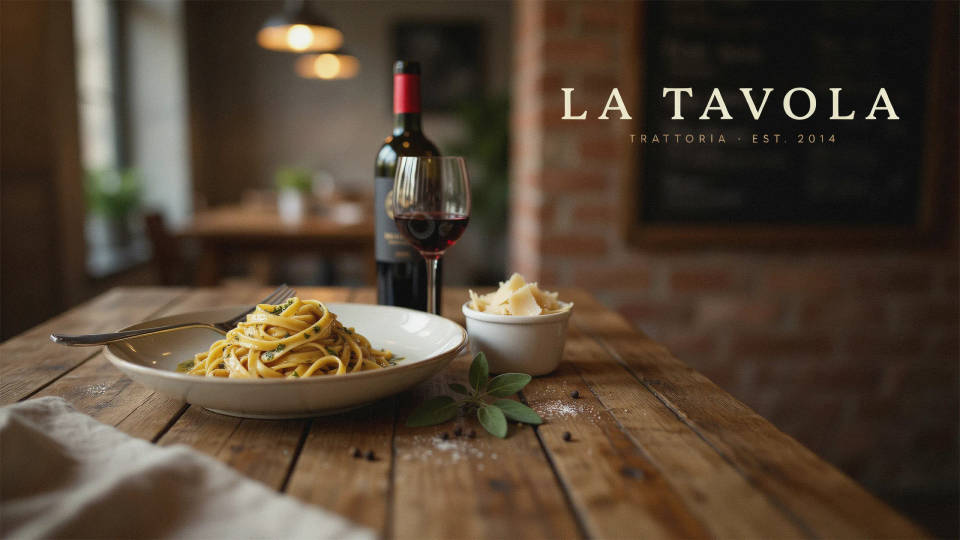
A restaurant, a studio, and a shop each need a different feel. Name your business and the cover leans into it, whether that is a warm food scene, an energetic studio shot, or a clean product backdrop. Generating a couple of directions makes it easy to pick a look that fits your brand at a glance.
A consistent look everywhere
Reuse the same palette, headline, and style across your Facebook cover, your posts, and a matching profile image so your page feels intentional. Because everything lives in one workspace, it is quick to spin a set of visuals that share a look. Refresh the cover whenever you run a new season or campaign.

Prompt examples

Warm gradient
A clean Facebook cover, warm peach-to-amber gradient, a soft light flare on the right, generous empty space in the lower-left profile-picture corner, minimal and friendly
Edit prompt
Coffee shop
A Facebook cover for a coffee shop, cozy wood and cream tones, a latte with foam art on the right, a short headline centered, profile corner kept clear
Edit prompt
Product launch
A bold Facebook cover for a product launch, deep blue background, a sleek gadget floating on the right with soft studio light, a short launch headline
Edit prompt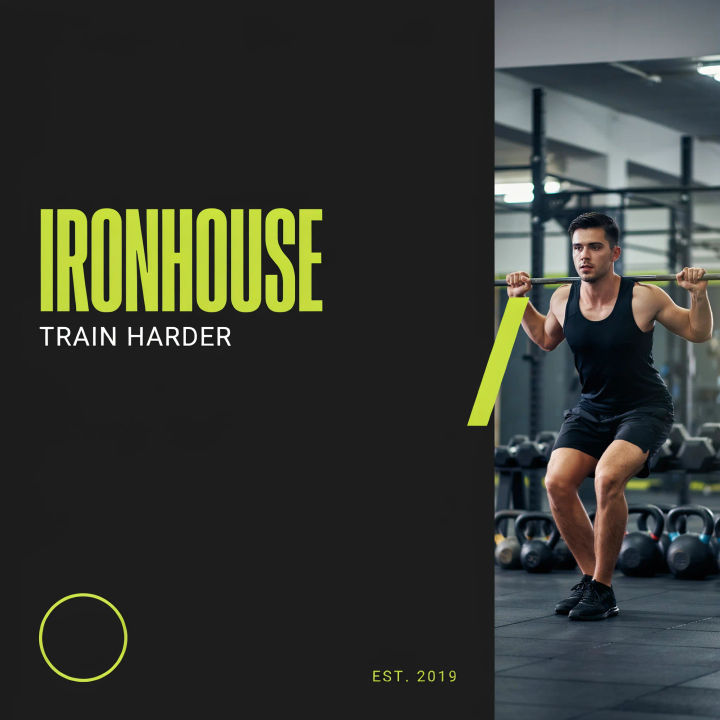
Fitness studio
A Facebook cover for a fitness studio, energetic charcoal and lime palette, a dynamic gym scene softly blurred on the right, room for the profile picture lower-left
Edit prompt
Seasonal sale
A festive Facebook cover for a holiday sale, deep green and gold, subtle bokeh lights, a short sale headline and date, clean layout, profile corner clear
Edit prompt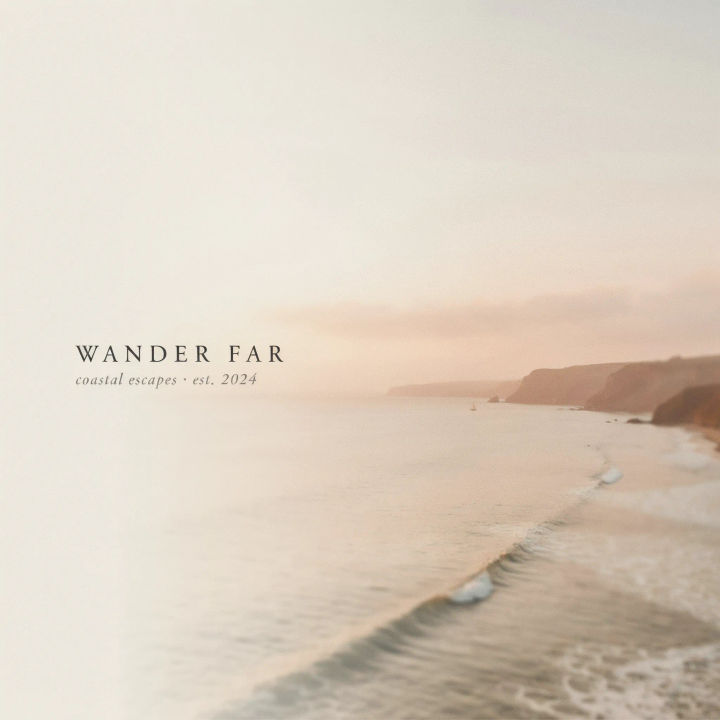
Travel page
A Facebook cover for a travel page, a softly blurred coastal sunset on the right, muted warm tones, a short tagline, generous empty space in the lower-left corner
Edit prompt
Character age progression
Upload a photo of a person or character and get a single grid image showing them at different life stages, from baby to elderly.

Fabric swatch
Describe your fabric type, pattern, color, and use. Get a photorealistic 2K textile swatch to spec.

Character look book
Character photo plus costume descriptions. Multiple styled looks across angles and lighting.
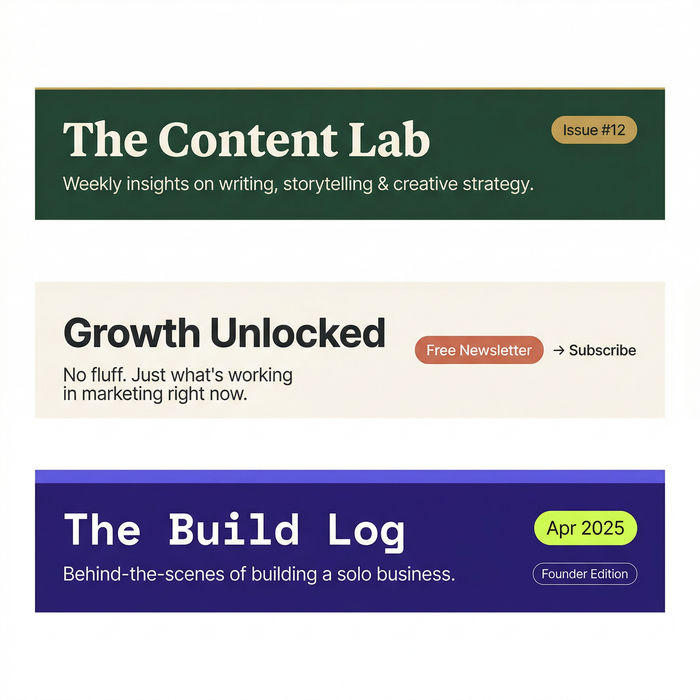
Email banner
Get polished email headers and banners ready for newsletters and campaigns.

Image reverse engineer
Get a detailed prompt extracted from a reference image, and then a fresh recreation.

Music video
Pick a visual style, drop in your lyrics. Each verse gets its own scene visual, laid out as a full screenplay.
All on Morphic
Models
Nano Banana 2, Flux 2 Pro, ChatGPT Images, Grok Imagine, Recraft, Seedream, and more. Swap models when a cover needs cleaner type or a crisper scene.
Event cover maker
Design a matching Facebook event cover in the same palette so your page and event line up.
Banner generator
Design banners for other channels and ads in the same workspace, each sized to its crop.
Text to image
Compose any cover from a written description and compare palettes and layouts side by side.
