Every image model
Posts you can create
Make a Facebook post in three steps
- 01
Open Morphic
Sign up and start creating on a free-flowing, infinite visual canvas.
- 02
Describe the post
Give the message, the mood, and the ratio. Note your page palette to stay on-brand.
- 03
Generate and export
Compare options, keep the one that reads in the feed, then export it at the right size.
Use cases
Built for how the feed crops
Facebook shows images differently on desktop and mobile, and a bad crop buries your point. Describe the post and Morphic frames the visual at a feed-friendly ratio so the focal part stays clear in the preview. It saves you from reshaping the same image over and over to keep it from getting clipped where people actually see it.

Promos and offers for a business page
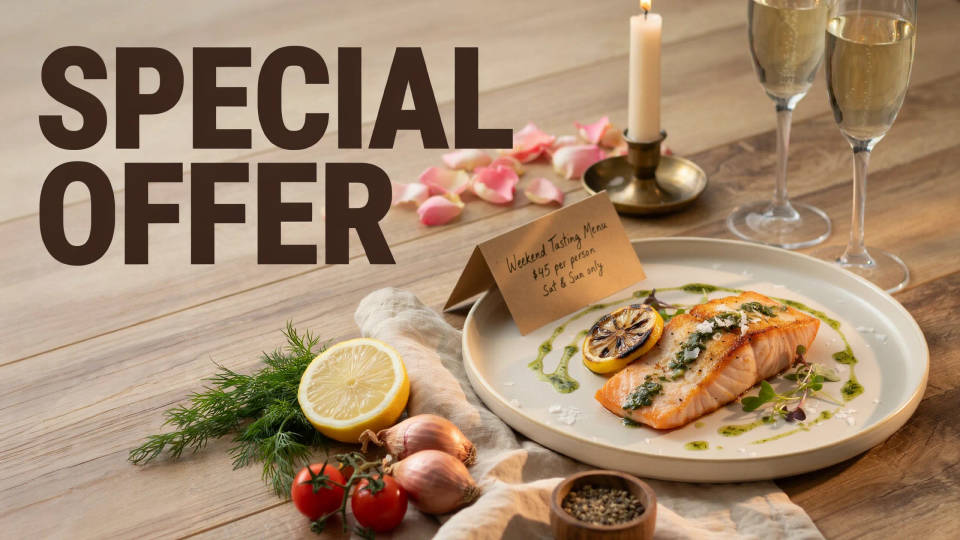
Sales, offers, and menu highlights are the bread and butter of a business page. Describe the promo and the model builds an inviting, on-brand post with room for a short headline. Generate a run of them at once so a whole week or a seasonal campaign shares one consistent look, without a designer on call.
Event announcements that stand out
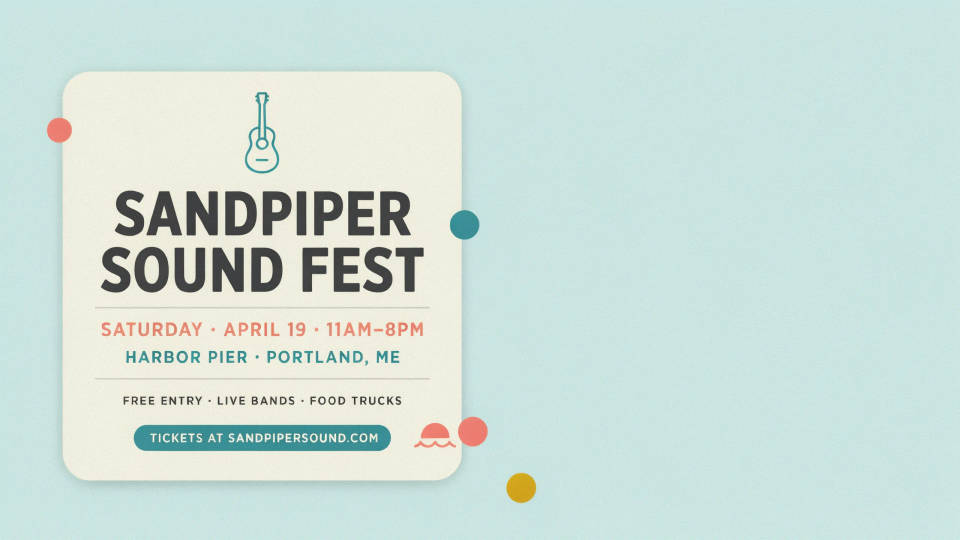
An event needs a post that stops the scroll and a cover that matches it. Describe the event and generate a bold post plus a coordinated cover in the same style, so the listing and the feed line up. It gives community groups and small venues a polished announcement without piecing graphics together by hand.
Turn a product photo into a post
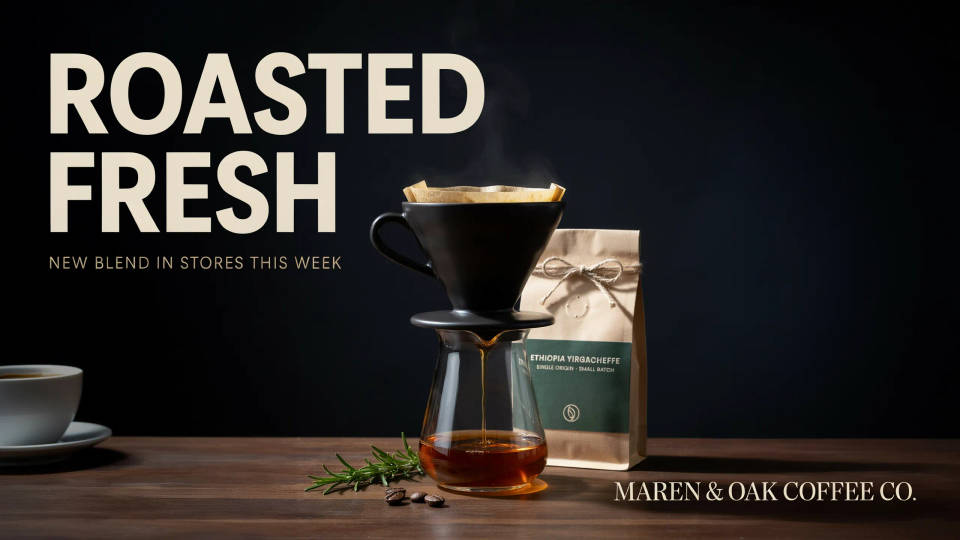
Drop in a product or storefront photo and describe the scene you want around it, from a clean backdrop to a lifestyle setting. The model builds a feed-ready post around your item, so a plain phone shot becomes something styled for your page. Handy for small businesses that shoot their own photos and want posts that still look considered.
Prompt examples
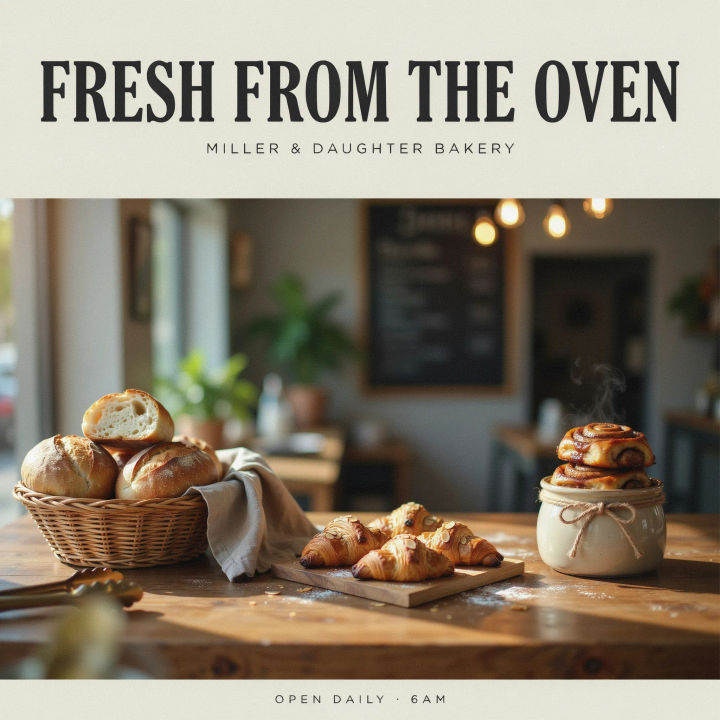
Bakery promo
A warm landscape Facebook post for a local bakery, fresh bread and pastries on a rustic counter, morning light, room for a short headline
Edit prompt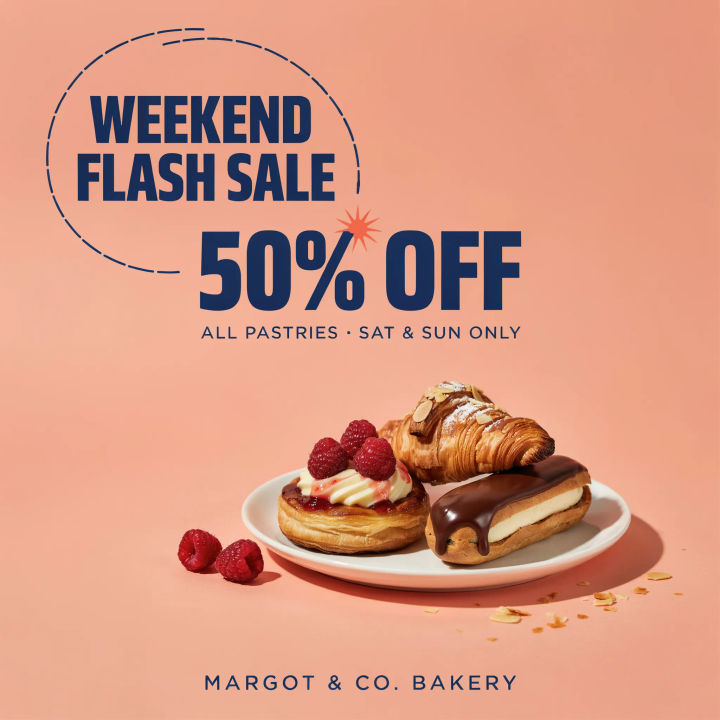
Weekend sale
A bright square Facebook sale post, bold short headline, high-contrast colors, clear focal point, energetic layout
Edit prompt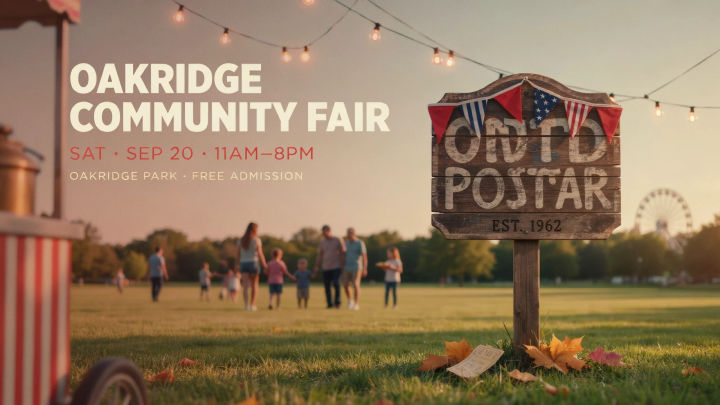
Event announcement
A landscape Facebook event post for a community fair, festive inviting scene, clear space for a title and date
Edit prompt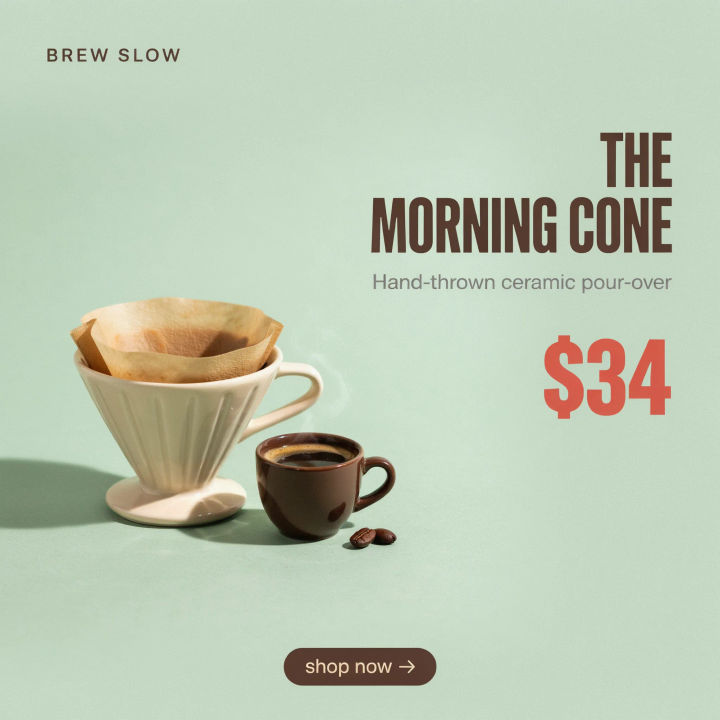
Product offer
A square Facebook product post, a single hero product on a clean colored background, soft shadow, bold short price callout
Edit prompt
Seasonal greeting
A warm landscape Facebook seasonal greeting post, cozy holiday scene, soft festive palette, friendly welcoming mood
Edit prompt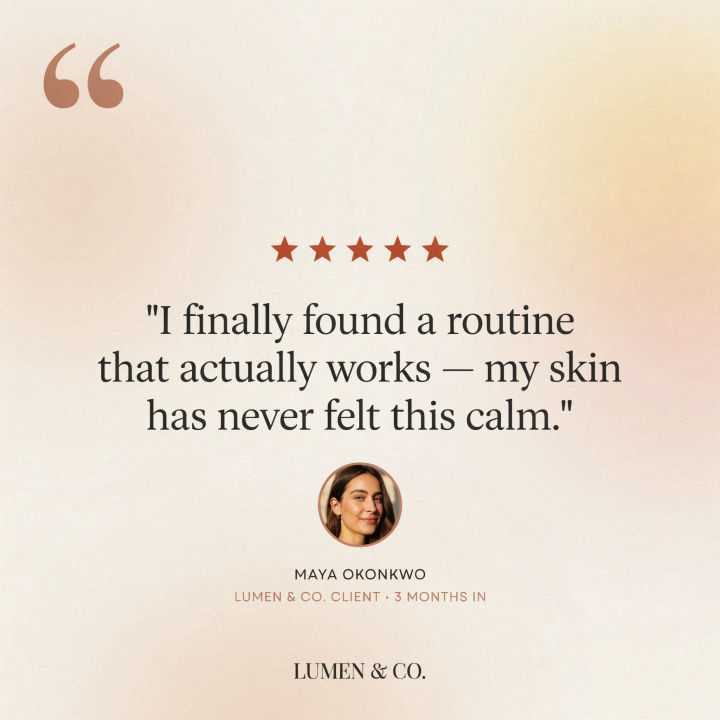
Testimonial post
A square Facebook testimonial post, calm clean background, one short bold quote, subtle brand accent color, trustworthy layout
Edit prompt
Character age progression
Upload a photo of a person or character and get a single grid image showing them at different life stages, from baby to elderly.

Image reverse engineer
Get a detailed prompt extracted from a reference image, and then a fresh recreation.

Title sequence
Generate a professional film title card from scratch, with optional cinematic animation.

Movie poster
Cinematic poster compositions from your key art, in any genre tone.
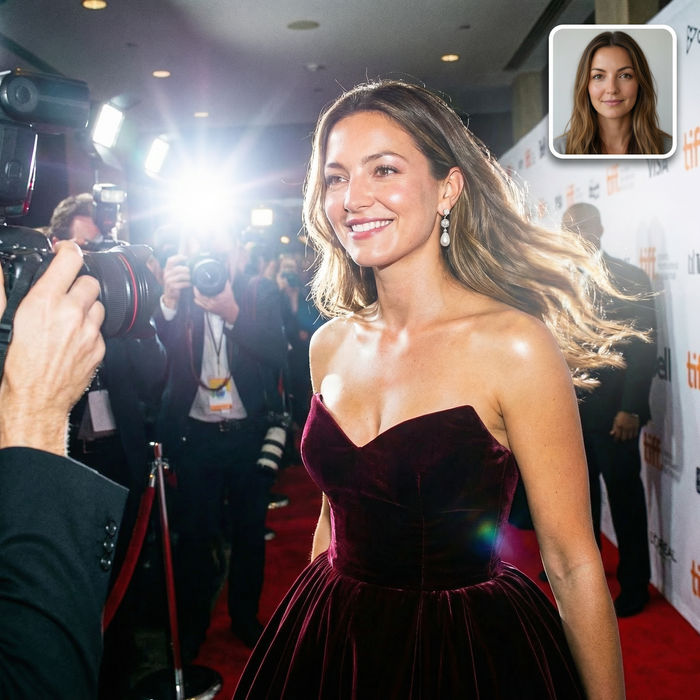
Paparazzi scene
Put anyone on a red carpet with paparazzi flashes, animated into a celebrity entrance video.

Product mockup generator
Upload a product photo and get studio-quality shots on any surface with configurable lighting, angles, and aspect ratios.
All on Morphic
Models
Nano Banana 2, Flux 2 Pro, ChatGPT Images, Grok Imagine, Recraft, Seedream, and more. Swap models when a post needs a cleaner look or a different style.
Social media post generator
Make posts for any platform in one place, then adapt the winner to Facebook's feed ratios.
Poster generator
Scale a post idea up into a full poster for an event, a promo, or a printed flyer.
Text to image
Generate any post, banner, or graphic from a written description and compare directions side by side.
