Every image model
Family collages you can build
Make a family collage in three steps
- 01
Open Morphic
Sign up and start creating on a free-flowing, infinite visual canvas.
- 02
Upload photos and describe the layout
Drop in the family shots and say the layout, the tone, and any title you want.
- 03
Generate and export
Morphic balances the crops, spacing, and colour into one framed image. Rerun for another look, then export.
Use cases
A framed piece for the wall
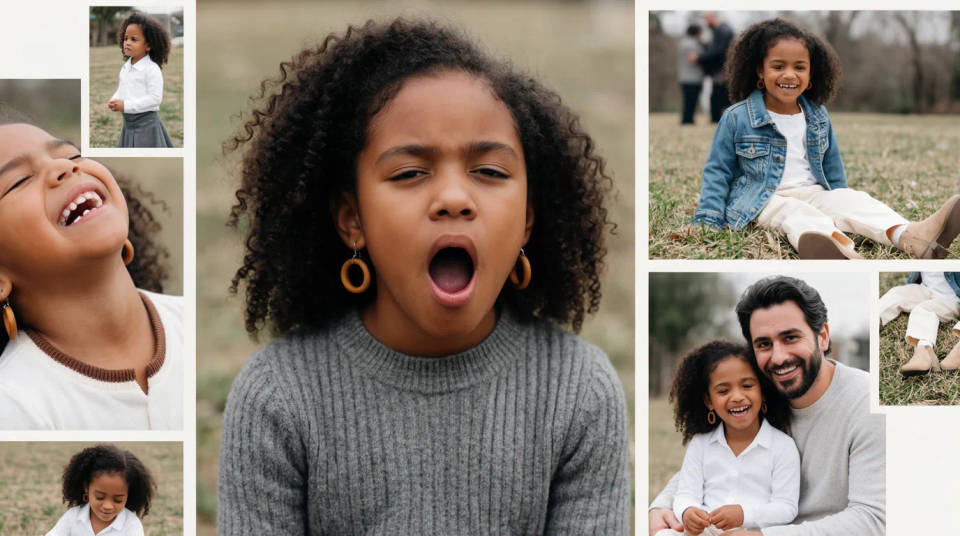
Turn a mix of family portraits and candids into one framed collage to print and hang. Morphic balances the crops so every face sits well and evens the colour across the frames, so a wall piece looks composed rather than a patchwork of different shots.
A generations keepsake
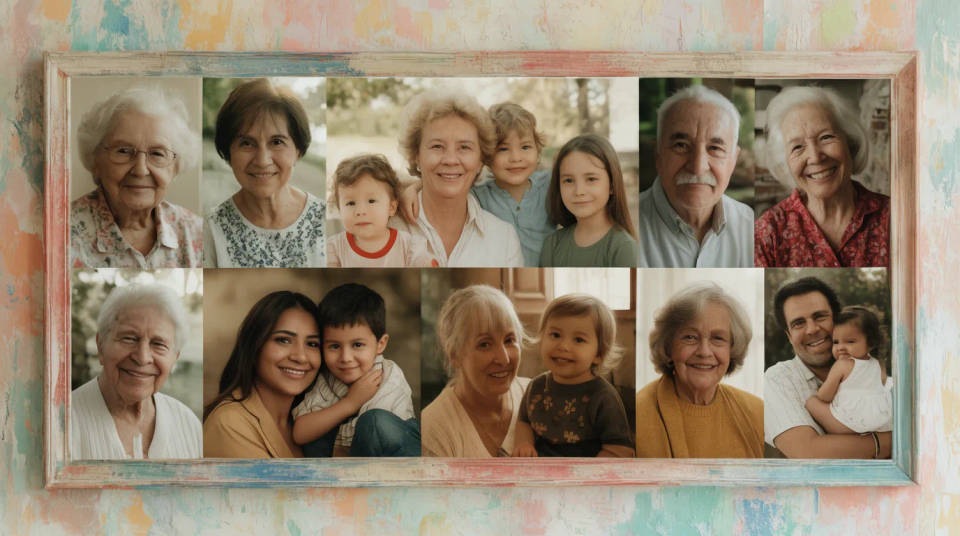
Bring grandparents, parents, and kids together in one collage, even when the photos span decades and cameras. The maker settles the tone across old prints and new phone shots so a multi-generation piece reads as one family, ready to gift or archive.
A holiday or reunion card
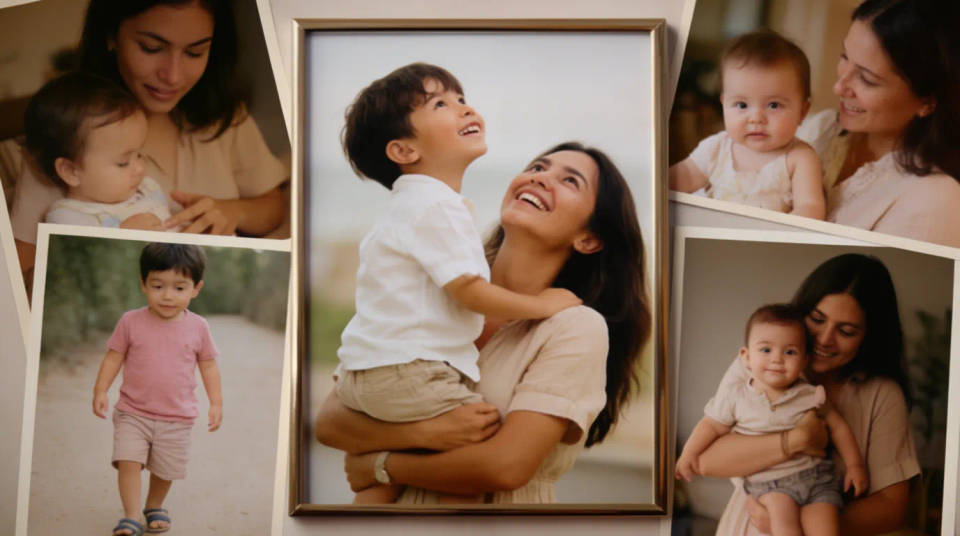
Combine shots from a reunion or a holiday gathering into a single card-shaped collage to send to relatives. Add a family name and a year, and the layout keeps everyone visible and the title clear, sized to print or share digitally.
A gift for a milestone
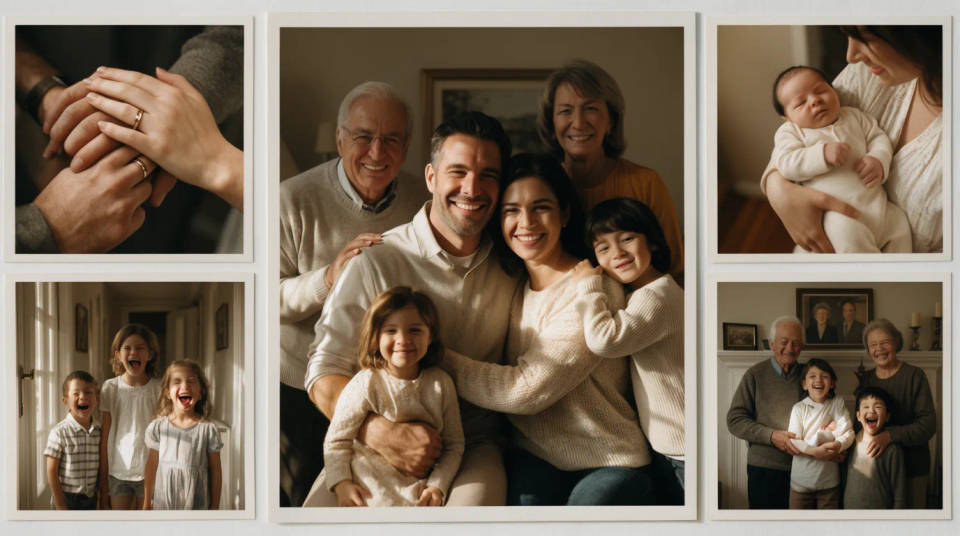
Mark an anniversary, a new baby, or a family milestone with a collage of the moments that led to it. A hero image with supporting frames gives the main photo weight, while the balanced spacing keeps the surrounding shots tidy for a print or a frame.
Prompt examples

Warm framed grid
Arrange these family photos into a warm framed grid collage, balanced crops so every face is clear, even spacing, matched warm tone
Edit prompt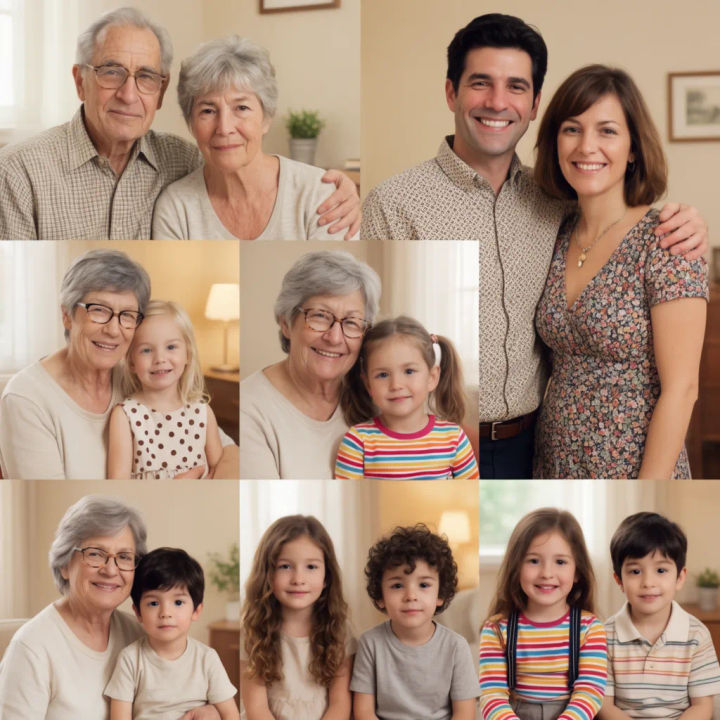
Three generations
Arrange these photos into a family collage grouping grandparents, parents, and children in three rows, colour matched across old and new shots
Edit prompt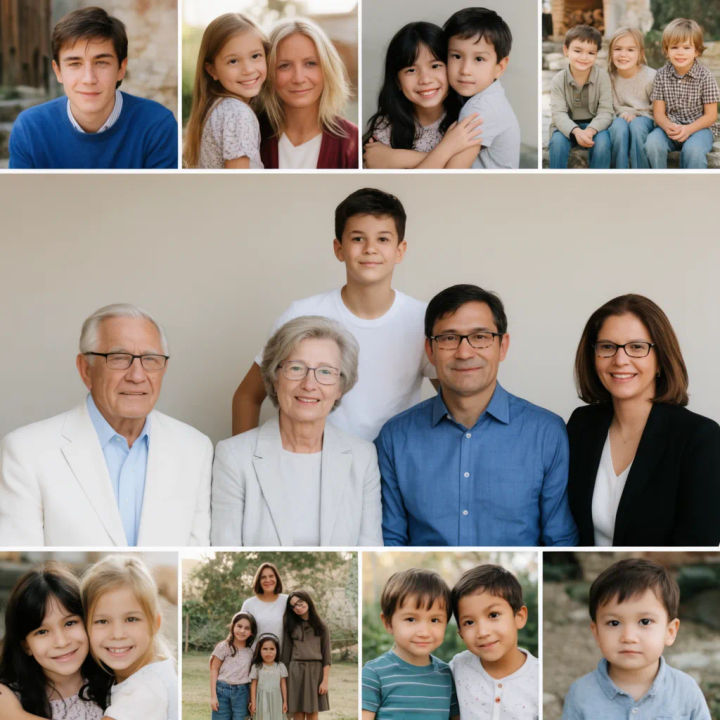
Hero with frames
Arrange these family photos into a collage with one large group portrait in the centre and smaller candids framed around it, soft neutral background
Edit prompt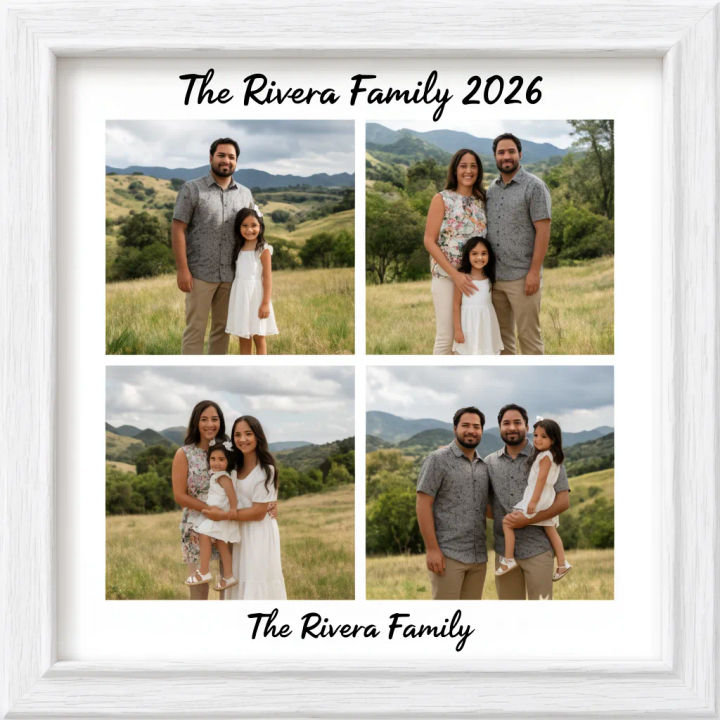
Family name and year
Arrange these photos into a framed family collage with a title bar reading The Rivera Family 2026, balanced crops and clean margins for print
Edit prompt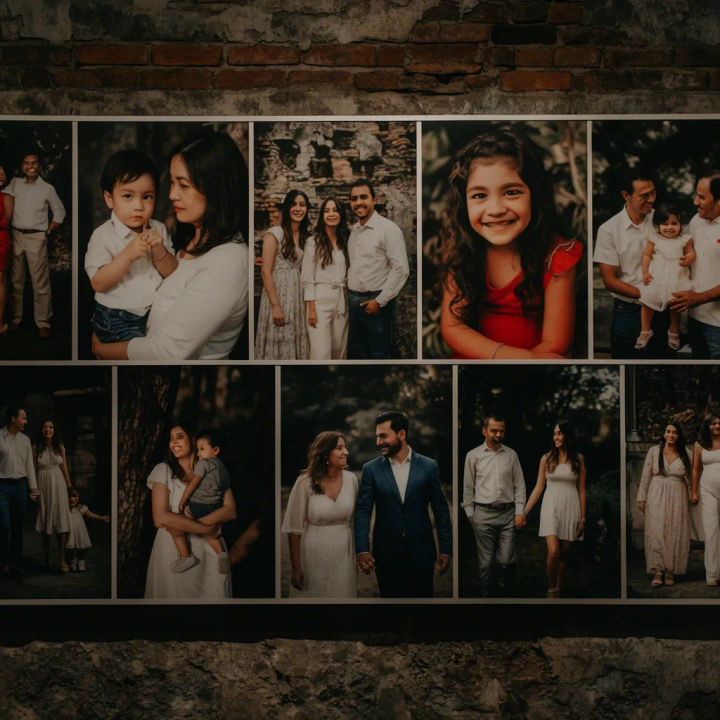
Wide wall piece
Arrange these family photos into a wide horizontal wall collage, thin white dividers, matched warm grade, poster proportions
Edit prompt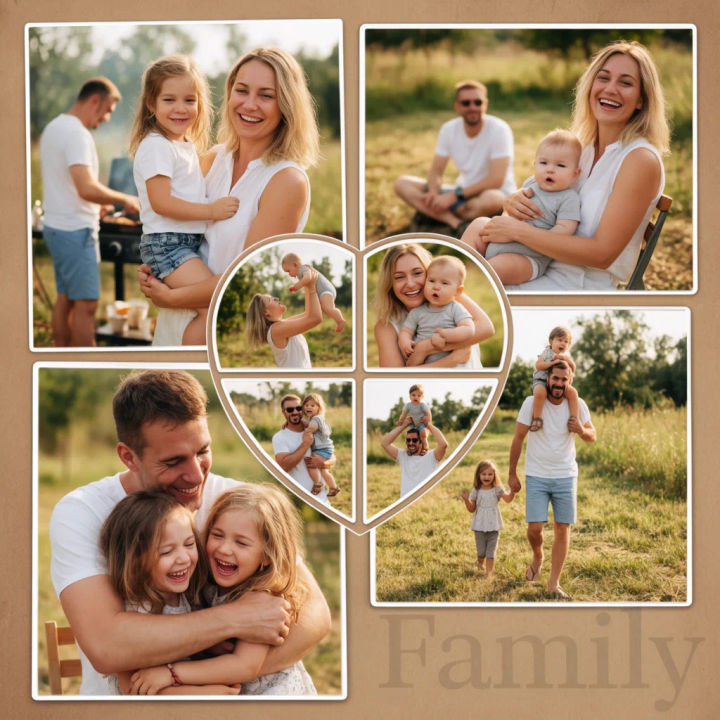
Reunion card
Arrange these reunion photos into a card-shaped family collage with a heart of small frames and a Family title, warm balanced colour
Edit prompt
Cinematic storyboard
Share a scene description with character references. Get a full storyboard with shot angles and mood.

Chibi sprite animation
Turn any photo or description into an animated chibi sprite. Dance, jump, wave, attack, and more.

Messages to cinematic scene
Dramatize any text conversation into a cinematic multi-shot video.

Title sequence
Generate a professional film title card from scratch, with optional cinematic animation.

3x3 storyboard
Feed in a single image. Get 9 cinematic beats laid out as a 3x3 storyboard grid.
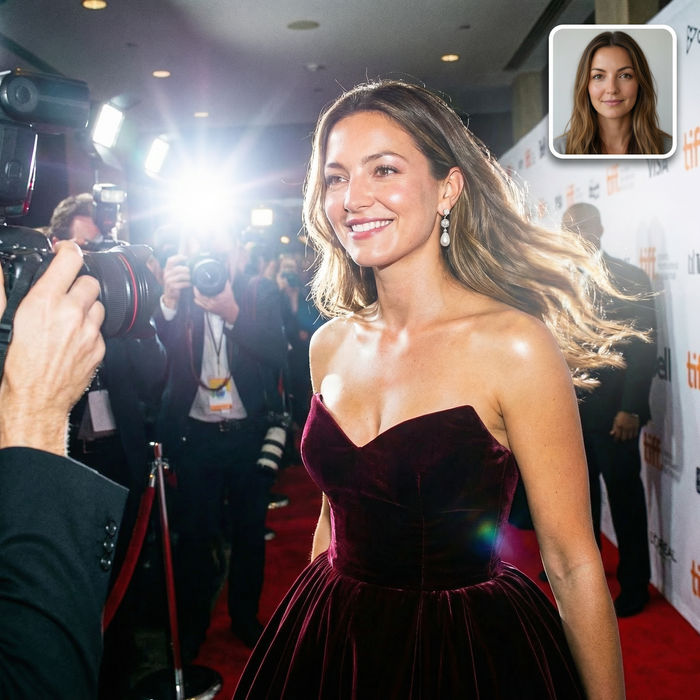
Paparazzi scene
Put anyone on a red carpet with paparazzi flashes, animated into a celebrity entrance video.
All on Morphic
Models
Nano Banana 2, Flux 2 Pro, ChatGPT Images, Grok Imagine, Recraft, Seedream, and more. Swap models when a family layout needs a cleaner balance.
AI photo restoration
Repair faded or torn old family prints before they go into the collage, so vintage shots hold up beside new ones.
AI image editor
Adjust a finished family collage by describing a change, from the title wording to the crop of a frame.
Image to image
Upload your photos and generate a framed layout from them, the method behind a balanced family collage.
