Every image model
Ghost mannequin shots you can create
Create a ghost mannequin in three steps
- 01
Open Morphic
Sign up and start creating on a free-flowing, infinite visual canvas.
- 02
Upload the garment and mark the form
Add the on-mannequin photo and mask the mannequin, any visible skin, and the neckline you want hollow.
- 03
Generate and refine the interior
Morphic inpaints the openings so the garment keeps its shape. Rerun the collar and cuffs until clean, then export.
Use cases
Apparel store and marketplace listings
Give every product the invisible-mannequin look that store pages and marketplaces expect. The garment keeps its worn shape while the form disappears, so the piece floats cleanly on white. It reads as more professional than a flat lay and needs no photographer on the day. Run a whole range through the same pass for a consistent set.
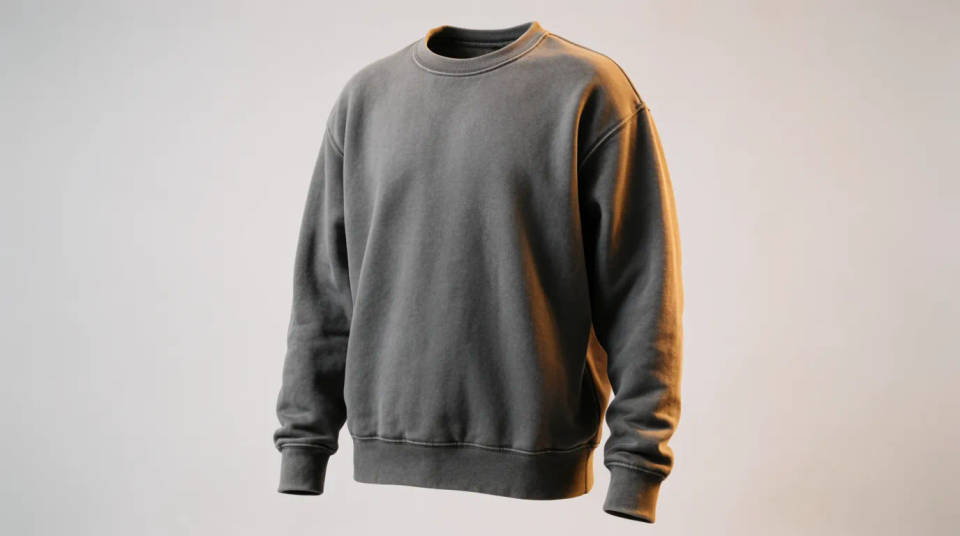
Fill the neckline and cuffs
The hard part of the effect is the inside collar and the sleeve openings. Mark them and the model rebuilds the interior so the piece looks worn by nobody. Add an inner-collar reference for the truest lining, or let the fill reconstruct it and check the result. It is the detail that separates a clean ghost mannequin from an obvious cutout.
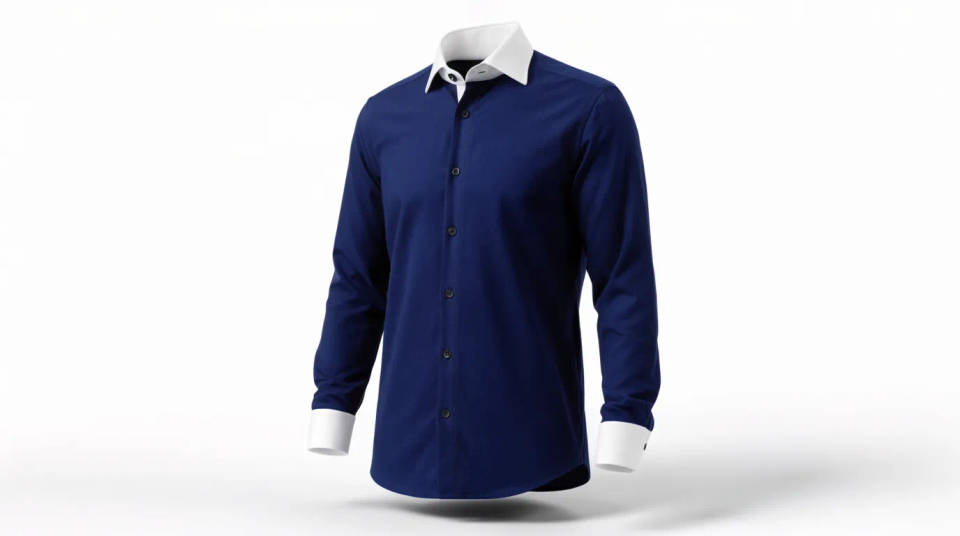
Turn a rail or hanger shot into product-ready
Start from a quick shot on a hanger or a home mannequin and lift it to catalogue standard. Remove the hanger, the stand, and the background, then keep only the garment holding its shape. It saves a studio booking for small runs and seasonal drops. Iterate on the Canvas until the whole set matches.
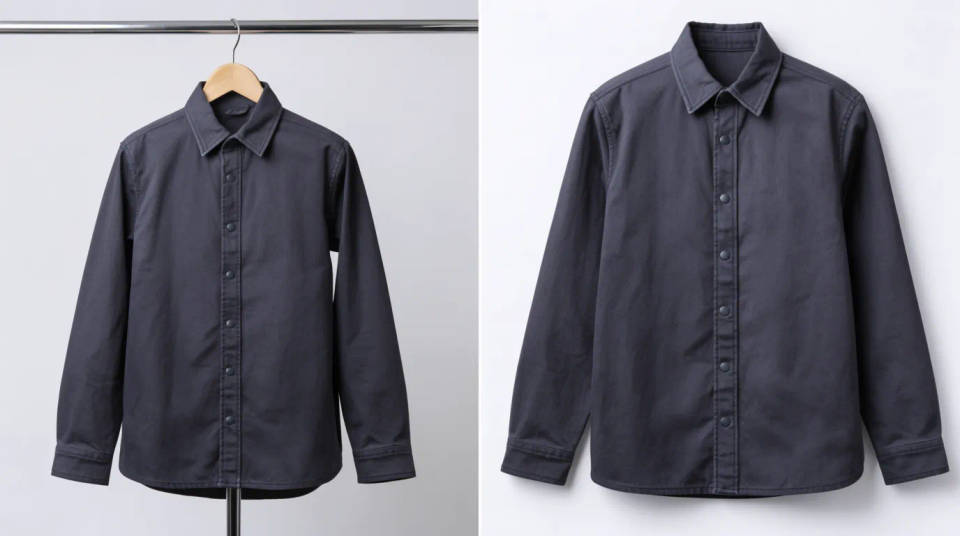
Consistent look across a full range
Match every garment to the same backdrop, angle, and lighting so a collection reads as one shoot. Because the garment itself is untouched, the drape stays true while the presentation lines up. It is how a small brand keeps a store page looking uniform without reshooting each piece. Reuse the same setup for the next drop.
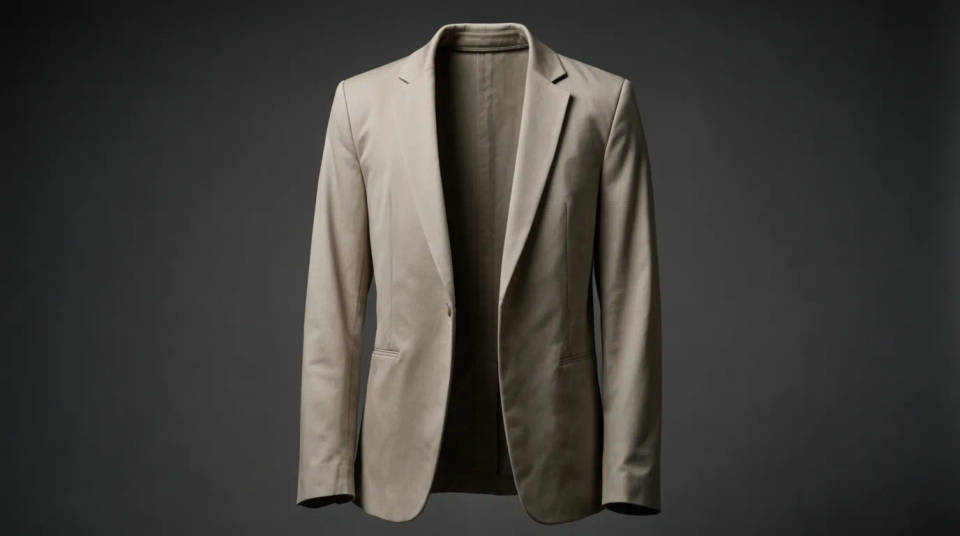
Prompt examples
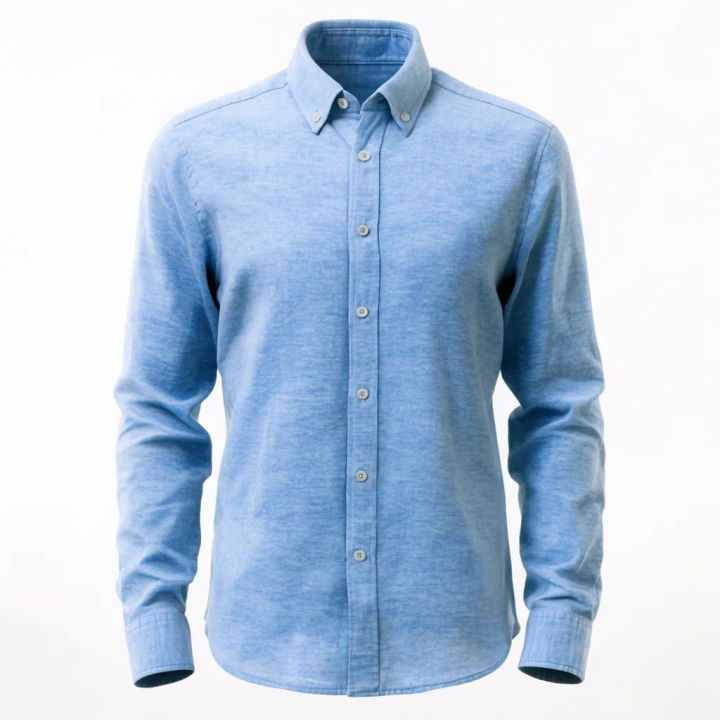
Hollow a shirt
Remove the mannequin from this shirt, fill the neckline and cuffs so it holds its shape, keep every fold
Edit prompt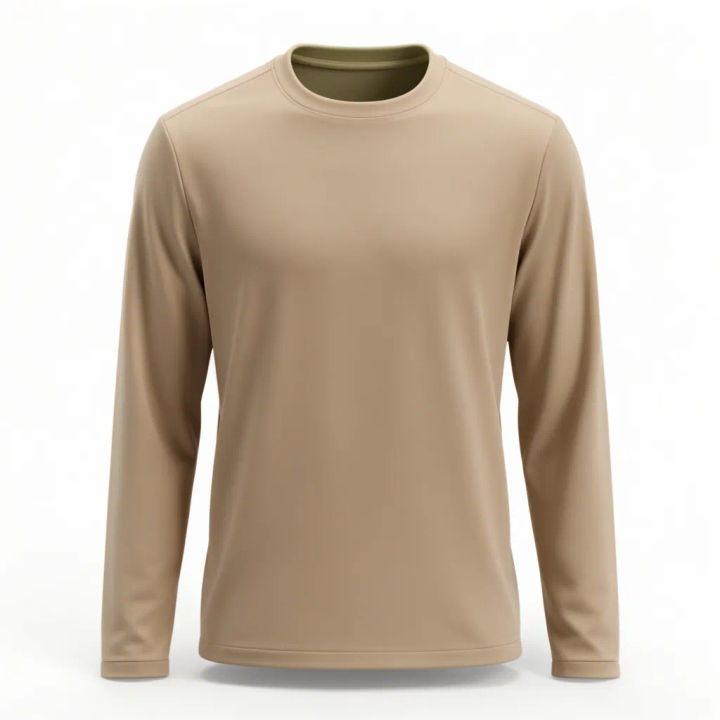
Fill the inside collar
Rebuild the inner collar and back neck as the garment lining, match the fabric colour, no skin
Edit prompt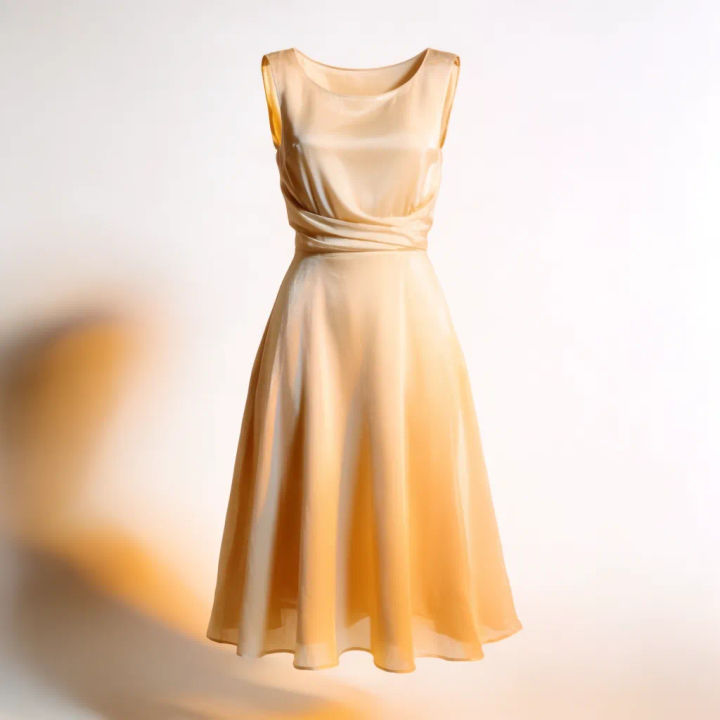
Drop onto white
Take out the mannequin and the background, place the dress on a clean white studio backdrop
Edit prompt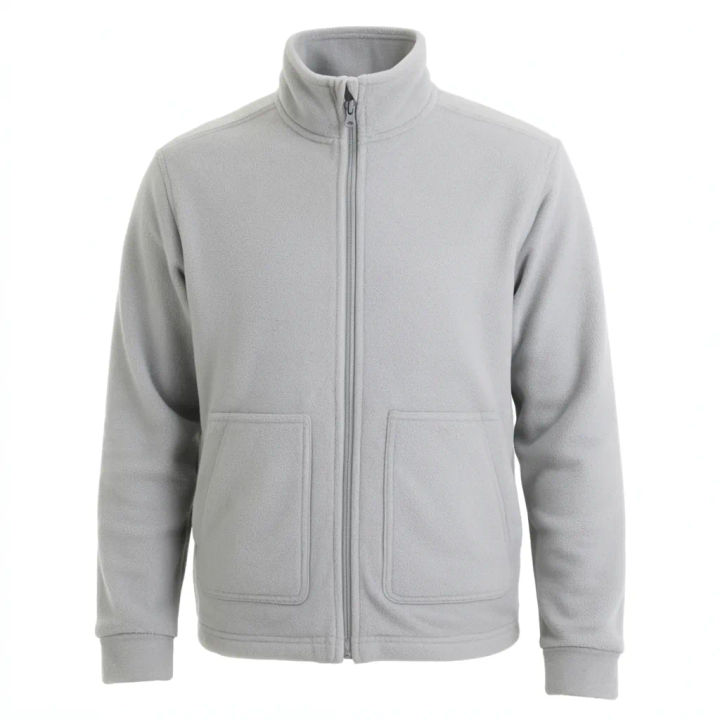
Open the sleeves
Remove the form from this jacket, hollow the sleeve openings, keep the shoulder shape and seams
Edit prompt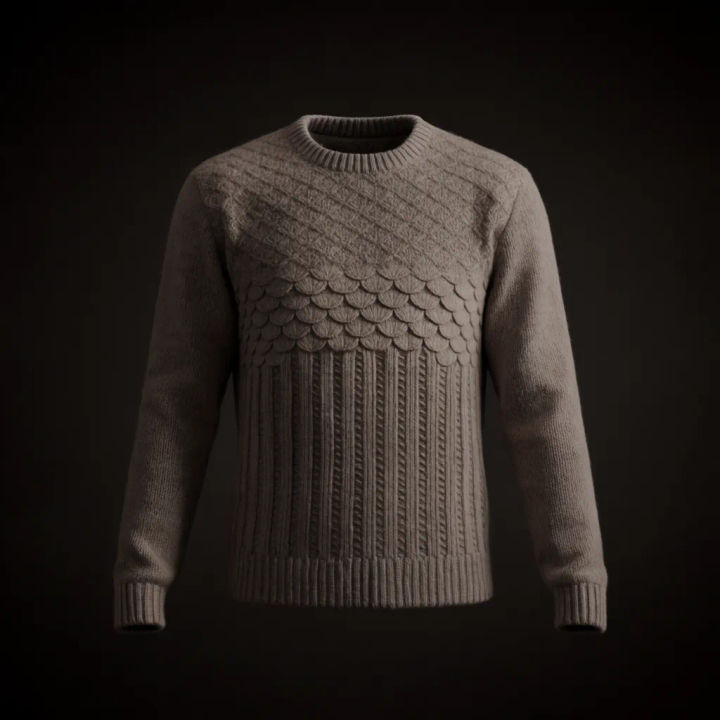
Hanger to ghost
Erase the hanger and stand, keep the knit sweater holding its worn shape, fill the neck opening
Edit prompt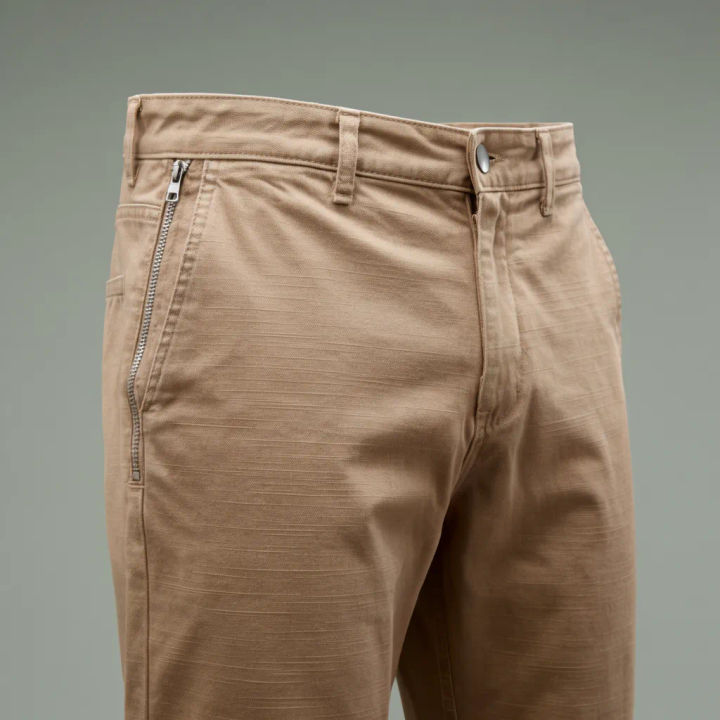
Trousers floating
Take the mannequin legs out of these trousers, keep the crease and drape, hollow the waistband
Edit prompt
Cinematic storyboard
Share a scene description with character references. Get a full storyboard with shot angles and mood.

Messages to cinematic scene
Dramatize any text conversation into a cinematic multi-shot video.

Title sequence
Generate a professional film title card from scratch, with optional cinematic animation.

3x3 storyboard
Feed in a single image. Get 9 cinematic beats laid out as a 3x3 storyboard grid.

Chibi sprite animation
Turn any photo or description into an animated chibi sprite. Dance, jump, wave, attack, and more.

Expressions
Take any character image and generate 6 distinct facial expressions on a single reference sheet.
All on Morphic
Models
Nano Banana 2, Flux 2 Pro, ChatGPT Images, Grok Imagine, Recraft, Seedream, and more. Swap models when a neckline fill needs to sit cleaner.
Background remover
Cut the garment away from its scene entirely and drop it onto a plain listing backdrop.
AI product photo generator
Build a full product shot with staged lighting and backdrop, beyond the hollow-garment look.
Image to image
Inpaint and rebuild any photo, the method that hollows a garment while keeping its shape.
