Grok Imagine 2 AI image generator

xAI's Imagine Image 2.0. Designer typography, precise edits.

Every image model

One workspace

Made with precision image generation

Make an image in three steps

  1. 01

    Open Morphic

    Sign up and start creating on a free-flowing, infinite visual canvas.

  2. 02

    Describe the image

    Subject, layout, exact words, light. Put on-image text in quotes and it renders as written.

  3. 03

    Generate and refine

    Render in seconds. Edit one region at a time, then compare takes side by side on the Canvas.

What Grok Imagine 2 generates

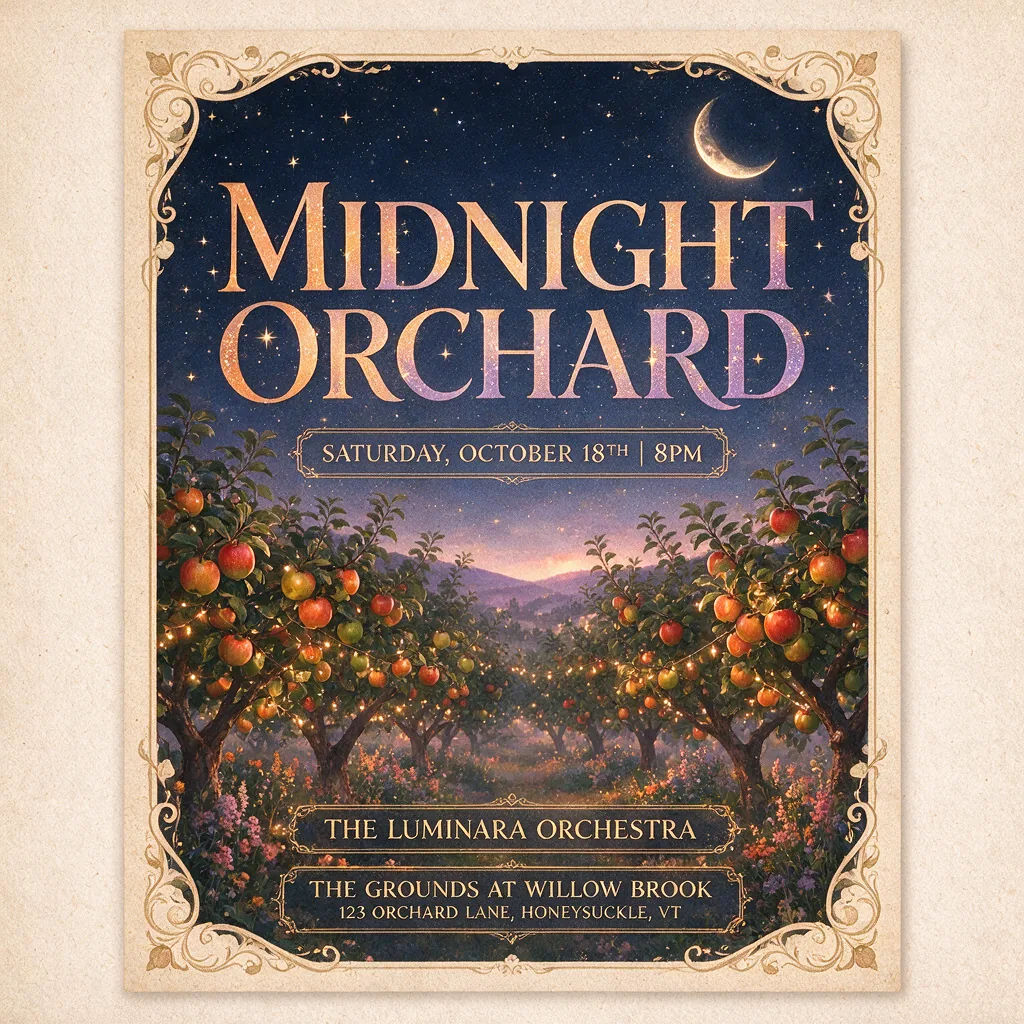
Type that reads as designed

Headlines, sublines, and small print planned like a layout, not painted like a texture. Posters, menus, and packaging come back with the hierarchy you asked for and the words spelled as written.
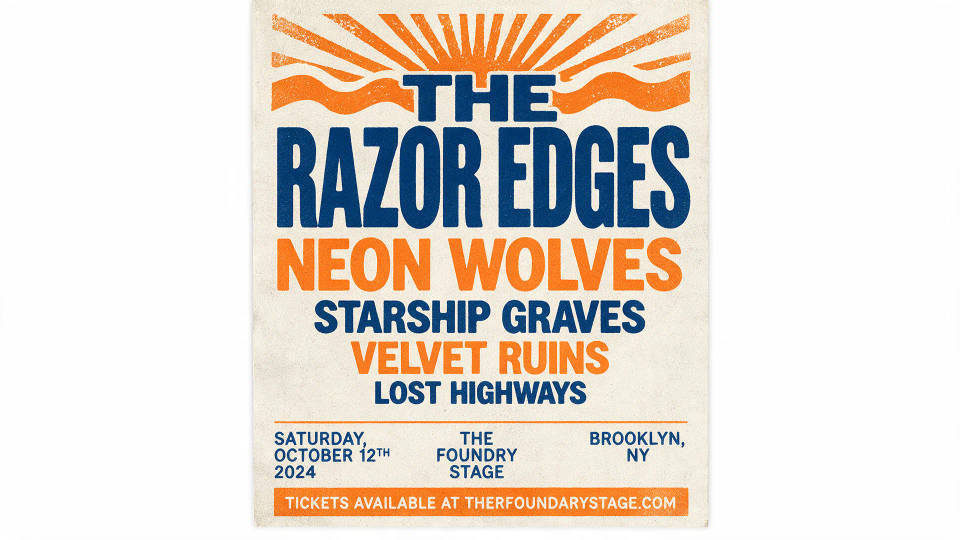
A concert bill with stacked band names in a clean descending type hierarchy

Edits that touch one region

The magic wand changes the area you point at and nothing else. Swap a colorway, fix a label, or remove a background while the lighting and the rest of the frame hold still.
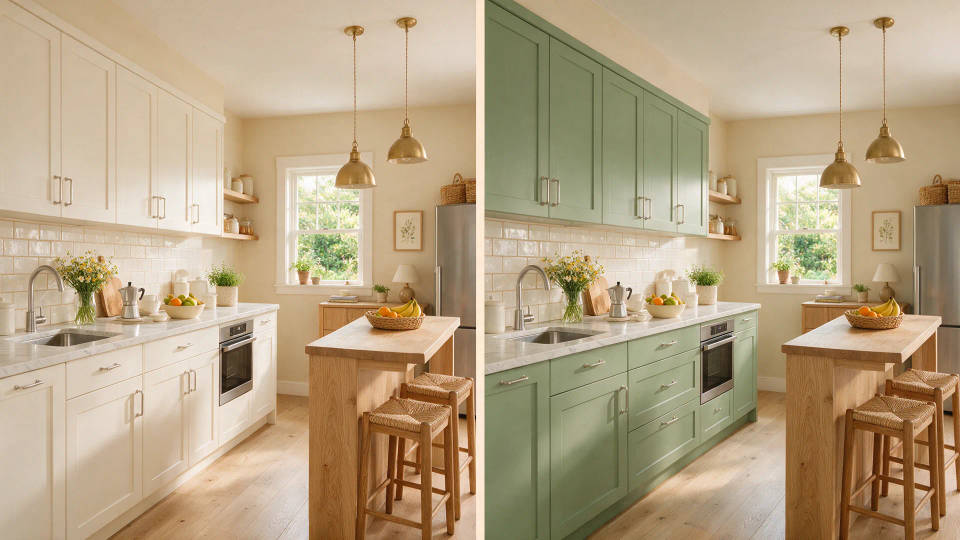
The same kitchen shown twice, only the cabinet color changed from white to sage green

Five references, one frame

Blend up to 5 input images in a single generation: your product, a style, a scene. The model preserves what you put in, so the composite stays true to its sources.
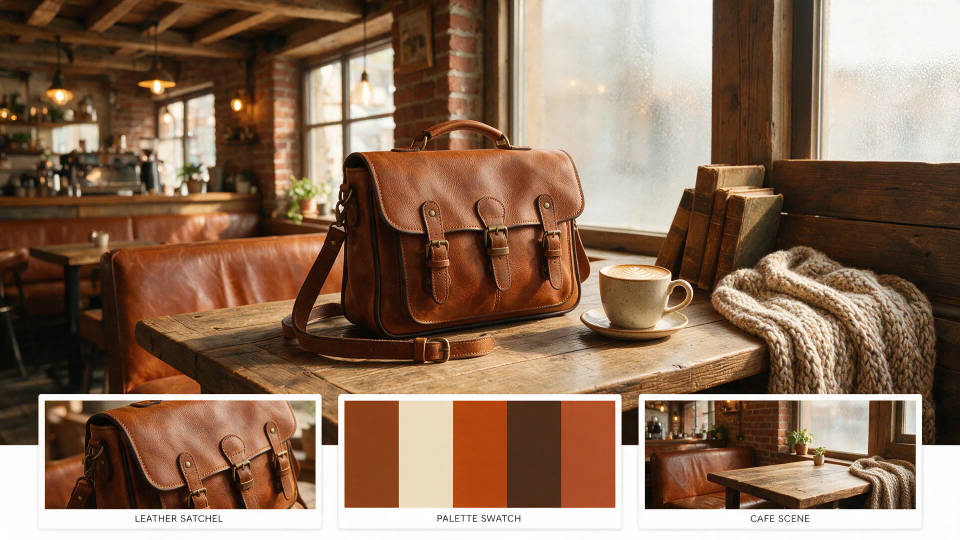
A leather satchel styled in a cafe scene with three labeled reference thumbnails beneath

One image, nine formats

Smart Resize recomposes a finished visual into 9 aspect ratios, filling each frame rather than cropping it. A single hero image becomes the whole campaign set.
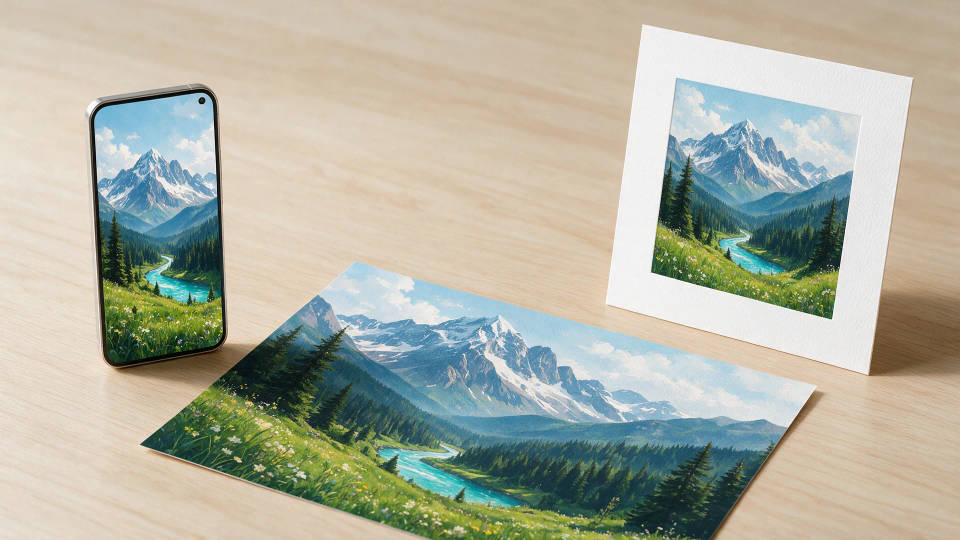
The same mountain illustration mocked up on a phone, a square print, and a wide print

Prompt examples

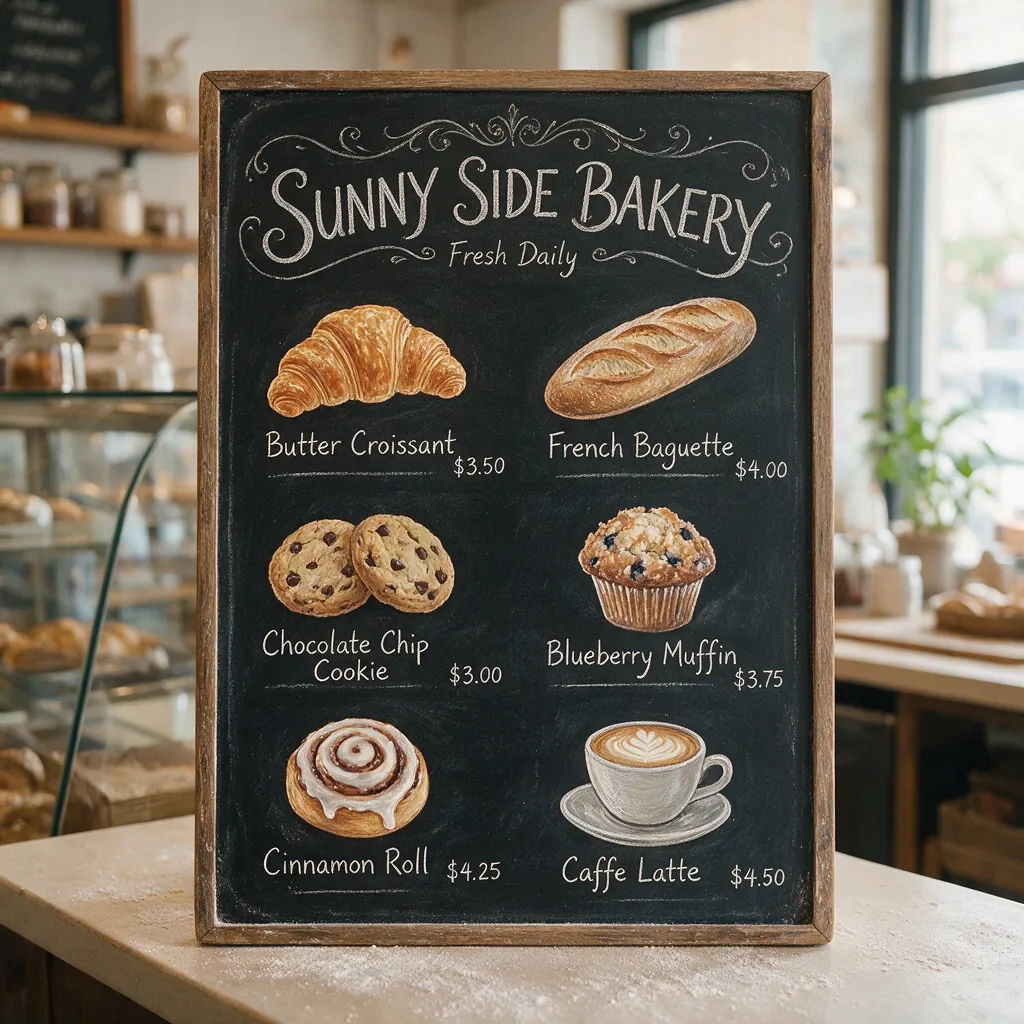
Bakery menu board with six items and prices in tidy chalk lettering

Menu board

A bakery menu board with six items and prices, chalk lettering, tidy columns

Edit prompt
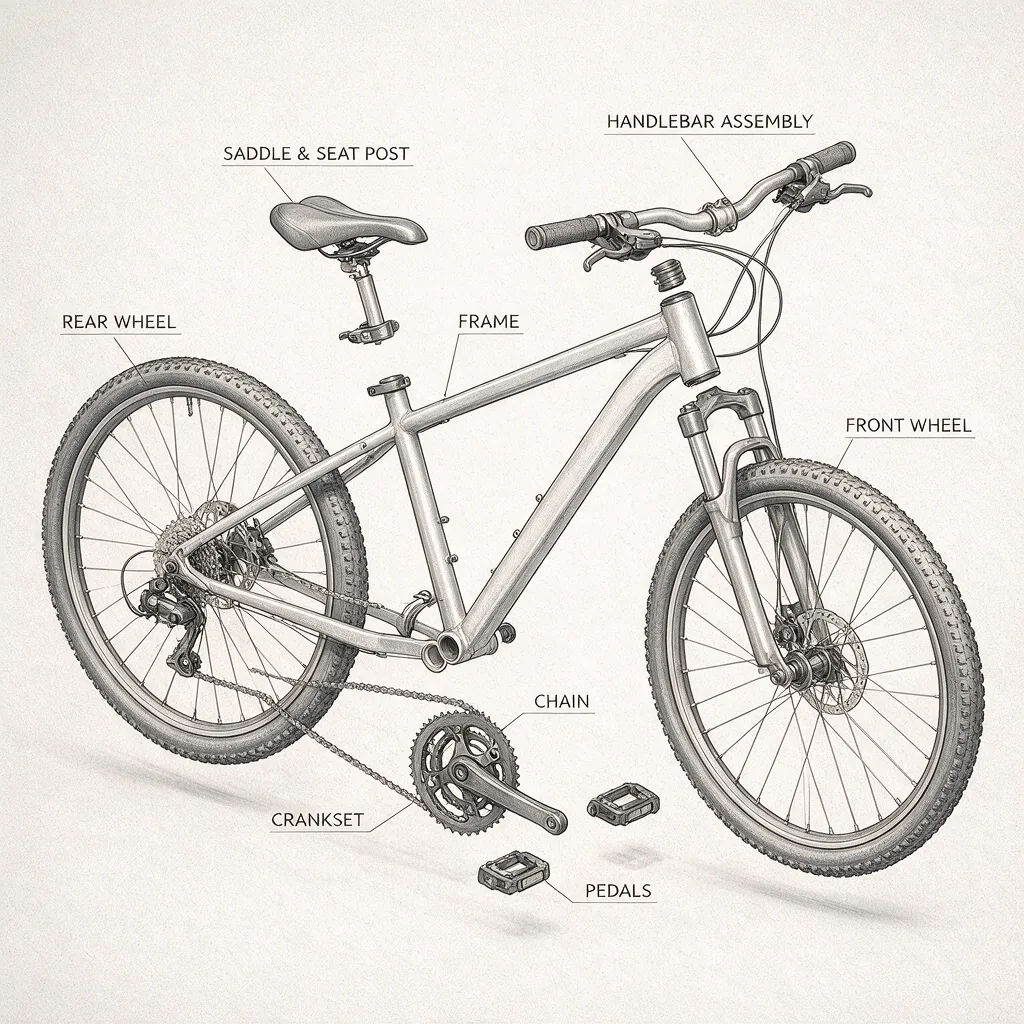
Exploded diagram of a bicycle with labeled parts on an off-white background

Labeled diagram

An exploded diagram of a bicycle, each part labeled, thin lines, off-white ground

Edit prompt
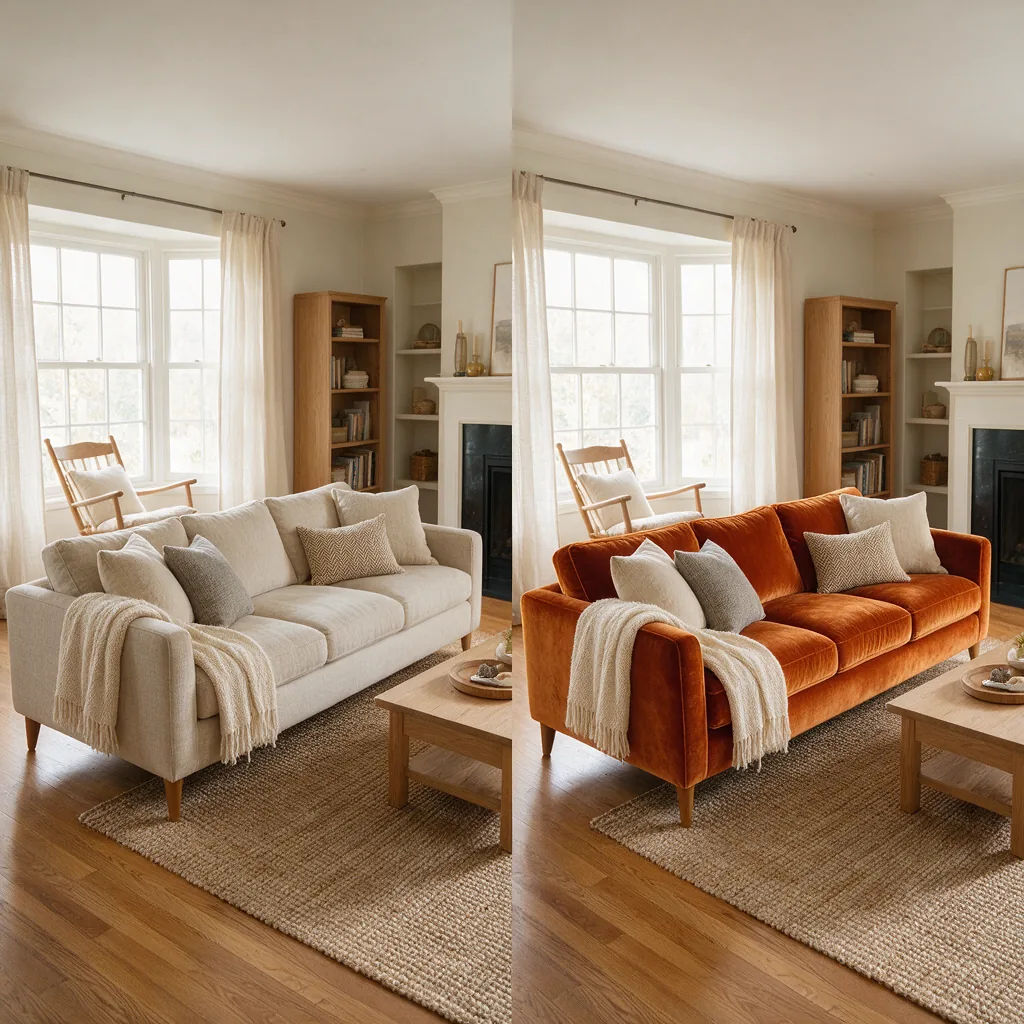
Living room photo with only the sofa changed to burnt orange velvet

Scoped edit

Change the sofa to burnt orange velvet, keep the room's light and shadows

Edit prompt
Concert poster with the headline MIDNIGHT ORCHARD in a wide serif

Concert poster

A concert poster, headline MIDNIGHT ORCHARD in a wide serif, date line beneath

Edit prompt
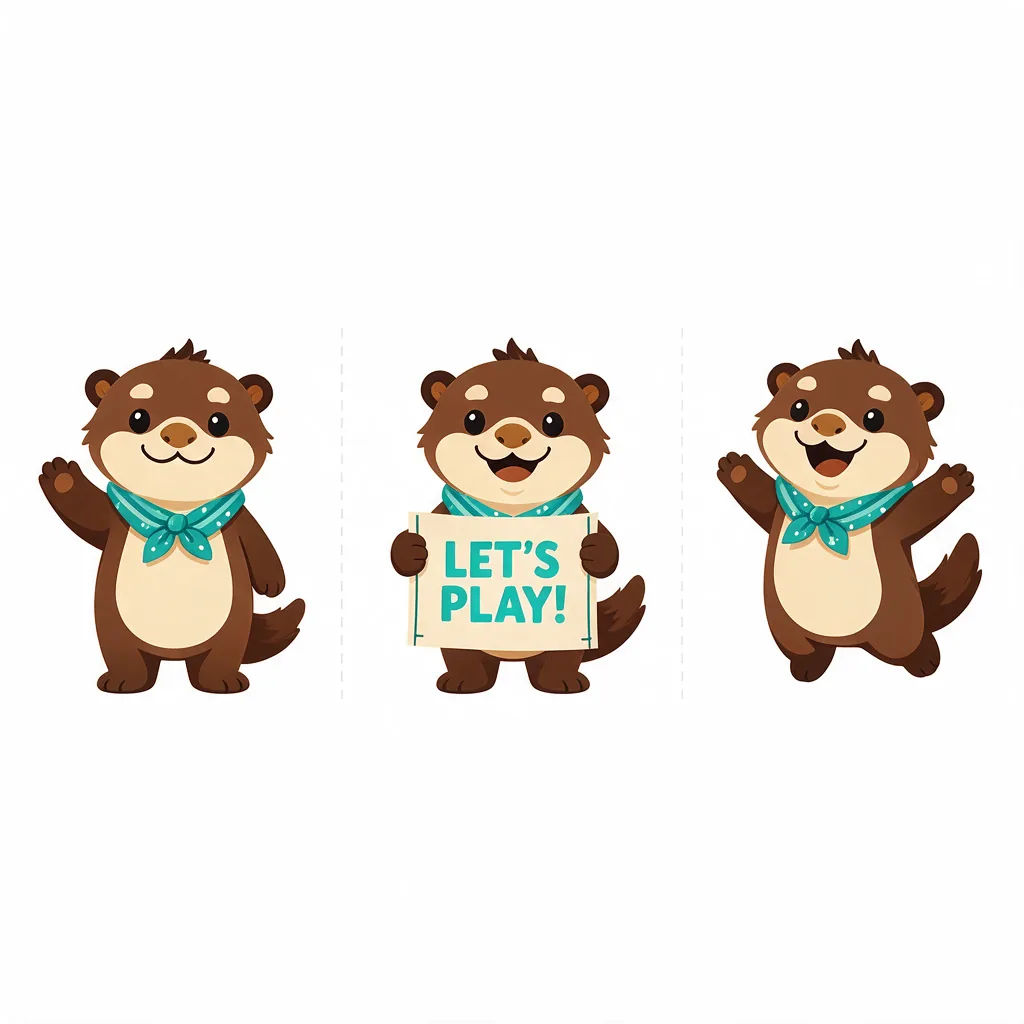
Character sheet of a friendly otter mascot in three consistent poses

Mascot sheet

A friendly otter mascot in three poses on one sheet, same proportions, flat color

Edit prompt
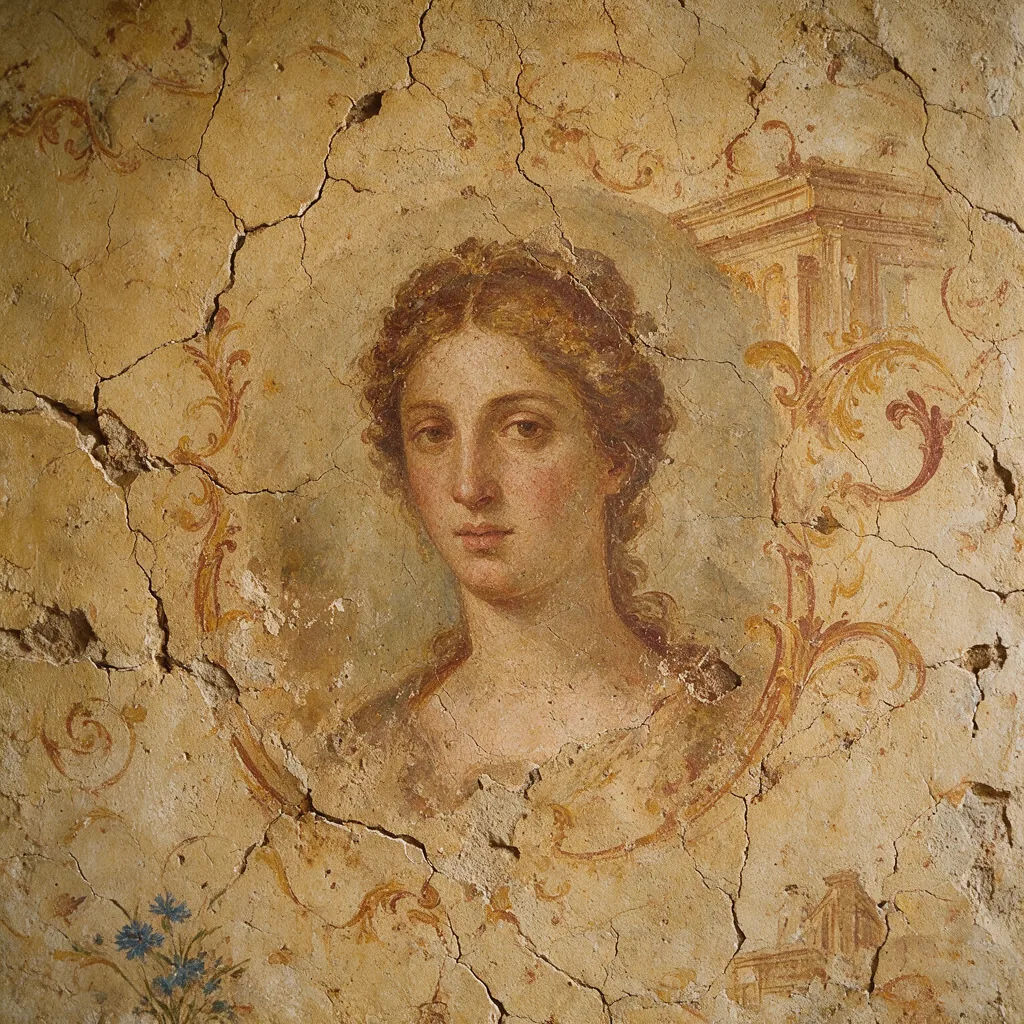
Portrait blended into a weathered fresco wall in muted ochre tones

Fresco portrait

A portrait blended into a weathered fresco wall, cracked plaster, muted ochre

Edit prompt

All on Morphic

Your complete image stack

Simple pricing

Get started for free today, with the option to upgrade or cancel anytime.

Basic

$9/ month
billed as $0 per year

900 monthly credits

1 user only

All models

Workflows

Standard

$24/ month
billed as $0 per year

3200 monthly credits

1 user only

All models

Workflows

Pro

$45/ month
billed as $0 per year

6200 shared monthly credits

1 user

+ up to 4 more at extra cost

All models

Workflows

Pro Max

$170/ month
billed as $0 per year

24000 shared monthly credits

1 user

+ up to 9 more at extra cost

All models

Workflows

Enterprise

For higher limits

Custom

pricing and billing terms

High-volume credits
Custom seat limits
All models
Workflows
Pricing Gradient

Free

For playing around

$0

forever free

Up to 20 credits
1 user only
Limited models
Workflows

FAQs

What is the Grok Imagine 2 AI image generator?
Grok Imagine 2, officially Imagine Image 2.0, is xAI's precision image model, released as the new Quality Mode in Grok's apps. You describe an image and it renders it with instructions followed down to the details, typography planned the way a designer would, and small text that comes out sharp. The same model edits: point at a region, describe the change, and the rest stays put.
What makes Grok Imagine 2 different from other image generators?
It treats editing as a first-class capability rather than an add-on. The magic wand changes only the region you point at, segmentation selects precise areas, background removal exports transparent subjects, and up to 5 reference images blend in one generation. At launch it ranked second in the world on both the text-to-image and image-editing Arena leaderboards.
Can Grok Imagine 2 edit an existing image?
Yes, precisely. Point the magic wand at the region you want changed and describe the change; the rest of the frame stays untouched. Segmentation picks out exact areas like one garment or one label, and background removal lifts any subject onto a transparent background, ready to drop into other work.
How many reference images does Grok Imagine 2 take?
Up to 5 input images in a single generation. One can carry the product, another the style, another the scene, and the model composes them in one pass, preserving what you put in, so the output stays recognizably built from your inputs rather than loosely inspired by them.
What is Smart Resize?
Smart Resize recomposes one finished image into any of 9 aspect ratios, from a 1:2 tall banner to a 2:1 wide one. The model fills in each new frame rather than cropping, so a single hero visual covers stories, squares, banners, and widescreen slides without regenerating the concept.
Can I use an AI image generator like this online?
Yes. Everything runs in the browser on Morphic, with no download or install. Describe the image, generate, and the result lands on your Canvas from any laptop, including machines with no GPU.
Is the Grok Imagine 2 AI image generator free?
Morphic offers a free tier so you can start generating images right away, no payment required. For higher volume or commercial use, paid plans are available.
Can I use Grok Imagine 2 on Morphic?
Image 2.0 is newly released and is rolling toward the catalog; xAI lists API access as coming soon. Morphic already runs the original Grok Imagine alongside image models like GPT Image 2, Seedream 5 Pro, and Nano Banana Pro, so you can generate images today, and this page updates as Image 2.0 becomes available.

You might also like