Every image model
One workspaceMade with Ideogram 4.0
Make a design in three steps
- 01
Open Morphic
Sign up and start creating on a free-flowing, infinite visual canvas.
- 02
Describe the design
Subject, headline text, layout, palette. Name the exact words you want set, and the type lands legible.
- 03
Generate and refine
Render in seconds. Adjust the copy, placement, and colors, and swap models side by side on the Canvas.
What Ideogram 4.0 generates
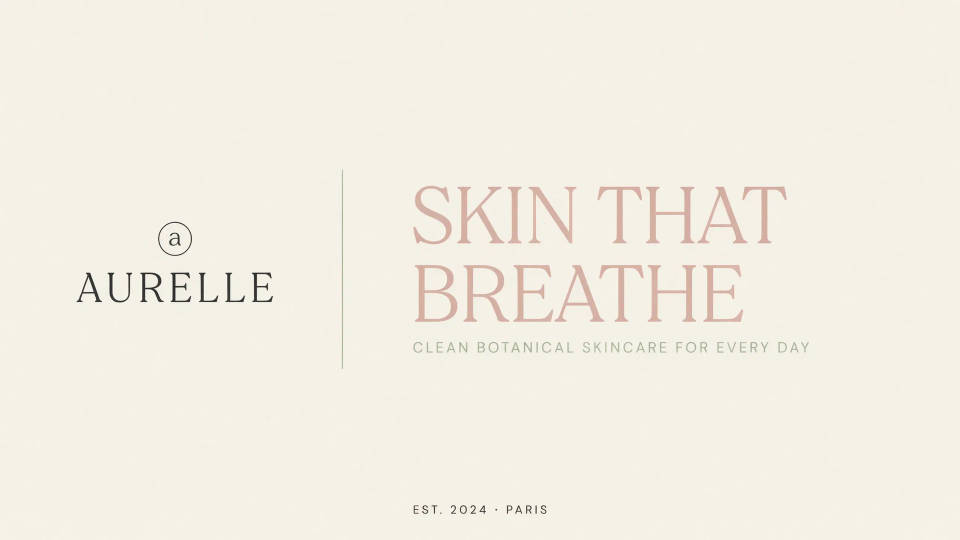
Frontier in-image text
Headlines, wordmarks, and body copy come out correctly spelled across languages. Words that carry the design, not decorative filler.
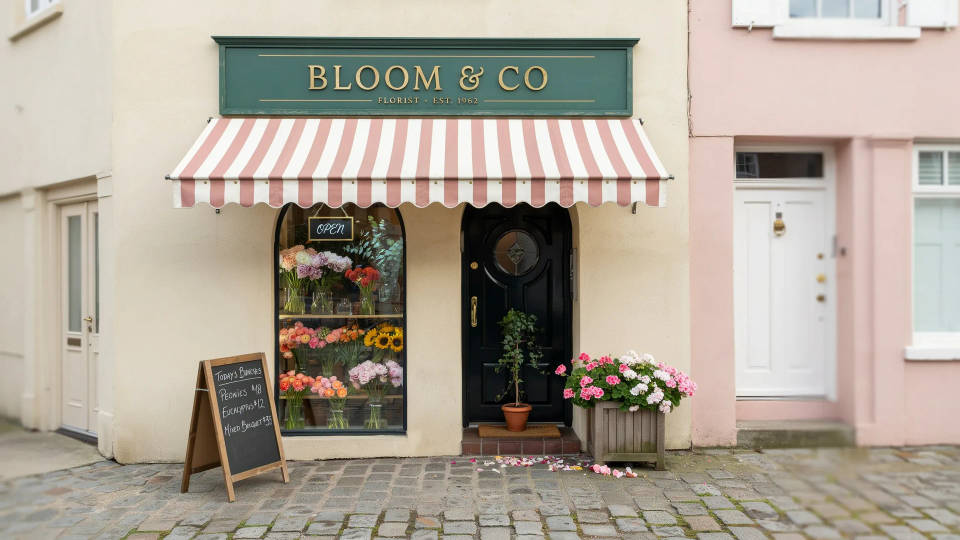
Layout you control
Pin an element to a region and say what goes there. You place the logo, headline, and subject, so a prompt behaves like a design brief.
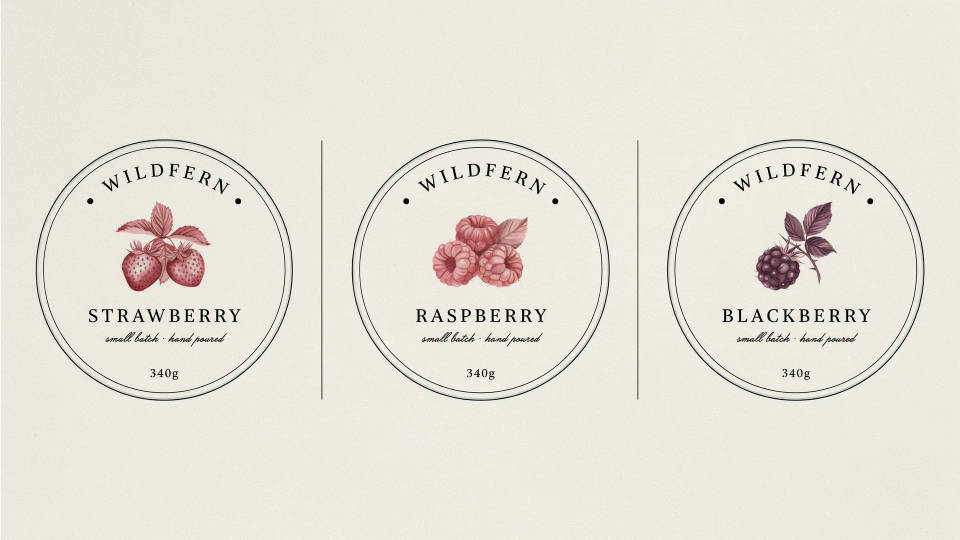
Brand color palettes
Lock a generation to your brand hex colors, so output stays on palette. A campaign, product line, or social kit holds one look across every asset.
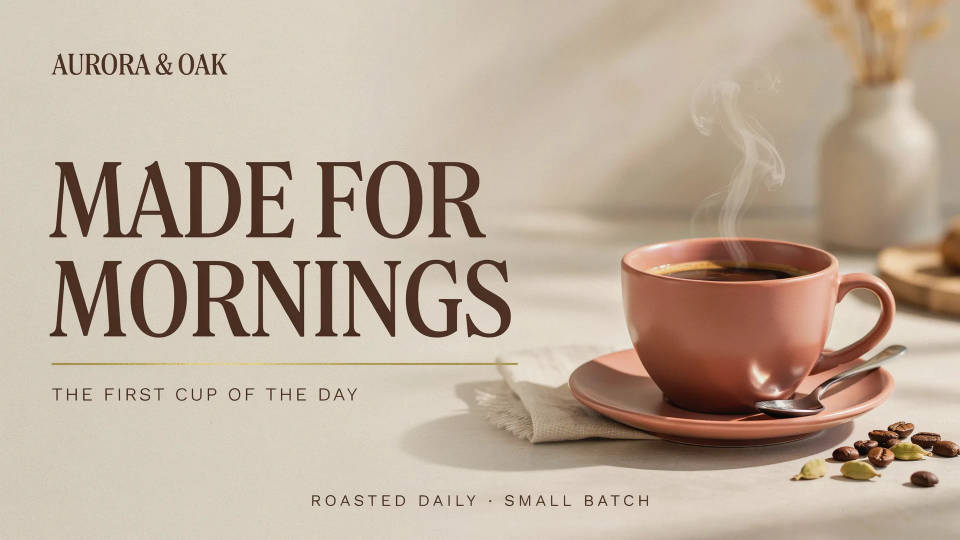
Logos, packaging, and merch
Wordmarks, labels, posters, and print-on-demand art, all with legible lettering. Draft a full identity fast and refine the keeper.
Prompt examples
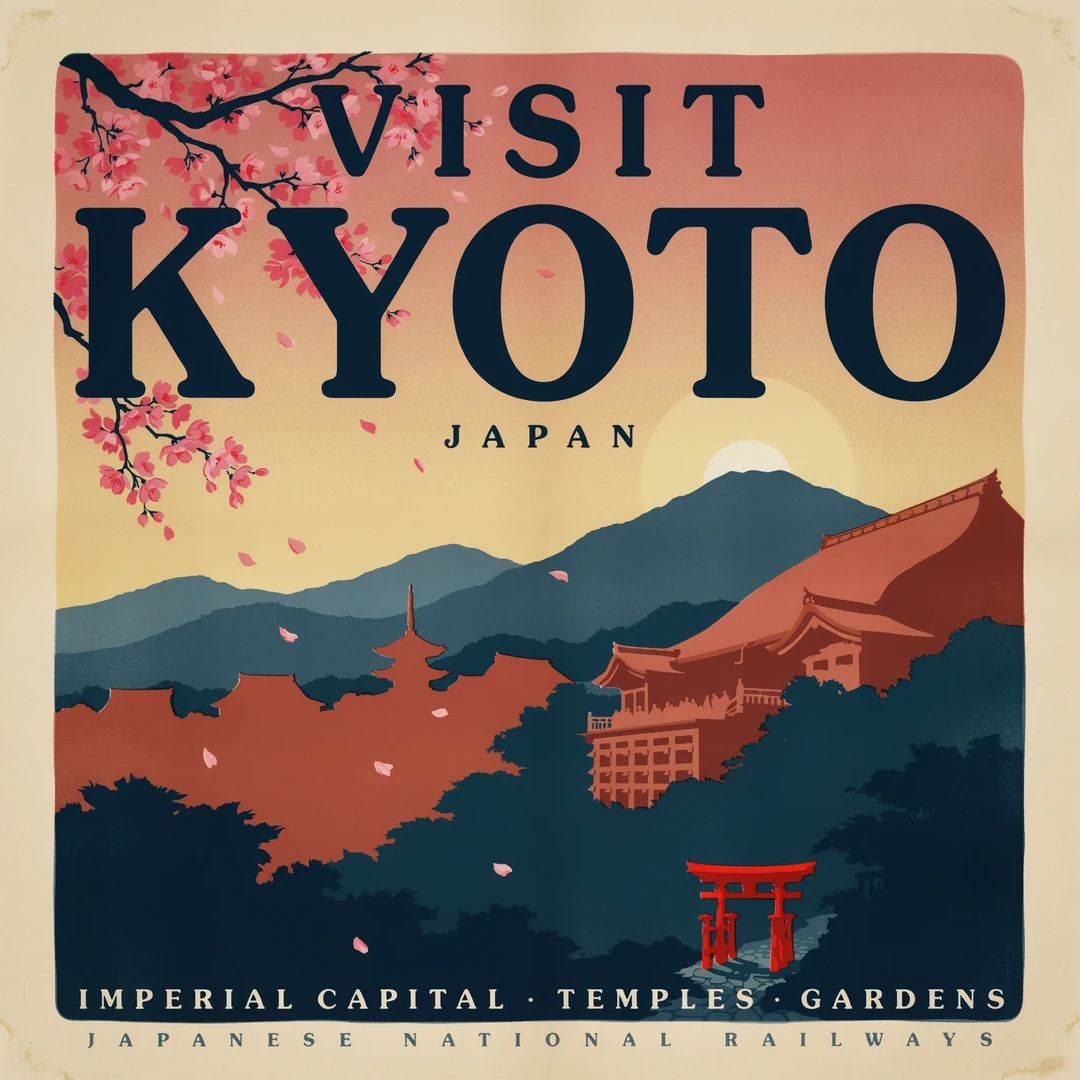
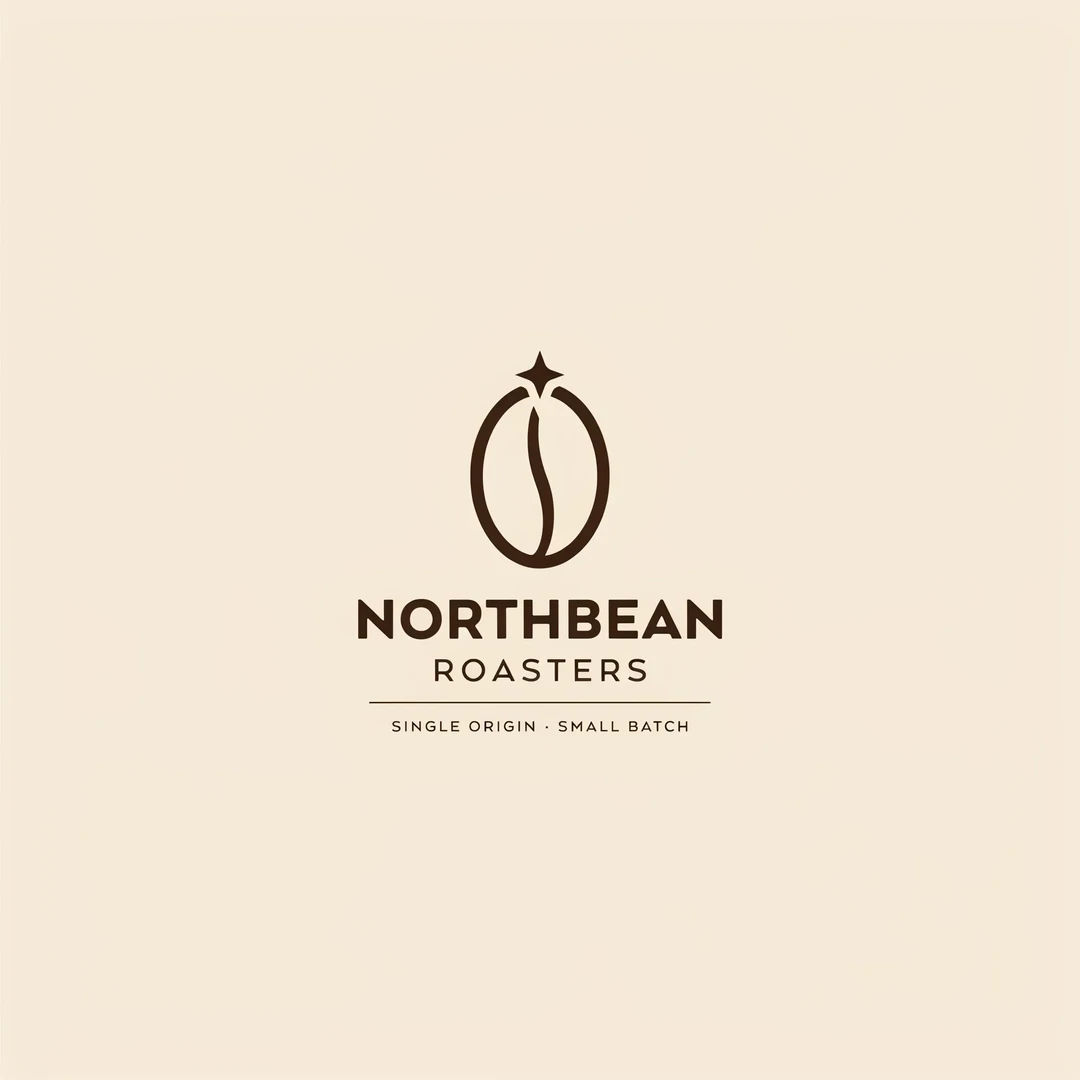
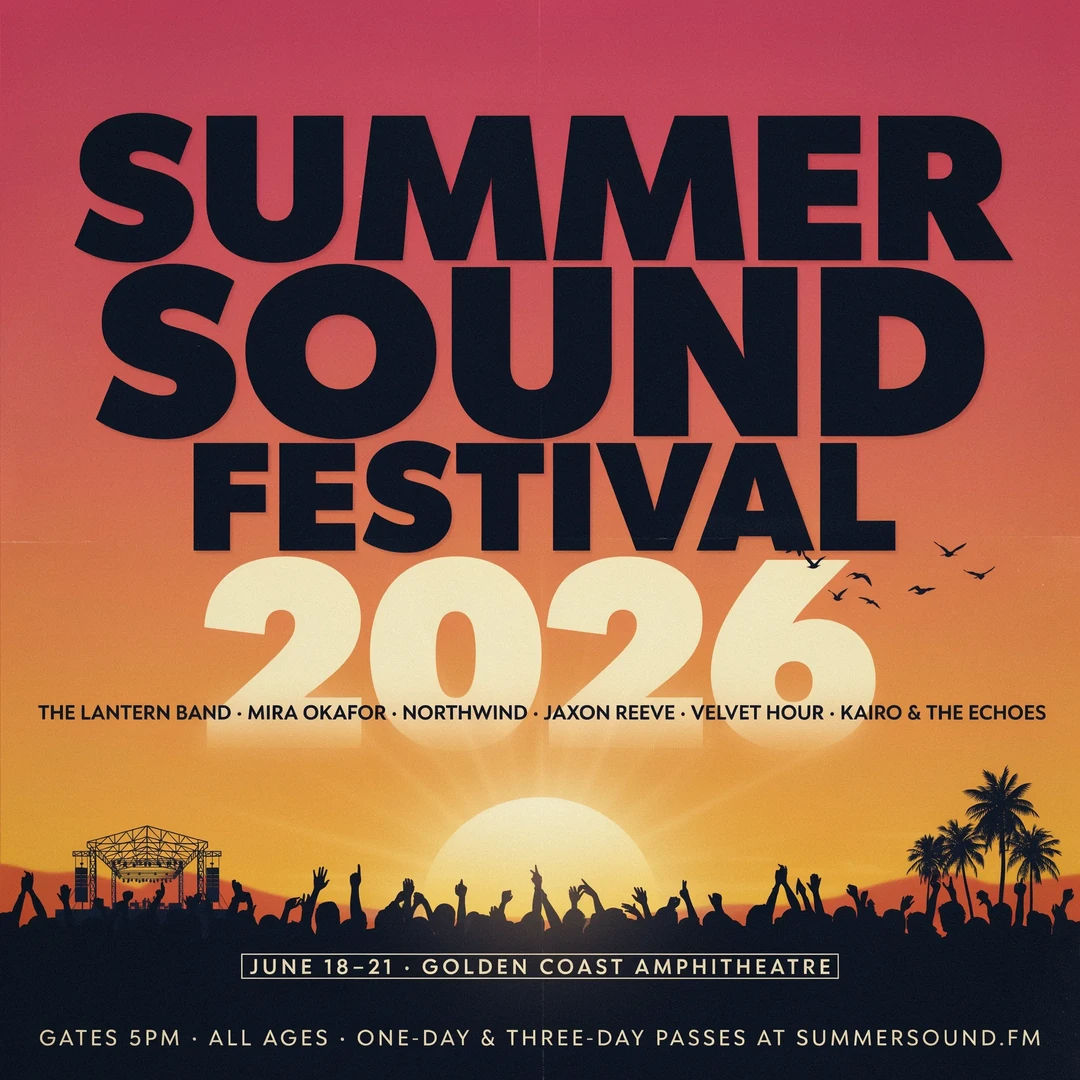
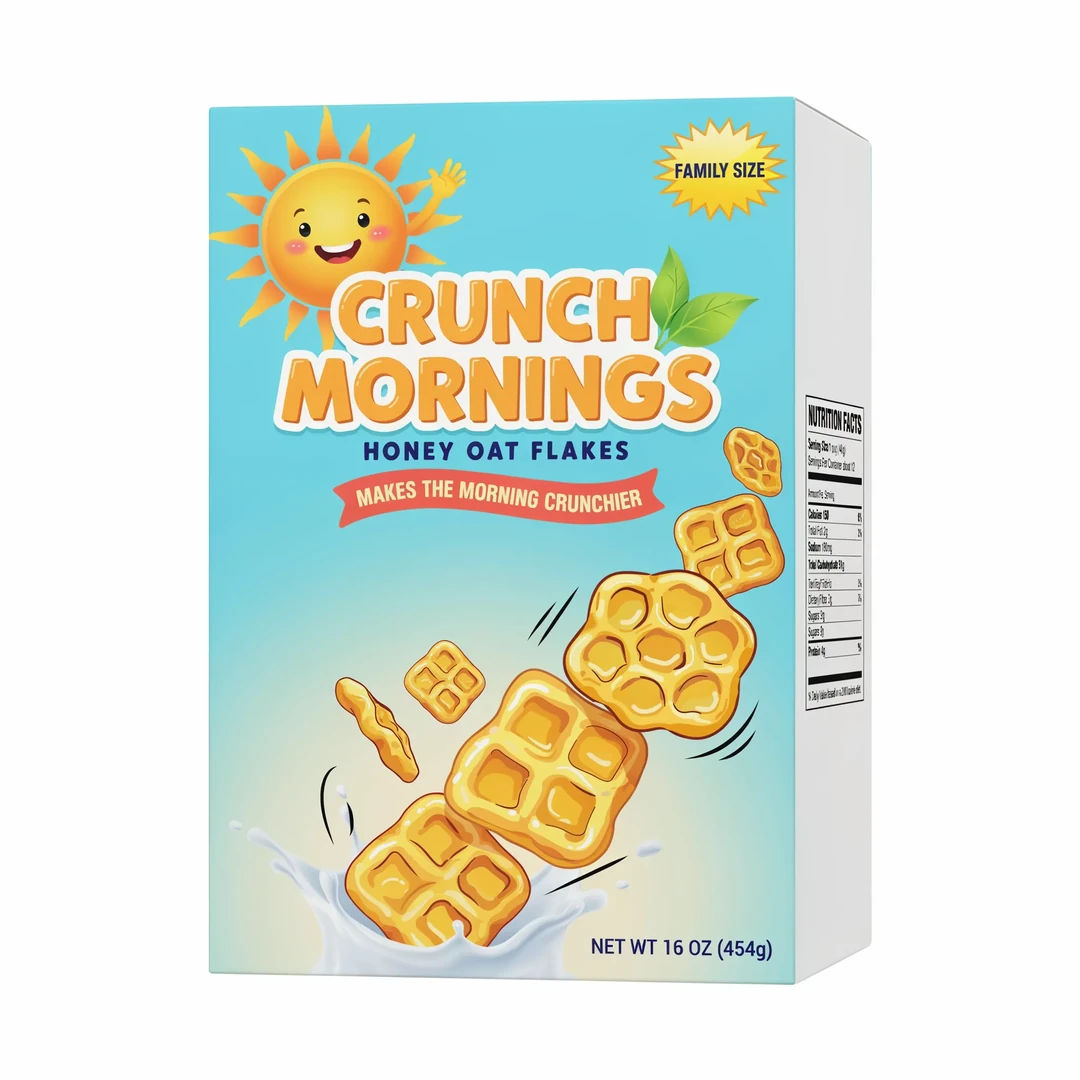
Cereal packaging
Cereal box packaging with product name CRUNCH MORNINGS and nutrition panel
Edit prompt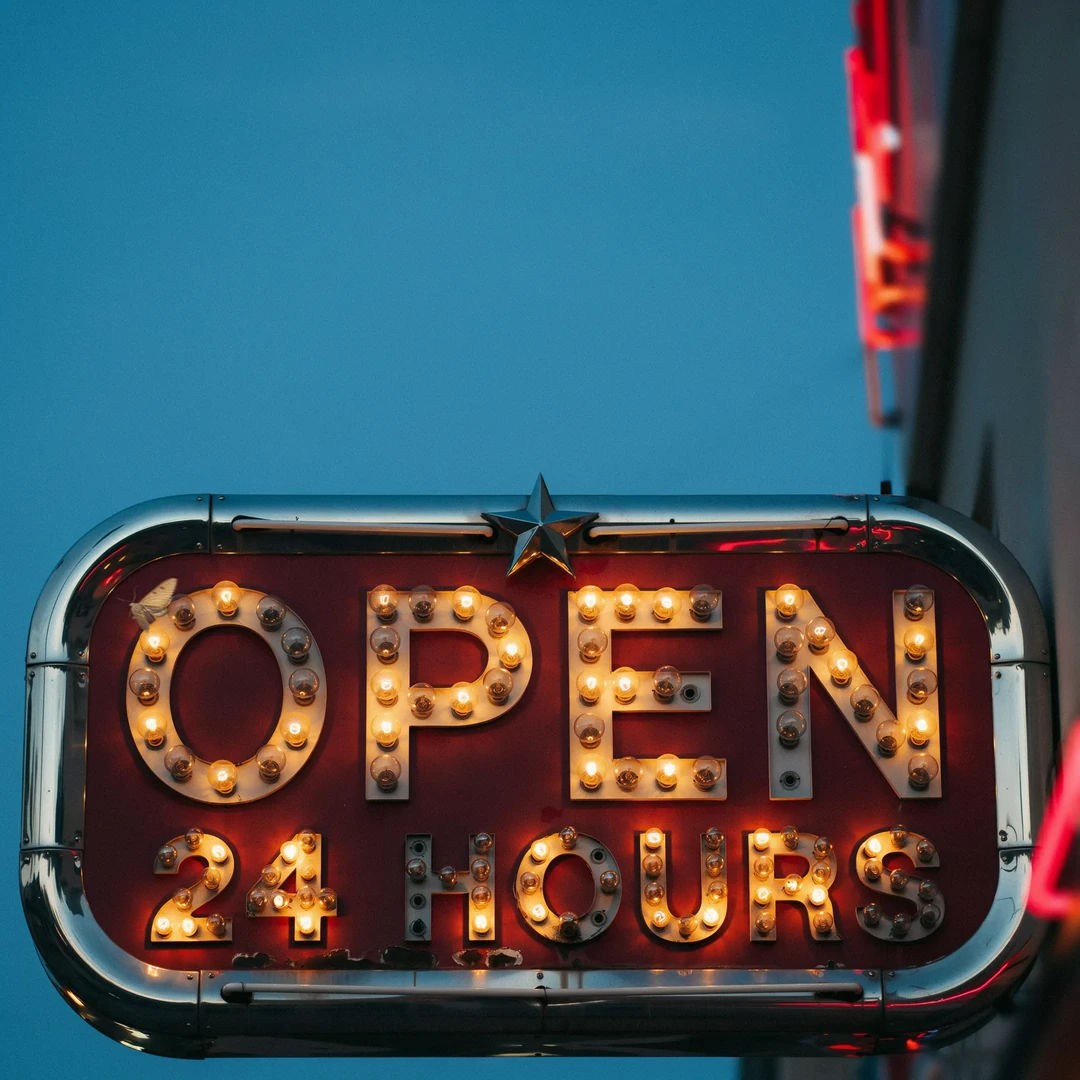
Retro diner sign
Retro diner sign spelling OPEN 24 HOURS, warm bulb lettering, chrome trim
Edit prompt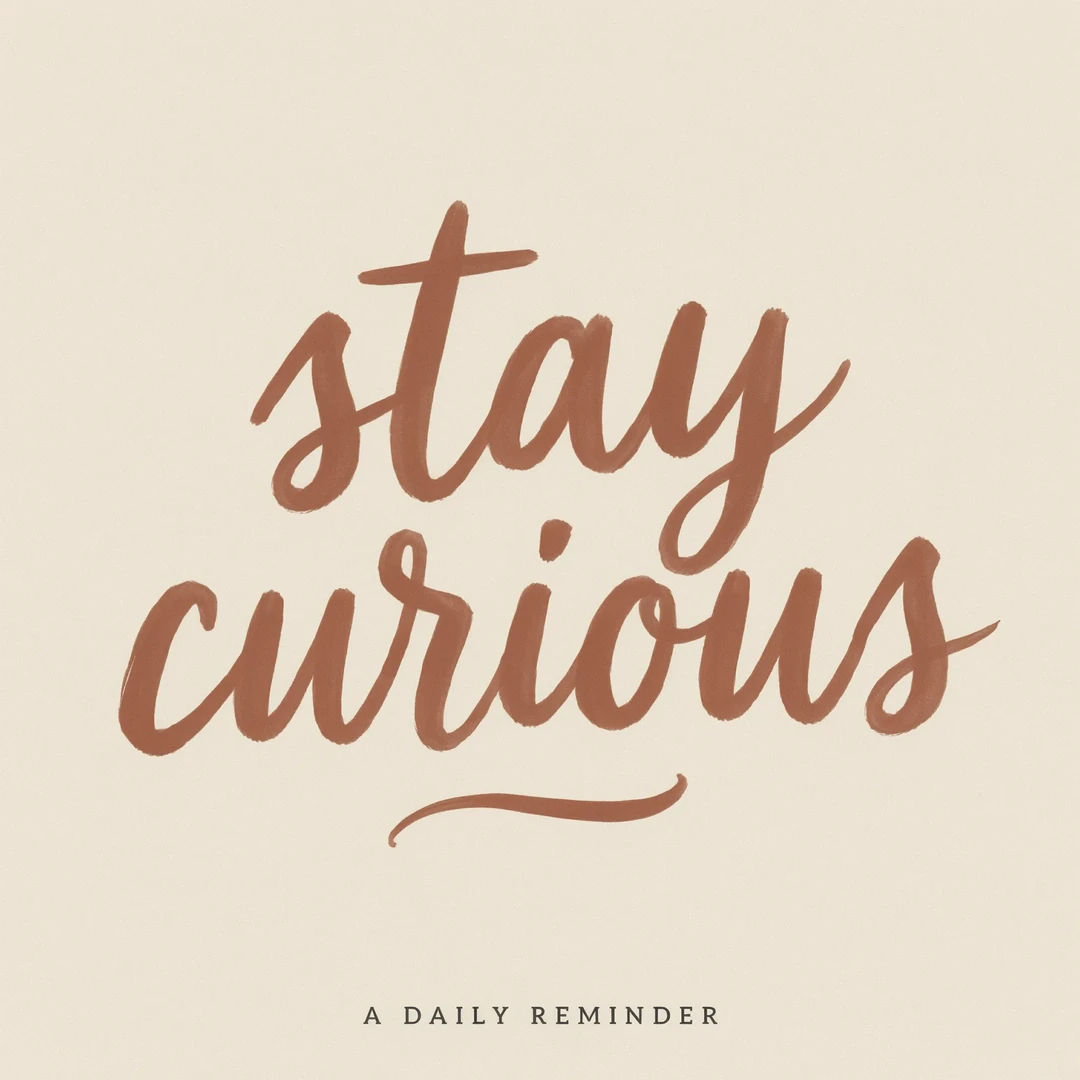
Typographic print
Motivational print quoting STAY CURIOUS in hand-lettered script, muted palette
Edit prompt
Messages to cinematic scene
Dramatize any text conversation into a cinematic multi-shot video.

Title sequence
Generate a professional film title card from scratch, with optional cinematic animation.

Cinematic storyboard
Share a scene description with character references. Get a full storyboard with shot angles and mood.

3x3 storyboard
Feed in a single image. Get 9 cinematic beats laid out as a 3x3 storyboard grid.

Expressions
Take any character image and generate 6 distinct facial expressions on a single reference sheet.
Movie poster
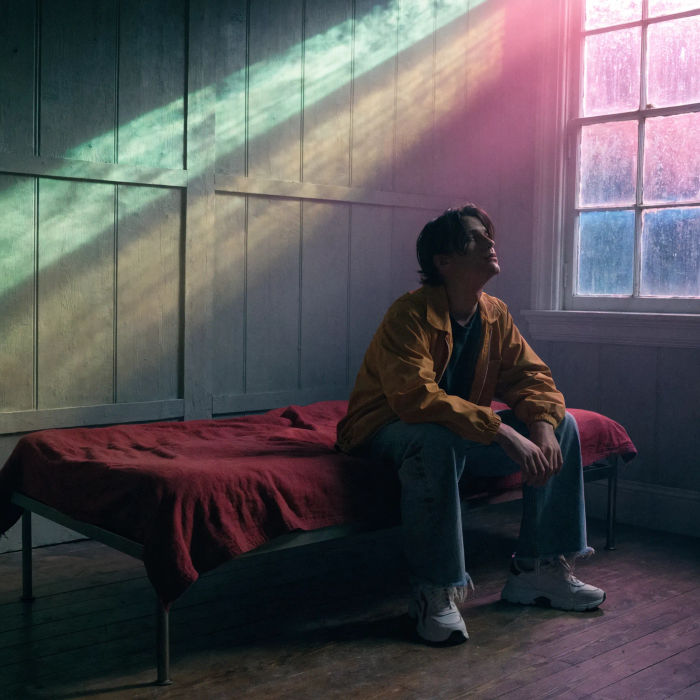
Cinematic poster compositions from your key art, in any genre tone.
All on Morphic
Your complete image stackModels
Ideogram 4.5, Nano Banana Pro, Seedream 5, Flux 2 Pro, and more. Pick the design and swap mid-project.
Layout control
Pin elements to regions and name the words to set, so headline and logo land where you place them.
Brand palettes
Condition on your hex colors, so a campaign or product line holds one consistent look.
Workflows
Turn a finished design into a one-click Workflow. Rerun, share, or favorite it for fast reuse.
