Every image model
One workspaceIllustration styles you can create
Make an illustration in three steps
- 01
Open Morphic
Sign up and start creating on an infinite visual canvas.
- 02
Describe the illustration
Name the subject, the style, the palette, and the layout.
- 03
Generate and refine
Render in seconds, then swap models and tune the look on the Canvas.
Use cases
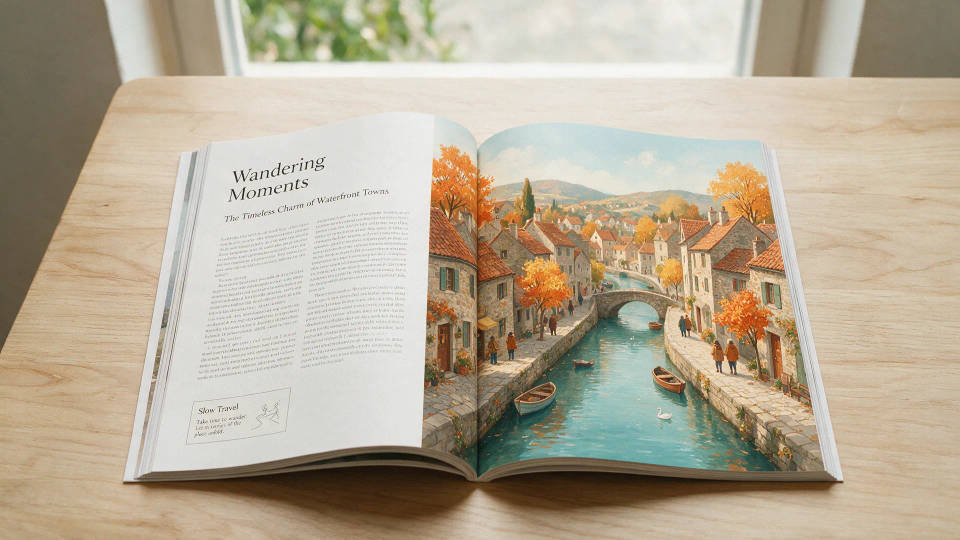
Blog headers and article spots
A custom header for every post instead of the stock photo everyone else uses. Generate on-brand spots per article in minutes and keep the blog consistent.

Landing pages and hero graphics
The hero illustration a marketing page needs, no design queue. Spin flat or isometric graphics in the brand palette, then test which variant converts.

Editorial and feature illustration
Turn an abstract idea into a clear editorial spot. Illustrate growth, security, or teamwork without commissioning a bespoke piece per story.
Decks and product UI
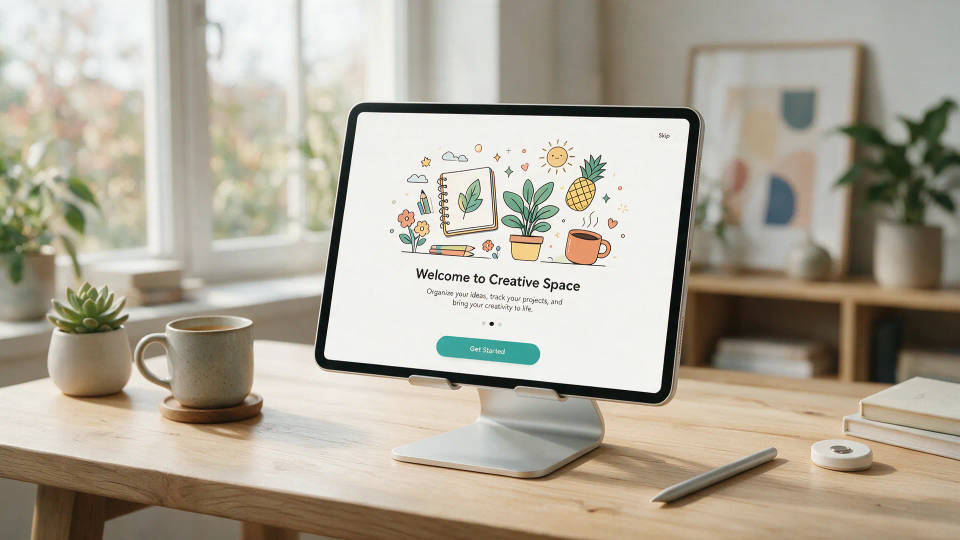
Fill decks, onboarding, and empty states with illustration made for the product. Generate a matched set of scenes and icons in one style.
Prompt examples

Flat vector scene
Flat vector illustration of three coworkers planning around a whiteboard, coral and navy palette, clean shapes, soft flat shadows
Edit prompt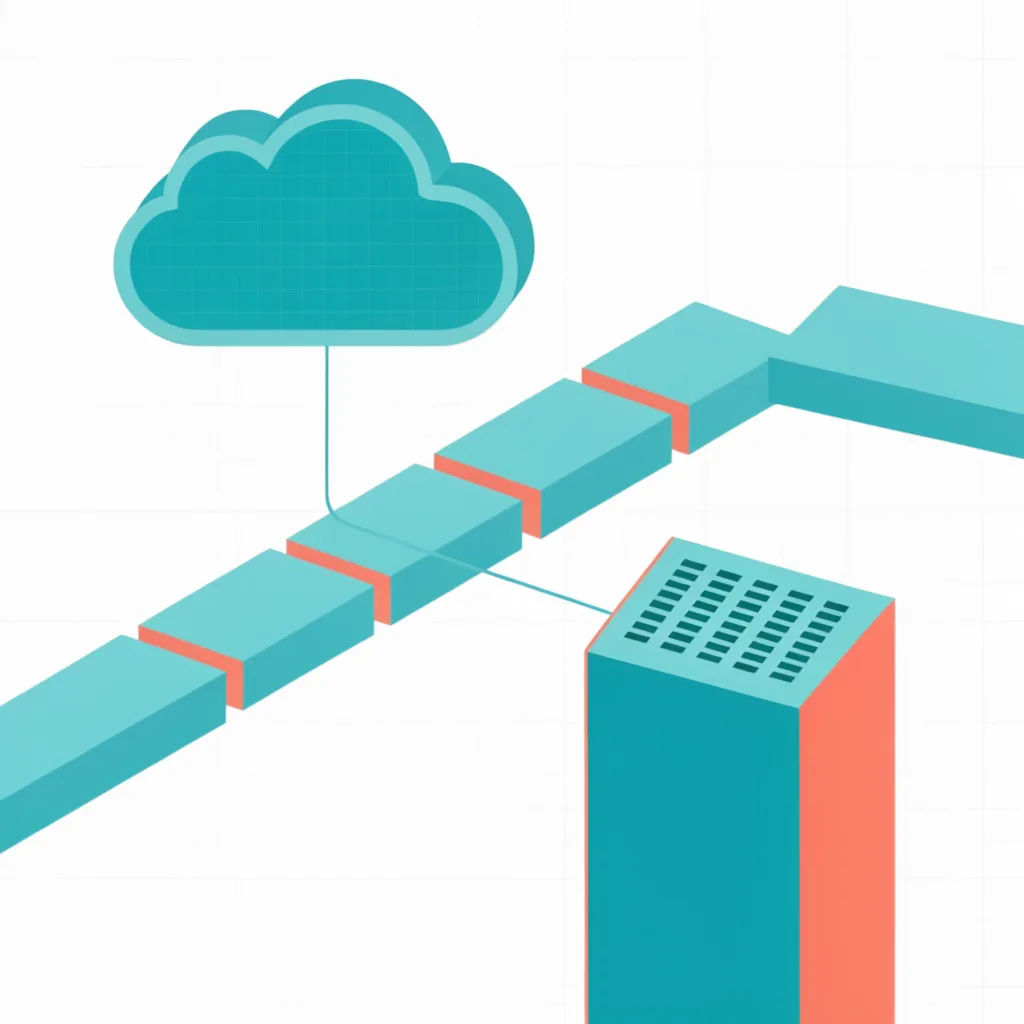
Isometric diagram
Isometric illustration of a cloud data pipeline, teal and coral accents, subtle grid, clean line work, white background
Edit prompt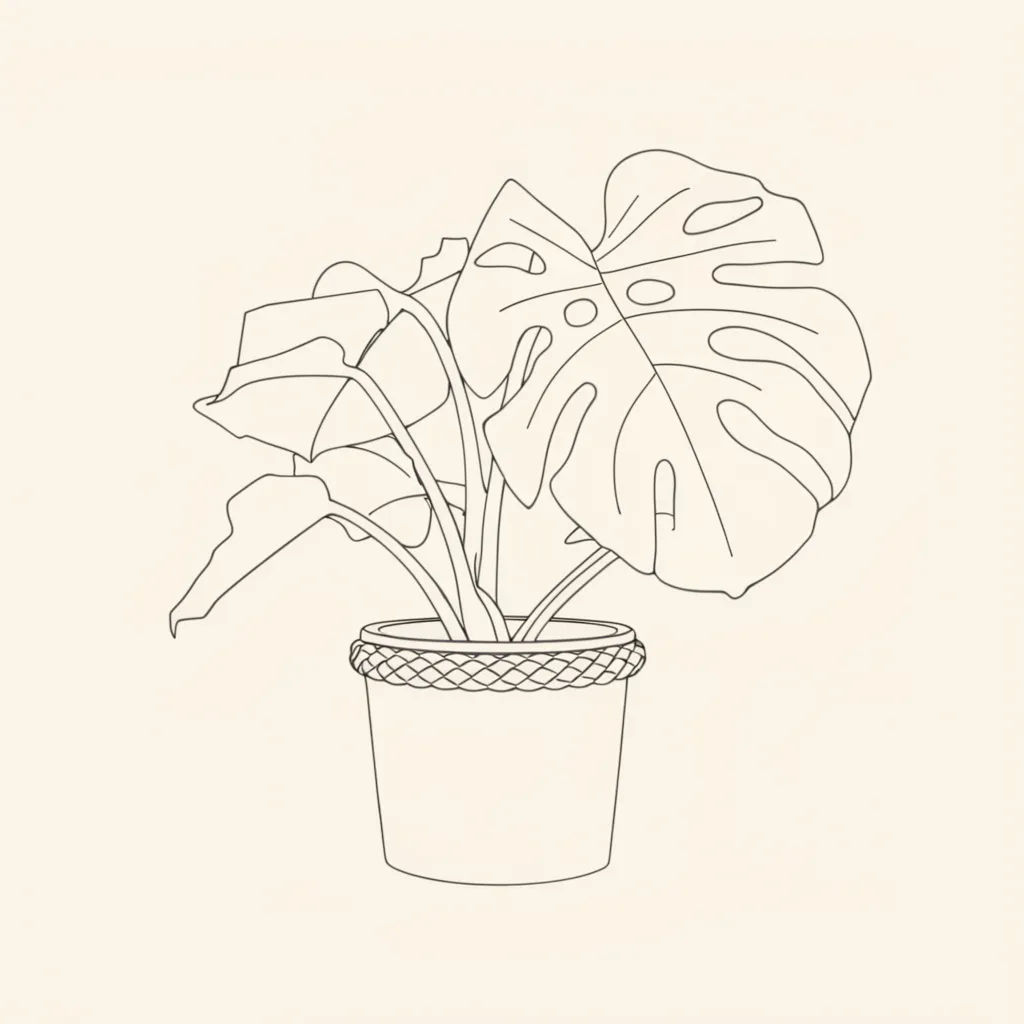
Line art spot
Single-weight line art illustration of a potted monstera plant, black ink on cream, minimal, editorial spot style
Edit prompt
Editorial concept
Editorial illustration of a figure climbing a rising bar chart made of stairs, muted primaries, textured shading, conceptual
Edit prompt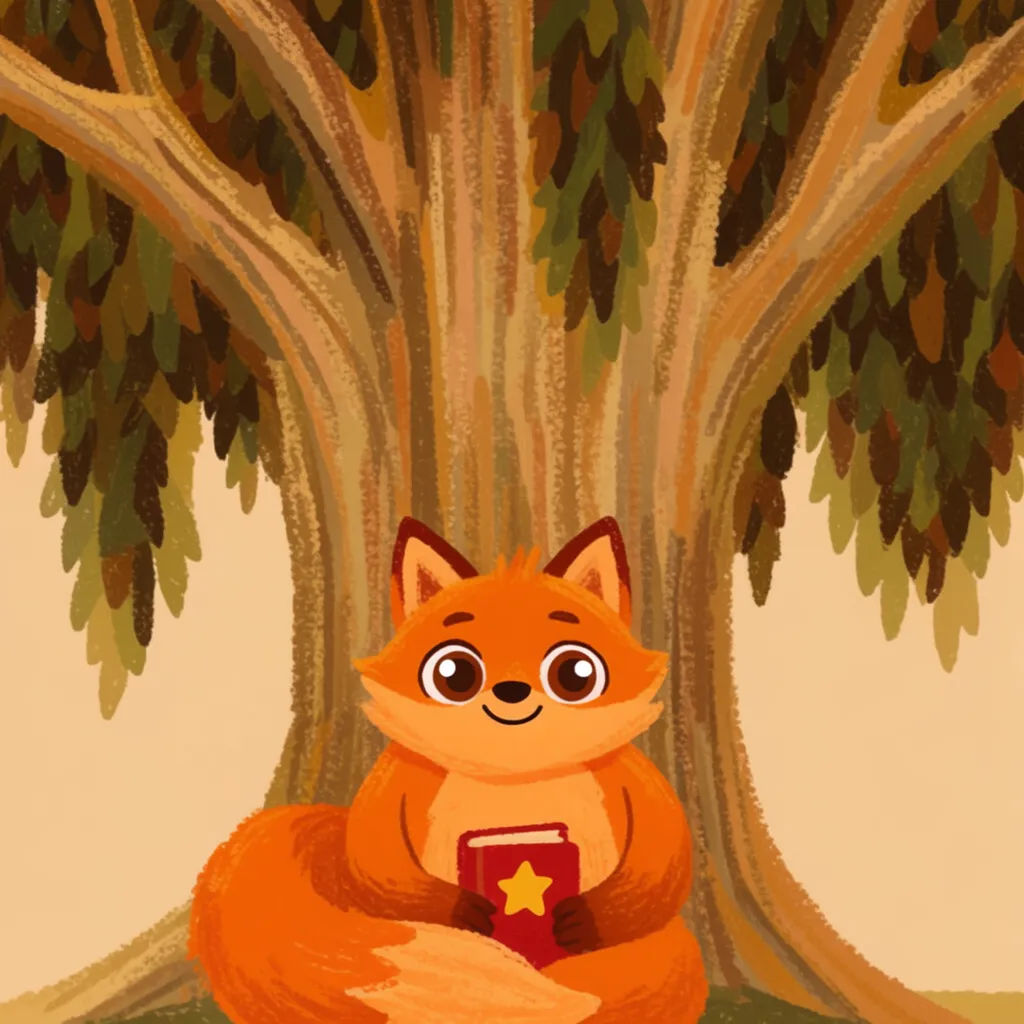
Children's book character
Children's book illustration of a friendly round fox reading a book under a tree, warm palette, soft crayon texture
Edit prompt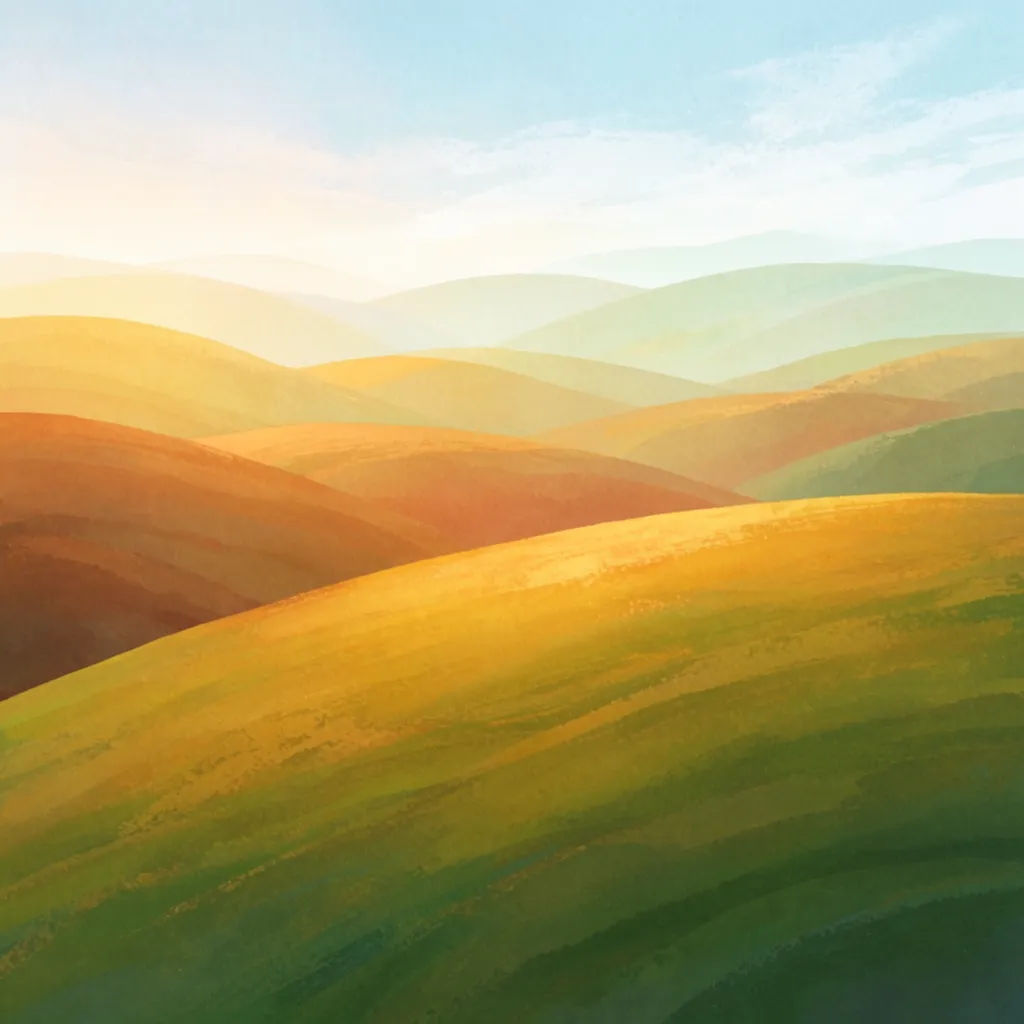
Textured gouache
Gouache illustration of rolling hills at sunrise, painterly brush texture, layered greens and gold, editorial cover art
Edit prompt
Expressions
Take any character image and generate 6 distinct facial expressions on a single reference sheet.

Cinematic storyboard
Share a scene description with character references. Get a full storyboard with shot angles and mood.

Messages to cinematic scene
Dramatize any text conversation into a cinematic multi-shot video.

Anime style transfer
Pick any anime illustration as your style guide. Apply its look to any image.

Title sequence
Generate a professional film title card from scratch, with optional cinematic animation.

Anime sticker pack
Turn any image into anime-style stickers in PNG. Ready for messaging apps or social media.
All on Morphic
Your complete illustration stackModels
Nano Banana 2, Flux 2 Pro, ChatGPT Images, Grok Imagine, Recraft, Seedream, and more. Pick the one that nails flat vector or textured styles, then switch mid-project.
Change style
Re-skin one illustration with image-to-image. Take a flat vector spot to line art or gouache, same subject and layout.
Match a reference
Feed in your house style and generate new spots that match it, so a whole set of blog and deck art reads as one system.
Workflows
Save your illustration recipe as a one-click Workflow. Rerun it for the next article or screen and share it with the team.
