Generate an AI image from an image you already have
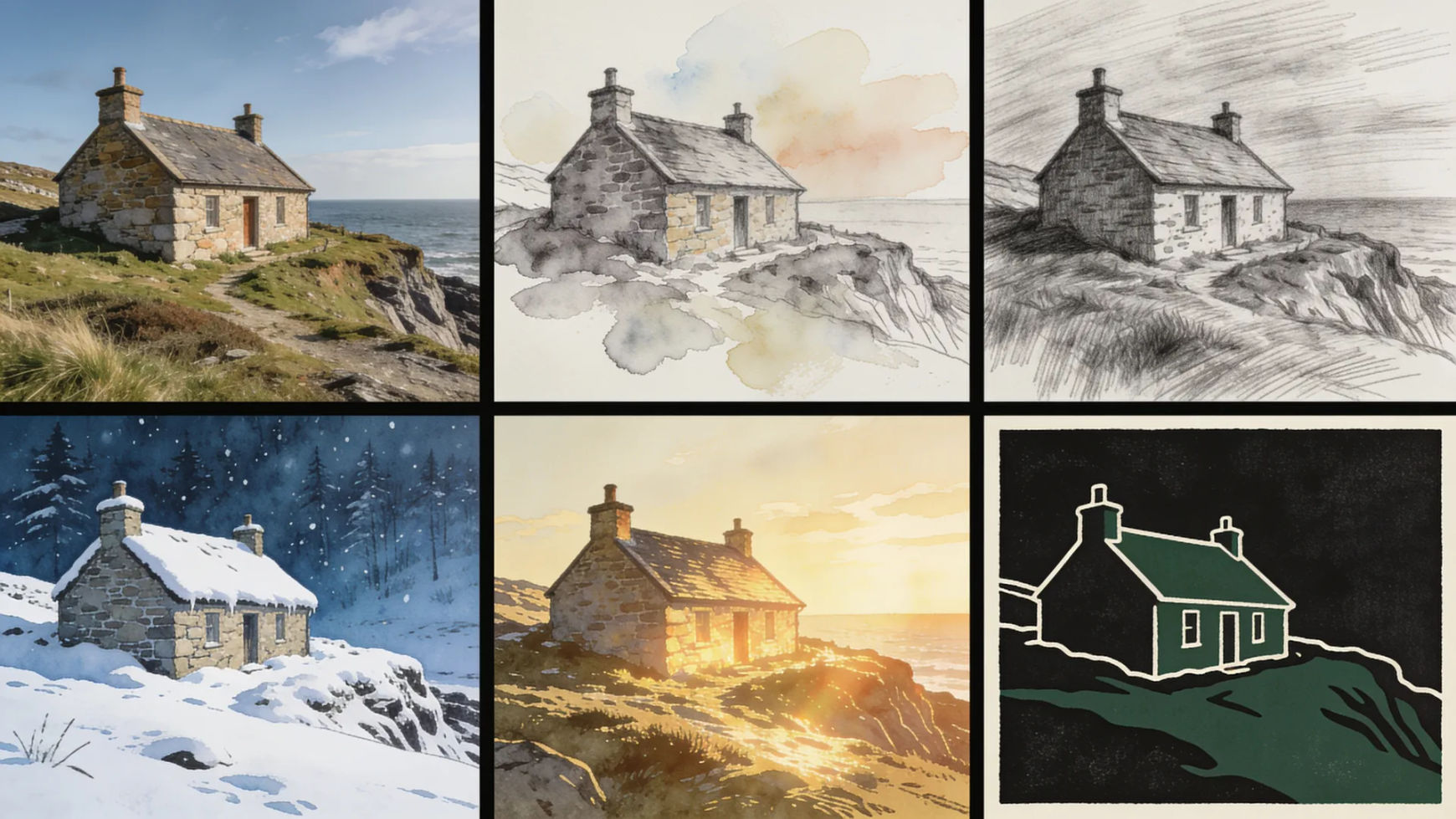
Text to image starts from a blank page. This starts from your photograph. The model reads your composition as structure and builds the new image on top of it, so the layout and subject placement survive the change.
Every image model
One uploadOne photograph, many directions
Transform a picture in three steps
- 01
Open Morphic
Sign up and start creating on a free-flowing, infinite visual canvas.
- 02
Upload your picture
Drop in a PNG, JPG, or WebP. The bigger the file, the more detail the model has to read.
- 03
Describe the change
Say what should change and what should hold, set the strength, and generate.
Before and after the transformation
 Transformed
 Original photo
Use cases
A photograph in a different medium
Watercolour, graphite, linocut, oil, or storybook illustration, all built on the picture you actually took. The subject and the layout survive the change of material.
Change the season, the hour, or the weather
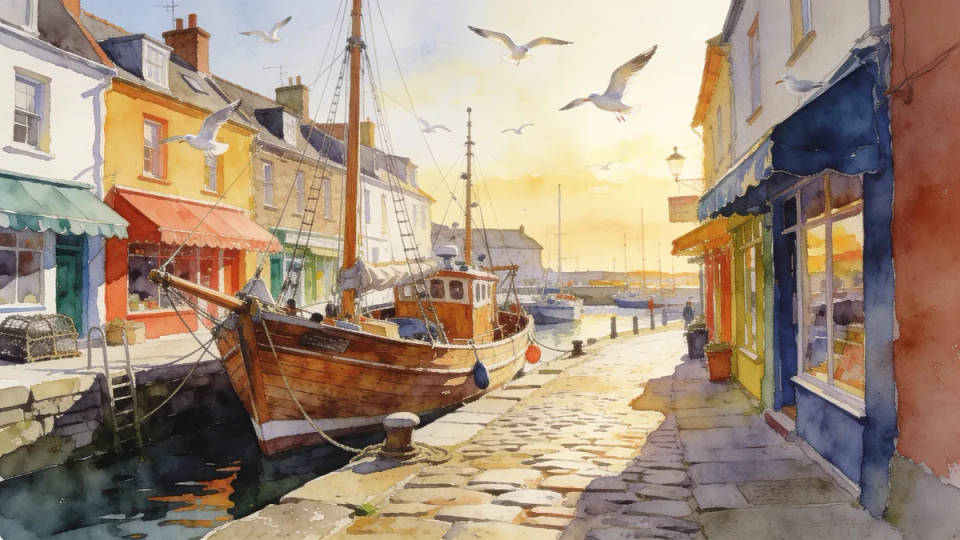
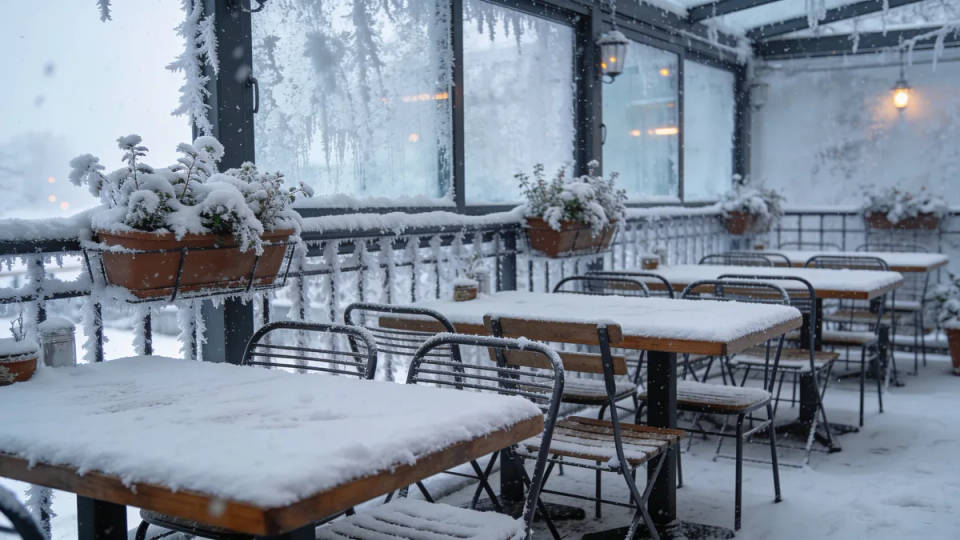
Turn a summer street into a snowbound one, or midday into low golden light. Useful when the shot is right and the conditions on the day were not.
New setting, same subject
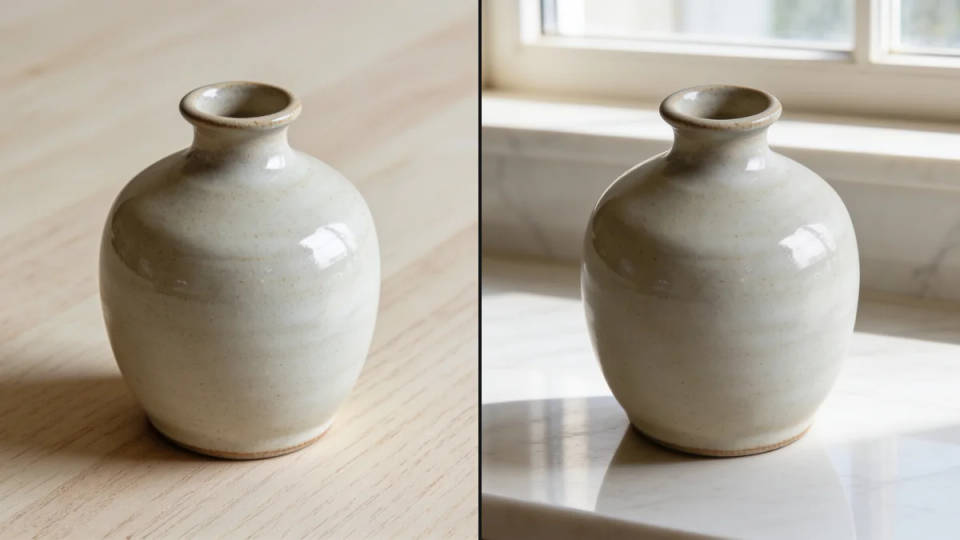
Move a product from a plain table onto marble, or put a portrait against a studio backdrop. The subject holds its shape and lighting while the world behind it is replaced.
One treatment across a whole set
Run a catalogue, a team's portraits, or a month of posts through the same saved instruction so the collection reads as deliberate rather than assembled.
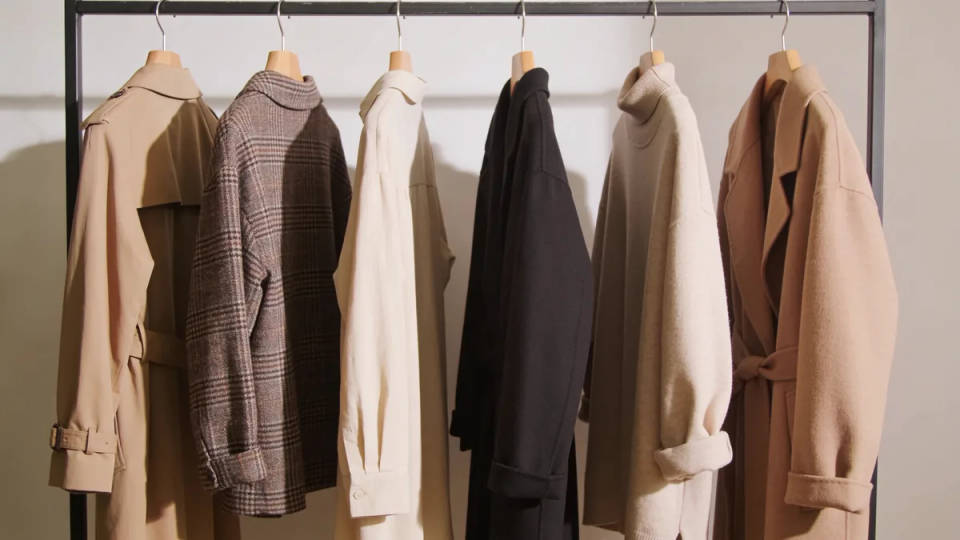
Instructions that transform cleanly
Each one names the change and what should survive it. Open a prompt, point it at your own upload, and adjust the strength from there.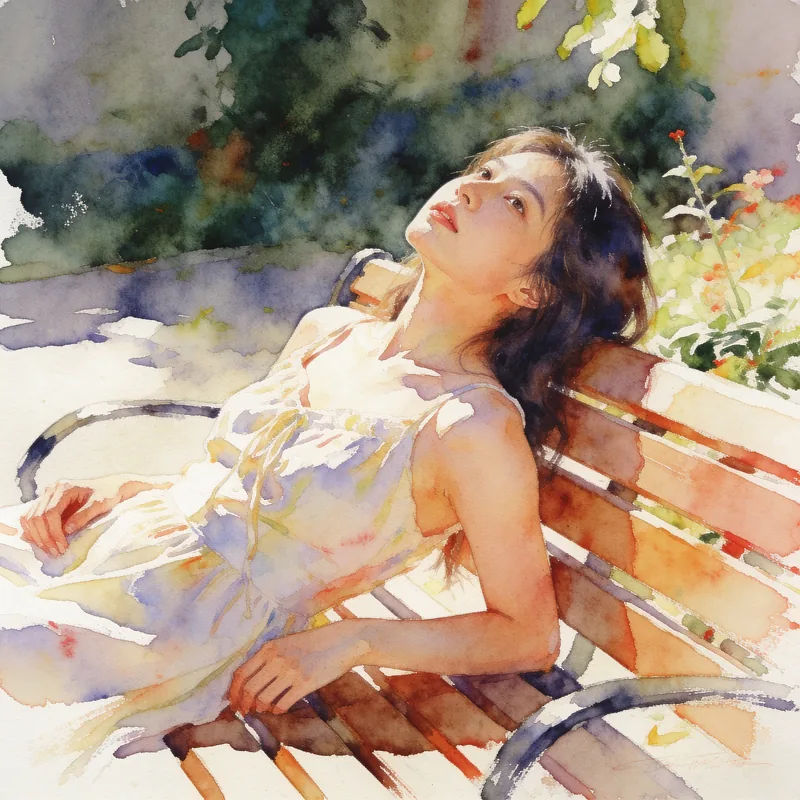
Watercolour wash
Repaint this photo as a loose watercolour, visible paper texture, keep the composition
Edit prompt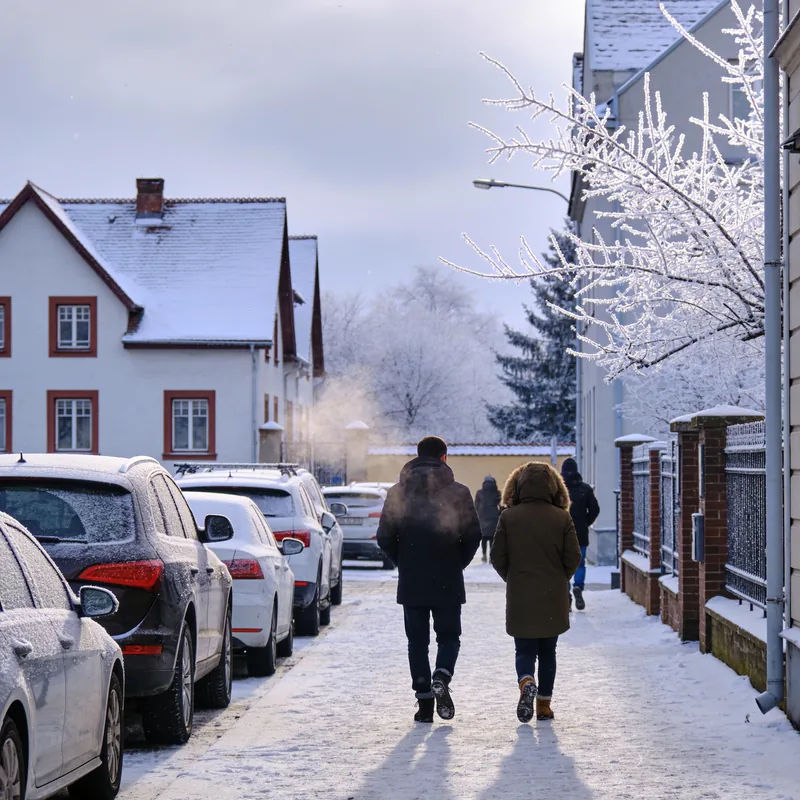
Winter version
Turn this scene into deep winter, snow on every surface, flat overcast light
Edit prompt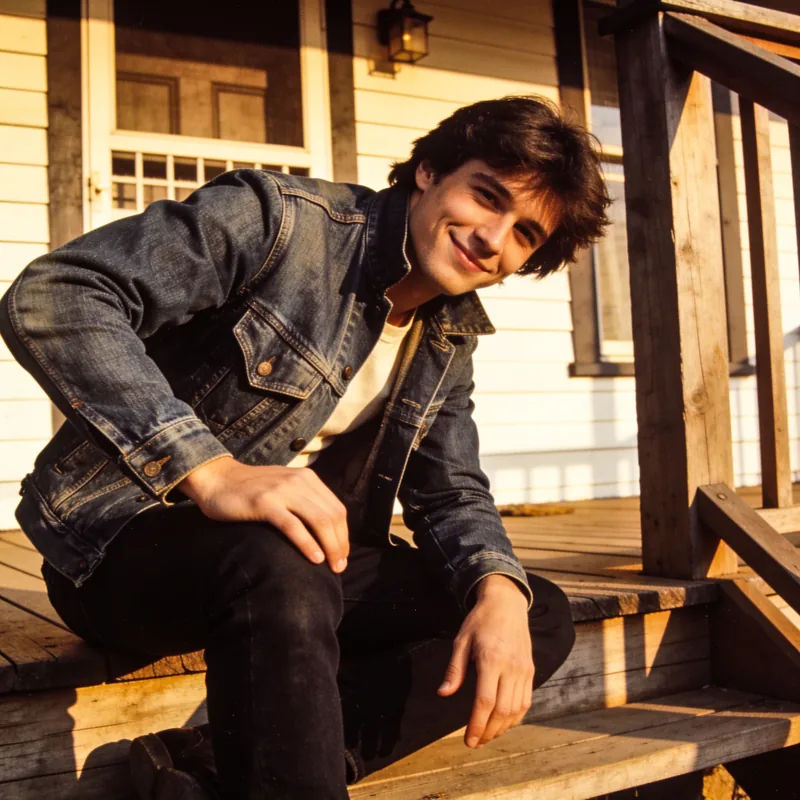
1970s film stock
Grade this like 1970s film, warm cast, faded blacks, soft grain, keep the framing
Edit prompt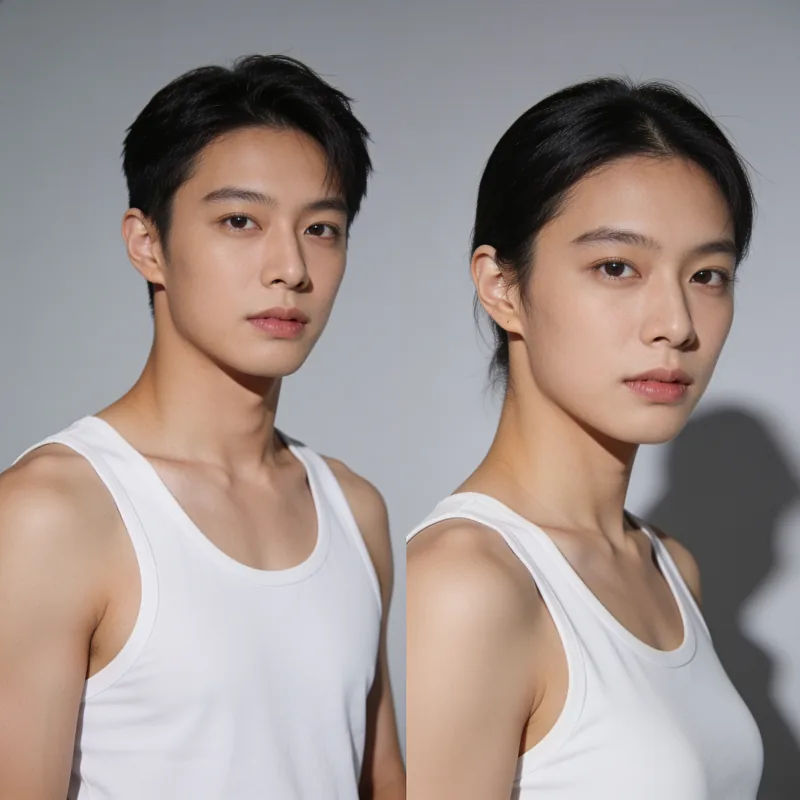
Studio backdrop swap
Place this subject against a seamless grey studio backdrop, soft key from the left
Edit prompt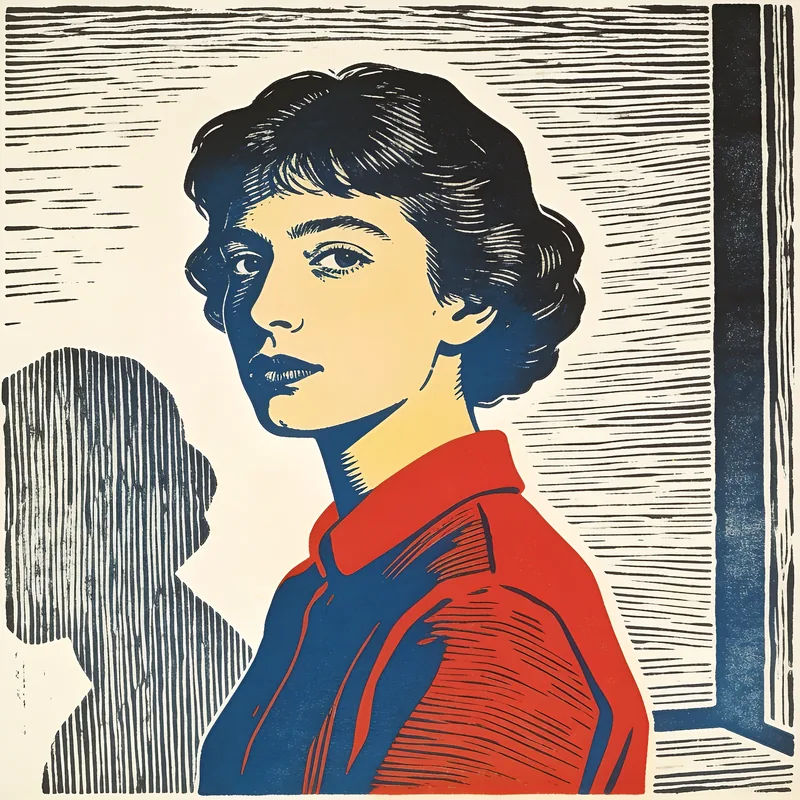
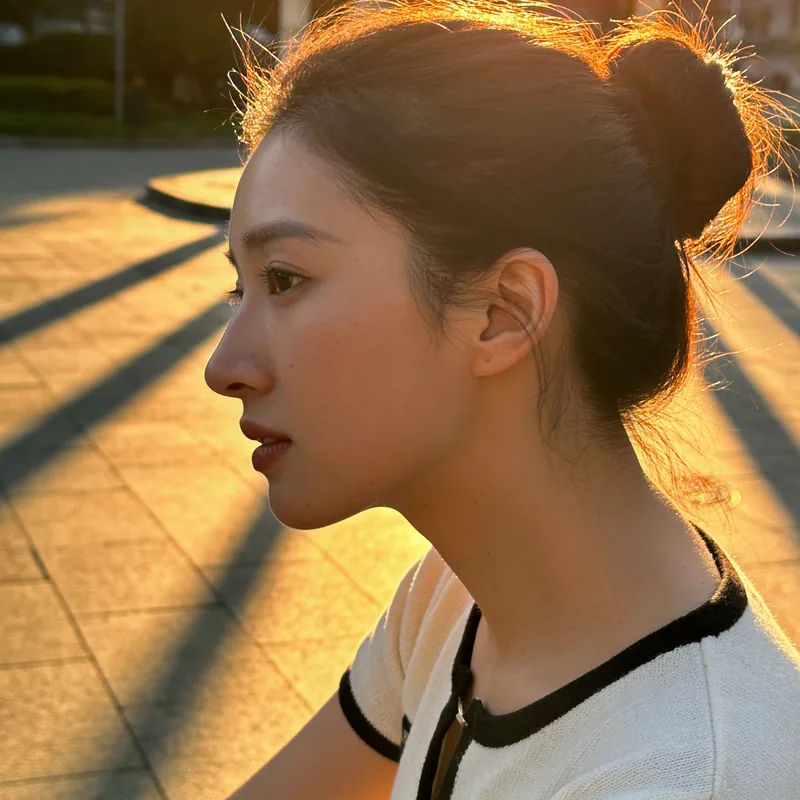
Golden hour relight
Relight this to late golden hour, warm rim light, long shadows, keep the pose
Edit prompt
Cinematic storyboard
Share a scene description with character references. Get a full storyboard with shot angles and mood.

3x3 storyboard
Feed in a single image. Get 9 cinematic beats laid out as a 3x3 storyboard grid.

Messages to cinematic scene
Dramatize any text conversation into a cinematic multi-shot video.

Expressions
Take any character image and generate 6 distinct facial expressions on a single reference sheet.
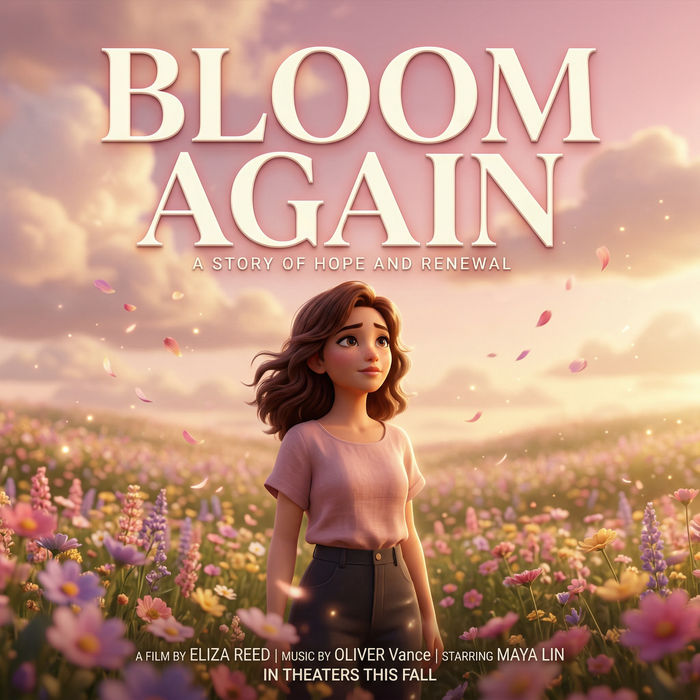
Title sequence
Generate a professional film title card from scratch, with optional cinematic animation.

Chibi sprite animation
Turn any photo or description into an animated chibi sprite. Dance, jump, wave, attack, and more.
All on Morphic
Everything an upload can becomeCompare AI image models
Photoreal edits and painterly restyles favour different models. The AI image generator compares Nano Banana 2, Seedream 5.0 Pro, Flux 2 Pro and more.
Start from a prompt instead
No photograph to begin with? Generate the base frame in text to image first, then bring it back here to transform.
AI photo editor
When you need a specific region changed rather than the whole picture, the image editor gives you object-level control.
Workflows
Lock one treatment into a Workflow and run every image in the set through it. The look holds across the batch.
