Every image model
Posts you can create
Make an Instagram post in three steps
- 01
Open Morphic
Sign up and start creating on a free-flowing, infinite visual canvas.
- 02
Describe the post
Give the caption or idea, the mood, and the ratio. Note your palette to keep the grid on-brand. To match a model to your grid style, the AI image generator lists each one's main strength.
- 03
Generate and export
Compare options, keep the one that stops the scroll, then export it sized for the feed.
Use cases
From caption to a finished visual
You have the words but not the picture. Describe the post you have in mind and Morphic produces the visual to match, framed for the feed. It turns a caption sitting in your notes into something ready to publish, without opening a design tool or hunting for stock. Generate a few takes and pick the strongest.
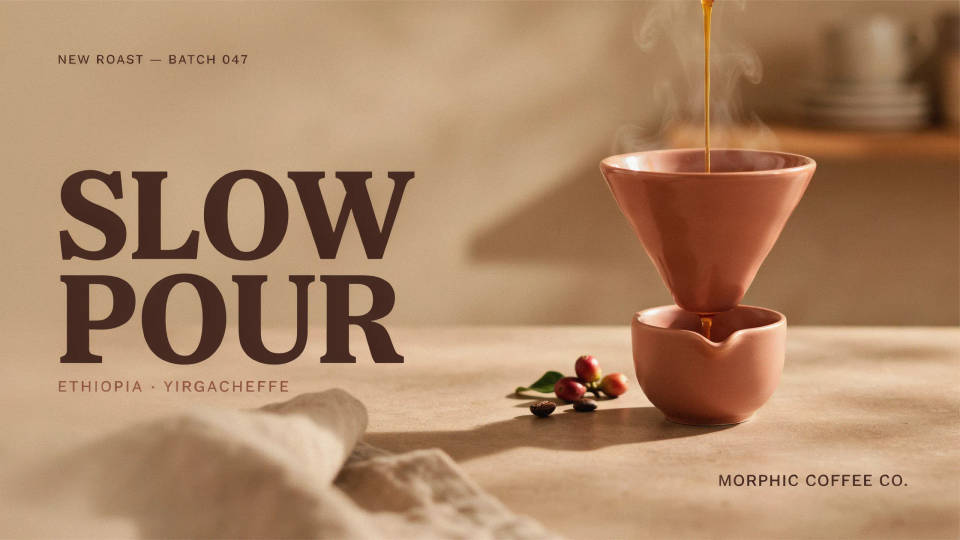
Keep a consistent grid
A feed reads as one brand when the posts share a look. Describe your palette and style, or drop in past posts as references, and generate a run of visuals that belong together. Building several posts in one session is the easiest way to plan a week of content that looks intentional rather than pieced together.
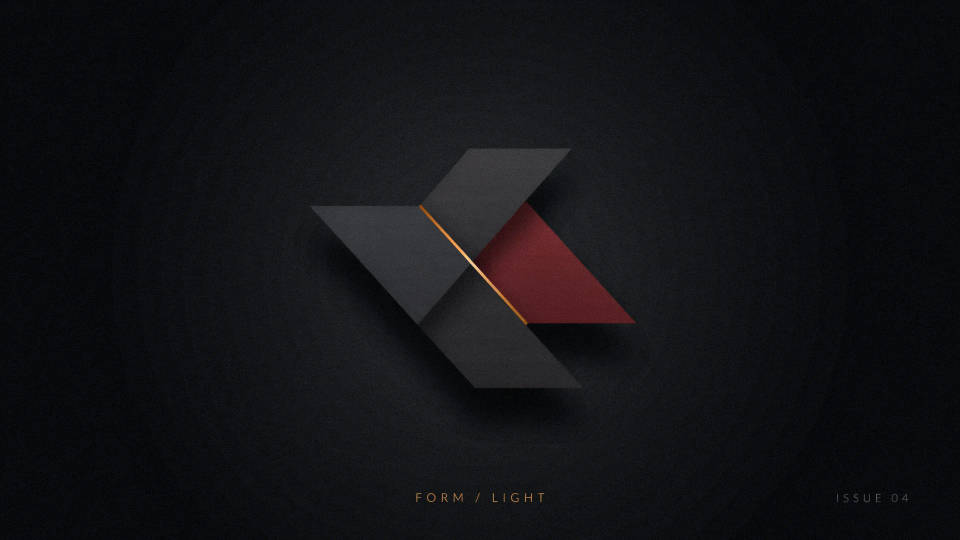
Size right for feed and carousel
The feed favors vertical 4:5 and square 1:1, and a carousel needs a consistent cover. Ask for the ratio you need and the visual is framed so the key part is never clipped in the grid preview. Generate the same idea at more than one ratio and choose the crop that holds up best where it will actually appear.
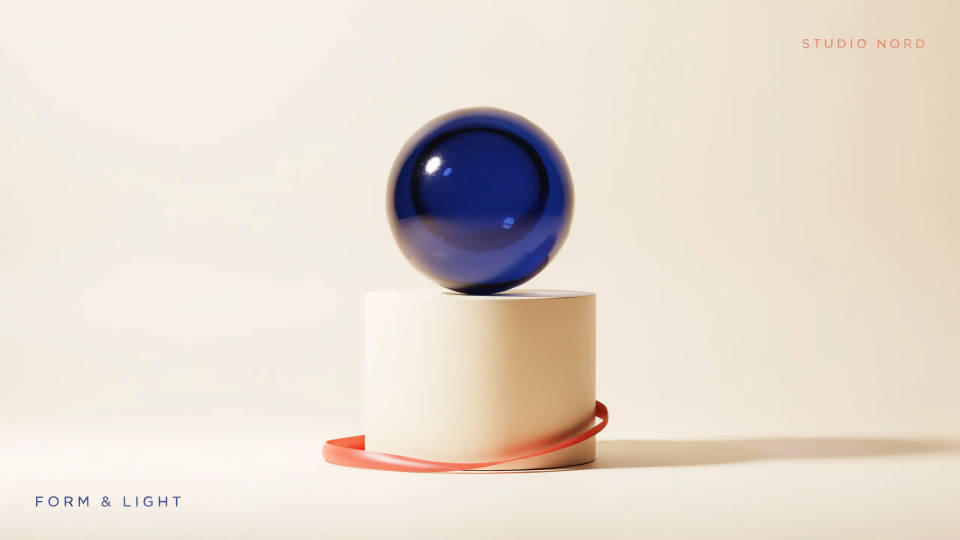
Turn a product photo into a post
Drop in a product shot and describe the scene you want around it, from a clean studio backdrop to a lifestyle setting. The model builds a feed-ready post around your item, so a plain catalog image becomes something styled for Instagram. Handy for small stores that shoot on a phone and need posts that still look considered.
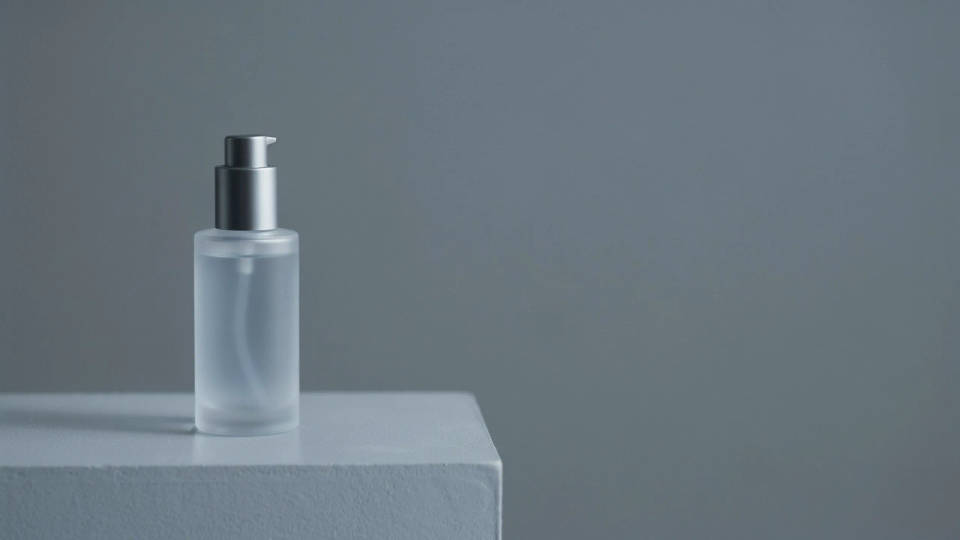
Prompt examples
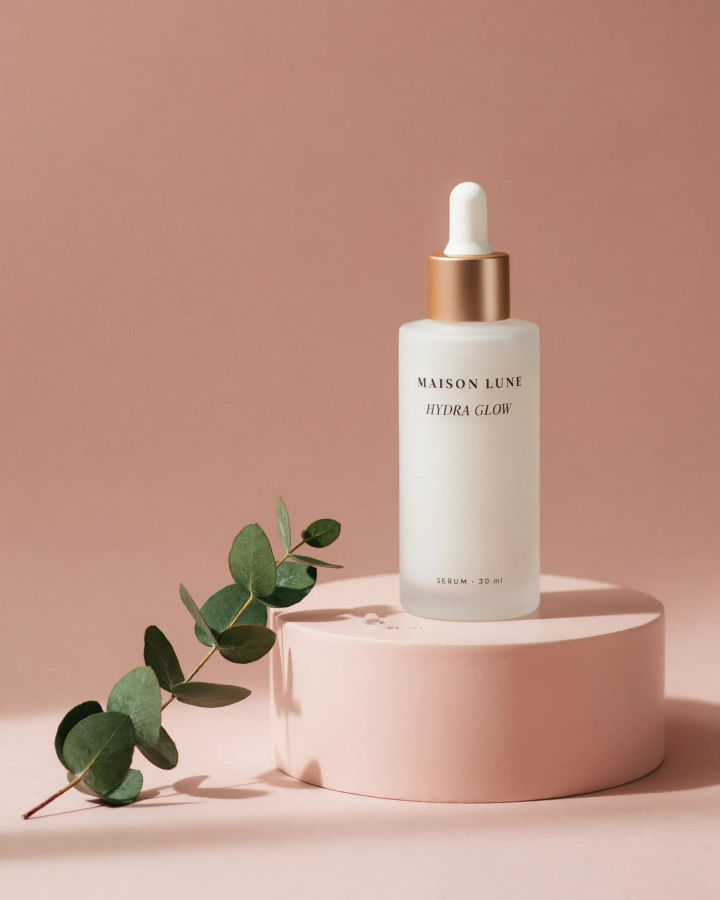
Product feature
A 4:5 Instagram post featuring a matte skincare bottle on a soft pastel podium, gentle shadows, clean minimal styling
Edit prompt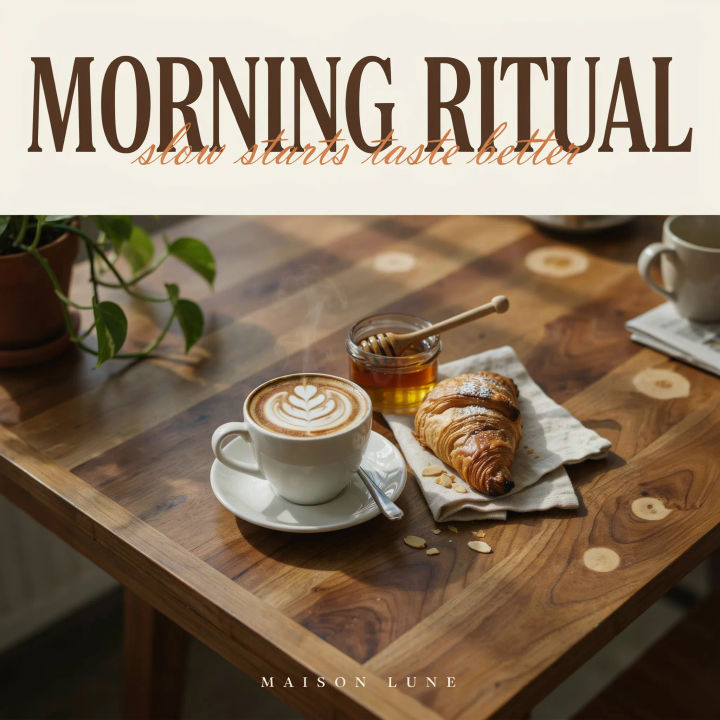
Cafe scene
A warm vertical Instagram post of a latte and pastry on a wooden table, morning light, cozy cafe mood
Edit prompt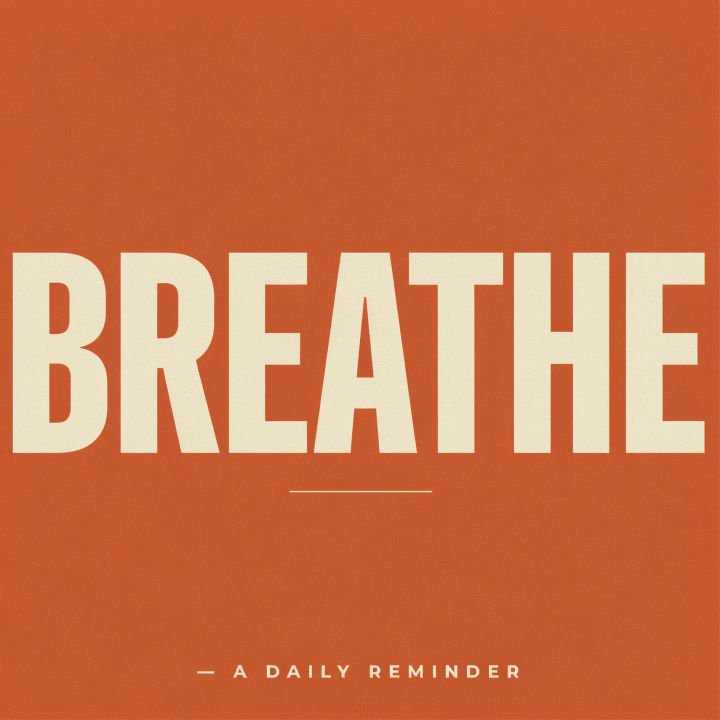
Bold quote
A square Instagram quote post with one short bold word as the headline, strong color background, clean modern layout
Edit prompt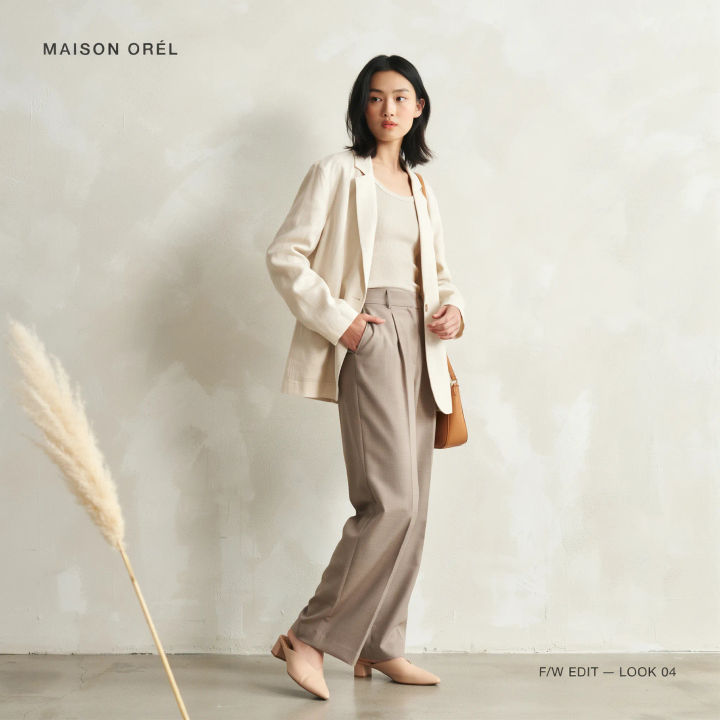
Fashion lookbook
A vertical fashion lookbook post, model in neutral tones against a textured wall, editorial styling, soft daylight
Edit prompt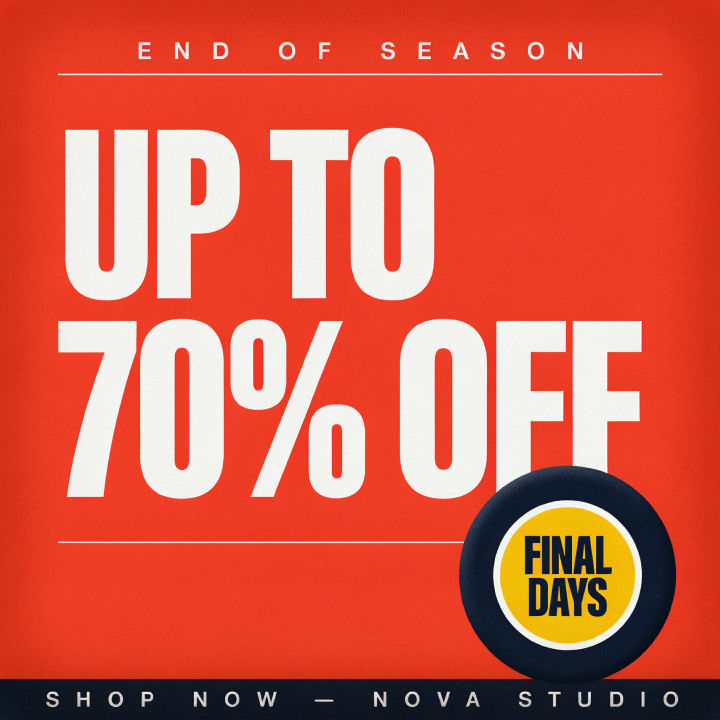
Sale announcement
A punchy Instagram sale post, bold short headline, bright contrasting colors, energetic layout, clear focal point
Edit prompt
Travel scene
A vertical travel Instagram post, sunlit coastal town, warm golden hour tones, aspirational and airy composition
Edit prompt
Title sequence
Generate a professional film title card from scratch, with optional cinematic animation.

Cinematic storyboard
Share a scene description with character references. Get a full storyboard with shot angles and mood.

Messages to cinematic scene
Dramatize any text conversation into a cinematic multi-shot video.

3x3 storyboard
Feed in a single image. Get 9 cinematic beats laid out as a 3x3 storyboard grid.

Female AI influencer
Generate a female AI influencer. Vertical output, ready for socials.

Chibi sprite animation
Turn any photo or description into an animated chibi sprite. Dance, jump, wave, attack, and more.
All on Morphic
Models
Nano Banana 2, Flux 2 Pro, ChatGPT Images, Grok Imagine, Recraft, Seedream, and more. Swap models when a post needs a cleaner look or a different style.
Social media post generator
Make posts for any platform in one place, then adapt the winner to Instagram's feed ratios.
Poster generator
Scale a post idea up into a full poster for an event, a launch, or a printed promo.
Text to image
Generate any post, cover, or graphic from a written description and compare directions side by side.
