Every image model
Sticker styles to try
Make a logo sticker in three steps
- 01
Open Morphic
Sign up and start creating on a free-flowing, infinite visual canvas.
- 02
Upload your logo and pick a style
Drop in your logo and describe the sticker, the border colour, and the finish you want.
- 03
Generate and export
Morphic traces a die-cut contour, sets the border, and clears the edge. Export as a transparent PNG.
Use cases
Laptop and water-bottle stickers
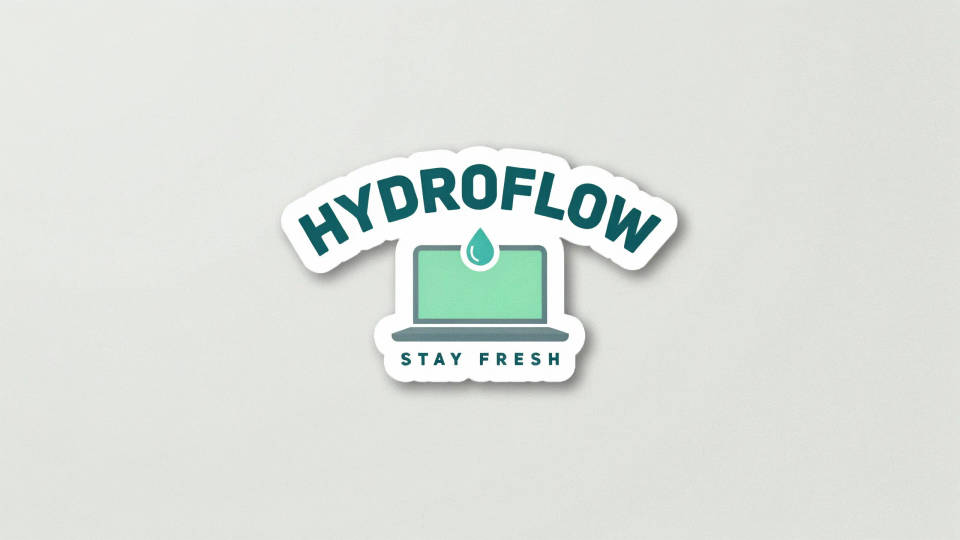
Turn a brand mark into the kind of die-cut sticker people put on a laptop lid or a bottle. Morphic hugs the contour to the shape and adds a clean white border so the sticker pops against any colour. Export the transparent PNG and send it to a print run or drop it into a mockup.
Swag and merch packs
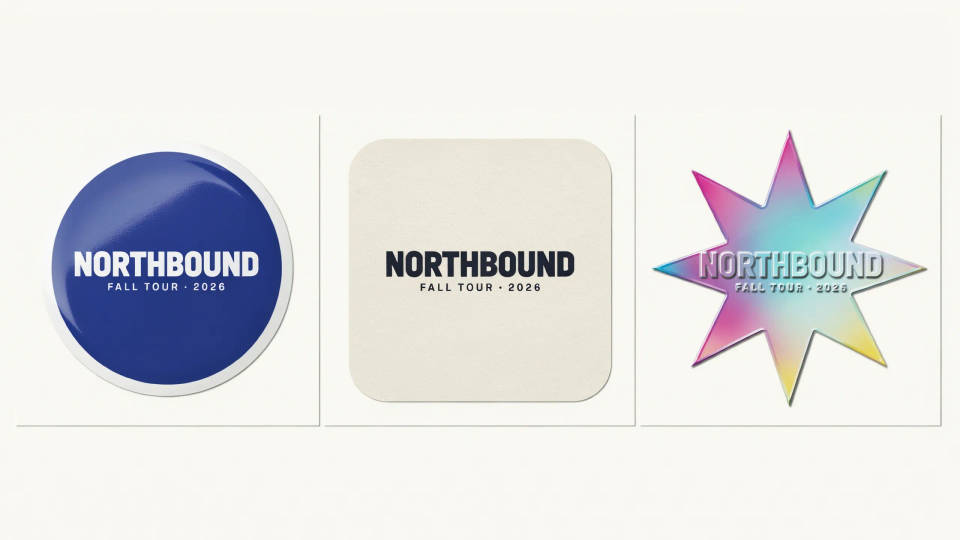
Build a set of stickers for an event, a launch, or a merch drop from the same logo. Ask for a few finishes, a glossy vinyl, a matte flat cut, and a holographic version, and compare them side by side. Each comes back as a sized image you can lay out on a sticker sheet.
Chat and messaging stickers
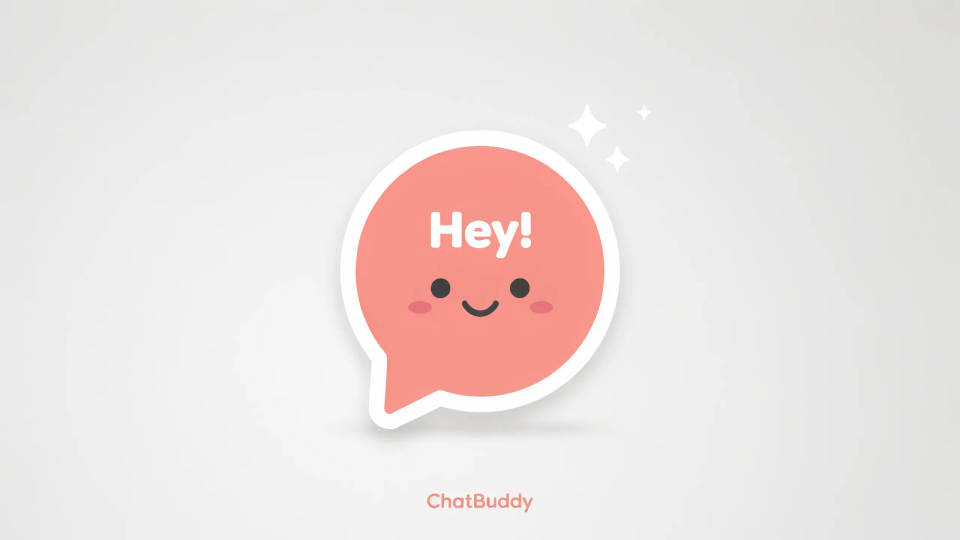
Make a small transparent version of a logo to use as a chat or messaging sticker. The die-cut edge means it reads cleanly on any chat background instead of sitting in a white box. Keep the mark simple so it stays legible at sticker size.
Packaging and product seals
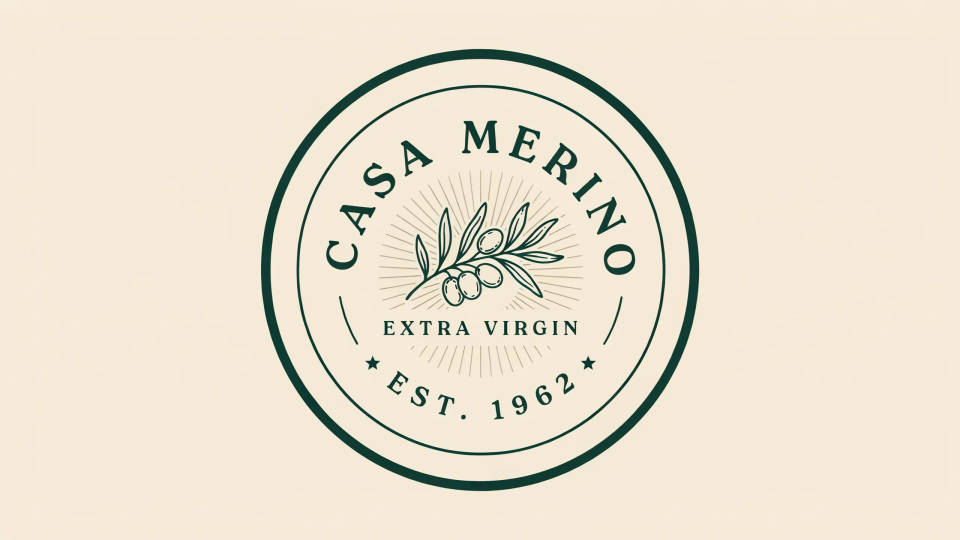
Turn a logo into a circle-cut badge or a seal for a box, a jar, or a mailer. A tight contour and a thin keyline give it the look of a printed sticker, and the transparent edge lets you place it straight onto a packaging mockup to check the fit before you order.
Prompt examples

Die-cut with white border
Turn this logo into a die-cut sticker, trace a clean contour around the mark, add a thick white border, transparent background
Edit prompt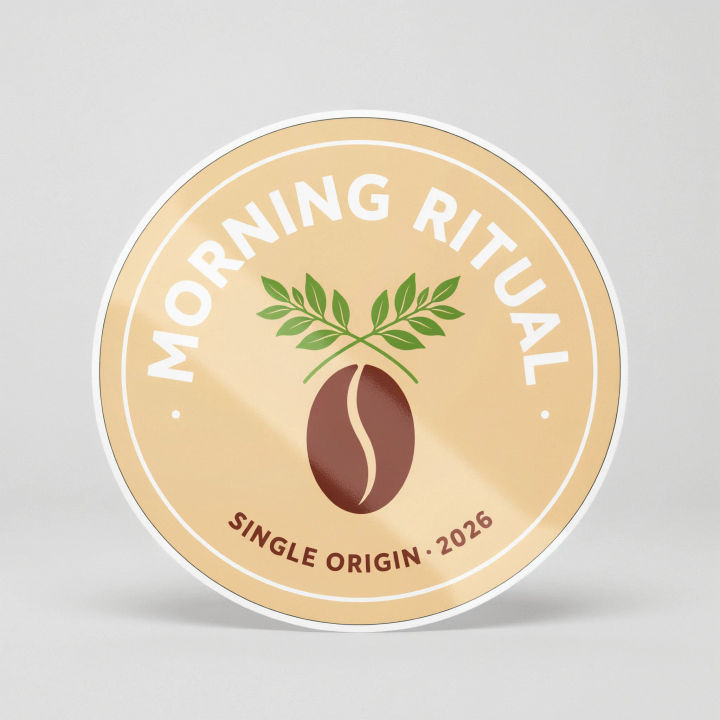
Glossy vinyl finish
Render this logo as a glossy vinyl sticker with a soft highlight across the surface and a thin white keyline
Edit prompt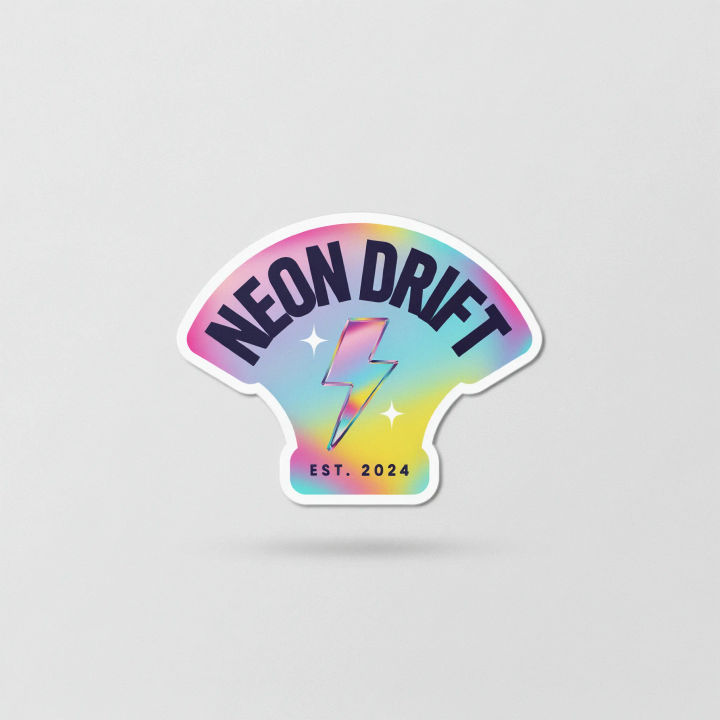
Holographic sticker
Turn this logo into a holographic die-cut sticker with an iridescent rainbow sheen and a white contour border
Edit prompt
Circle-cut badge
Set this logo inside a circle-cut sticker badge with an even coloured ring border and a transparent edge
Edit prompt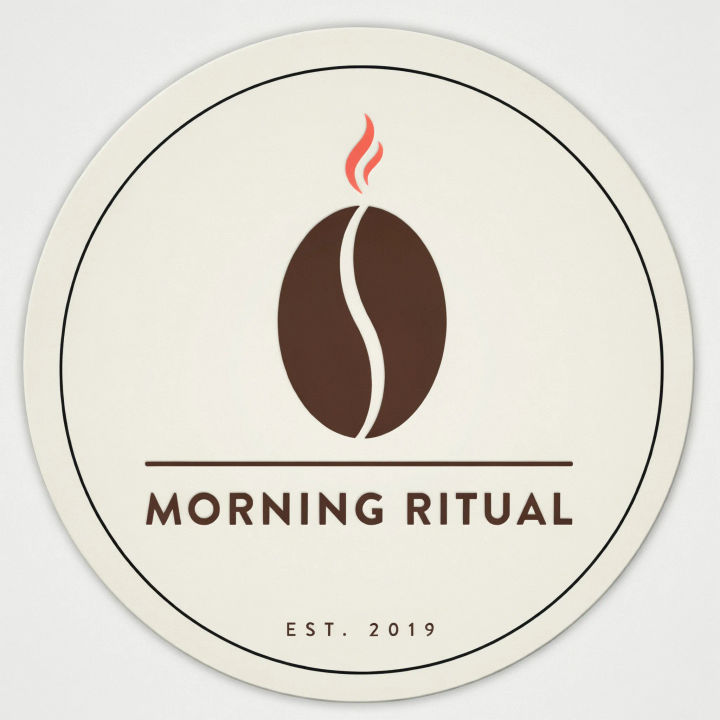
Matte flat cut
Make this logo a matte die-cut sticker, flat colours, no gloss, a thin black keyline hugging the shape
Edit prompt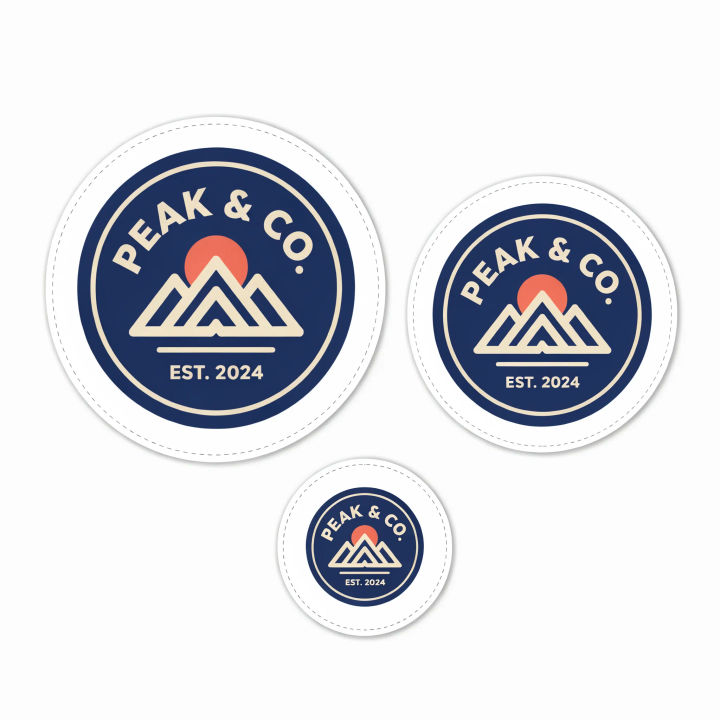
Sticker sheet layout
Arrange this logo sticker in a few sizes across a printable sticker sheet with even gaps and cut lines
Edit prompt
Anime sticker pack
Turn any image into anime-style stickers in PNG. Ready for messaging apps or social media.

Sketch to render
Turn any sketch or drawing into a finished render.

Chibi sprite animation
Turn any photo or description into an animated chibi sprite. Dance, jump, wave, attack, and more.

Anime style transfer
Pick any anime illustration as your style guide. Apply its look to any image.

Expressions
Take any character image and generate 6 distinct facial expressions on a single reference sheet.
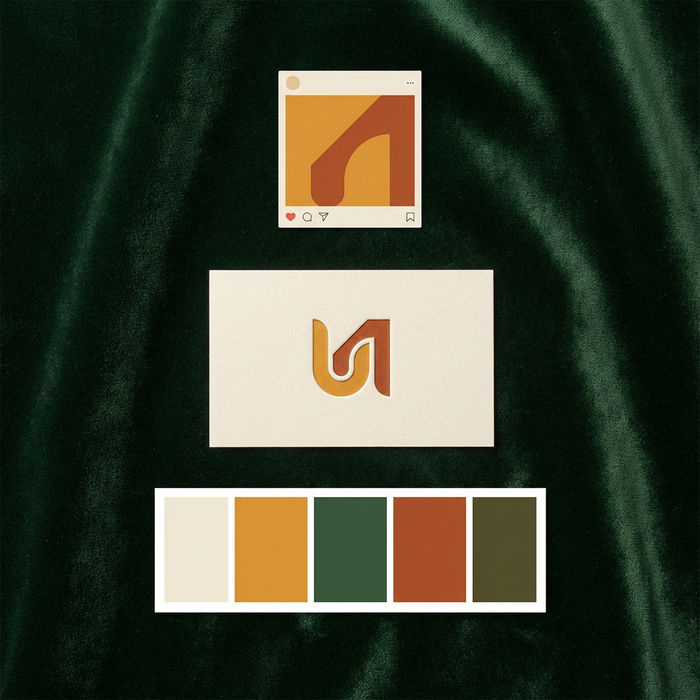
Brand launch kit
Get logo concepts, social media templates, color palettes, and marketing collateral in one go.
All on Morphic
Models
Nano Banana 2, Flux 2 Pro, ChatGPT Images, Grok Imagine, Recraft, Seedream, and more. Switch models when a contour needs a cleaner cut.
Sticker generator
Design stickers from a description rather than a logo, for icons, characters, and pack sets.
Logo generator
Need the logo first? Generate a fresh brand mark, then bring it here to cut into a sticker.
Image to image
Upload your logo and rebuild it as a die-cut sticker, the method behind a clean contour and transparent edge.
