Every video model
One workspaceLyric video styles you can create
Make a lyric video in three steps
- 01
Open Morphic
Sign up and start creating on a free-flowing, infinite visual canvas.
- 02
Generate the visuals
Describe the mood of your track and generate animated visuals that match it.
- 03
Add lyrics and sync
Drop your lyrics on top and line each line up to the vocal on Compose.
Use cases
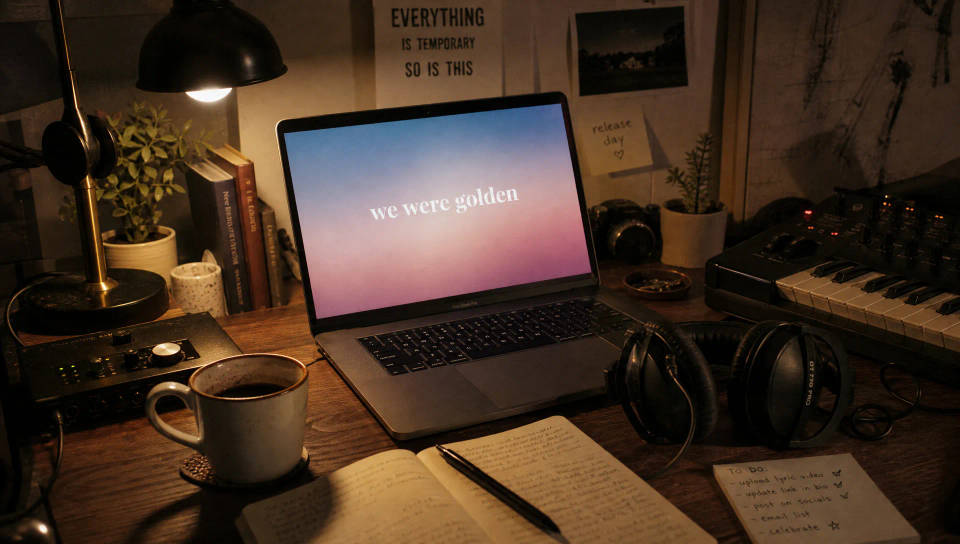
Release a single without an editor
Ship a lyric video the day the track drops. Generate visuals that fit the song, drop your lyrics on top, and publish with no editor or template pack.
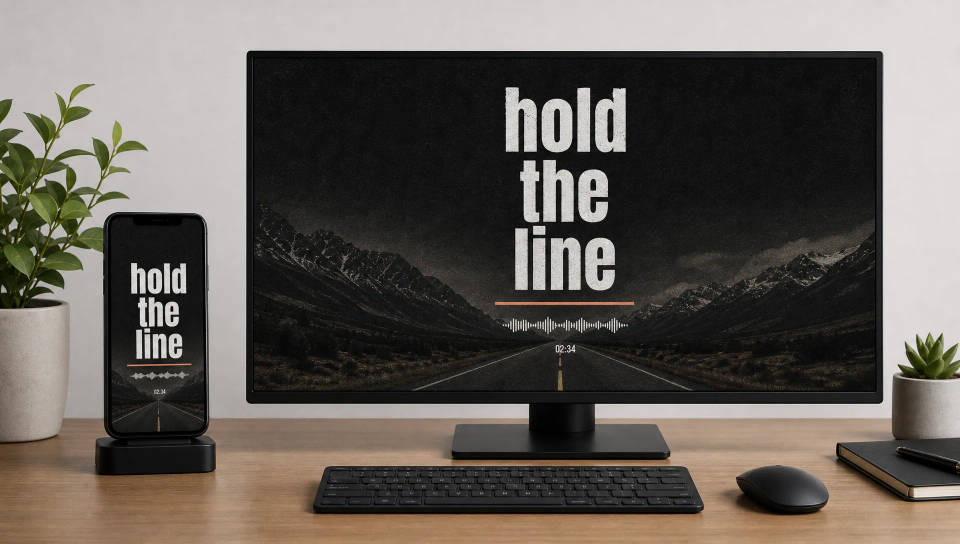
Lyric videos for every platform
Render 9:16 for Shorts and Reels or 16:9 for YouTube from one track. Lay out the lyrics so every word stays readable on a phone or a full screen.
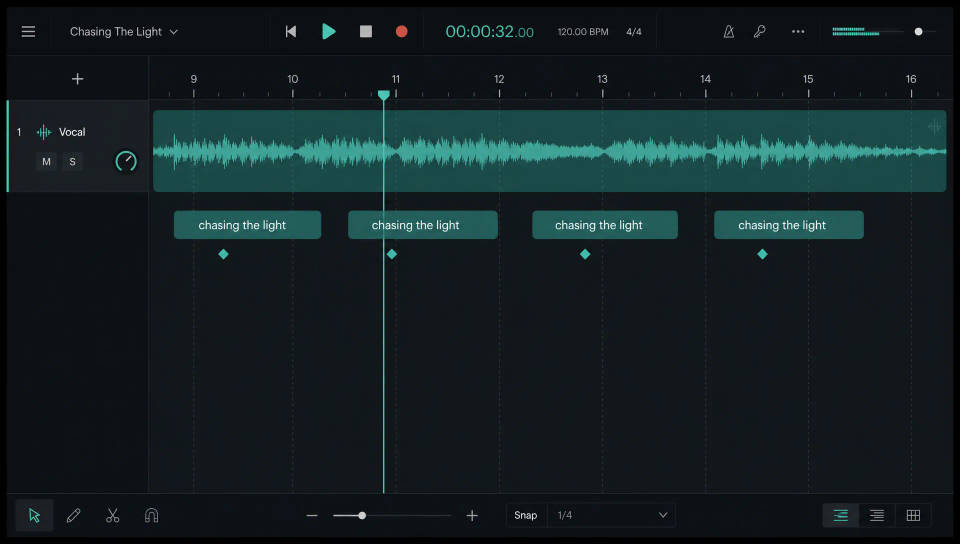
Sync lyrics to the beat
Bring the visuals and your song into Compose, place each line where the vocal lands, and trim to the beat until every word reads on time.
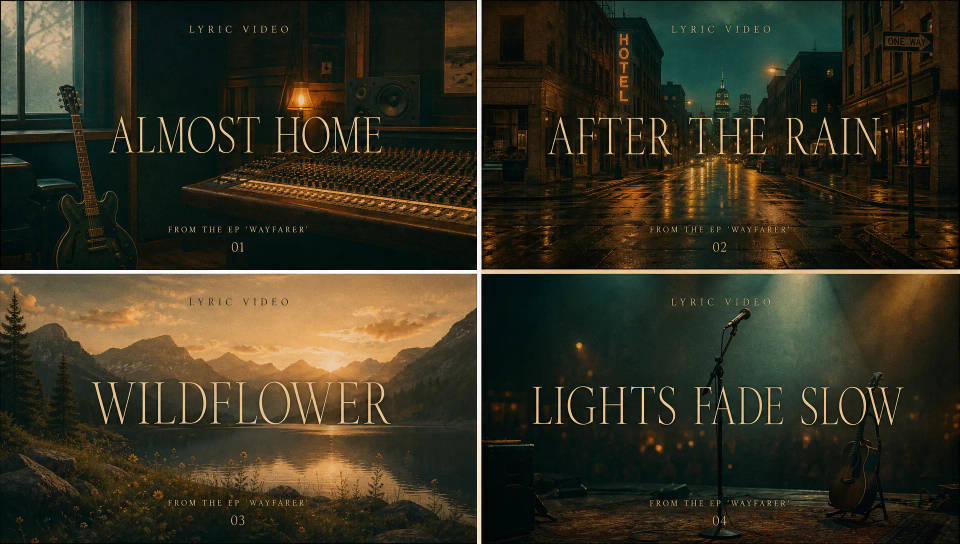
One look across a whole EP
Lock the type and visual style on your first single, save it as a Workflow, and rerun it so the whole EP shares one look with no rebuilds.
Cinematic scene
One image to a 9-scene cinematic video.
Time-freeze effect
Cinematic time-freeze short film for any scene
Short film creator
Go from any idea to a finished short film with scenes, visuals, video, and music.
Renovation timelapse
Photo of any real-estate becomes a cinematic renovation timelapse video with construction SFX and music.
Motion transfer
Pair a character image with a reference video. Your character picks up that exact motion.
Video style transfer
Restyle any video in a completely new visual style. Every frame transforms, all motion stays intact.
All on Morphic
Your complete lyric video stackModels
Kling 3.0, Hailuo 2.3, LTX 2.3, Seedance 2.0, Veo 3.1, Vidu Q3, and more. Pick the model that fits your track's mood and swap mid-project.
Sync on Compose
Bring the visuals and your song into Compose, line each lyric up to the vocal, and trim to the beat until every word reads on time.
Audio and sound
Score a section with the Music tool or add texture with Sound effects, then sync the lyrics over the bed.
Workflows
Lock the type and style, save the lyric video as a Workflow, and rerun it for the next single so the catalog keeps one look.
