Every image model
One workspaceRetirement cards you can design
Make a retirement card in three steps
- 01
Open Morphic
Sign up and start creating on a free-flowing, infinite visual canvas.
- 02
Add photo and message
Drop in a photo and your greeting, then describe the style, from elegant to playful.
- 03
Generate and export
Morphic sets the art and the type, then exports the card at print and share sizes.
Use cases
Send off a colleague
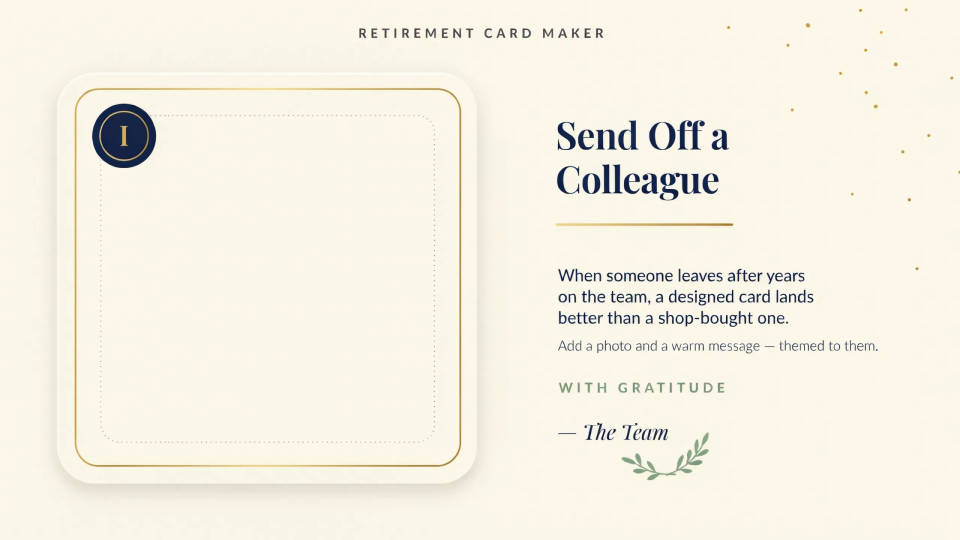
When someone leaves after years on the team, a designed card lands better than a shop-bought one. Add a photo and a warm message and theme it to their role or their plans. Print it for the desk drop or share the image in the group chat for a remote goodbye.
Make a family keepsake
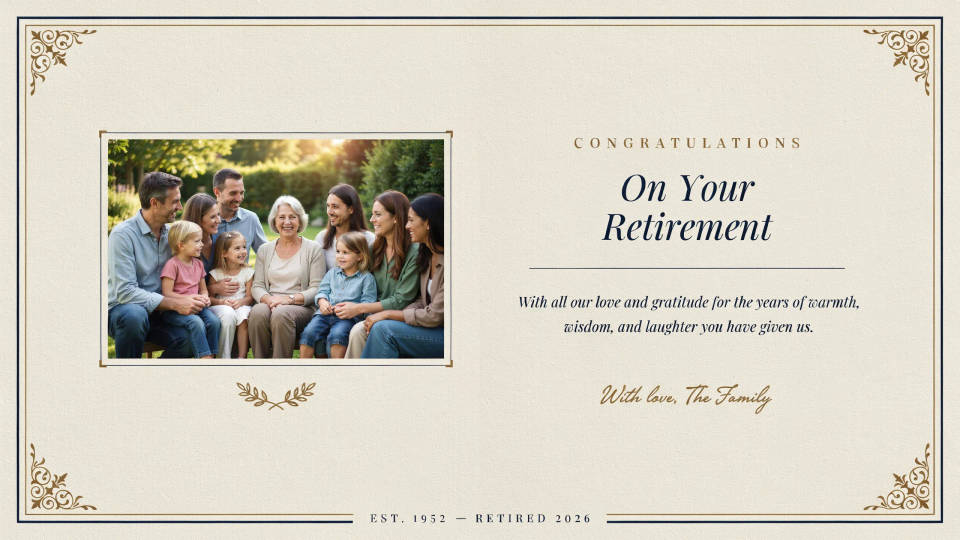
For a parent or grandparent retiring, build a card around a favourite photo and the words the family wants to say. Choose a warm, classic style so it feels like a keepsake rather than a novelty. Export it at a print size and frame it alongside the card.
Get the whole team to sign
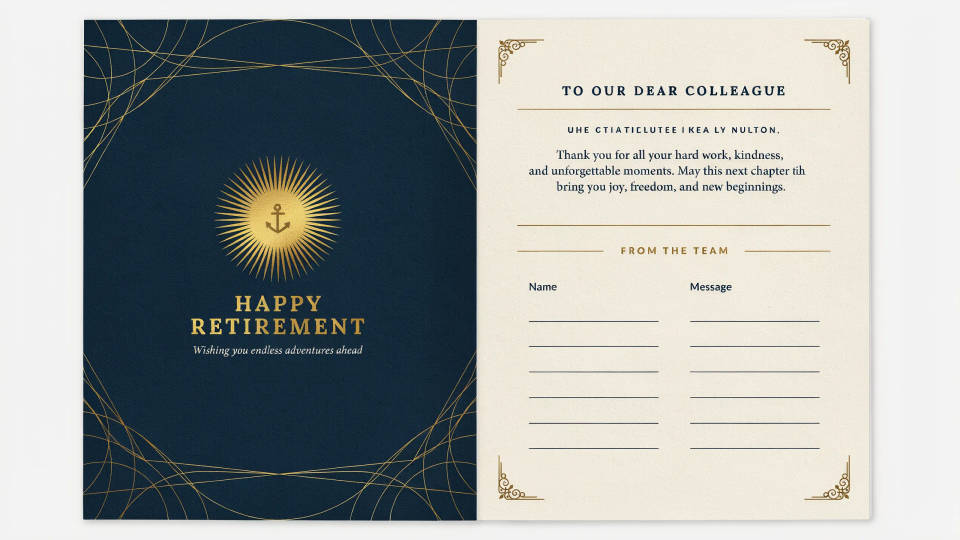
Design a front that everyone loves, then generate an inside layout with space for signatures and short notes. Pass it around the office or collect messages and place them on the page. It turns a quick signature into a card the person will actually keep.
Nod to their next chapter
Retirement is about what comes next as much as the years behind. Theme the card to a hobby, golf, gardening, fishing, travel, so it reads as a personal send-off. Describe the scene and the palette and the card comes back built around what they love.

Prompt examples
Elegant sunset
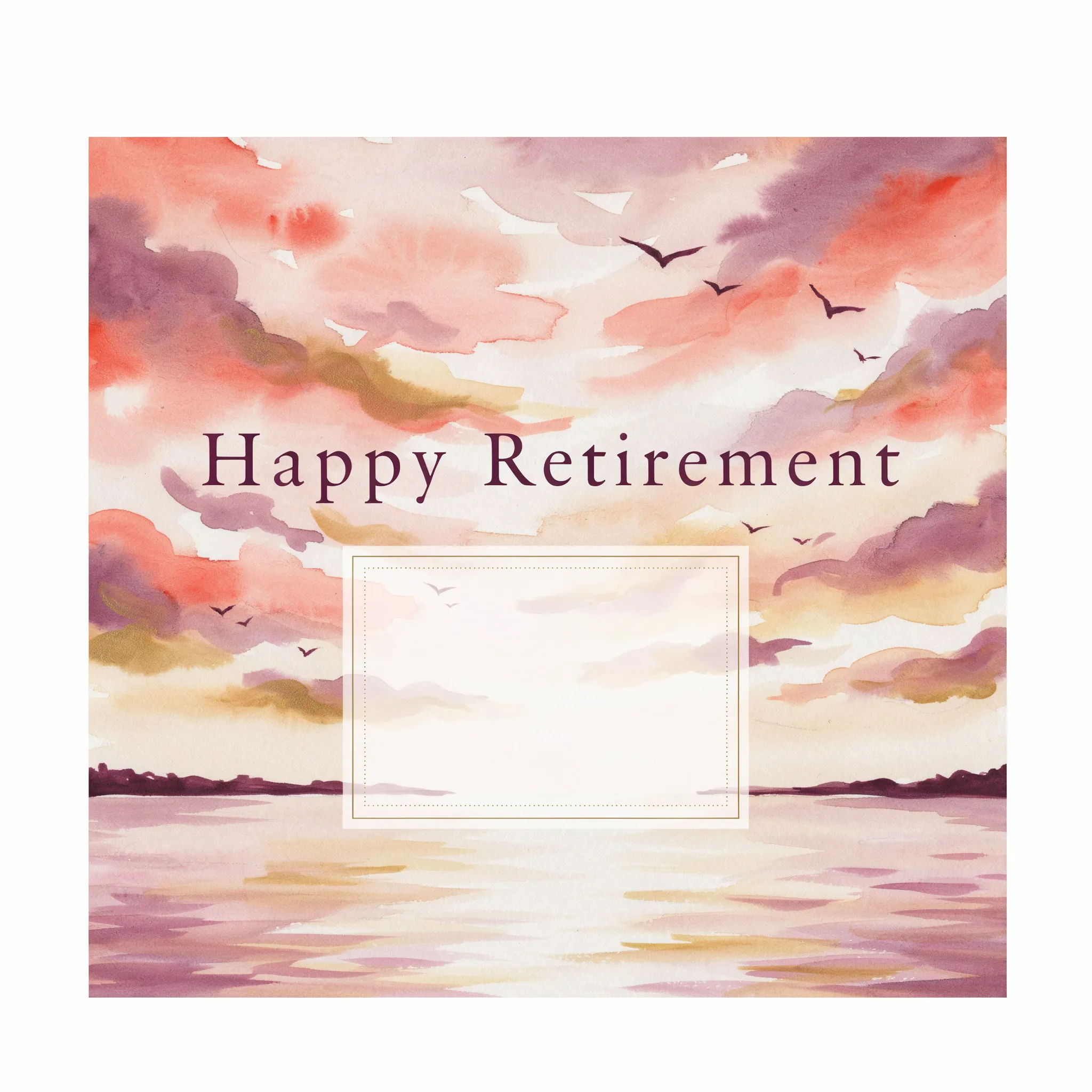
A retirement card front, warm watercolor sunset over calm water, elegant serif 'Happy Retirement', soft space for a photo
Edit prompt
Gold and cream
A refined retirement card, cream background, gold foil-style lettering, thin botanical border, classic and understated
Edit prompt
Photo front
A retirement card built around a framed photo of a smiling person, soft vignette, warm neutral palette, short heartfelt greeting
Edit prompt
Playful confetti
A cheerful retirement card, colorful confetti and balloons, bold rounded 'Enjoy Retirement' text, bright and fun
Edit prompt
Golf theme
A retirement card themed around golf, illustrated green and flag at sunset, clean serif greeting, calm and personal
Edit prompt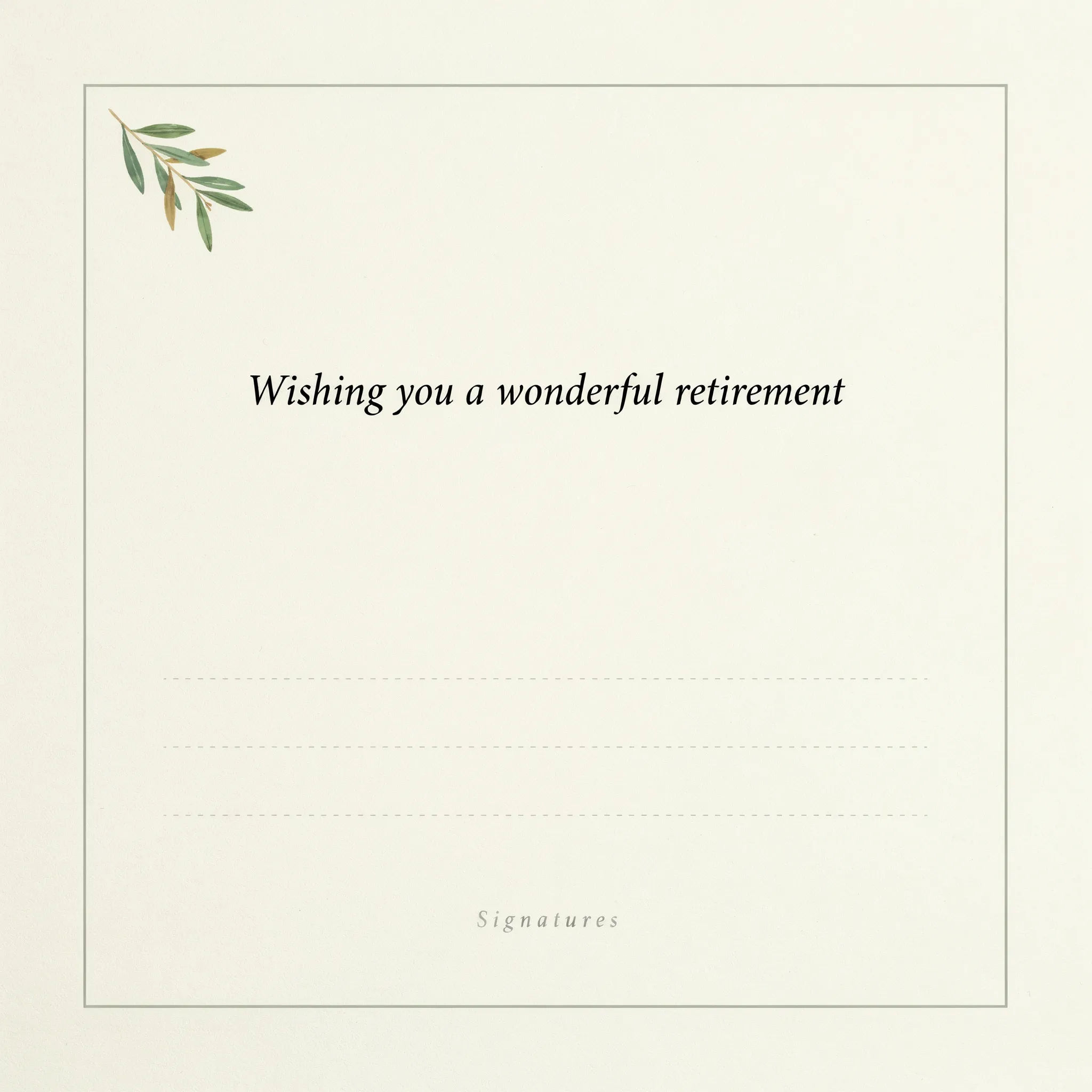
Signature inside
The inside of a retirement card, soft cream page with a light border, a short printed line and open space for handwritten signatures
Edit prompt
Title sequence
Generate a professional film title card from scratch, with optional cinematic animation.

Cinematic storyboard
Share a scene description with character references. Get a full storyboard with shot angles and mood.

Messages to cinematic scene
Dramatize any text conversation into a cinematic multi-shot video.

3x3 storyboard
Feed in a single image. Get 9 cinematic beats laid out as a 3x3 storyboard grid.

Chibi sprite animation
Turn any photo or description into an animated chibi sprite. Dance, jump, wave, attack, and more.

Expressions
Take any character image and generate 6 distinct facial expressions on a single reference sheet.
All on Morphic
Your card and print design kitModels
Nano Banana 2, Flux 2 Pro, ChatGPT Images, Grok Imagine, Recraft, Seedream, and more. Switch models when the greeting needs to render cleaner.
Poster generator
Turn the same theme into a farewell poster or a photo board to display at the send-off.
Design generator
Build matching invites, signs, and thank-you notes so the whole celebration shares one look.
Text to image
Generate any card design from a written brief and compare themes and palettes side by side.
