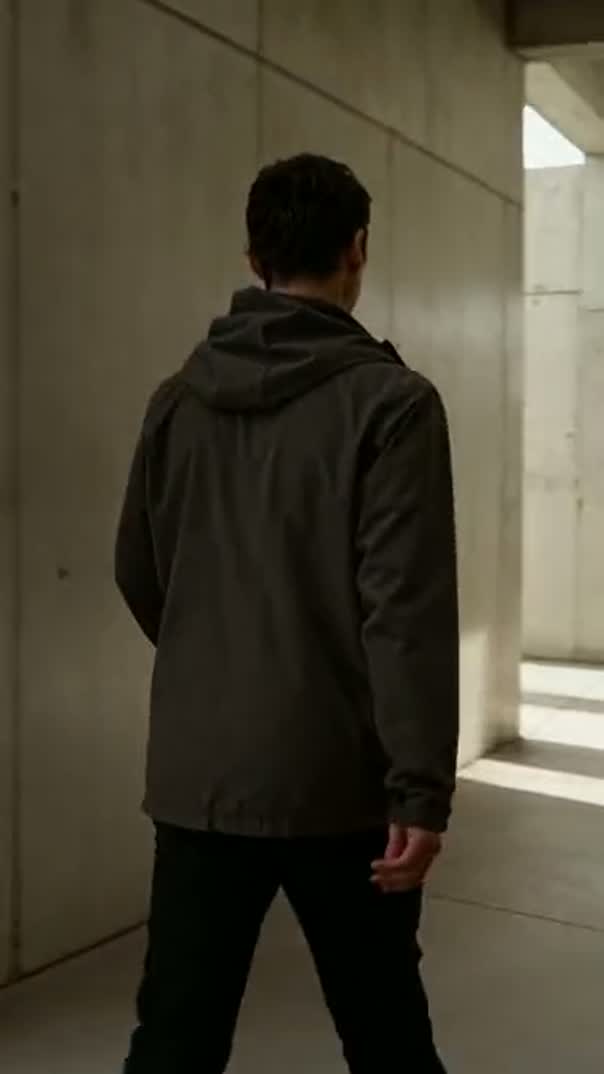
Turn it a quarter at a time, or mirror it. Nothing is written to the file until you export.
Rotate video online by turning the clip inside the frame, leaving the file it came from alone. A quarter turn either way, a half turn, or a mirror, set per clip and reversible at any point. It happens in your browser, and the corrected clip is already on the timeline where the edit continues.
How to rotate a video in three steps
- 01
Drop the clip in
Bring the sideways footage onto the timeline exactly as it came off the camera.
- 02
Turn it upright
Rotate a quarter, a half or three quarters, or mirror it, and see it immediately.
- 03
Export it fixed
Render MP4 up to 4K with the orientation written in, not tagged on.
What the video rotator does
These transforms are Compose V2, switched on one workspace at a time.
Ninety degrees at a time
A quarter turn clockwise, a half turn, or three quarters, applied to the clip and visible straight away. Turning it back is the same click, so there is no penalty for guessing which way the camera was held.
Flip as well as turn
Mirroring horizontally or vertically is a separate control, because it does something rotation does not: it changes which way a subject faces. Useful for matching eyelines across a cut, and destructive to any text in the shot.
Fit it into the frame
A turned clip rarely matches the frame it lands in. Scale it up to fill and lose the edges, leave it and put a colour behind it, or change the project shape to suit the footage. All three are on the same panel.
Rotate part of the way
Rotation is a number and not a set of four buttons, so a horizon that is two degrees off is levelled directly, and an angle that should change across a shot is animated over the clip.
Fix a batch by asking
Turn every clip from the second camera upright is one instruction. It applies as a single action and undoes as one, so a wrong guess about direction is cheap.
Export it written in
The rendered MP4 carries the orientation in the picture, not in a tag a player might ignore, on your own machine with no queue.
A turned clip usually leaves edge the original framing never covered. Instead of scaling until the subject crops, generate a shot built for the upright frame in the same project, from the whole model roster, and put it behind or beside what you have. Seedance 2.5 is one of the video models on that roster.
Rotate video online by 90, 180 or 270 degrees
The three useful angles come from the three ways a camera ends up wrong:
- 90° — a phone held the other way from the one the app expected.
- 180° — a camera mounted upside down, on a gimbal, a car mount, a ceiling clamp.
- 270° — the first case, with the phone turned the other way.
None of it needs diagnosing first. Turn the clip, look at it, turn it again if it is still wrong. The correction is stored against the clip rather than written into a new file, so three wrong guesses cost nothing and the original stays available.
Flip video to match a shot
Flipping is a different job wearing the same clothes: it mirrors instead of turning. The reason to reach for it is almost always continuity, when two shots of the same conversation have the subject facing the same way and one of them should be looking back.
Mirror the second and the eyeline works. The cost is anything in the frame that reads as text, which is easy to miss in a background:
- A sign or a shop front.
- A logo on a jacket.
- A laptop screen.
- A number plate.
Check the whole frame before you commit. A mirrored shot is convincing right up until a viewer notices one word running backwards, and then it is the only thing they can see.
Rotate an MP4 without converting it first
The usual route is a converter: upload, choose an angle, download a new file, find it has also been compressed differently. The rotation was one decision and the re-encode was a side effect nobody asked for.
Here the rotation is a property the timeline holds, so nothing is written until the export and the export renders once from the original footage. The corrected clip is ready to keep editing rather than ready to download and re-upload somewhere else. Trim it, put it in a sequence, resize video for TikTok, and it all renders together at the end. Where two turned clips both deserve the frame, a picture in picture video beats choosing between them.
Related video tools
Online video editor
Everything past the fix: cutting, titles, sound and colour on one timeline.
Resize video online
Give a turned clip a frame that suits its new shape.
Video trimmer
Cut the corrected clip down before it joins the rest of the sequence.
Video merger
Put an upright clip back into a sequence with the shots around it.
Video collage maker
Two clips in one frame, often easier than rotating either.
Keyframe animation
Change an angle across a shot instead of setting one for all of it.
Video background remover
Lift the subject out when a turned frame leaves background you cannot use.
TikTok video editor
Where a newly upright vertical clip usually ends up going next.
