Renders you can create
Render a sketch in three steps
- 01
Open Morphic
Sign up and start creating on a free-flowing, infinite visual canvas.
- 02
Upload your sketch
Drop in a drawing, line art, or a rough scribble.
- 03
Render and download
Pick a style, add a short prompt, and export the finished image.
Use cases
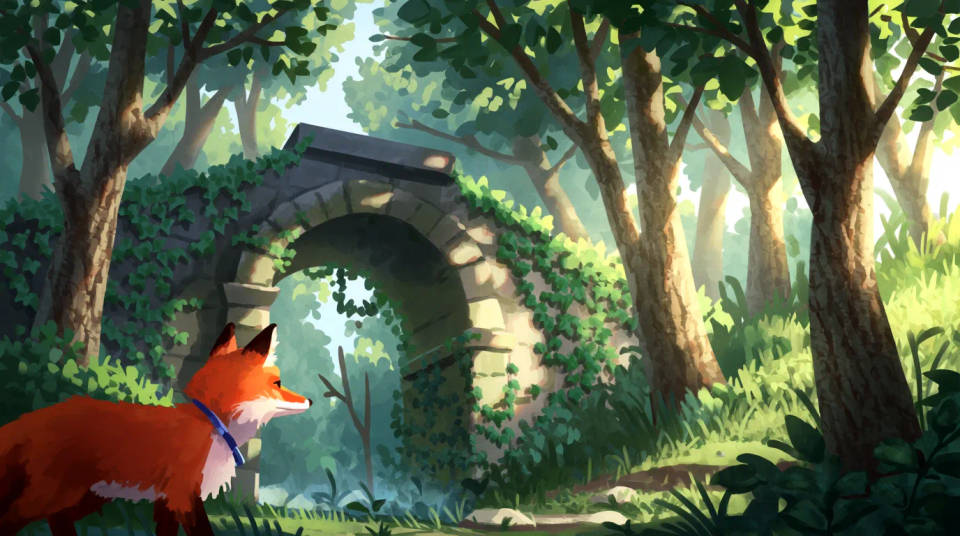
Finish a concept fast
Take a rough idea to a polished render without redrawing it by hand. Your composition carries through while the detail and color fill in.
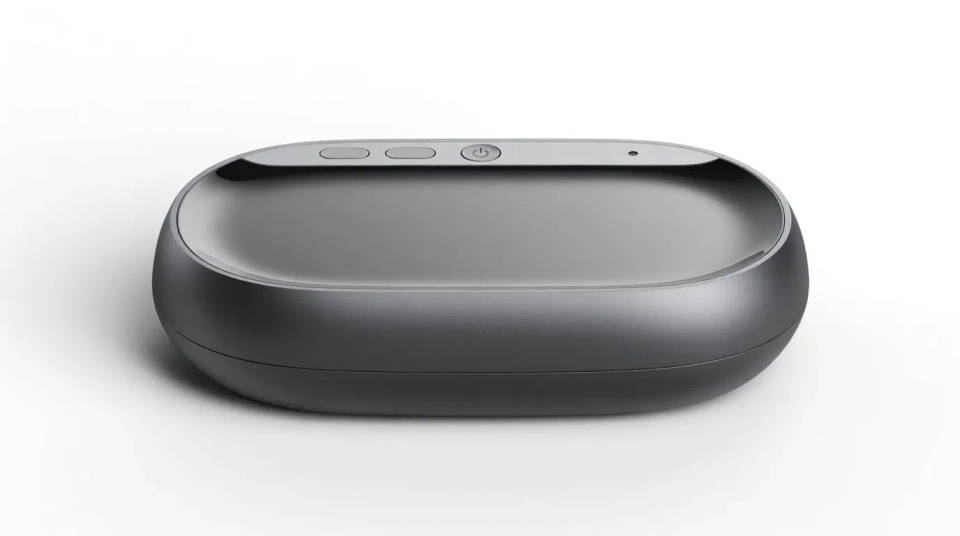
Design products
Turn a product sketch into a clean render to review or pitch. Show stakeholders a finished-looking concept from a simple drawing.
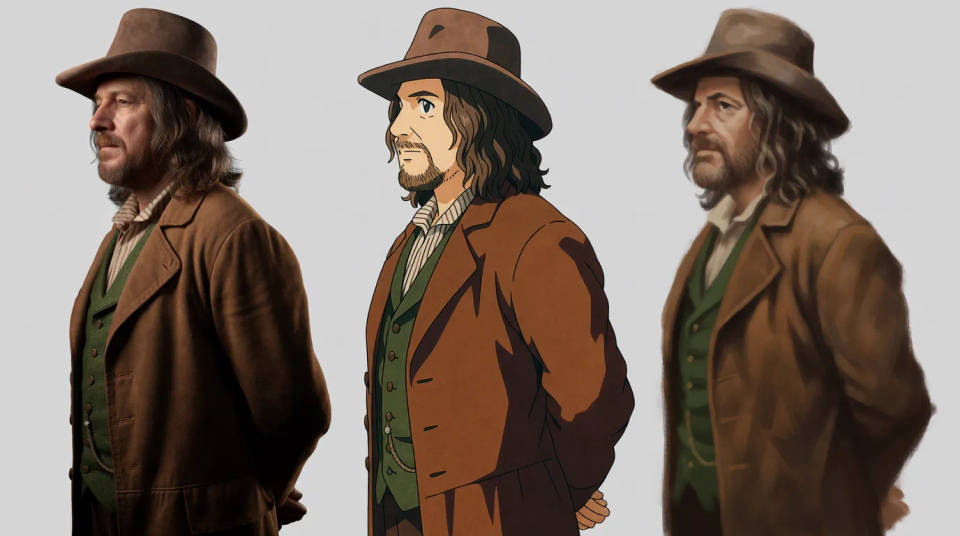
Bring characters to life
Render a character sketch in photoreal, anime, or painterly style. Explore how a design reads across looks before you commit.
Explore variations
Try the same sketch in several styles to compare directions. Generate a few finishes at once and pick the strongest.

Renders you can create
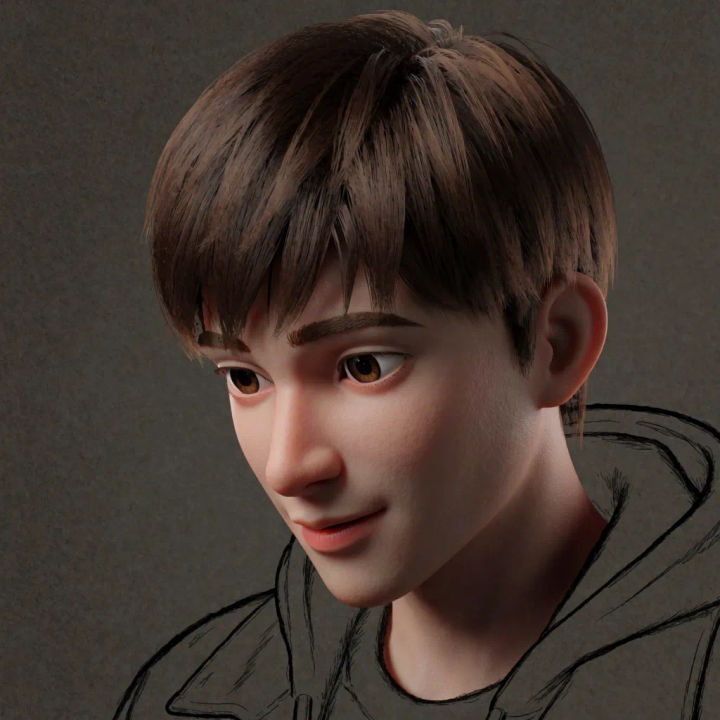
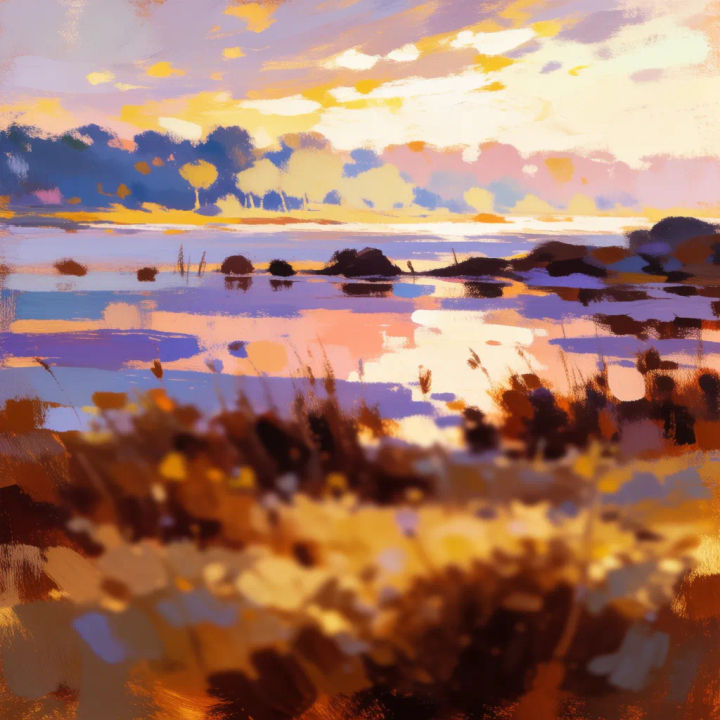
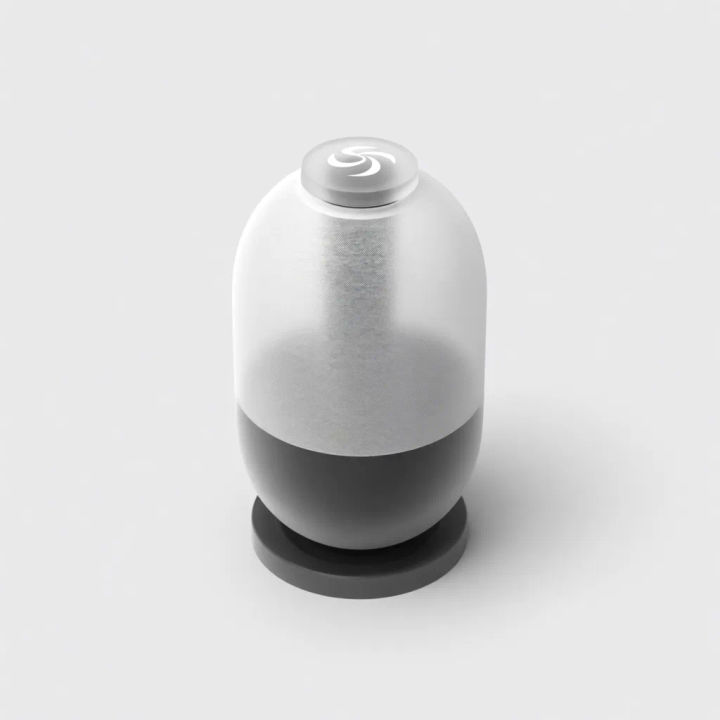

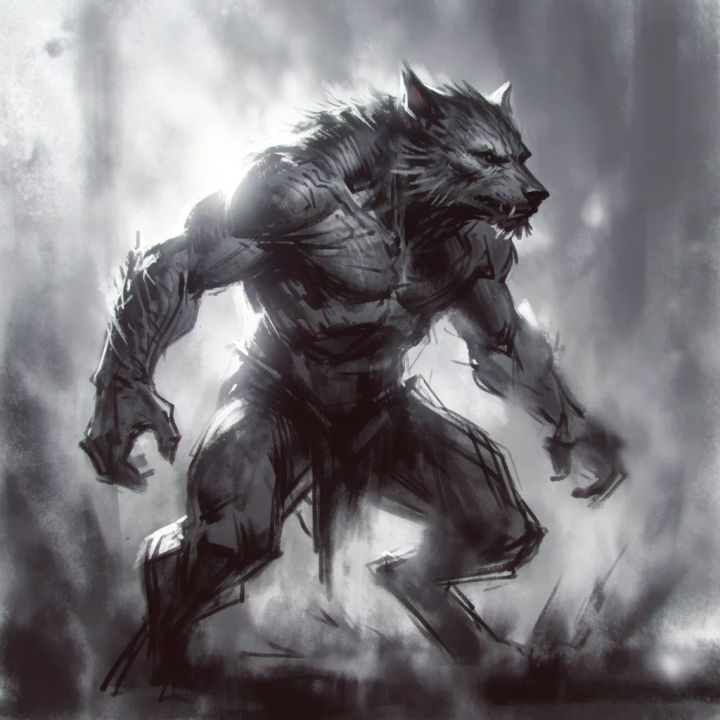

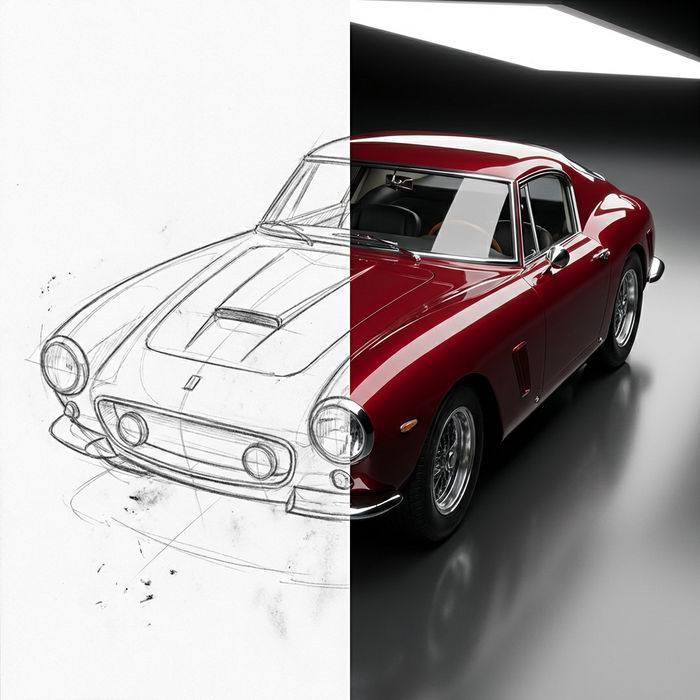
Sketch to render
Turn any sketch or drawing into a finished render.
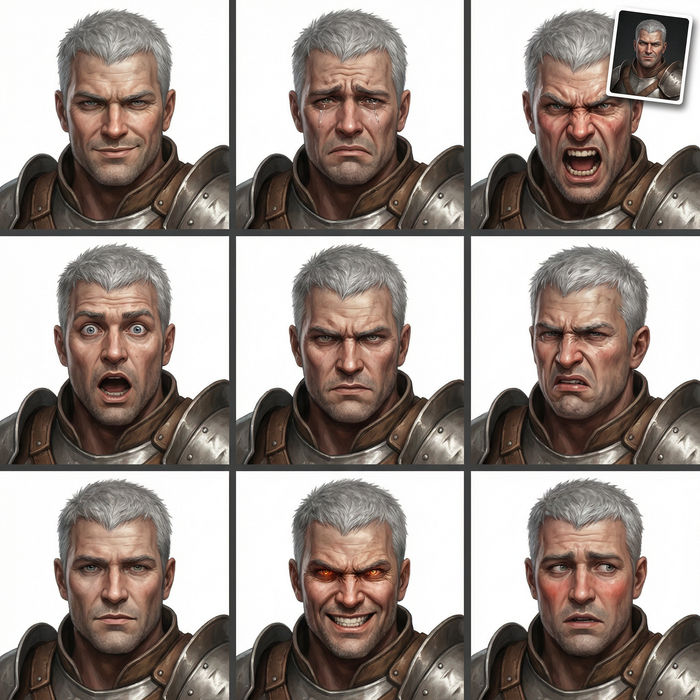
Expressions
Take any character image and generate 6 distinct facial expressions on a single reference sheet.

Chibi sprite animation
Turn any photo or description into an animated chibi sprite. Dance, jump, wave, attack, and more.
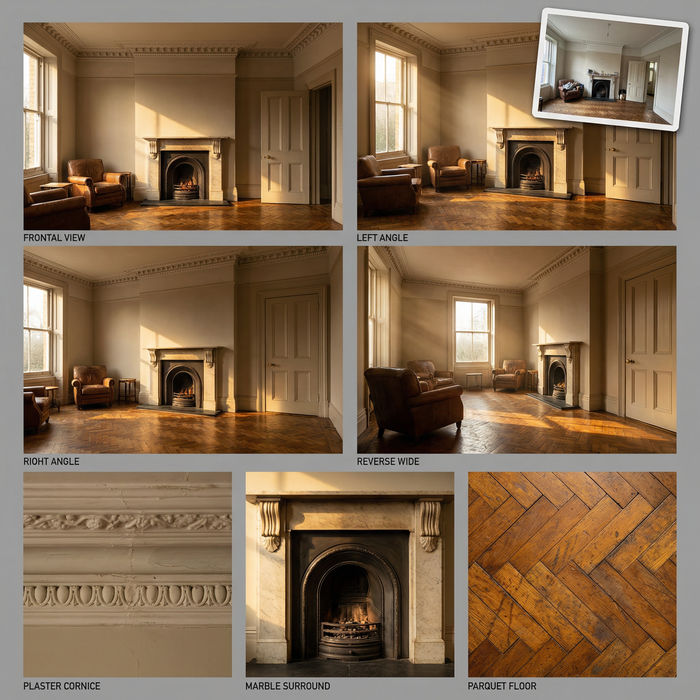
Location reference sheet
Professional 7-panel location reference sheet from a single photo.
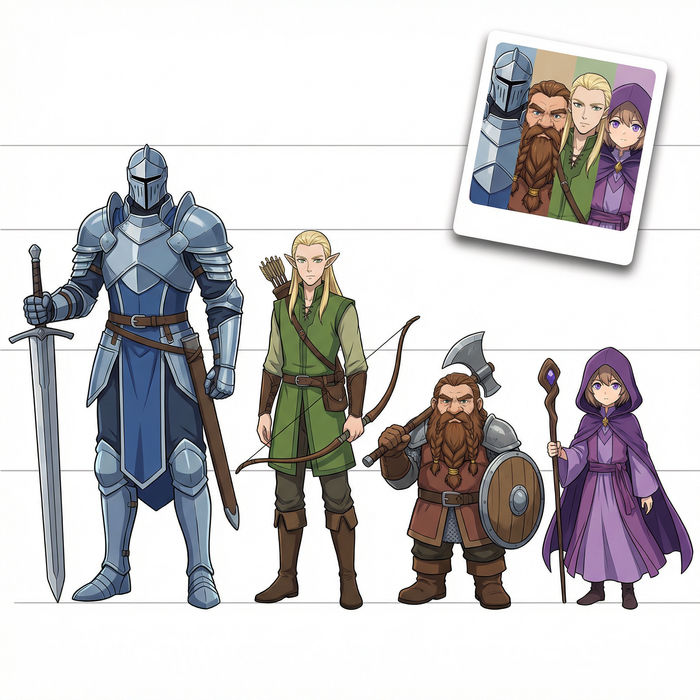
Character lineup
All your characters on a single lineup image, side by side with height comparison.
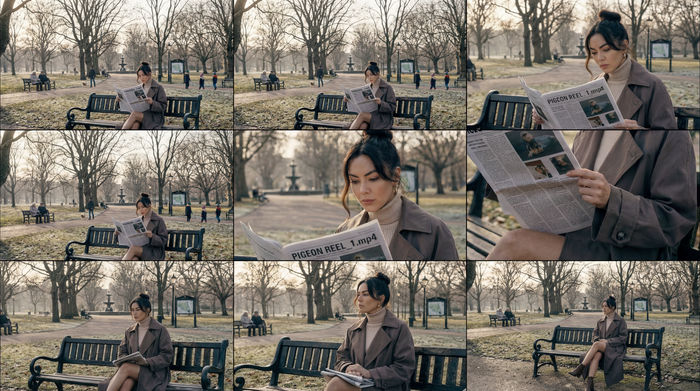
3x3 storyboard
Feed in a single image. Get 9 cinematic beats laid out as a 3x3 storyboard grid.
All on Morphic
Models
Nano Banana 2, Flux 2 Pro, Grok Imagine, Seedream 5, and more. Pick the model that renders your style best, and swap anytime.
Keeps your lines
Image-to-image follows your sketch, so the final image matches the composition you drew.
Any finish
Photoreal, painterly, anime, or product render. Name the style and the sketch follows.
Workflows
Save a render style as a Workflow and finish a whole set of sketches in it.
