Every image model
One workspaceGeofilters you can design
Design a geofilter in three steps
- 01
Open Morphic
Sign up and start creating on a free-flowing, infinite visual canvas.
- 02
Describe the event
Give the occasion, the names, and the theme. Ask to keep the artwork on the edges.
- 03
Generate and export
Get an overlay with a clear centre. Rerun until it sits right, then export.
Use cases
Weddings and engagements
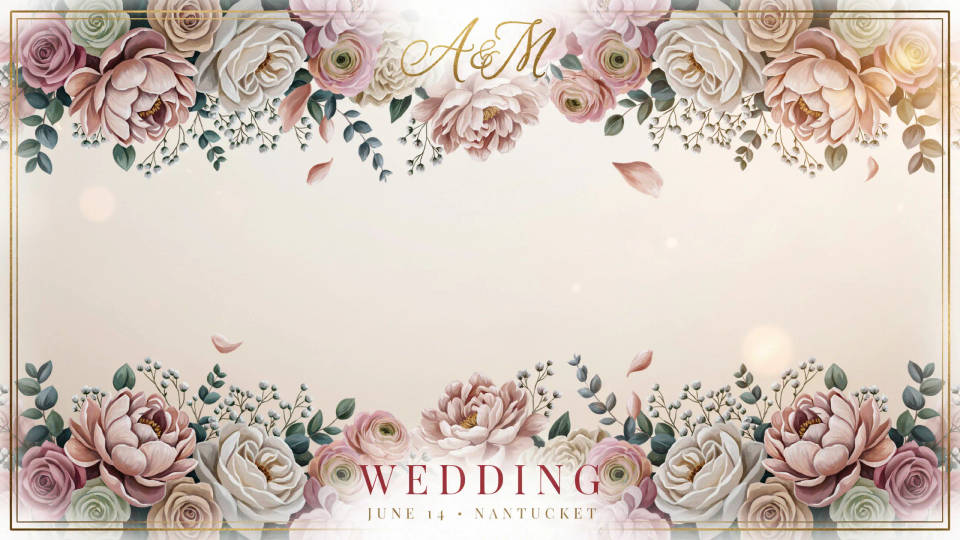
Give guests a filter to tag every snap from the day. Describe the theme, florals, a monogram, a soft palette, and the model puts the couple's names along the bottom with art in the corners. The centre stays clear so faces and first dances are never covered.
Birthdays and parties
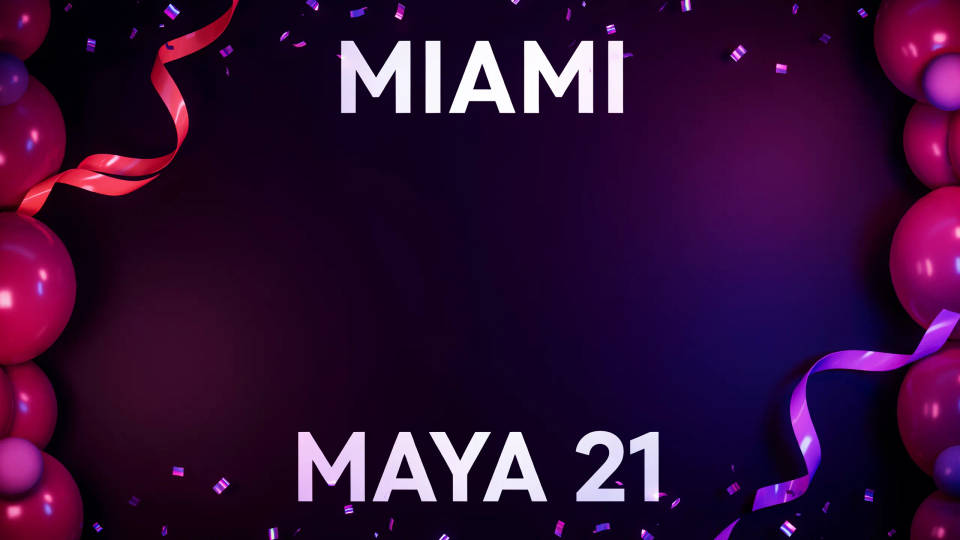
Make a filter that matches the party, confetti for a milestone or a neon look for a night out. Add a name and an age or a short hashtag along an edge, and the model keeps the middle open. A fun, shareable touch that guests actually use.
Venues, bars, and events
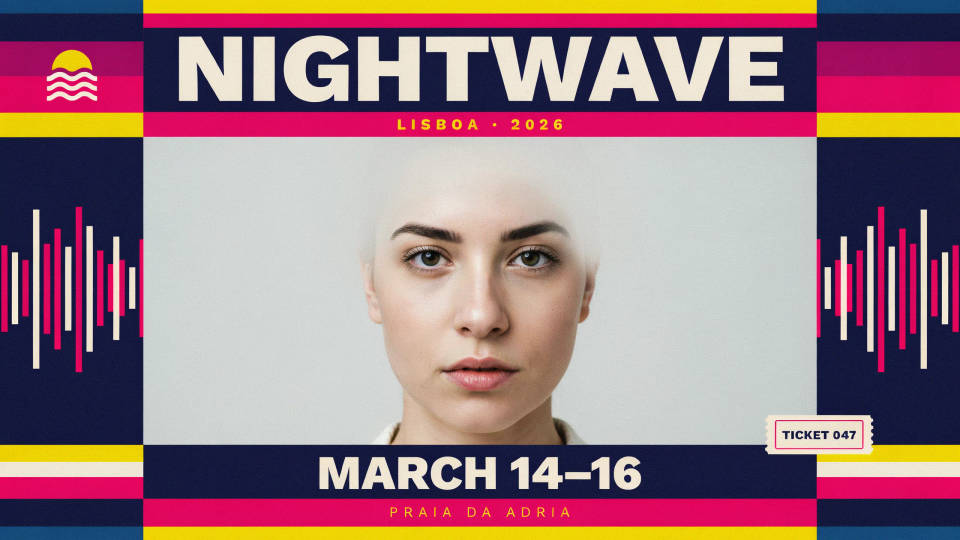
Brand a filter for a venue, a festival, or a conference so every snap carries the name and the date. Describe the vibe and the model builds a banner or corner treatment that reads without blocking the scene. Easy organic reach whenever people post from the room.
Graduations and milestones
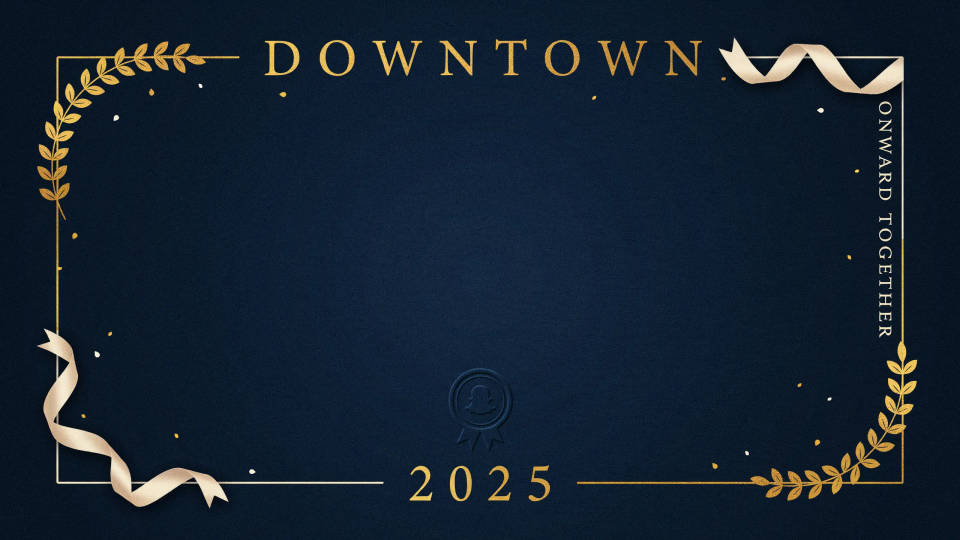
Mark a graduation, a baby shower, or a reunion with a filter people can drop on their photos. Add the year and a short line at the edge, pick a theme, and the model keeps the frame clean in the middle. Generate a couple of looks and share the one that fits.
Prompt examples
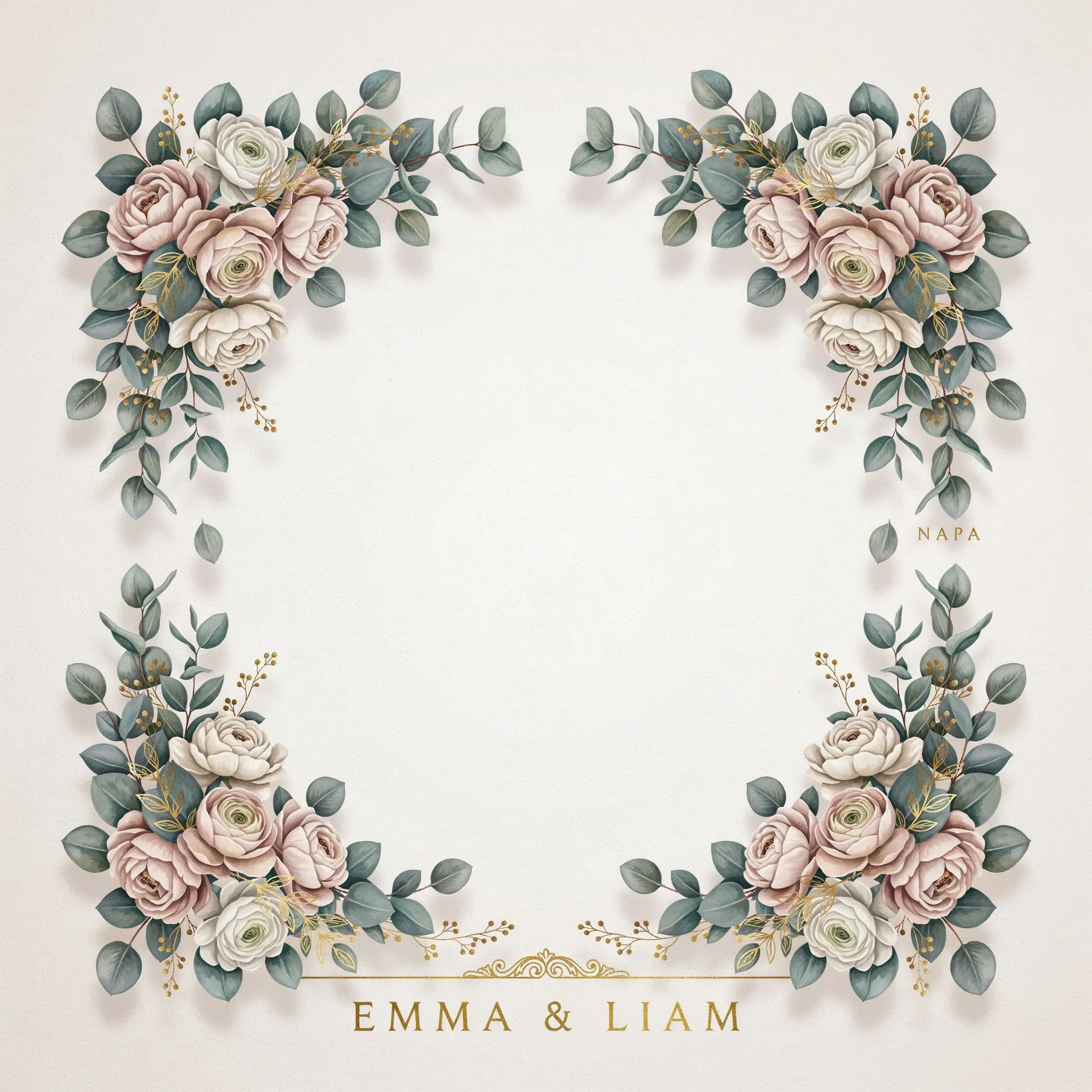
Wedding filter
A wedding Snapchat geofilter, soft eucalyptus and gold florals in the top and bottom corners, the names EMMA & LIAM along the bottom, centre kept completely clear
Edit prompt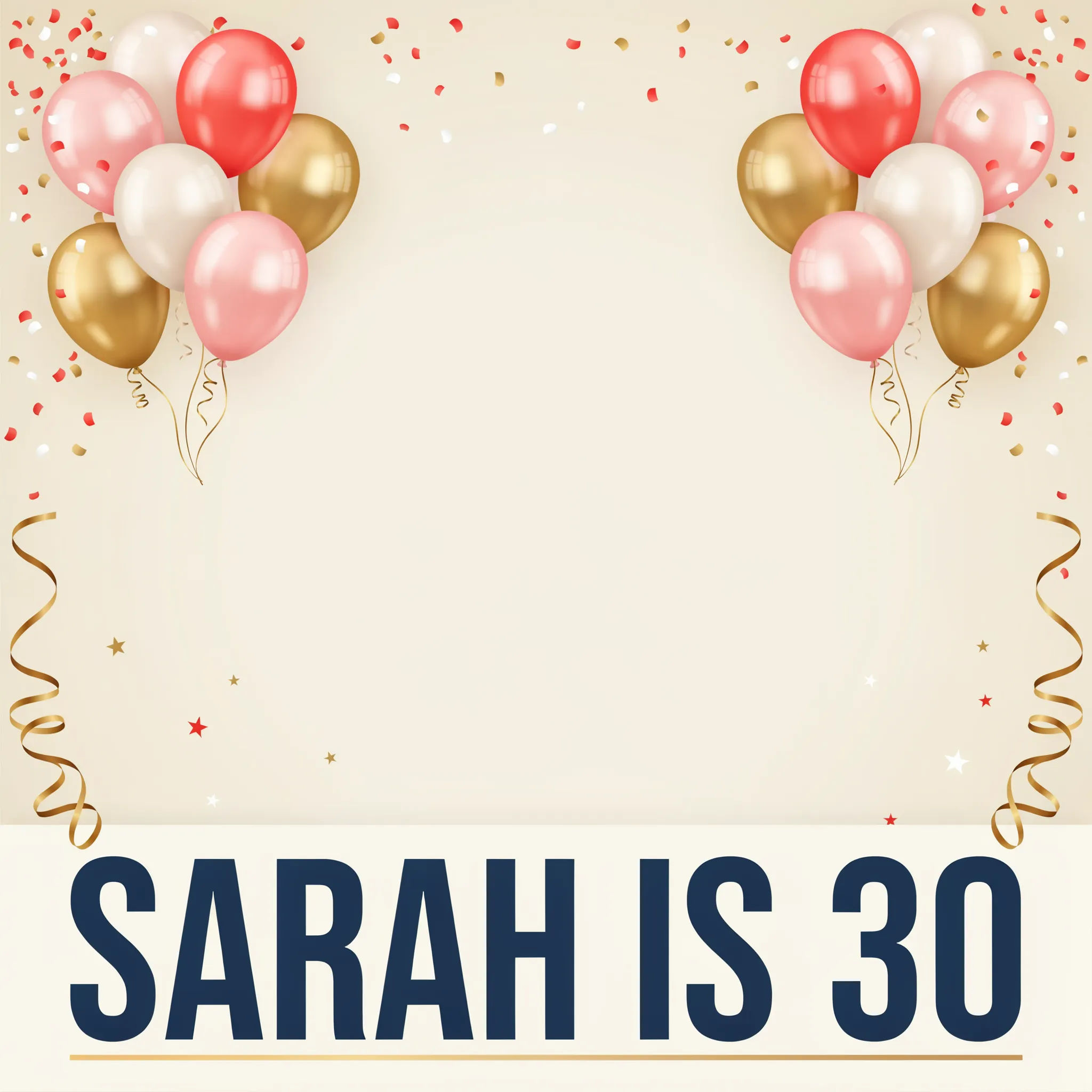
Birthday frame
A birthday geofilter, bright confetti and balloons in the corners, a bold line SARAH IS 30 across the bottom, the middle of the frame kept empty
Edit prompt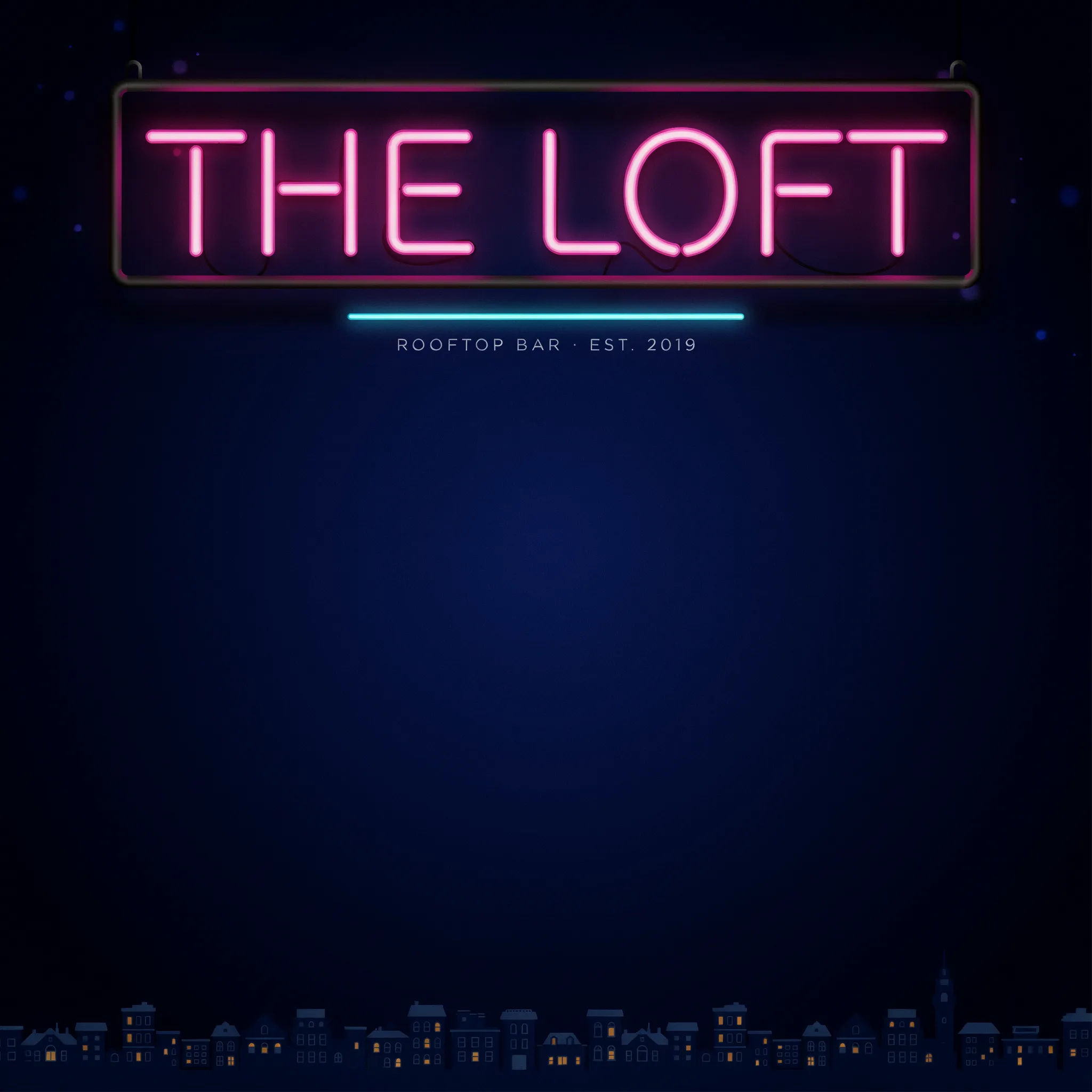
Venue banner
A bar geofilter, a neon sign style top banner with the venue name THE LOFT, small skyline art at the bottom, clear open centre, night colours
Edit prompt
Graduation
A graduation geofilter, navy and gold, a cap and tassel in the corners, a bold CLASS OF 2026 along the bottom, centre kept clear
Edit prompt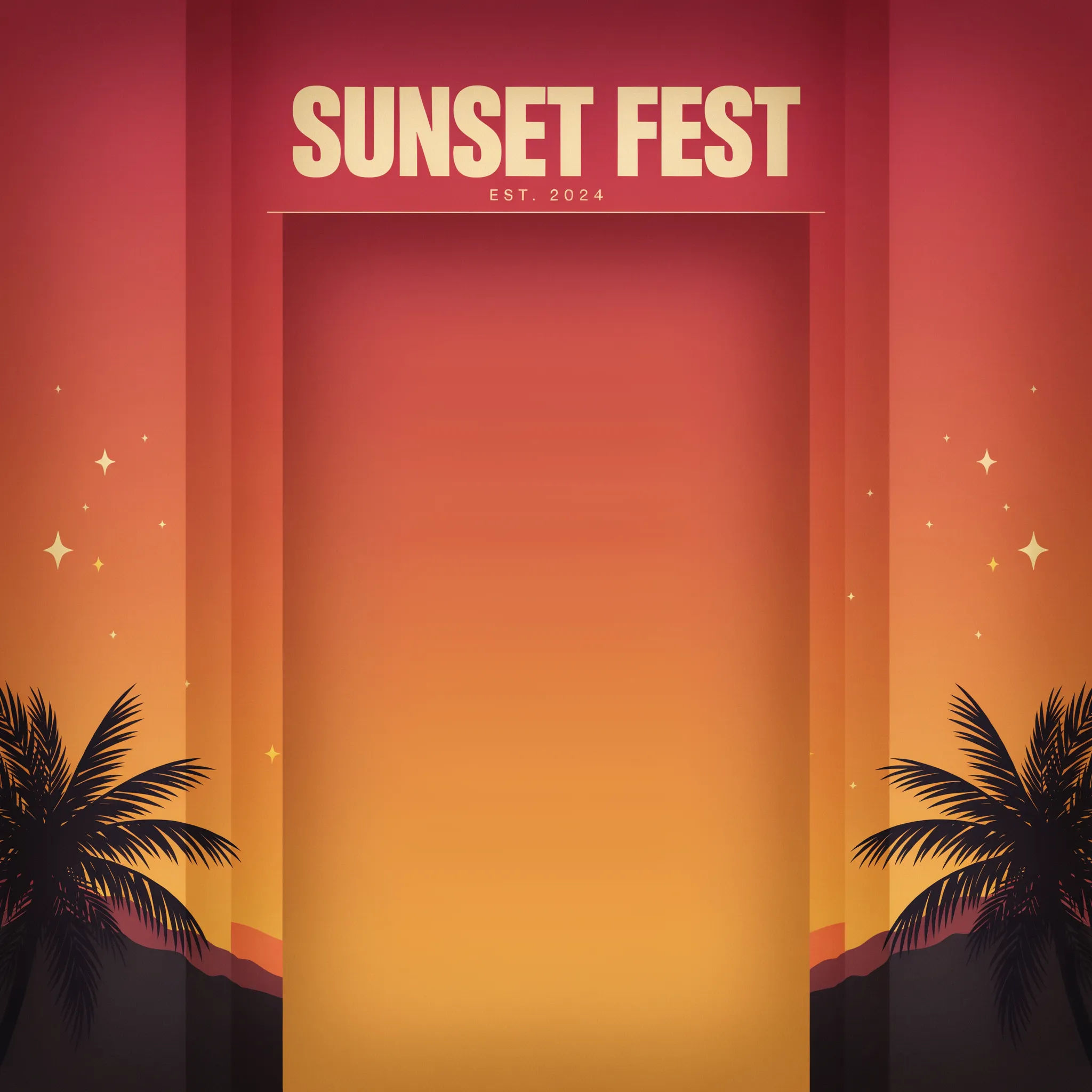
Festival vibe
A festival geofilter, bold sunset gradient art down the sides, a big word SUNSET FEST at the top, the centre left open for the crowd shot
Edit prompt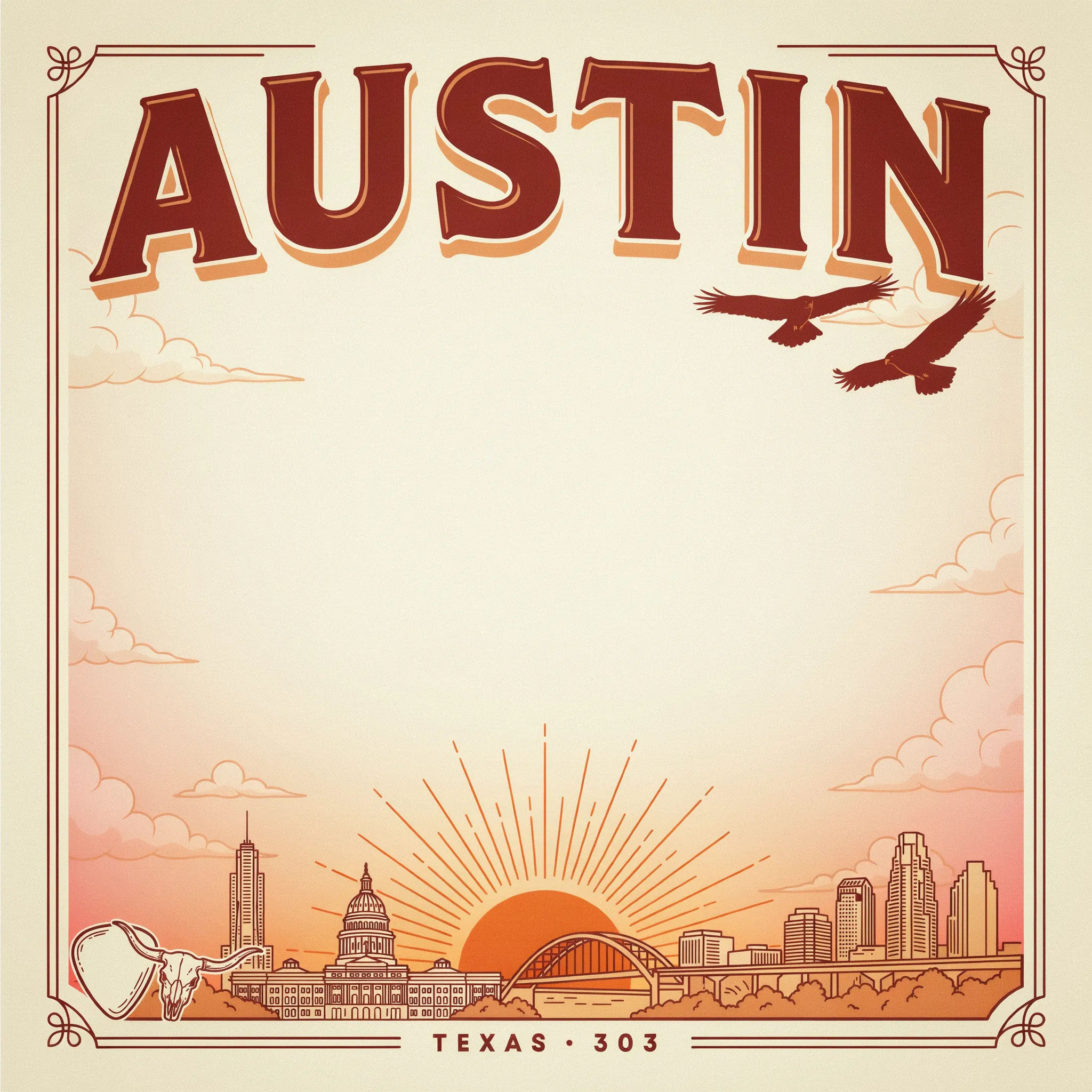
City landmark
A city geofilter, a clean line-art skyline along the bottom, the word AUSTIN in bold retro lettering, warm palette, centre kept completely clear
Edit prompt
Sketch to render
Turn any sketch or drawing into a finished render.

Expressions
Take any character image and generate 6 distinct facial expressions on a single reference sheet.

Anime style transfer
Pick any anime illustration as your style guide. Apply its look to any image.
Art style transfer
Pick a reference image, apply its visual style to your own photo or artwork.

Image reverse engineer
Get a detailed prompt extracted from a reference image, and then a fresh recreation.

Cinematic storyboard
Share a scene description with character references. Get a full storyboard with shot angles and mood.
All on Morphic
Your complete event overlay kitModels
Nano Banana 2, Flux 2 Pro, ChatGPT Images, Grok Imagine, Recraft, Seedream, and more. Swap models when a filter needs cleaner edges or sharper type.
Sticker generator
Design matching stickers and stamps to hand out alongside the event filter.
Social media post generator
Turn the same event look into posts and stories that promote it before the day.
Text to image
Generate any overlay, filter, or event graphic straight from a written description.
