Every image model
Blocks rebuilt into detail
Unpixelate an image in three steps
- 01
Open Morphic
Sign up and start creating on a free-flowing, infinite visual canvas.
- 02
Upload the pixelated image
Drop in the blocky or low-resolution picture you want to rebuild. Any common format works.
- 03
Rebuild and export
Morphic reconstructs the detail and enlarges the file. Pick your output size, then export.
Use cases
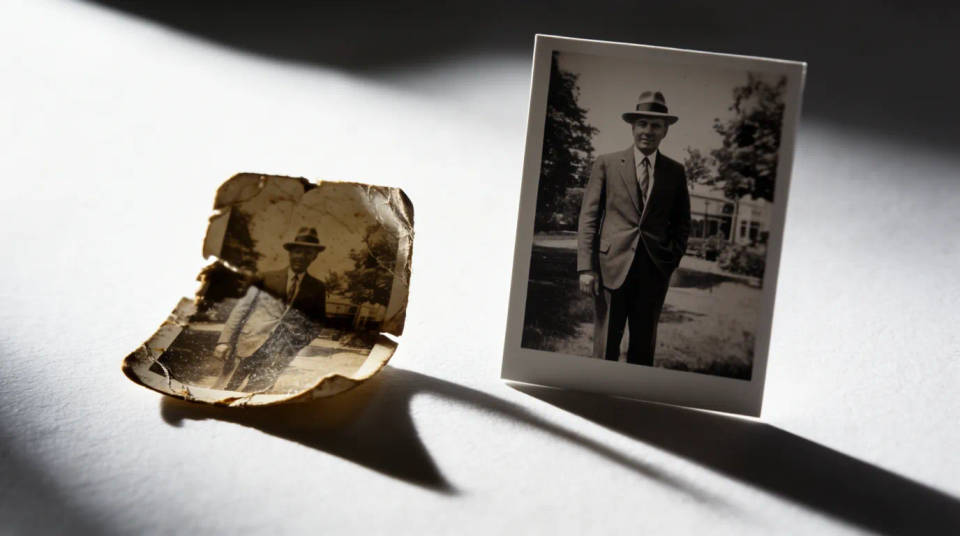
Salvage a tiny original
A photo saved small years ago looks like a mosaic when you open it today. Morphic rebuilds the frame with real detail while making it larger, so a thumbnail-sized source becomes something you can actually use. It reconstructs rather than stretches, which is why the result reads clean instead of blocky.
Fix a heavily compressed download
Images pulled from chat apps and social feeds arrive squashed, with blocky artefacts around edges and faces. Depixelation clears the compression damage and restores the definition the platform threw away. What was unusable on a big screen becomes a clean image again.
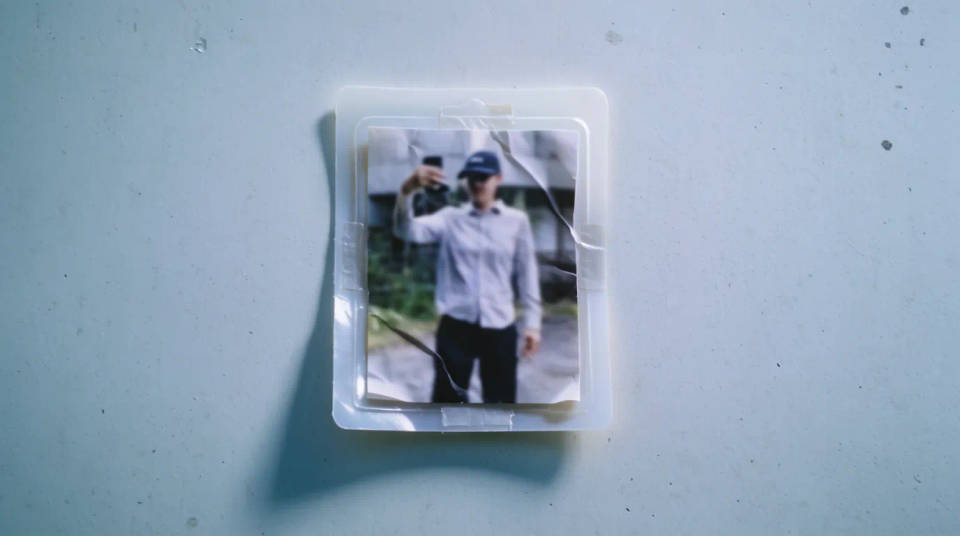
Rebuild old camera photos
Early phones and point-and-shoots produced low-megapixel files that pixelate the moment you zoom in. Morphic reconstructs the missing structure so old shots hold up on modern displays and prints. Enlarge in the same step and the memory finally matches the screen you view it on.
Clean up a low-res graphic or logo
A logo or graphic grabbed at low resolution shows stepped, jagged edges. Morphic rebuilds the lines and lettering so it looks intentional again rather than scavenged. Handy when the only copy you have of an asset is a small, rough one and you need it bigger and clean.
Prompt examples

Rebuild a blocky photo
Unpixelate this photo, rebuild the detail and enlarge it to a clean file
Edit prompt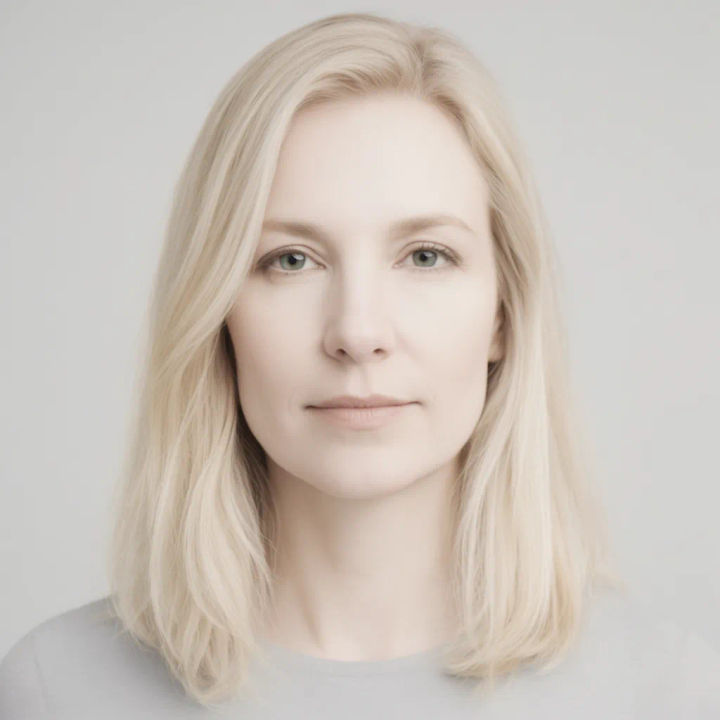
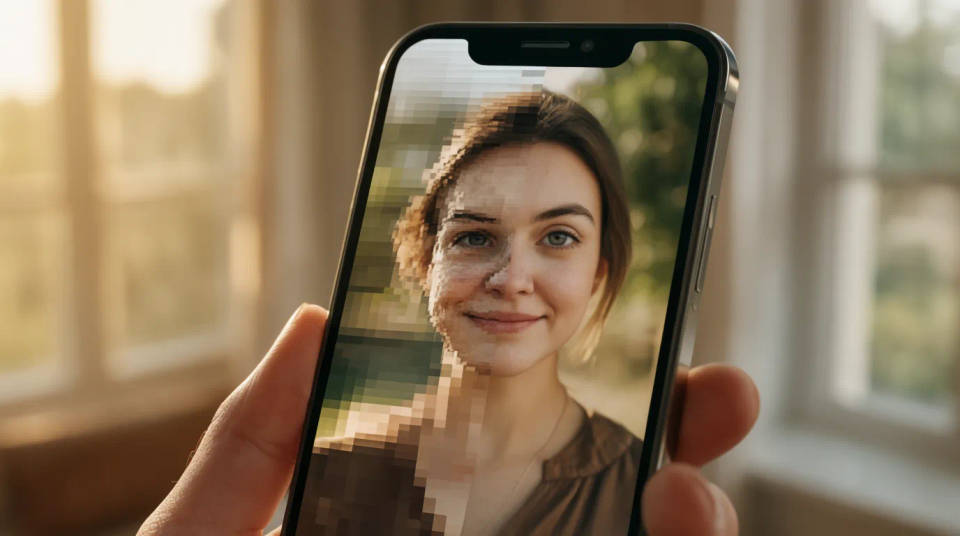
Fix a pixelated face
Reconstruct this pixelated face into a clean, natural-looking portrait
Edit prompt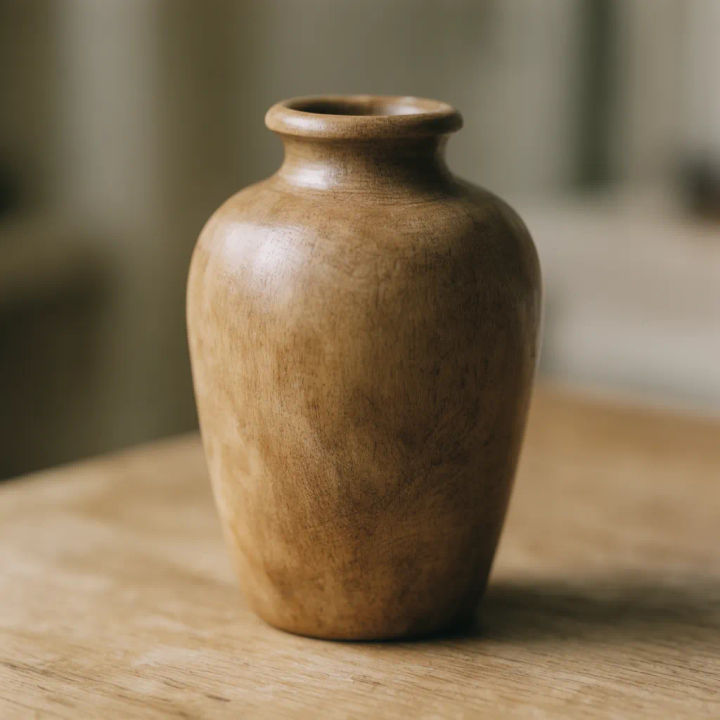
Clear compression blocks
Remove the compression artefacts from this download and restore the detail
Edit prompt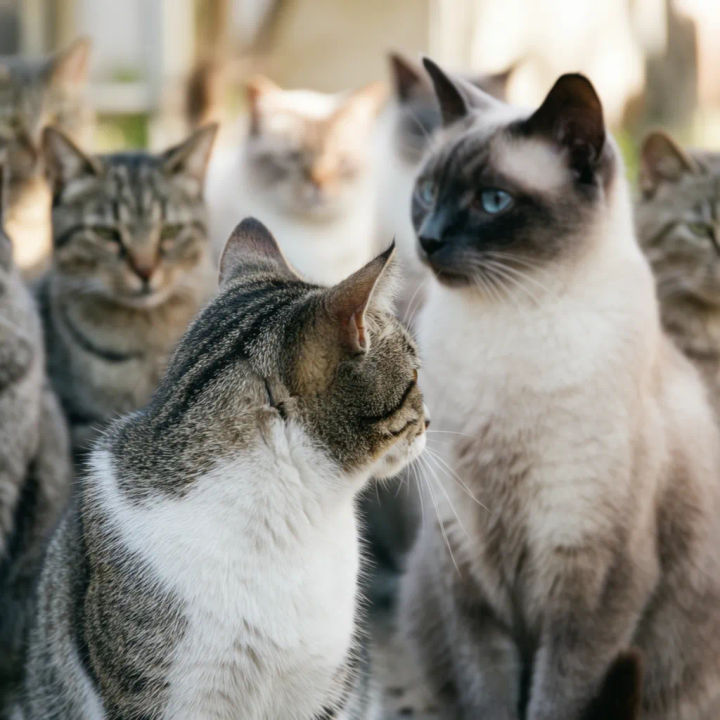
Enlarge a thumbnail
Rebuild this small thumbnail into a larger, sharp picture with real detail
Edit prompt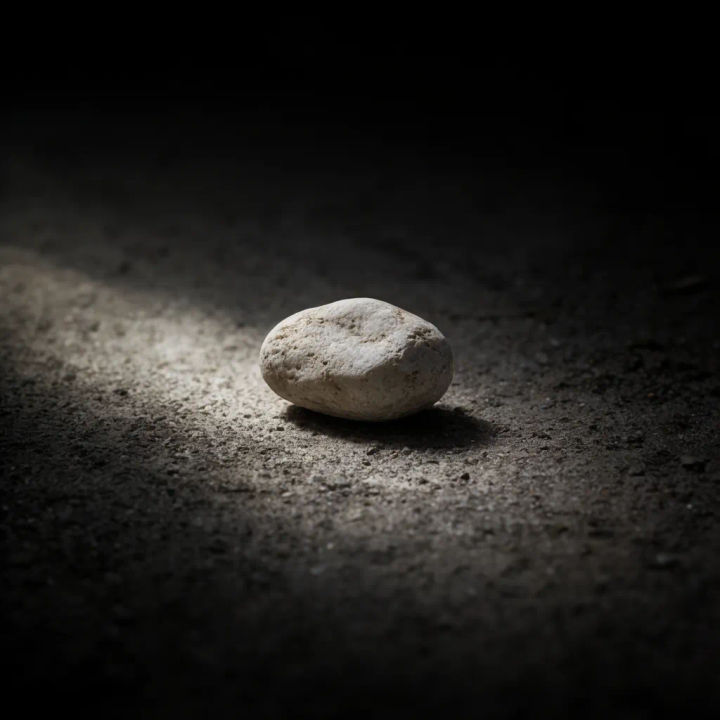

Cinematic storyboard
Share a scene description with character references. Get a full storyboard with shot angles and mood.

3x3 storyboard
Feed in a single image. Get 9 cinematic beats laid out as a 3x3 storyboard grid.

Messages to cinematic scene
Dramatize any text conversation into a cinematic multi-shot video.

Expressions
Take any character image and generate 6 distinct facial expressions on a single reference sheet.

Title sequence
Generate a professional film title card from scratch, with optional cinematic animation.
Time-freeze effect
Cinematic time-freeze short film for any scene
All on Morphic
Models
Nano Banana 2, Flux 2 Pro, ChatGPT Images, Grok Imagine, Recraft, Seedream, and more. Swap models when a rebuild needs a different touch.
Upscale
Push the rebuilt image to a much larger size while it keeps the detail you just recovered.
AI photo restoration
Repair old, damaged, and faded photos, the natural next step once the pixelation is gone.
Image to image
Rebuild, restore, and restyle any photo in the same workspace that powers depixelation.
