Restorations you can make
Restore a photo in three steps
- 01
Open Morphic
Sign up and start creating on a free-flowing, infinite visual canvas.
- 02
Upload the old photo
Drop in the scan or picture you want to repair.
- 03
Restore and download
Fix damage, sharpen, optionally colorize, then export.
Use cases
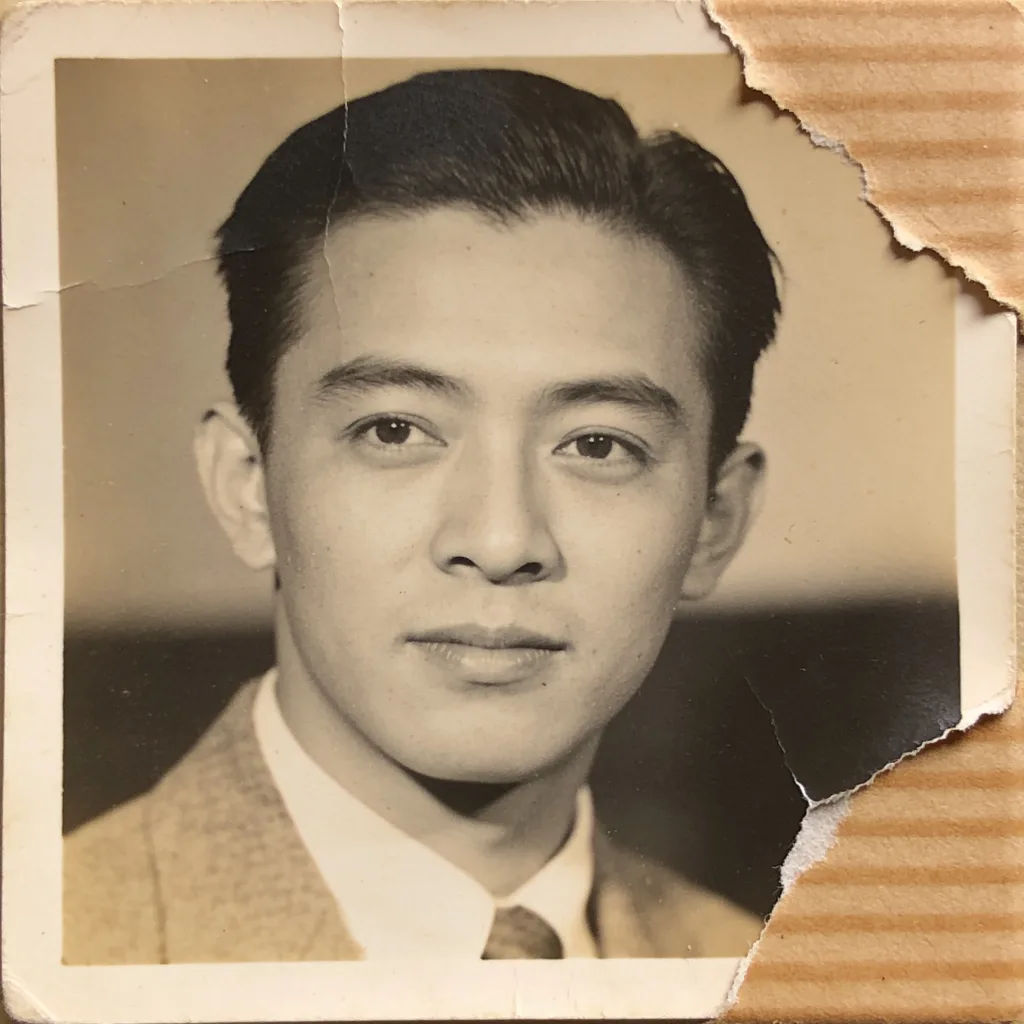
Rescue a damaged print
Remove scratches, tears, and stains while keeping the original moment. The damage disappears but the faces and details stay exactly as they were.
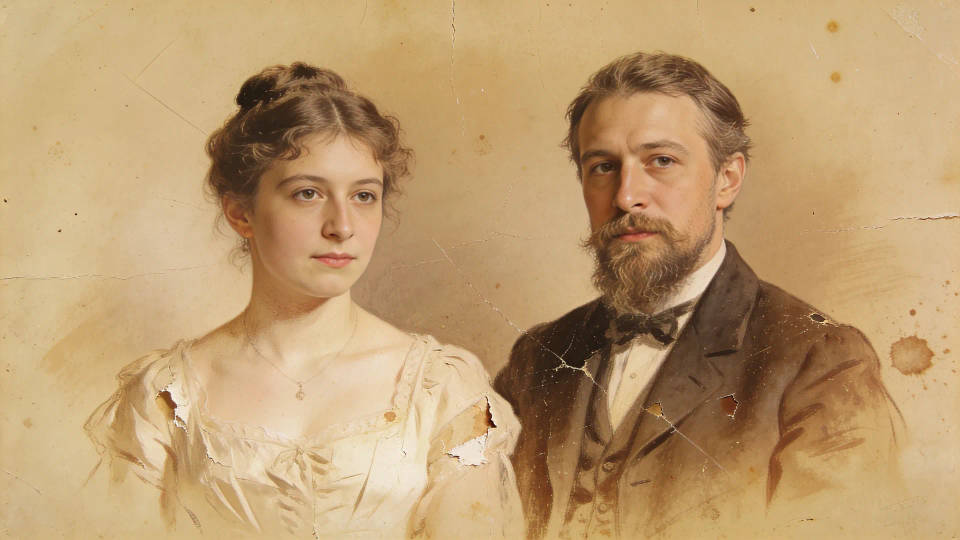
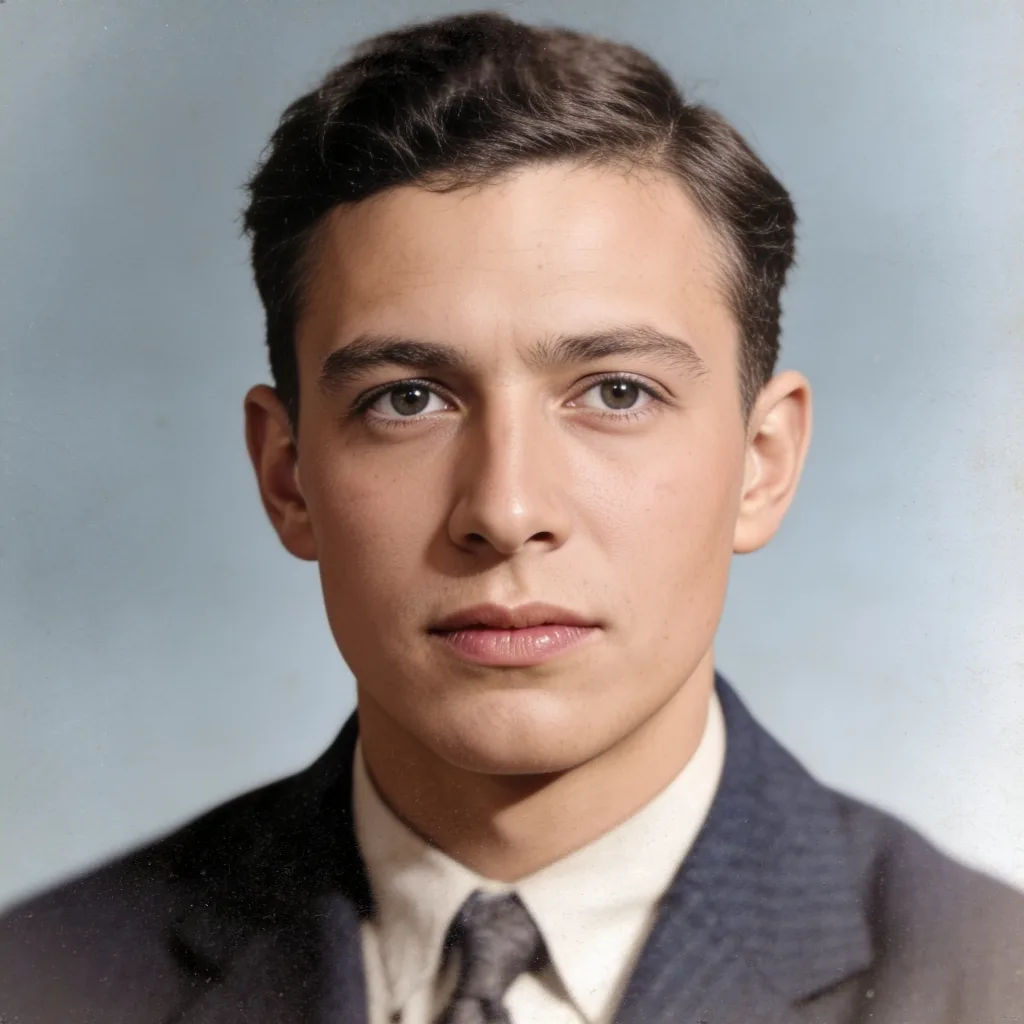
Colorize black and white
Add natural color to old portraits without changing the people. Period-appropriate tones bring the photo to life while keeping it faithful.
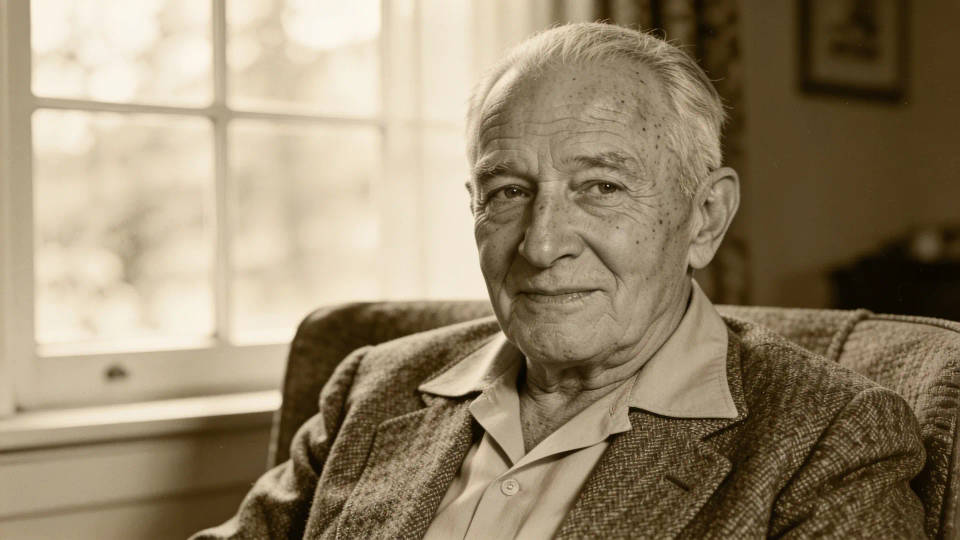
Sharpen a blurry scan
Lift detail and resolution so a soft photo reads clearly again. A faded or blurry scan comes back sharper and ready to print.

Reprint for family
Restore a keepsake to high resolution, ready to frame and gift. Bring a family photo back to life and share it with everyone.
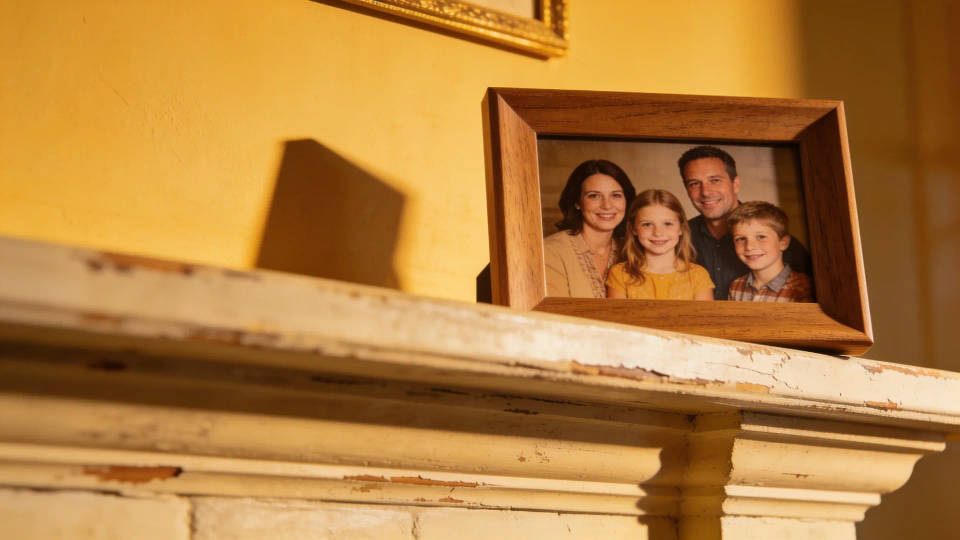
Restorations you can make
Each starts from your own photo. Open any prompt to tweak it and generate your own.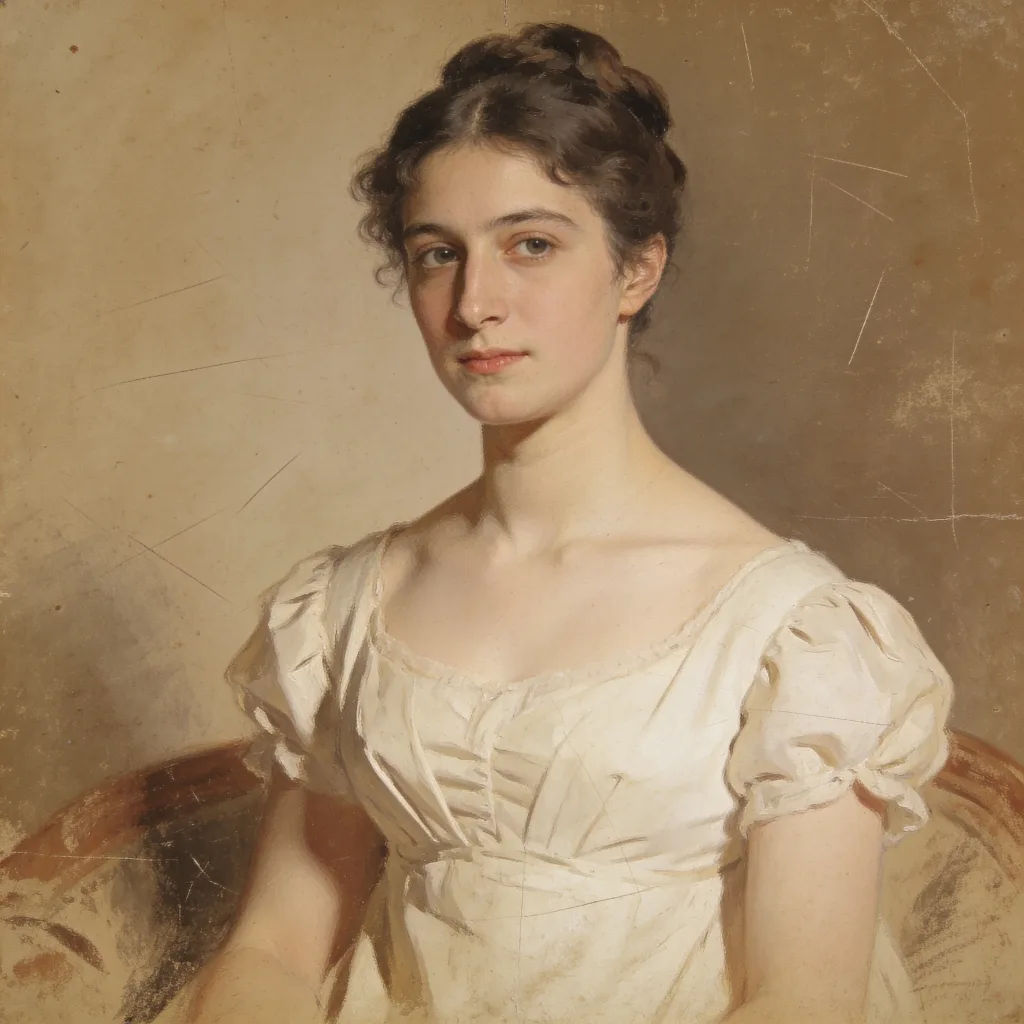
Scratch and fade repair
Restore this old photo, remove scratches and fading, keep faces intact
Edit prompt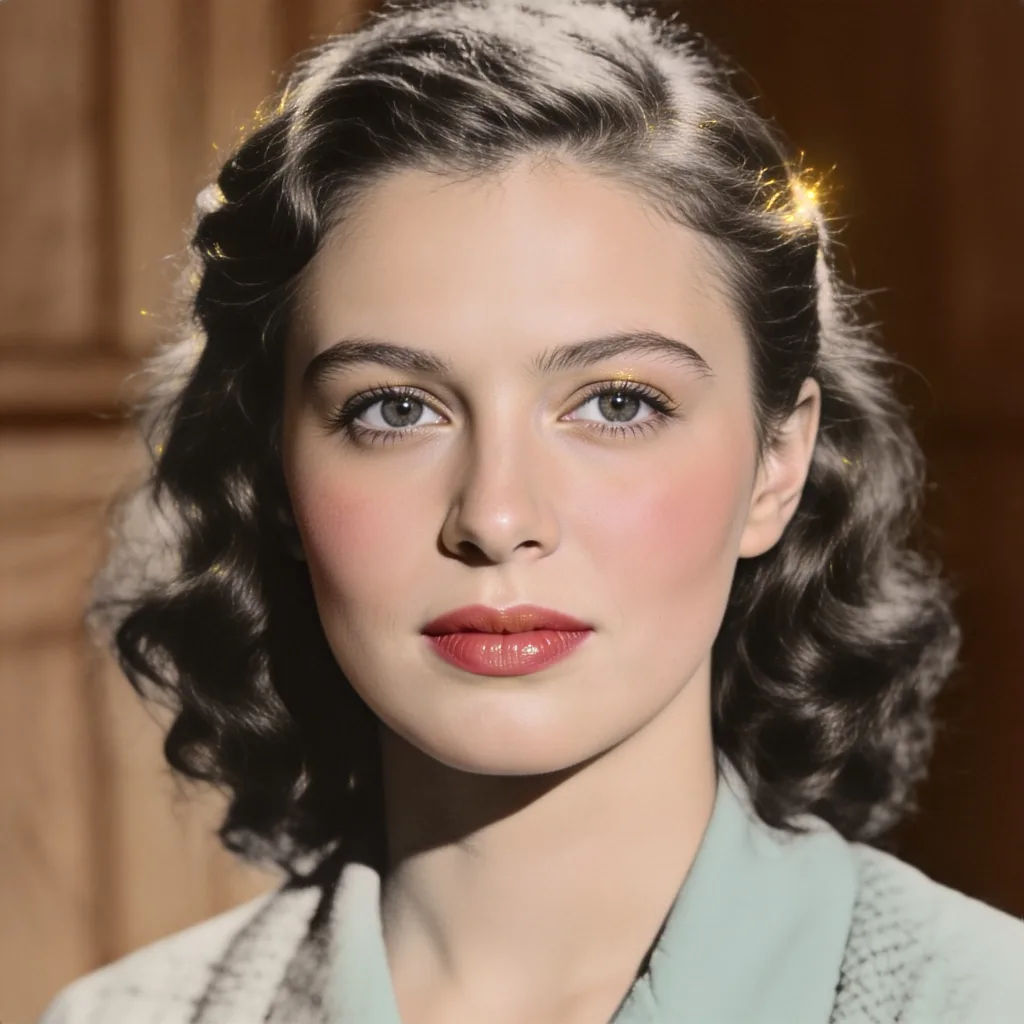
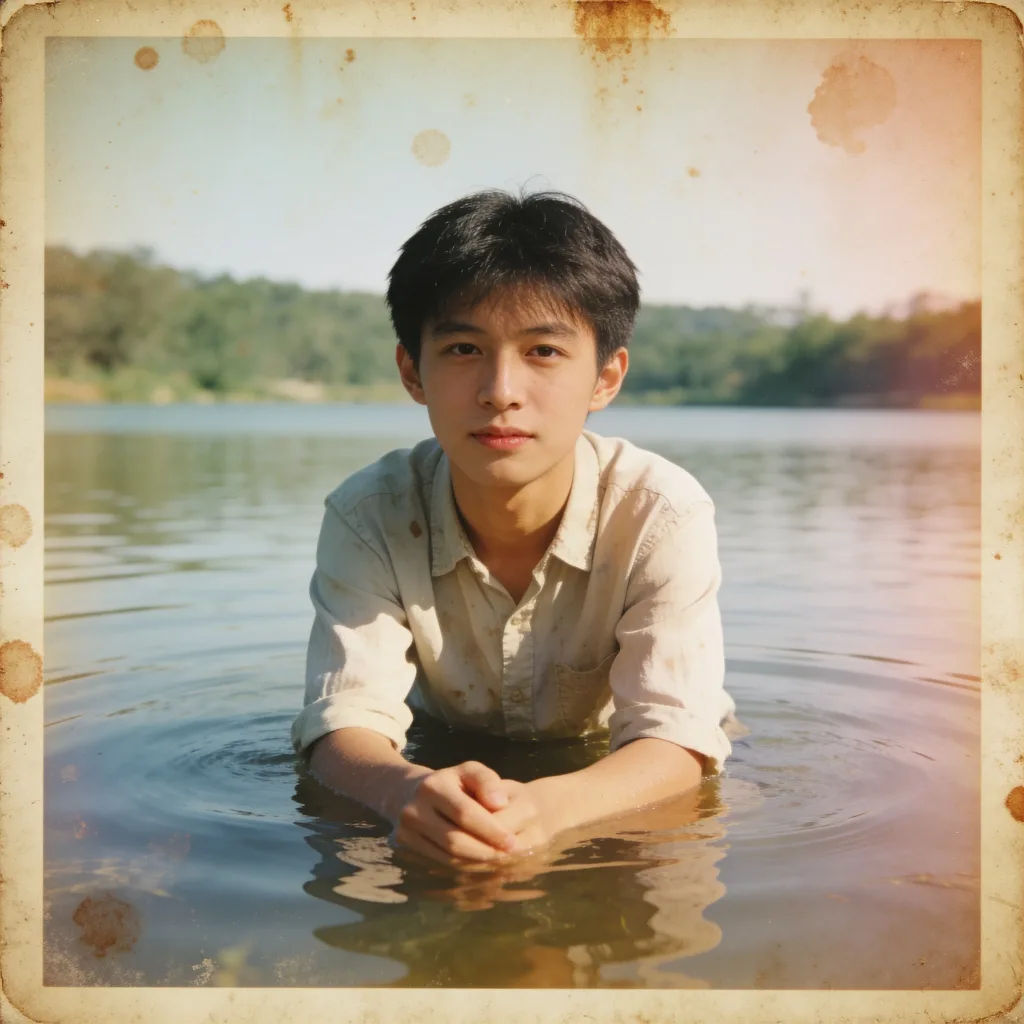

Vintage wedding revival
Restore this vintage wedding photo, gentle color, clean the background
Edit promptPhoto restore
Bring back any damaged, blurry, or low-res image. Get a sharp, detailed 4K version with natural clarity restored.

Character age progression
Upload a photo of a person or character and get a single grid image showing them at different life stages, from baby to elderly.
Skin enhancer
Fix plastic-looking AI skin. Adds natural texture, pores, and imperfections for realism.

Character look book
Character photo plus costume descriptions. Multiple styled looks across angles and lighting.
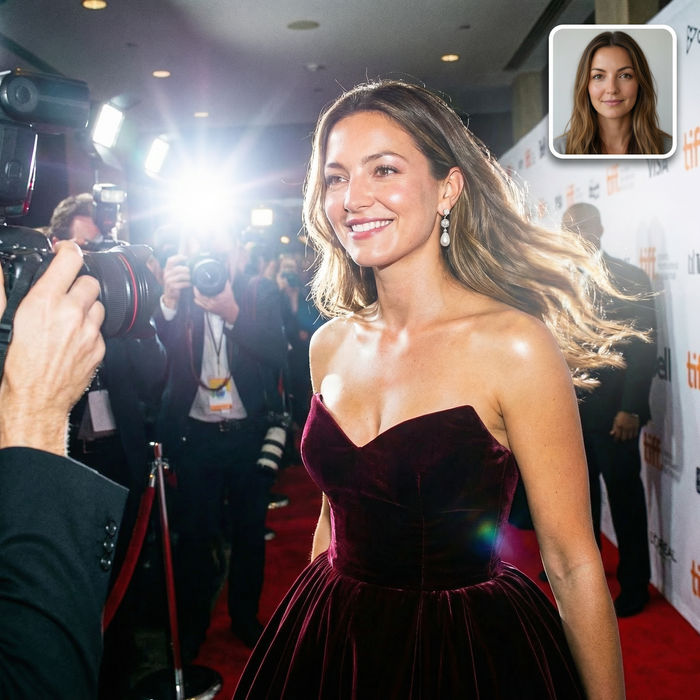
Paparazzi scene
Put anyone on a red carpet with paparazzi flashes, animated into a celebrity entrance video.

Product mockup generator
Upload a product photo and get studio-quality shots on any surface with configurable lighting, angles, and aspect ratios.
All on Morphic
Old and damaged photos, brought back with careModels
Nano Banana 2, Flux 2 Pro, Seedream 5, and more. Pick the model that recovers detail most faithfully, and swap anytime.
True to the original
Image-to-image cleans up damage without reinventing faces, so the moment stays real.
Colorize and sharpen
Add natural color and lift resolution in the same edit for a clean, framable result.
Workflows
Save a restoration recipe as a Workflow and run a whole album through it.
