Every video model
One workspaceVideo in, text out
Transcribe a video in three steps
- 01
Open Morphic
Sign up and start creating on a free-flowing, infinite visual canvas.
- 02
Upload your file
Drop in a video or audio clip. The speech is detected and written out for you.
- 03
Edit and export
Fix any wording, then export as plain text or a timed SRT.
Use cases
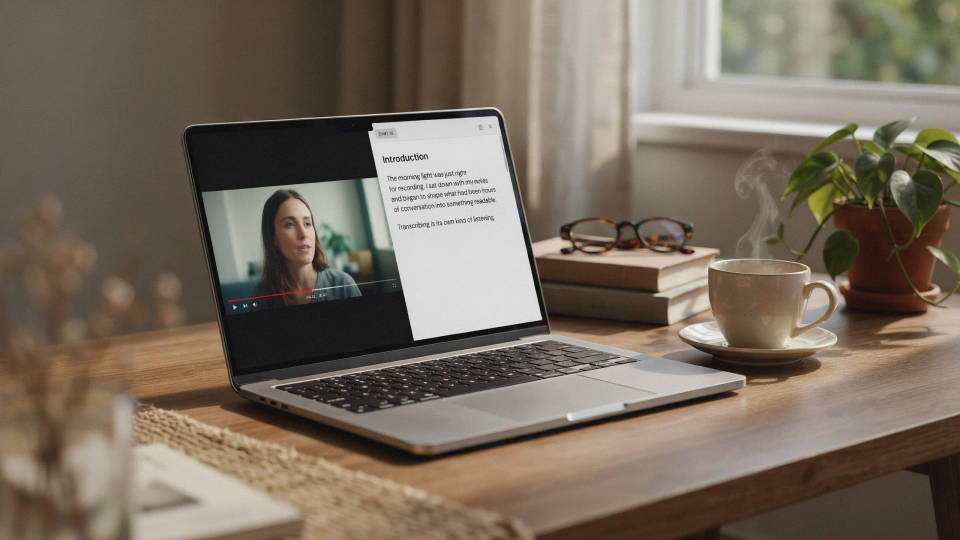
Turn a talk into an article
A recorded webinar or interview becomes a written draft the moment it finishes. Read the transcript, lift the strongest passages, and shape them into a blog post or newsletter. The spoken version already holds the argument, so writing turns into editing rather than starting from a blank page.
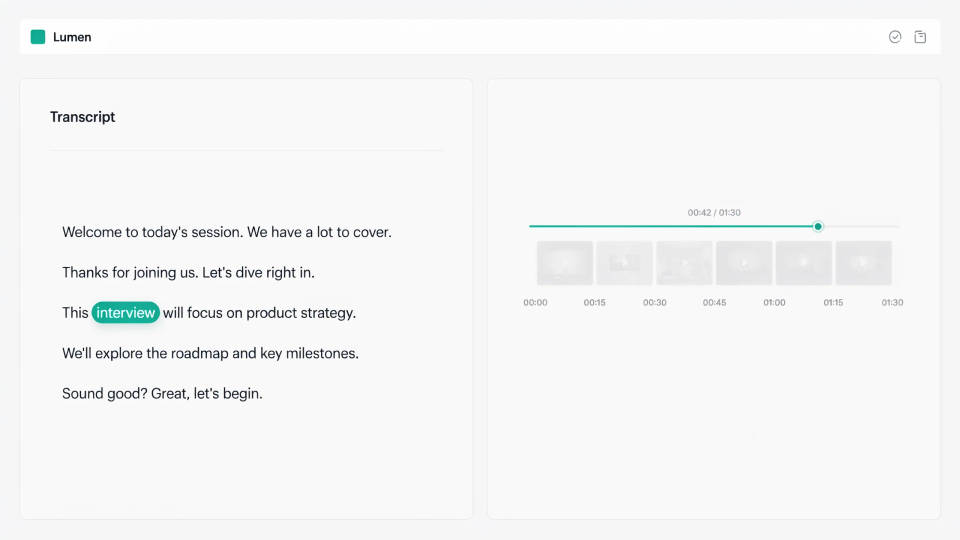
Searchable meeting records
A transcript makes a call findable. Search a name or a decision and jump straight to where it was said, instead of scrubbing an hour of footage. Keep the text next to the recording so the team has a reference that reads faster than the video ever could.
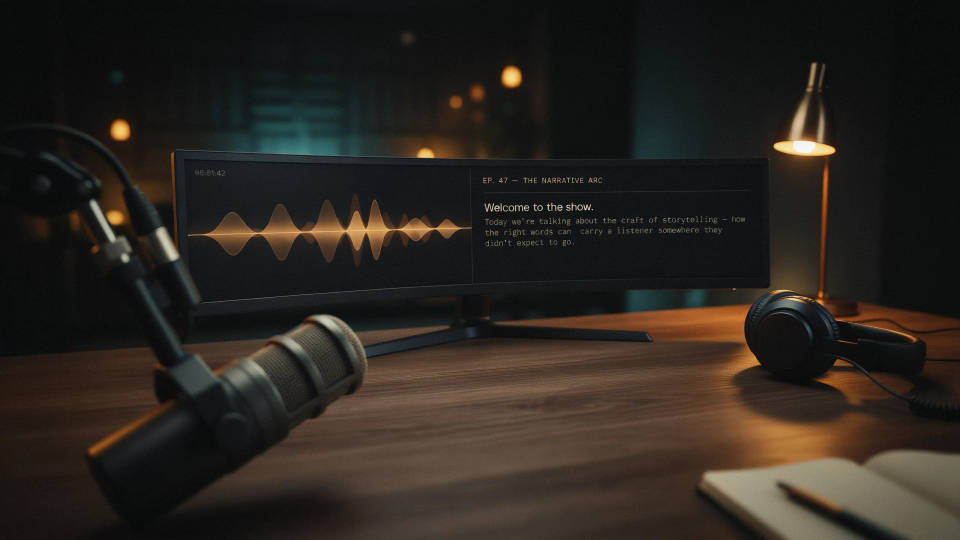
Notes from a podcast episode
An audio episode transcribes the same way a video does, since the words come from the sound. Hand listeners show notes, timestamps, and quotable lines pulled straight from the file, and give a search engine text to index for an episode that was otherwise invisible to it.
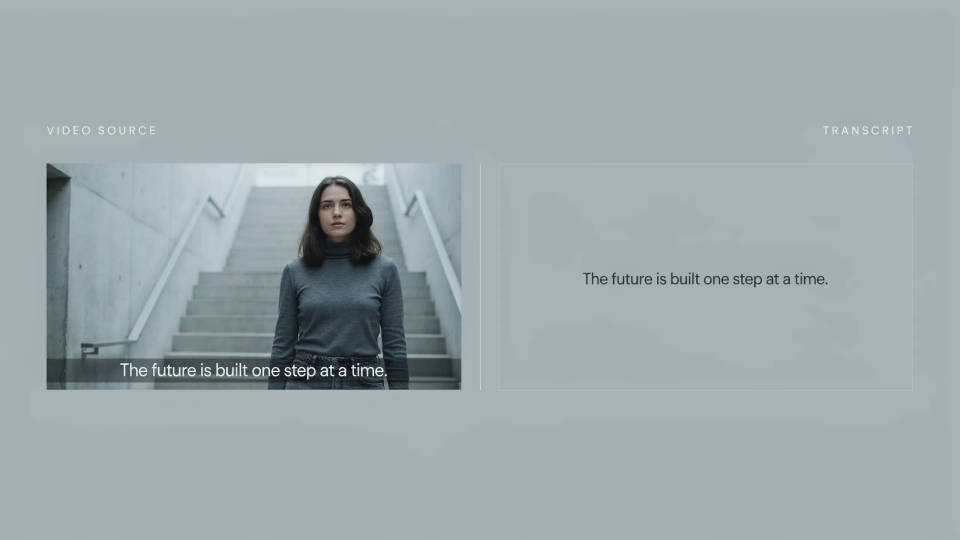
One upload, transcript and captions
The transcript that gives you a text record can also be timed and burned onto the clip as styled subtitles. Transcribe once, then send the written version to a doc and the on-screen version to a muted feed. You are not paying for the same audio to be read twice.
Cinematic scene
One image to a 9-scene cinematic video.
Time-freeze effect
Cinematic time-freeze short film for any scene
Short film creator
Go from any idea to a finished short film with scenes, visuals, video, and music.
Runway walk
Get a runway walk video clip with virtual try-on built in from a garment photo and a model photo.
Put yourself in a movie
Drop in a photo of yourself. Get a 12-second cinematic movie with animation and a matched soundtrack.
Renovation timelapse
Photo of any real-estate becomes a cinematic renovation timelapse video with construction SFX and music.
All on Morphic
From raw recording to usable textModels
Kling 3.0, Seedance 2.0, Veo 3.1, and more, so the same workspace that transcribes a clip also makes new footage.
AI subtitle generator
Turn the transcript into timed captions and burn them onto the clip with the type styled to match.
Subtitle translator
Translate the transcript into a new language while the timing stays locked to the footage.
Export options
Plain text for notes and articles, or a timed SRT that drops into a subtitle track or an editor.
