Every video model
One workspaceFrom footage to a transcript
Turn video into text in three steps
- 01
Open Morphic
Sign up and start creating on a free-flowing, infinite visual canvas.
- 02
Upload your video
Drop in the clip. The audio is transcribed into timed text for you.
- 03
Edit and export
Fix any wording, then export the transcript, or caption and translate it.
Use cases
Interviews you can quote
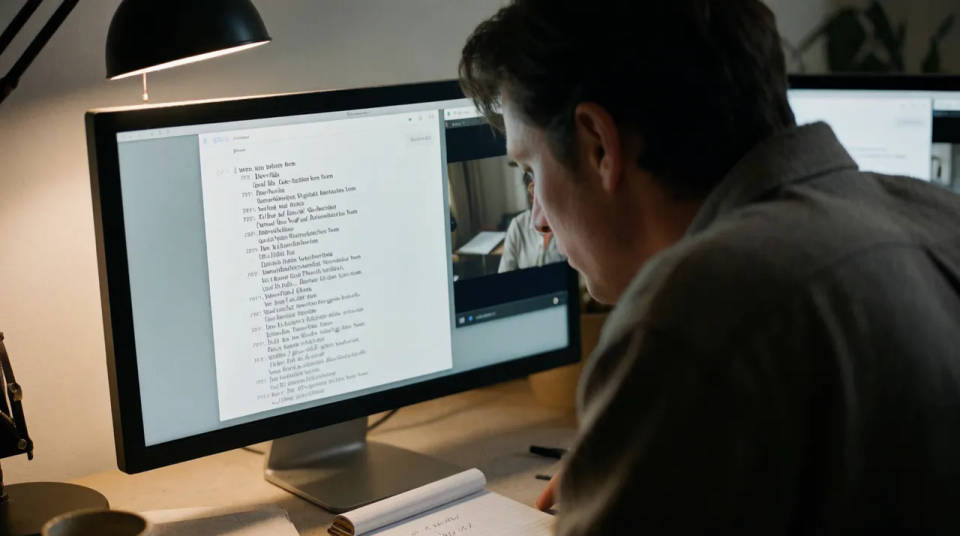
Transcribe a recorded interview and you get a searchable document you can pull quotes from. Editors and journalists work off the text instead of scrubbing the footage, and the timing on each line makes it quick to jump back to the moment a quote was said.
Lecture and webinar notes
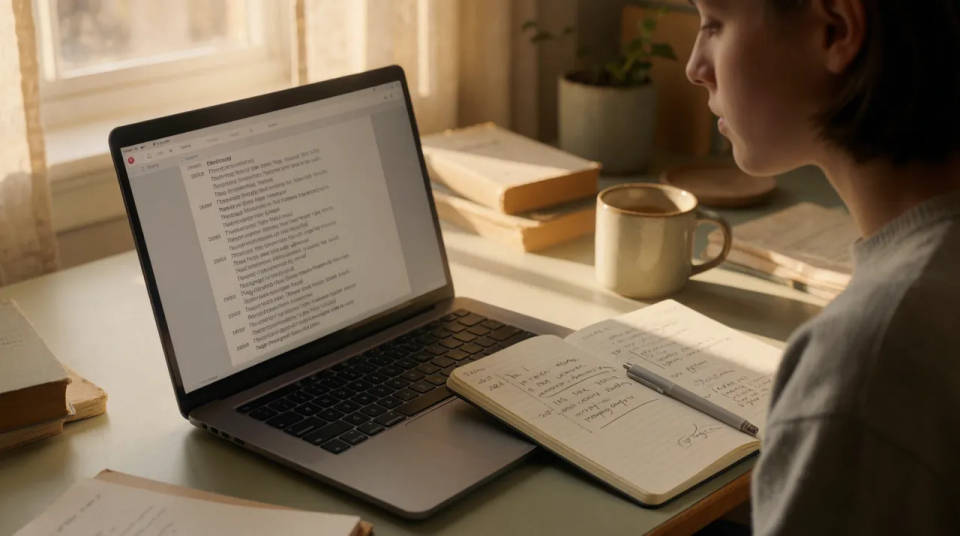
A recorded lecture or webinar becomes a set of notes anyone can read at their own pace. Students and teams skim the transcript for the parts that matter, and the text can be turned into captions so the same recording is accessible to every viewer.
Repurpose footage into copy
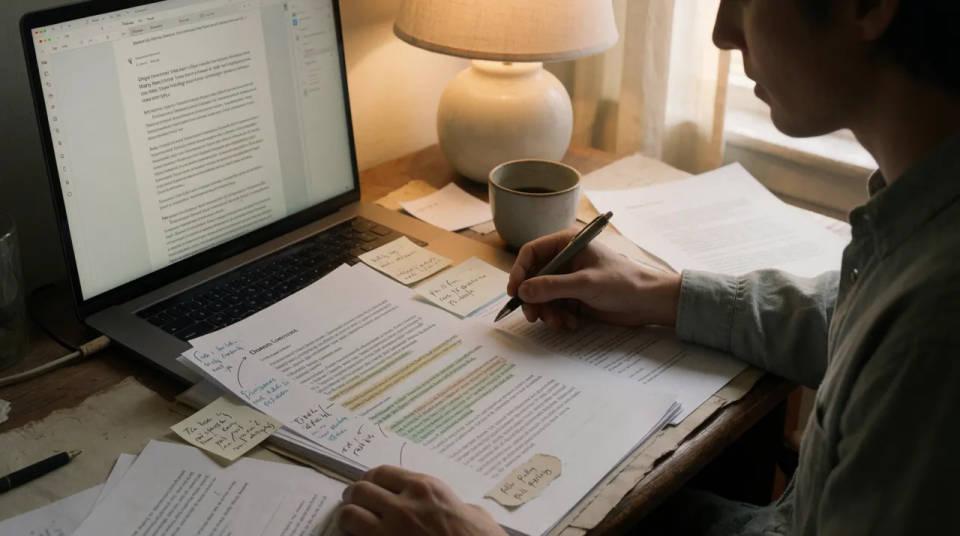
A single talk holds a blog post, a thread, and a set of pull quotes. Start from the transcript and you are editing words rather than transcribing them by hand, which is the slow part of turning a long recording into short written pieces.
Straight into captions
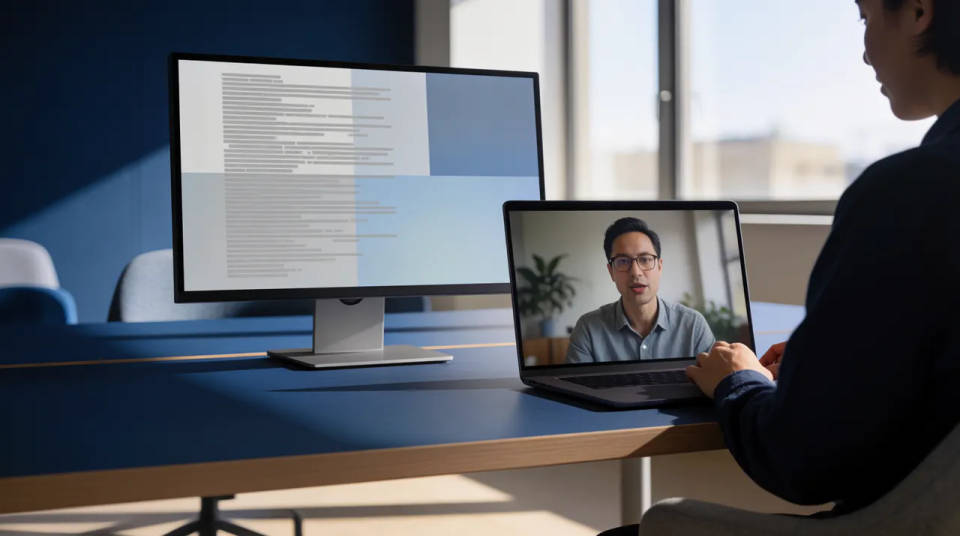
Because the transcript is already timed to the audio, it flows into subtitles without a second pass. Style the type, add word-level timing, and burn it onto the clip, so the same text that started as a document ends up on the footage.
Cinematic scene
One image to a 9-scene cinematic video.
Time-freeze effect
Cinematic time-freeze short film for any scene
Short film creator
Go from any idea to a finished short film with scenes, visuals, video, and music.
Renovation timelapse
Photo of any real-estate becomes a cinematic renovation timelapse video with construction SFX and music.
Motion transfer
Pair a character image with a reference video. Your character picks up that exact motion.
Video style transfer
Restyle any video in a completely new visual style. Every frame transforms, all motion stays intact.
All on Morphic
From footage to text and backModels
Kling 3.0, Seedance 2.0, Veo 3.1, and Ideogram for shots that need legible words inside the frame.
AI subtitle generator
Turn the transcript into styled, timed captions and burn them onto the clip.
AI video dubbing
Replace the spoken audio in a new language with AI voices instead of only reading the text.
Export the transcript
Take the text out as a plain document or a timed SRT to use anywhere else.
