Every image model
Wedding invitation styles you can make
Make a wedding invitation in three steps
- 01
Open Morphic
Sign up and start creating on a free-flowing, infinite visual canvas.
- 02
Add names and details
Type the couple names, the date, the venue, and the style, from classic serif to modern minimal.
- 03
Generate the suite
Get the invitation, then ask for the save the date and cards in the same look. Export at print size.
Use cases
One matching suite
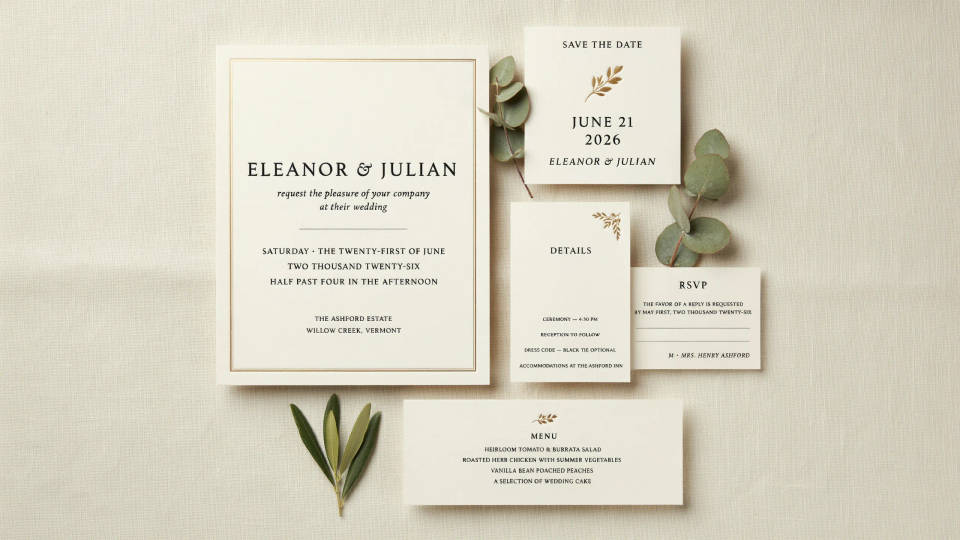
A wedding is rarely one card. Set the invitation look first, then carry it onto the save the date, the details insert, the RSVP, and the menu. Because they all share a palette and type treatment, the set reads as one design rather than a stack of separate pieces, and you never restart from a blank page.
Try styles before you commit
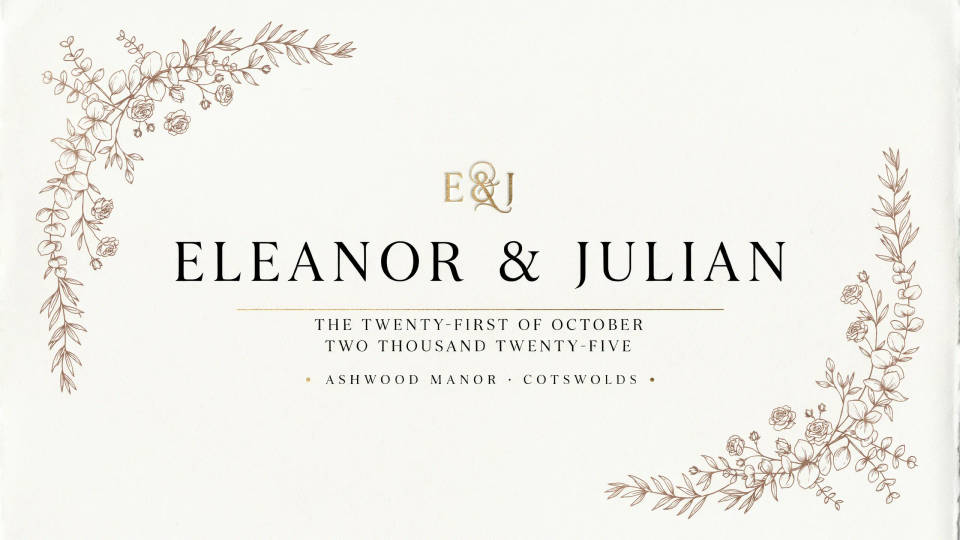
Classic serif, fine botanical line art, moody florals, or clean modern type each change the whole feel. Describe a few and generate them side by side, then choose the one that matches your venue and season. Exploring is quick, so you decide with real options in front of you.
Print and share digitally
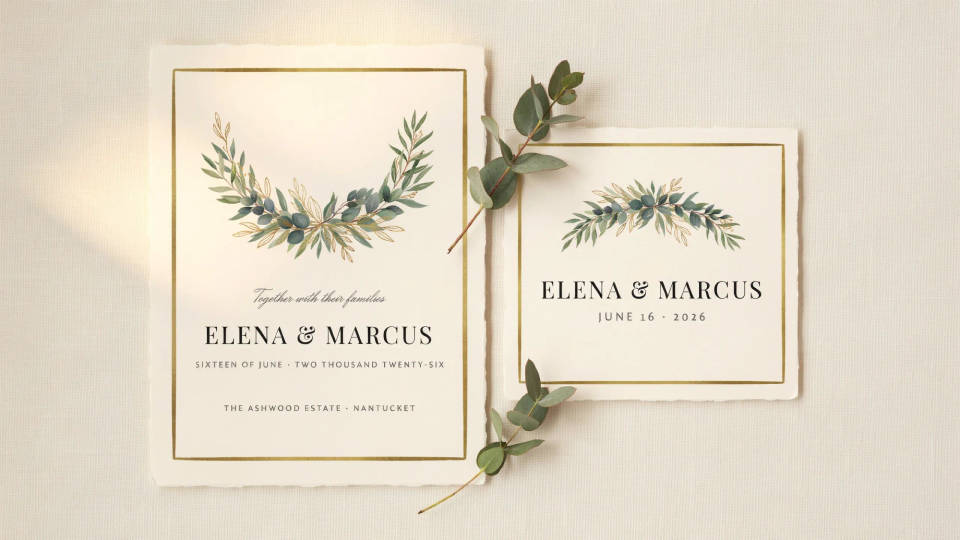
Export a 5x7 card for the printer and a square announcement for the group chat and socials. Both carry the same art and wording, so guests see one consistent invitation whether it arrives by mail or by phone.
Signage and day-of pieces
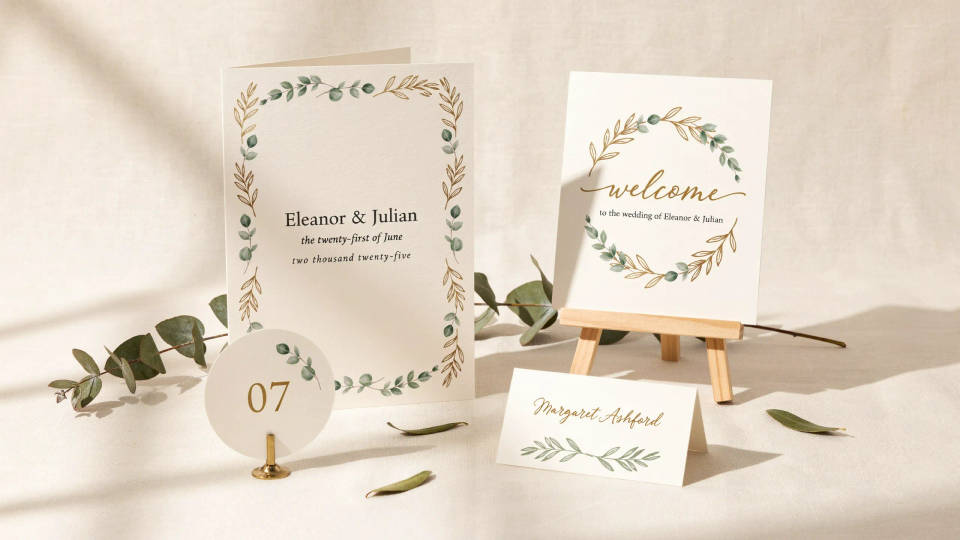
Keep the style going onto a welcome sign, table numbers, and place cards. Using the same look across the day-of pieces ties the ceremony and the paper together, and it takes only a new brief in the same palette to make each one.
Prompt examples
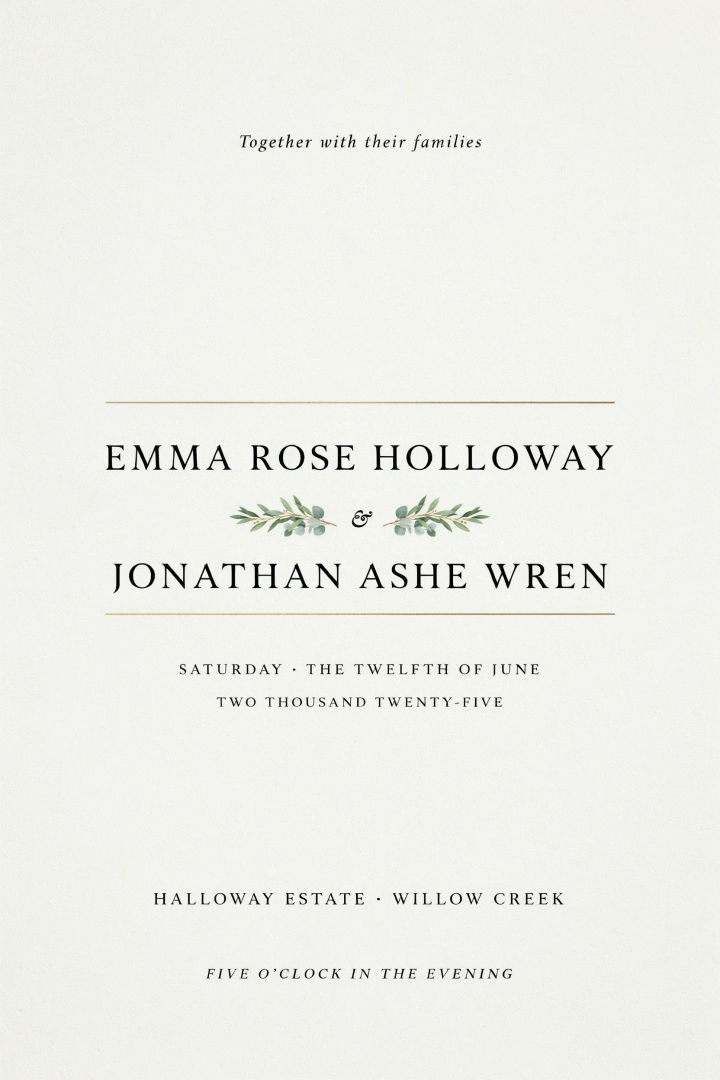
Classic serif
Wedding invitation, 5x7 portrait, ivory ground, elegant classic serif couple names centered, thin gold rule, small botanical flourish, room for date and venue
Edit prompt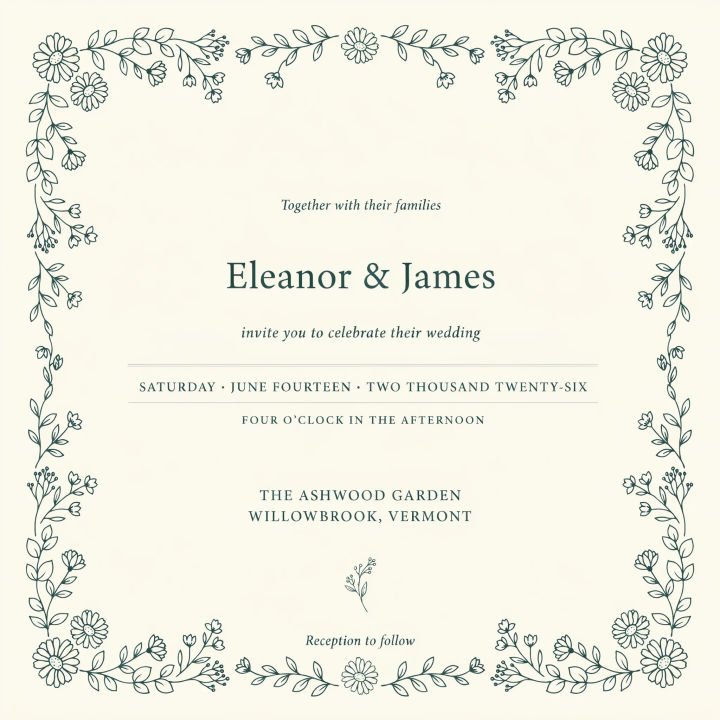
Fine botanical
Fine-line botanical wedding invitation, delicate hand-drawn wildflowers framing the text, soft sage on cream, refined serif heading, airy and light
Edit prompt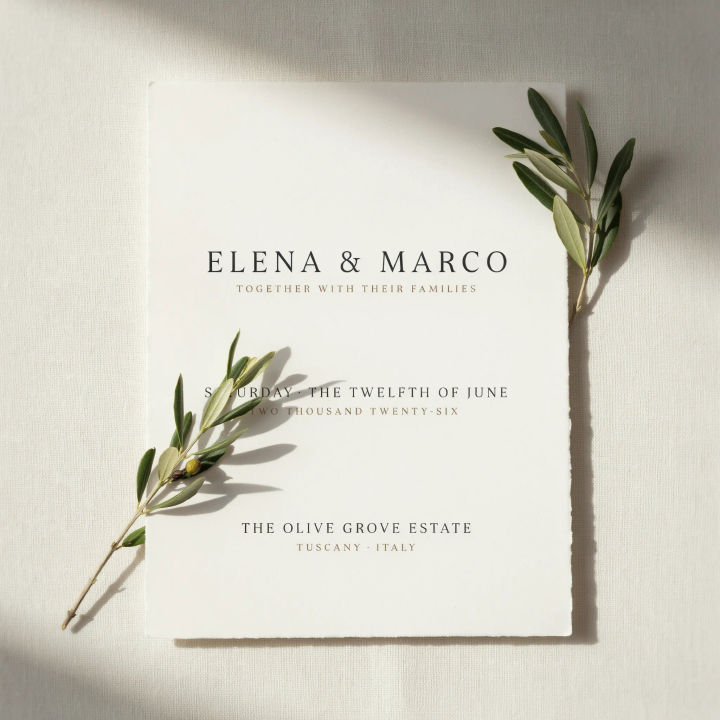
Modern minimal
Modern minimal wedding invitation, warm white card, thin sans-serif type, single olive branch accent, generous white space, understated and clean
Edit prompt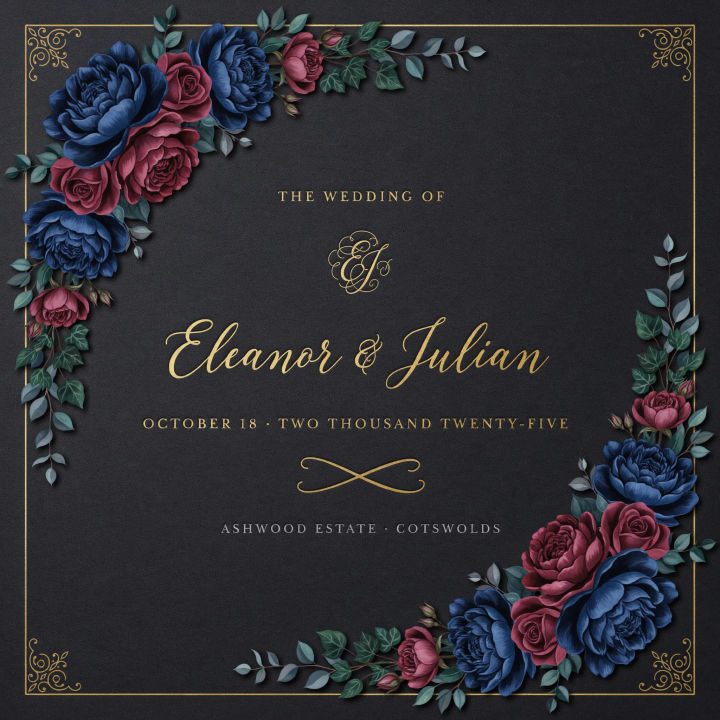
Moody florals
Moody wedding invitation, deep navy and burgundy florals on charcoal, gold script names, dramatic romantic mood, rich saturated palette
Edit prompt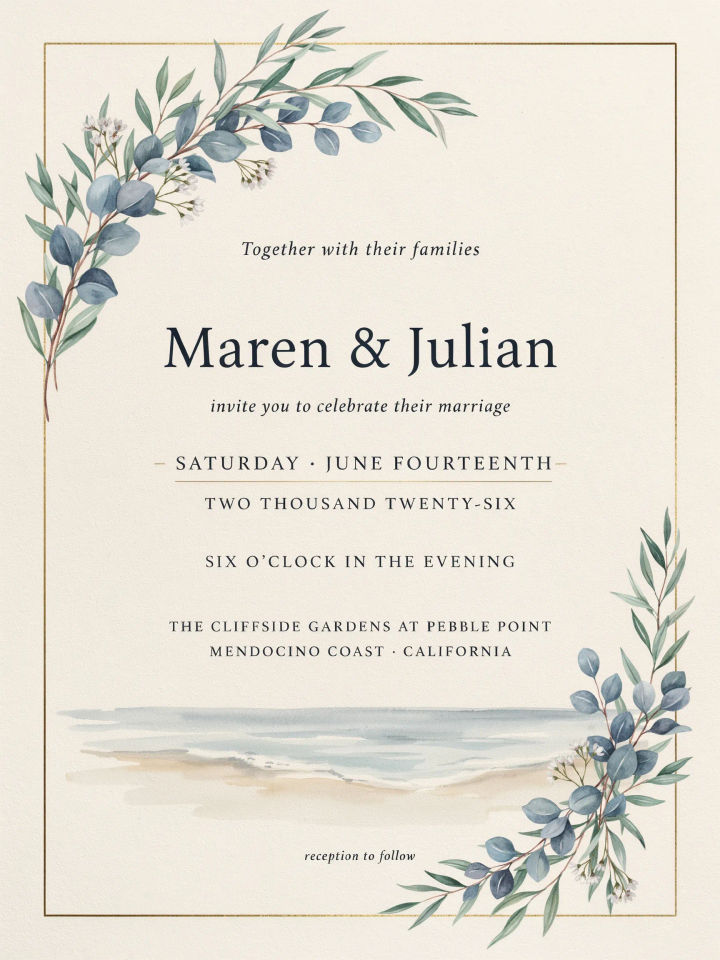
Coastal
Coastal wedding invitation, soft blue and sand palette, watercolor shoreline and light florals, relaxed serif heading, breezy seaside feel, 5x7 portrait
Edit prompt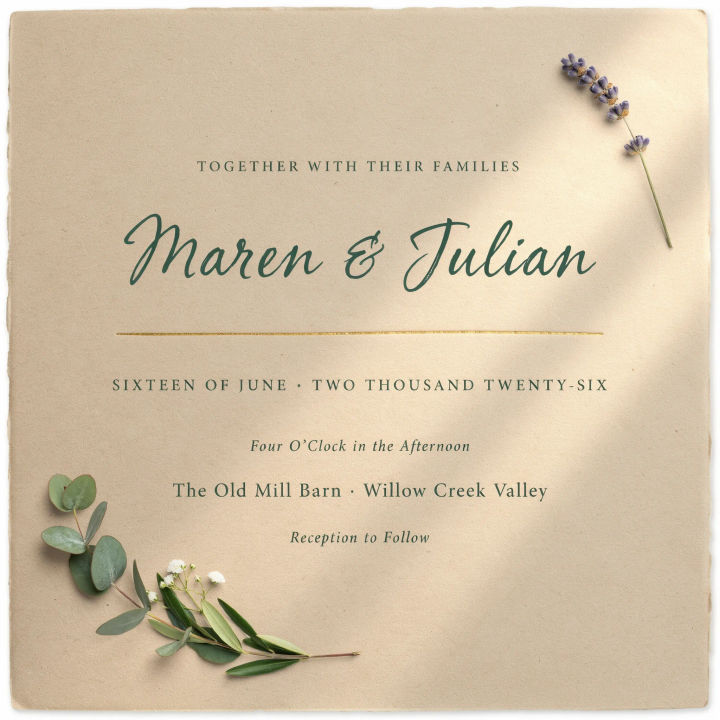
Rustic kraft
Rustic wedding invitation, kraft paper texture, hand-lettered heading, simple greenery sprig, warm natural tones, cozy countryside mood
Edit prompt
Cinematic storyboard
Share a scene description with character references. Get a full storyboard with shot angles and mood.

Messages to cinematic scene
Dramatize any text conversation into a cinematic multi-shot video.

Title sequence
Generate a professional film title card from scratch, with optional cinematic animation.

3x3 storyboard
Feed in a single image. Get 9 cinematic beats laid out as a 3x3 storyboard grid.

Chibi sprite animation
Turn any photo or description into an animated chibi sprite. Dance, jump, wave, attack, and more.

Expressions
Take any character image and generate 6 distinct facial expressions on a single reference sheet.
All on Morphic
Models
Nano Banana 2, Flux 2 Pro, ChatGPT Images, Grok Imagine, Recraft, Seedream, and more. Swap models when the type or the florals need a cleaner pass.
Bridal shower invitation maker
Start the celebration set with a shower invite that matches the wedding look you land on here.
Thank you card maker
Close the loop after the day with a thank you card that carries the same suite style.
Text to image
Generate any designed image from a short brief, the tool that powers every card in your suite.
