Every image model
Programs you can design
Make a wedding program in three steps
- 01
Open Morphic
Sign up and start creating on a free-flowing, infinite visual canvas.
- 02
Describe the style and the order
Set the palette and motif, and list the ceremony order with short headings.
- 03
Generate, proof, and export
Render a few versions, proofread every word, and export at print resolution.
Use cases
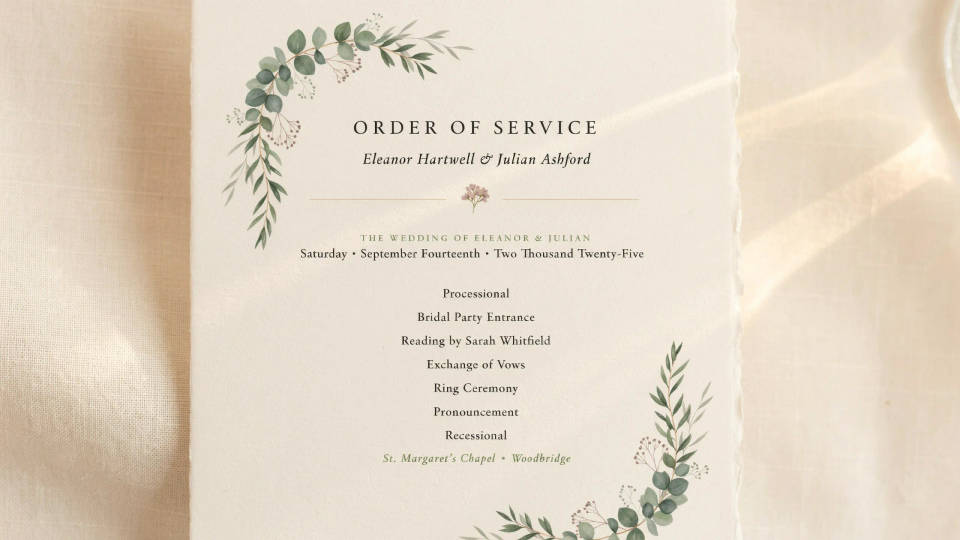
A program that matches the invites
If you already have an invitation style, carry its palette, type feel, and motif straight onto the program so the two pieces clearly belong together. Set those cues once and reuse them, and the whole paper suite feels considered rather than pieced together from different templates.
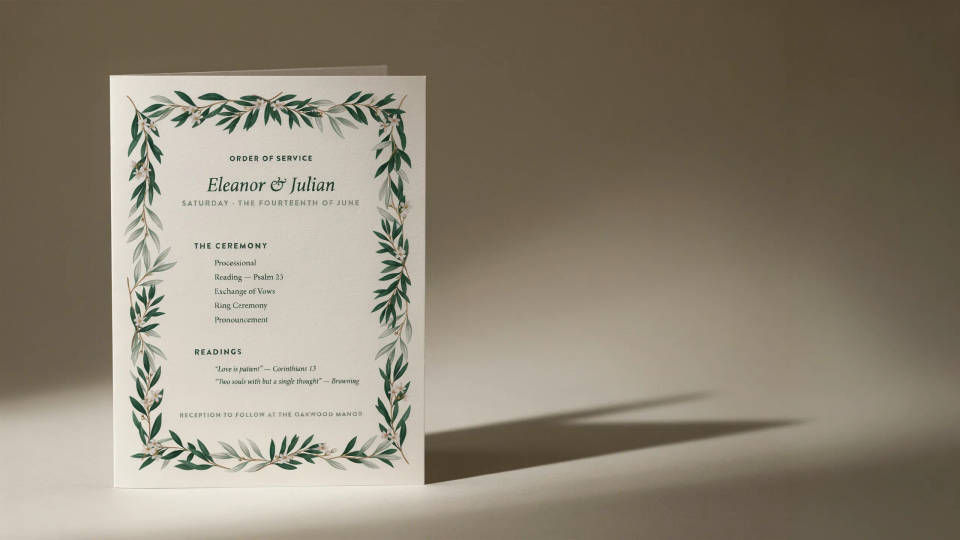
Order of service, laid out clearly
Give guests a clear run of the ceremony, from the processional to the vows to the readings. Describe the order with short headings and render it into a clean, readable layout. Keep the wording tight so the text stays crisp, then proofread carefully before it goes to print.
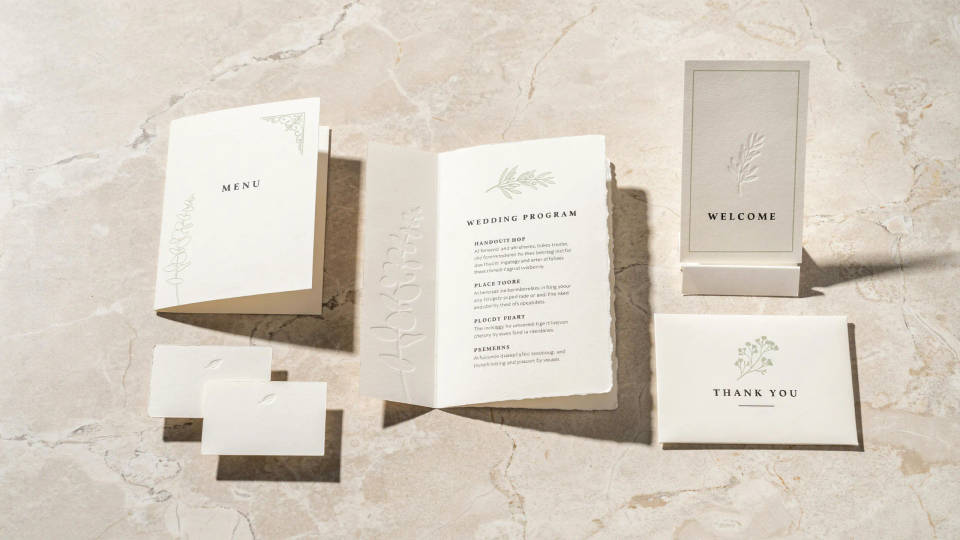
A whole matching suite
Once the program style is set, reuse it across the menu, the place cards, the welcome sign, and the thank-you notes. Generating them together keeps every piece aligned, which is far easier than matching separate downloads by hand and gives the day a single, coherent look.
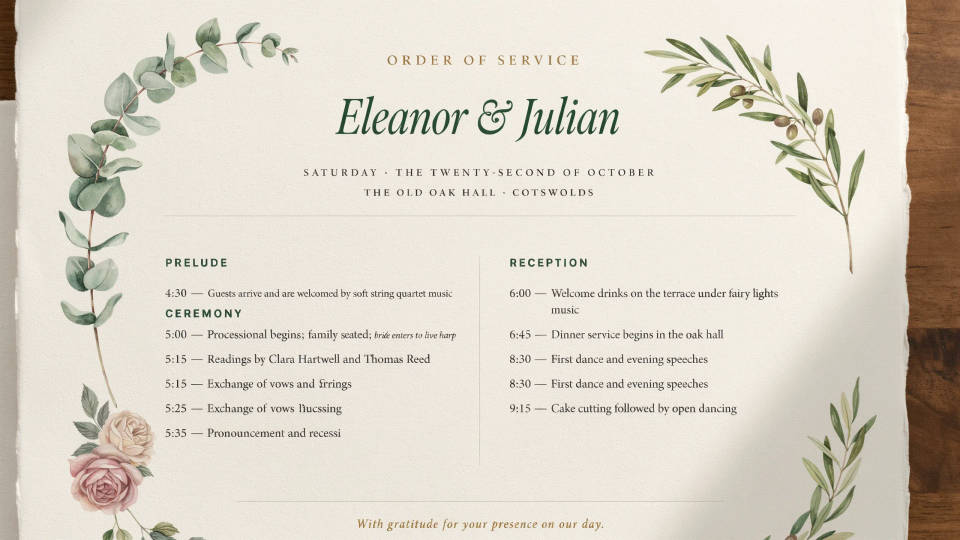
Any theme you can picture
Botanical, classic, art deco, rustic, or beach, describe the mood and see it laid out in seconds. Compare a few directions before you decide, then refine the winner. It is a quick way to find a look you love without paying a designer for every trial version.
Prompt examples
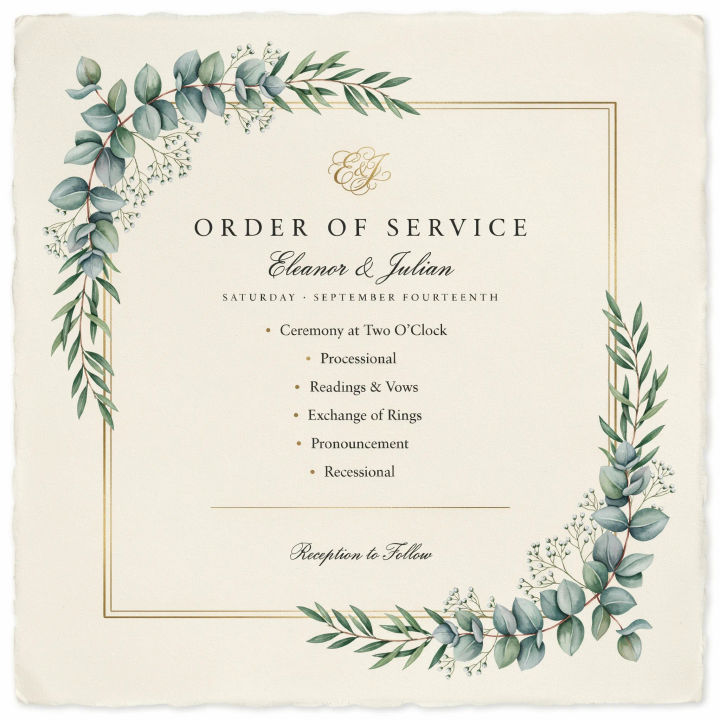
Botanical
Elegant wedding program, eucalyptus and soft greenery border, gold accents, cream paper, short order of service, refined serif titles
Edit prompt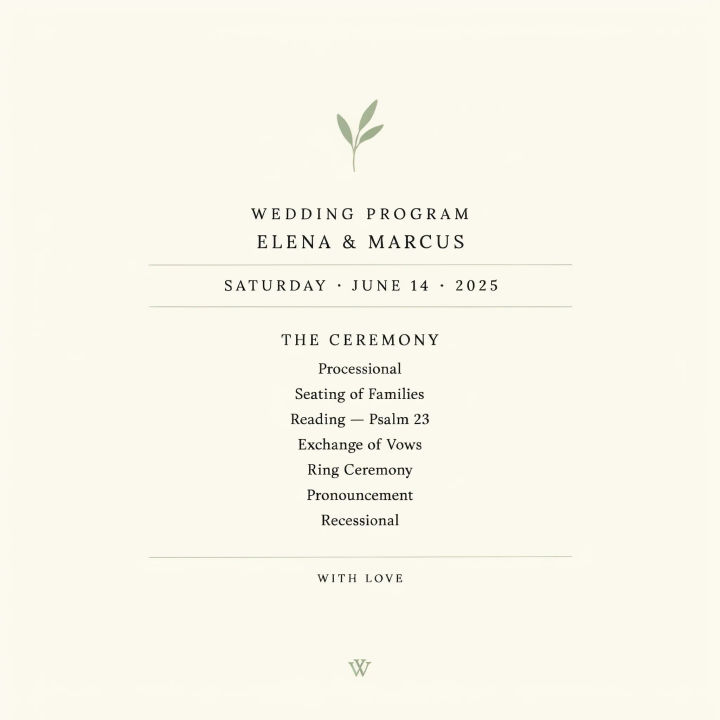
Minimal
Modern minimal wedding program, sage and cream, lots of white space, thin serif headings, short ceremony order, clean layout
Edit prompt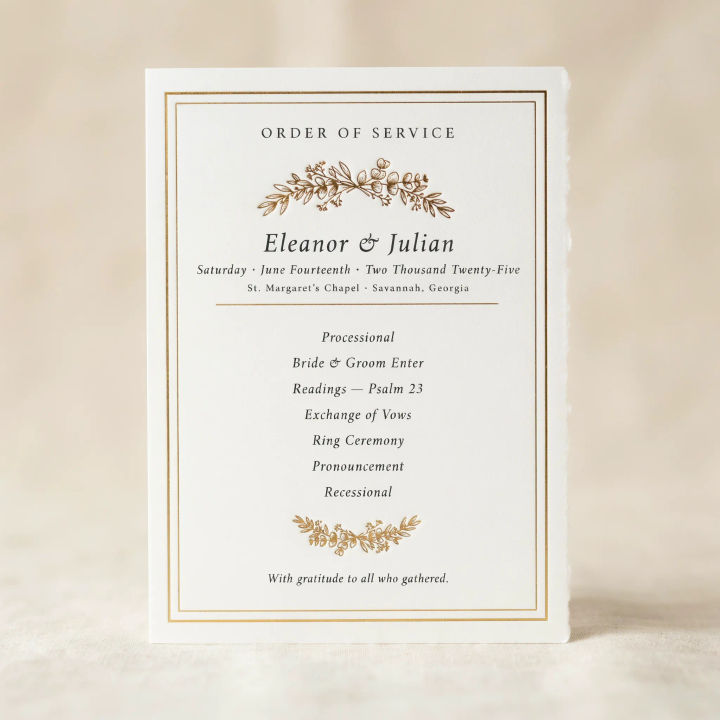
Classic formal
Classic formal wedding program, ivory with a fine gold frame, traditional serif type, centered order of service, timeless feel
Edit prompt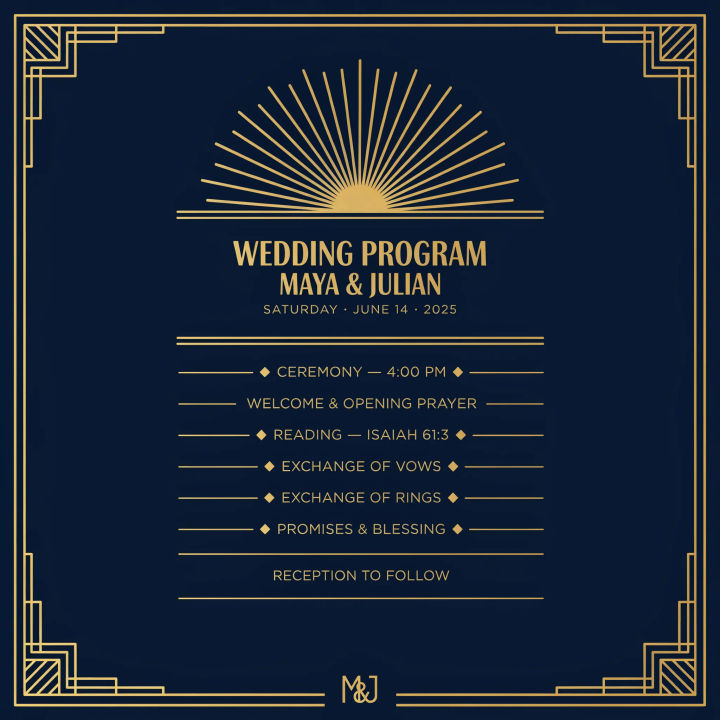
Art deco
Art deco wedding program, geometric gold linework on deep navy, bold display headings, symmetrical order of service layout
Edit prompt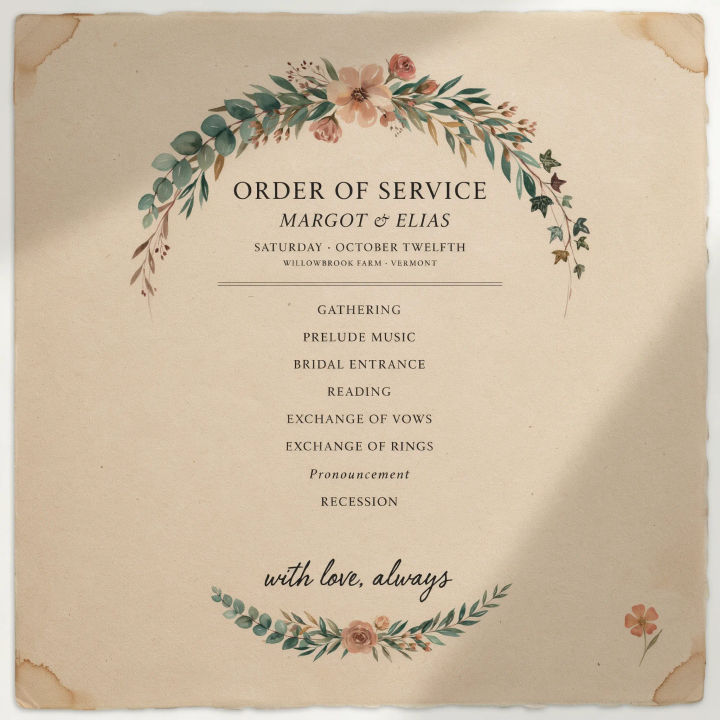
Rustic
Rustic wedding program on kraft paper texture, hand-drawn florals, warm earthy tones, relaxed order of service, cozy feel
Edit prompt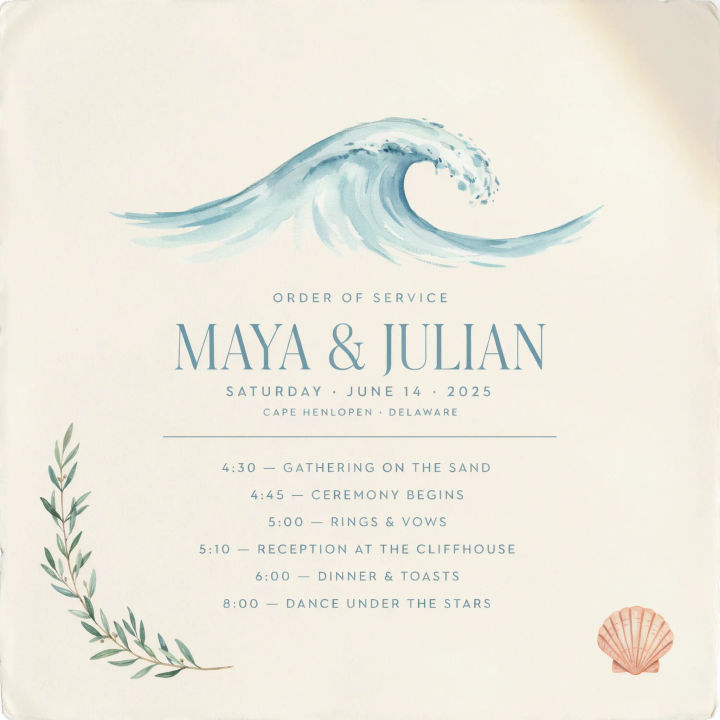
Coastal
Beach wedding program, soft blue and sand palette, subtle watercolor wave motif, airy layout, short order of service, light serif titles
Edit prompt
Cinematic storyboard
Share a scene description with character references. Get a full storyboard with shot angles and mood.

Messages to cinematic scene
Dramatize any text conversation into a cinematic multi-shot video.

Title sequence
Generate a professional film title card from scratch, with optional cinematic animation.

3x3 storyboard
Feed in a single image. Get 9 cinematic beats laid out as a 3x3 storyboard grid.

Chibi sprite animation
Turn any photo or description into an animated chibi sprite. Dance, jump, wave, attack, and more.

Expressions
Take any character image and generate 6 distinct facial expressions on a single reference sheet.
All on Morphic
Models
Nano Banana 2, Flux 2 Pro, ChatGPT Images, Grok Imagine, Recraft, Seedream, and more. Swap models when one sets your headings and motifs more cleanly.
Flyer generator
Design a matching welcome flyer or details card for the day, in the same style as your program.
Poster generator
Turn your program style into a large welcome sign or seating poster for the venue entrance.
Text to image
Describe any card, sign, or motif and render it from a prompt, the same tool that lays out your program and suite.
