AI night vision effect

Night vision generated as the look: a green scope wash with grain, glowing eyes under infrared, a thermal pass that paints warm bodies white on black.

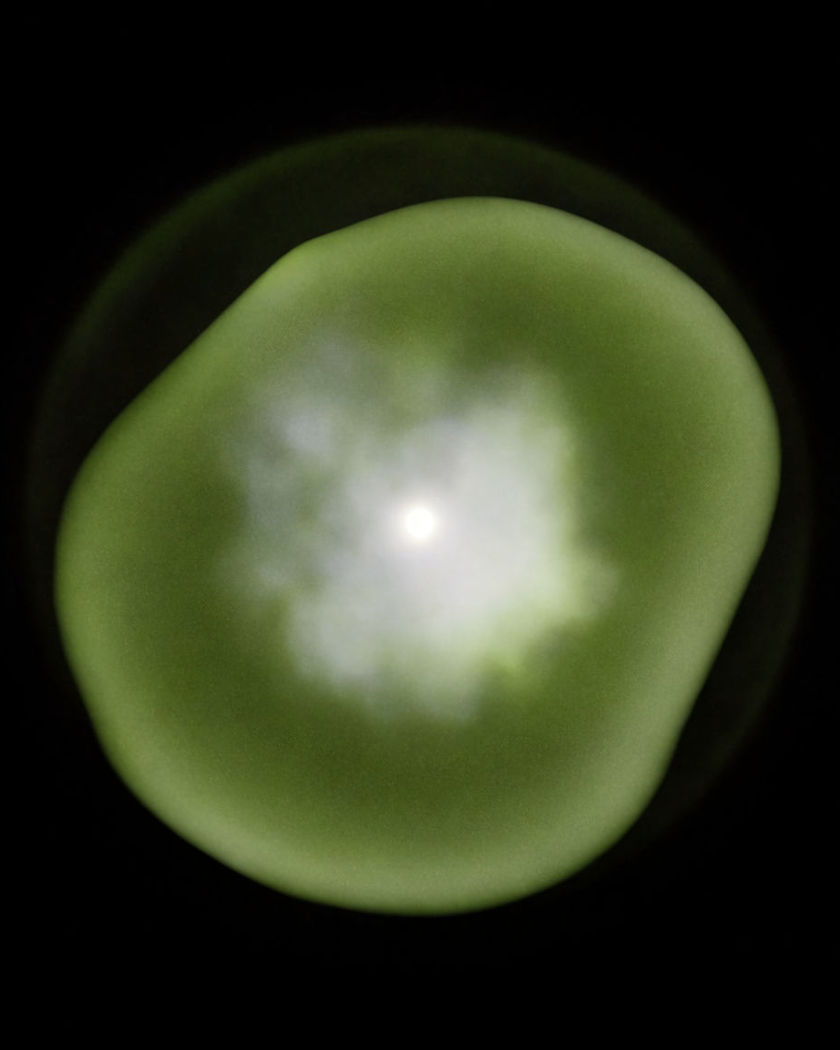
A soft dimensional form in black space rendered in a single phosphor green tone with fine on a black ground

Night vision effect examples

Scope view over a valley town

Use this prompt

Every streetlight blooms into a halo; a car crawls along the road. a wide view of a dark valley town through a night vision scope, everything monochrome phosphor green with fine grain, each streetlight blooming into a soft halo, a car crawling along the road

Thermal view over a forest

Use this prompt

Cold trees in blue and purple, three warm figures glowing white. a wide top-down thermal view of a forest at night, the cold trees in dark blue and purple, three warm figures glowing white moving between the trunks, the camera drifting slowly

Thermal pass on a walker

Use this prompt

Body white and yellow, head hottest, the street cold blue and purple. a person walking along a dark street rendered as a thermal image, the body glowing white and yellow with the head and hands hottest, the street and walls cold dark blue and purple, a slight smear on movement

Colour to night vision switch

Use this prompt

Two seconds of natural colour, then the same room in green scope. a dark bedroom in natural colour for two seconds, then the whole image switching to monochrome green night vision with grain and glowing halos on the window, the room and person unchanged

Green scope in a warehouse

Use this prompt

Phosphor green, heavy grain, every light source blooming into a halo. a dark warehouse seen through a night vision scope, the whole frame monochrome phosphor green with heavy grain, every light source blooming into a soft halo, a figure walking between shelves, a circular vignette at the frame edges

Surveillance feed in a corridor

Use this prompt

Grey-green with compression blocks and a low frame rate stutter. a corridor seen through a fixed digital night camera, the frame grey-green with compression blocks and a low frame rate stutter, a figure passing below the lens, no readable text on the frame

Night camera on a car park

Use this prompt

Grey-green, blocky, one set of headlights blooming white as it crosses. a wide fixed night camera view of an empty car park, grey-green with compression blocks and a slight stutter, the headlights of one car blooming white as it crosses, no readable text on the frame

Glowing eyes under infrared

Use this prompt

Grey-white and grainy, the pupils shining bright white. a close shot of a person in a pitch black room lit by infrared, the image grey-white and grainy, their pupils glowing bright white, skin flat and pale, small movements of the head

Infrared jungle clearing

Use this prompt

Leaves glow pale grey-white; an animal crosses with bright eye shine. a wide jungle clearing at night under infrared, the image grey-white and grainy with leaves glowing pale, an animal crossing with bright white eye shine, the sky pure black

Scope sweep over a field

Use this prompt

The scope pans across trees; a deer lifts its head with glowing eyes. a night field seen through a night vision scope, monochrome green with grain, the scope panning left to right across trees, a deer lifting its head with glowing eyes, a halo on a distant lamp

Generate your own night vision effect

Pick a starting point, edit anything you like, then generate it in Morphic.

Generate

Simple pricing

Get started for free today, with the option to upgrade or cancel anytime.

Basic

$9/ month
billed as $0 per year

1100 monthly credits

1 user only

All models

Workflows

Standard

$24/ month
billed as $0 per year

3625 monthly credits

1 user only

All models

Workflows

Pro

$45/ month
billed as $0 per year

6350 shared monthly credits

1 user

+ up to 4 more at extra cost

All models

Workflows

Pro Max

$170/ month
billed as $0 per year

24650 shared monthly credits

1 user

+ up to 9 more at extra cost

All models

Workflows

Enterprise

For higher limits

Custom

pricing and billing terms

High-volume credits
Custom seat limits
All models
Workflows
Pricing Gradient

Free

For playing around

$0

forever free

Up to 20 credits
1 user only
Limited models
Workflows

FAQs

Where can I make night vision effect videos with AI?
You can generate night vision videos in your browser on Morphic. Open the Text to Video tool, describe the scene and the scope look you want, green, infrared or thermal, and Morphic renders the wash, grain and halos as the way the camera sees, so the look holds through the whole clip.
What is the night vision effect?
The night vision effect is the look of footage from a night scope: a monochrome green wash, heavy grain, light sources blooming into soft halos, and eyes reflecting as bright points. It is used in horror, thriller, military and surveillance scenes to say the camera is seeing in the dark.
How do I write a prompt for a night vision effect video?
Say the colour of the wash, the grain, the halo on light sources and the vignette. "Monochrome phosphor green with heavy grain, every light source blooming into a soft halo" is the core line. Then add the scene and one moving element so the look has something to hold onto.
What is the difference between night vision and thermal vision?
Night vision amplifies faint light, so the picture is green or grey, grainy and still shows detail like a normal image. Thermal vision maps heat instead, so warm bodies glow white or yellow against cold blue and purple surroundings and surface detail disappears. Morphic renders either from the prompt.
Can a video switch from normal footage to night vision?
Yes. Describe the first seconds in natural colour, then say the image switches to monochrome green night vision with grain and halos, with the room and subject unchanged. Keeping the scene identical across the switch is what makes it read as the same camera changing mode.
Can I turn daytime footage into a night vision clip?
The cleanest path is to take a still from the clip, upload it to Image to Video and write the night vision look into the prompt. The scene and framing carry over while the wash, grain and halos are rendered from the start of the new clip.