An op-art boutique
A Swinging London boutique with black-and-white op-art walls and chrome rails of mini-dresses, models browsing, bold geometric patterns and bright saturated pop color.
Edit prompt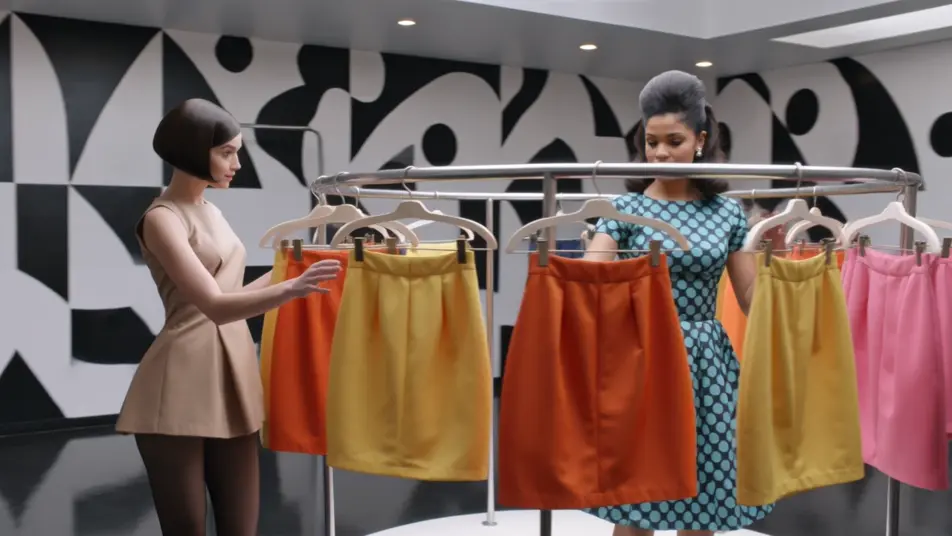
Direct the Swinging Sixties in your browser with Morphic's 1960s Mod AI video generator. Generate an op-art boutique, a London street full of scooters, or a go-go club under color-block lights. Score every shot with Speech and Music, then stitch the sequences into a 1960s Mod short on the Canvas.
A Swinging London boutique with black-and-white op-art walls and chrome rails of mini-dresses, models browsing, bold geometric patterns and bright saturated pop color.
Edit promptA 1960s London street lined with parked mirror-laden scooters and mods in parkas, red phone boxes and shopfronts, bright crisp color and a lively Swinging Sixties buzz.
Edit prompt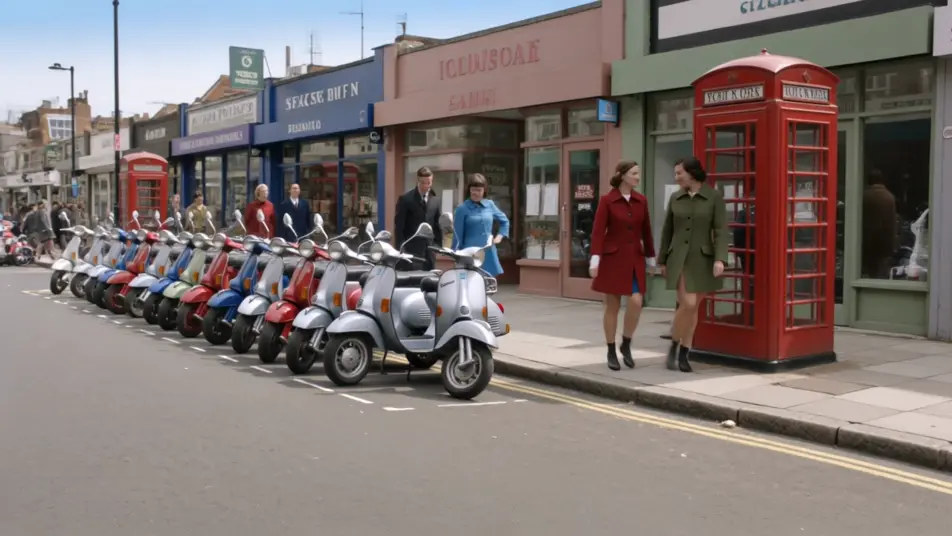
A packed go-go club with dancers on raised platforms under blocks of red, blue, and yellow light, a beat band on stage, bold saturated color and an energetic crowd.
Edit prompt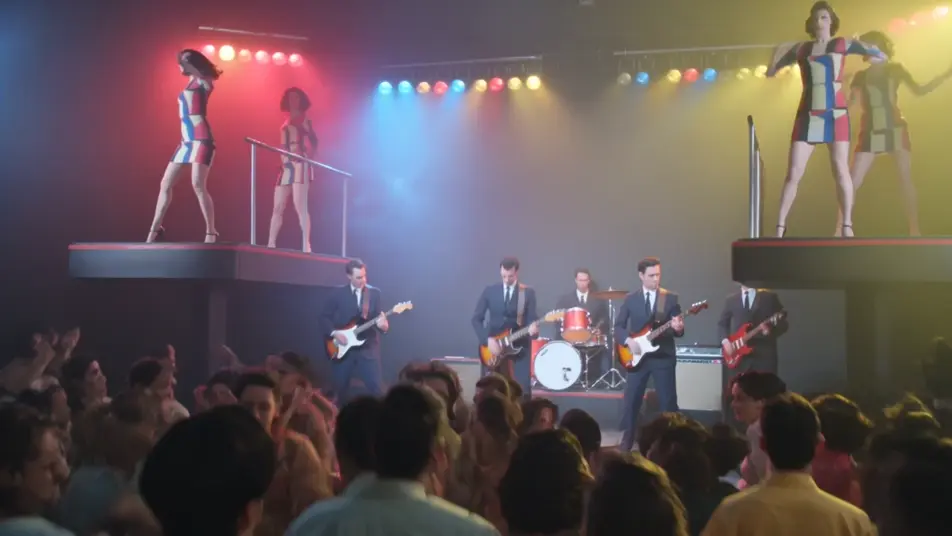
A mod fashion studio with a graphic color-block backdrop and bright lights, a model posing in a geometric dress, op-art props and bold saturated pop color throughout.
Edit prompt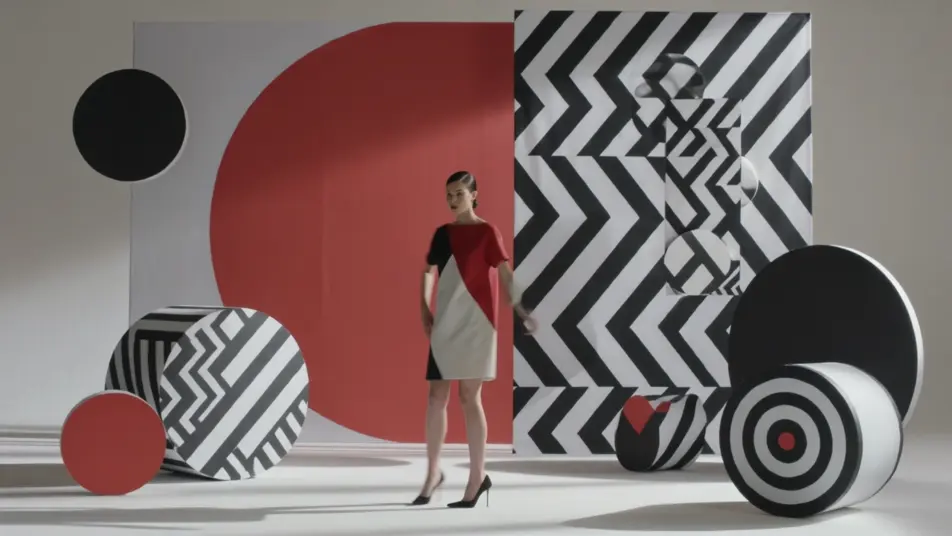
Write the 1960s Mod scene you want, in plain words.
Morphic generates a cinematic, frame-ready clip on your canvas in seconds.
Tweak the prompt, regenerate variations, then download or share the shot.
Cinematic time-freeze short film for any scene

Dramatize any text conversation into a cinematic multi-shot video.
One image to a 9-scene cinematic video.
Drop in a photo of yourself. Get a 12-second cinematic movie with animation and a matched soundtrack.

Share a scene description with character references. Get a full storyboard with shot angles and mood.

Feed in a single image. Get 9 cinematic beats laid out as a 3x3 storyboard grid.
1950s Technicolor AI Videos
Generate 1950s Technicolor videos on Morphic. Pastel diners, drive-ins, suburbs, and rock-and-roll scenes in hyper-saturated film color from plain-language prompts.
1970s Film AI Videos
Generate 1970s film videos on Morphic. Warm grainy stock, muted earth tones, anamorphic flares, and gritty New-Hollywood scenes from plain-language prompts.
Retro AI videos
Generate retro videos on Morphic. Film grain, faded colour, period detail, and 70s-90s nostalgia scenes from plain-language prompts, no software needed.
AI music videos
Generate music videos on Morphic. Performance stages, narrative cutaways, neon sets, and concept visuals from plain-language prompts, no editor needed.
Get started for free today, with the option to upgrade or cancel anytime.
Basic
2400 monthly credits
1 user only
All models
Workflows
Standard
3625 monthly credits
1 user only
All models
Workflows
Pro
6350 shared monthly credits
1 user
All models
Workflows
Max
24650 shared monthly credits
1 user
All models
Workflows
Enterprise
For higher limits
Custom
pricing and billing terms

Free
For playing around
$0
forever free